

Readers like you help support this site. When you make a purchase using links on our site, we may earn an affiliate commission. All opinions remain our own.


Ready to conquer empires in 2025? Age of Empires IV for Windows 10 and 11 brings real-time strategy to life, enhanced with the Anniversary Edition’s Season 7 update as of March 2025.
Launched by Relic Entertainment and World’s Edge in October 2021, this acclaimed RTS franchise entry offers rich historical campaigns and a thriving modding scene, captivating millions.
This guide covers installing Age of Empires IV on Windows, its standout features, and why it’s a must-play. Share your favorite civilization in the comments, or contact us for help.
How to Install Age of Empires IV on Windows 11 and 10
To play Age of Empires IV on your Windows PC, download it via Steam or the Microsoft Store. Pick your platform and follow these steps:
- Choose Your Download Source
- Download the Game
- Click Add to Cart and purchase (Steam) or Install (Microsoft Store).
- Save the installer to your PC.
- Install Age of Empires IV
- Run the installer and follow the prompts.
- Allow it to download (up to 100 GB).
- Launch and Play
- Start it from your desktop, Start menu, or platform library.
- Build your empire.
Quick Tip: 💡 Free with PC Game Pass, check your subscription.
What is Age of Empires IV About?
Age of Empires IV, launched in 2021 by Relic Entertainment and World’s Edge, is a premium real-time strategy game for Windows 10 and 11.
Core Gameplay: Command one of 10 unique civilizations, gather resources, and wage war across historical campaigns or online battles, with modding to extend the fun.
Key Features
- 10 diverse civilizations with unique playstyles
- Real-time strategy with resource management
- Historical campaigns featuring Joan of Arc and more
- Asymmetric gameplay and modding support
- Multiplayer PvP and PvE modes
Why Play Age of Empires IV on Windows?
It’s a treat for RTS fans and history buffs. Windows 10 and 11 users enjoy crisp visuals, deep strategy, and a growing mod community in 2025.
Age of Empires IV Screenshots

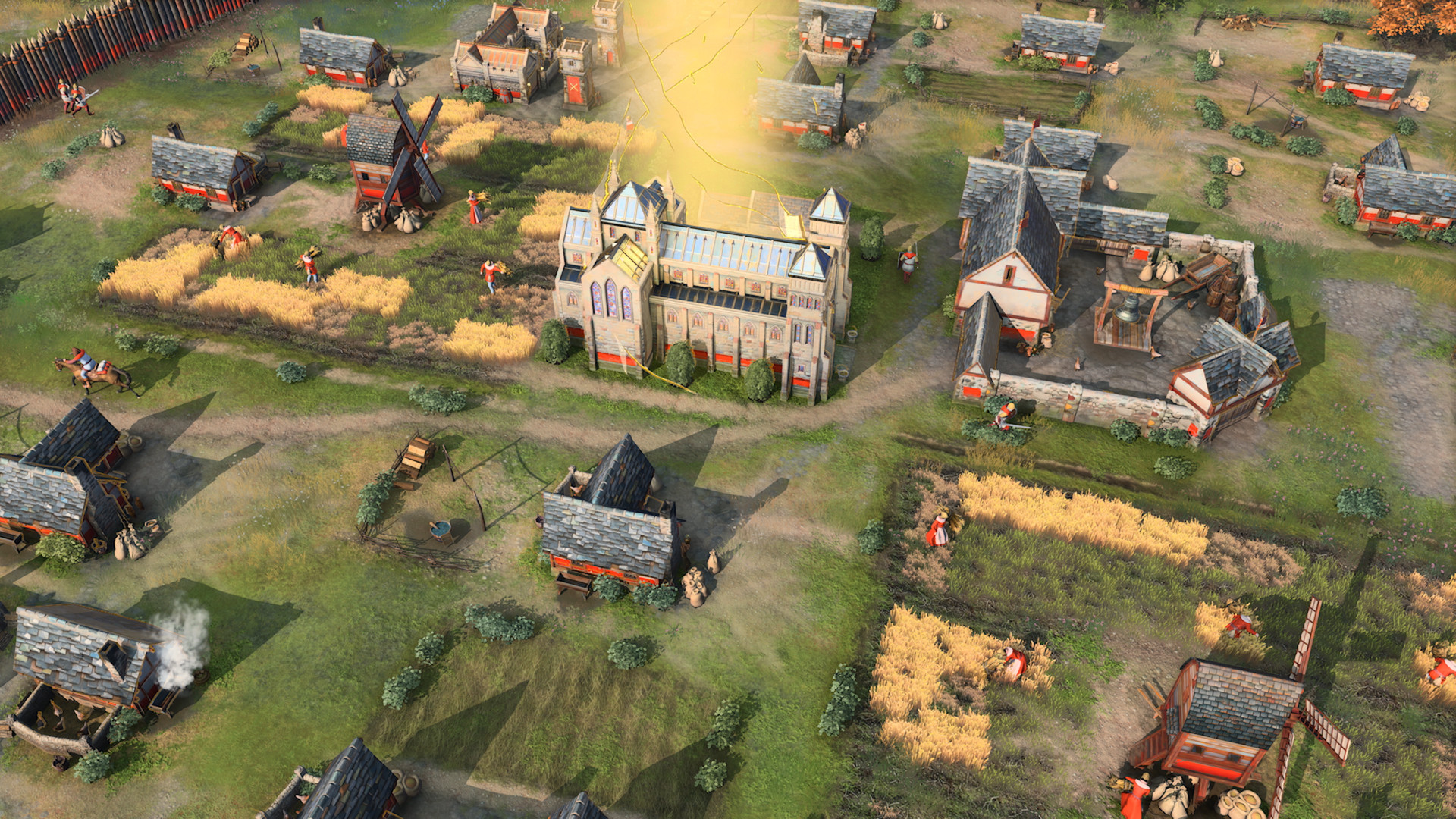
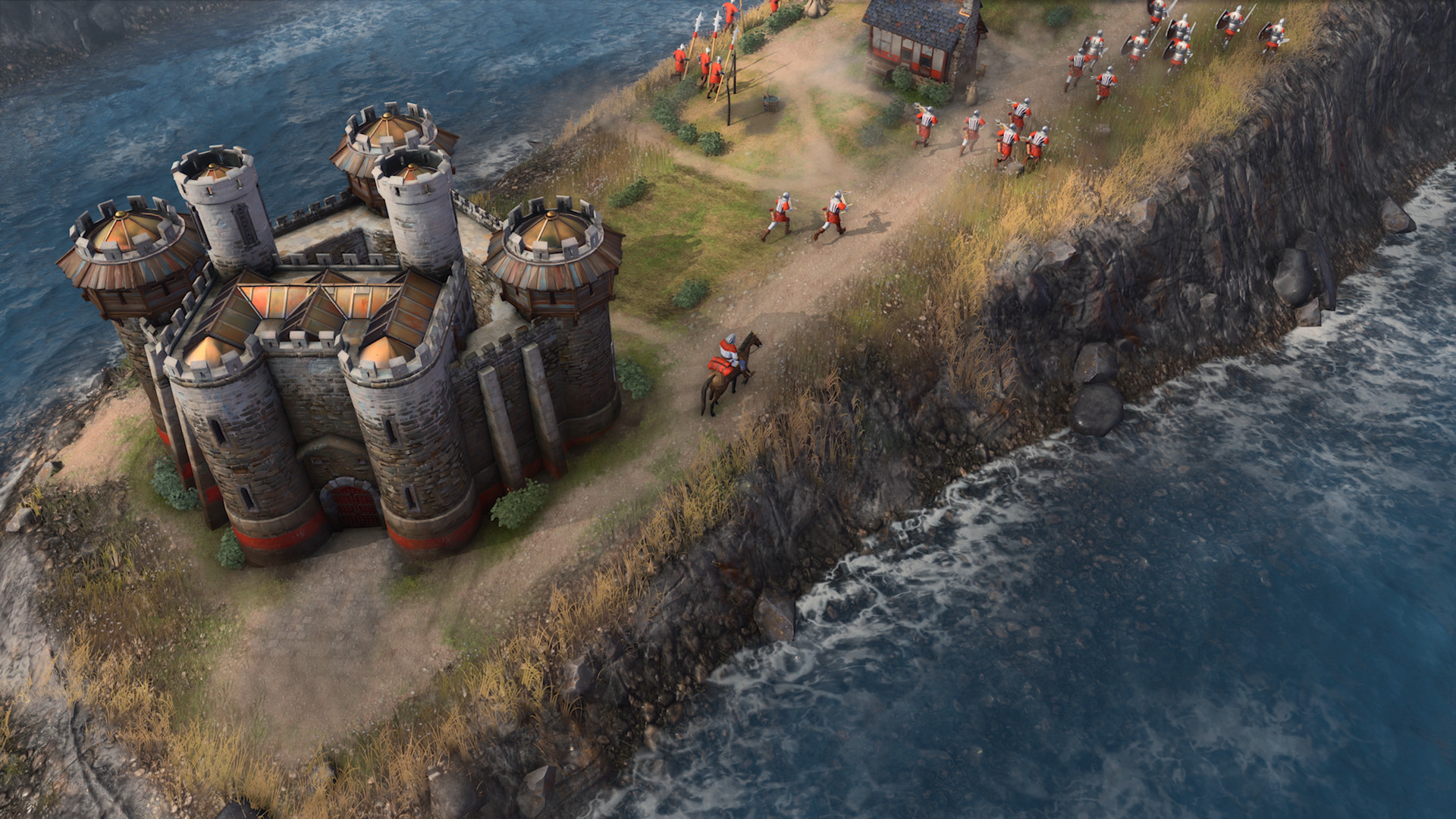
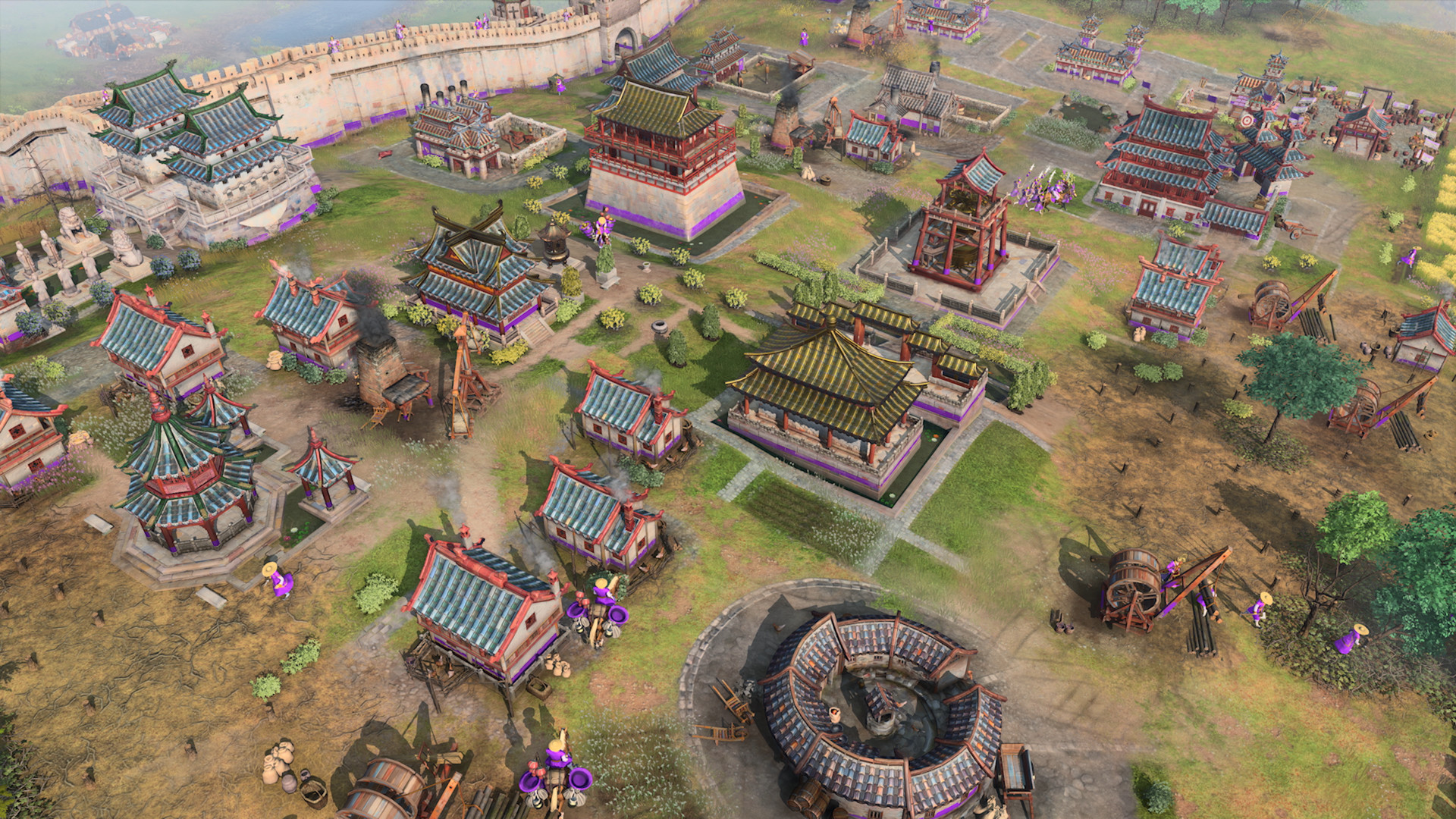
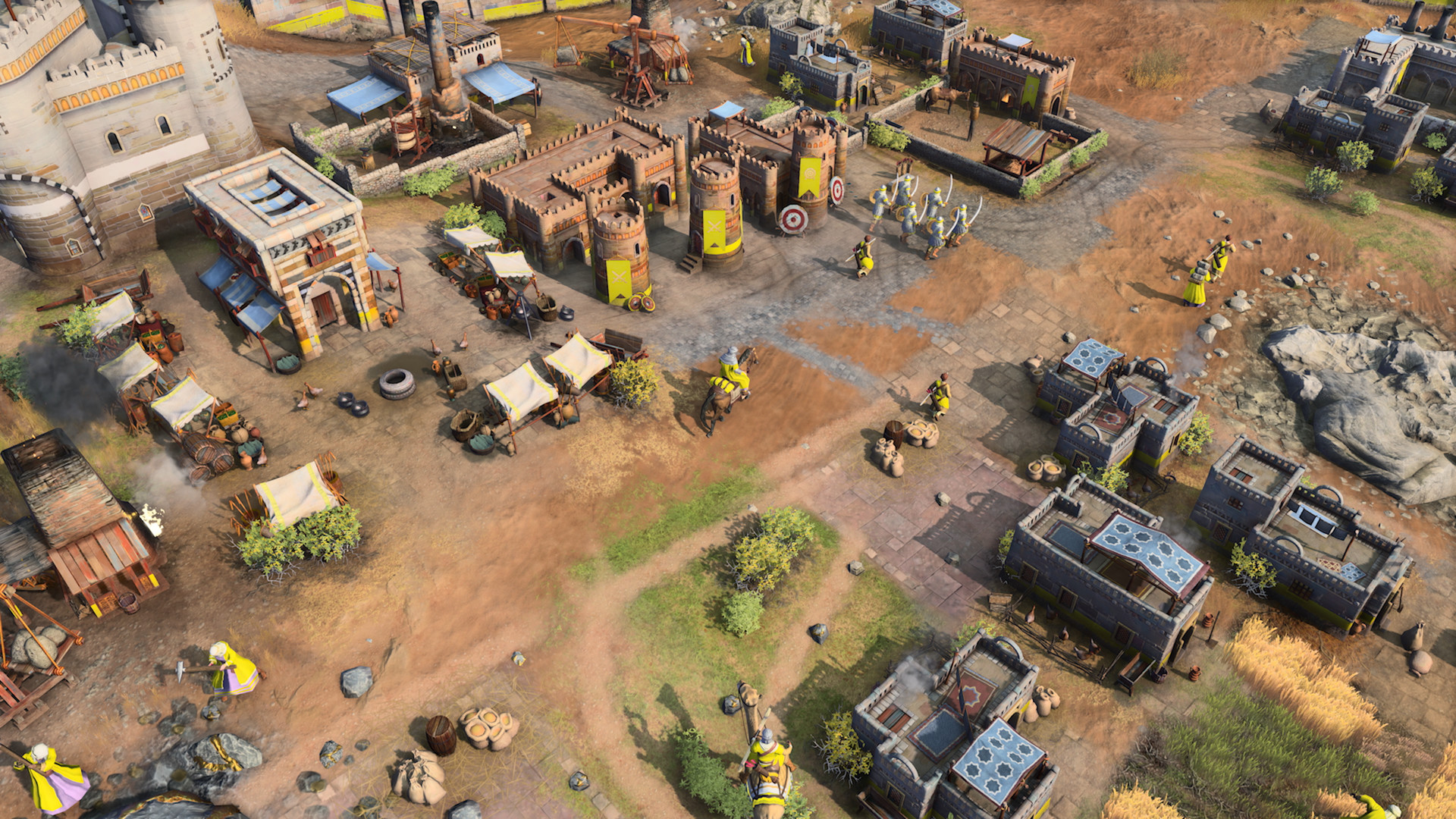
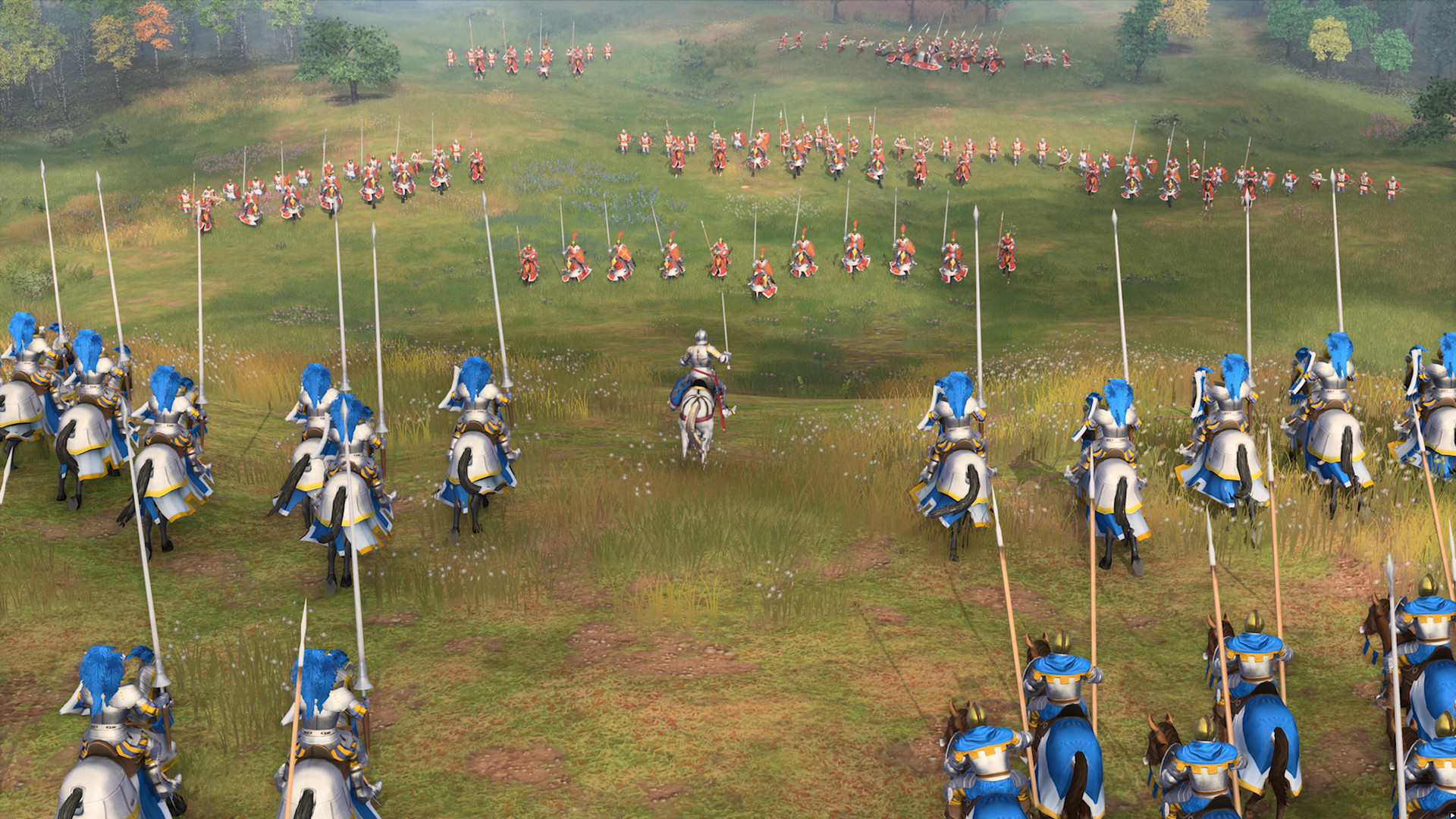
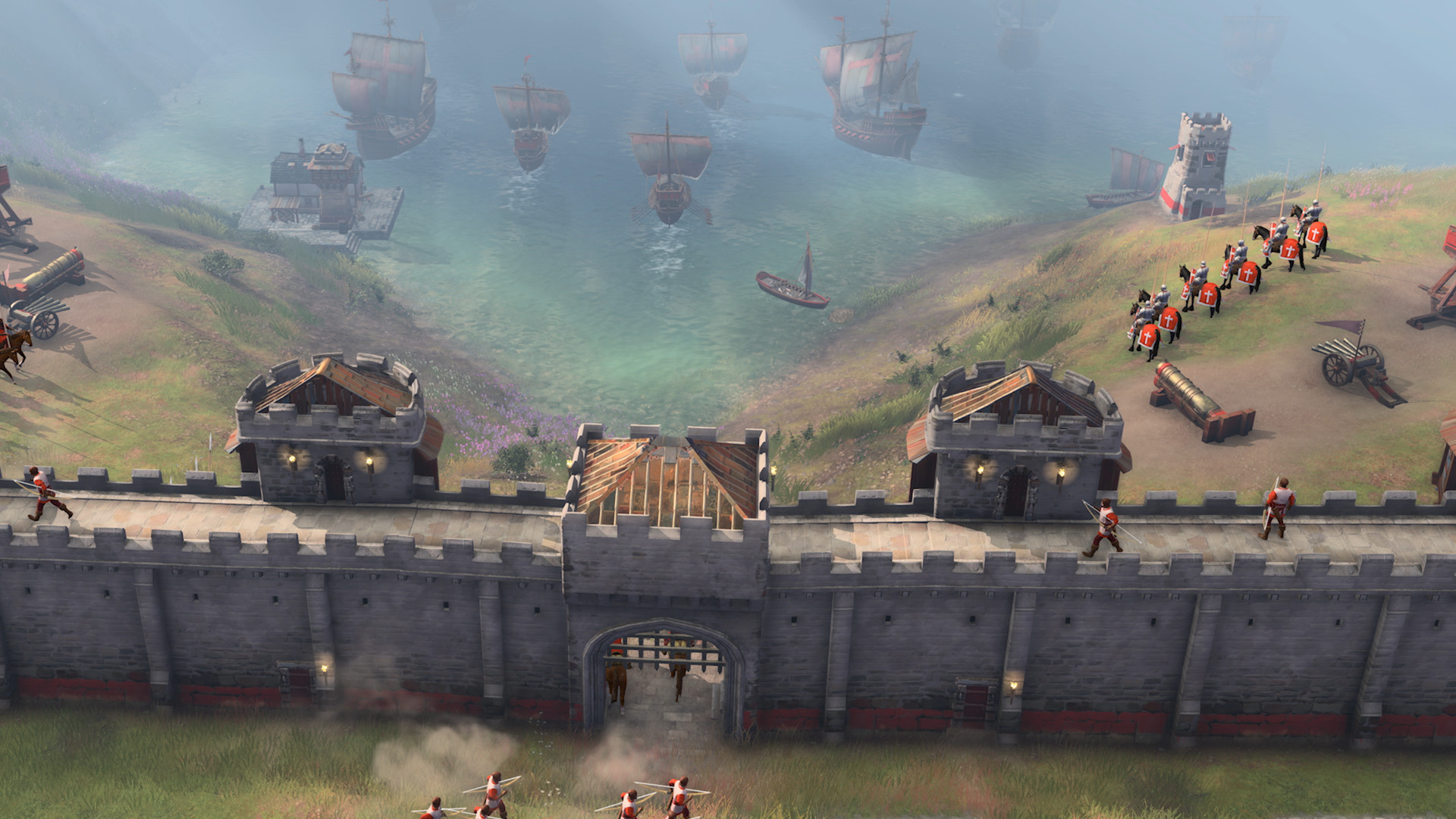

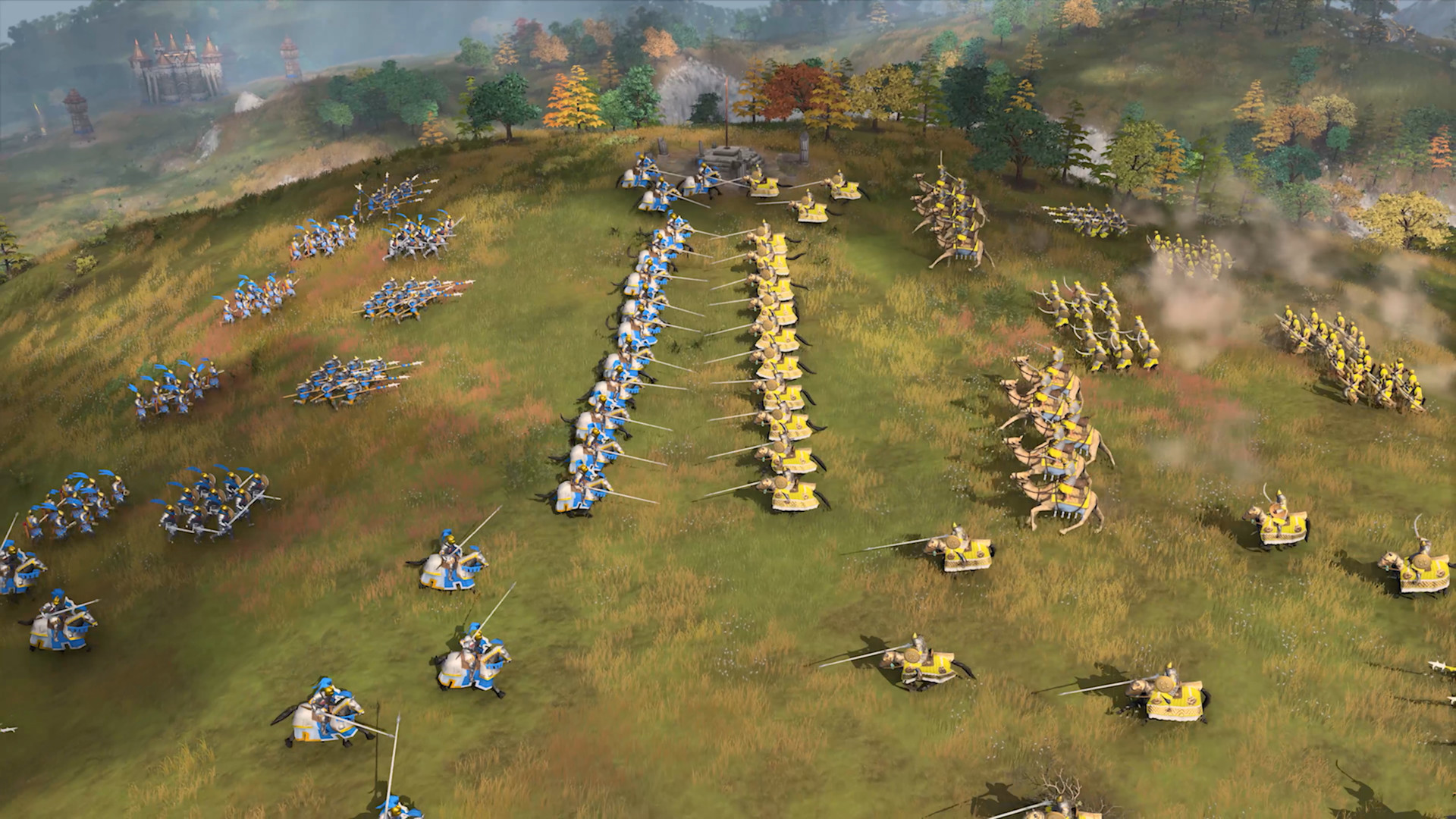

Age of Empires IV Gameplay Video

Age of Empires IV PC Requirements for Windows
Minimum:
- OS: Windows 10 64-bit (version 1909 or later) or Windows 11 64-bit
- CPU: Intel Core i5-6300U or AMD Ryzen 5 2400G
- RAM: 8 GB
- Storage: 100 GB free (SSD recommended)
- GPU: Intel HD 520 or AMD Radeon RX Vega 11
- VRAM: 2 GB
- DirectX: Version 12
- Internet: Broadband for multiplayer
Recommended:
- OS: Windows 11 64-bit
- CPU: Intel Core i7-9700 or AMD Ryzen 7 3700X
- RAM: 16 GB
- Storage: 100 GB SSD
- GPU: NVIDIA GTX 1070 or AMD RX 5700
- VRAM: 8 GB
- DirectX: Version 12
Age of Empires IV on Windows FAQ
- Is it free? No, it’s $39.99, or free with PC Game Pass.
- Can I play offline? Yes, single-player works offline.
- Does it run on Windows 11? Yes, fully optimized for Windows 11.
- What’s the download size? Around 50 GB, up to 100 GB with updates.
Support & Community
Explore More Windows Games: Age of Empires Definitive Edition, The Best Strategy Games on PC