

Readers like you help support this site. When you make a purchase using links on our site, we may earn an affiliate commission. All opinions remain our own.

You can download Autodesk Revit 2026 on your Windows PC with a 30-day free trial via our trusted affiliate link, with subscriptions starting at $320/month or $2520/year.
Built by Autodesk since 2002, it works on Windows 10 and 11, trusted by millions for Building Information Modeling (BIM).
If you’re an architect, engineer, or contractor designing buildings or infrastructure, you need a tool that’s accurate and team-friendly.
This guide covers installing it on Windows, its key features, and tips to get started.
Share your top Revit trick below, or contact us for help.
How to Download & Install Autodesk Revit on PC
To get Autodesk Revit 2026 on your Windows PC, download it via our trusted affiliate link. Here’s how:
- Official Affiliate Link
- Visit the page: Autodesk Revit.
- Click Download to start your 30-day free trial.
- Run the installer (about 2.8 GB) and sign in with an Autodesk account.
- Choose trial or subscribe to activate.
Quick Tip: 💡 Use the Dynamo Player to automate repetitive tasks like sheet setup.
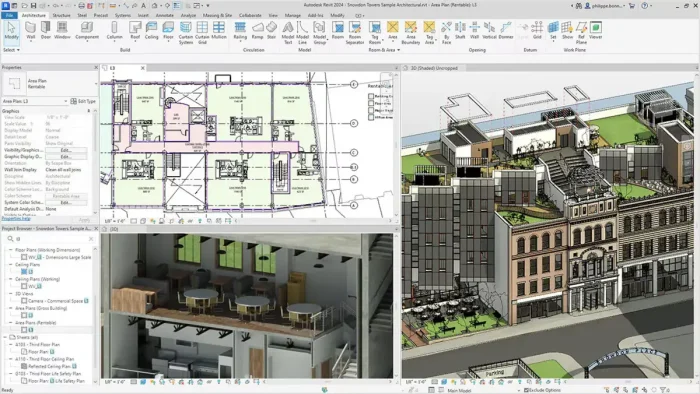

What is Autodesk Revit About?
Autodesk Revit, launched by Autodesk in 2002, is a BIM app for designing, documenting, and managing building projects like offices, hospitals, or bridges.
It includes tools like Dynamo for automation and cloud-based collaboration via Autodesk Docs.
Users on X praise its parametric modeling and team workflows, ideal for architects and engineers.
Core Features: Design and manage buildings with BIM precision.
Why Use Autodesk Revit on Windows?
It’s efficient, industry-standard, and simplifies complex building designs.
- Create 3D models with parametric components
- Automate tasks with Dynamo scripts
- Collaborate via Autodesk Docs in the cloud
- Generate schedules and quantity takeoffs
- Analyze designs with energy and structural tools
Get Revit 2026 with a discount
Popular Projects and Industries Using Revit
Revit is used in major projects and industries, including:
- Projects: One World Trade Center (Skidmore, Owings & Merrill), Shanghai Tower (Gensler), HS2 Railway (UK)
- Industries: Architecture, Structural Engineering, MEP (Mechanical, Electrical, Plumbing), Construction
Quick Start Guide for Autodesk Revit
New to Revit? Get going quick:
- Create a building model in the Architecture tab.
- Add families like doors or walls from the Library.
- Run a Dynamo script for automated floor plans.
Best Settings for Autodesk Revit on PC
Tweak these for a better experience:
- Performance: Enable hardware acceleration in Graphics Settings.
- Collaboration: Sync with Autodesk Docs for team updates.
- Modeling: Use View Templates for consistent visuals.
Common Issues & Fixes for Autodesk Revit
- Slow Models: Purge unused families or reduce detail levels.
- Cloud Sync Fails: Check internet or re-authenticate Docs.
- Dynamo Errors: Update to Dynamo Core 3.4.1.
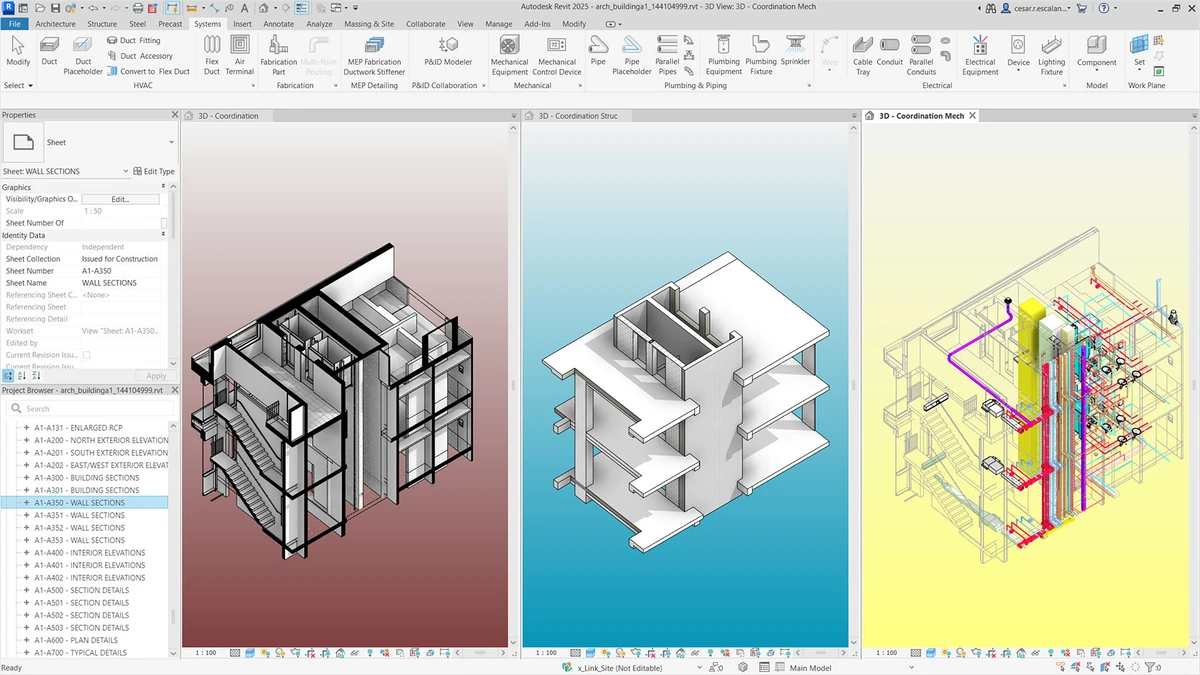
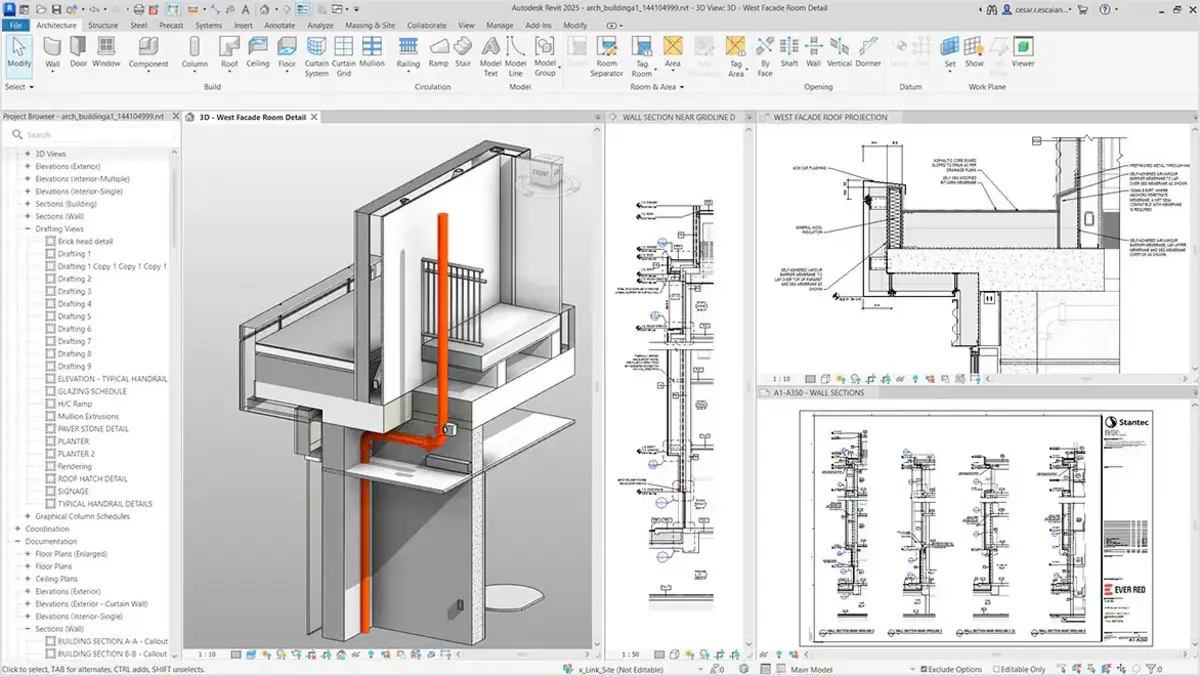
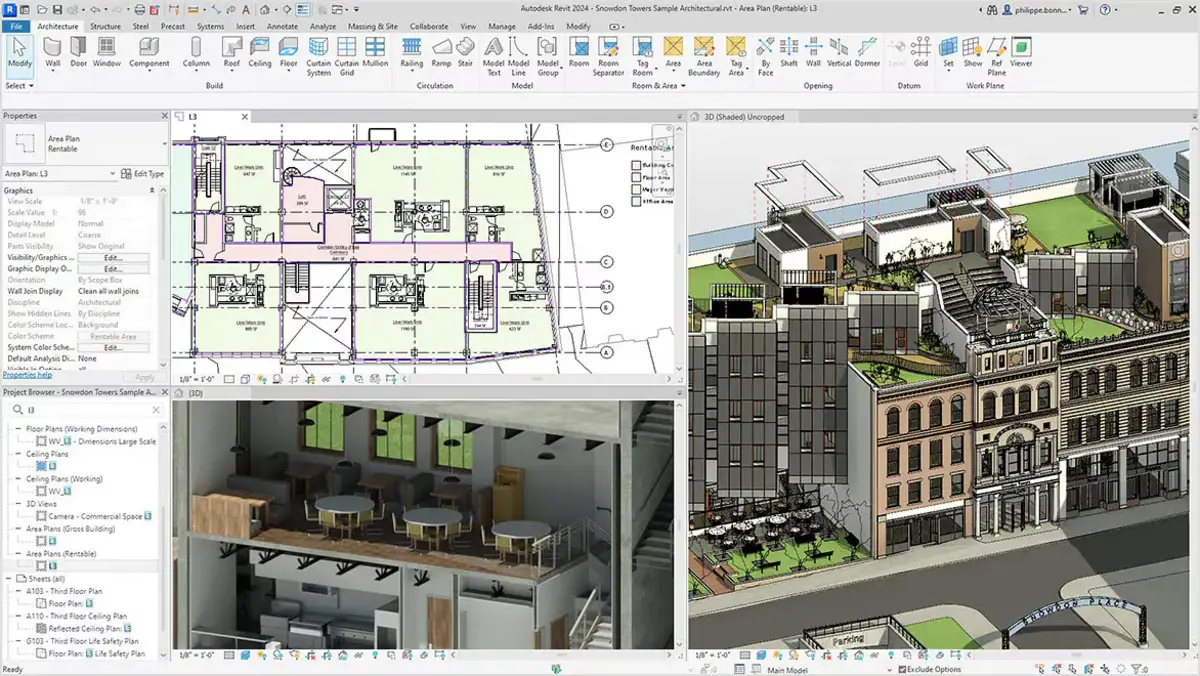
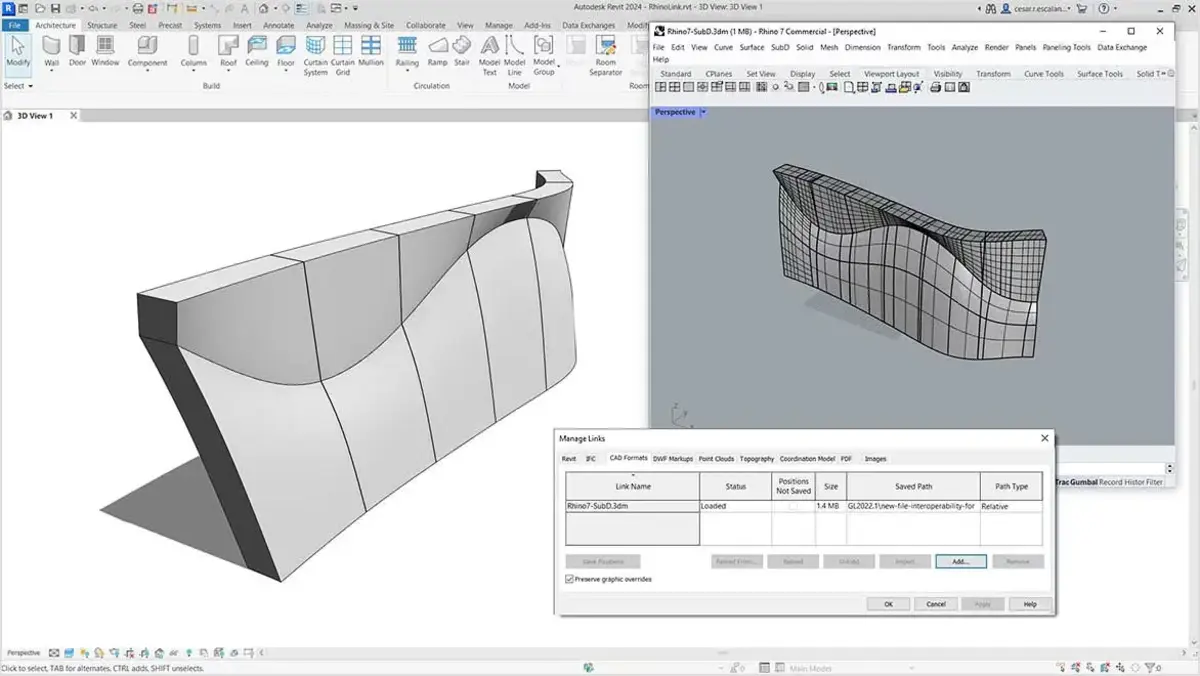
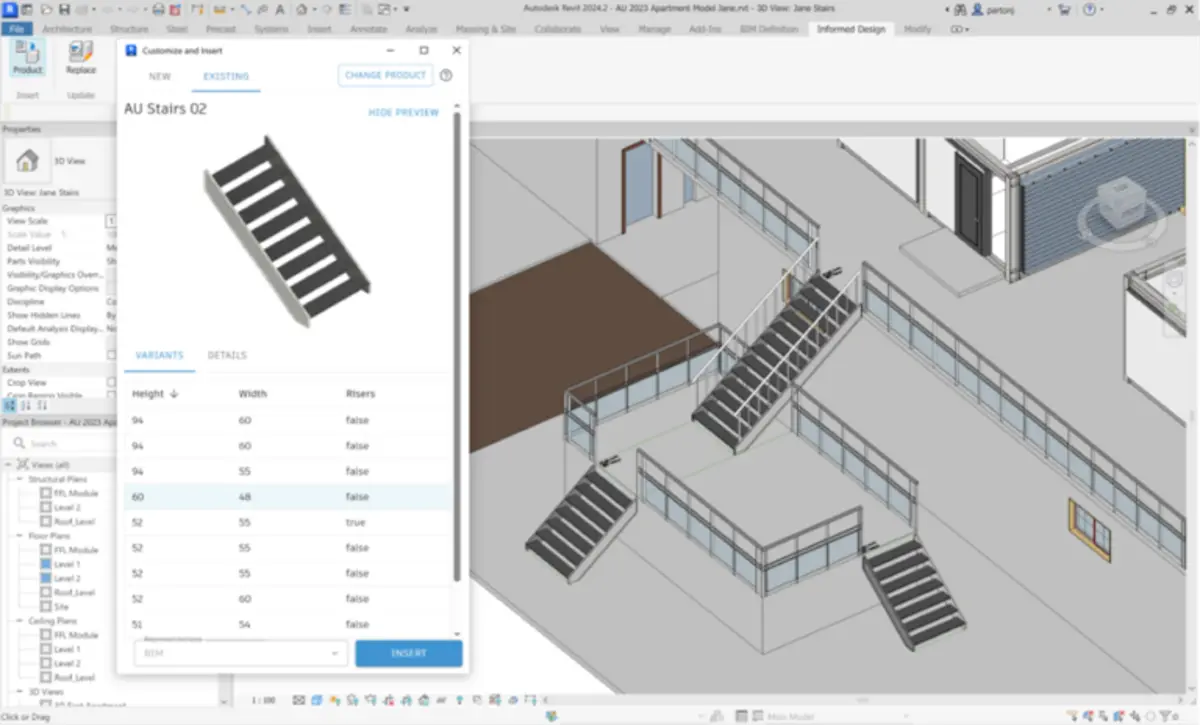
Autodesk Revit Screenshots

Autodesk Revit Beginner’s Video
Watch this quick guide to learn how to use Autodesk Revit on your PC:

Buy Revit 2026 for your PC with a huge discount
System Requirements for Autodesk Revit on Windows
- OS: Windows 10, 11 (64-bit)
- CPU: Multi-core Intel or AMD, 2.5 GHz or faster
- RAM: 16 GB minimum, 32 GB recommended
- Storage: 30 GB free
- Other: Internet, 1920×1200 display, DirectX 11 GPU
Autodesk Revit on Windows FAQ
- Is Revit free for students? Yes, one-year access via Autodesk Education.
- Does it support MEP design? Yes, includes MEP tools.
- Can it export to IFC? Yes, for open BIM workflows.
Support and Community
Explore More Windows Apps: Autodesk Civil 3D, Autodesk 3ds Max, Autodesk Maya, AutoCAD