

Readers like you help support this site. When you make a purchase using links on our site, we may earn an affiliate commission. All opinions remain our own.


You will be able to download Batman: Arkham City on Steam for Windows 10 and 11, launched May 29, 2012 as the Game of the Year Edition, with the GOTY Bonus Content adding Harley Quinn’s Revenge and extra maps. It’s also on PS3, Xbox 360, and Wii U, with no mobile yet.
From Rocksteady Studios, it’s got an ‘Overwhelmingly Positive’ Steam rating and sold over 12 million copies as an Arkham standout. As fans, we’re hooked on this Batman masterpiece.
This guide covers installing it on Windows, its top features, and tips for new players.
Share your favorite takedown below, or contact us for help.
How to Install Batman: Arkham City on Windows 11 and 10
To play Batman: Arkham City on your Windows PC, download it via Steam. Here’s how:
- Method 1: Steam
- Head to the Steam page: Steam.
- Click Add to Cart ($19.99, often on sale).
- Log into your Steam account or set one up.
- Finish the purchase and hit Install in your Steam Library.
- Wait for the download (about 17 GB with updates).
- Start it from your Steam Library or desktop.
Quick Tip: 💡 Glide with the grapple boost early; it speeds up travel.


What is Batman: Arkham City About?
Batman: Arkham City, launched May 29, 2012 as the GOTY Edition by Rocksteady Studios, is an action-adventure game for Windows 10 and 11, PS3, Xbox 360, and Wii U, set in Arkham City, a massive prison where Batman battles The Joker and unravels Hugo Strange’s plans.
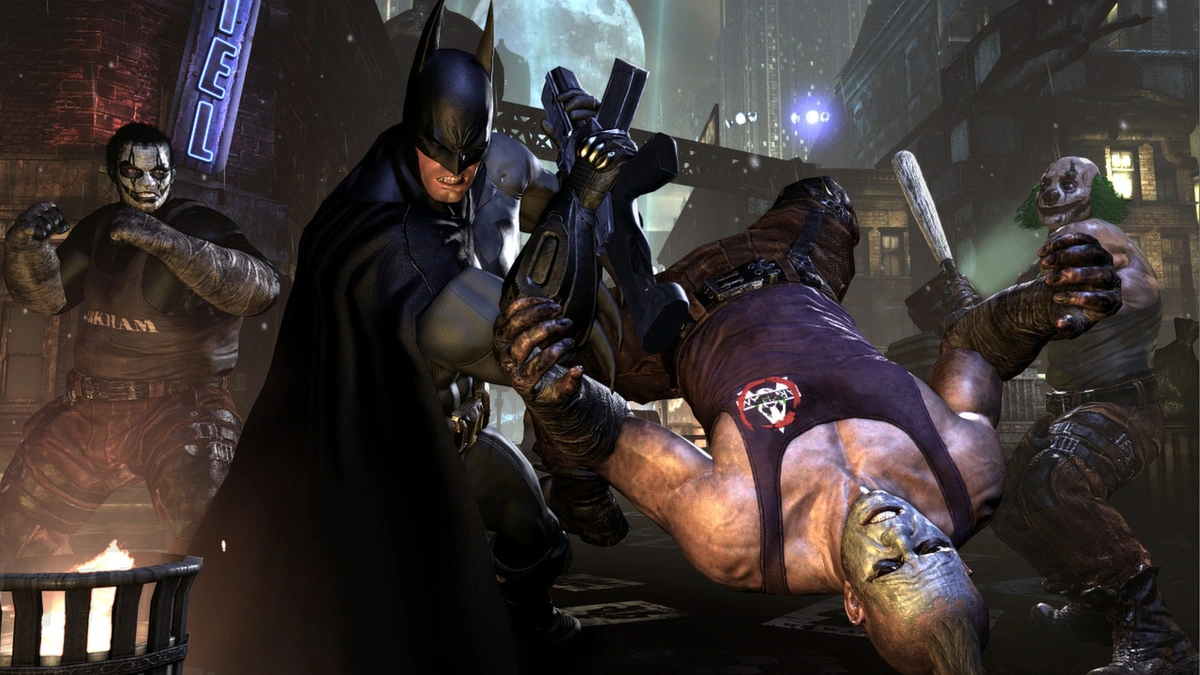
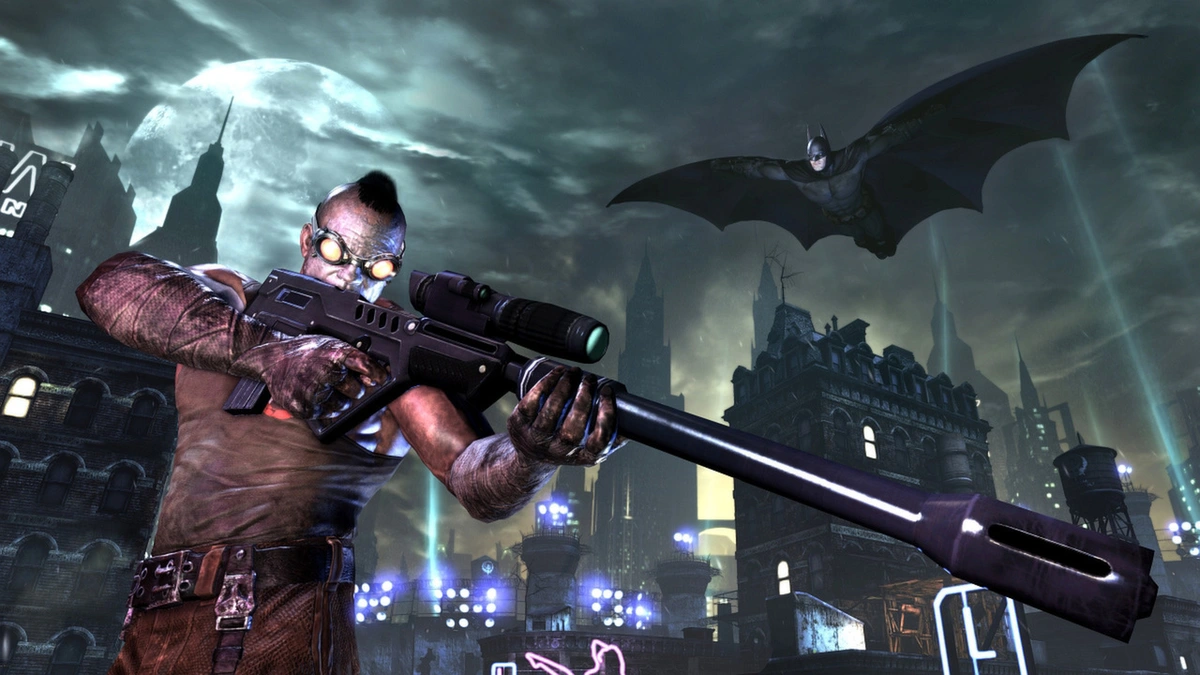
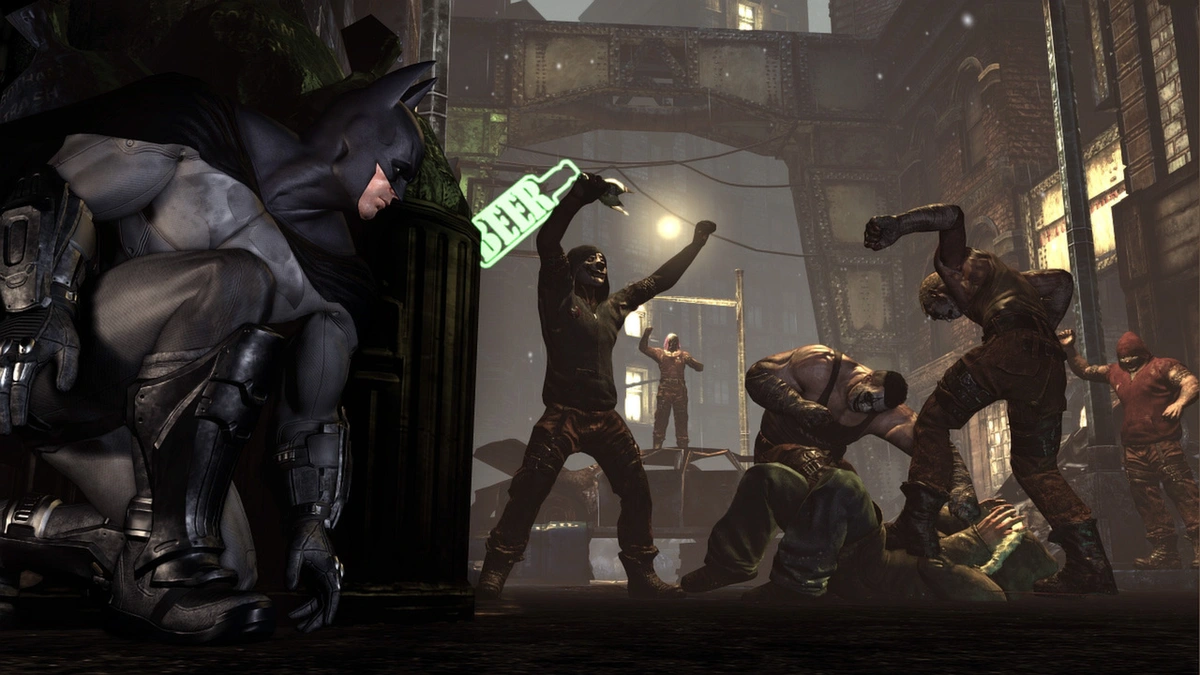
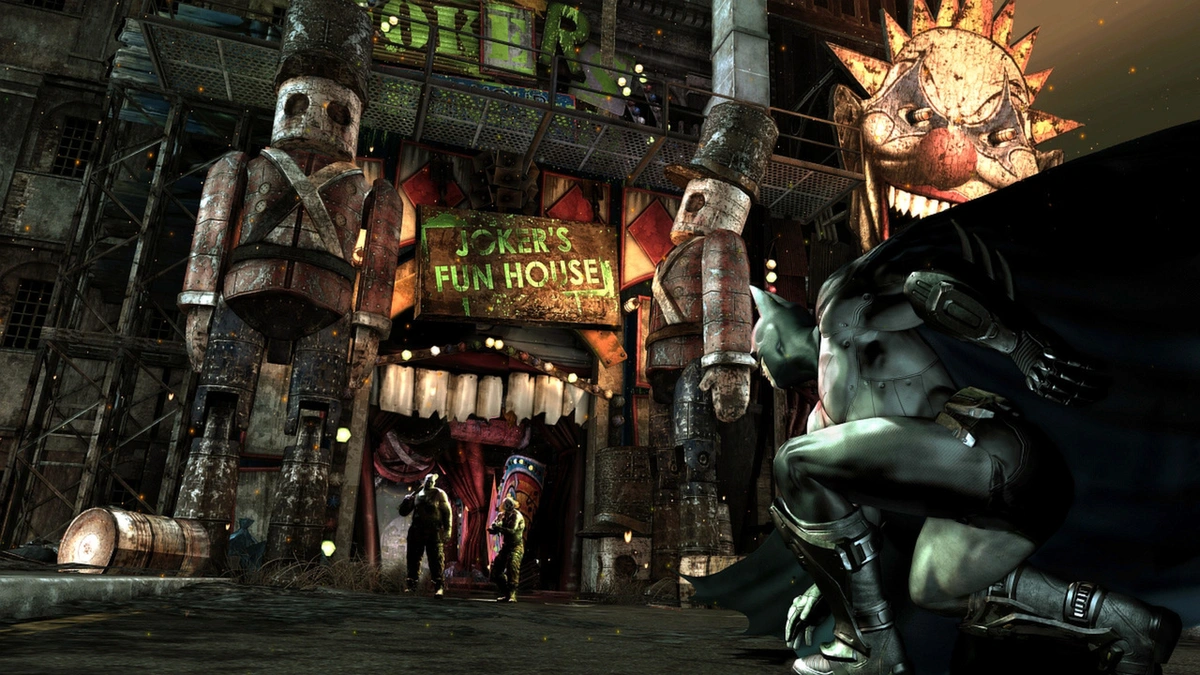
Core Gameplay: Fight and sneak through a gritty open world with Batman’s gadgets like the smoke pellet and line launcher, facing foes in spots like Steel Mill or Wonder City. The GOTY Bonus Content adds Harley Quinn’s Revenge and extra challenges for more action.
Key Features
- Open-world prison
- Stealth and brawls
- Gadget upgrades
- Big villain cast
- Side missions
Why Play Batman: Arkham City on Windows?
It’s a thrill. Windows 10 and 11 bring sharp visuals, fluid controls, and easy patches in 2025.
Tips for PC Beginners in Batman: Arkham City
New to Batman: Arkham City on PC? Here are five tips to dominate:
- Set Keys: Map ‘attack’ to a mouse button in Options > Controls for quick strikes.
- Boost FPS: Lower effects to Medium in Graphics for smoother play.
- Start Easy: Glide around Amusement Mile first, it’s open and simple.
- Mix Gadgets: Use freeze grenades (inventory) with punches to lock foes.
- Use Heights: Perch on rooftops (map) for stealth drops.
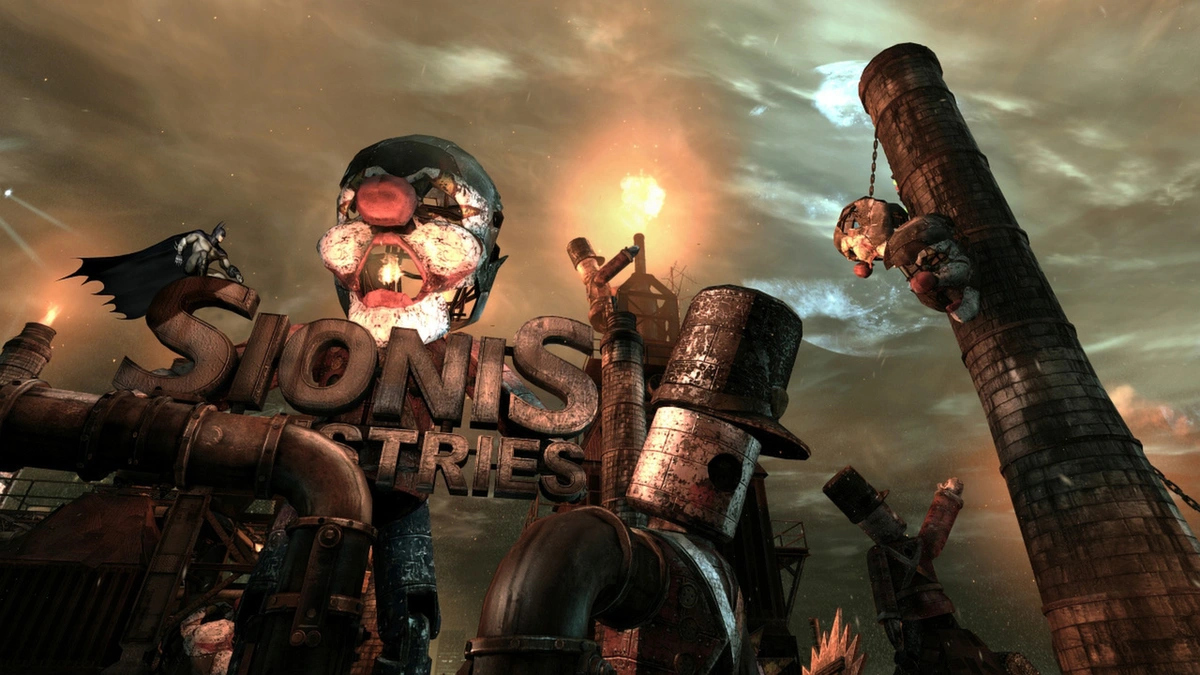
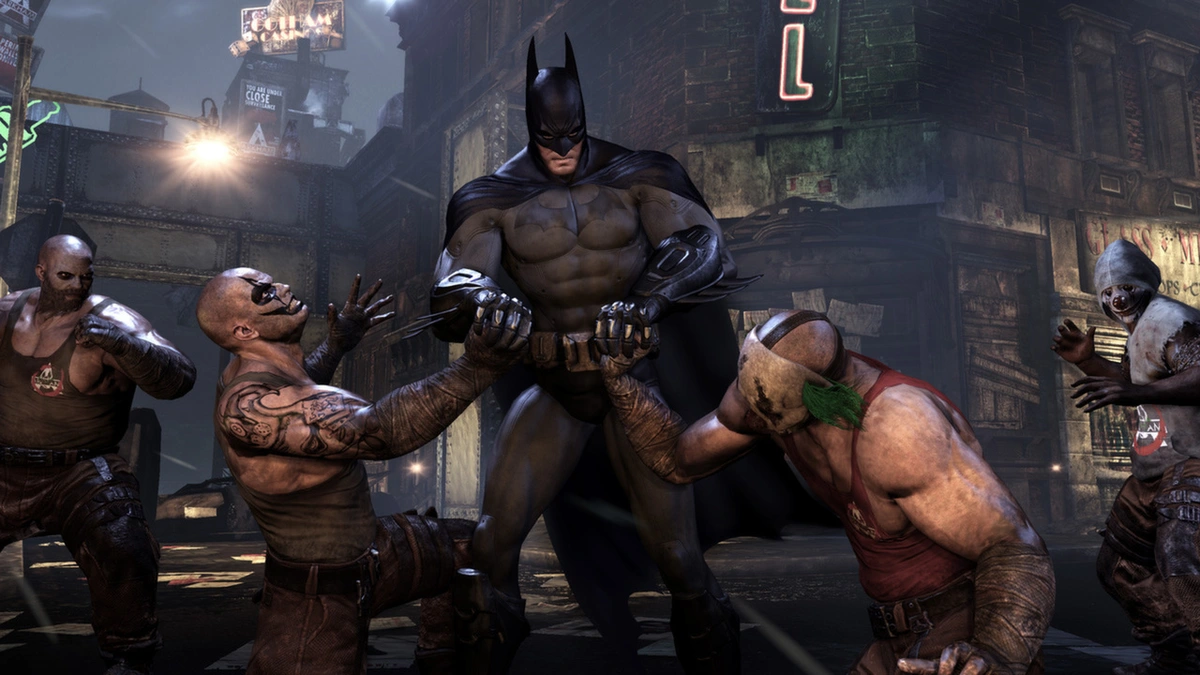
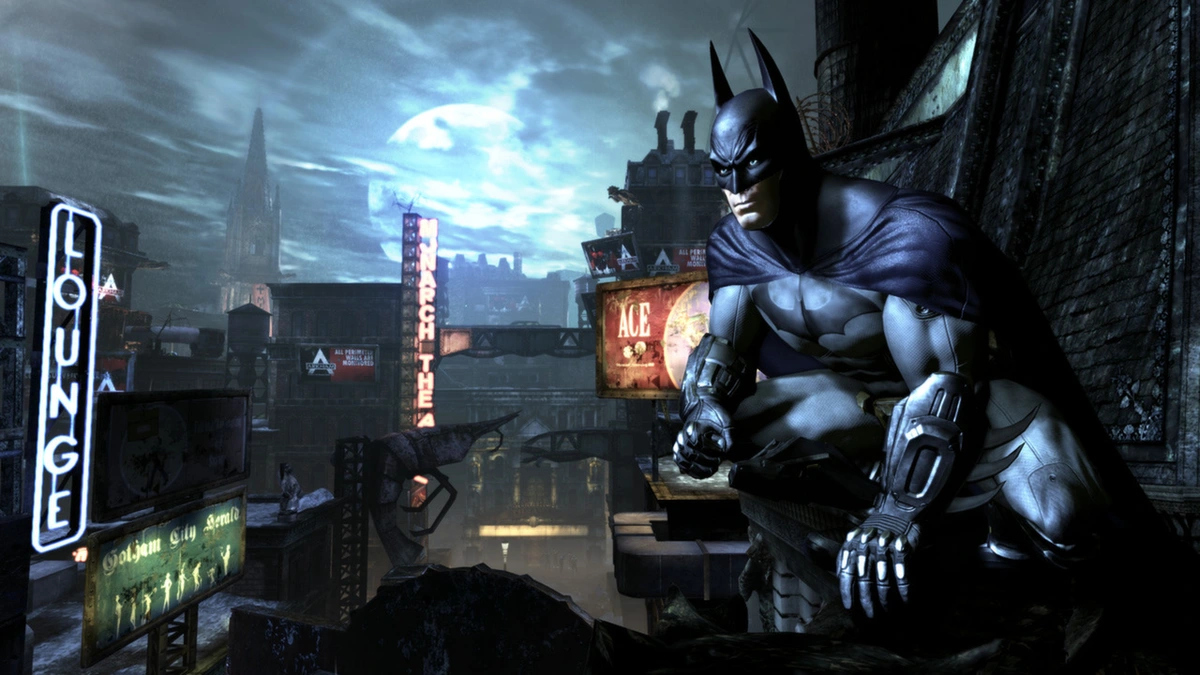
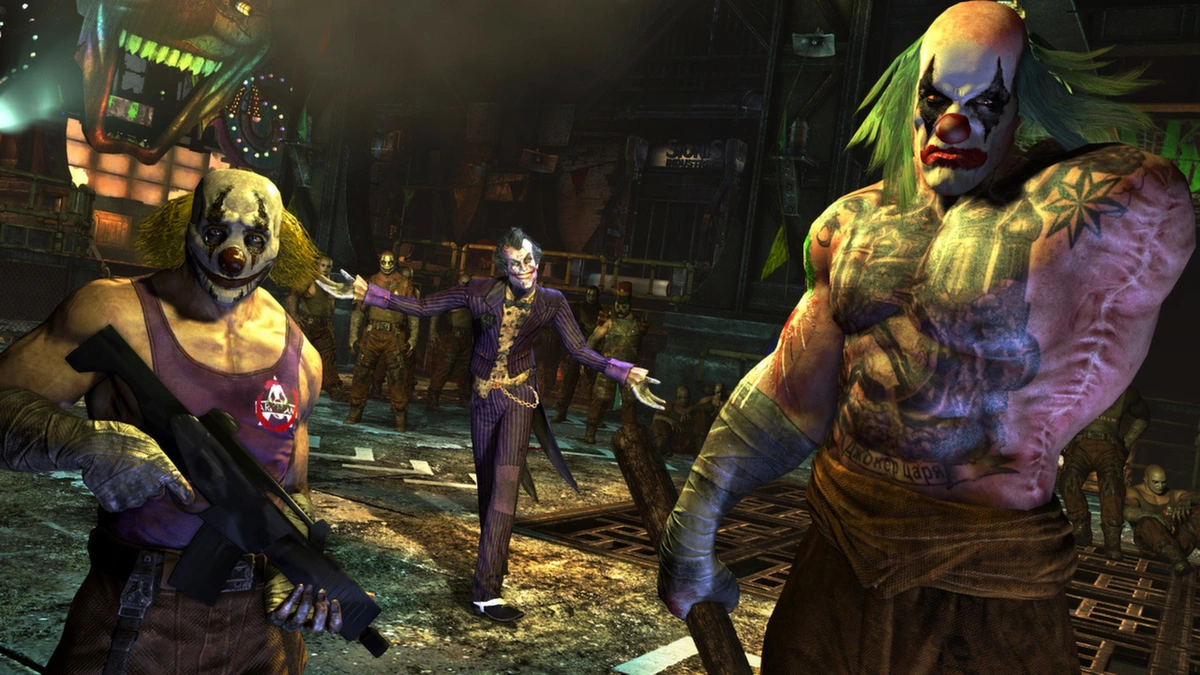
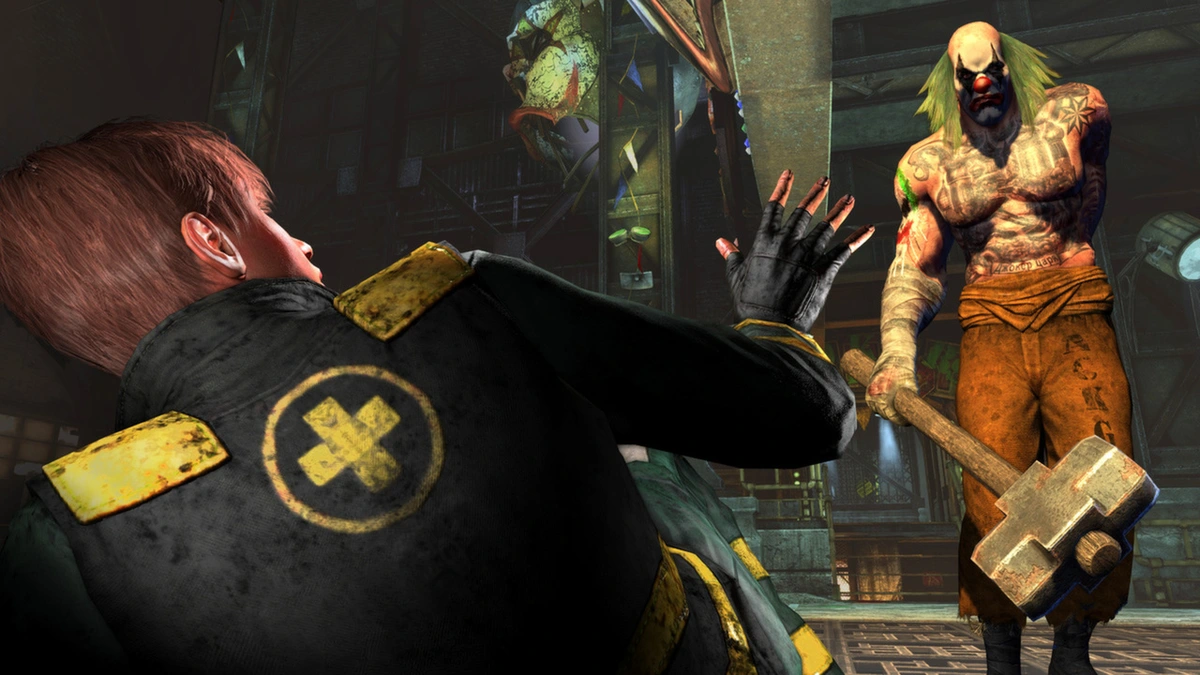
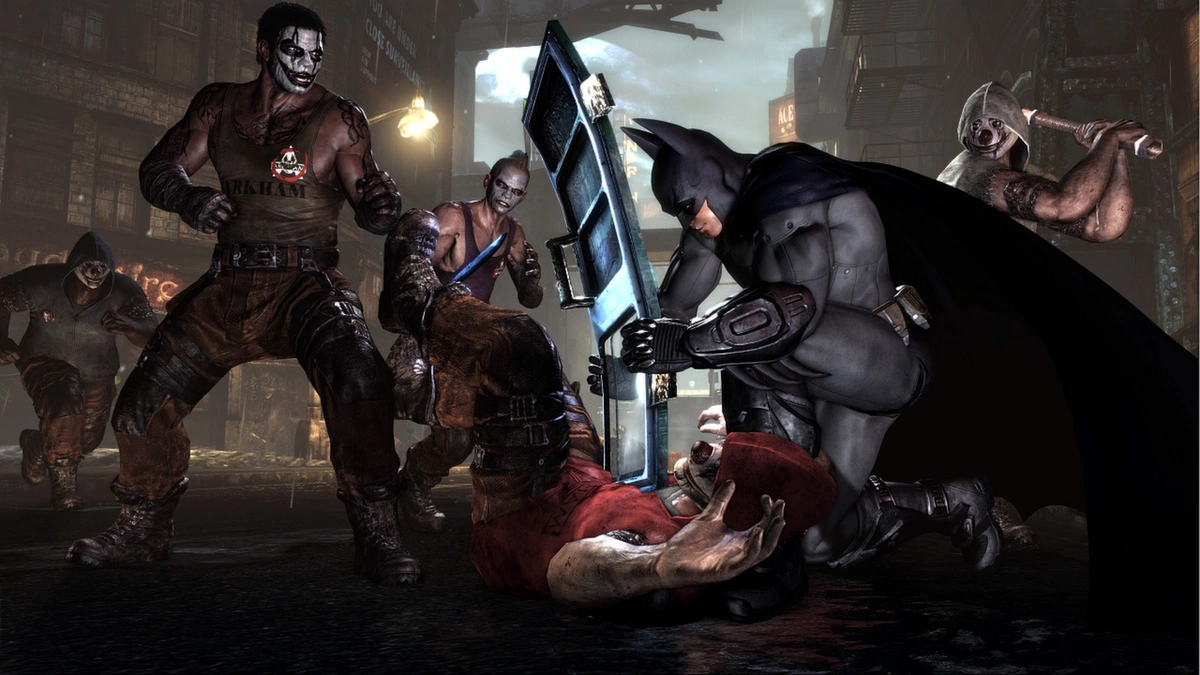
Batman: Arkham City Gameplay Screenshots

Batman: Arkham City Beginners Guide Video
Watch this beginners guide for Batman: Arkham City to dive in:

Batman: Arkham City PC Requirements for Windows
Minimum:
- OS: Windows 10 64-bit
- CPU: Intel Core 2 Duo, 2.4 GHz or AMD Athlon X2, 2.8 GHz
- RAM: 2 GB
- Storage: 17 GB HDD
- GPU: NVIDIA GeForce 8800 GTS or AMD Radeon HD 3850
- DirectX: Version 10
Recommended:
- OS: Windows 11 64-bit
- CPU: Intel Core i5-750, 2.67 GHz or AMD Phenom II X4 965, 3.4 GHz
- RAM: 4 GB
- Storage: 17 GB SSD
- GPU: NVIDIA GeForce GTX 560 or AMD Radeon HD 6950
- DirectX: Version 11
Batman: Arkham City on Windows FAQ
- Is it free? No, it’s $19.99 (sales happen often).
- Can I play offline? Yes, works fine offline.
- Does it run on Windows 11? Yes, fully supported.
- What’s the download size? About 17 GB with updates.
Support and Community
Explore More Windows Games: Batman: Arkham Knight, Batman: Arkham Asylum, Best DC games for PC, Batman: Arkham Origins,