

Readers like you help support this site. When you make a purchase using links on our site, we may earn an affiliate commission. All opinions remain our own.

You will be able to download Batman: Arkham Origins on Steam for Windows 10 and 11, launched October 25, 2013, with the Season Pass DLC adding Cold, Cold Heart and extra skins.
It’s also on PS3, Xbox 360, and Wii U, with no mobile yet.
Made by WB Games Montréal, it’s got a ‘Very Positive’ Steam rating and sold millions as a prequel to the Arkham series.
This guide covers installing it on Windows, its key features, and tips for new players.
Tell us your favorite fight below, or contact us for help.
How to Install Batman: Arkham Origins on Windows 11 and 10
To play Batman: Arkham Origins on your Windows PC, download it via Steam. Here’s how:
- Method 1: Steam
- Head to the Steam page: Steam.
- Click Add to Cart ($19.99, often on sale).
- Log into your Steam account or set one up.
- Finish the purchase and hit Install in your Steam Library.
- Wait for the download (about 20 GB with updates).
- Start it from your Steam Library or desktop.
Quick Tip: 💡 Use the shock gloves early; they stun groups quick.

What is Batman: Arkham Origins About?
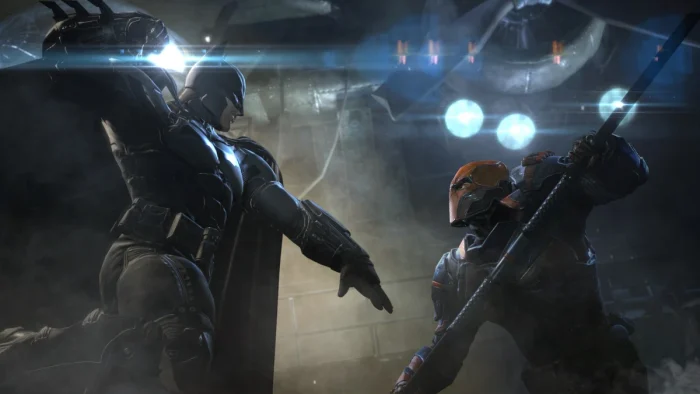
Batman: Arkham Origins, launched October 25, 2013 by WB Games Montréal, is an action-adventure game for Windows 10 and 11, PS3, Xbox 360, and Wii U, set years before Arkham Asylum where a young Batman takes on eight assassins hired by Black Mask on a snowy Christmas Eve.
Core Gameplay: Glide and fight through Gotham with Batman’s gadgets like the batarang and grapnel gun, facing off with foes in spots like the Batcave or Burnley. The Season Pass DLC adds the Cold, Cold Heart story and new skins for more action.
Key Features
- Early Batman story
- Open-world Gotham
- Stealth and combat
- Detective mode
- Big villain lineup
Why Play Batman: Arkham Origins on Windows?
It’s a blast. Windows 10 and 11 give you sharp visuals, smooth controls, and easy updates in 2025.
Tips for PC Beginners in Batman: Arkham Origins
New to Batman: Arkham Origins on PC? Here are five tips to shine:
- Set Keys: Map ‘punch’ to a mouse button in Options > Controls for fast hits.
- Boost FPS: Drop shadows to Medium in Graphics for smoother play.
- Start Easy: Practice gliding in Burnley first, it’s wide open.
- Mix Gadgets: Use smoke pellets (inventory) with combos to escape.
- Use Snow: Hide in snowstorms (map) for sneaky takedowns.
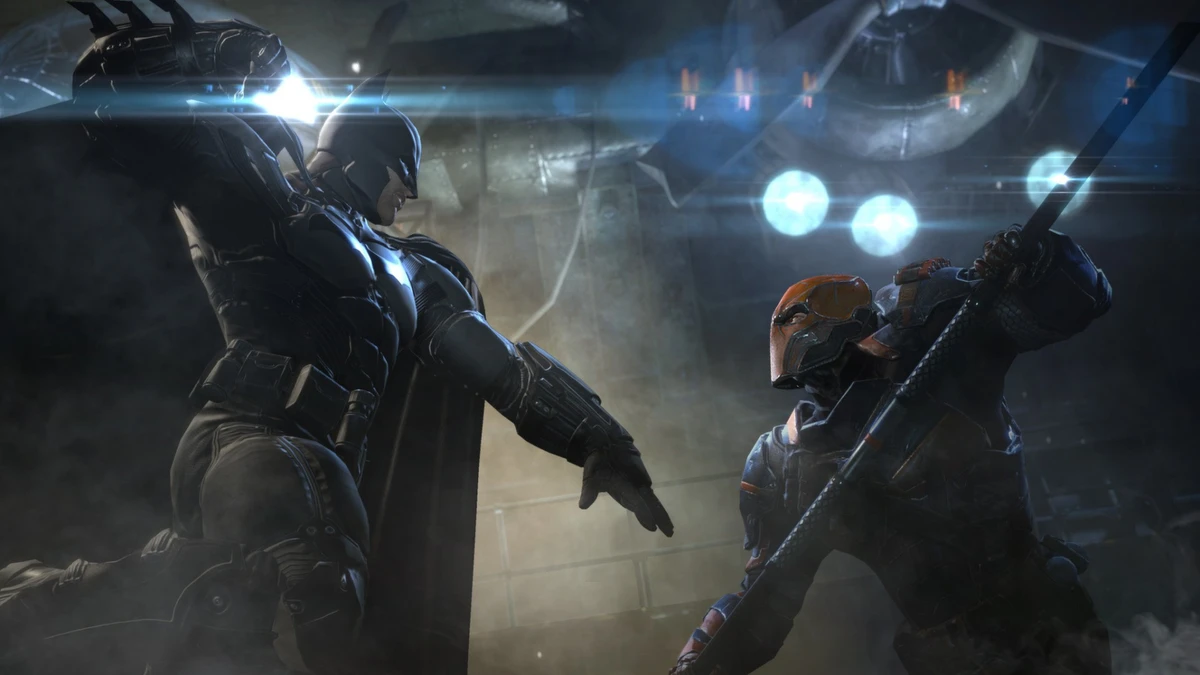
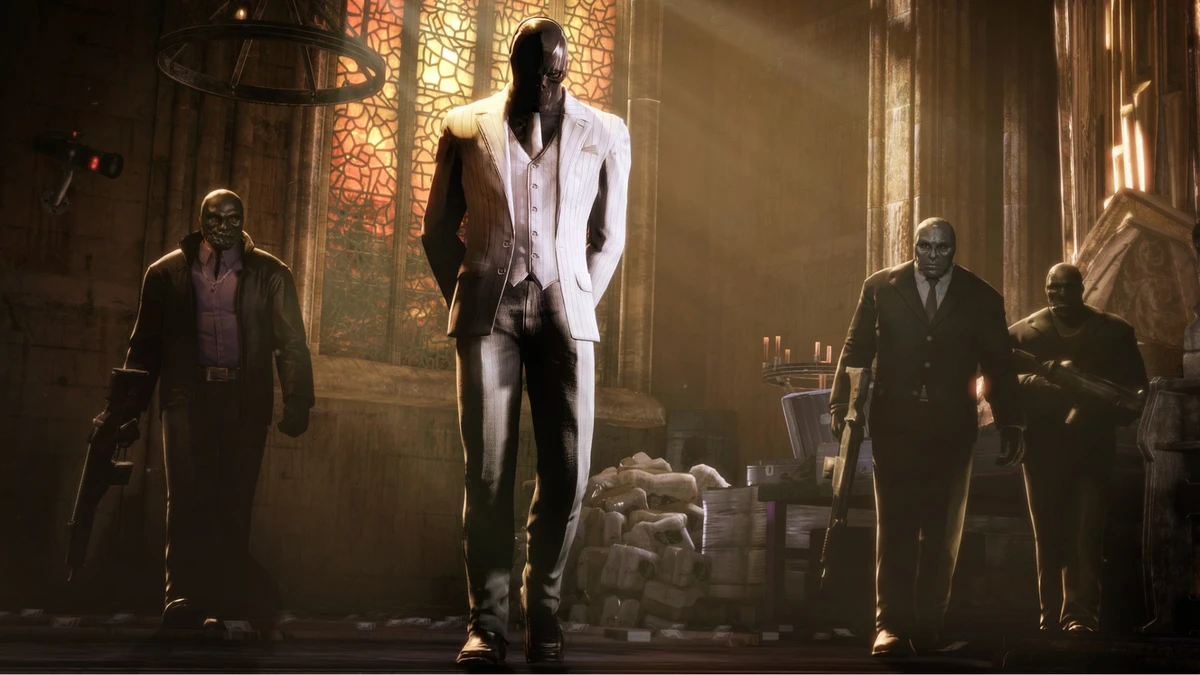
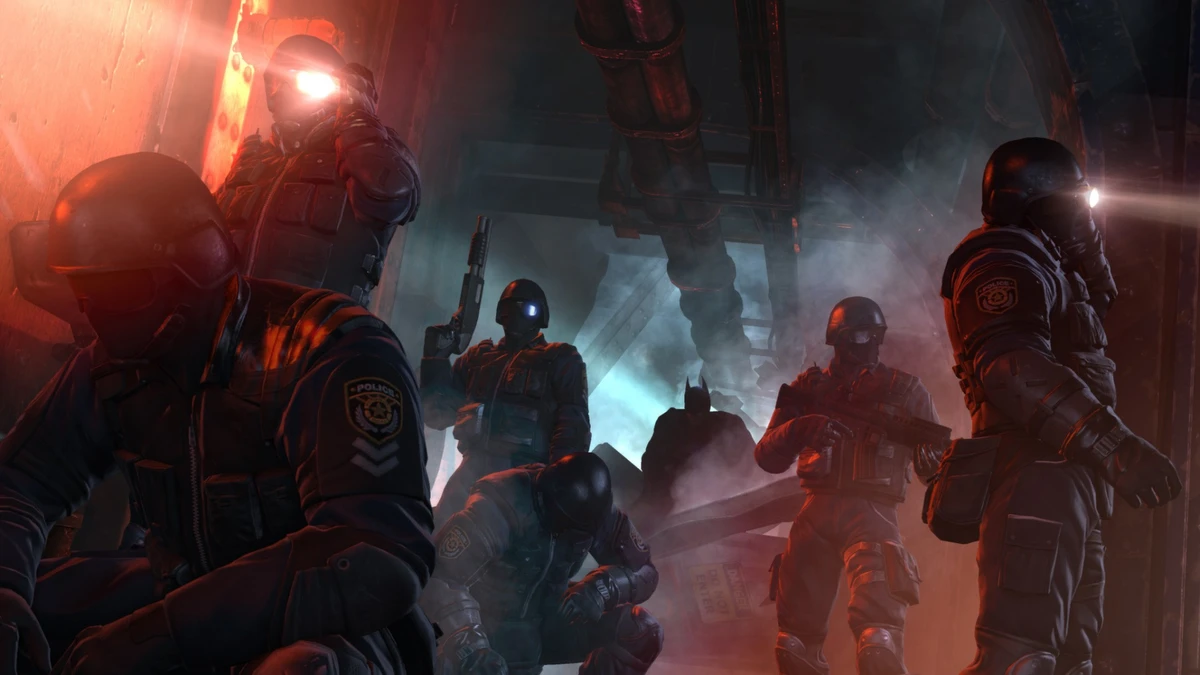
Batman: Arkham Origins Gameplay Screenshots


Batman: Arkham Origins Walkthrough Guide Video
Check out this walkthrough guide for Batman: Arkham Origins if you get stuck:
![Batman: Arkham Origins - Full Game Walkthrough in 4K 60fps [I Am The Night]](https://i.ytimg.com/vi/o36bVitLqAo/hqdefault.jpg)
Batman: Arkham Origins PC Requirements for Windows
Minimum:
- OS: Windows 10 64-bit
- CPU: Intel Core 2 Duo, 2.4 GHz or AMD Athlon X2, 2.8 GHz
- RAM: 2 GB
- Storage: 20 GB HDD
- GPU: NVIDIA GeForce 8800 GTS or AMD Radeon HD 3850
- DirectX: Version 10
Recommended:
- OS: Windows 11 64-bit
- CPU: Intel Core i5-750, 2.67 GHz or AMD Phenom II X4 965, 3.4 GHz
- RAM: 4 GB
- Storage: 20 GB SSD
- GPU: NVIDIA GeForce GTX 560 or AMD Radeon HD 6950
- DirectX: Version 11
Batman: Arkham Origins on Windows FAQ
- Is it free? No, it’s $19.99 (sales happen often).
- Can I play offline? Yes, single-player works fine.
- Does it run on Windows 11? Yes, fully supported.
- What’s the download size? Around 20 GB with updates.
Support and Community
Explore More Windows Games: Batman: Arkham Knight, Batman Arkham Asylum for PC, Injustice 2, DC universe online, Best DC games for PC, Batman: Arkham City