


Readers like you help support this site. When you make a purchase using links on our site, we may earn an affiliate commission. All opinions remain our own.
Looking for powerful photo editing software without the hefty price tag?
In 2025 there are plenty of free Photoshop alternatives for Windows PC that deliver professional-grade tools for all your editing needs.
Whether you’re a graphic designer, photographer, or hobbyist, these programs offer features like layer support, advanced filters, and customizable brushes, without costing you a dime.
In this post, we’ll explore the best free Photoshop alternatives available for Windows 11 and 10.
These tools are perfect for creating stunning visuals, editing photos, and designing graphics, all while saving you money.
Best Free Photoshop Alternatives in 2025
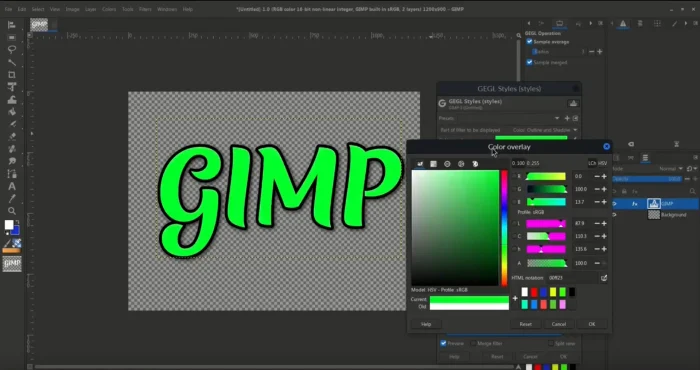
GIMP (GNU Image Manipulation Program)

Top Features:
- 🎨 Advanced Editing Tools: Layer support, masks, and customizable brushes.
- 🤖 AI Features: Recent updates include AI Actions like background removal and object selection.
- 🌐 Open-Source: Completely free and continuously updated by a dedicated community.
Why we like it:
GIMP is a versatile tool perfect for photo editing, graphic design, and digital art, rivaling Photoshop in functionality.
Who it is for:
Best for advanced users and those seeking a free alternative with a vast range of tools.
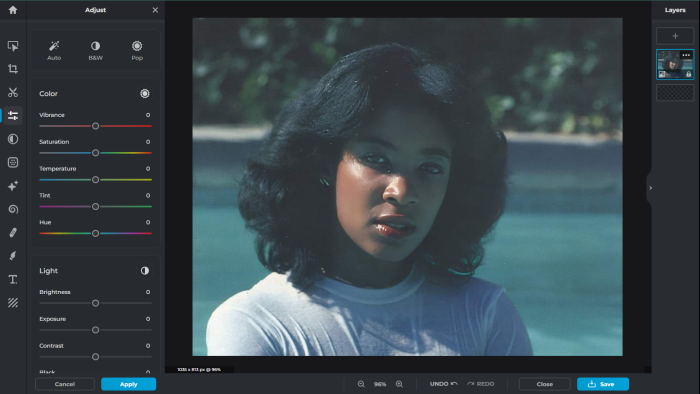
Pixlr

Top Features:
- 🌐 Web-Based: No installation needed; works in any browser.
- 🤖 AI-Powered Tools: Includes background remover, object eraser, and an AI image generator.
- 🎨 User-Friendly Interface: Ideal for quick edits and beginners.
Why we like it:
Pixlr combines simplicity and power, making it a great choice for on-the-go photo editing.
Who it is for:
Perfect for casual users and those who need a lightweight online tool.
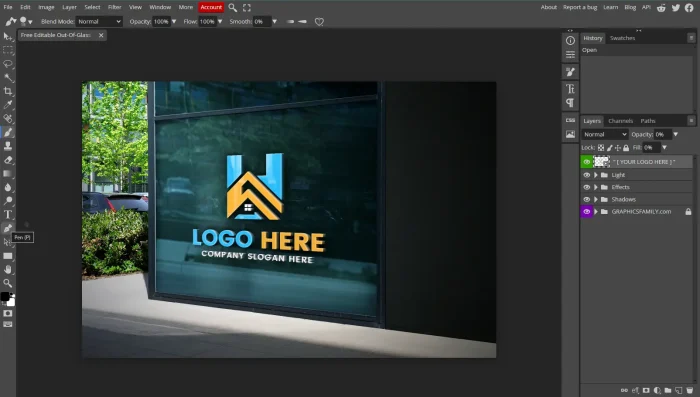
Photopea

Top Features:
- 📂 File Compatibility: Supports PSD, XCF, Sketch, and more.
- 🤖 Photoshop-Like Interface: Designed for users familiar with Adobe tools.
- 🌐 Web-Based: No download required; access it directly in your browser.
Why we like it:
Photopea feels like Photoshop’s little sibling—similar interface, great tools, and no cost.
Who it is for:
Great for designers who want a free, browser-based Photoshop alternative.
Krita

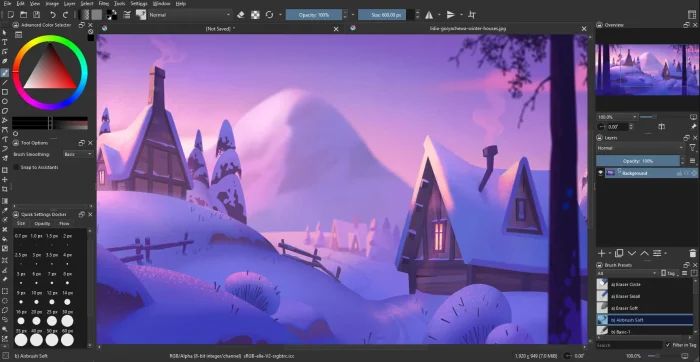
Top Features:
- 🎨 Digital Painting Tools: Customizable brushes, stabilizers, and color management.
- 🖌️ Creative Freedom: Perfect for concept art, texture design, and illustrations.
- 🌐 Open Source: Free and actively developed for professionals.
Why we like it:
Krita is a powerhouse for artists, offering tools tailored specifically for digital painting.
Who it is for:
Ideal for illustrators, animators, and anyone passionate about art.
Canva

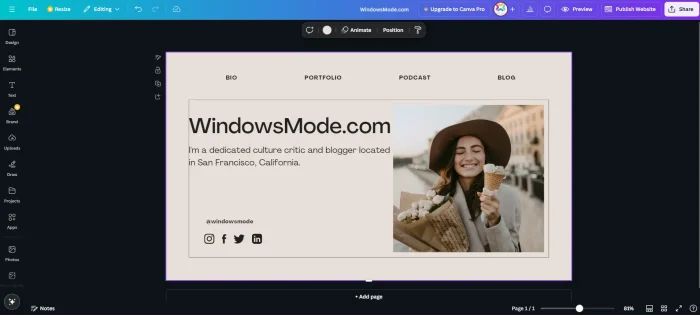
Top Features:
- 🌐 Online Design Platform: Offers templates, photo editing, and graphic design tools.
- 🤖 AI Enhancements: Features like Magic Design and Magic Edit simplify creative workflows.
- 🎨 Beginner-Friendly: Intuitive interface with drag-and-drop functionality.
Why we like it:
Canva makes design accessible for everyone, from beginners to seasoned creators.
Who it is for:
Perfect for marketers, content creators, and anyone needing quick, polished designs.
You might also like to check out the best free media players, best free music players, best free Microsoft Office alternatives and iTunes alternatives on Windows.