

Readers like you help support this site. When you make a purchase using links on our site, we may earn an affiliate commission. All opinions remain our own.

You can download F1 Manager 2024 on Steam, Epic Games Store, or Microsoft Store for Windows 10 and 11, with the Update 1.11 adding custom seasons, plus it’s on PS4, PS5, Xbox, and Switch.
- Note: F1 Manager 2025 has been cancelled, per reports tied to Frontier’s 2024 financial statement.
Launched by Frontier Developments on July 23, 2024, it’s got a ‘Mostly Positive’ Steam rating as of March 2025, with Update 1.11 (February 25, 2025) bringing driver edits and season tweaks, per Steam. Spanning multiple platforms, it’s the last lap for the series for now.
This guide covers installing F1 Manager 2024 on Windows, its key features, and tips for PC beginners. Share your fave team in the comments, or contact us for help.
How to Install F1 Manager 2024 on Windows 11 and 10
To play F1 Manager 2024 on your Windows PC, download it via Steam, Epic Games Store, or Microsoft Store. Follow the steps below:
- Method 1: Steam
- Visit the Steam page: Steam.
- Click Add to Cart
- Sign into your Steam account (or create one).
- Complete the purchase and click Install in your Steam Library.
- Wait for the download to finish (about 30 GB with updates).
- Launch it from your Steam Library or desktop shortcut.
- Method 2: Epic Games Store
- Visit the Epic Games Store page: Epic Games Store.
- Click Get
- Sign into your Epic account (or create one).
- Complete the process and click Install in your Epic Library.
- Wait for the download to finish (about 30 GB).
- Launch it from your Library or desktop.
- Method 3: Microsoft Store
- Visit the Microsoft Store page: Microsoft Store.
- Click Buy
- Sign into your Microsoft account.
- Install it via the Store app on your PC.
- Wait for the download to finish (about 30 GB).
- Launch it from the Start menu or desktop.
Quick Tip: 💡 Start with ‘Create a Team’ mode; it’s a fun way to learn the basics.
Get via Steam | Get via Epic Games Store | Get via Microsoft Store
What is F1 Manager 2024 About?
F1 Manager 2024, launched in 2024 by Frontier Developments, is a Formula 1 management sim for Windows 10 and 11, PS4, PS5, Xbox, and Switch, putting you in charge of a team’s every move.
Core Gameplay: Pick an official F1 team or build your own, tweak strategies, and race to glory across a season. Update 1.11 adds custom driver lineups and calendars.
Key Features
- Create a Team mode
- Real 2024 season data
- Advanced contracts
- Race replays
- Pit lane starts
Why Play F1 Manager 2024 on Windows?
It’s deep and smooth. Windows 10 and 11 offer sharp visuals, mod potential, and multi-platform polish in 2025.
Tips for PC Beginners in F1 Manager 2024
New to F1 Manager 2024 on PC? Here are five tips to win:
- Set Keys: Map ‘strategy’ to S in Options > Controls for quick calls.
- Boost FPS: Lower effects to Medium in Graphics, keeps it fluid.
- Start Easy: Pick Haas, simpler budget to learn.
- Mix Drivers: Pair a vet with a rookie (lineup), balances growth.
- Use Replays: Study past races (mode), sharpens tactics.
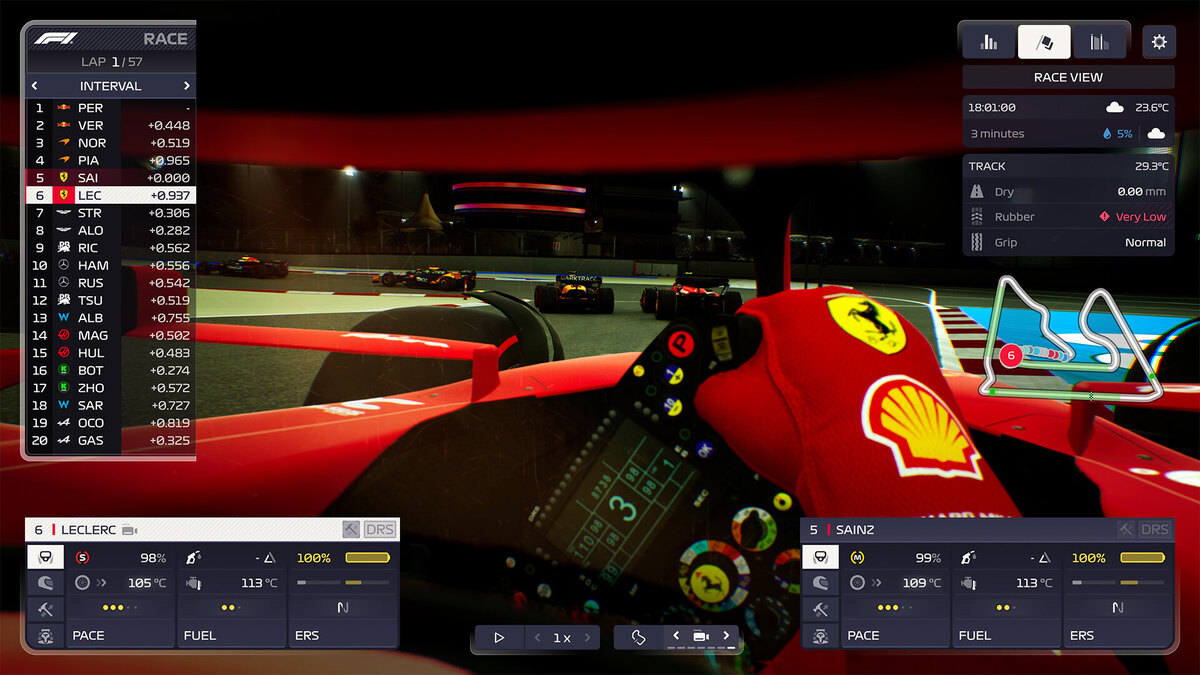
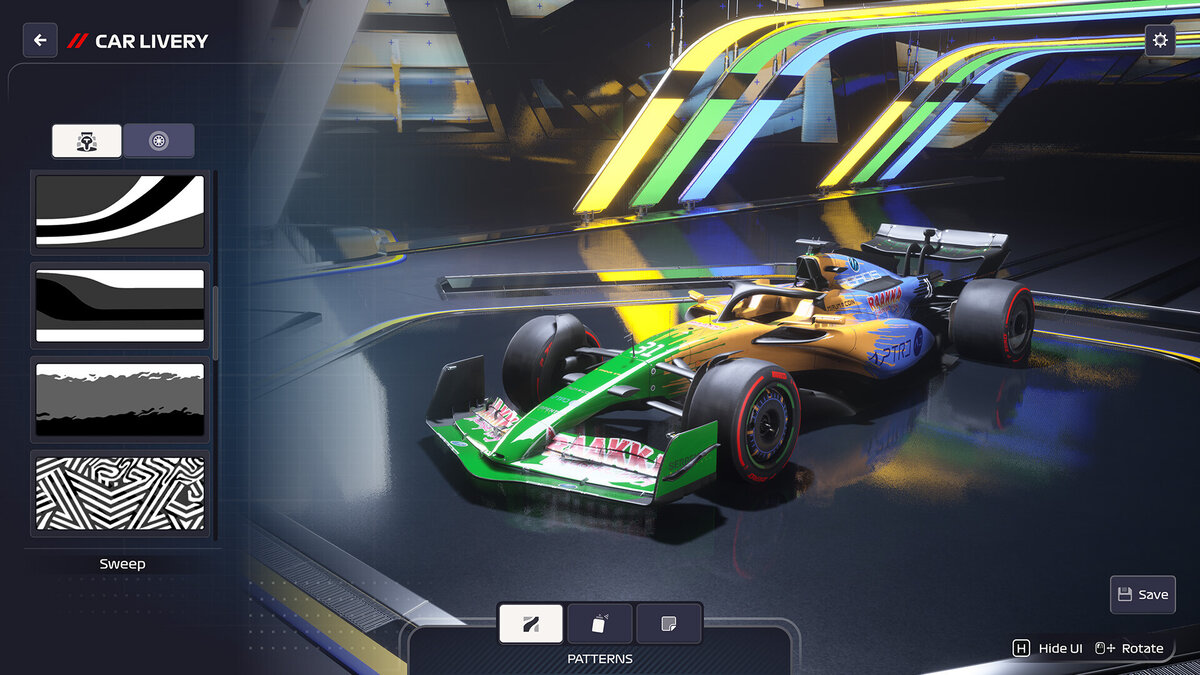
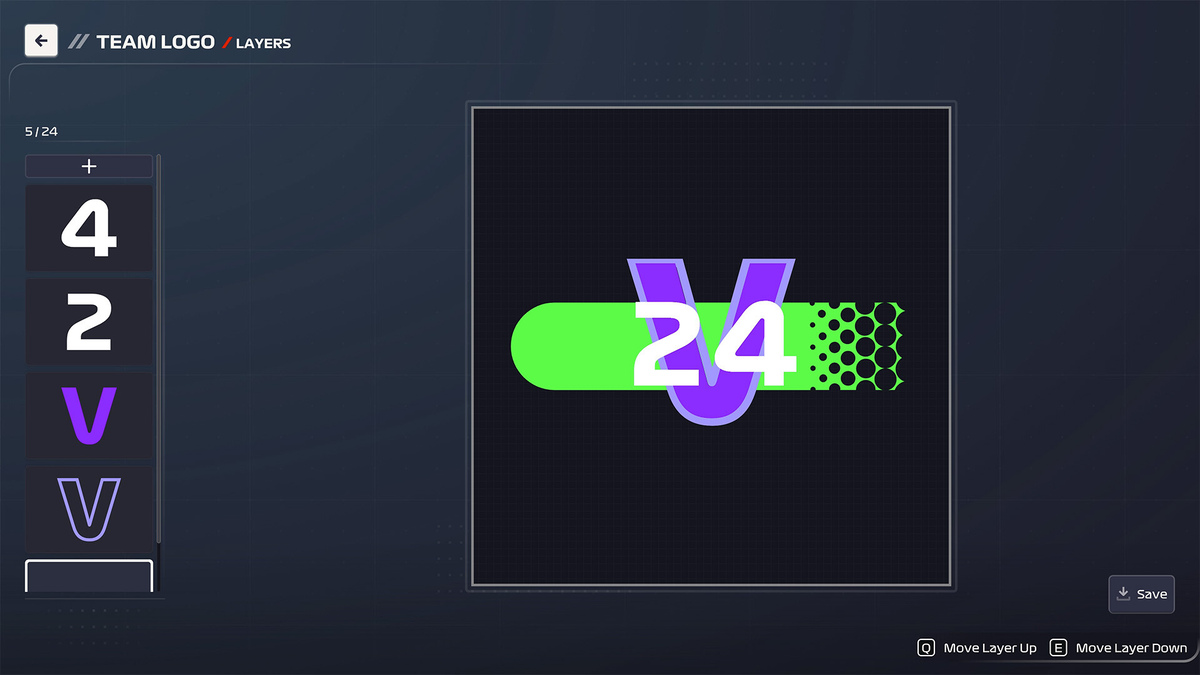
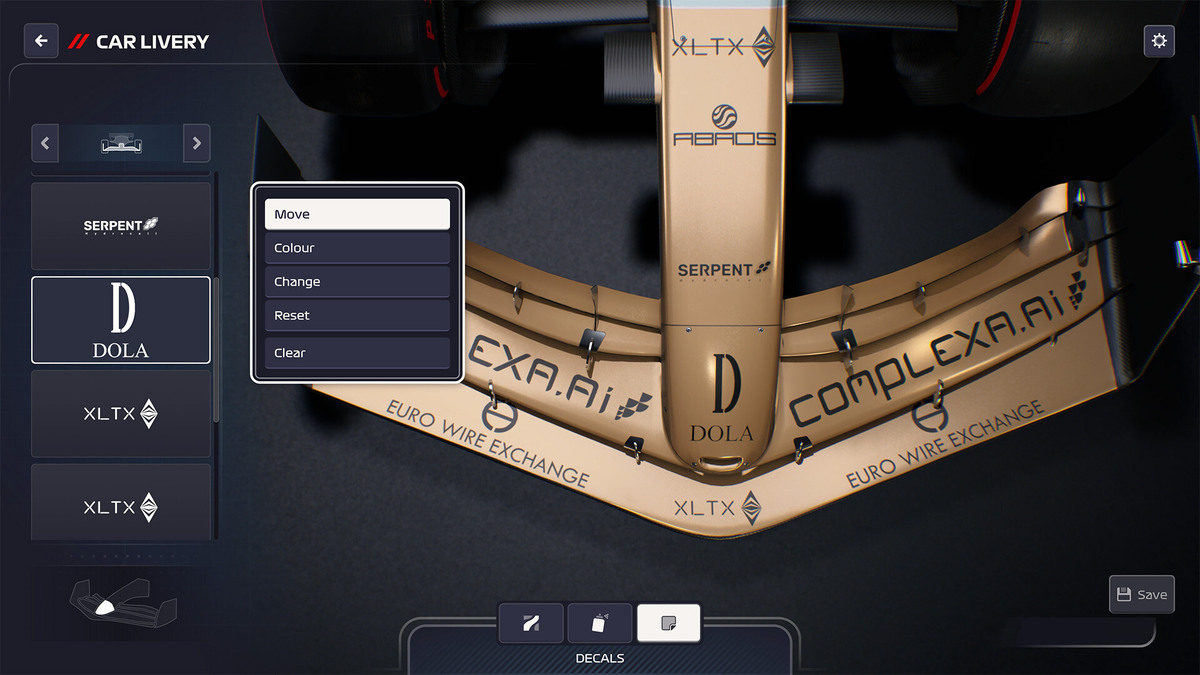
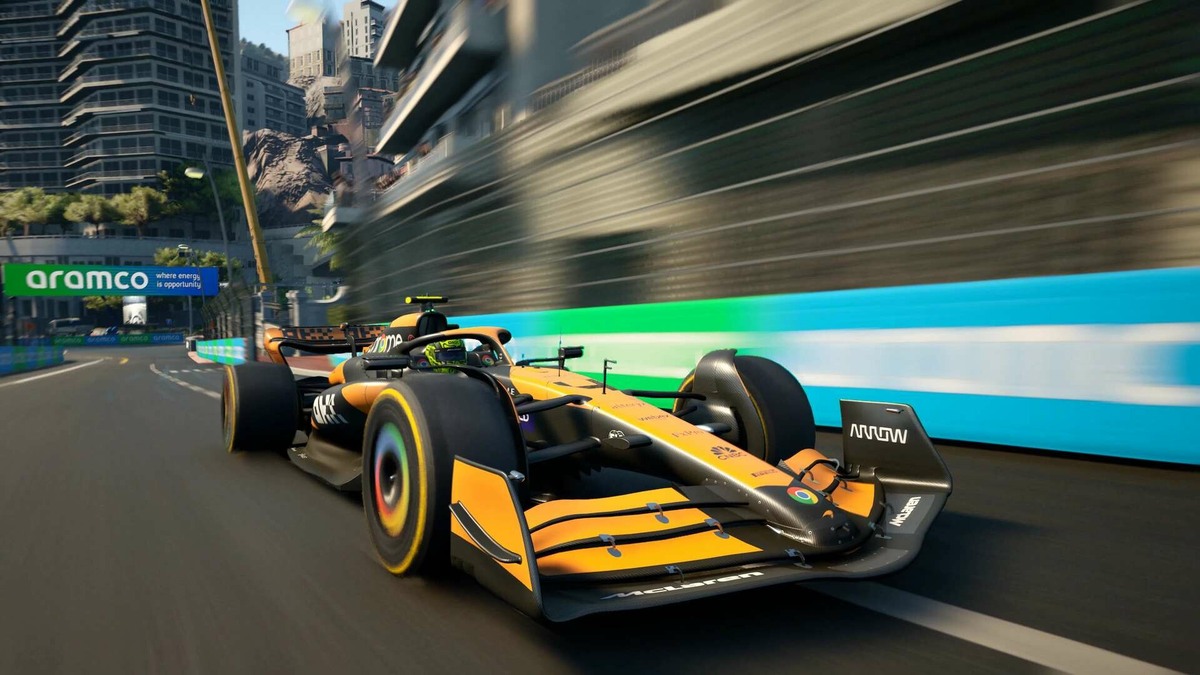
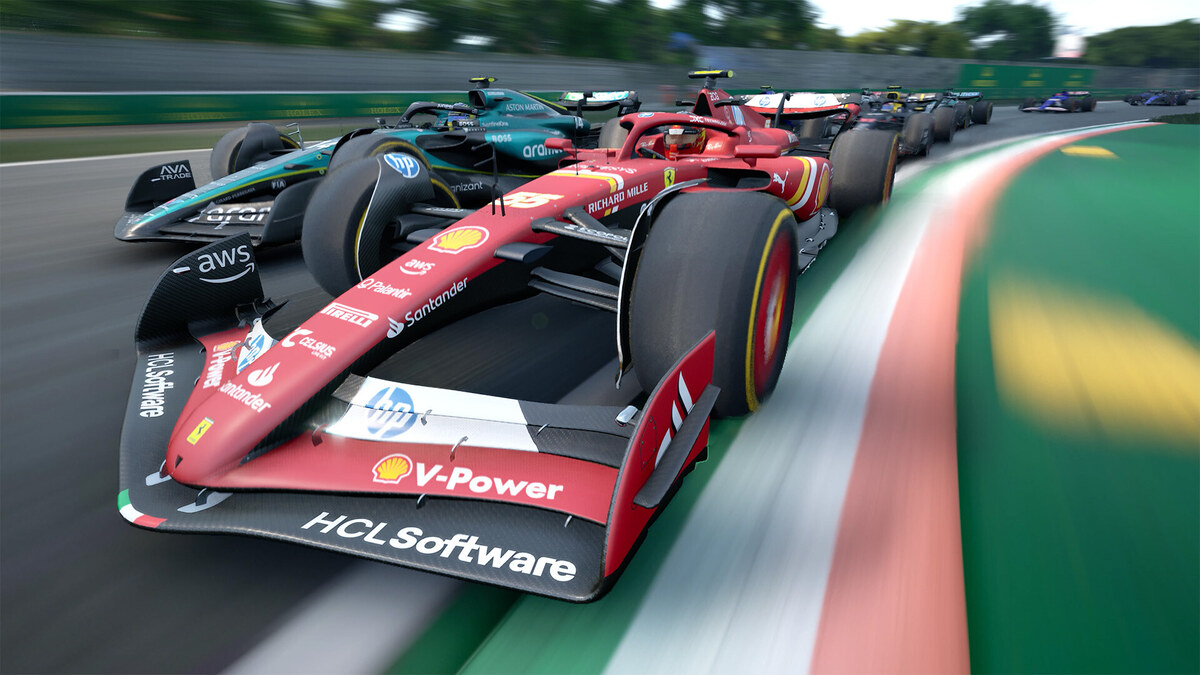
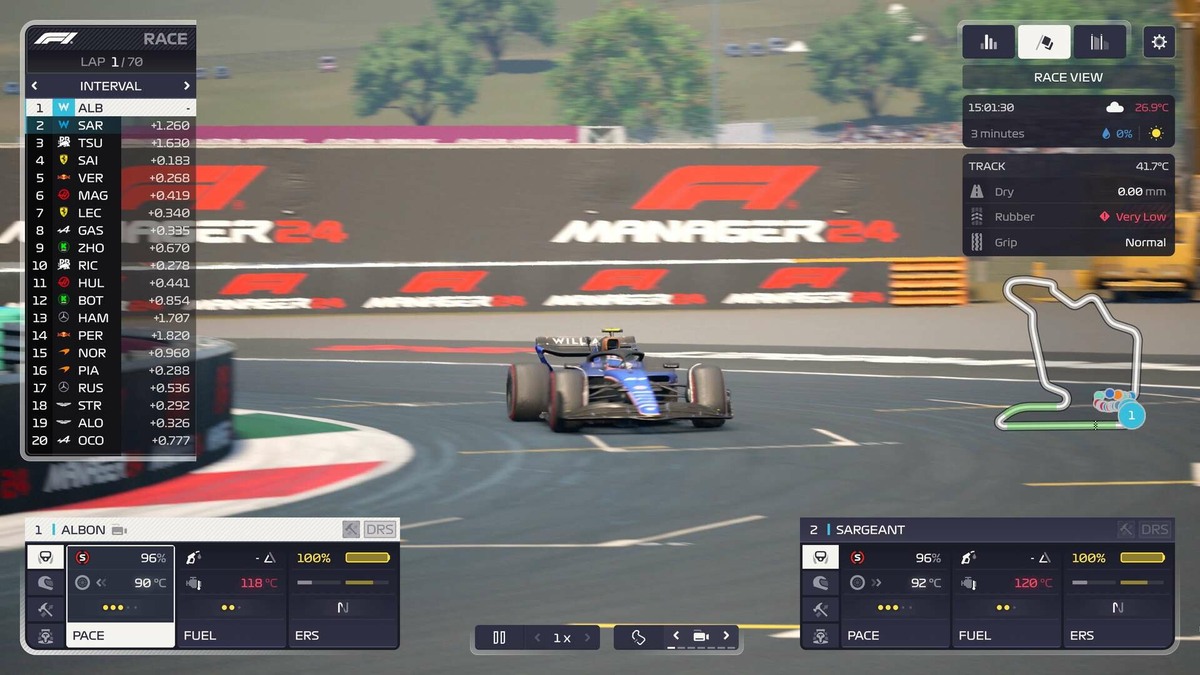
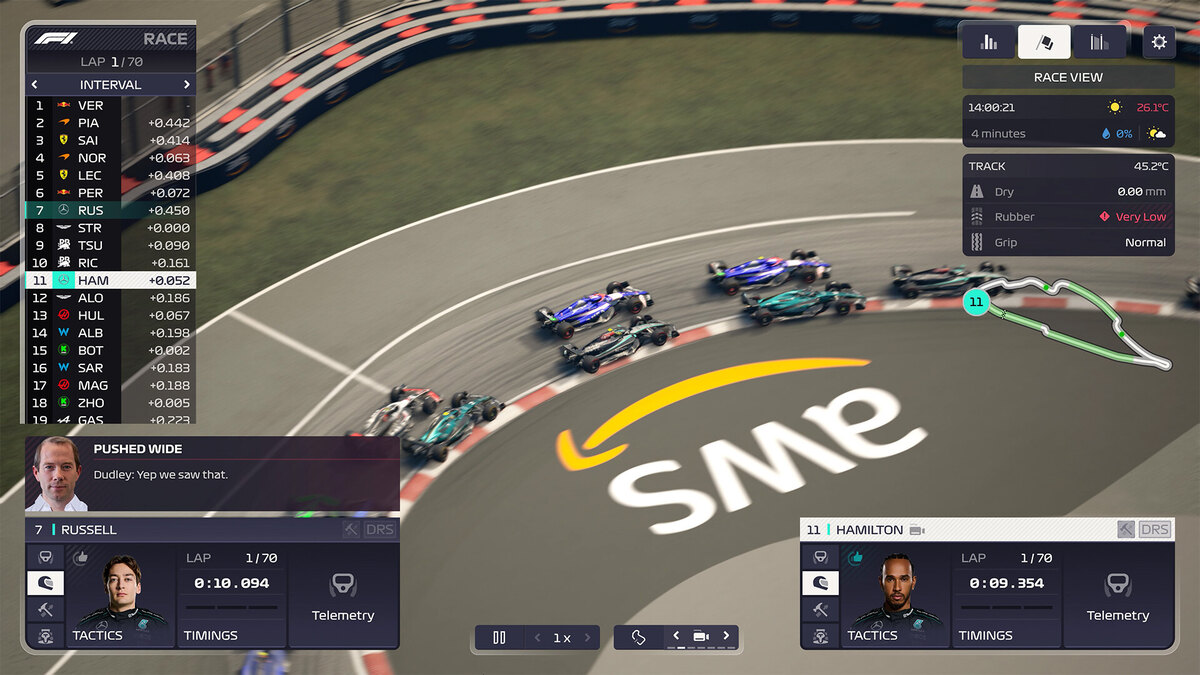
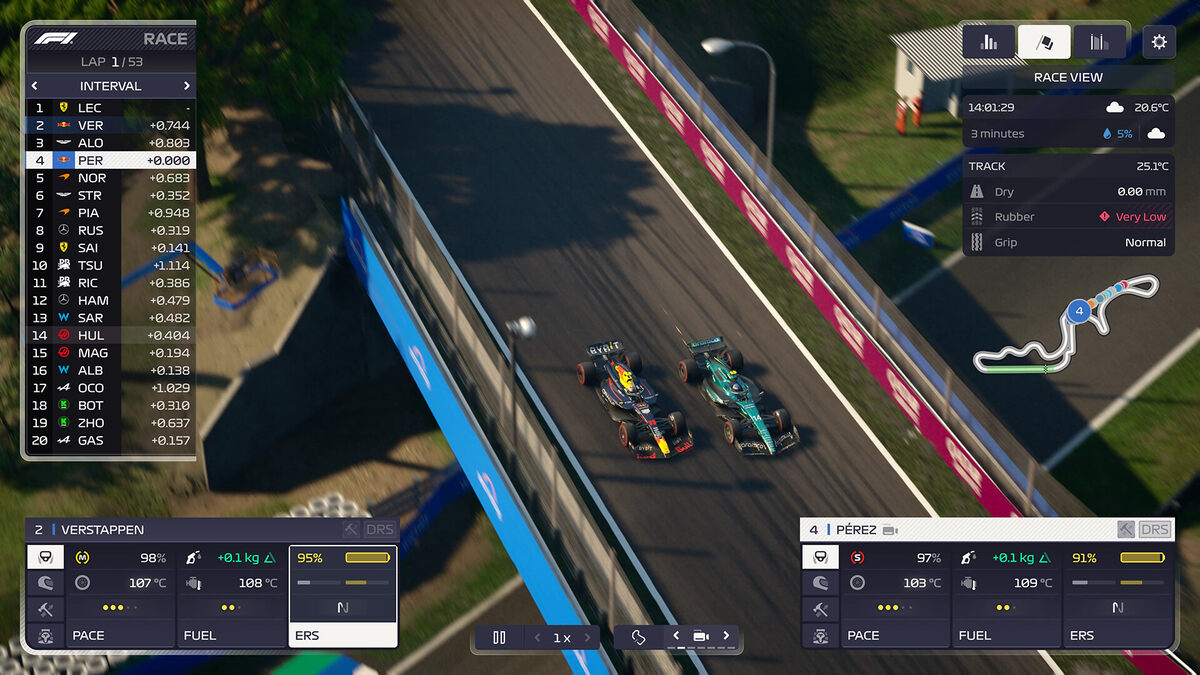
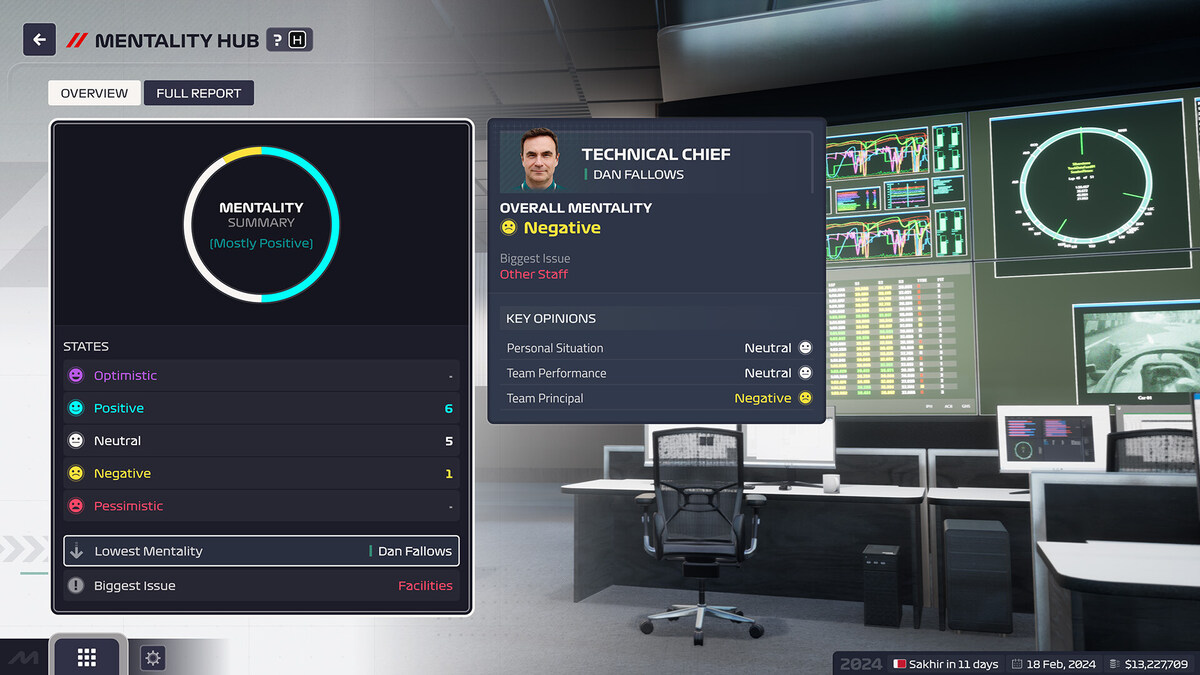
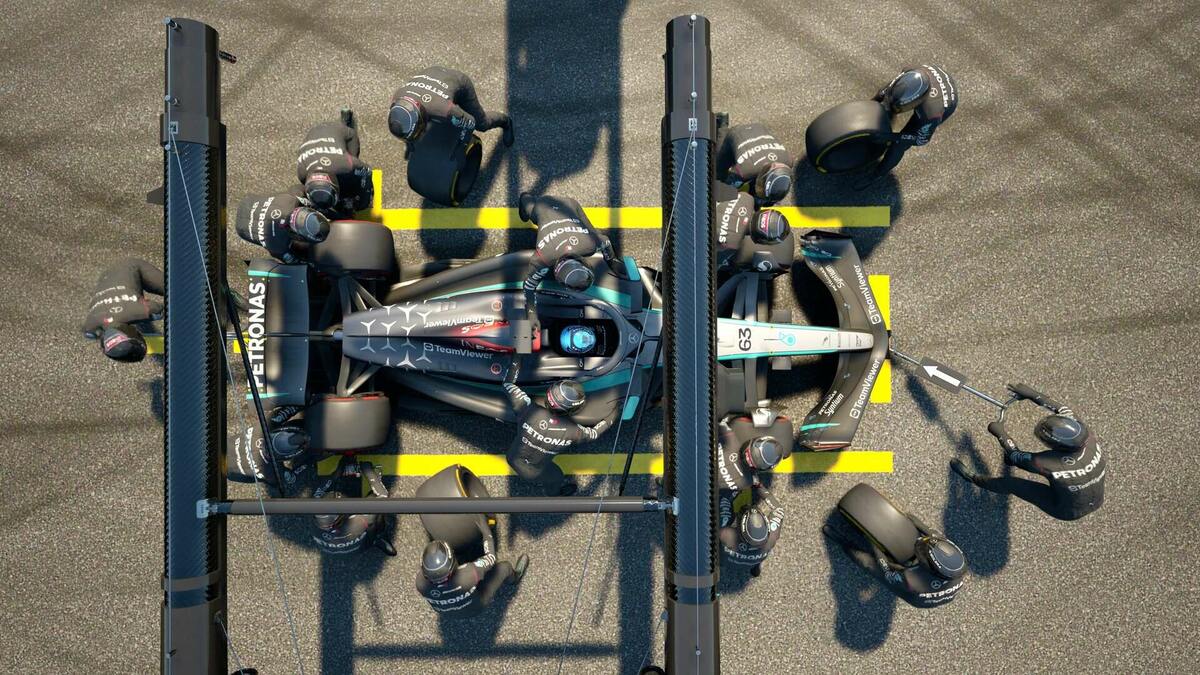
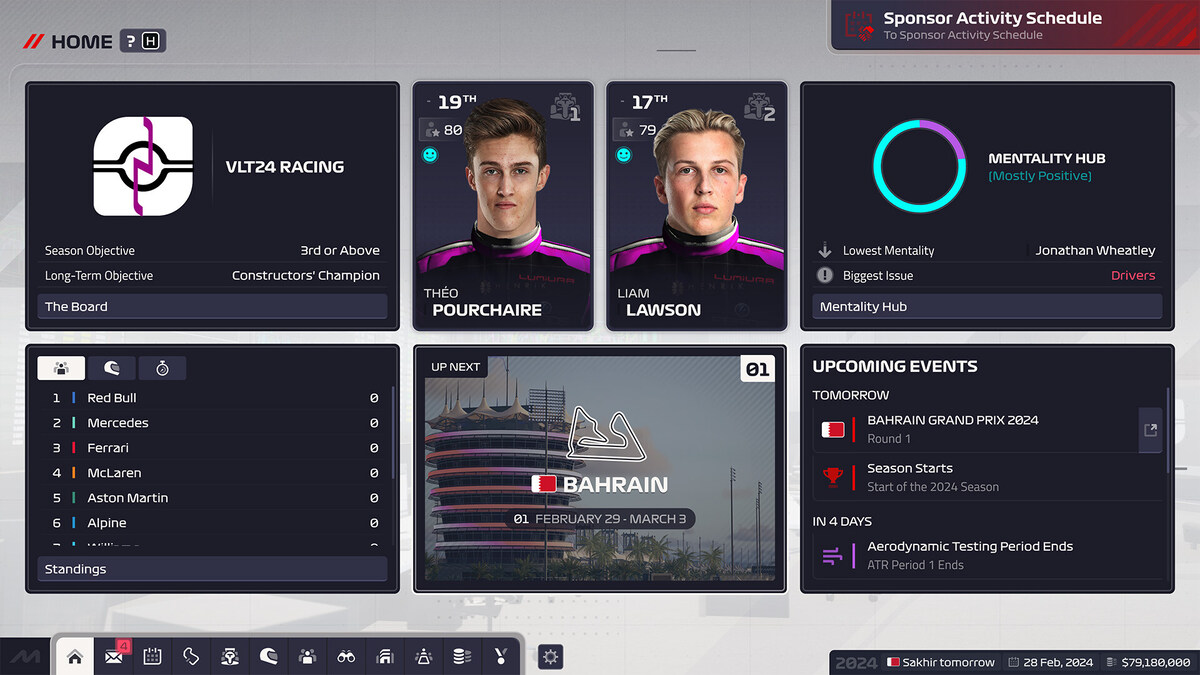
F1 Manager 2024 Gameplay Screenshots
F1 Manager 2024 Beginners Guide Video
Watch the beginners guide of F1 Manager 2024 to get you started:

F1 Manager 2024 PC Requirements for Windows
Minimum:
- OS: Windows 10 64-bit
- CPU: Intel Core i5-4590 or AMD FX-8370
- RAM: 8 GB
- Storage: 30 GB free
- GPU: NVIDIA GTX 960 or AMD Radeon R9 280X
- DirectX: Version 12
Recommended:
- OS: Windows 11 64-bit
- CPU: Intel Core i7-7700 or AMD Ryzen 7 2700
- RAM: 16 GB
- Storage: 30 GB SSD
- GPU: NVIDIA GTX 1080 or AMD Radeon RX 580
- DirectX: Version 12
F1 Manager 2024 on Windows FAQ
- Is it free? No, it’s $34.99 (often on sale).
- Can I play offline? Yes, after initial setup.
- Does it run on Windows 11? Yes, fully supported.
- What’s the download size? About 30 GB with updates.
Support and Community
Explore More Windows Games: F1 25 for PC, Best racing games, Best sports Games, Red Dead Redemption 2, Assassins Creed Shadows