

Readers like you help support this site. When you make a purchase using links on our site, we may earn an affiliate commission. All opinions remain our own.


You will be able to download Foundation on Steam for Windows 10 and 11, launched January 31, 2025, with Update 1.10.3.3 adding bug fixes and Ukrainian text. It’s also got a demo on Steam, with no mobile version yet.
From Polymorph Games, it’s got a ‘Very Positive’ Steam rating (85% positive from 18,500+ reviews) and mixes free building with village management. As fans, we like its laid-back style and cool medieval look. This guide covers installing it on Windows, its main features, and tips for new players. Tell us your favorite building below, or contact us for help.
How to Install Foundation on Windows 11 and 10
To play Foundation on your Windows PC, download it from Steam. Here’s how:
- Method 1: Steam
- Go to the Steam page: Steam.
- Click Add to Cart ($29.99, often cheaper).
- Log into your Steam account or make one.
- Finish the purchase and click Install in your Steam Library.
- Wait for the download (about 5 GB with updates).
- Start it from your Steam Library or desktop.
Quick Tip: 💡 Paint housing zones early; it gets villagers settled fast.
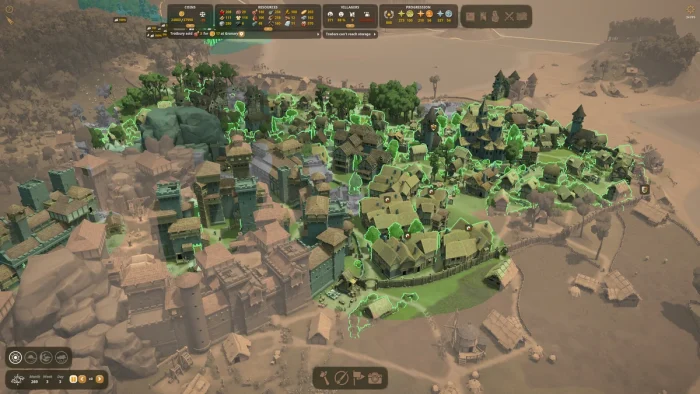

What is Foundation About?
Foundation, launched January 31, 2025 by Polymorph Games, is a city-building game for Windows 10 and 11, where you create a medieval town with no grid, managing jobs and resources as it grows naturally.
Main Gameplay: Build homes, farms, and churches your way, assign work to villagers, and keep them happy with food and trade. Update 1.10.3.3 fixes crashes and adds Ukrainian support for broader play.
Key Features
- Free building with no grid
- Growing village life
- Lots of jobs to assign
- Big monuments to make
- Mod support for extras
Why Play Foundation on Windows?
Windows 10 and 11 give you smooth play, sharp graphics, and easy modding for a full medieval building game.
Tips for PC Beginners in Foundation
New to Foundation on PC? Here are five tips to get going:
- Set Keys: Put build on a mouse button in Settings > Controls for quick placement.
- Speed Up: Lower shadows in Graphics to avoid slowdowns.
- Start Small: Build a well (map) for early water.
- Plan Food: Set up a farm (menu) to feed villagers.
- Watch Needs: Check happiness (menu) to keep folks around.
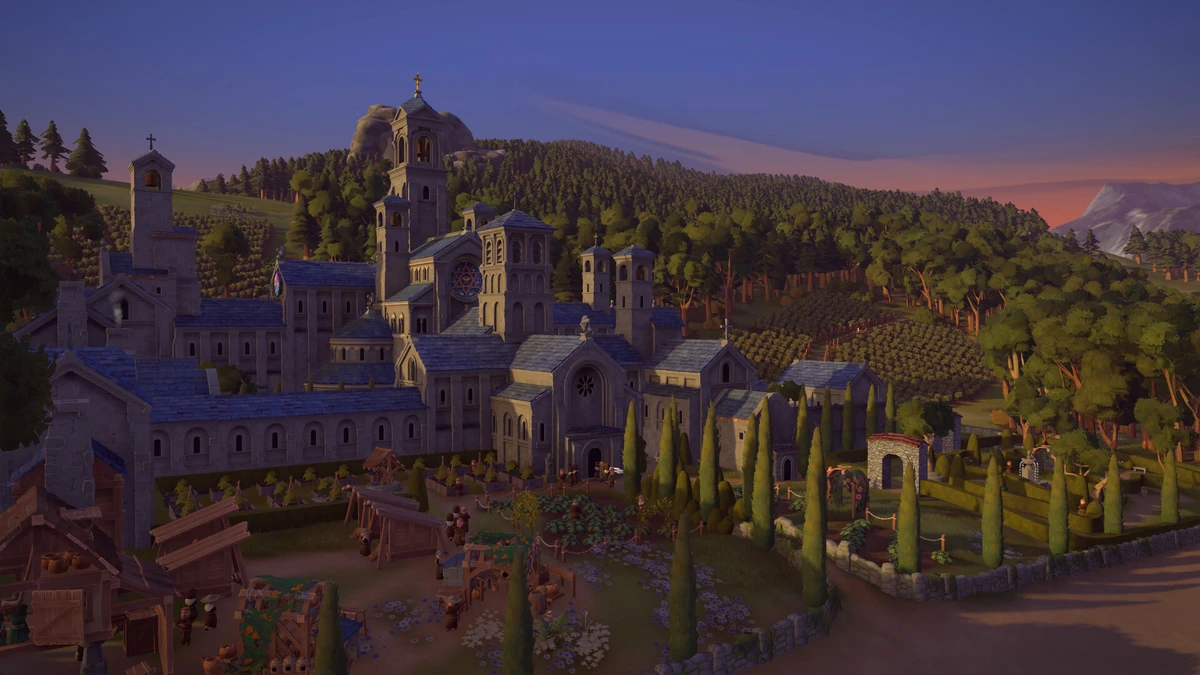
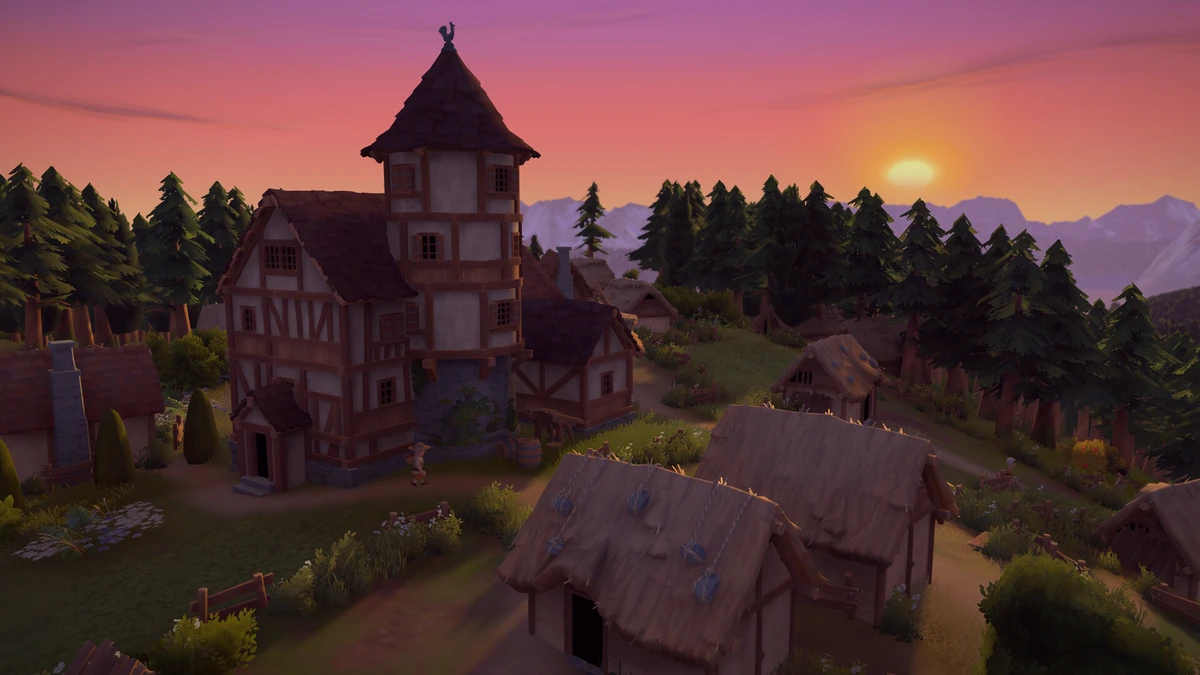
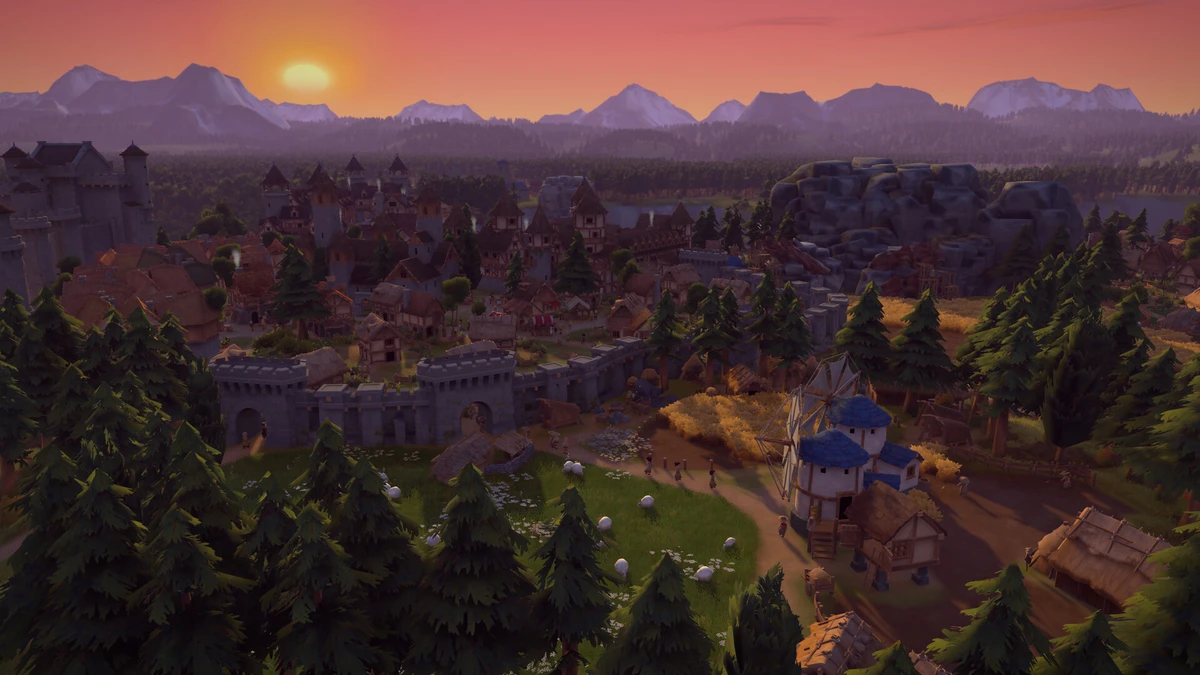
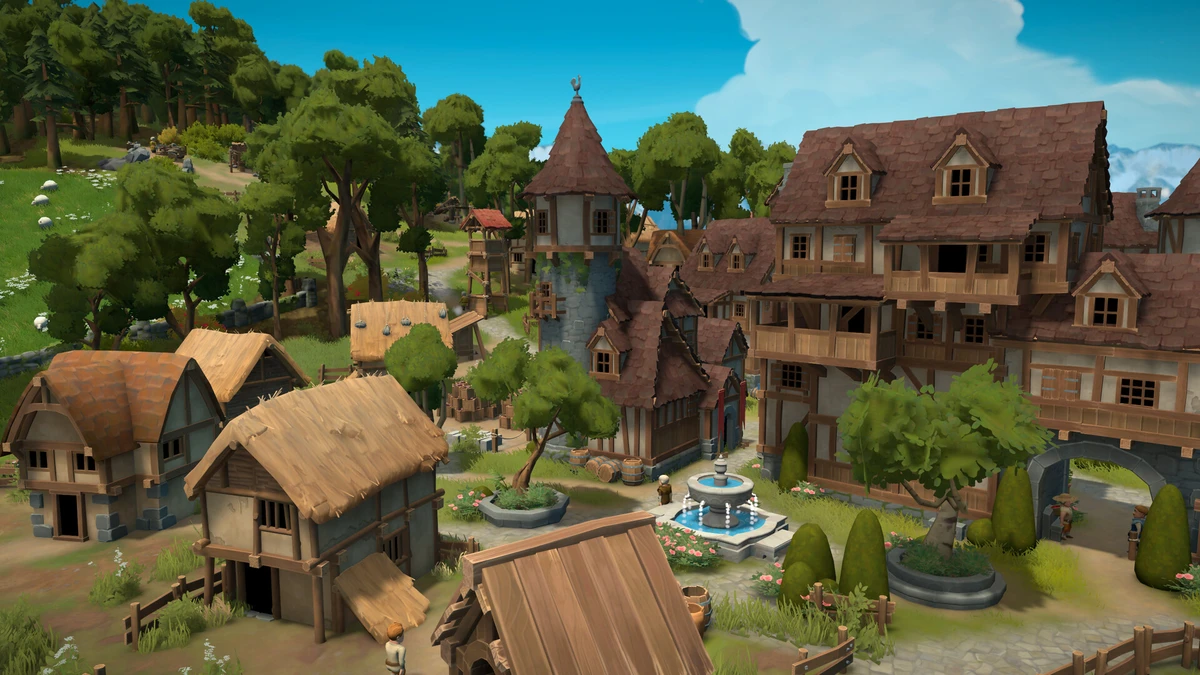
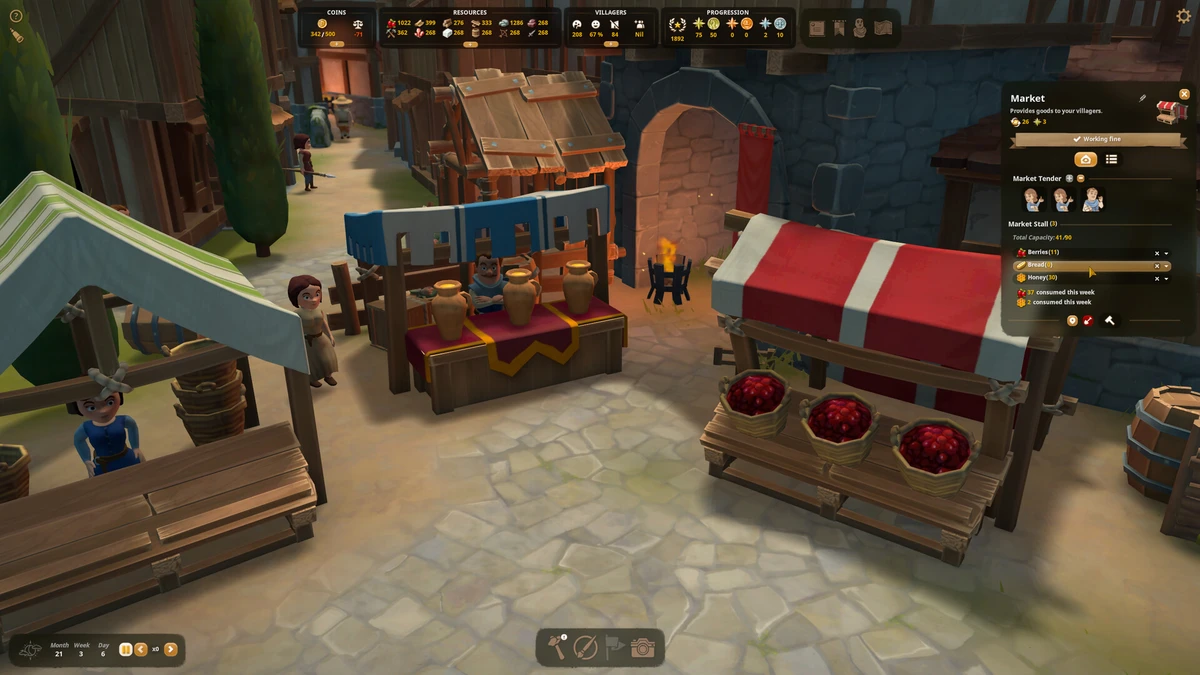
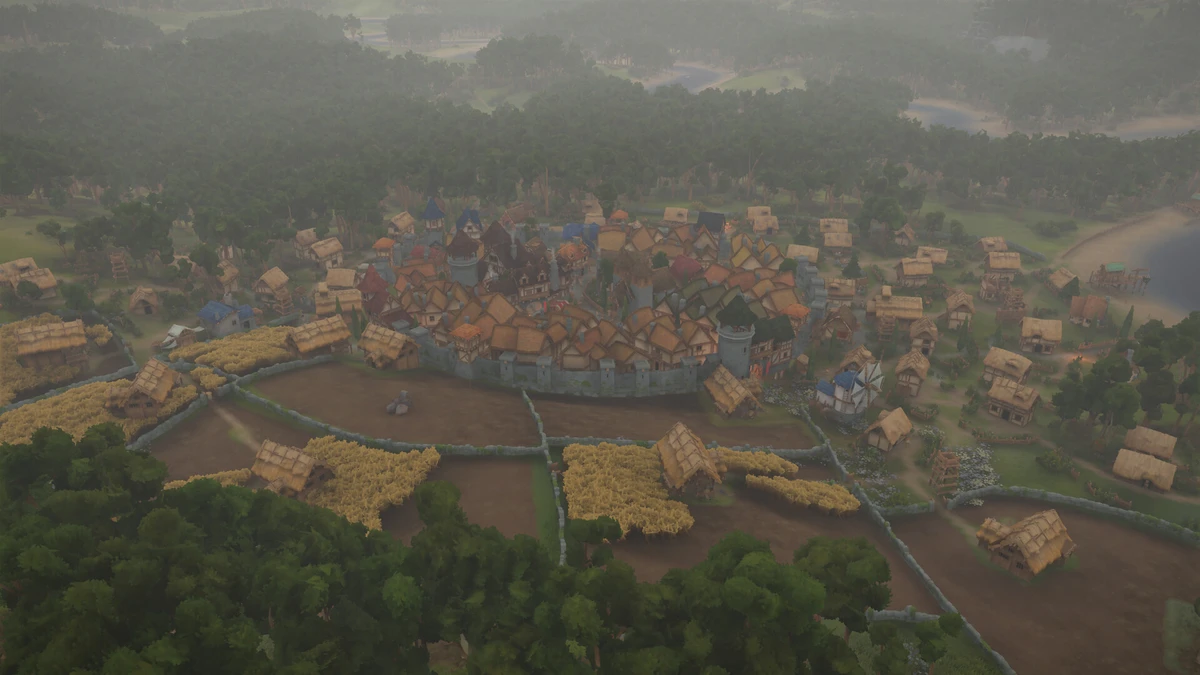
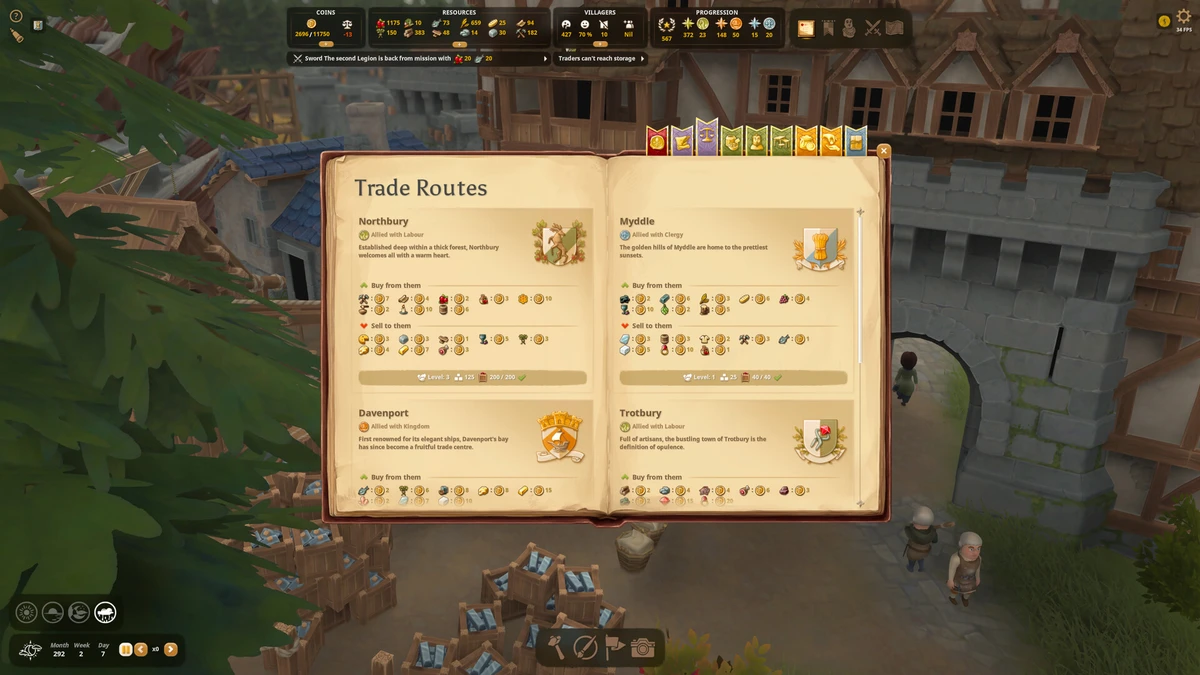
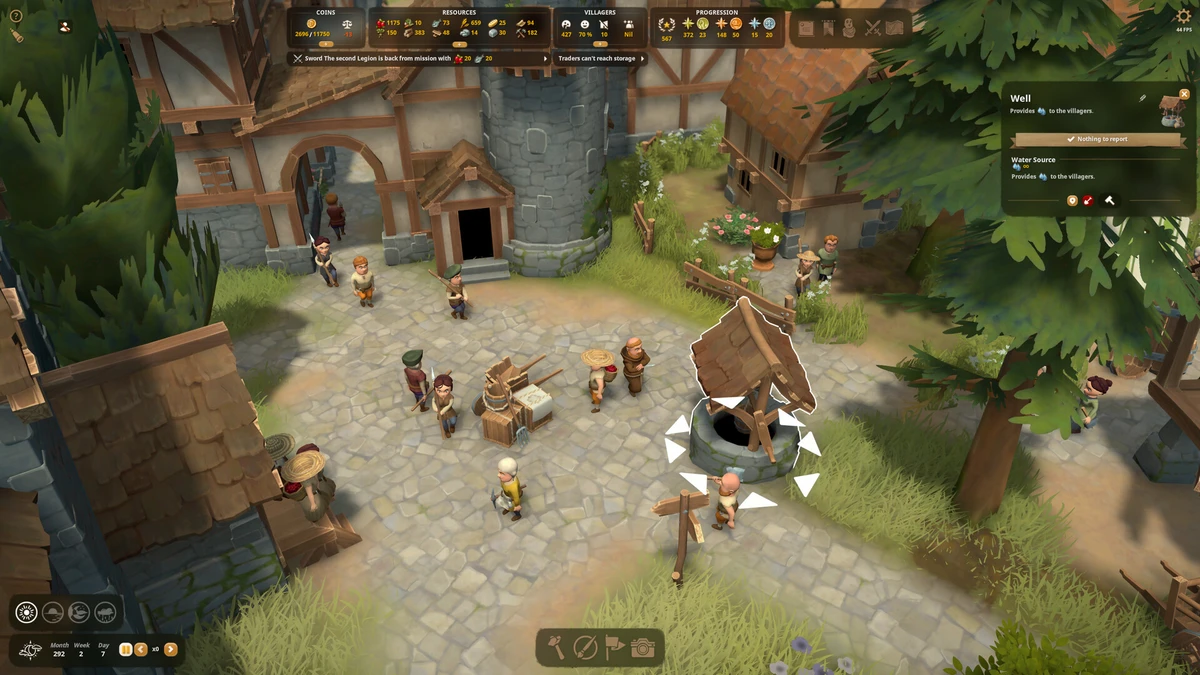
Foundation Gameplay Screenshots
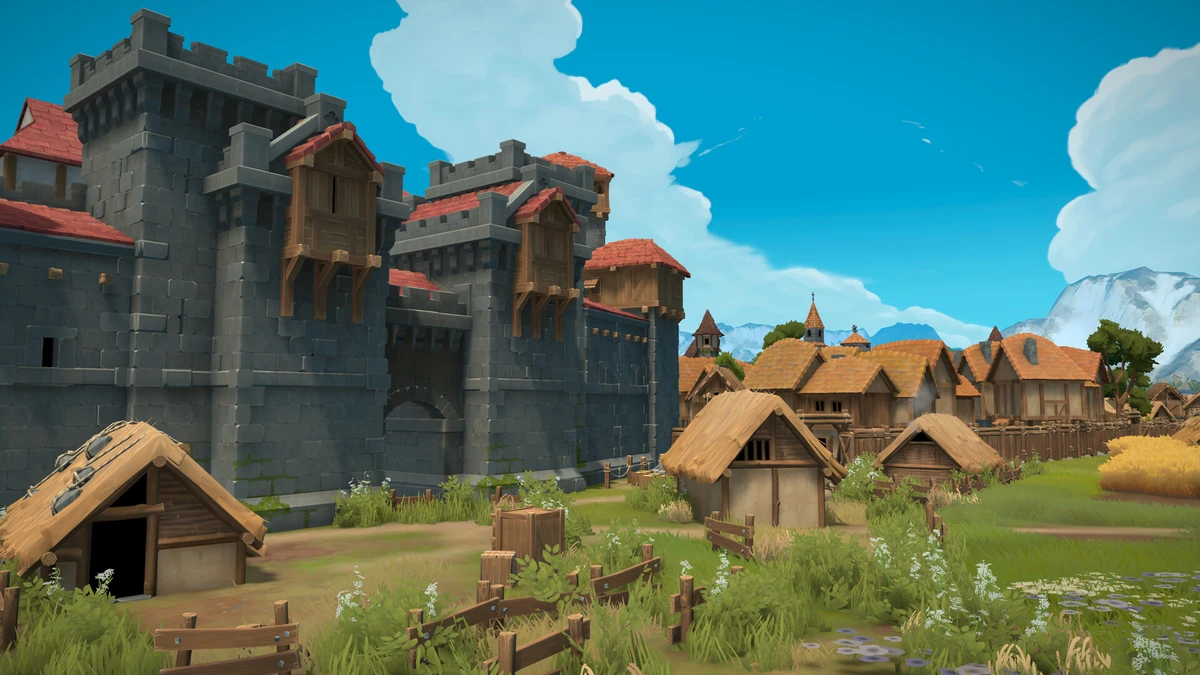
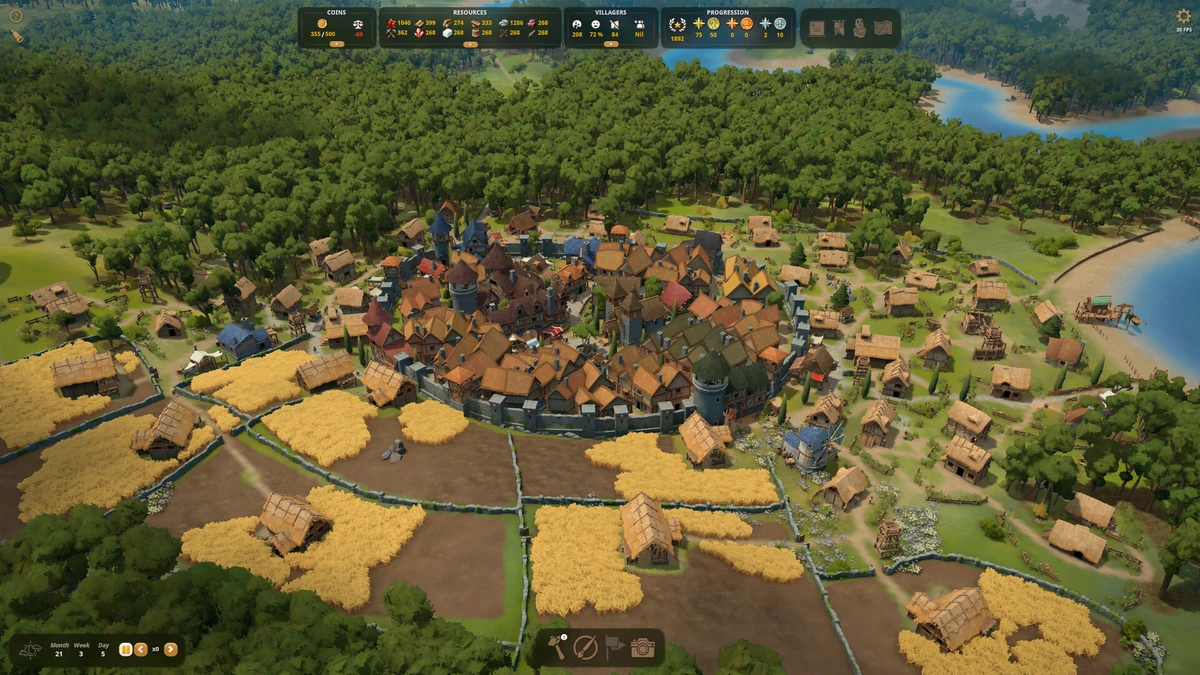
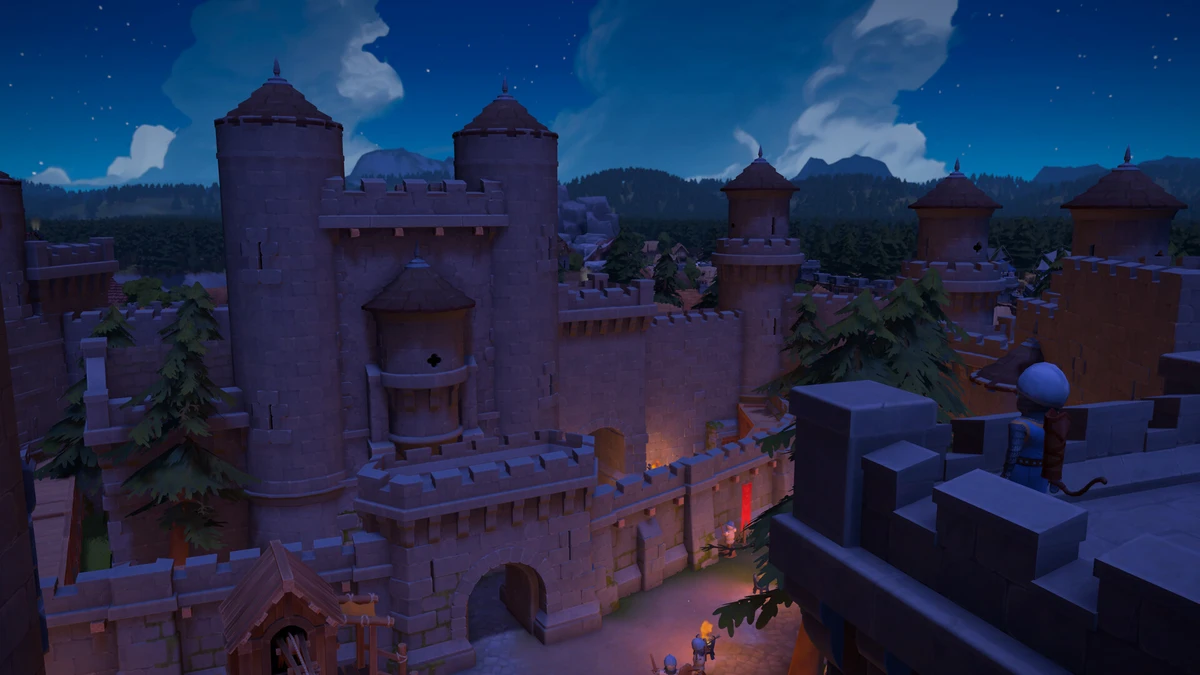


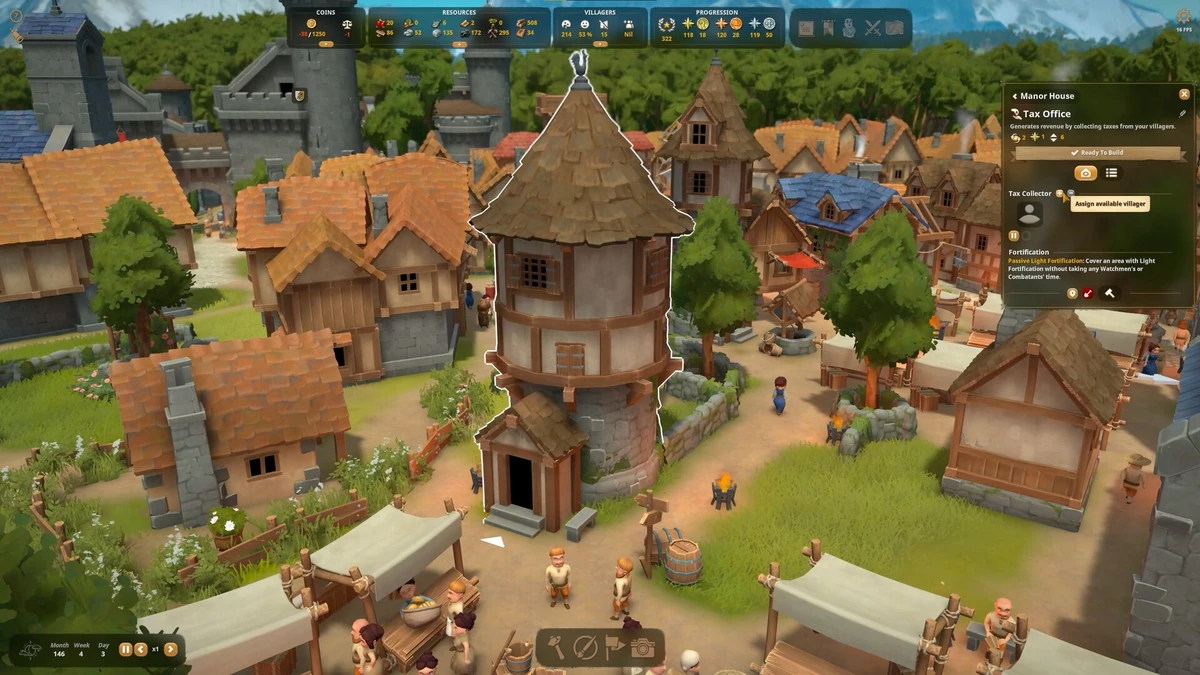
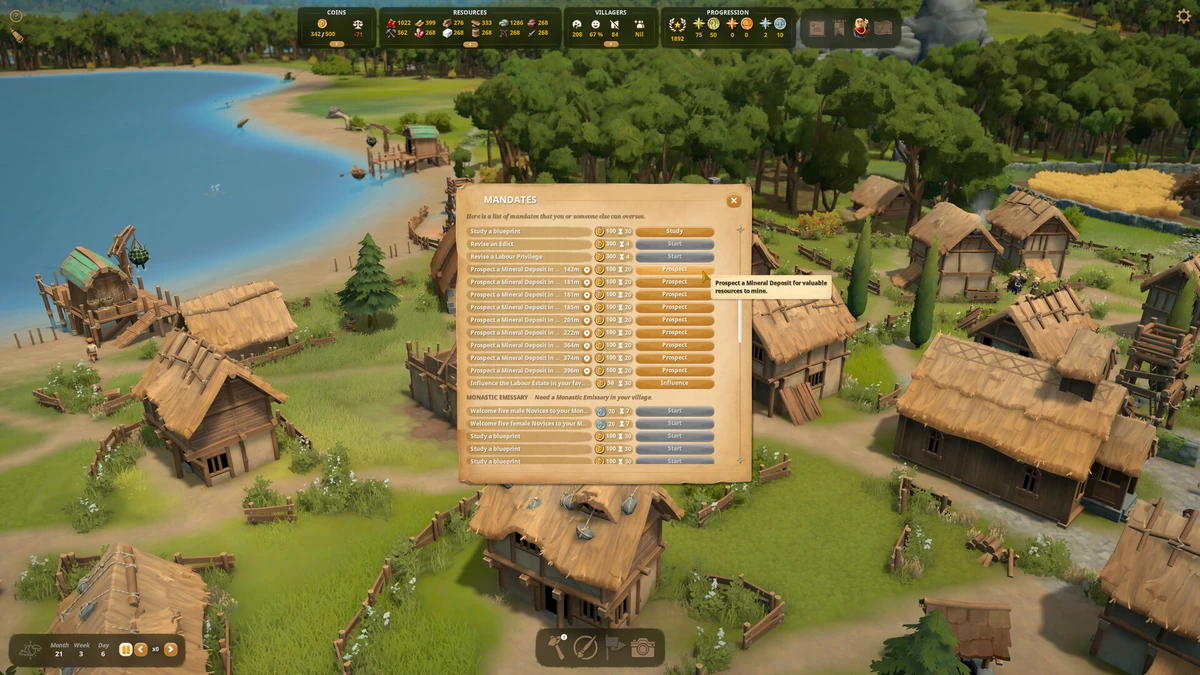
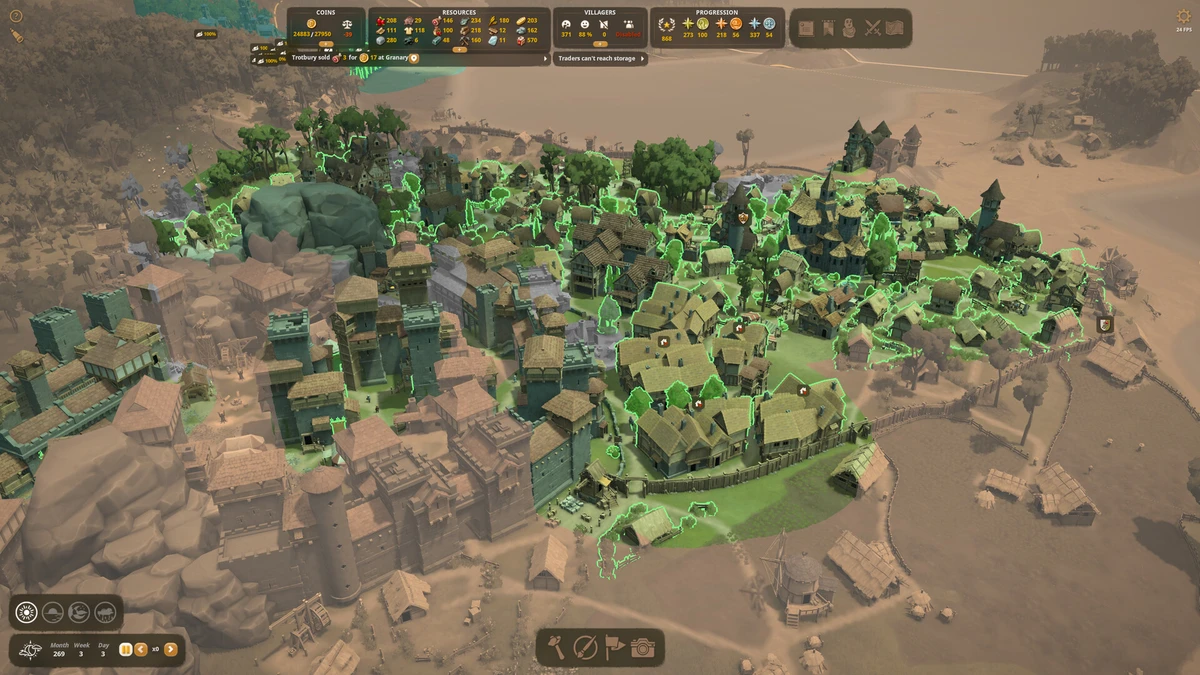
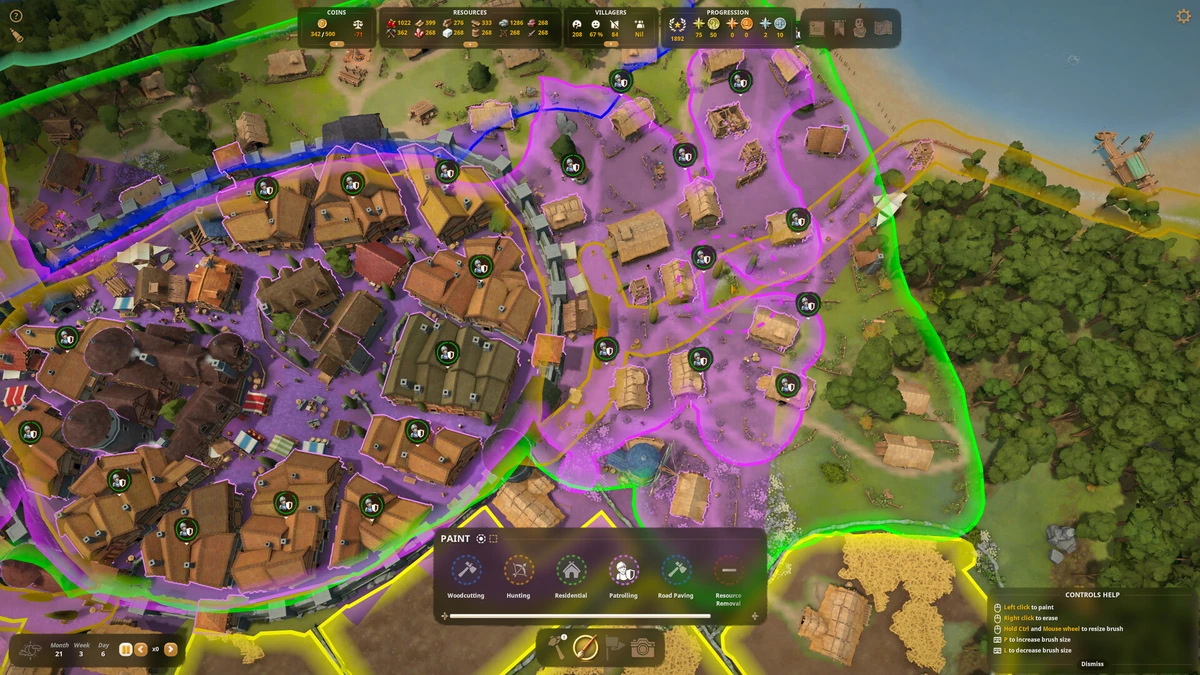
Foundation Beginners Guide Video
Watch this beginners guide for Foundation to jump in:
![Foundation 1.0 - Quick Start Guide and Tips [E1]](https://i.ytimg.com/vi/rMyaJrS8eZ4/hqdefault.jpg)
Foundation PC Requirements for Windows
Minimum:
- OS: Windows 10 64-bit (latest update)
- CPU: Intel Core i3-4130 or AMD Ryzen 3 1200
- RAM: 8 GB
- Storage: 5 GB free (SSD recommended)
- GPU: NVIDIA GTX 970 or AMD Radeon RX 470
- DirectX: Version 11
Recommended:
- OS: Windows 11 64-bit (latest update)
- CPU: Intel Core i7-6700 or AMD Ryzen 5 3600
- RAM: 12 GB
- Storage: 5 GB free (SSD)
- GPU: NVIDIA GTX 1060 or AMD RX 580
- DirectX: Version 11
Foundation on Windows FAQ
- Is it free? No, it’s $29.99, but there’s a demo.
- Can I play offline? Yes, after first setup.
- Does it run on Windows 11? Yes, works fine.
- What’s the download size? About 5 GB with updates.
Support and Community
Explore More Windows Games: The Last of Us Part II Remastered on PC, AtomFall, best simulation games on PC, best city building games on PC, Cities Skyline 2 on PC.