

Readers like you help support this site. When you make a purchase using links on our site, we may earn an affiliate commission. All opinions remain our own.


You will be able to download HASTE: Broken Worlds on Steam for Windows 10 and 11, launched April 1, 2025, with the first patch adding easier play and bug fixes. It’s also on PS5 and Xbox Series X/S, with no mobile version yet.
From Landfall Games, it’s got a ‘Very Positive’ Steam rating (86% positive from 1,100+ reviews) and mixes quick action with random levels. As fans, we like its speedy feel and fun moves. This guide covers installing it on Windows, its main features, and tips for new players. Tell us your best run below, or contact us for help.
How to Install HASTE: Broken Worlds on Windows 11 and 10
To play HASTE: Broken Worlds on your Windows PC, download it from Steam. Here’s how:
- Method 1: Steam
- Go to the Steam page: Steam.
- Click Add to Cart ($31.99, often cheaper).
- Log into your Steam account or make one.
- Finish the purchase and click Install in your Steam Library.
- Wait for the download (about 12 GB with updates).
- Start it from your Steam Library or desktop.
Quick Tip: 💡 Land running; it keeps your speed up.
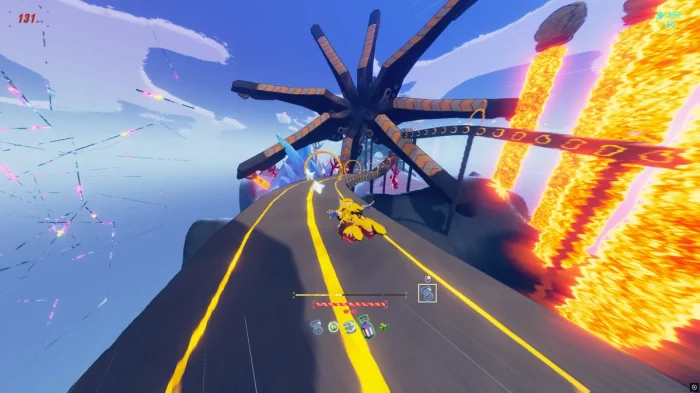

What is HASTE: Broken Worlds About?
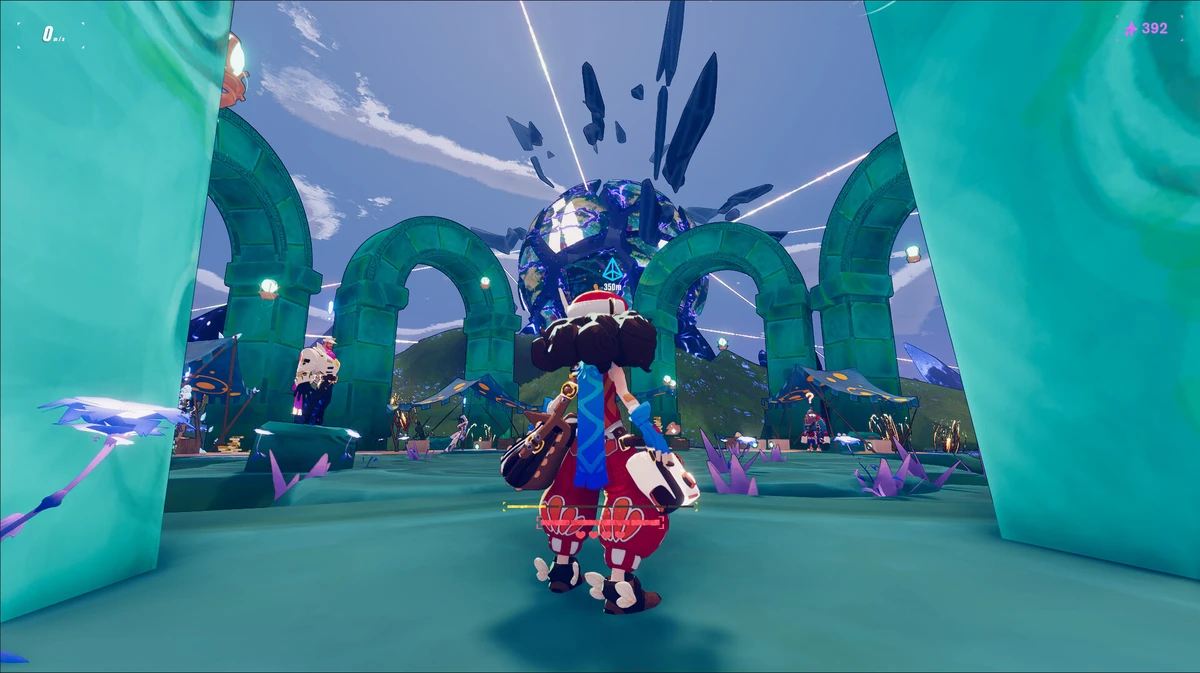
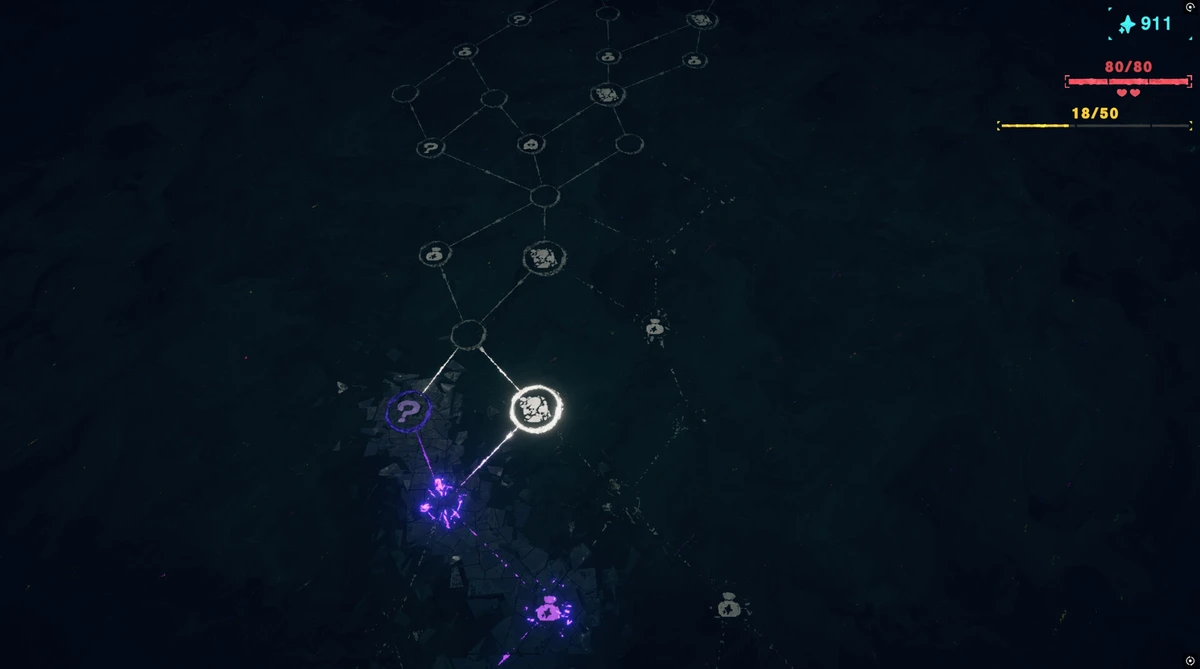
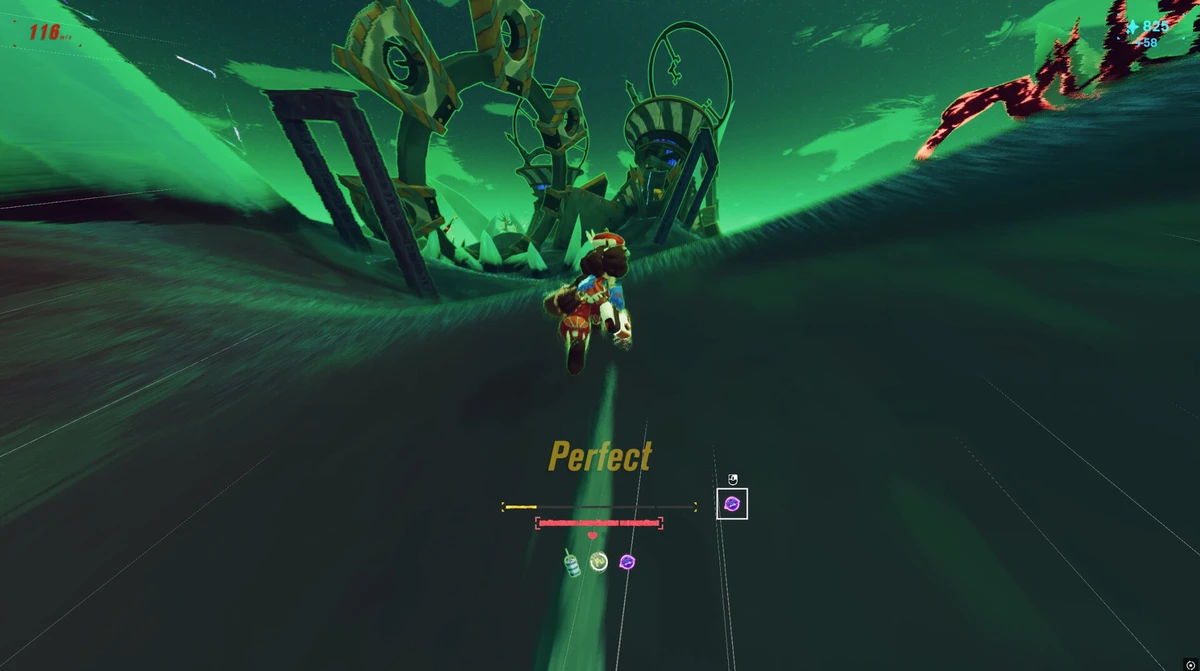
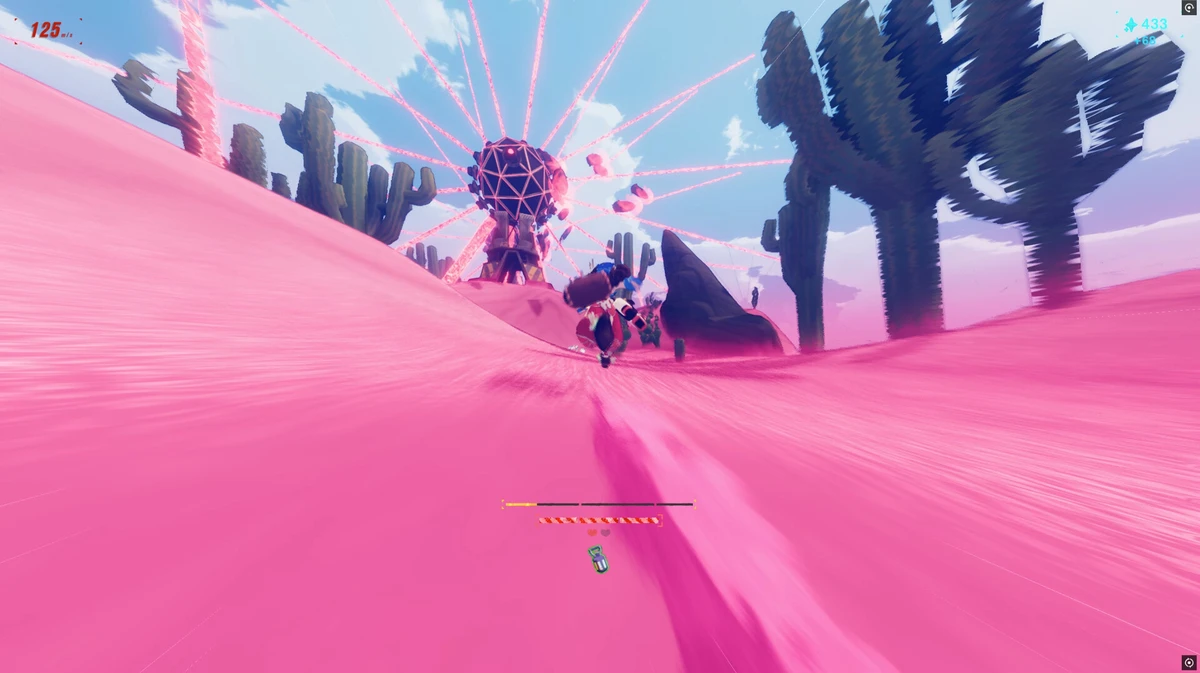
HASTE: Broken Worlds, launched April 1, 2025 by Landfall Games, is a fast running game for Windows 10 and 11, plus PS5 and Xbox Series X/S, where you dash through random levels in a universe that’s falling apart, trying to stay ahead of the collapse.
Main Gameplay: Run, jump, and slide through 10 big chunks of levels, picking up items to help you go faster. The first patch on April 3 makes it less hard and fixes bugs for better play.
Key Features
- Quick running action
- Random levels every time
- Over 90 items to grab
- Big worlds and 4 bosses
- Fun moves to master
Why Play HASTE: Broken Worlds on Windows?
Windows 10 and 11 give you smooth play, bright graphics, and easy controls for a full running game.
Tips for PC Beginners in HASTE: Broken Worlds
New to HASTE: Broken Worlds on PC? Here are five tips to get started:
- Set Keys: Put jump on a mouse button in Settings > Controls for fast leaps.
- Speed Up: Lower details in Graphics to avoid slowdowns.
- Keep Moving: Hit the ground running (map) to stay quick.
- Grab Items: Pick up speed boosts (map) early on.
- Watch Ahead: Look for gaps (map) to avoid crashing.
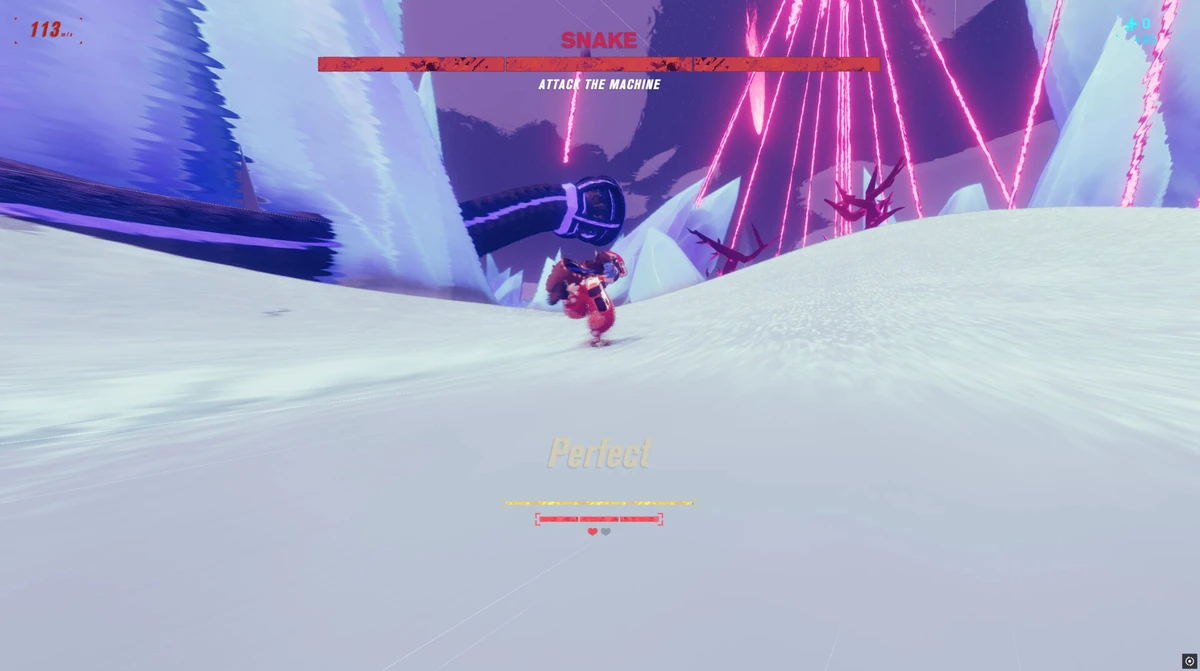
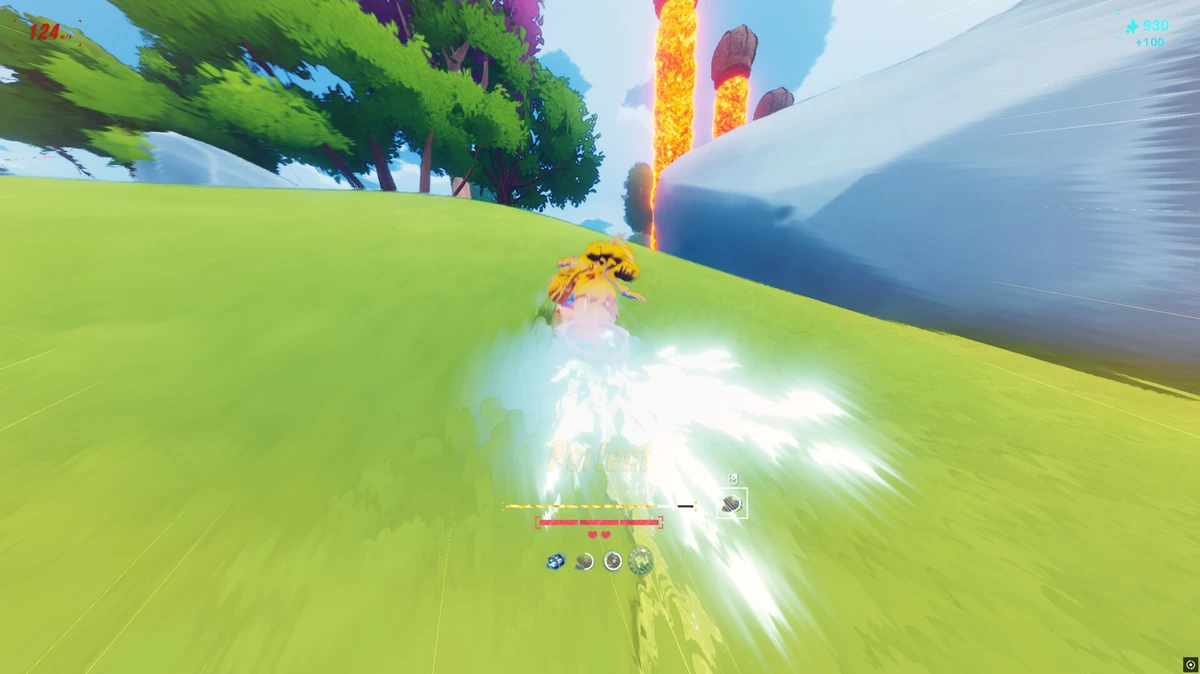
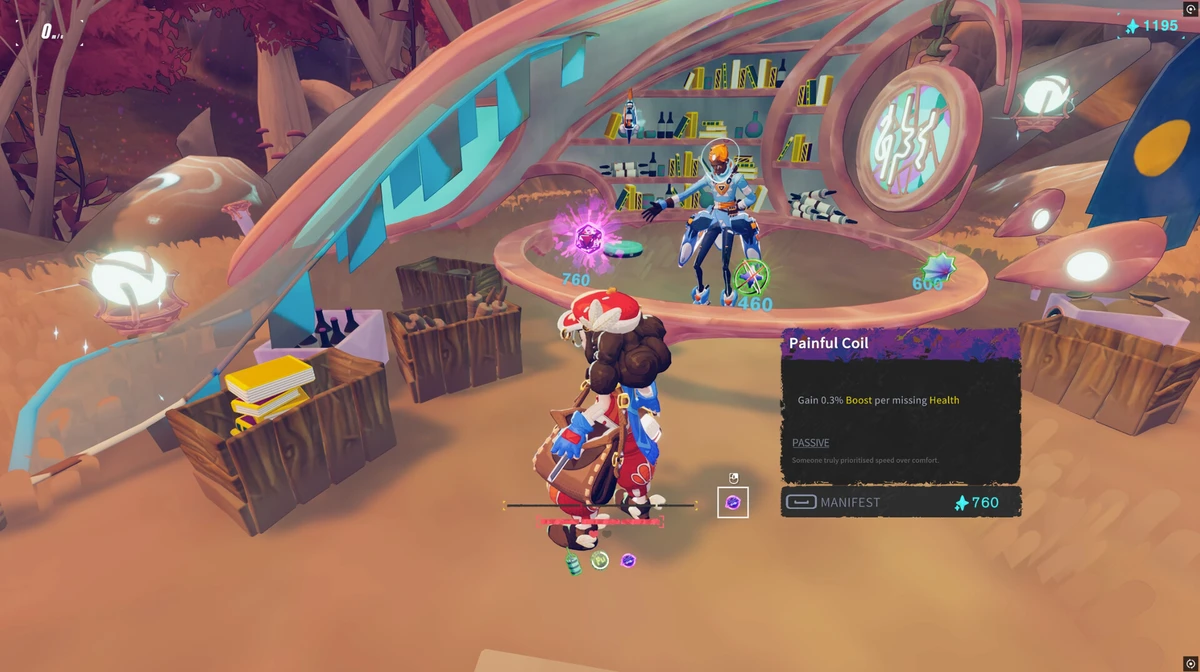
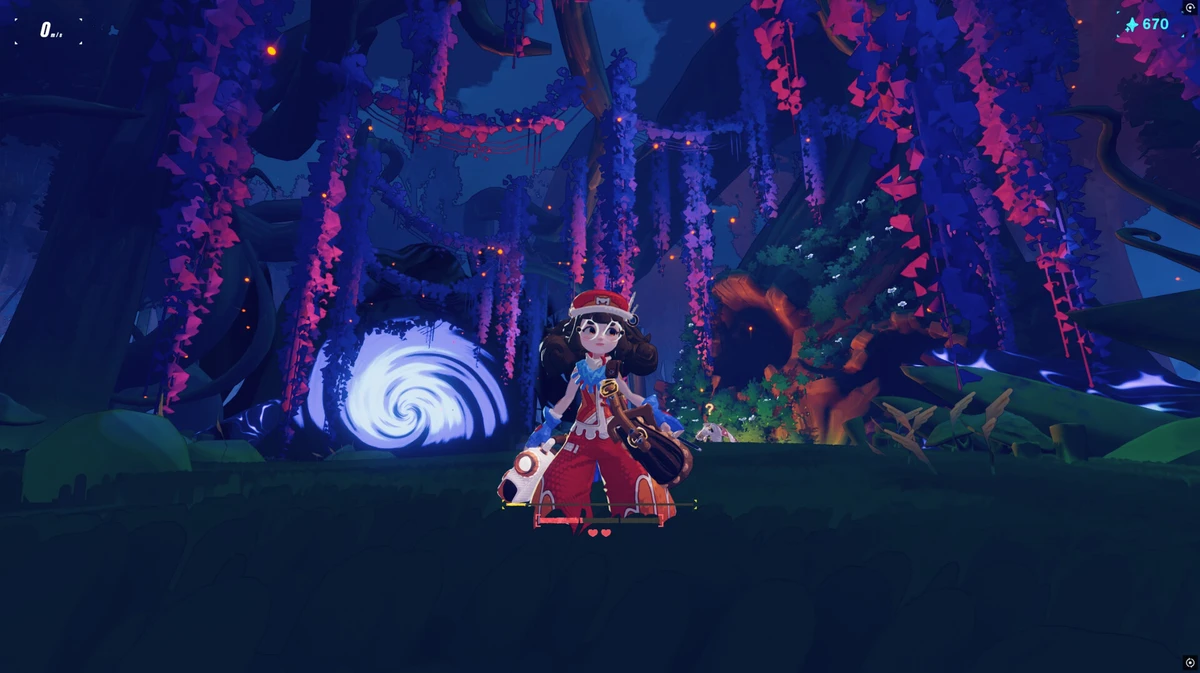
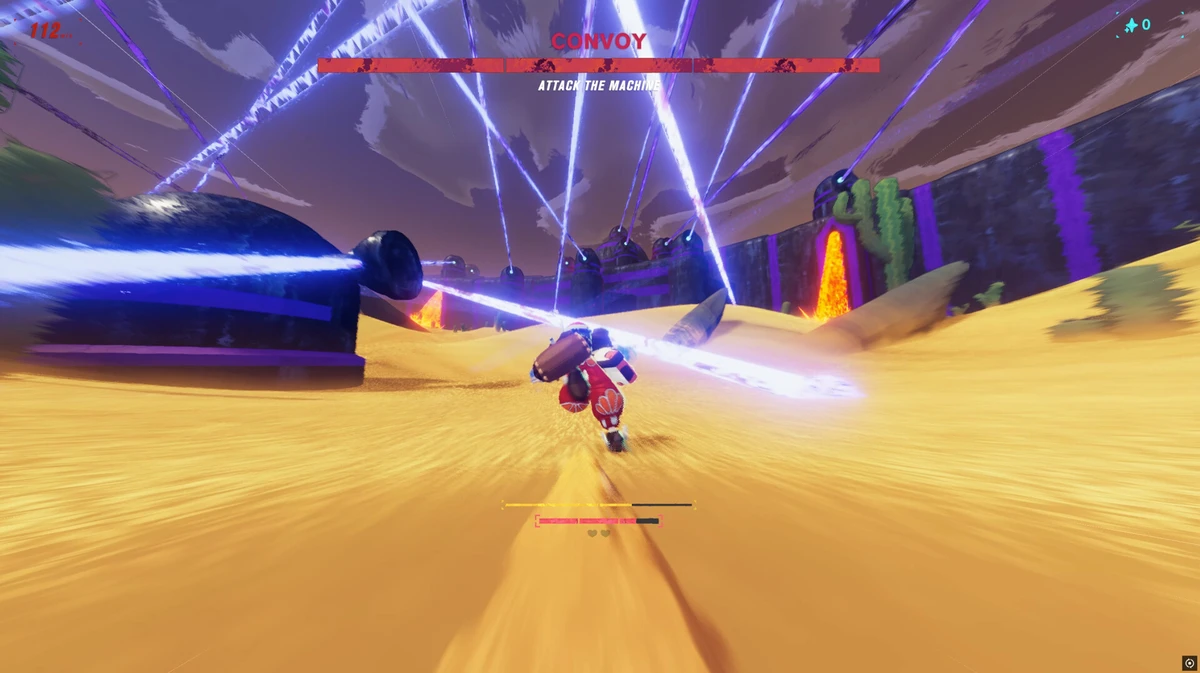
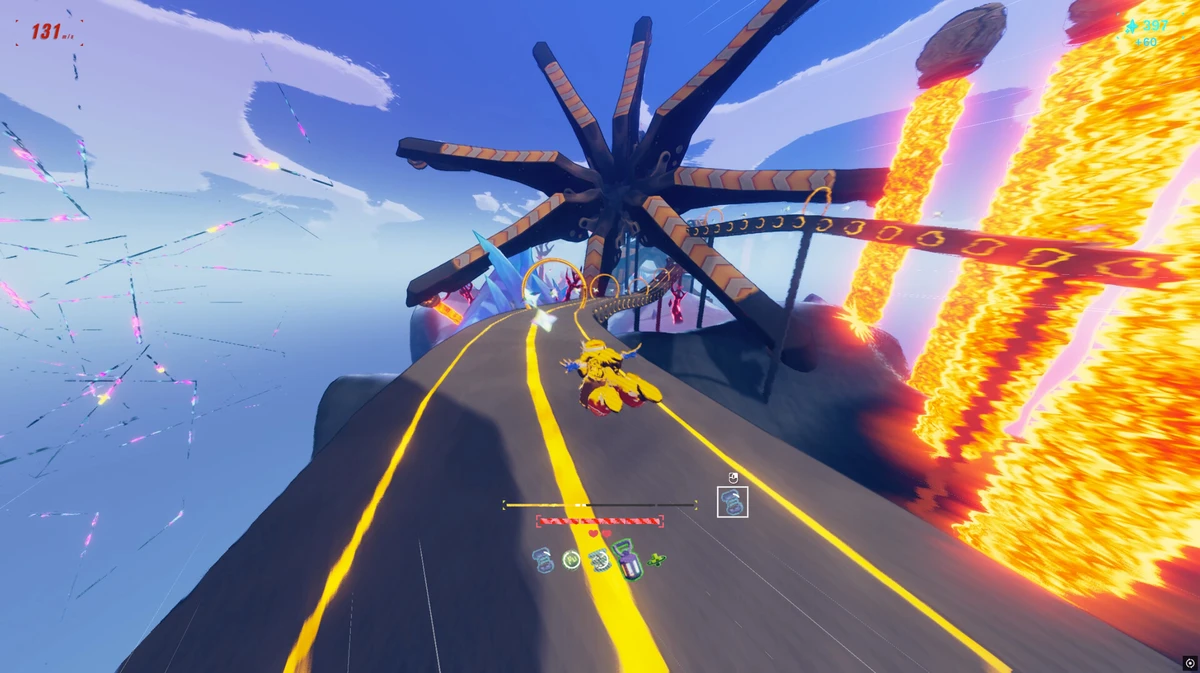
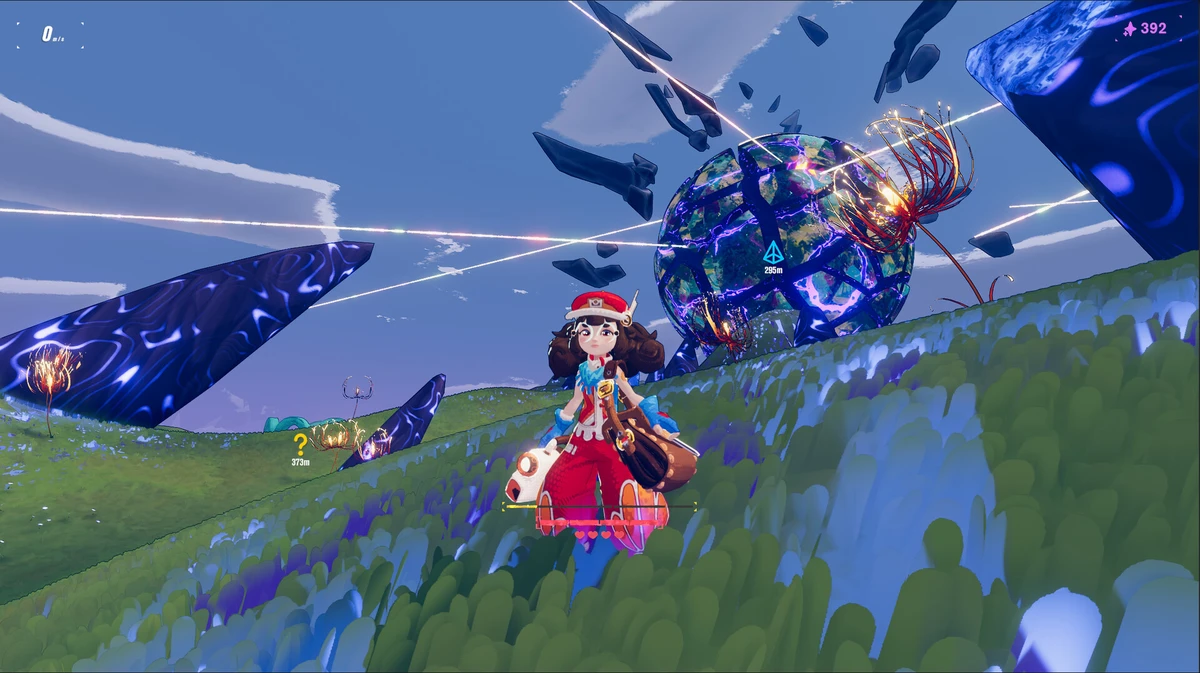
HASTE: Broken Worlds Gameplay Screenshots

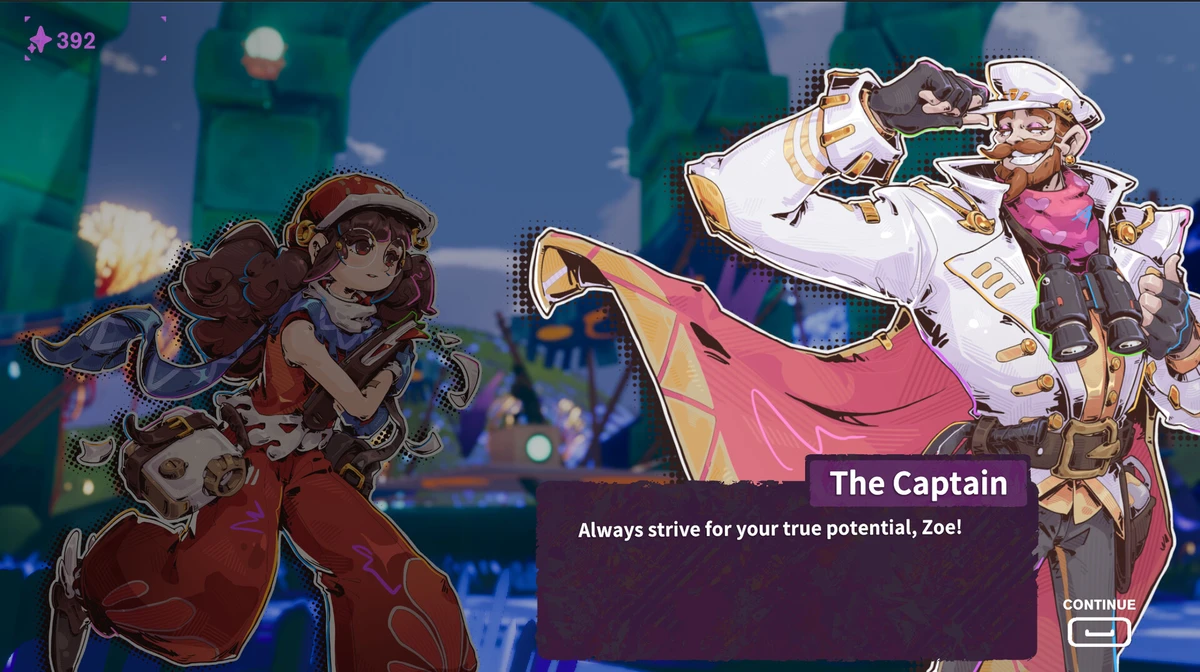
HASTE: Broken Worlds Beginners Guide Video
Watch this beginners guide for HASTE: Broken Worlds to jump in:

HASTE: Broken Worlds PC Requirements for Windows
Minimum:
- OS: Windows 10 64-bit (latest update)
- CPU: Intel Core i5-2500K or AMD FX-6300
- RAM: 8 GB
- Storage: 12 GB free (SSD recommended)
- GPU: NVIDIA GTX 970 or AMD RX 570
- DirectX: Version 11
Recommended:
- OS: Windows 11 64-bit (latest update)
- CPU: Intel Core i5-6600K or AMD Ryzen 5 1600
- RAM: 16 GB
- Storage: 12 GB free (SSD)
- GPU: NVIDIA RTX 2060 or AMD RX 6600
- DirectX: Version 11
HASTE: Broken Worlds on Windows FAQ
- Is it free? No, it’s $31.99.
- Can I play offline? Yes, after first setup.
- Does it run on Windows 11? Yes, works great.
- What’s the download size? About 12 GB with updates.
Support and Community
Explore More Windows Games: PEAK for PC, AI LIMIT, Best Racing Games, The Last of Us Part 2 for PC