

Readers like you help support this site. When you make a purchase using links on our site, we may earn an affiliate commission. All opinions remain our own.


You will be able to download Kingdom Come: Deliverance 2 on Steam for Windows 10 and 11, launched February 4, 2025, with the Patch 1.2 Update adding Barber mode and mod support. It’s also on PS5, Xbox Series X/S, and Game Pass, with no mobile version yet.
From Warhorse Studios and Deep Silver, it’s got a ‘Very Positive’ Steam rating (94% positive recently) and blends gritty realism with RPG depth.
This guide covers installing it on Windows, its standout features, and tips for new players.
Share your favorite quest below, or contact us for help.
How to Install Kingdom Come: Deliverance 2 on Windows 11 and 10
To play Kingdom Come: Deliverance 2 on your Windows PC, download it from Steam. Here’s how:
- Method 1: Steam
- Head to the Steam page: Steam.
- Click Add to Cart ($59.99, often discounted).
- Log into your Steam account or create one.
- Finish the purchase and hit Install in your Steam Library.
- Wait for the download (about 100 GB with updates).
- Launch it from your Steam Library or desktop.
Quick Tip: 💡 Master parrying early; it’s key to surviving tough fights.
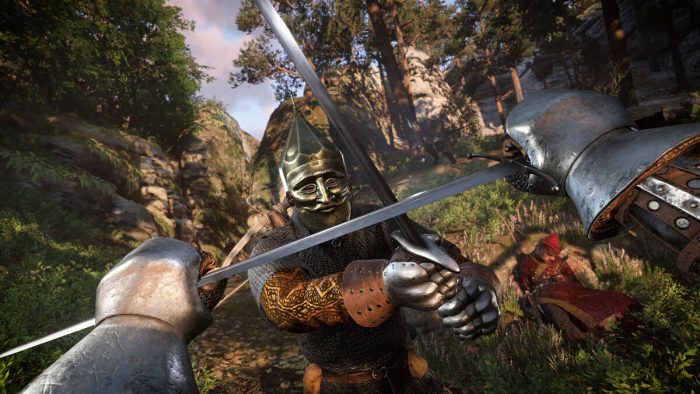

What is Kingdom Come: Deliverance 2 About?
Kingdom Come: Deliverance II, launched February 4, 2025 by Warhorse Studios and Deep Silver, is an action RPG for Windows 10 and 11, PS5, Xbox Series X/S, and Game Pass, set in 15th-century Bohemia, where Henry seeks revenge and purpose amid a civil war.
Core Gameplay: Explore two massive regions, Trosky and Kuttenberg, wield crossbows and firearms, and shape your fate with every choice. The Patch 1.2 Update adds Barber mode and Steamworks mod support for extra flair.
Key Features
- Choice-driven narrative
- Realistic combat
- Double-sized open world
- Crossbows and firearms
- Over 5 hours of cinematics
Why Play Kingdom Come: Deliverance II on Windows?
Windows 10 and 11 offer mod support, ultra-wide visuals, and smooth performance for an authentic medieval dive.
Tips for PC Beginners in Kingdom Come: Deliverance II
New to Kingdom Come: Deliverance II on PC? Here are five tips to shine:
- Remap Keys: Bind attack to a mouse button in Settings > Controls for precision.
- Boost FPS: Lower reflections in Graphics for fluid combat.
- Train First: Practice combos in Rattay to master timing.
- Gather Early: Loot herbs and gear (map) for survival.
- Talk Smart: Boost Charisma (stats) for better NPC deals.
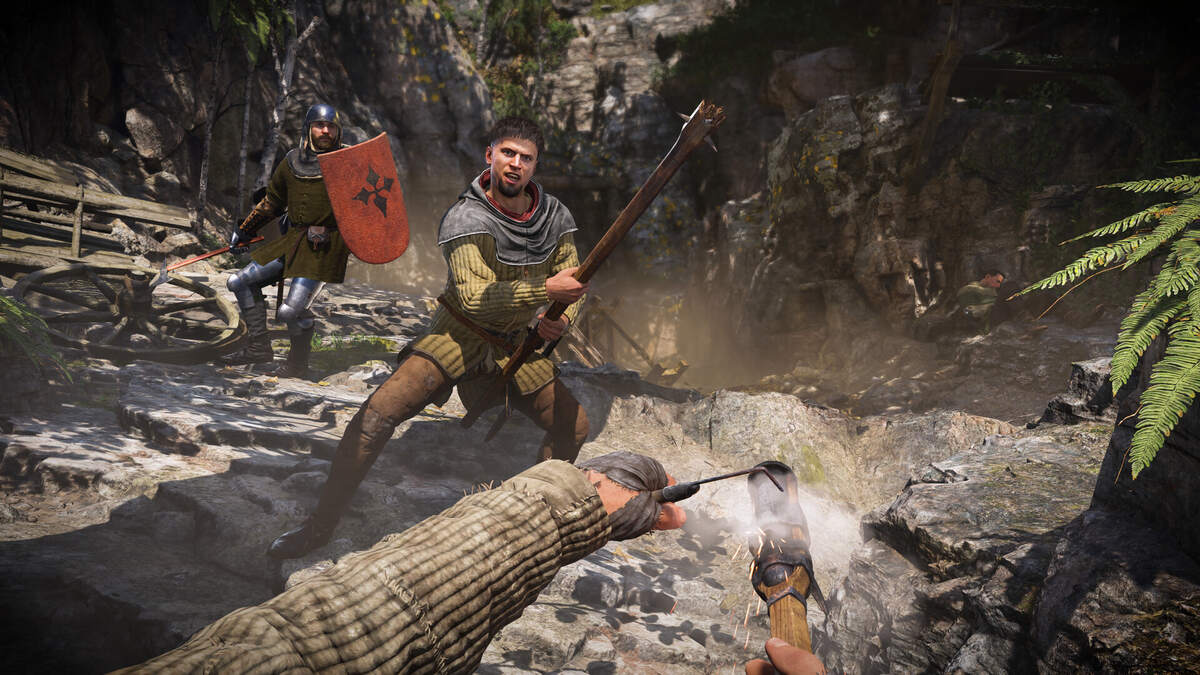
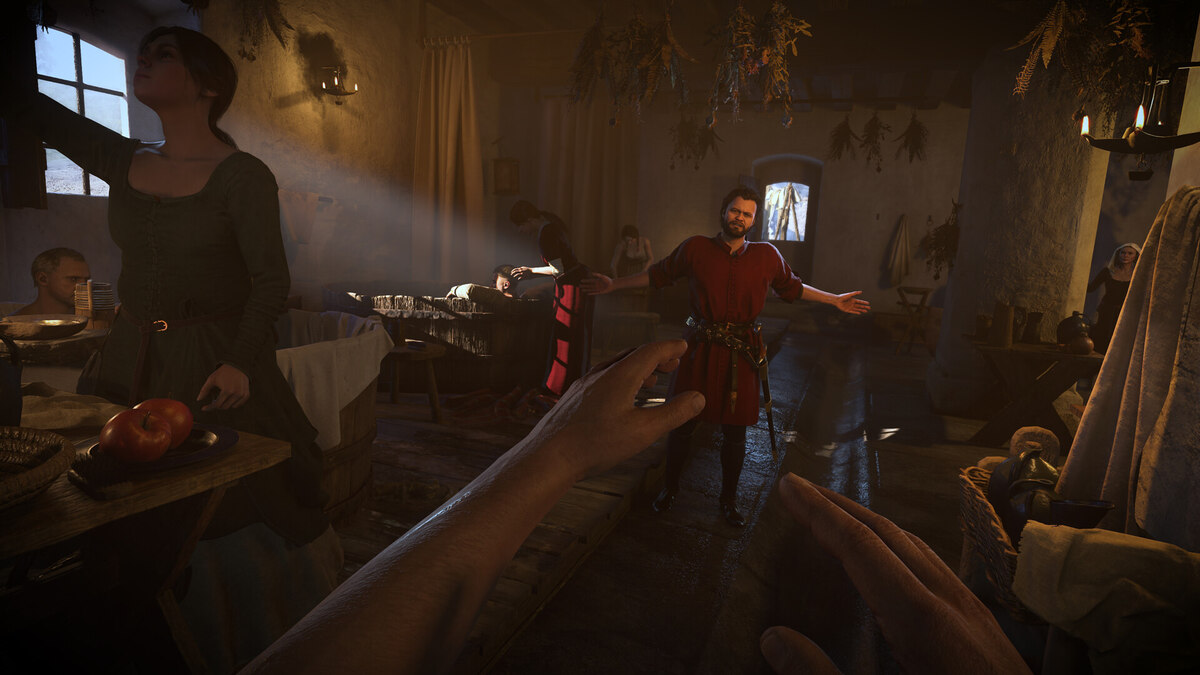
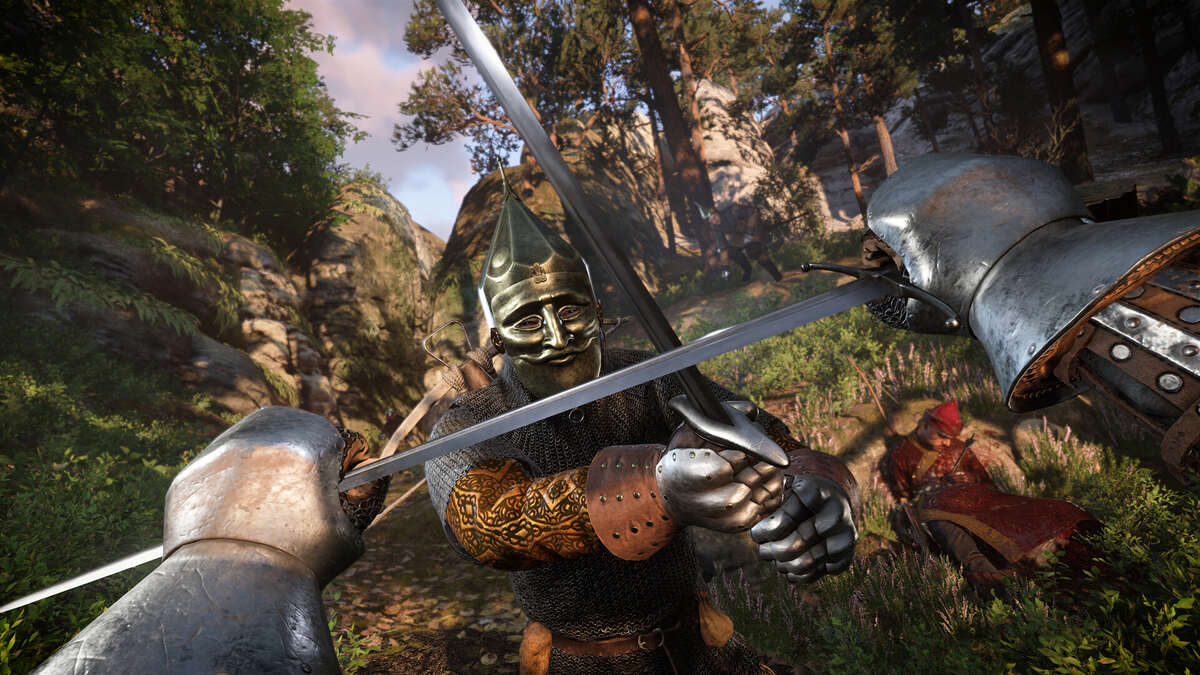
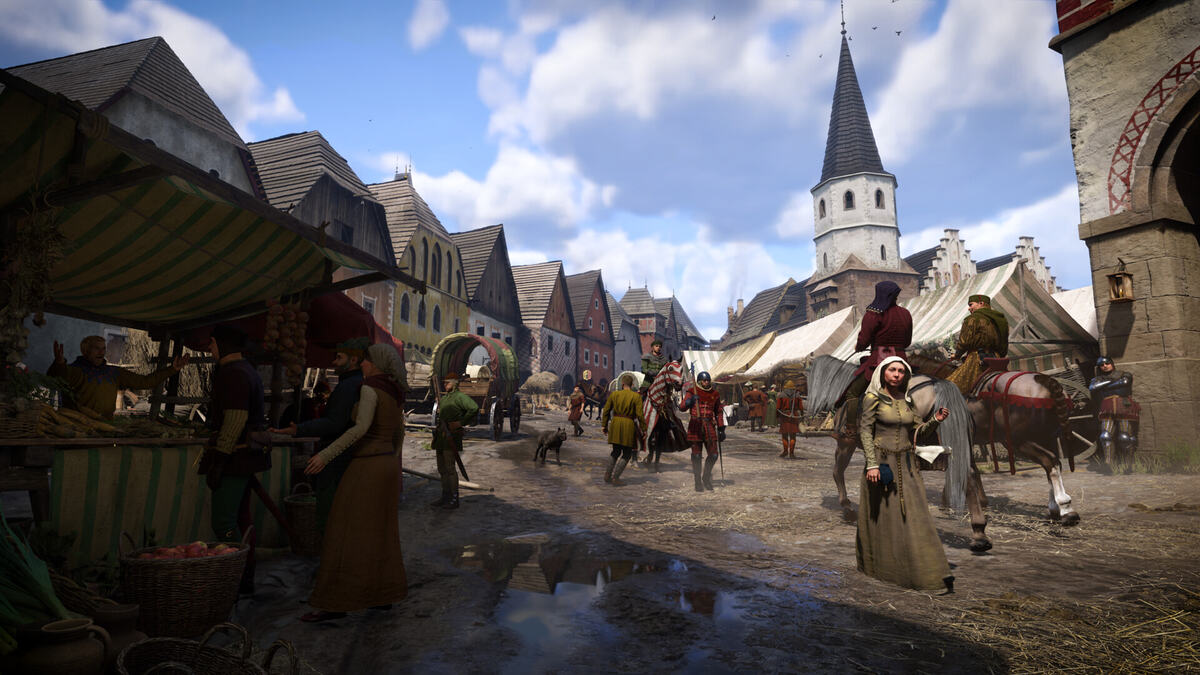
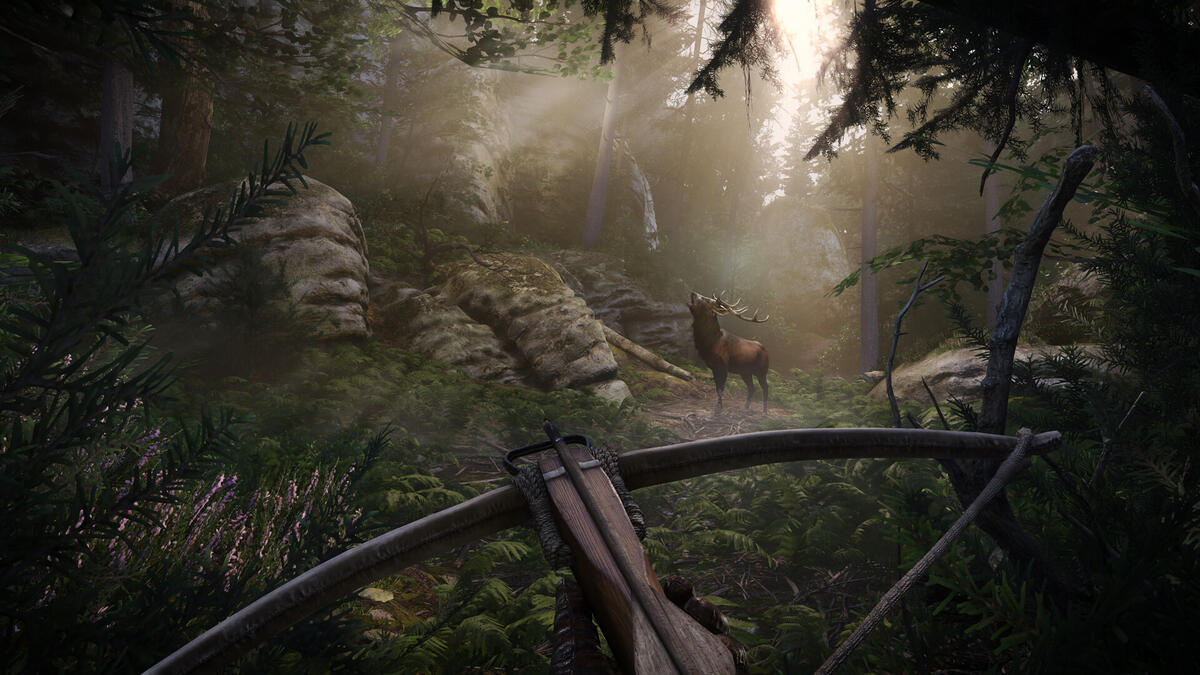
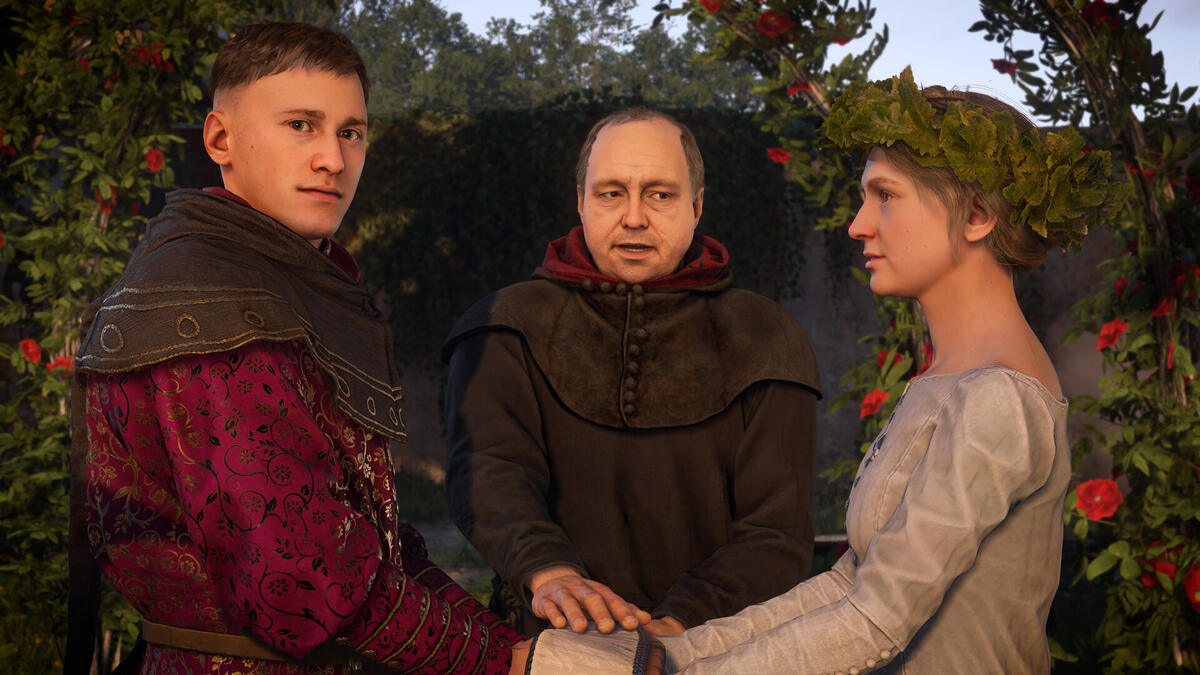
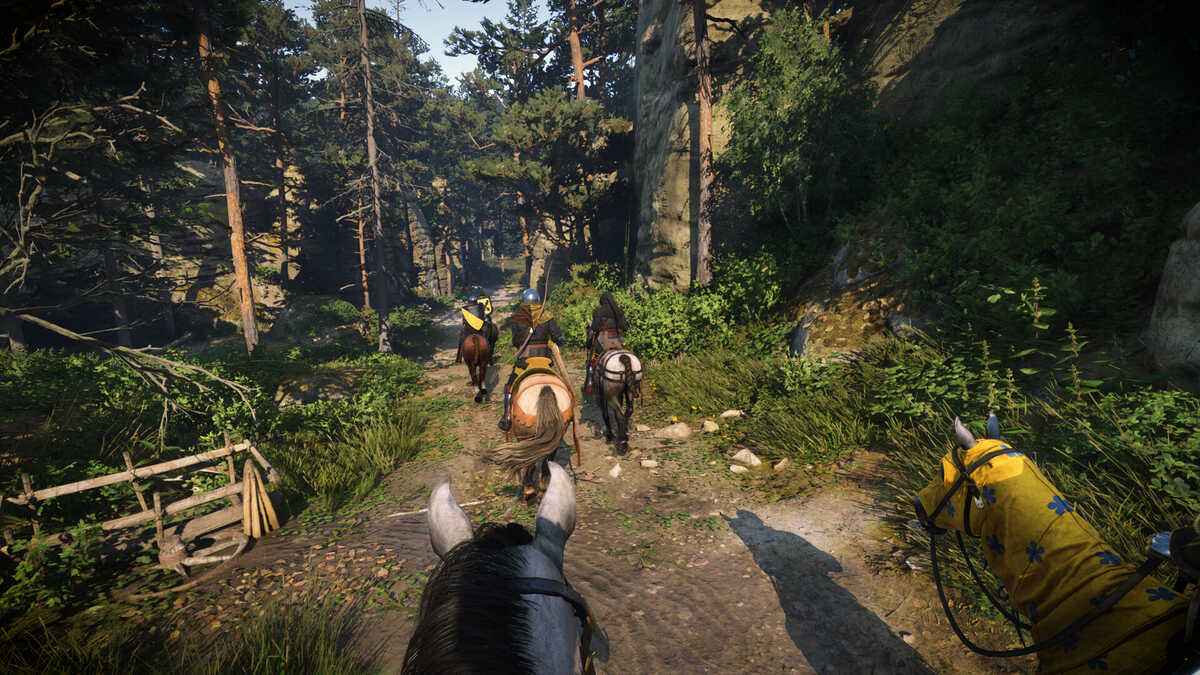
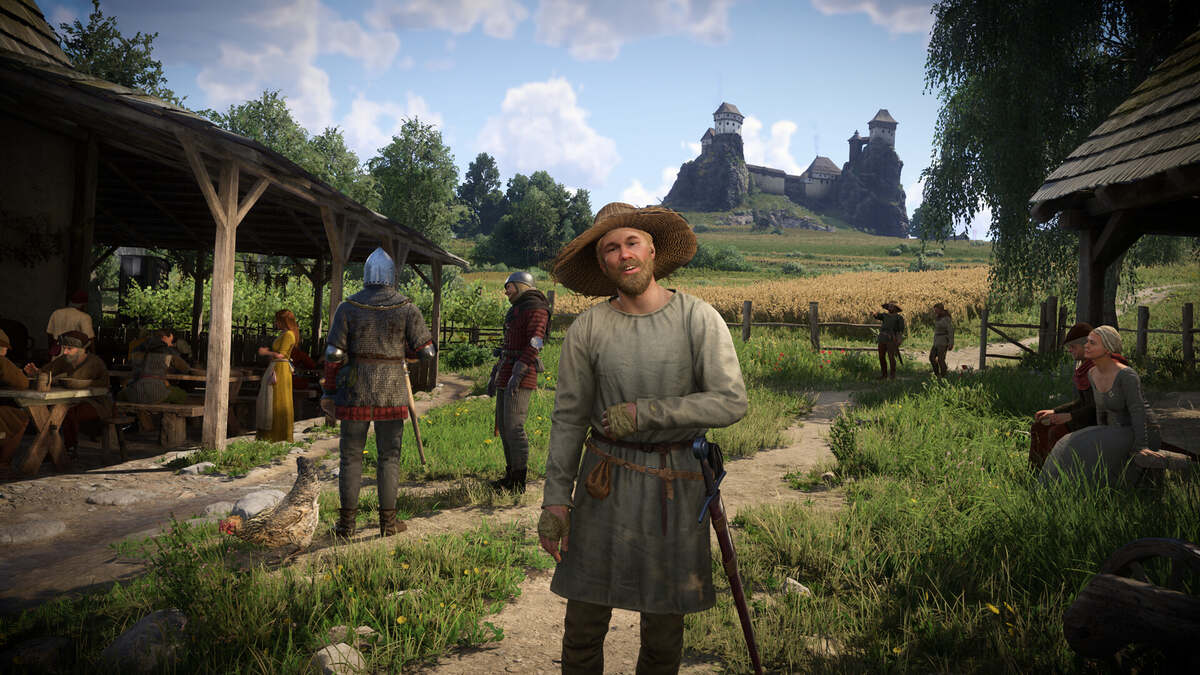
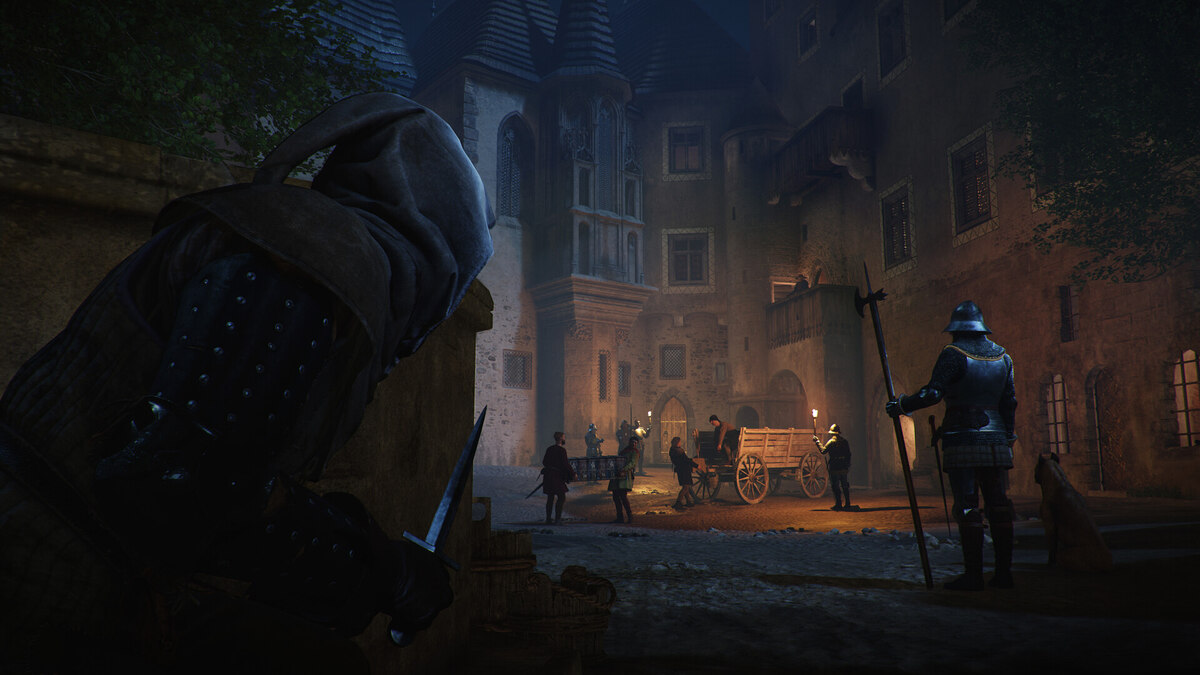
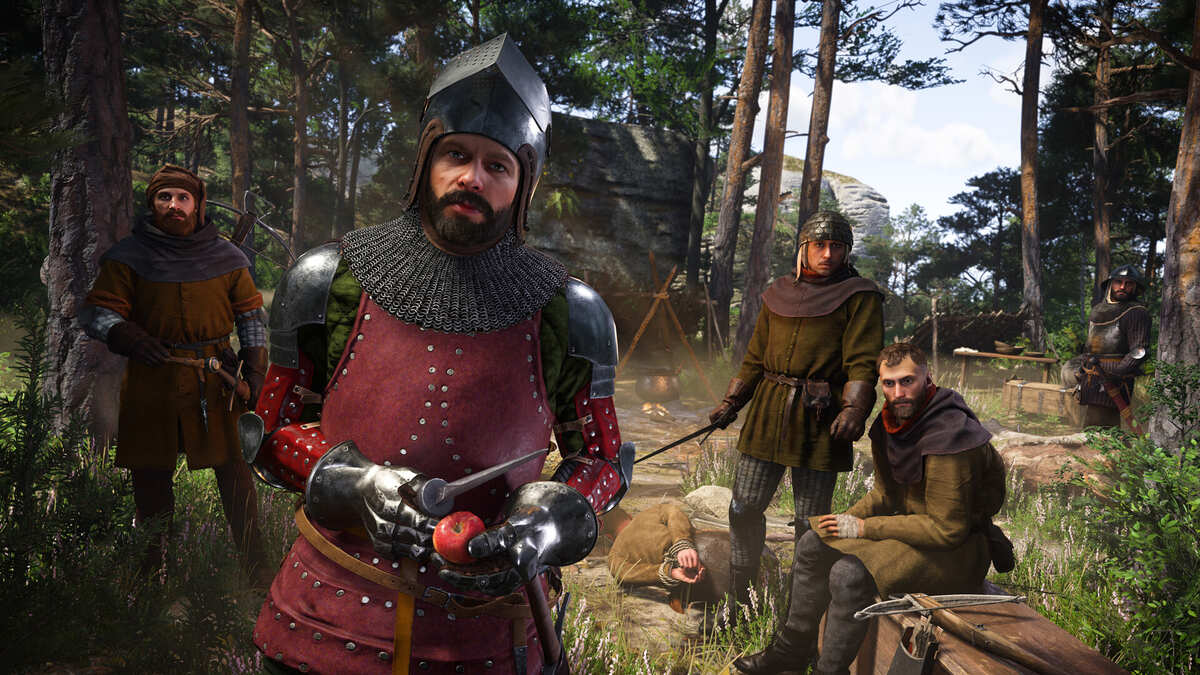
Kingdom Come: Deliverance II Gameplay Screenshots
Kingdom Come: Deliverance 2 Beginners Guide Video
Watch this beginners guide for Kingdom Come: Deliverance 2 to jump in:

Kingdom Come: Deliverance 2 PC Requirements for Windows
Minimum:
- OS: Windows 10 64-bit (latest update)
- CPU: Intel Core i5-8400 or AMD Ryzen 5 2600
- RAM: 16 GB
- Storage: 100 GB free (SSD required)
- GPU: NVIDIA GTX 1060 or AMD RX 580
- DirectX: Version 12
Recommended:
- OS: Windows 11 64-bit (latest update)
- CPU: Intel Core i5-13600K or AMD Ryzen 7 5800X
- RAM: 24 GB
- Storage: 100 GB free (SSD)
- GPU: NVIDIA RTX 3060 or AMD RX 6700 XT
- DirectX: Version 12
Kingdom Come: Deliverance 2 on Windows FAQ
- Is it free? No, it’s $59.99 (or Game Pass).
- Can I play offline? Yes, after initial setup.
- Does it run on Windows 11? Yes, seamlessly.
- What’s the download size? About 100 GB with updates.
Support and Community
Explore More Windows Games: Avowed, God of War Ragnarok, Best Adventure Games, Civilization 7 for PC