

Readers like you help support this site. When you make a purchase using links on our site, we may earn an affiliate commission. All opinions remain our own.


You will be able to download LEGO Marvel Super Heroes 2 on Steam for Windows 10 and 11, launched November 14, 2017, with the Season Pass DLC adding heroes like Black Panther and more levels. It’s also on PS4, Xbox One, Nintendo Switch, and no mobile yet.
Built by Traveller’s Tales, it’s a hit with a ‘Very Positive’ Steam rating and tons of fans loving the time-travel chaos.
As fans ourselves, we’re all about this sequel’s big Marvel mashup.
This guide covers installing it on Windows, its cool features, and tips for new players.
Tell us your favorite hero below, or contact us for help.
How to Install LEGO Marvel Super Heroes 2 on Windows 11 and 10
To play LEGO Marvel Super Heroes 2 on your Windows PC, download it via Steam. Here’s how:
- Method 1: Steam
- Head to the Steam page: Steam.
- Click Add to Cart ($29.99, often on sale).
- Log into your Steam account or make one.
- Finish the purchase and hit Install in your Steam Library.
- Wait for the download (about 25 GB with updates).
- Start it from your Steam Library or desktop.
Quick Tip: 💡 Switch to Groot early; his size clears crowds fast.


What is LEGO Marvel Super Heroes 2 About?
LEGO Marvel Super Heroes 2, launched November 14, 2017 by Traveller’s Tales, is an action-adventure game for Windows 10 and 11, PS4, Xbox One, and Nintendo Switch, set across time-twisted Marvel worlds where heroes fight Kang the Conqueror’s crazy plans.
Core Gameplay: Play as dozens of characters like Thor swinging his hammer or Star-Lord blasting foes, exploring spots from Sakaar to Chronopolis. The Season Pass DLC adds fresh stories and heroes for more fun.
Key Features
- Huge hero roster
- Time-travel worlds
- Power-packed action
- Co-op battles
- LEGO laughs
Why Play LEGO Marvel Super Heroes 2 on Windows?
It’s a blast. Windows 10 and 11 bring smooth gameplay, bright visuals, and solid controls in 2025.
Tips for PC Beginners in LEGO Marvel Super Heroes 2
New to LEGO Marvel Super Heroes 2 on PC? Here are five tips to shine:
- Set Keys: Map ‘special move’ to a mouse button in Options > Controls for quick action.
- Boost FPS: Drop shadows to Medium in Graphics for faster play.
- Start Easy: Pick Spider-Man first, his webs are simple to use.
- Mix Powers: Swap to Groot (roster) for smashing, then Rocket for gadgets.
- Grab Studs: Smash everything on the map to pile up studs quick.
LEGO Marvel Super Heroes 2 Gameplay Screenshots



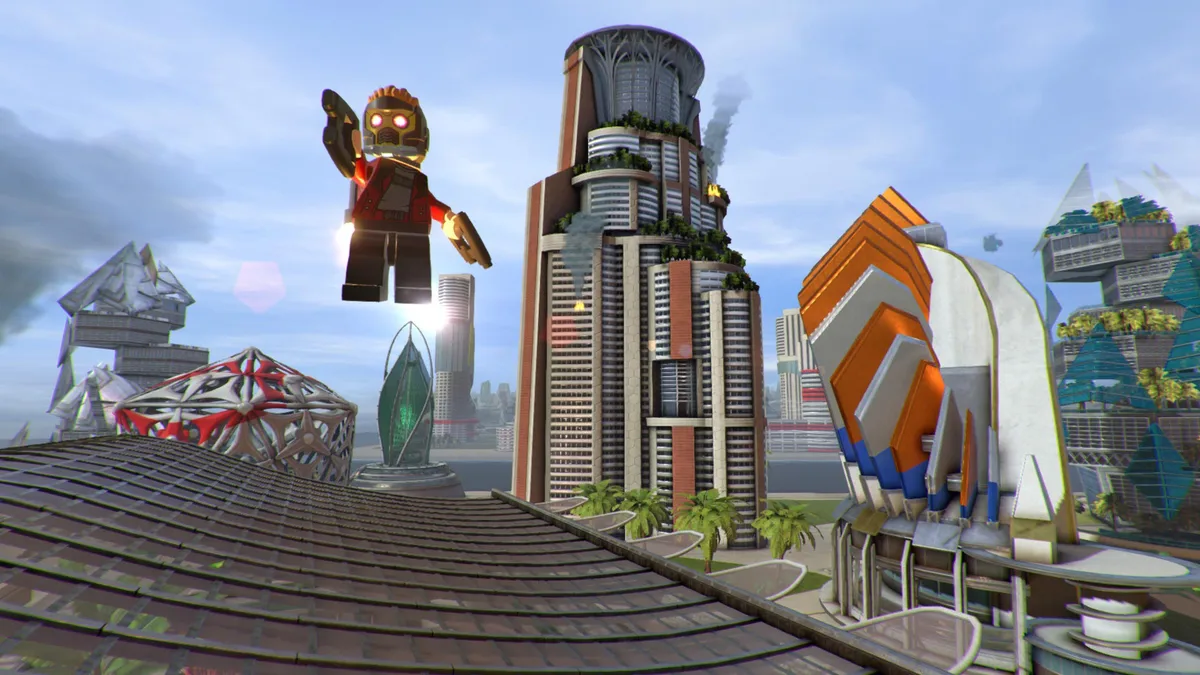
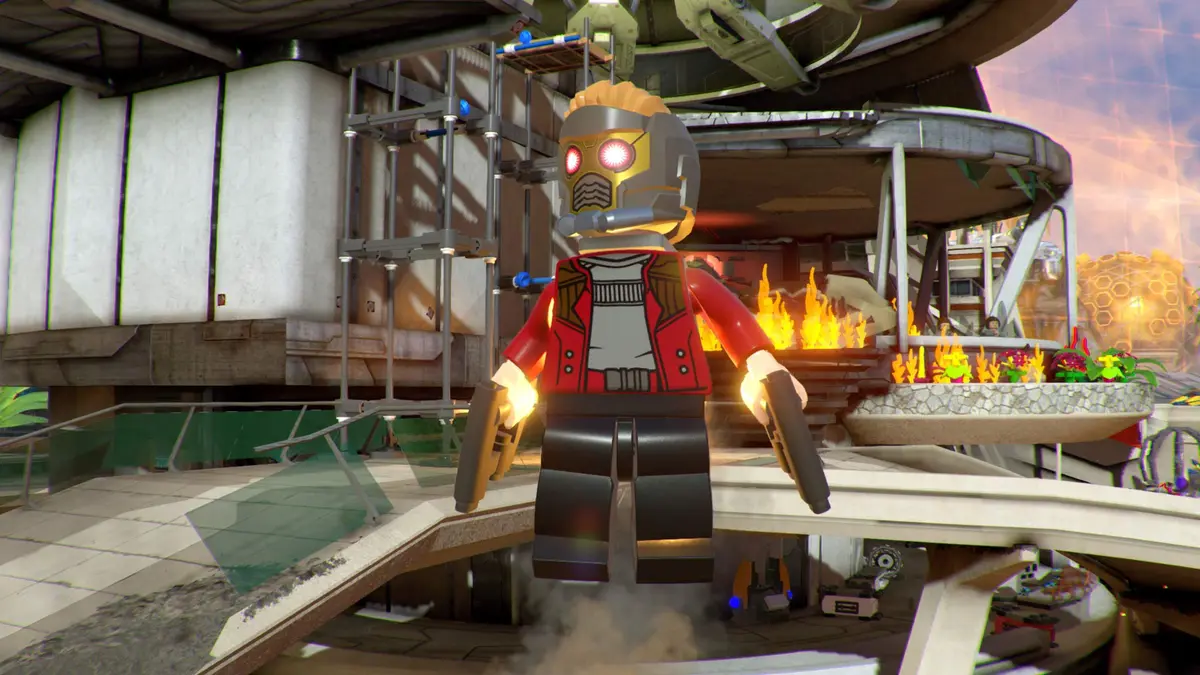
LEGO Marvel Super Heroes 2 Full Walkthrough Guide Video
Check out this guide for LEGO Marvel Super Heroes 2 players looking for a bit of help to beat certain levels:

LEGO Marvel Super Heroes 2 PC Requirements for Windows
Minimum:
- OS: Windows 10 64-bit
- CPU: Intel Core 2 Quad Q6600 or AMD Phenom X4 9850
- RAM: 4 GB
- Storage: 25 GB HDD
- GPU: NVIDIA GeForce GTX 480 or AMD Radeon HD 5850
- DirectX: Version 11
Recommended:
- OS: Windows 11 64-bit
- CPU: Intel Core i5-3470 or AMD FX-6300
- RAM: 4 GB
- Storage: 25 GB SSD
- GPU: NVIDIA GeForce GTX 750 Ti or AMD Radeon HD 7870
- DirectX: Version 11
LEGO Marvel Super Heroes 2 on Windows FAQ
- Is it free? No, it’s $29.99 (sales happen often).
- Can I play offline? Yes, works great without internet.
- Does it run on Windows 11? Yes, fully supported.
- What’s the download size? Around 25 GB with updates.
Support and Community
Explore More Windows Games: Marvel Snap, LEGO Marvel Super Heroes, Top Marvel Games for PC, Spider-Man: Miles Morales, Midnight Suns