

Readers like you help support this site. When you make a purchase using links on our site, we may earn an affiliate commission. All opinions remain our own.


You will be able to download LEGO Marvel Super Heroes on Steam for Windows 10 and 11, launched October 22, 2013, with the Super Pack and Asgard Pack DLC adding extra characters and levels. It’s also on PS4, Xbox One, Android, iOS and more.
Crafted by Traveller’s Tales, it’s sold millions and holds a ‘Very Positive’ Steam rating.
As fans, we love this huge Marvel crossover in LEGO form.
This guide covers installing it on Windows, its standout features, and tips for new players. Share your favorite hero below, or contact us for help.
How to Install LEGO Marvel Super Heroes on Windows 11 and 10
To play LEGO Marvel Super Heroes on your Windows PC, download it via Steam. Here’s how:
- Method 1: Steam
- Go to the Steam page: Steam.
- Click Add to Cart ($19.99, often on sale).
- Sign into your Steam account or set one up.
- Finish the purchase and hit Install in your Steam Library.
- Wait for the download (about 7 GB with updates).
- Launch it from your Steam Library or desktop.
Quick Tip: 💡 Use Hulk to smash big objects early; it speeds up collecting studs.
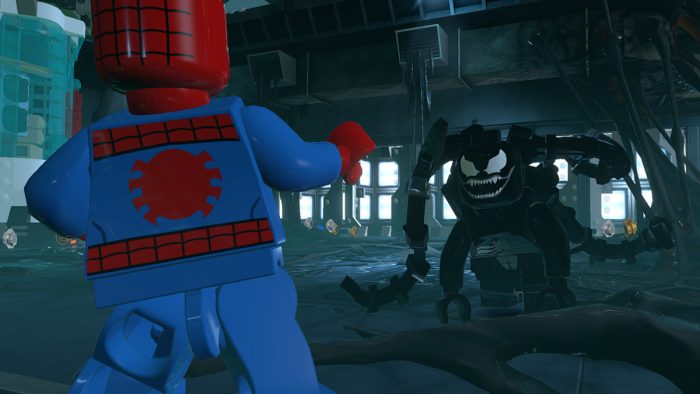

What is LEGO Marvel Super Heroes About?
LEGO Marvel Super Heroes, launched October 22, 2013 by Traveller’s Tales, is an action-adventure game for Windows 10 and 11, PS4, Xbox One, and more, set in a LEGO version of the Marvel Universe where heroes stop Loki’s world-ending weapon.
Core Gameplay: Control over 100 characters like Spider-Man swinging webs or Hulk smashing foes, exploring a brick-built New York. The Super Pack and Asgard Pack DLC bring more heroes and fun missions.
Key Features
- Tons of Marvel characters
- Brick-based New York
- Superpower action
- Co-op play
- Funny LEGO humor
Why Play LEGO Marvel Super Heroes on Windows?
It’s a joy. Windows 10 and 11 offer smooth framerates, sharp visuals, and easy controls in 2025.
Tips for PC Beginners in LEGO Marvel Super Heroes
New to LEGO Marvel Super Heroes on PC? Here are five tips to rock it:
- Set Keys: Map ‘attack’ to a mouse button in Options > Controls for quick hits.
- Boost FPS: Lower effects to Medium in Graphics for better speed.
- Start Easy: Play as Spider-Man first, his webs are simple to learn.
- Mix Powers: Swap to Hulk (roster) for smashing, then Iron Man for flying.
- Find Studs: Break everything in sight (map) to rack up cash fast.
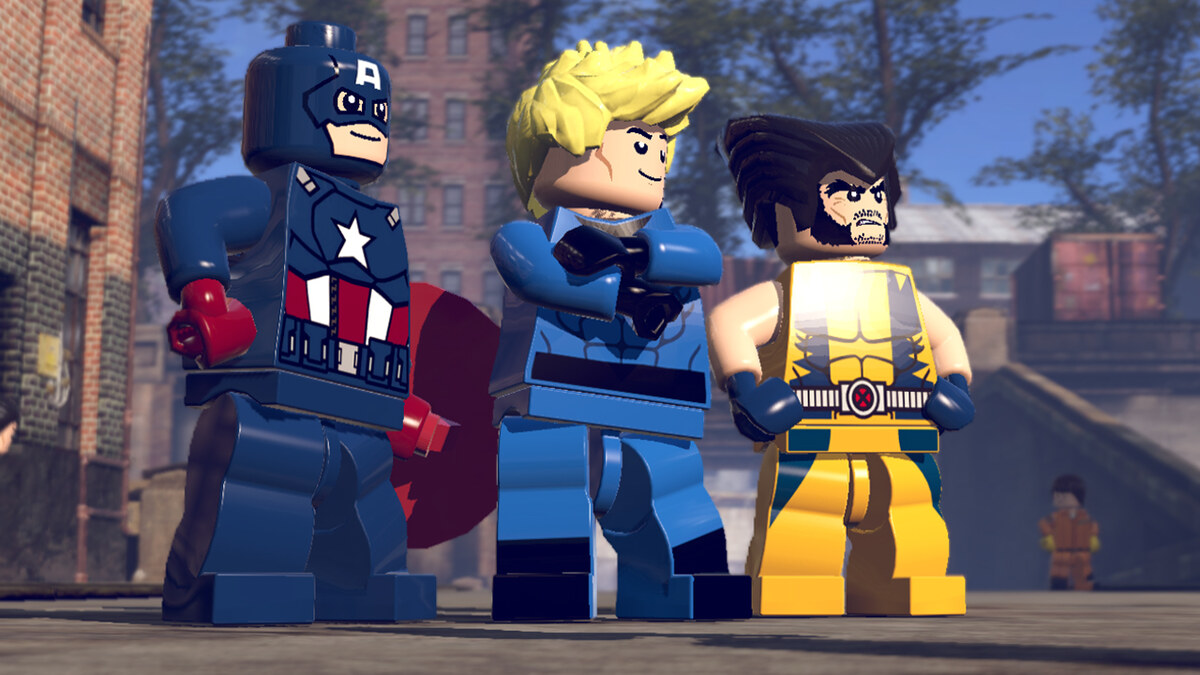
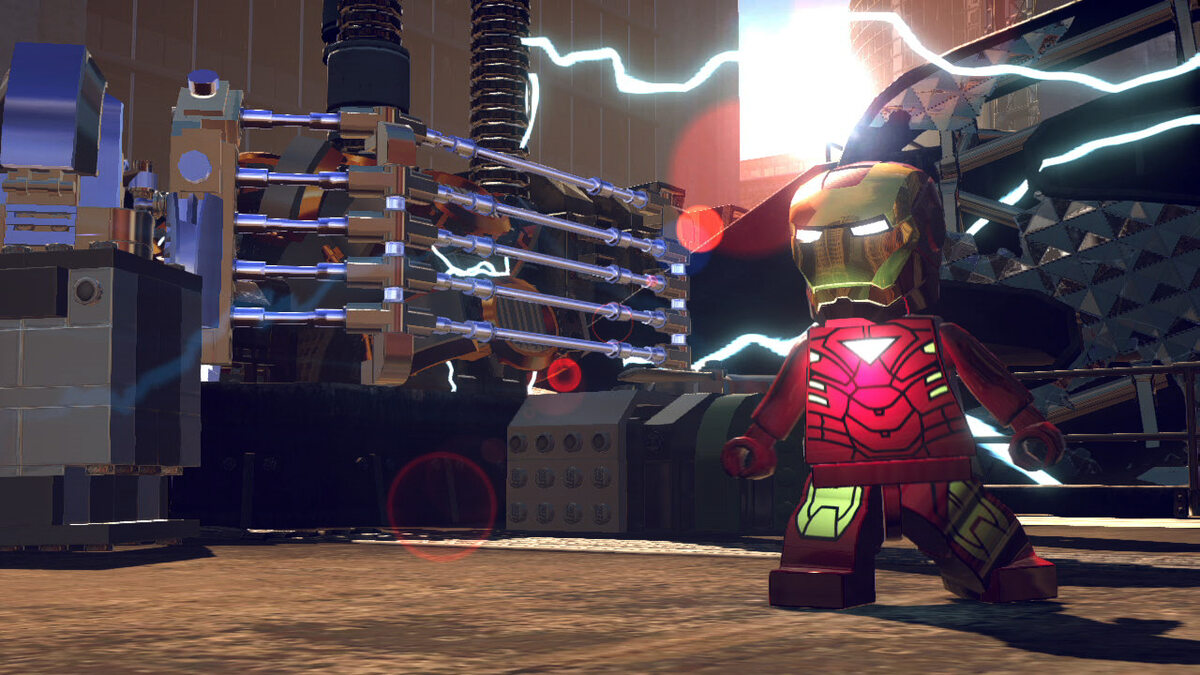
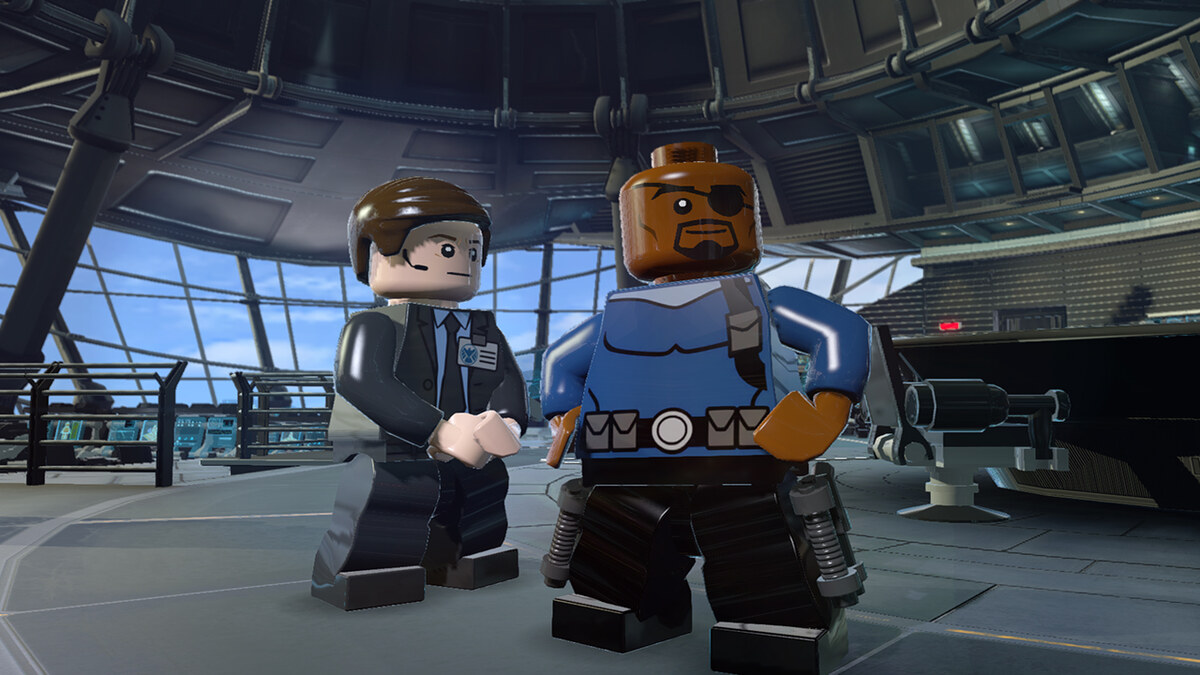
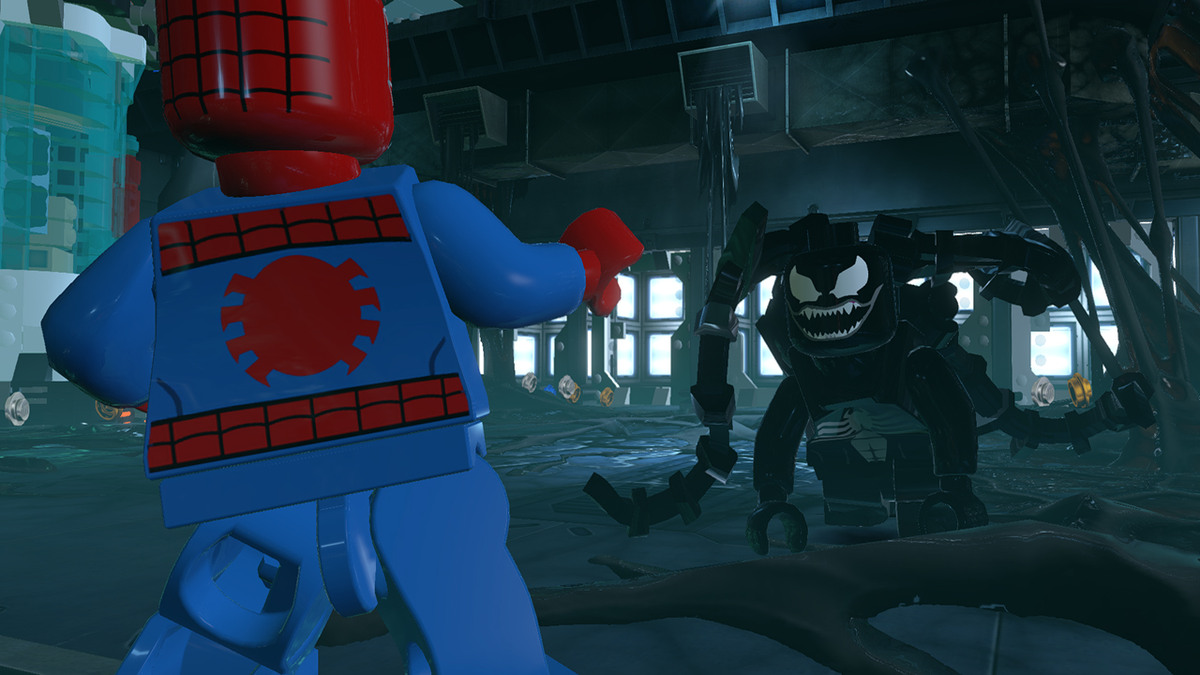
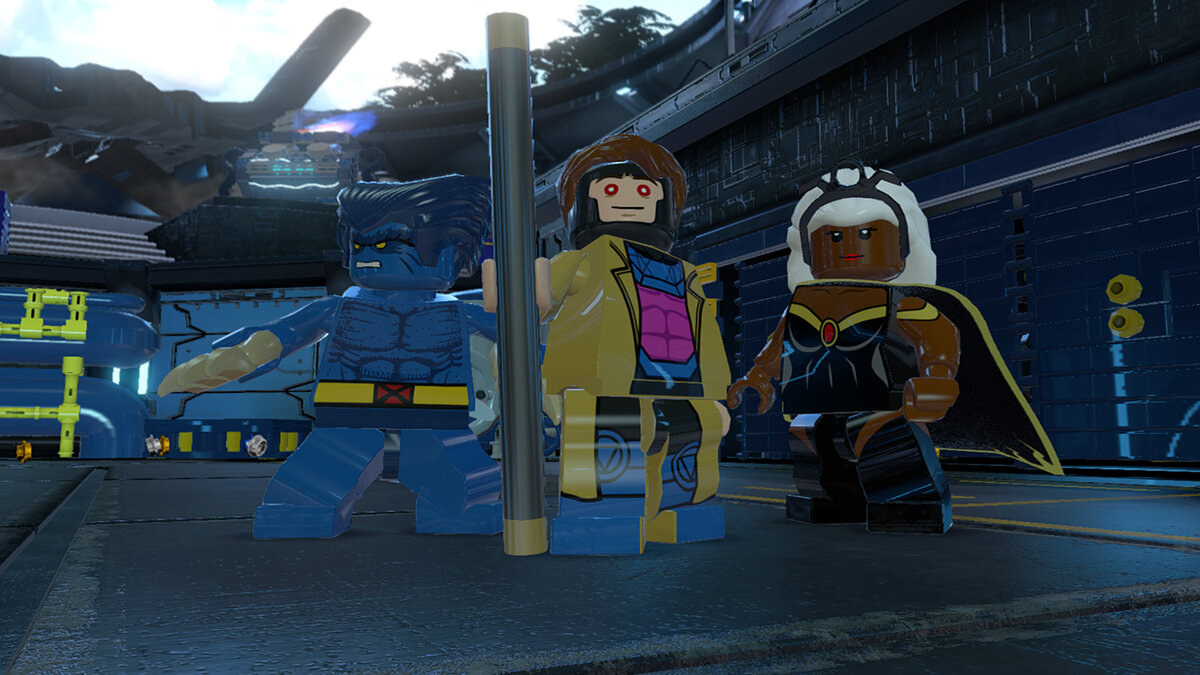
LEGO Marvel Super Heroes Gameplay Screenshots
LEGO Marvel Super Heroes Beginners Guide Video
Watch this beginners guide for LEGO Marvel Super Heroes to get rolling:

LEGO Marvel Super Heroes PC Requirements for Windows
Minimum:
- OS: Windows 10 64-bit
- CPU: AMD Athlon 64 X2 EE 3800+ or Intel Pentium Dual Core E2180
- RAM: 2 GB
- Storage: 7 GB HDD
- GPU: NVIDIA GeForce 7600 GS or ATI Radeon X1950 Pro
- DirectX: Version 10
Recommended:
- OS: Windows 11 64-bit
- CPU: AMD Quad Core or Intel Quad Core at 2.6 GHz
- RAM: 4 GB
- Storage: 8 GB SSD
- GPU: NVIDIA GeForce GTX 480 or ATI Radeon HD 5850
- DirectX: Version 11
LEGO Marvel Super Heroes on Windows FAQ
- Is it free? No, it’s $19.99 (discounts pop up sometimes).
- Can I play offline? Yes, works fine without internet.
- Does it run on Windows 11? Yes, fully supported.
- What’s the download size? About 7 GB with updates.
Support and Community
Explore More Windows Games: Marvel’s Spider-Man: Miles Morales, Best Marvel Games for PC, Marvel Rivals for PC, LEGO Marvel Super Heroes 2