

Readers like you help support this site. When you make a purchase using links on our site, we may earn an affiliate commission. All opinions remain our own.
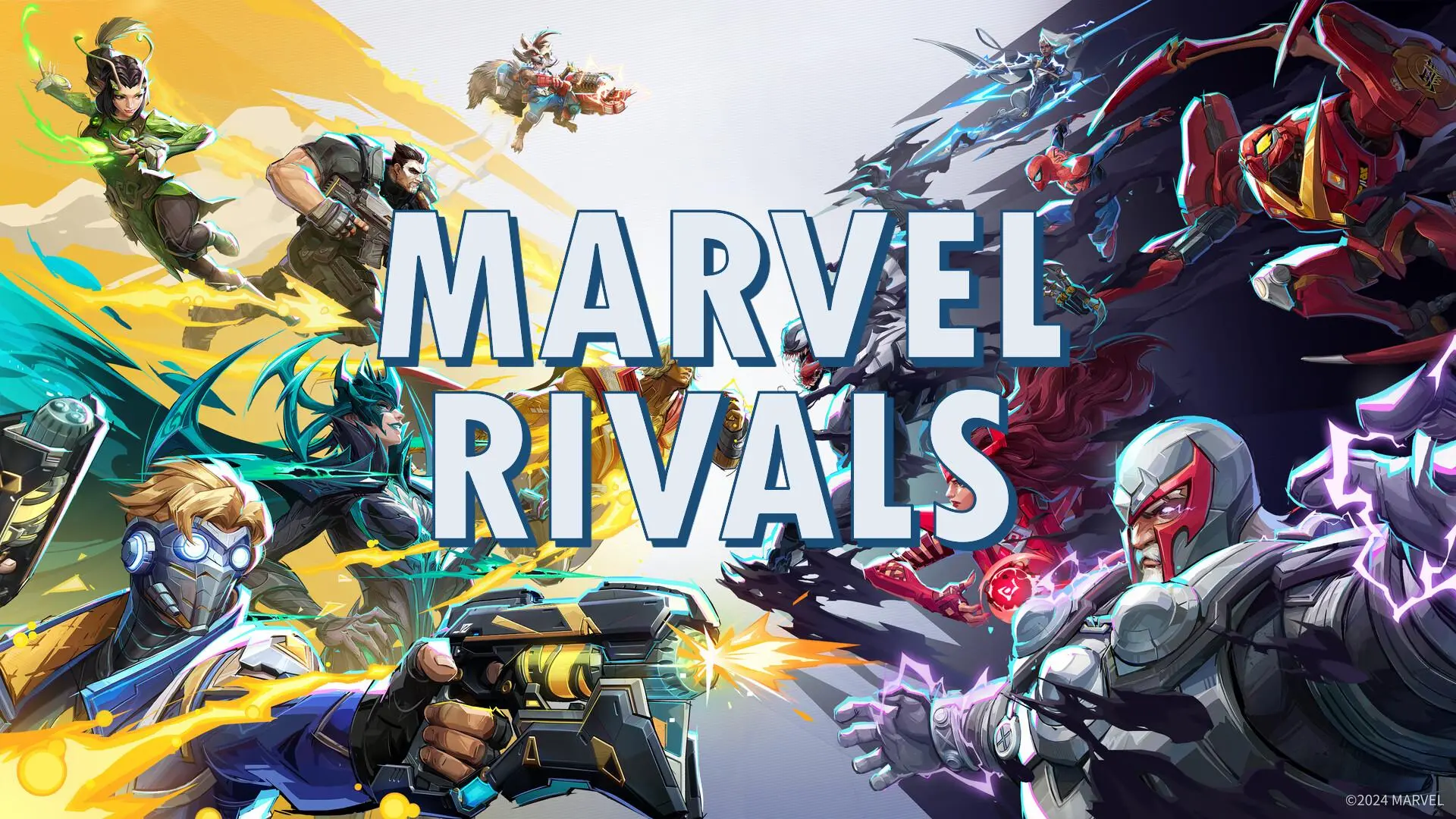
Recent reports highlight the game’s skyrocketing popularity, with a peak of over 444,000 concurrent players on Steam shortly after launch and honestly, I predict that number to increase during the holiday seasons as more people will be off from work and school.
If you’re ready to experience the thrill and want to get started on your Windows 11 PC, this guide will walk you through how to download and install Marvel Rivals so you can jump into the action today.
How to install Marvel Rivals on Windows
To install Marvel Rivals on your Windows PC, just follow these simple steps:
- Choose where you want to download Marvel Rivals from:
- Once downloaded, follow these installation instructions:
- Open the Steam app on your PC. If you don’t have it installed, download it here.
- Log in to your account or create a new one.
- Search for Marvel Rivals in the store and click Add to Library.
- Launch the game:
- Go to your Steam Library, find Marvel Rivals, and click Install.
- Once installed, hit Play to start enjoying the game.
What is Marvel Rivals game about?
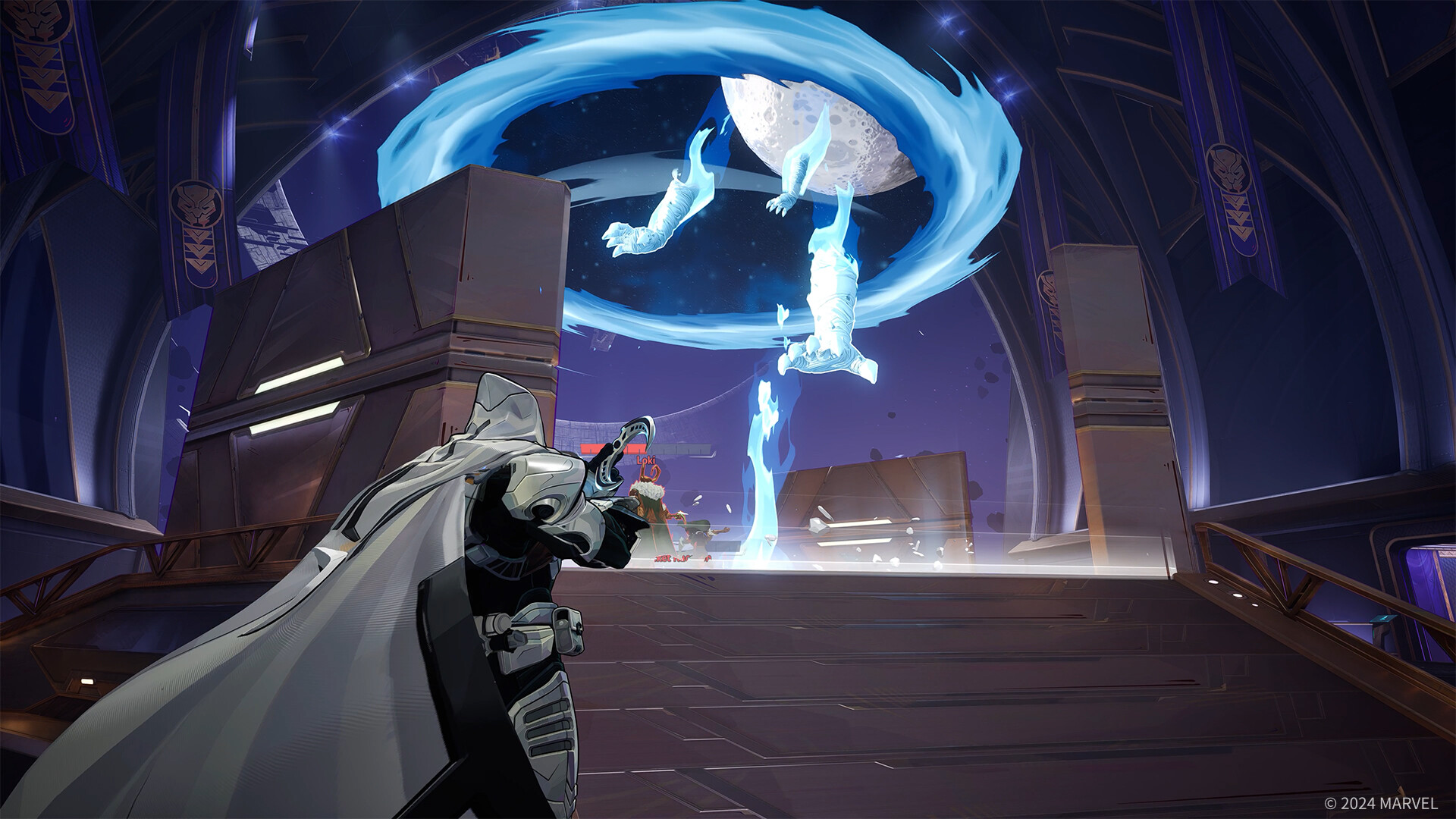
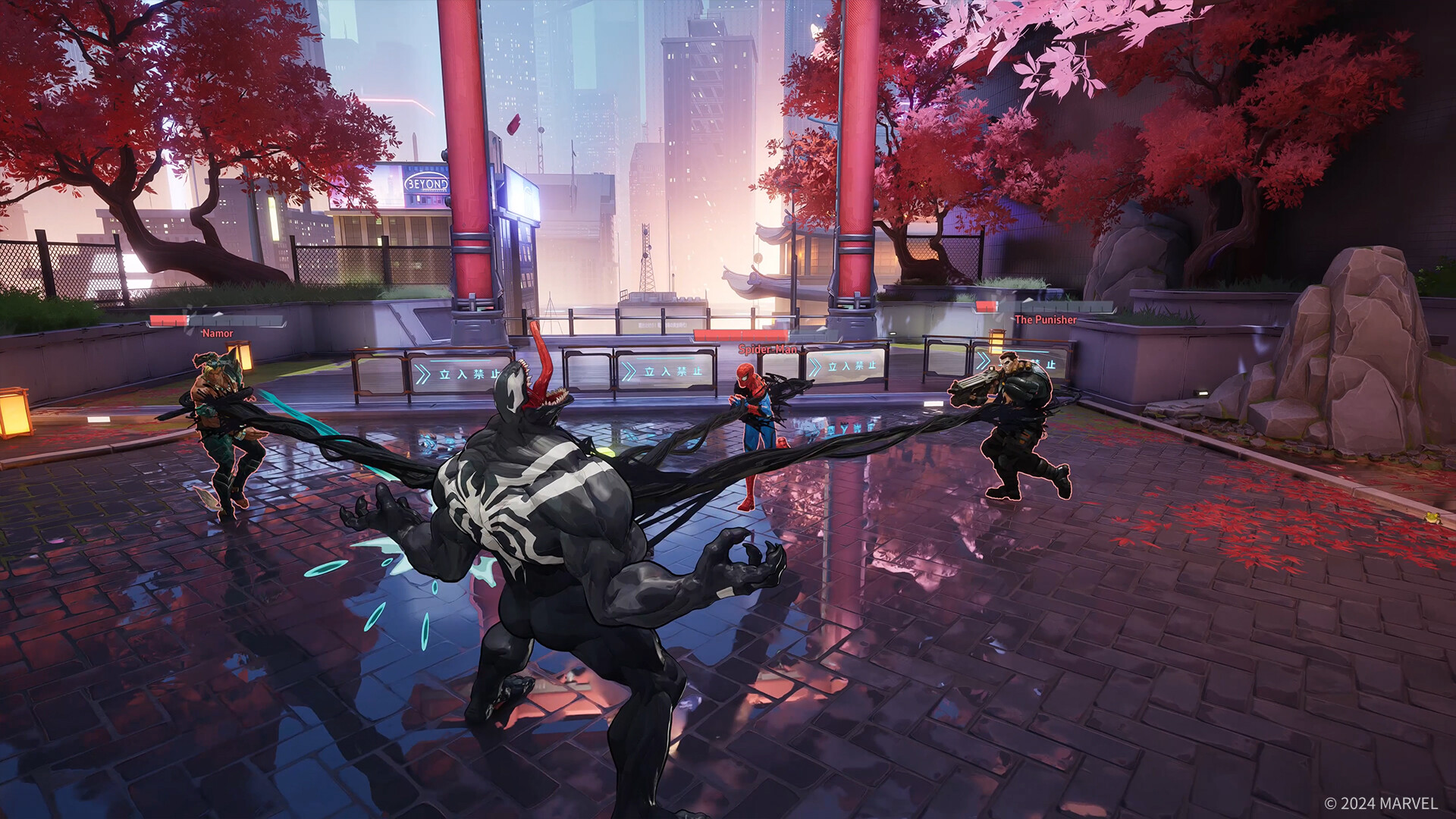
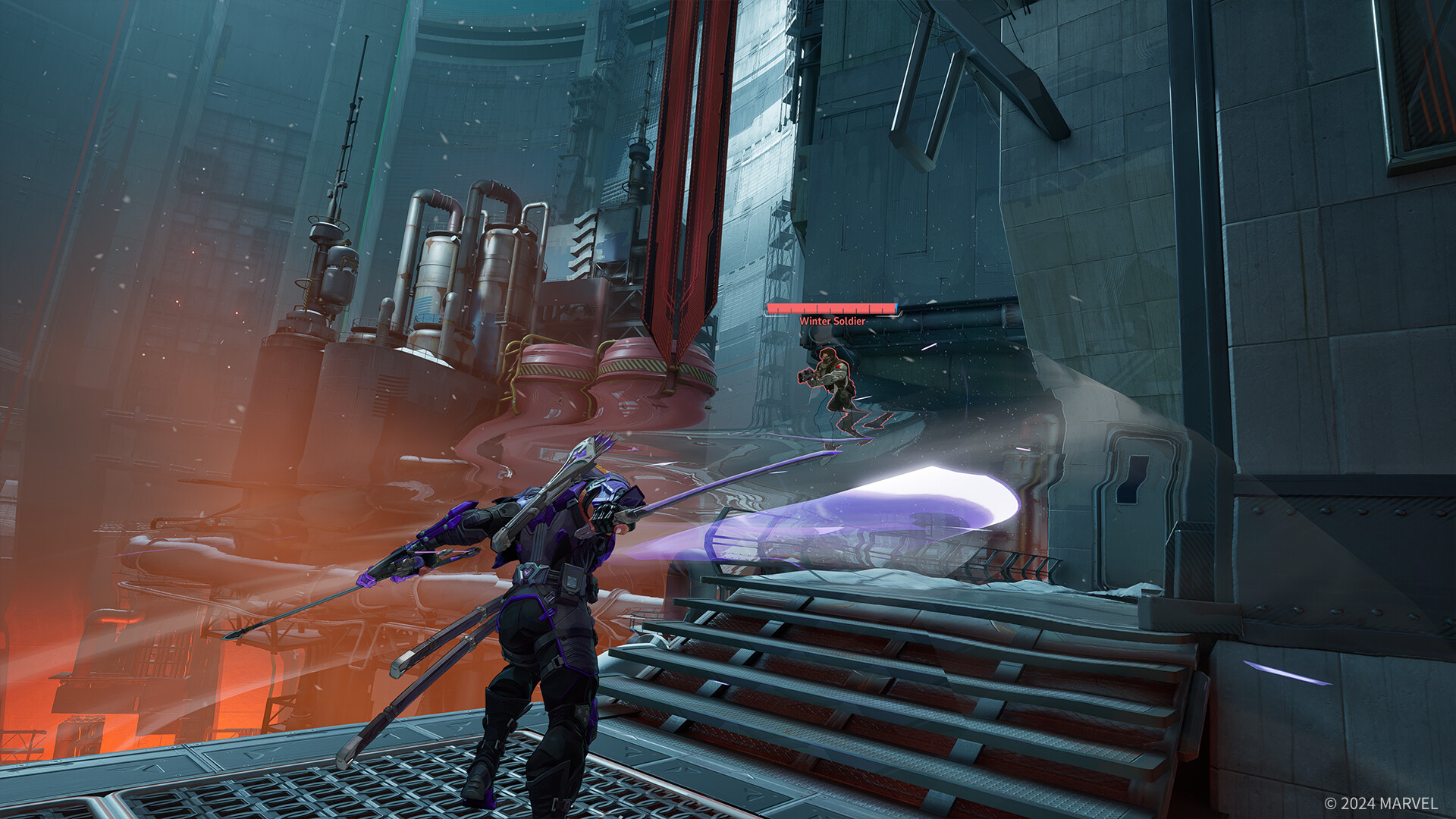
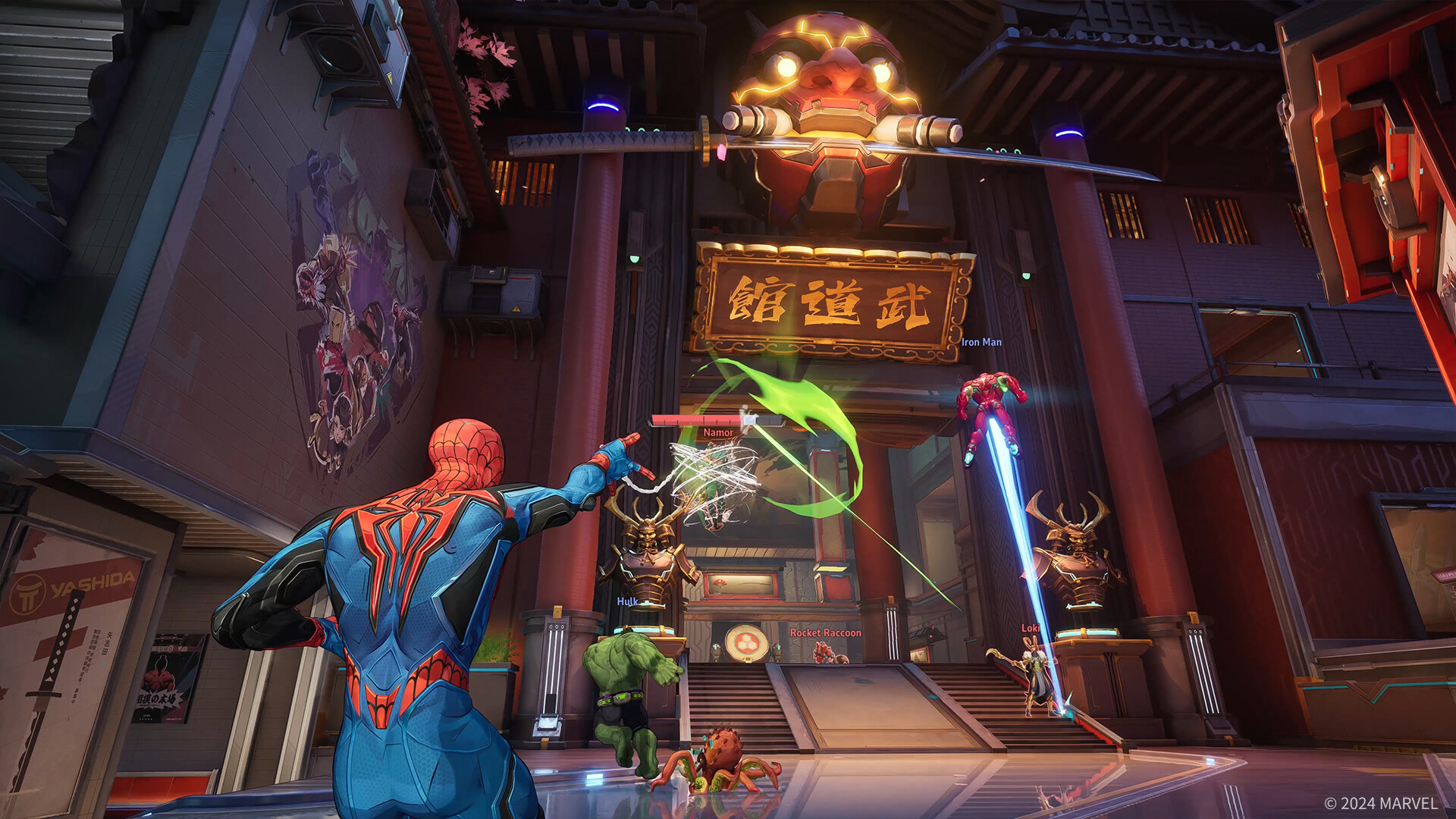
Marvel Rivals is a fast-paced, 6v6 hero shooter that brings your favorite Marvel characters into action-packed battles. Set in iconic Marvel locations, the game lets you assemble a team of superheroes and villains, each with unique abilities, to compete in strategic and explosive matches.
Whether you’re playing with friends or going solo, Marvel Rivals delivers an immersive experience with its stunning visuals and dynamic gameplay.
Key Features of Marvel Rivals:
- Diverse Marvel Roster – Play as iconic heroes and villains like Iron Man, Thor, and Loki.
- 6v6 Team Battles – Engage in strategic, action-packed matches.
- Unique Abilities – Master special powers and skills for each character.
- Iconic Locations – Battle in Wakanda, Stark Tower, and more.
- Custom Loadouts – Tailor your characters with gear and abilities.
Marvel Rivals Characters List
Here is the full roster of all the Marvel characters in the game. Do not forget that more characters will be added as time goes.
Each categorized into one of three roles: Duelist, Vanguard, or Strategist:
Duelists (Damage Dealers):
- Black Panther
- Black Widow
- Hela
- Iron Fist
- Iron Man
- Magik
- Moon Knight
- Namor
- Psylocke
- Scarlet Witch
- Spider-Man
- Star-Lord
- Storm
- The Punisher
- Wolverine
Vanguards (Tanks):
- Captain America
- Cloak & Dagger
- Doctor Strange
- Groot
- Hulk
- Magneto
- Peni Parker
- Thor
- Venom
- Winter Soldier
Strategists (Support):
- Adam Warlock
- Jeff the Land Shark
- Loki
- Luna Snow
- Mantis
- Rocket Raccoon
- Squirrel Girl
Marvel Rivals Gameplay Video

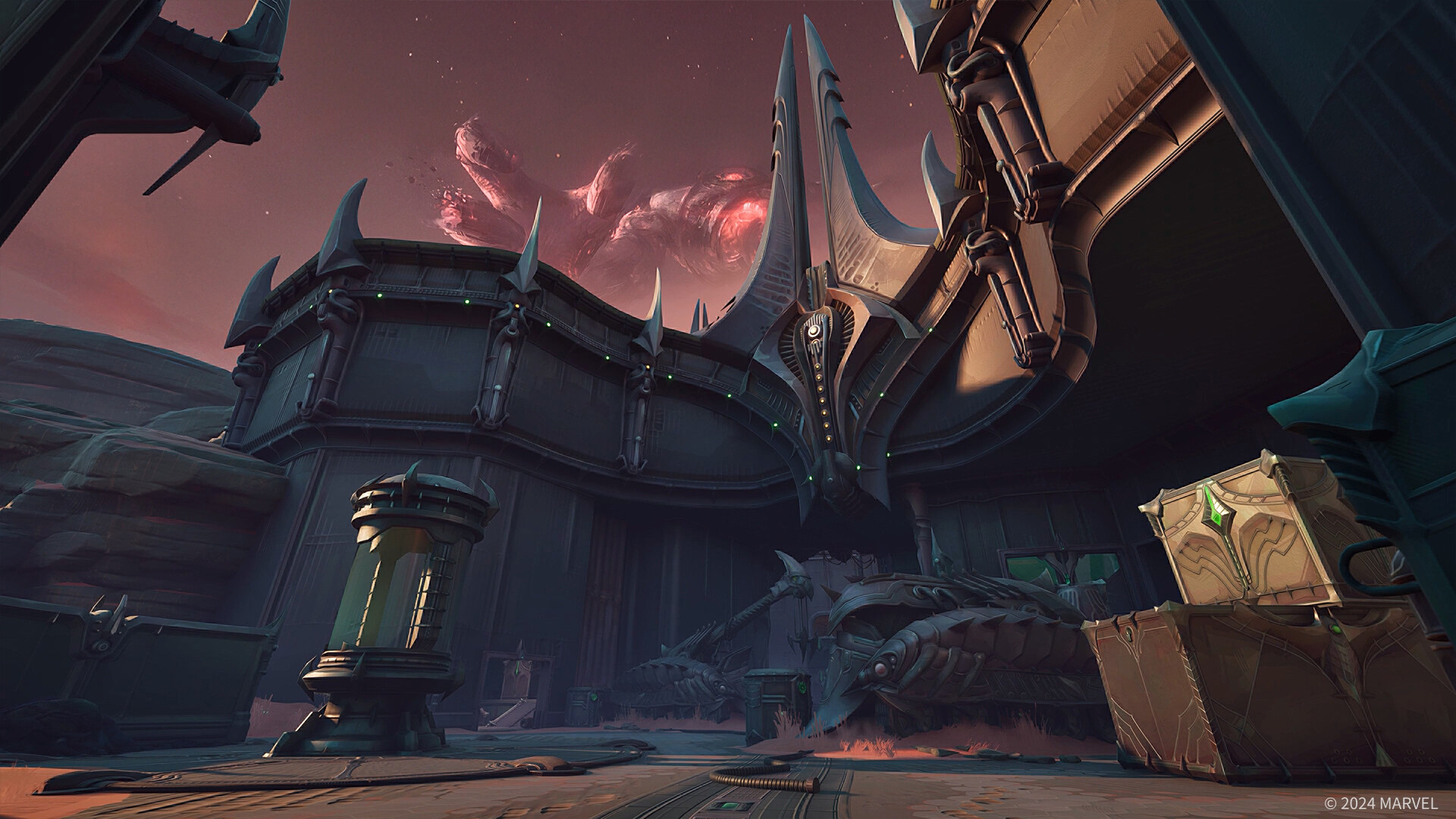
Marvel Rivals Screenshots
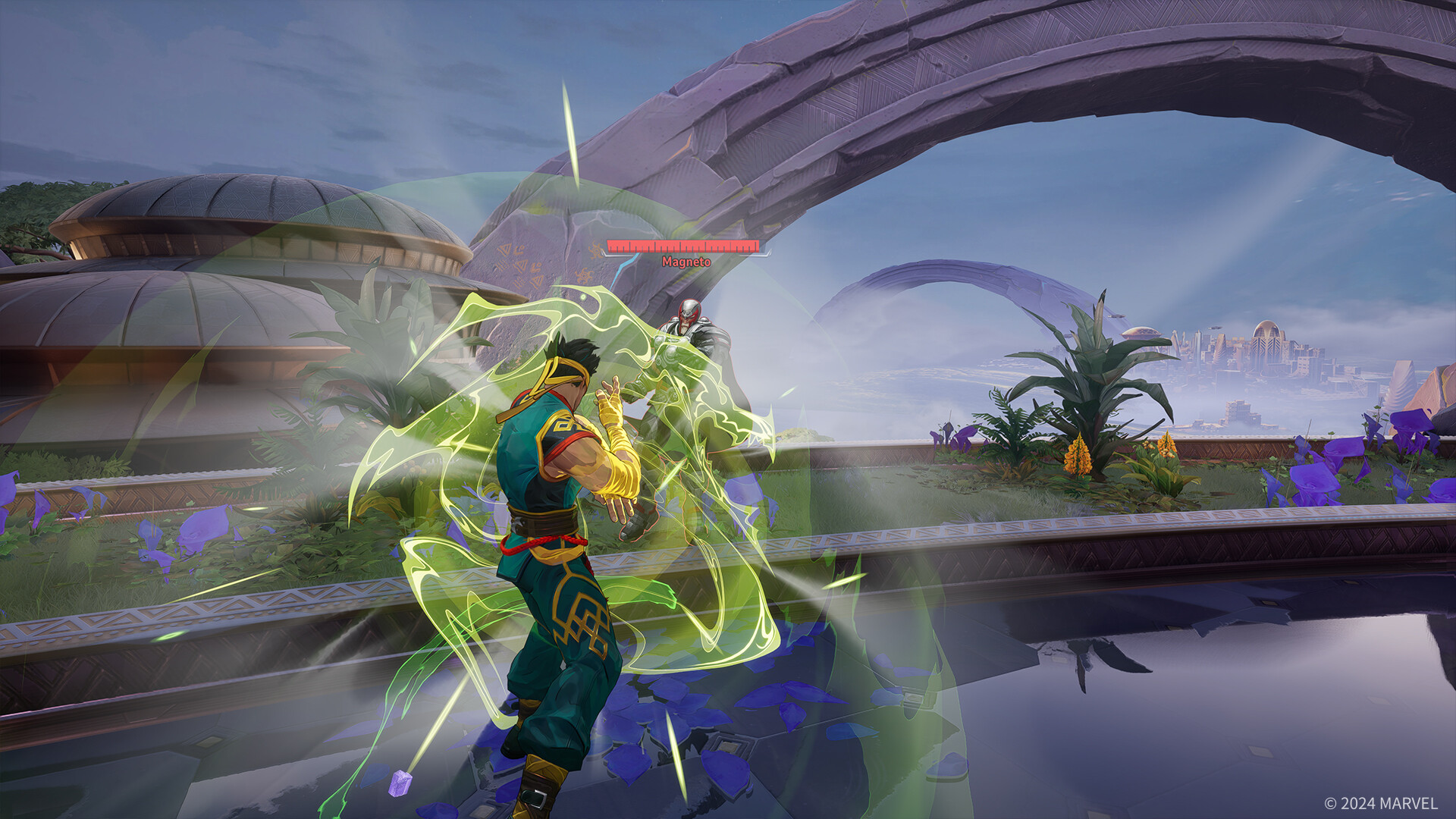
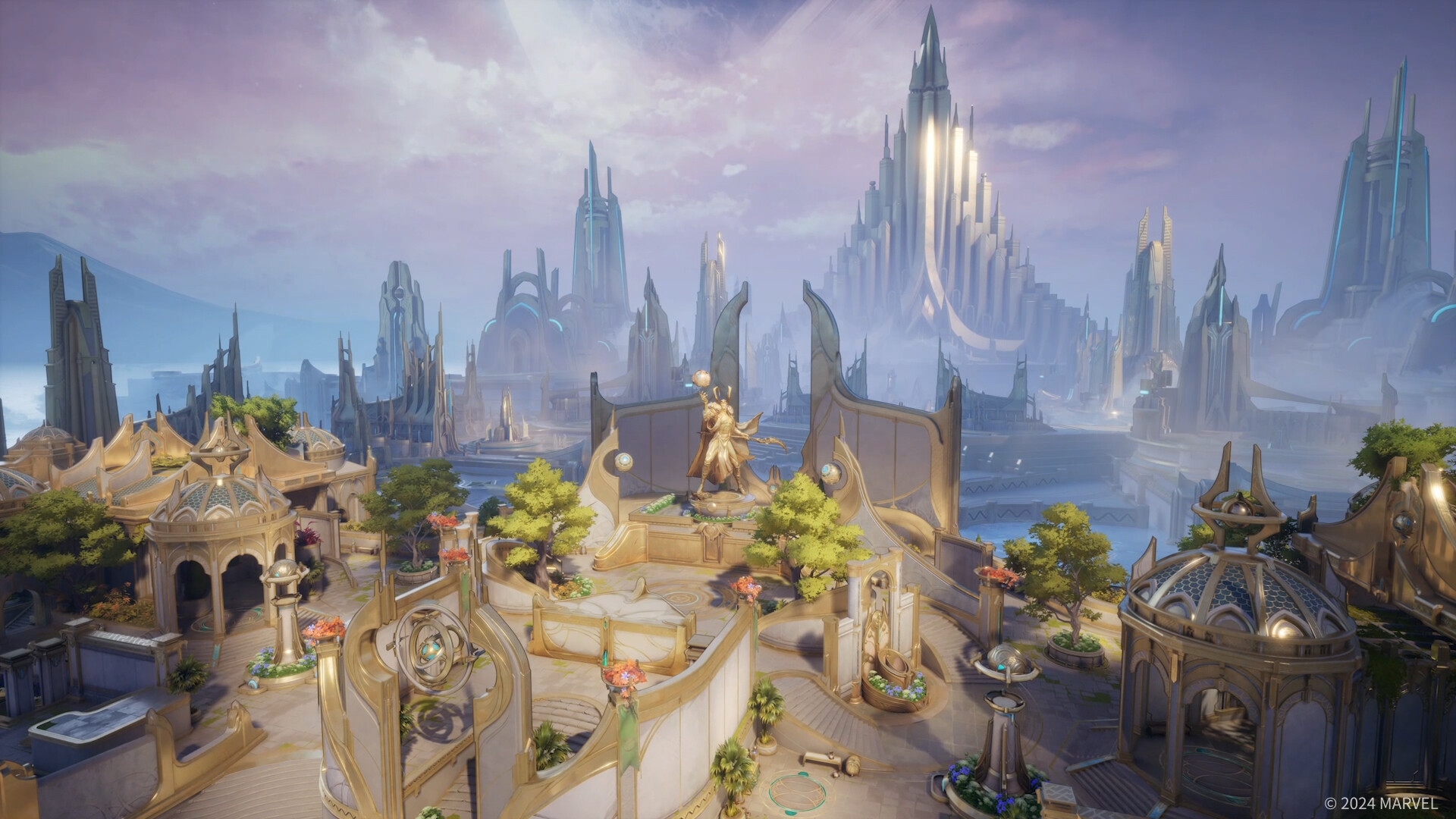
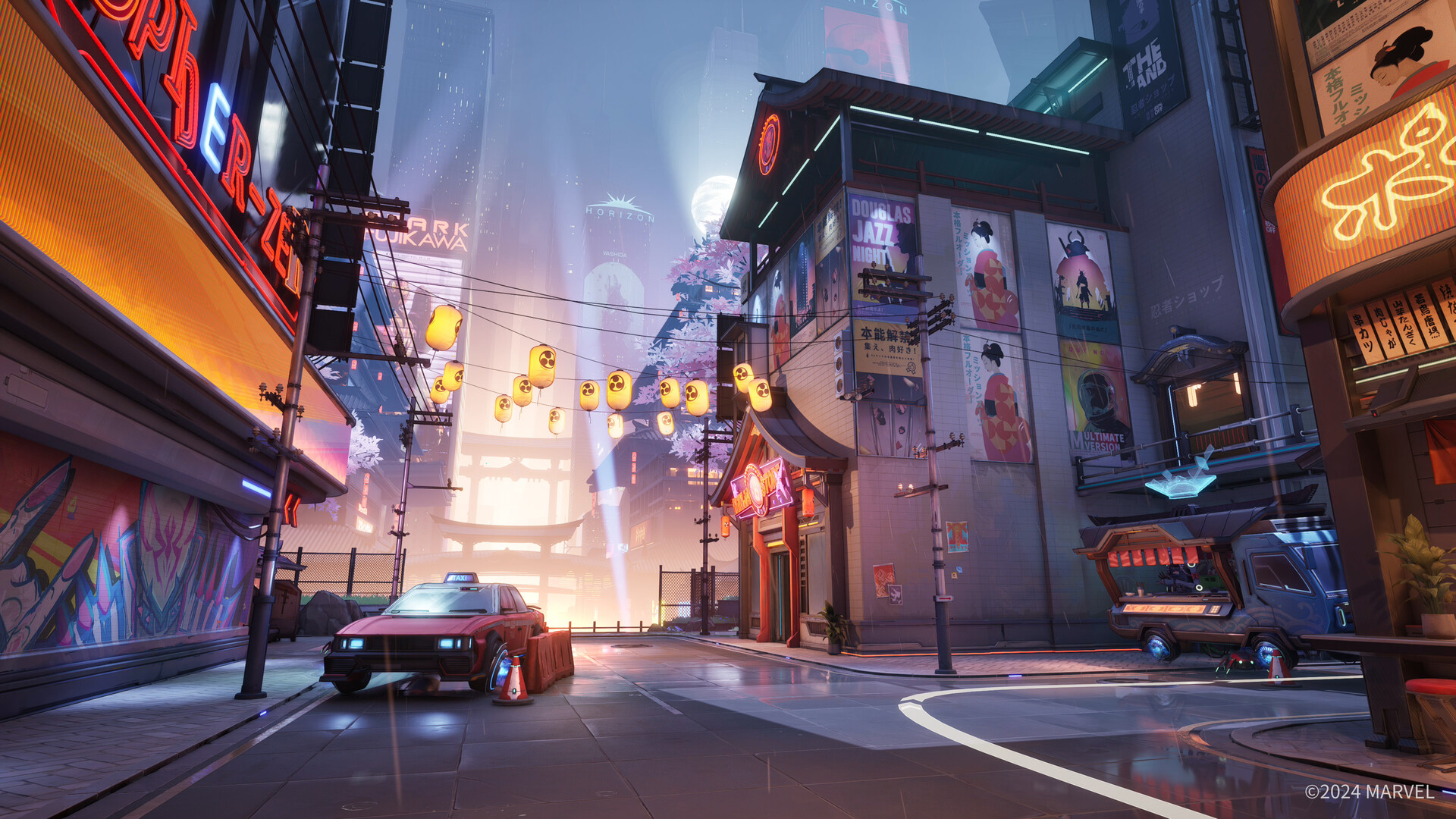
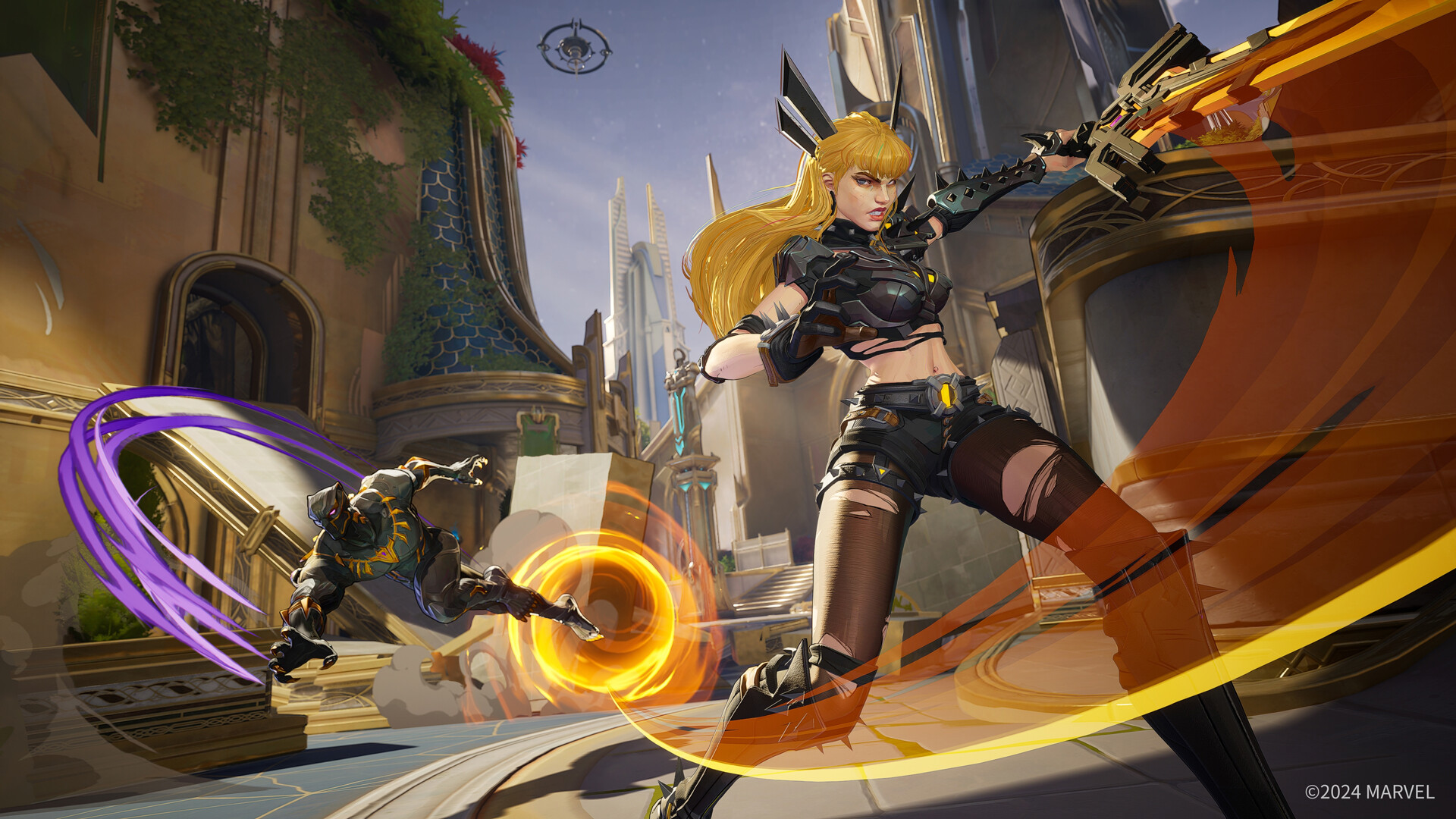

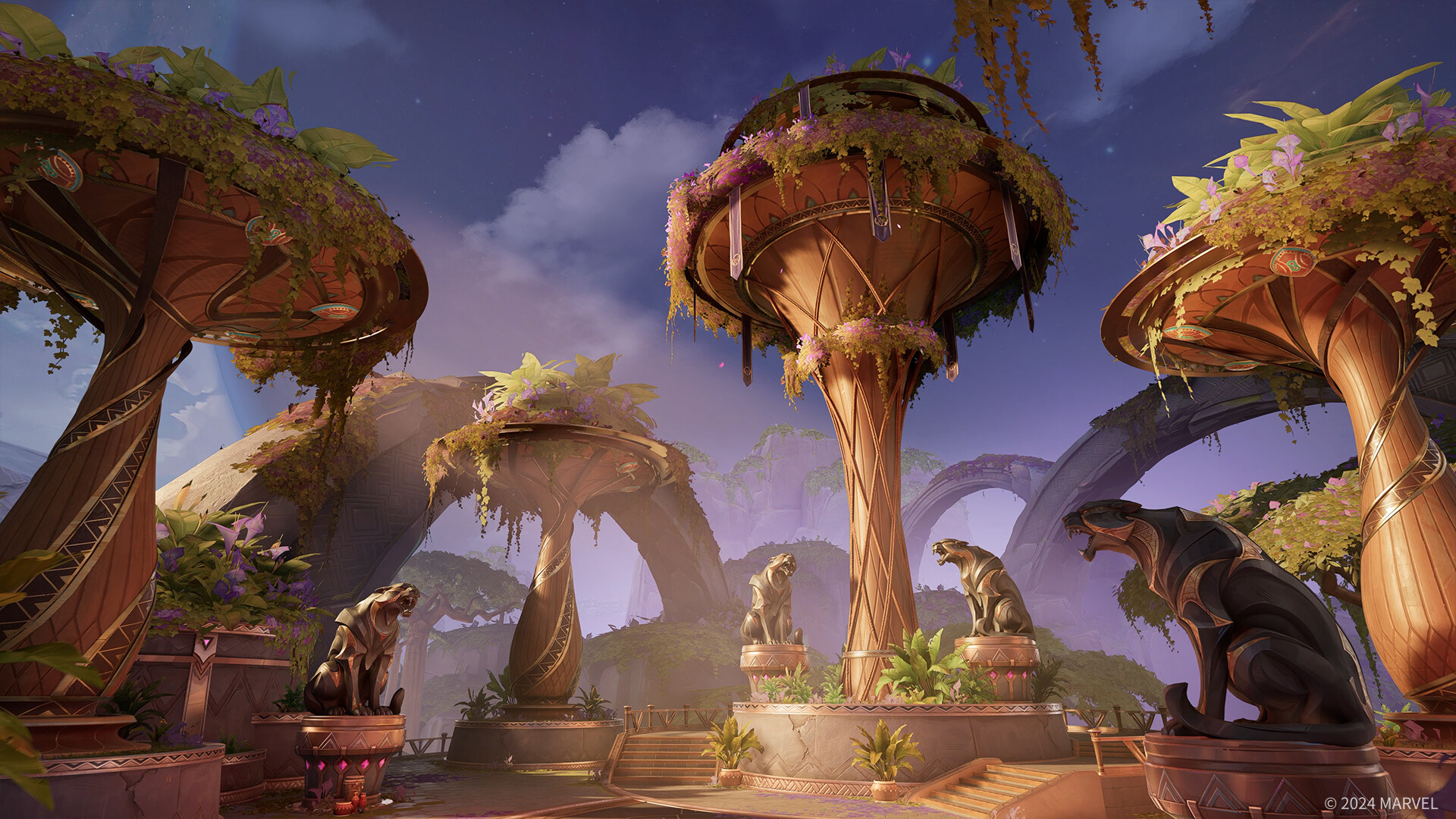
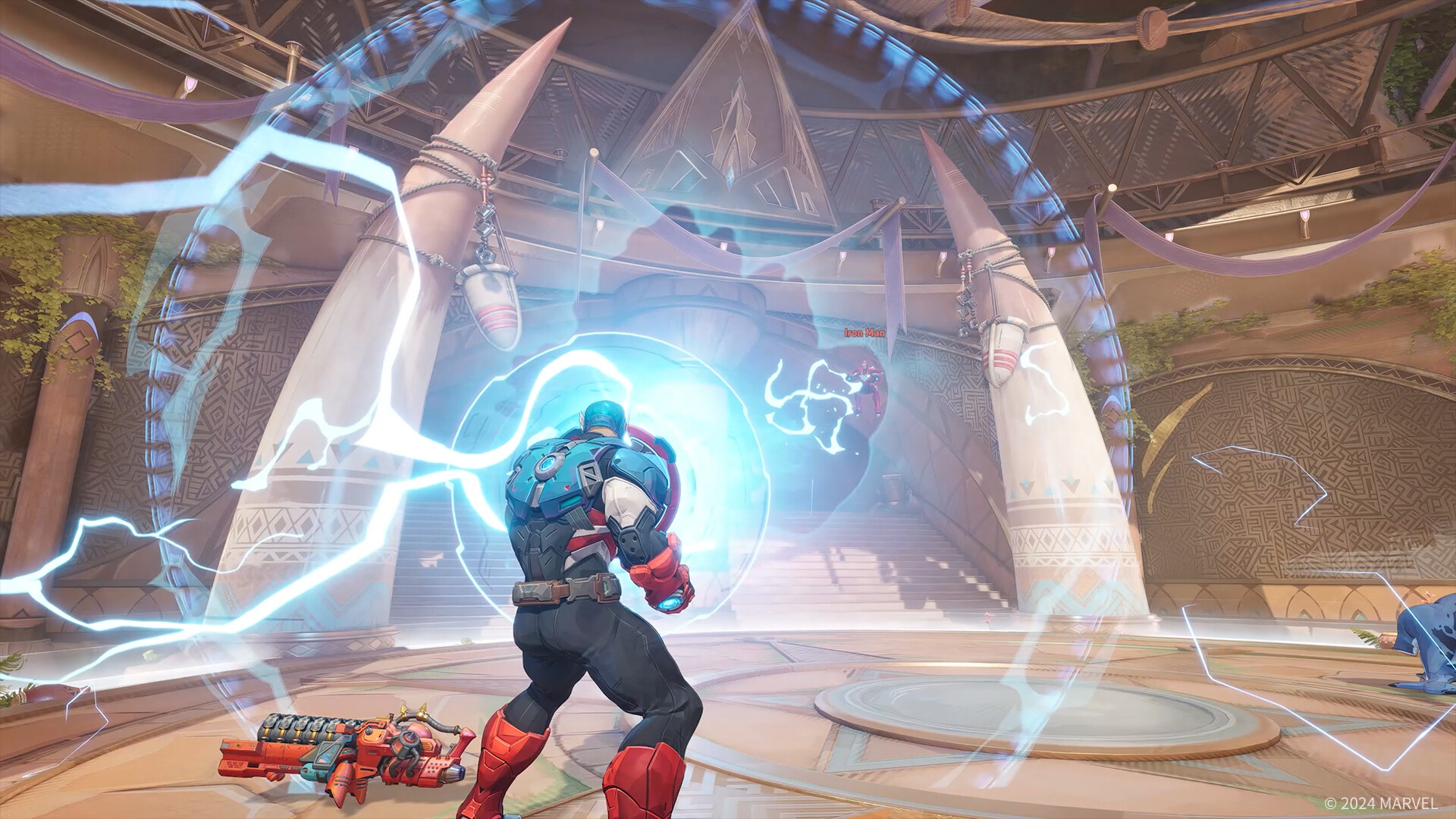
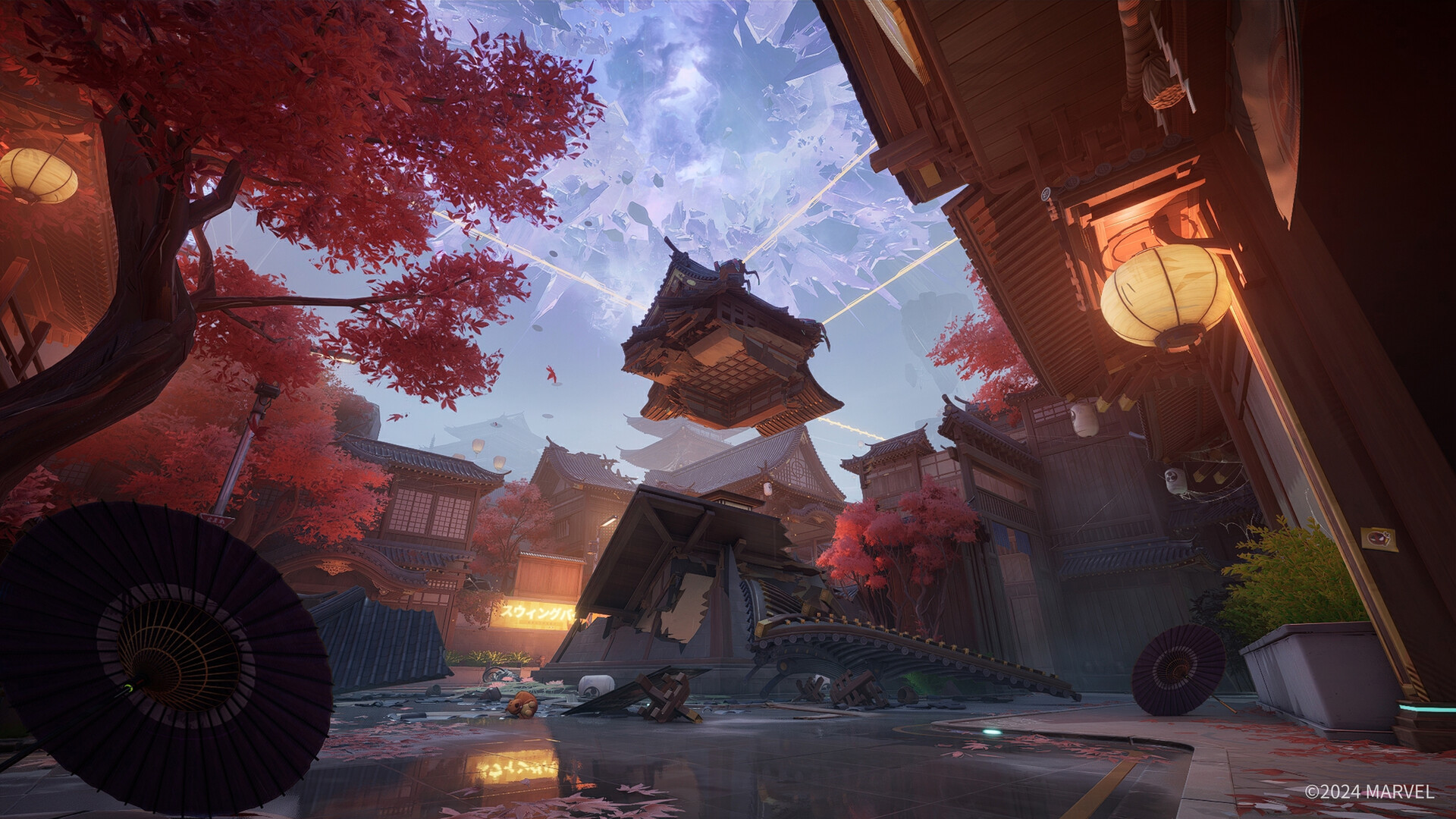
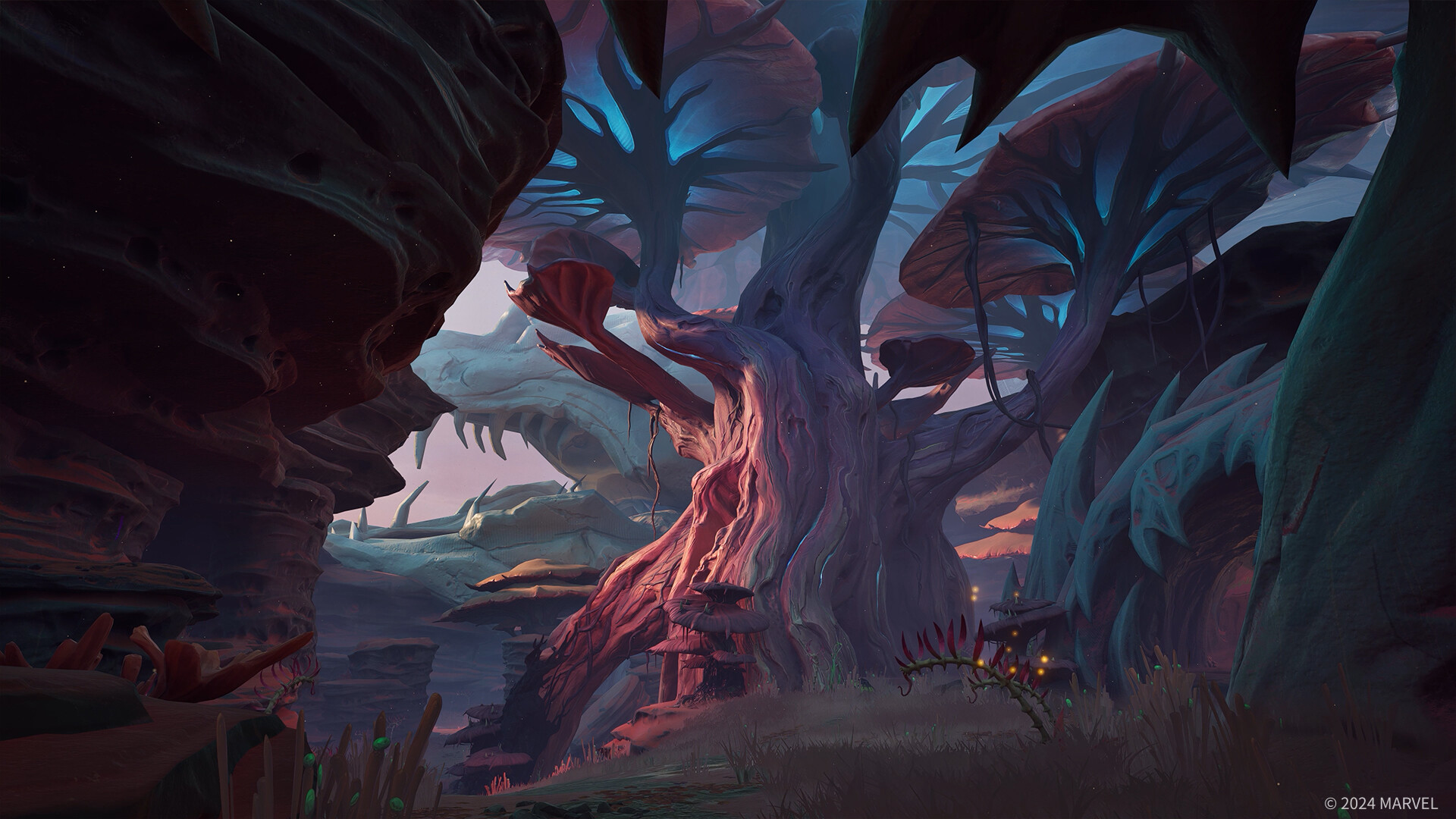
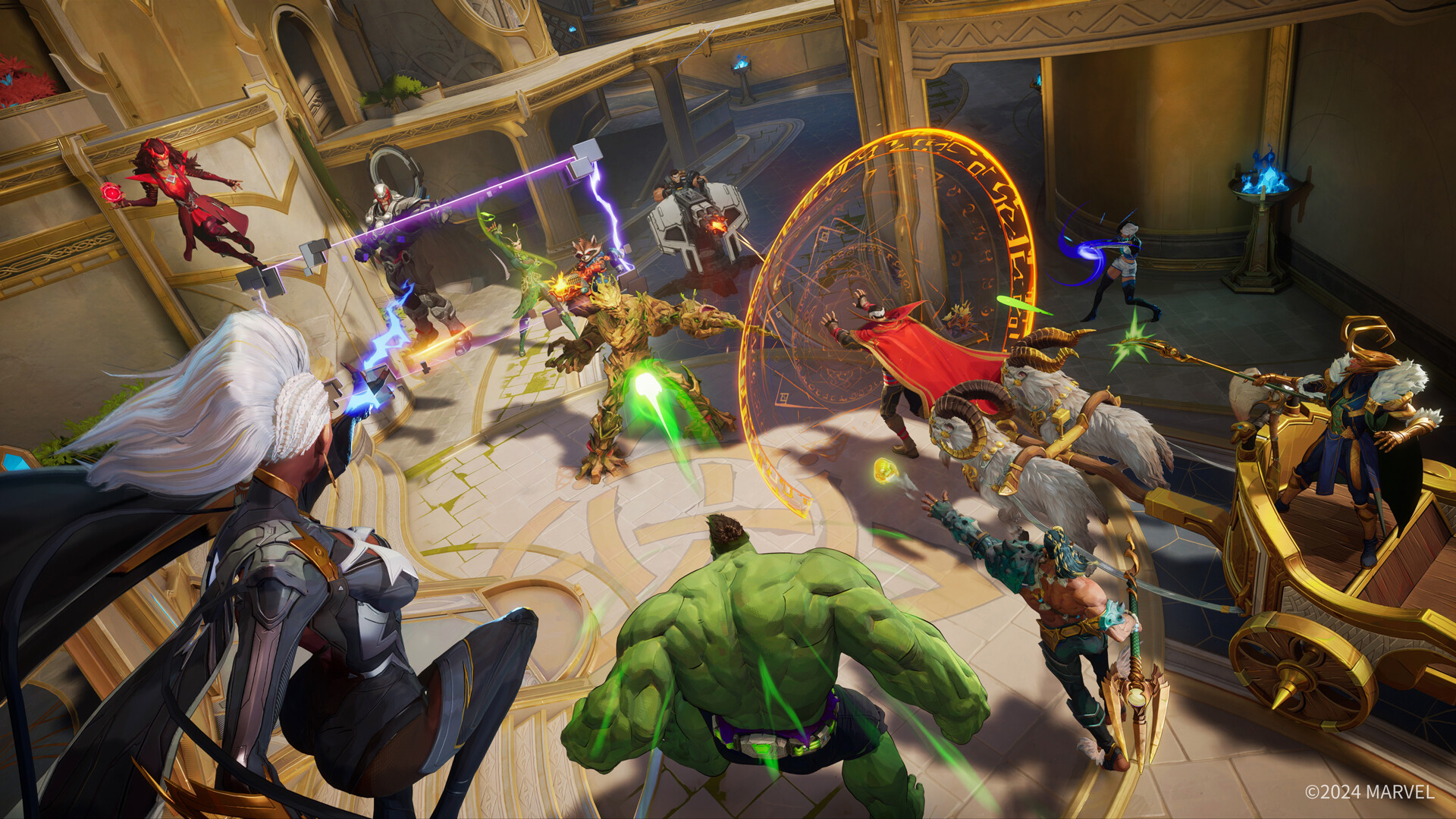
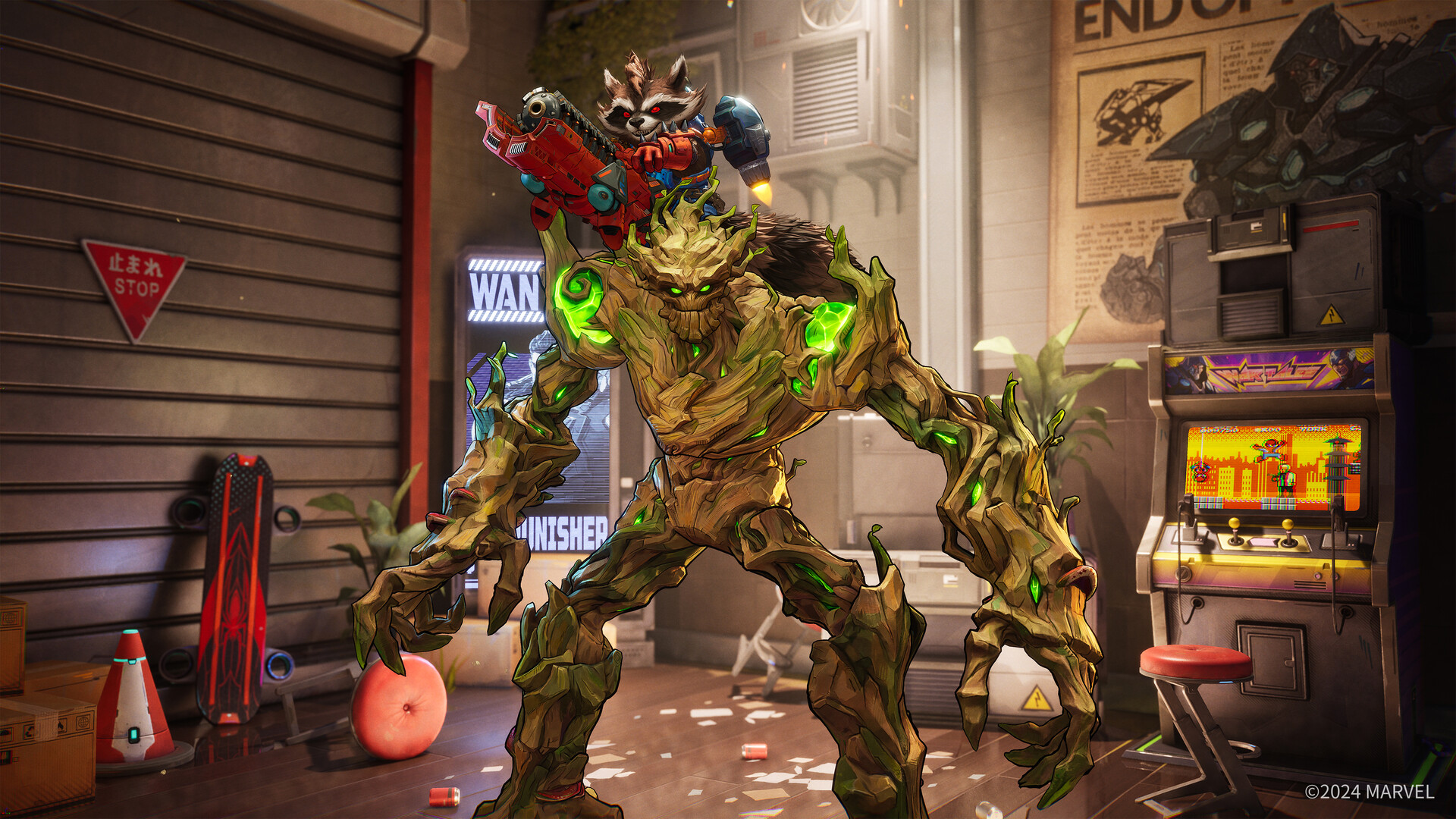
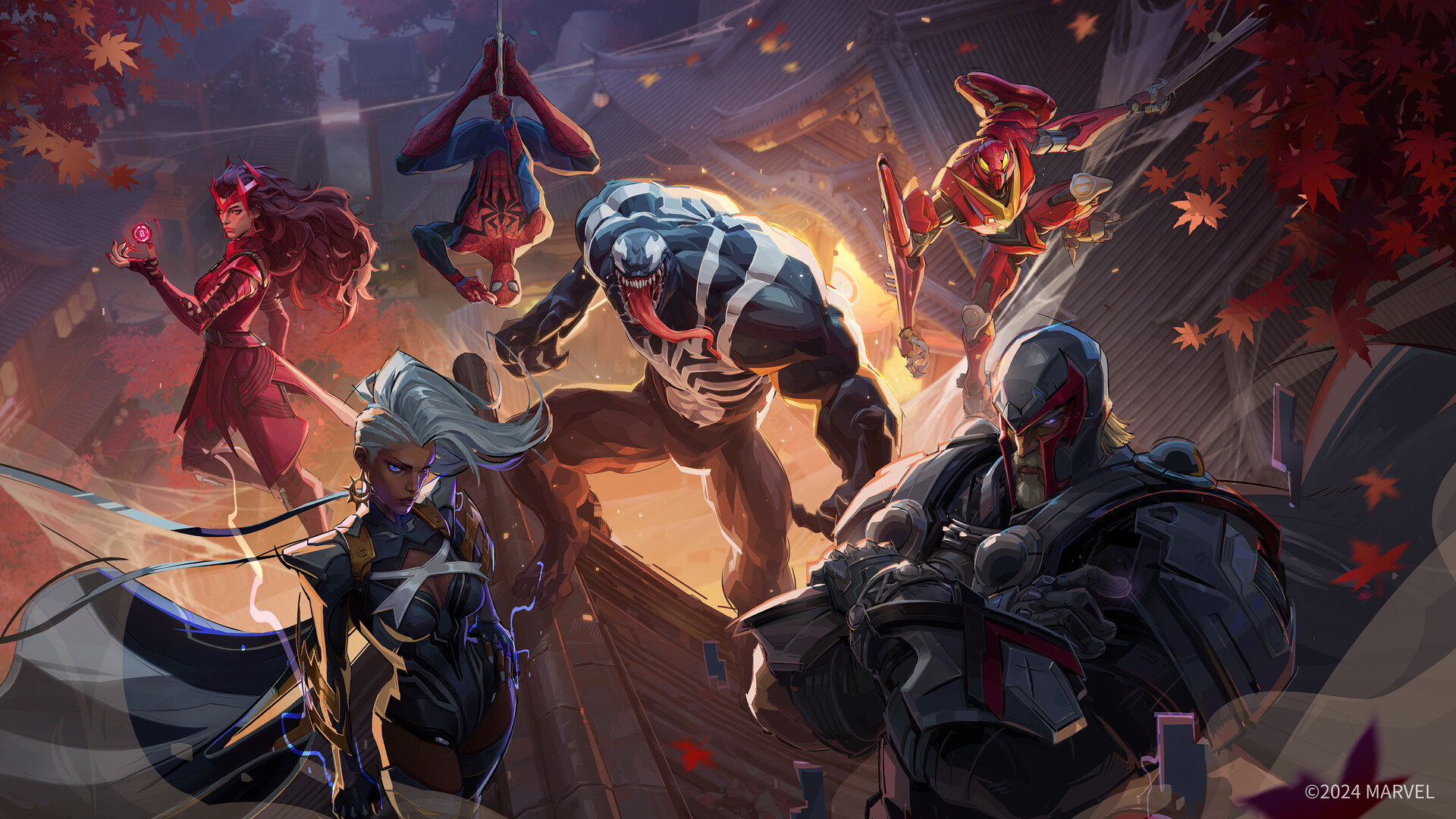
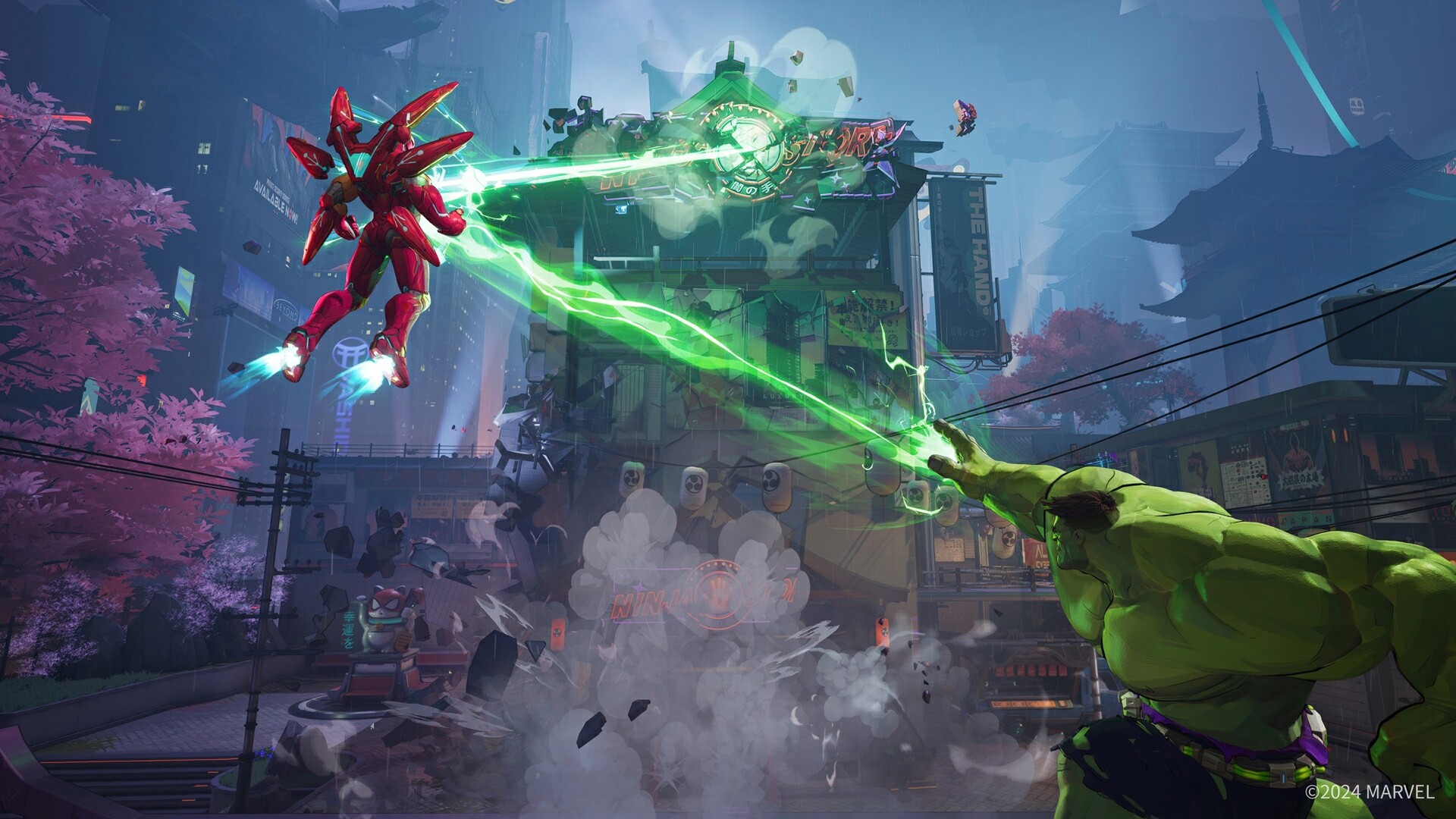
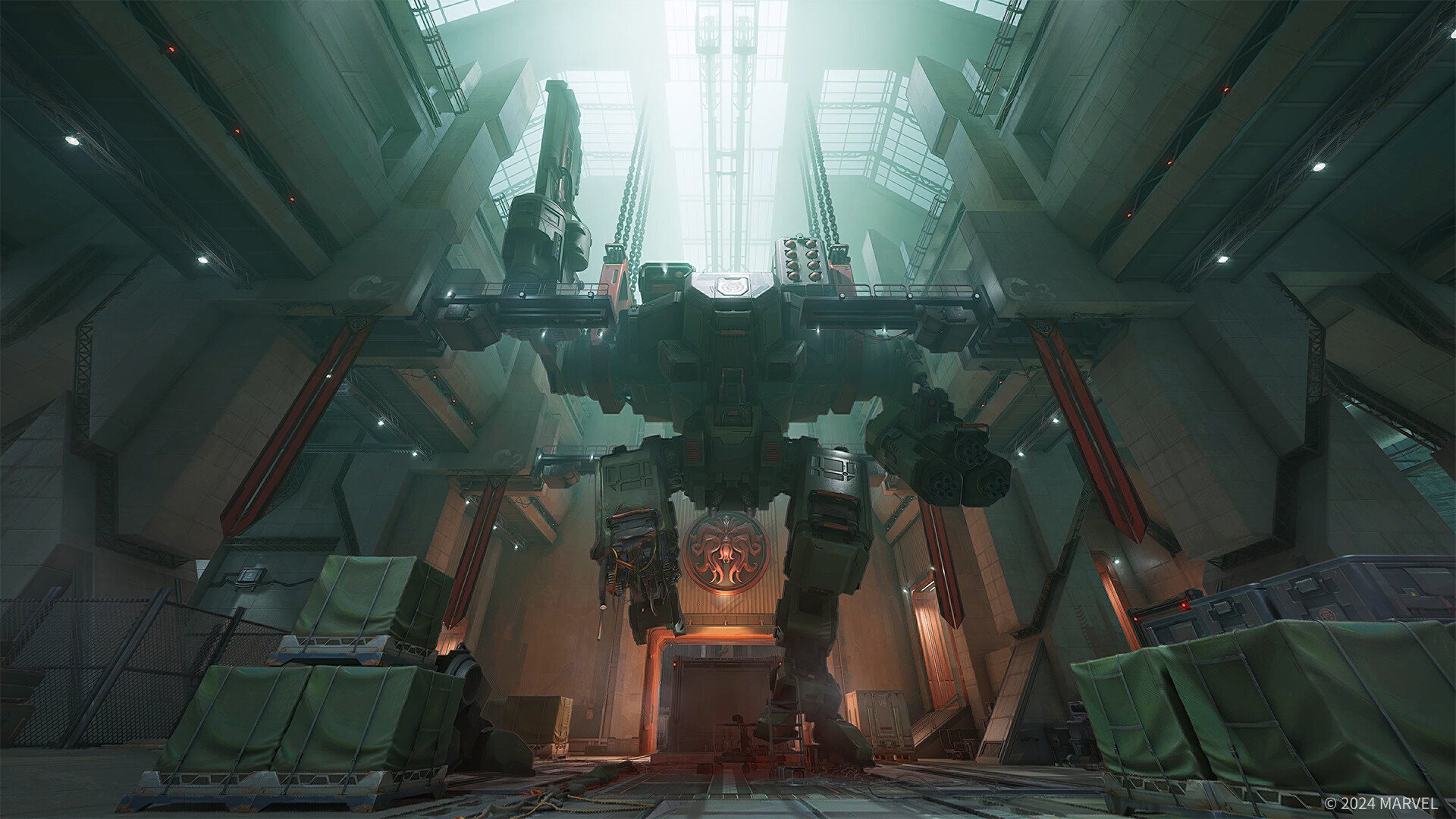
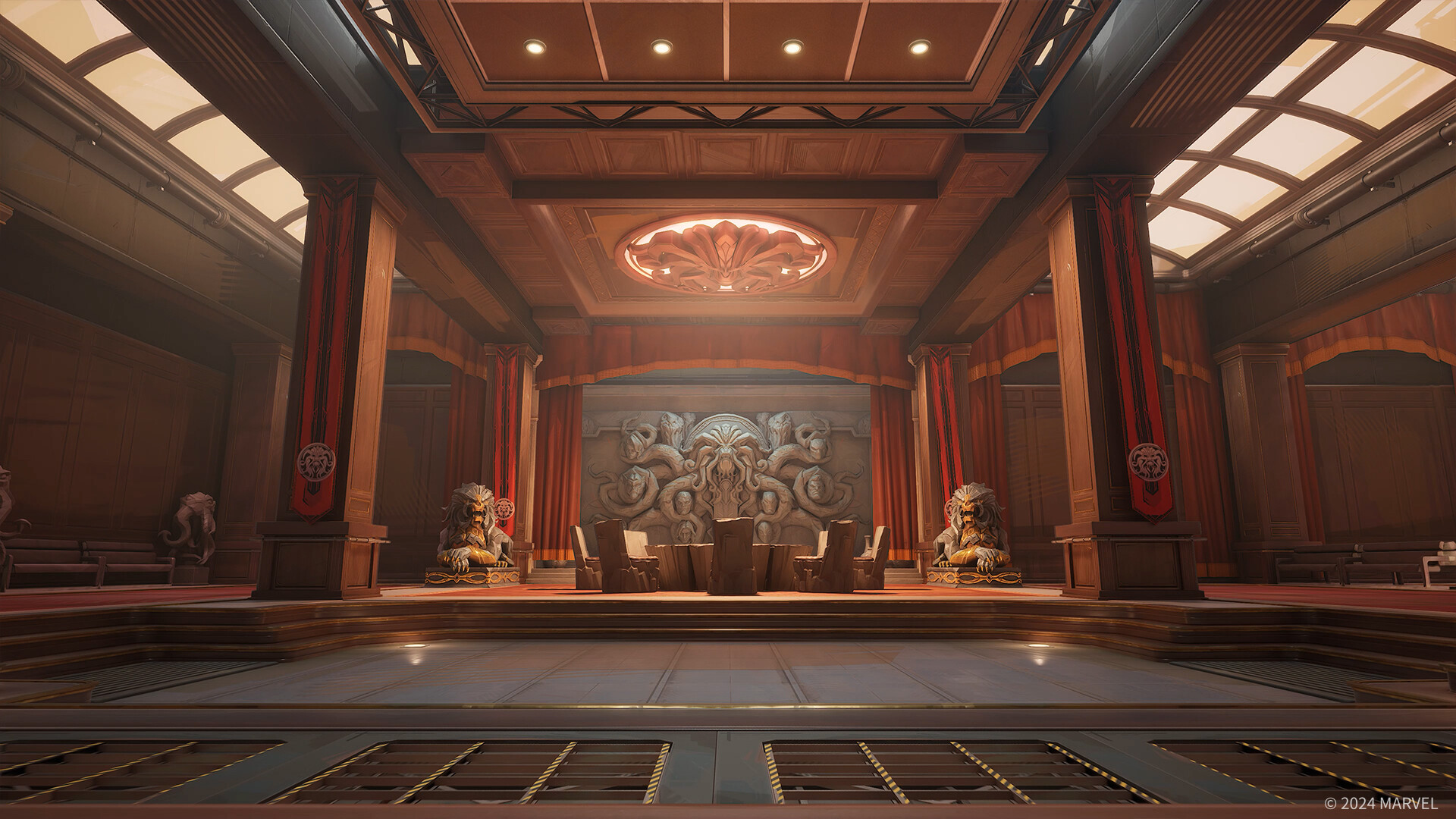
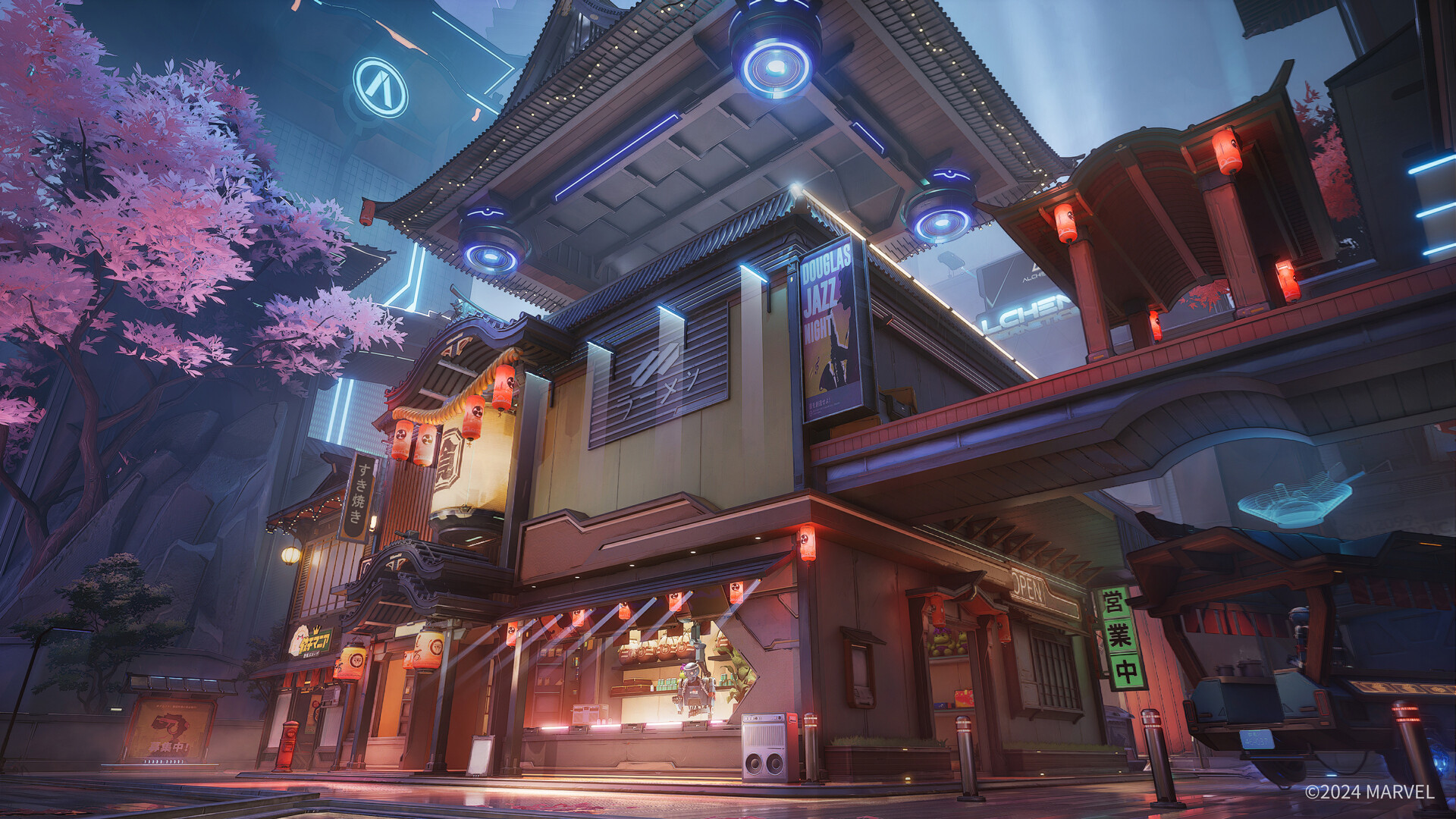

Marvel Rivals Minimum PC Requirements
- OS: Windows 10 64-bit or Windows 11 64-bit
- Processor: Intel Core i5-6600K or AMD Ryzen 5 1600X or better
- Memory: 16 GB RAM or better
- Graphics: NVIDIA GeForce GTX 1060, AMD RX 580, Intel Arc A380 or better
- DirectX: Version 12 or better
- Network: Broadband Internet connection
- Storage: 70 GB available space (SSD recommended)
Check out our list of the best Anime games, Marvel Cosmic Invasion for PC, Adventure games and try Spider-Man 2 on Windows.
Marvel Rivals FAQ:
What should I do if Marvel Rivals crashes on my PC?
- Update graphics drivers: NVIDIA | AMD
- Verify game files on Steam: Right-click the game > Properties > Local Files > Verify Integrity.
- Close background apps and update Windows.
Detailed guide
How can I resolve the “DirectX 12 is not supported” error?
- Ensure your GPU supports DirectX 12 (e.g., GTX 1060 or RX 580).
- Update Windows to version 1909 or newer and install the latest GPU drivers.
More details here
What if the game is stuck at 99% during loading?
- Install the game on an SSD for better performance.
- Verify game files to fix any corruption.
- Wait a few extra minutes, as it sometimes resolves itself.
See detailed explanation
How do I fix the “Failed to connect to server” error?
- Check server status: Official Twitter | Discord
- Restart your router and disable VPNs or proxies.
- Whitelist the game in your firewall or antivirus.
Learn more
What should I do if the download is stuck at 99%?
- Pause and resume the download.
- Check for sufficient storage and restart the launcher.
- Use a wired connection for better stability.
Join the discussion