

Readers like you help support this site. When you make a purchase using links on our site, we may earn an affiliate commission. All opinions remain our own.


You will be able to download Marvel Snap on Steam for Windows 10 and 11, launched August 22, 2023, with the High Voltage Update adding fast-paced twists like Ghost Rider.
It’s also on mobile, PS4, PS5 via bundles, and no console standalone yet.
From Second Dinner Studios, it’s got millions of players and a ‘Very Positive’ Steam rating.
This guide covers installing it on Windows, its key features, and tips for new players.
Share your best deck below, or contact us for help.
How to Install Marvel Snap on Windows 11 and 10
To play Marvel Snap on your Windows PC, download it via Steam. Here’s how:
- Method 1: Steam
- Visit the Steam page: Steam.
- Click Add to Cart (free to play, with optional purchases).
- Sign into your Steam account or create one.
- Finish the process and hit Install in your Steam Library.
- Wait for the download (about 5 GB with updates).
- Launch it from your Steam Library or desktop.
Quick Tip: 💡 Snap early with a strong hand; it doubles rewards fast.

What is Marvel Snap About?
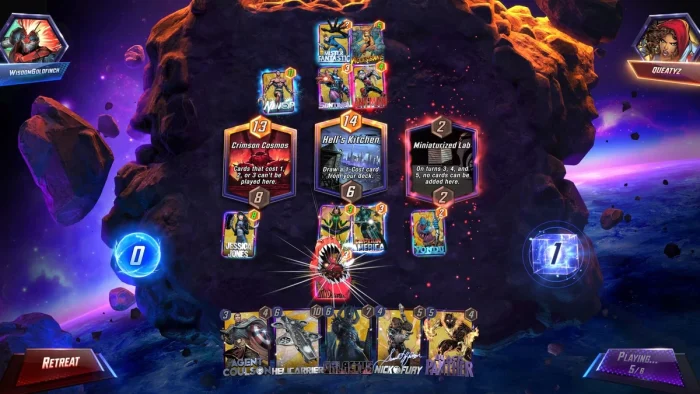
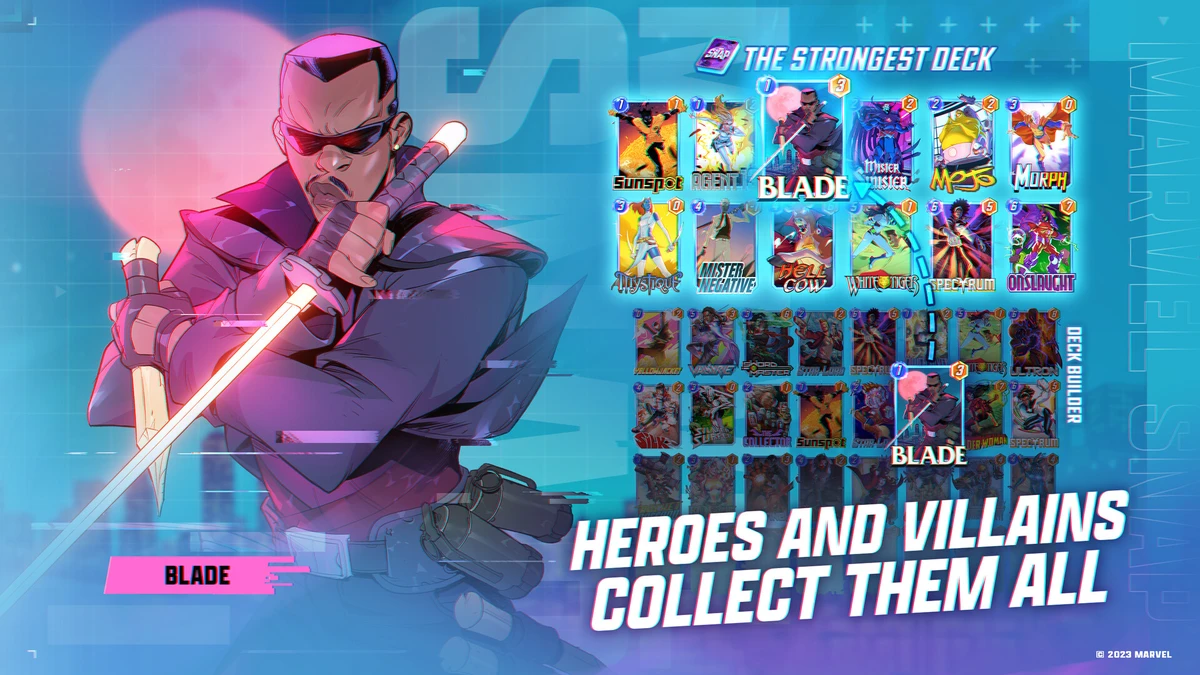
Marvel Snap, launched August 22, 2023 for PC by Second Dinner Studios, is a quick card game for Windows 10 and 11, plus mobile, where you build decks with Marvel heroes and villains to outwit opponents across wild locations.
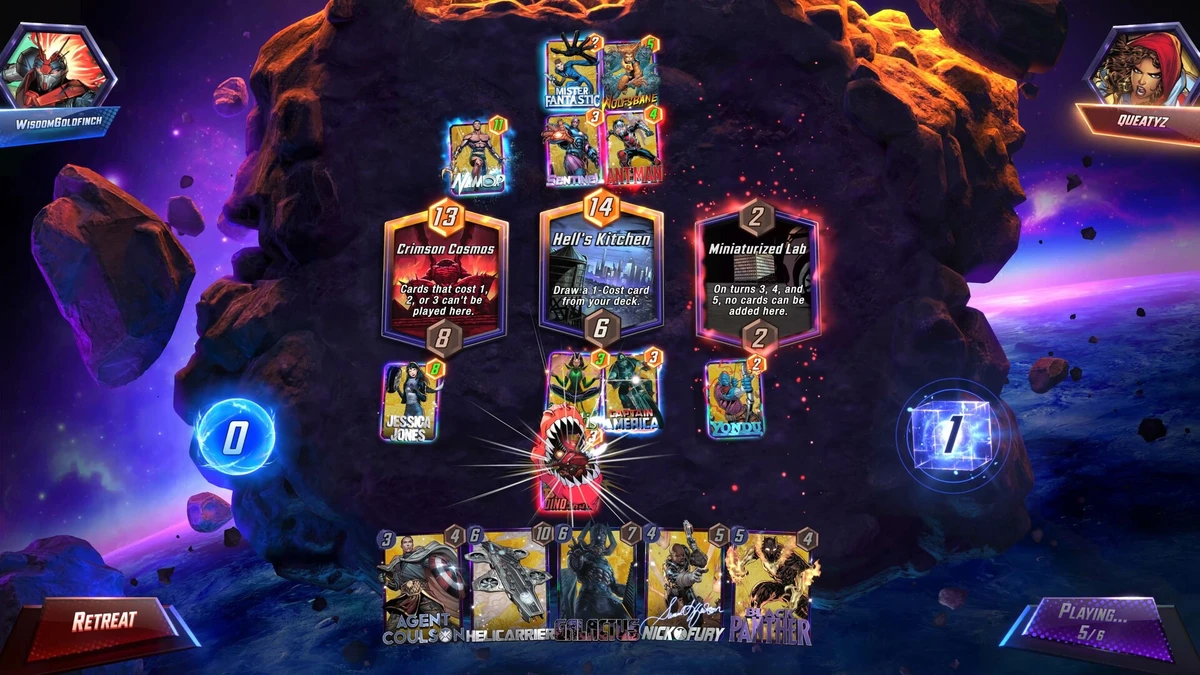
Core Gameplay: Play 12-card decks with characters like Hulk or Thanos, battling in three-minute matches at spots like Asgard or Wakanda. The High Voltage Update brings new cards and speedy modes for extra fun.
Key Features
- Fast three-minute games
- Tons of Marvel characters
- Unique Snap mechanic
- 50+ changing locations
- Deck-building action
Why Play Marvel Snap on Windows?
It’s awesome. Windows 10 and 11 give you sharp visuals, mouse controls, and cross-platform progress in 2025.
Tips for PC Beginners in Marvel Snap
New to Marvel Snap on PC? Here are five tips to win:
- Set Keys: Map ‘Snap’ to a mouse button in Settings > Controls for quick plays.
- Boost FPS: Lower effects to Medium in Graphics for smooth matches.
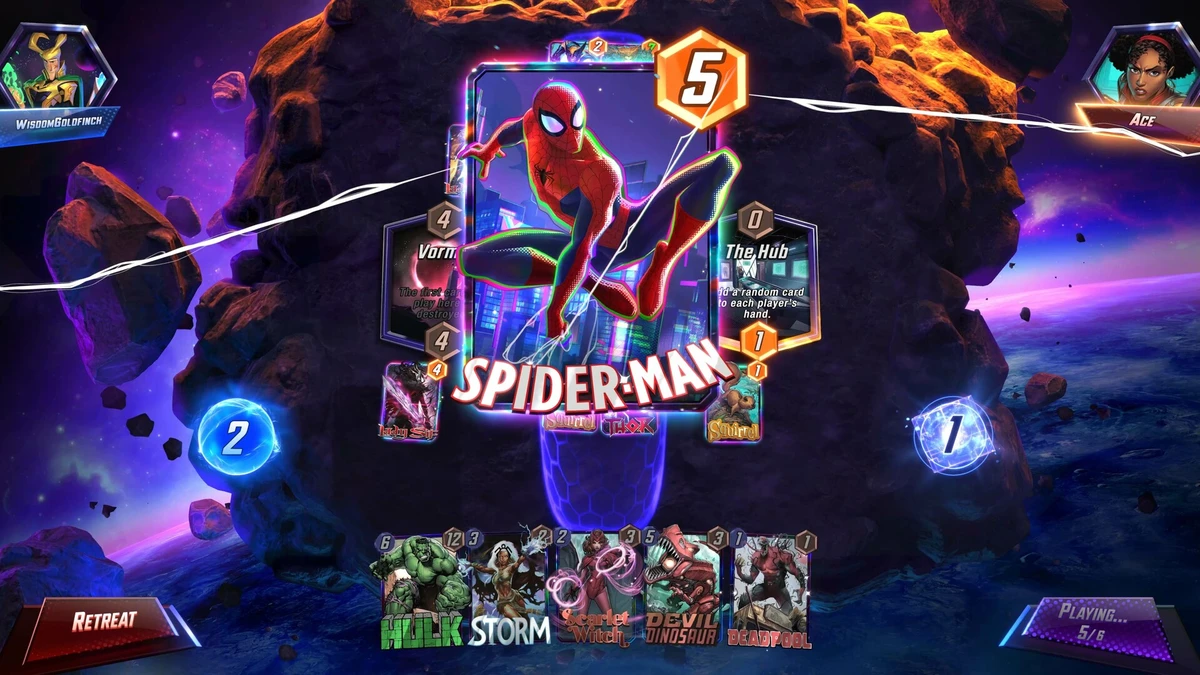
- Start Easy: Use Spider-Man early, his power’s simple to grasp.
- Mix Cards: Pair Iron Man (deck) with Wong for big boosts.
- Use Locations: Drop cards at high-power spots (map) to swing wins.
Marvel Snap Gameplay Screenshots
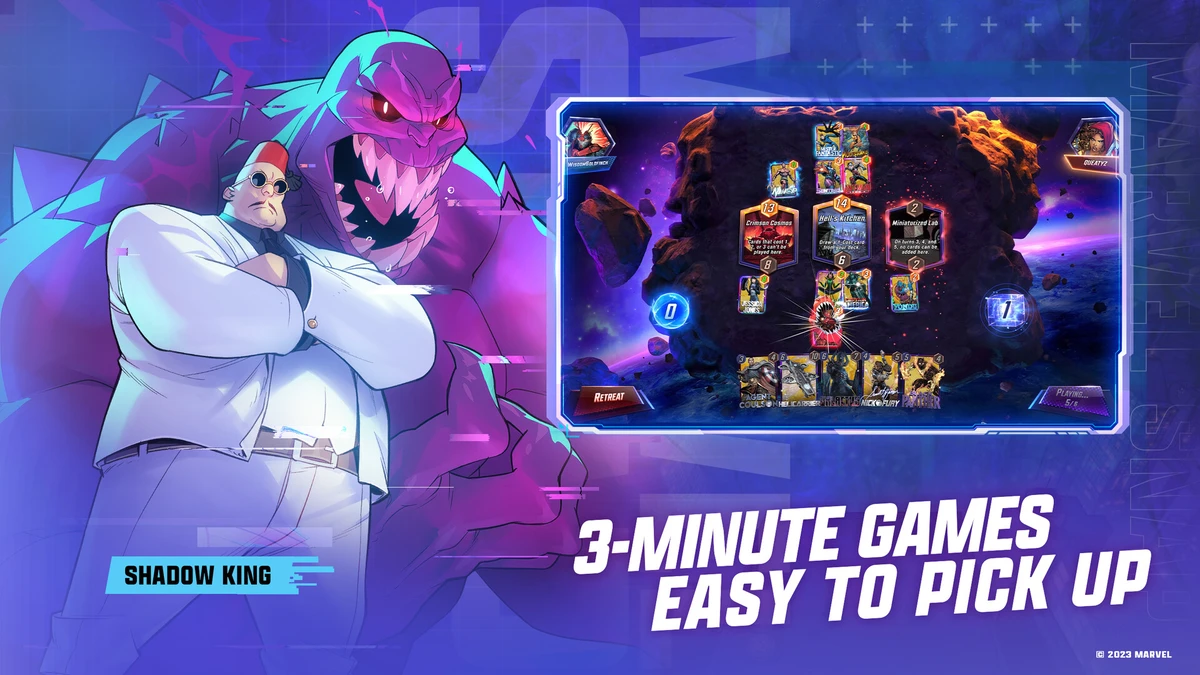


Marvel Snap Beginners Guide Video
Watch this beginners guide for Marvel Snap to jump in:

Marvel Snap PC Requirements for Windows
Minimum:
- OS: Windows 10 64-bit
- CPU: Intel Core i3-4130 or AMD equivalent
- RAM: 4 GB
- Storage: 5 GB HDD
- GPU: NVIDIA GTX 650 or AMD Radeon HD 7750
- DirectX: Version 11
Recommended:
- OS: Windows 11 64-bit
- CPU: Intel Core i5-2300 or AMD FX-6300
- RAM: 8 GB
- Storage: 5 GB SSD
- GPU: NVIDIA GTX 960 or AMD Radeon R9 380
- DirectX: Version 11
Marvel Snap on Windows FAQ
- Is it free? Yes, free to play with optional buys.
- Can I play offline? No, it needs internet.
- Does it run on Windows 11? Yes, works great.
- What’s the download size? Around 5 GB with updates.
Support and Community
Explore More Windows Games: LEGO Marvel Super Heroes 2, Best Marvel Games for PC, Marvel Rivals for PC, Guardians of the Galaxy for PC, Midnight Suns for PC