

Readers like you help support this site. When you make a purchase using links on our site, we may earn an affiliate commission. All opinions remain our own.
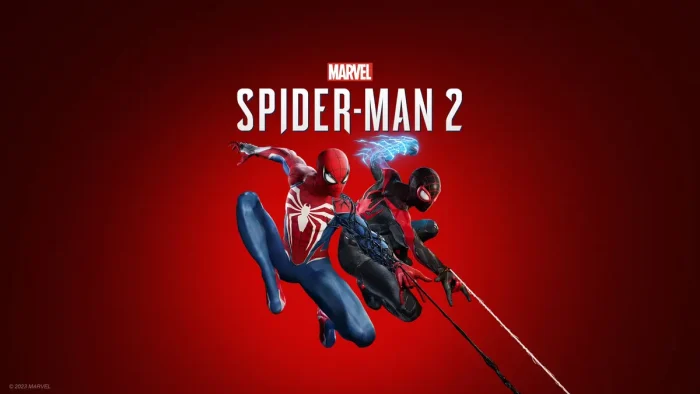

If you’re a Windows user eager to swing through New York City as Peter Parker or Miles Morales, this guide will walk you through the steps to download and install Marvel’s Spider-Man 2 on your Windows 11/10 PCs.
Let’s get started and dive into the action and remember, you can contact us or leave a comment below if you need any help.
How to install Marvel’s Spider-Man 2 on Windows
To install Spider-Man 2 on your Windows PC, just follow these simple steps:
- Choose where you want to download Marvel’s Spiderman 2 from:
- Once downloaded, follow these installation instructions:
- Open the Steam app on your PC. If you don’t have it installed, download it here.
- Log in to your account or create a new one.
- Search for Spider-Man 2 in the store and click Add to Library.
- Launch the game:
- Go to your Steam Library, find Marvel’s Spiderman 2, and click Install.
- Once installed, hit Play to start enjoying the game.
What is Marvel’s Spider-Man 2 About?
Marvel’s Spider-Man 2 is the highly anticipated sequel to Insomniac Games’ critically acclaimed Spider-Man series, continuing the story of Peter Parker and Miles Morales as they face new threats in an expanded New York City.
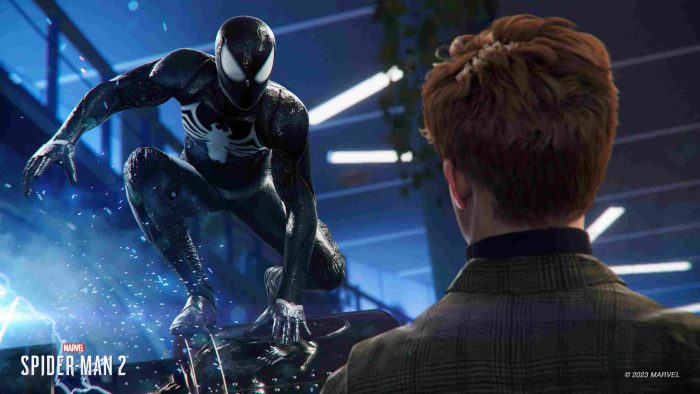
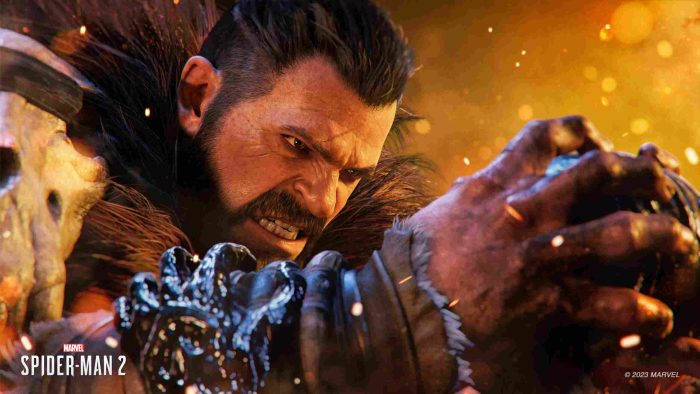
The game introduces iconic villains like Venom and Kraven the Hunter, pushing both Spider-Men to their limits as they balance their personal lives with their superhero responsibilities.
With a darker tone and deeper narrative, the game explores themes of power, responsibility, and the bonds of friendship, while delivering thrilling web-slinging action and an emotional storyline.
Marvel’s Spiderman 2 PC Features:
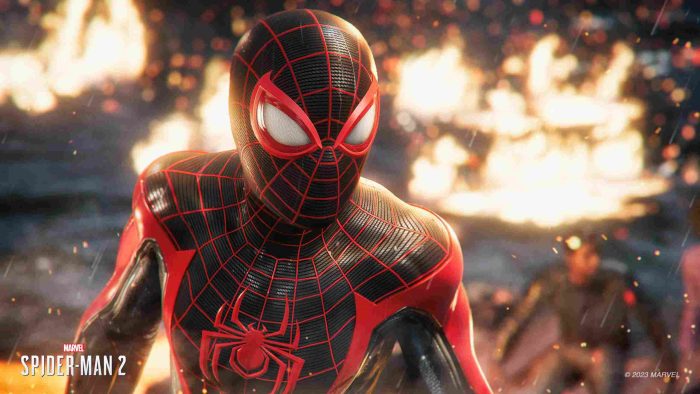
- Dual Protagonists: Play as both Peter Parker and Miles Morales, each with unique abilities, suits, and story arcs.
- New Villains: Face off against iconic foes like Venom and Kraven the Hunter, with high-stakes boss battles and cinematic encounters.
- Expanded Open World: Explore a larger, more detailed version of New York City, including new boroughs and dynamic events.
- Enhanced Combat and Abilities: Unleash powerful new moves, gadgets, and symbiote powers for Peter, while Miles utilizes his bio-electric Venom abilities.
- Deeper Storytelling: Experience a mature, emotional narrative that delves into the struggles of being a hero and the consequences of power.
What’s New – Marvel Spider-Man 2 on PC
The PC version of Marvel’s Spider-Man 2 is expected to bring exciting changes, including enhanced graphics, improved performance optimizations, and support for ultrawide monitors, making it a standout experience for PC gamers.
Additionally, one of the biggest advantages of the PC release is the ability to download mods, which can significantly expand and enhance gameplay. Mods can range from quality-of-life improvements to entirely new mechanics or visual overhauls.
However, keep in mind that mods adding new models and textures tend to be larger in size due to file formats. To explore these mods, players can visit popular communities like the Marvel’s Spider-Man subreddit , the Steam Workshop, or dedicated modding forums.
Marvel’s Spider-Man 2 Gameplay Video

Marvel’s Spider-Man 2 Screenshots

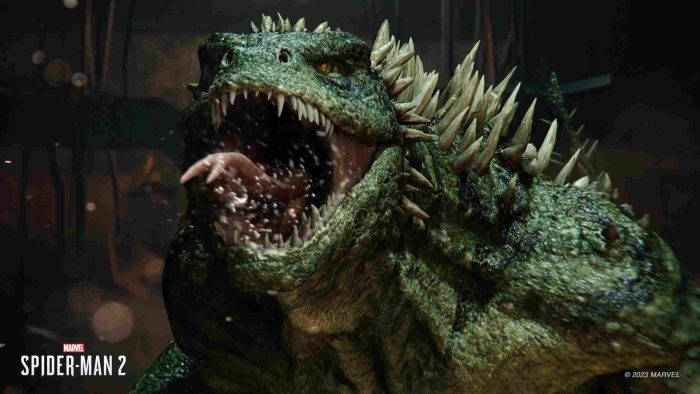
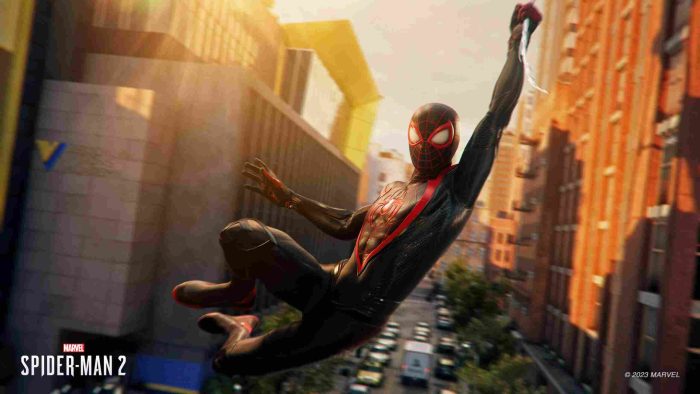
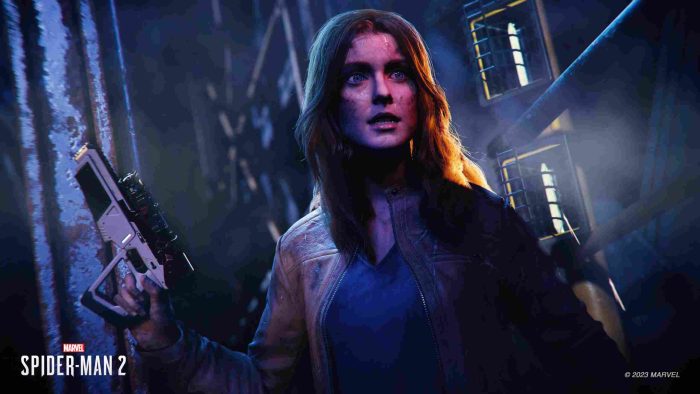
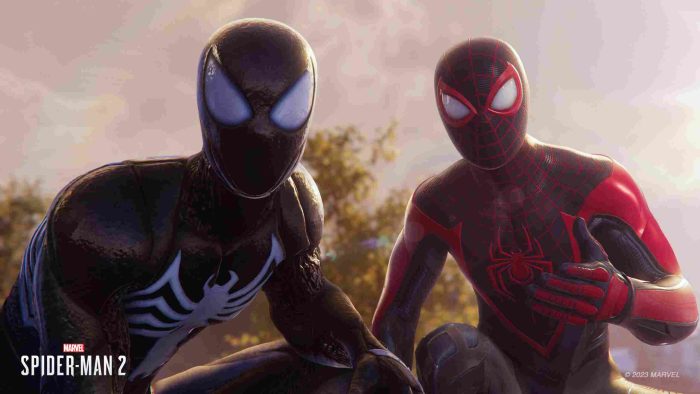

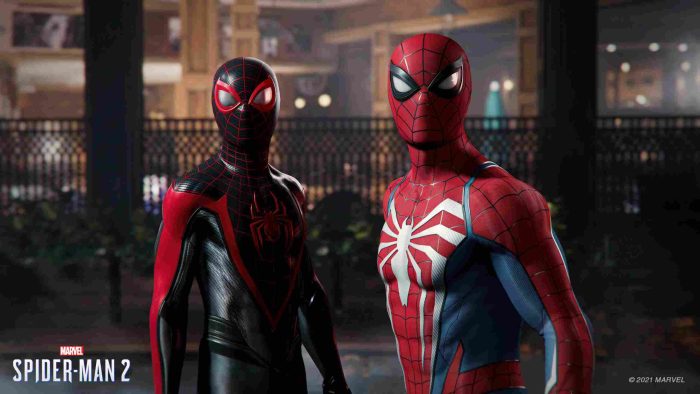
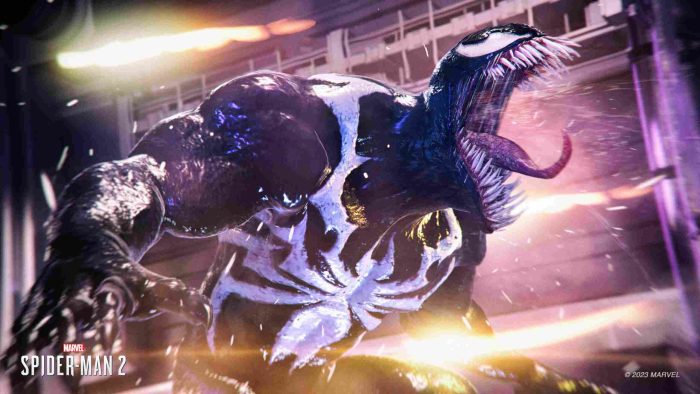

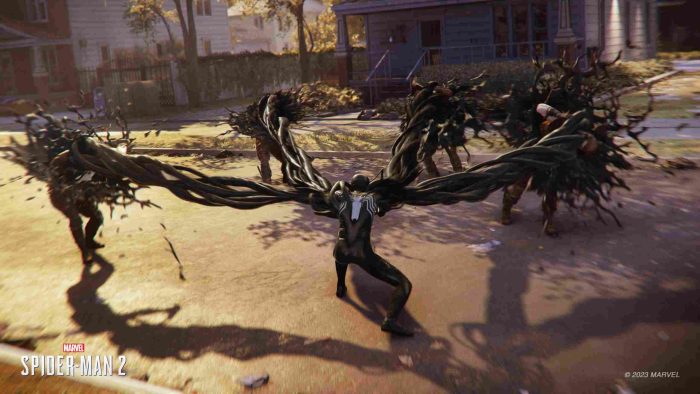
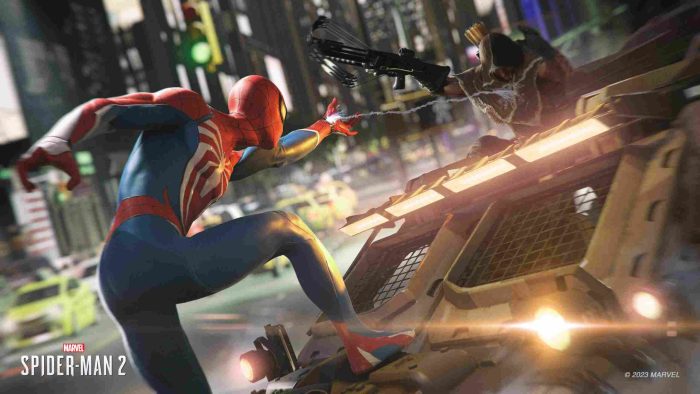
Marvel’s Spider-Man 2 PC Requirements
- OS : Windows 10/11 64-bit (Version 1909 or higher)
- Processor : Intel Core i3-8100 or AMD Ryzen 3 3100 (Minimum), Intel Core i5-8400 or AMD Ryzen 5 3600 (Recommended)
- Memory : 16 GB RAM
- Graphics : AMD Radeon RX 5500 XT (Minimum), AMD Radeon RX 6800 or NVIDIA GeForce RTX (High)
- DirectX : Version 12 or better
- Network : Broadband Internet connection
- Storage : 140 GB available space (SSD required)
Check out our list of the best Anime games, Marvel Rivals on Windows, and the best Adventure games on PC.
Marvel’s Spider-Man 2 FAQ:
How long is Marvel’s Spider-Man 2?
- The main story takes around 14-17 hours to complete, but players can easily spend over 40+ hours if they dive into side missions, collectibles, and other activities.
Can I play as both Peter Parker and Miles Morales?
- Yes! Players can switch between Peter Parker and Miles Morales throughout the game, each with their own unique abilities and skill trees.
Is there a photo mode in Marvel’s Spider-Man 2?
- Yes. The game features an enhanced Photo Mode, allowing players to capture stunning shots across New York City with improved tools and filters.
Does Marvel’s Spider-Man 2 have accessibility options?
- Yes, it includes robust accessibility features like customizable controls, high-contrast visuals, and audio cues, making it highly recommended for low-vision gamers.
Are there new villains in Marvel’s Spider-Man 2?
- Yes, fans will encounter iconic foes such as Venom and Kraven the Hunter, adding fresh challenges to the storyline.
Can I transfer my save data from the PS5 version to PC?
- As of now, there’s no official confirmation about cross-platform save transfers. Check the developer’s updates for future announcements.
Will Marvel’s Spider-Man 2 tie into the MCU timeline?
- No, this game exists within its own standalone universe and does not connect directly to the MCU timeline. However, it shares thematic elements with Spider-Man lore.
What makes Marvel’s Spider-Man 2 different from the first game?
- The sequel introduces larger maps, dual protagonists, revamped combat mechanics, and more dynamic traversal options, including web wings for gliding.