


Readers like you help support this site. When you make a purchase using links on our site, we may earn an affiliate commission. All opinions remain our own.
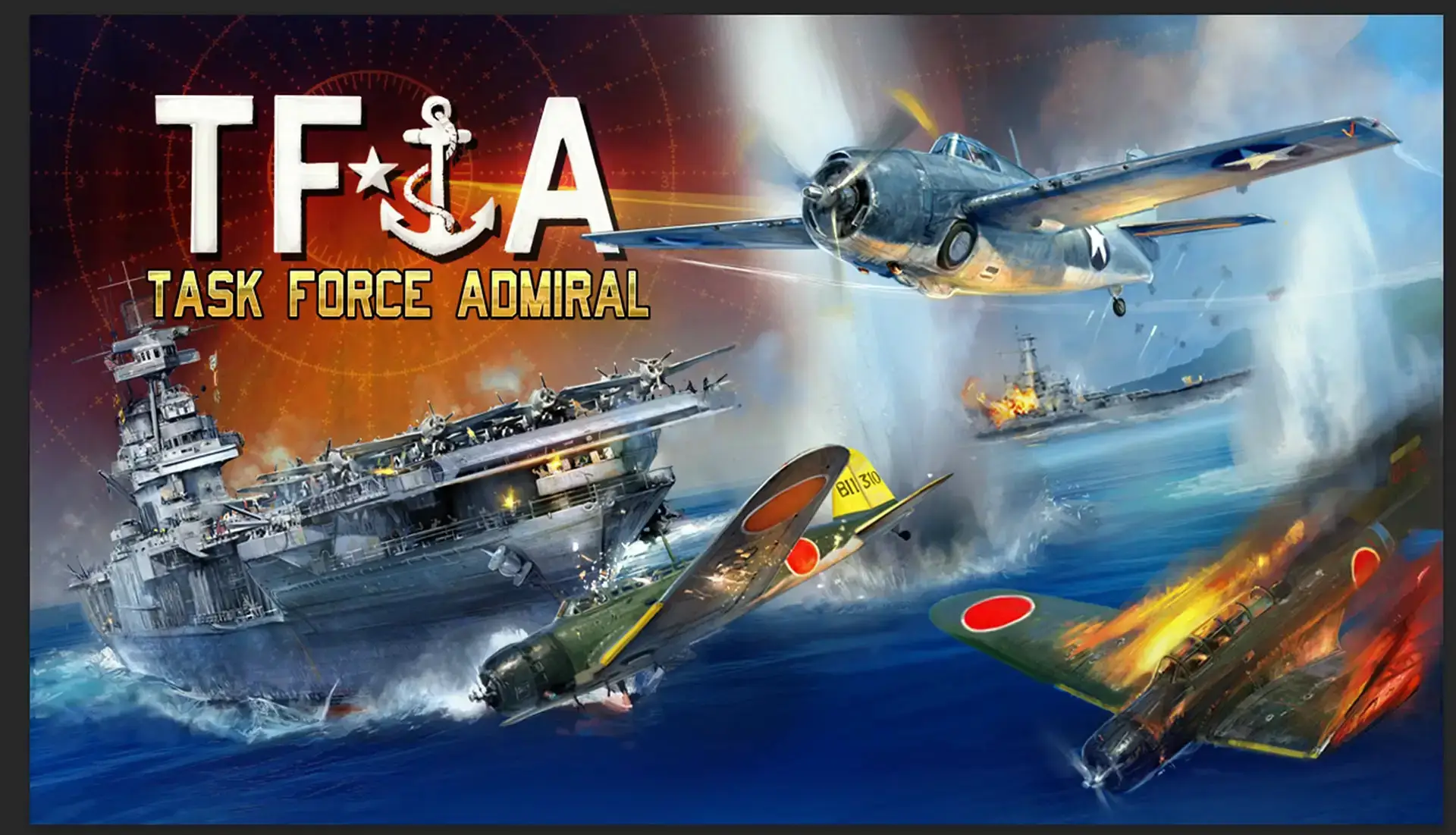
Task Force Admiral – Vol.1: American Carrier Battles is a strategy game about commanding aircraft carriers in World War II. It mixes deep planning with beautiful 3D graphics. You can download the game on PC through Steam.
This game renders hundreds of planes and ships at once. If your computer is old, you can stream it instantly on Boosteroid without downloading any files.
Most naval strategy games make you stare at a flat map. This game is different. You play as the Admiral on the bridge.
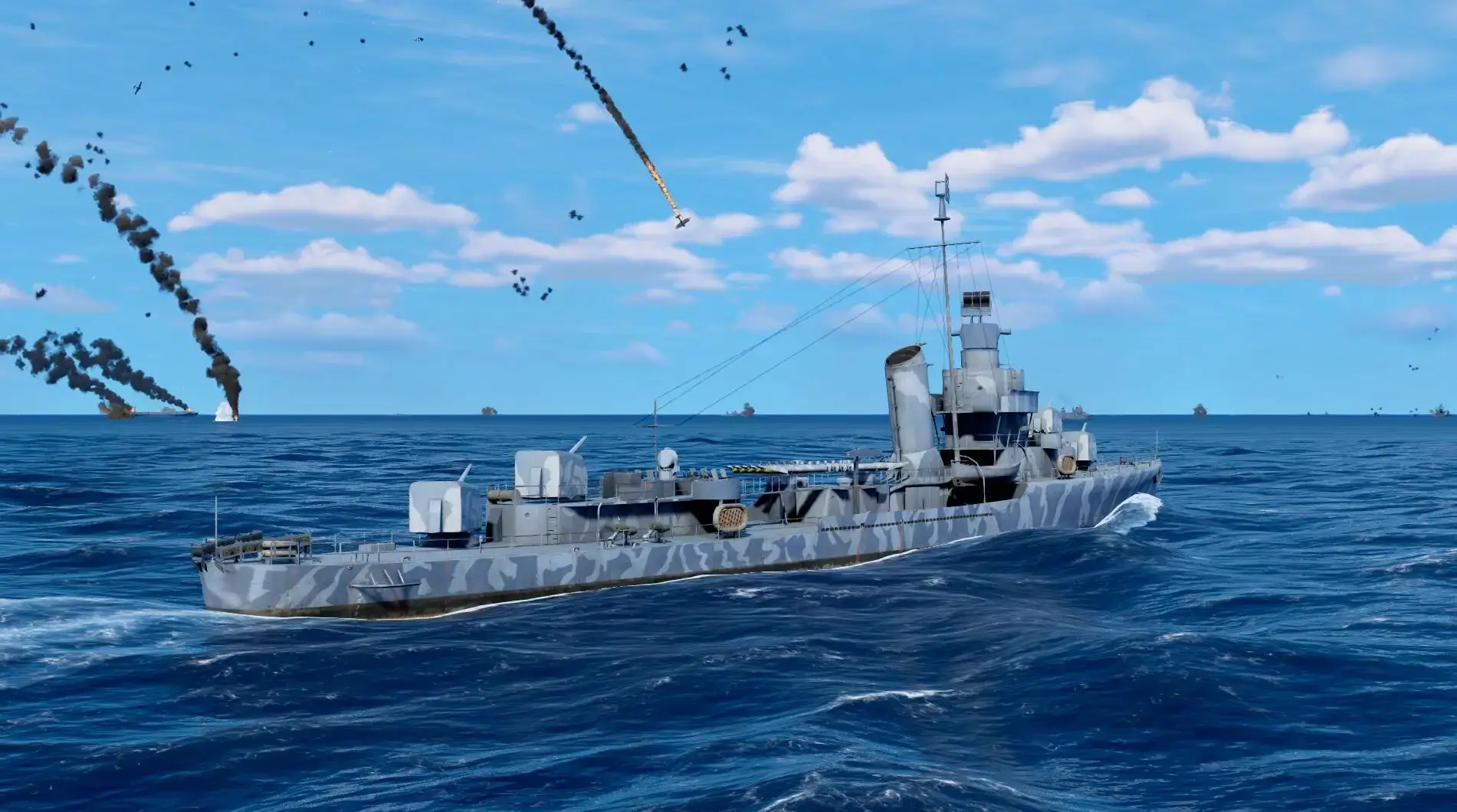
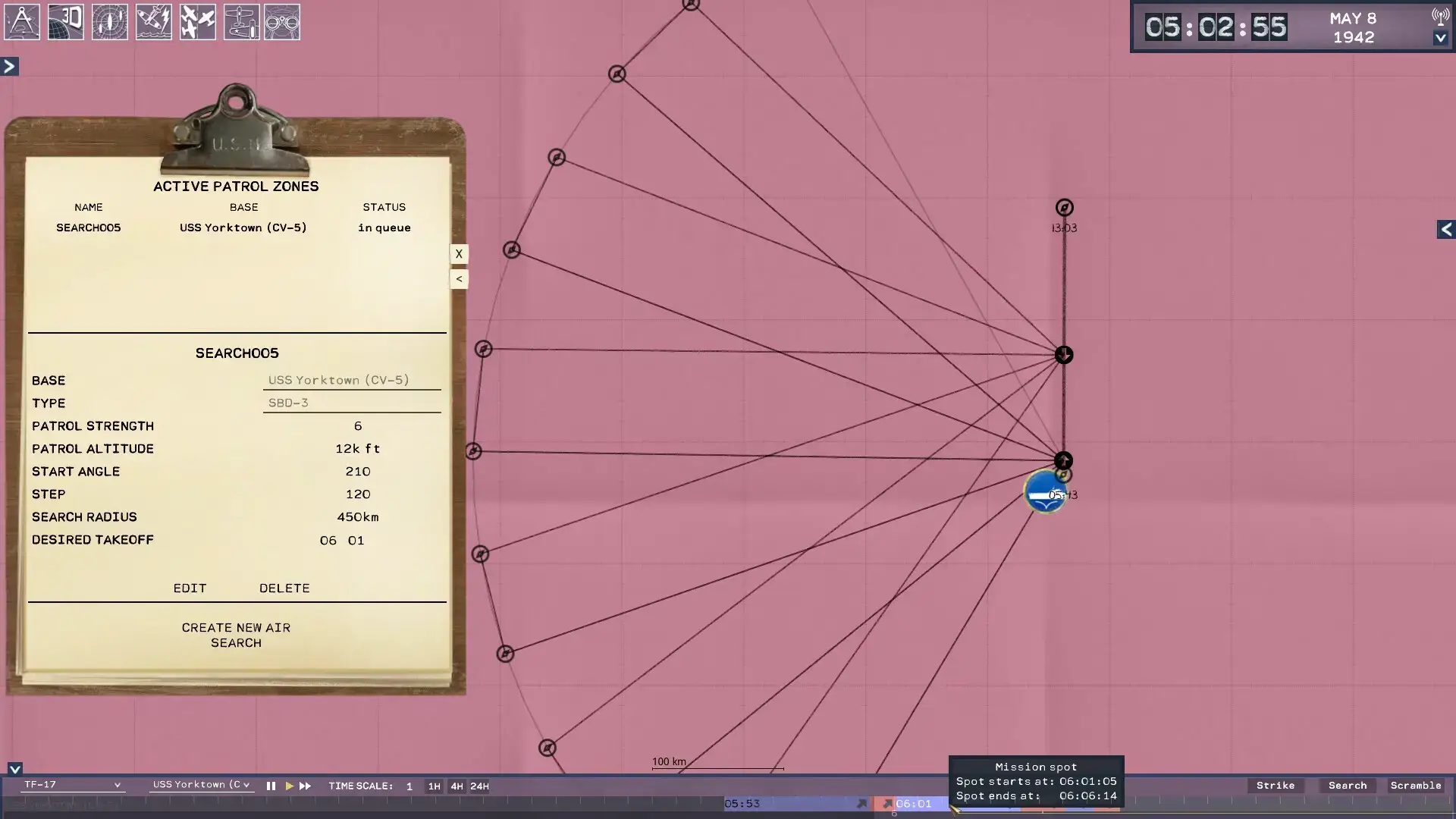
You must find the Japanese fleet, launch your dive bombers, and defend your own ships from attack. You don’t fly the planes yourself; you give the orders, and your pilots carry them out.

Quick Facts
- 📅 Release Date: Jan 27, 2026 (Early Access)
- 🛠️ Developer: Drydock Dreams Games
- 📂 Size: ~10 GB
- ☁️ Cloud Play: Available on Boosteroid
- 💰 Price: ~$39.99 (USD)
How to Download & Install Task Force Admiral on PC
Task Force Admiral – Vol.1: American Carrier Battles is available on Steam.
- Go to the Steam Store page.
- Click Add to Cart and buy the game.
- Open your Steam Library and click Install.
- Select your drive (SSD is recommended) and wait for the 10 GB download.

What is Task Force Admiral?
This game brings the classic naval wargames of the 1990s into the modern era. It focuses entirely on American carrier groups in the Pacific Theater of 1942.
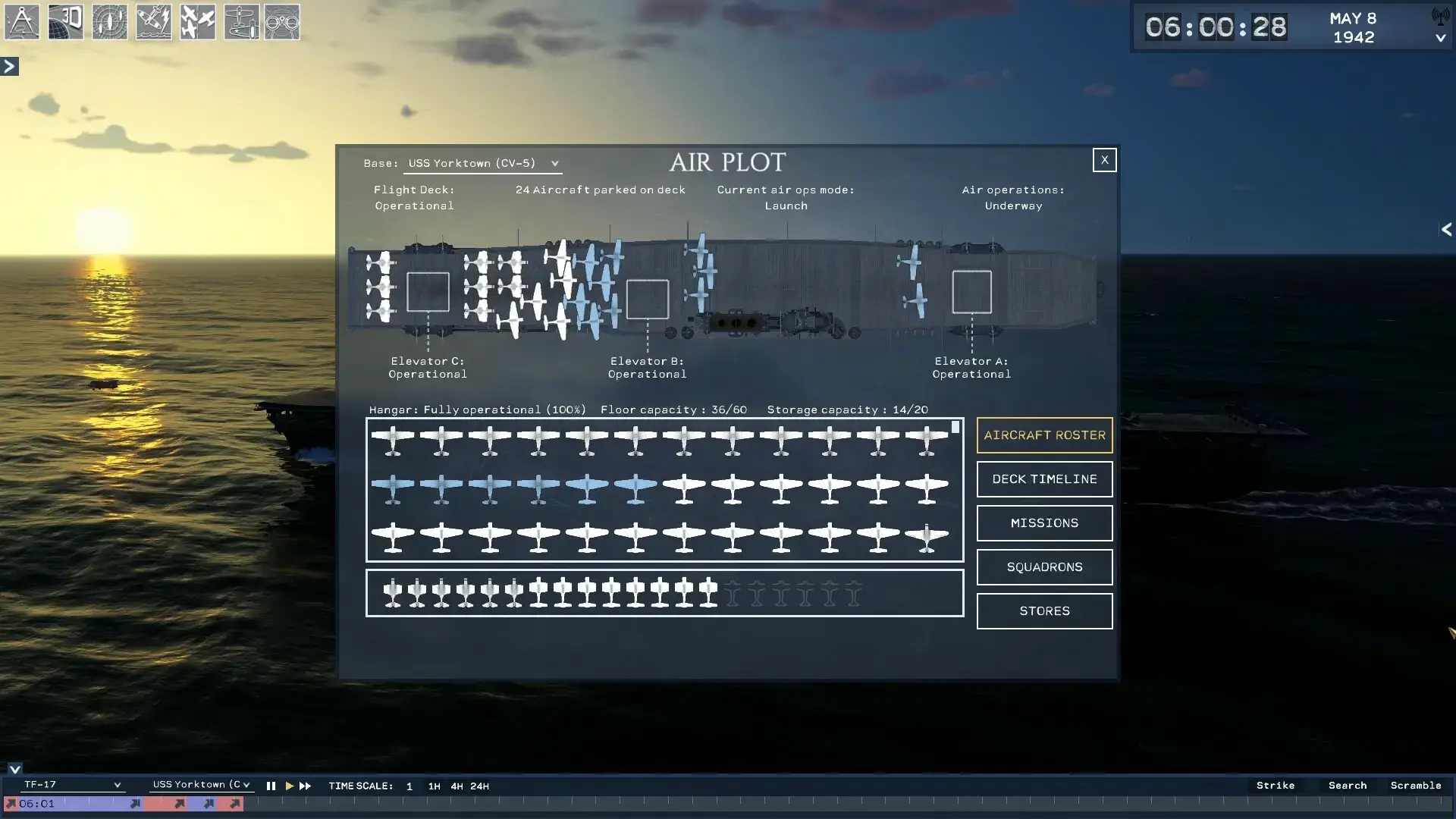
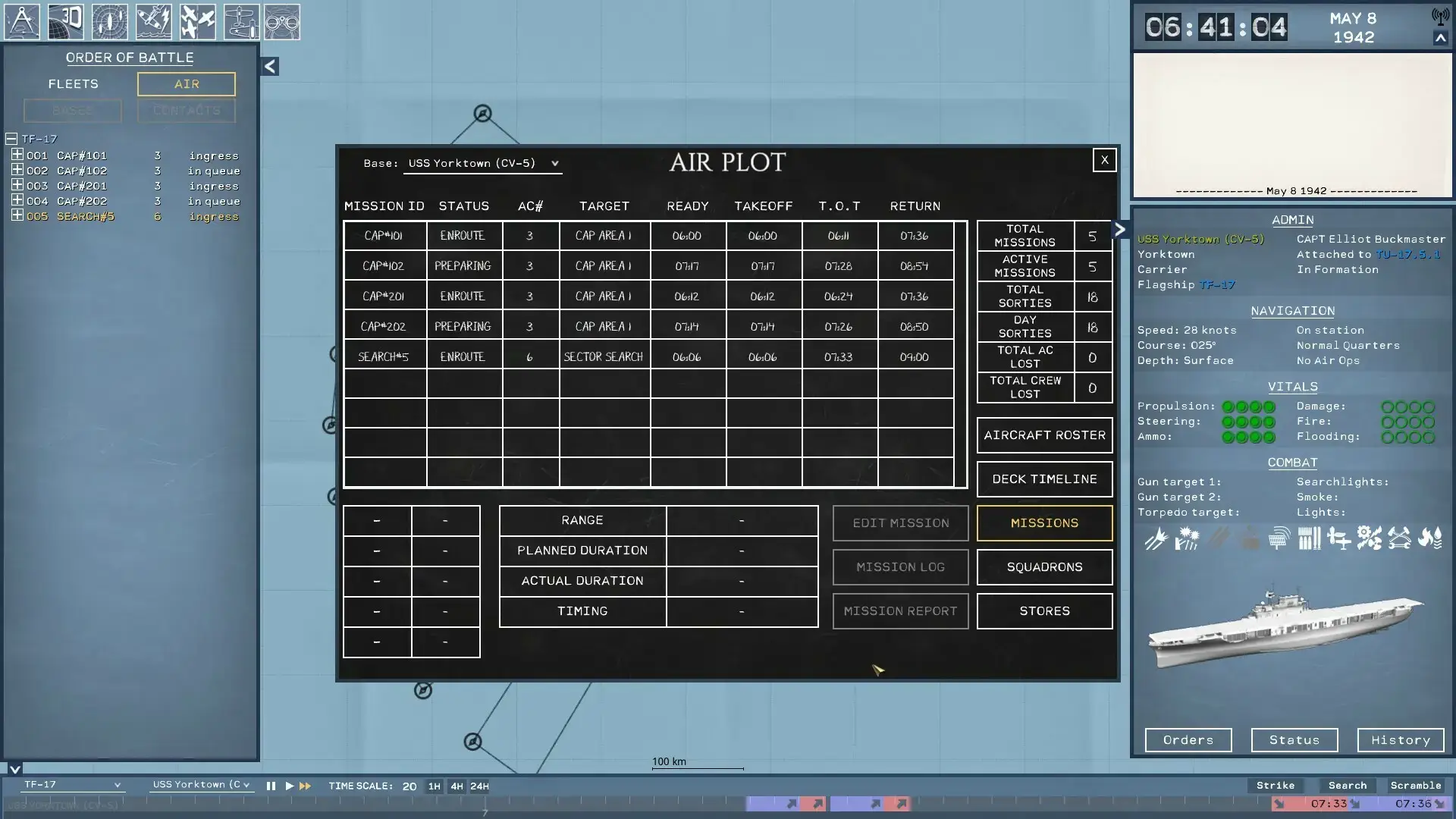
It is not a flight simulator. You do not hold a joystick to fly the planes. Instead, you are the brain behind the battle. You decide what bombs to load, when to launch scouts, and where to send your fighter patrols.
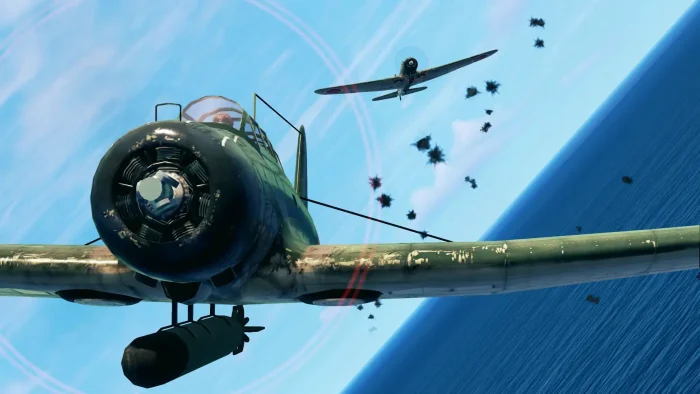
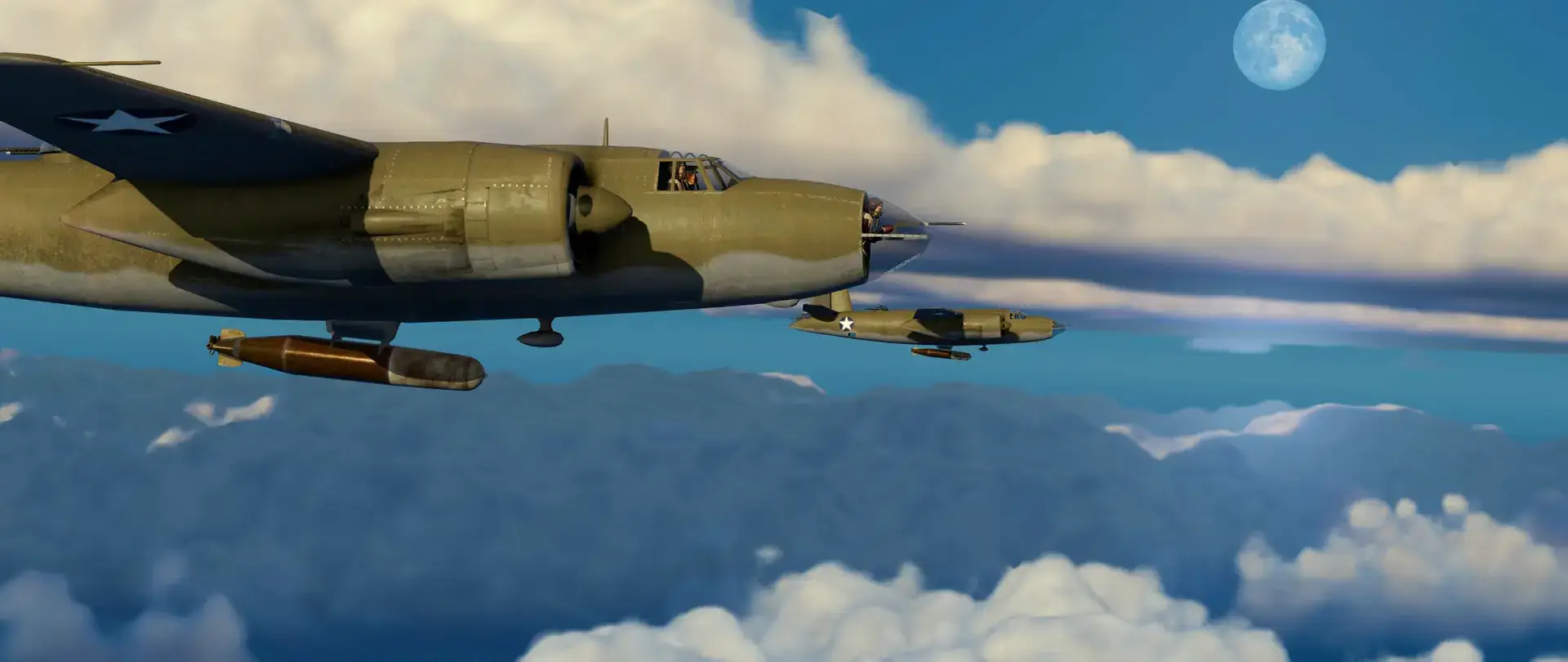
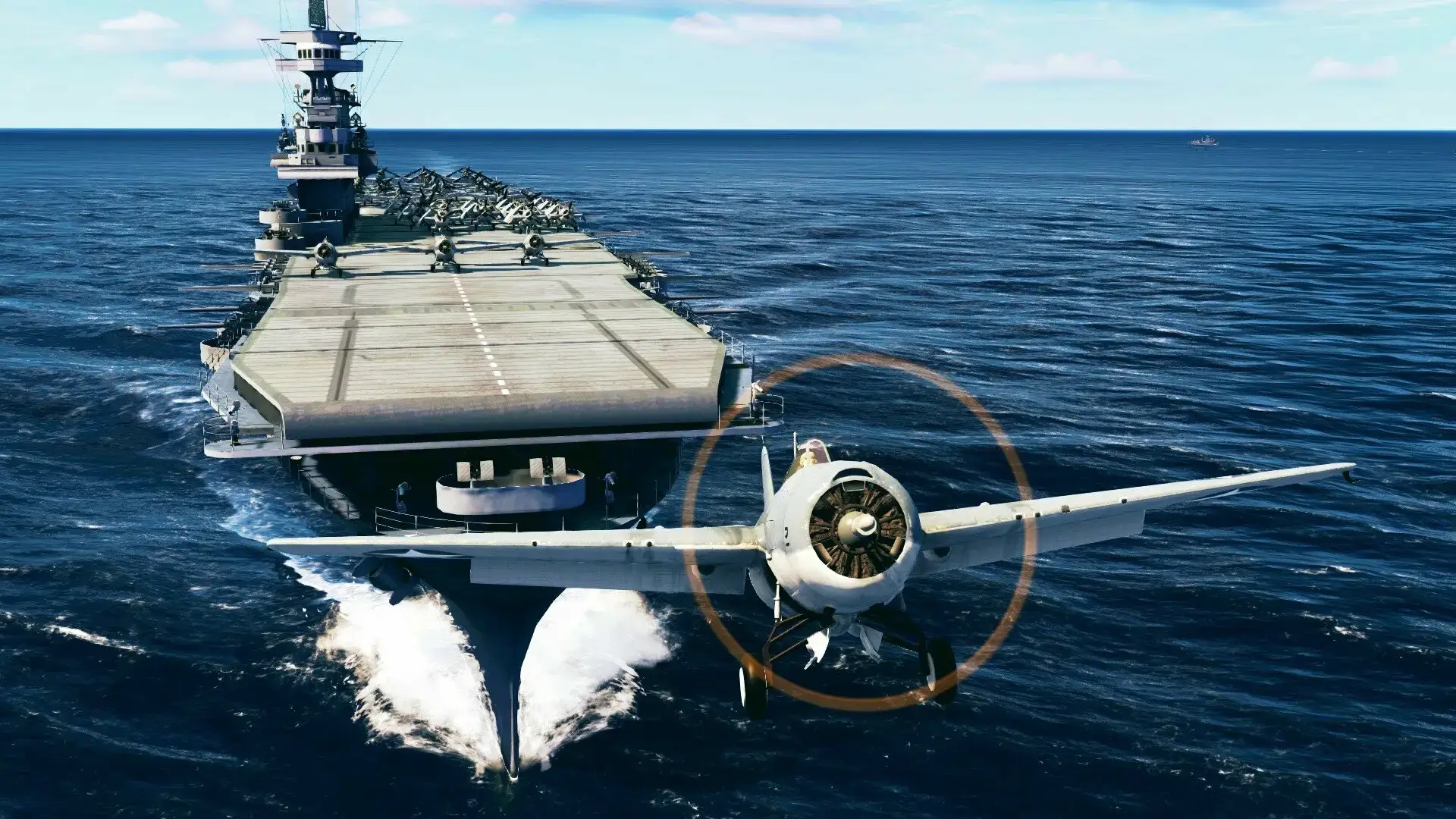
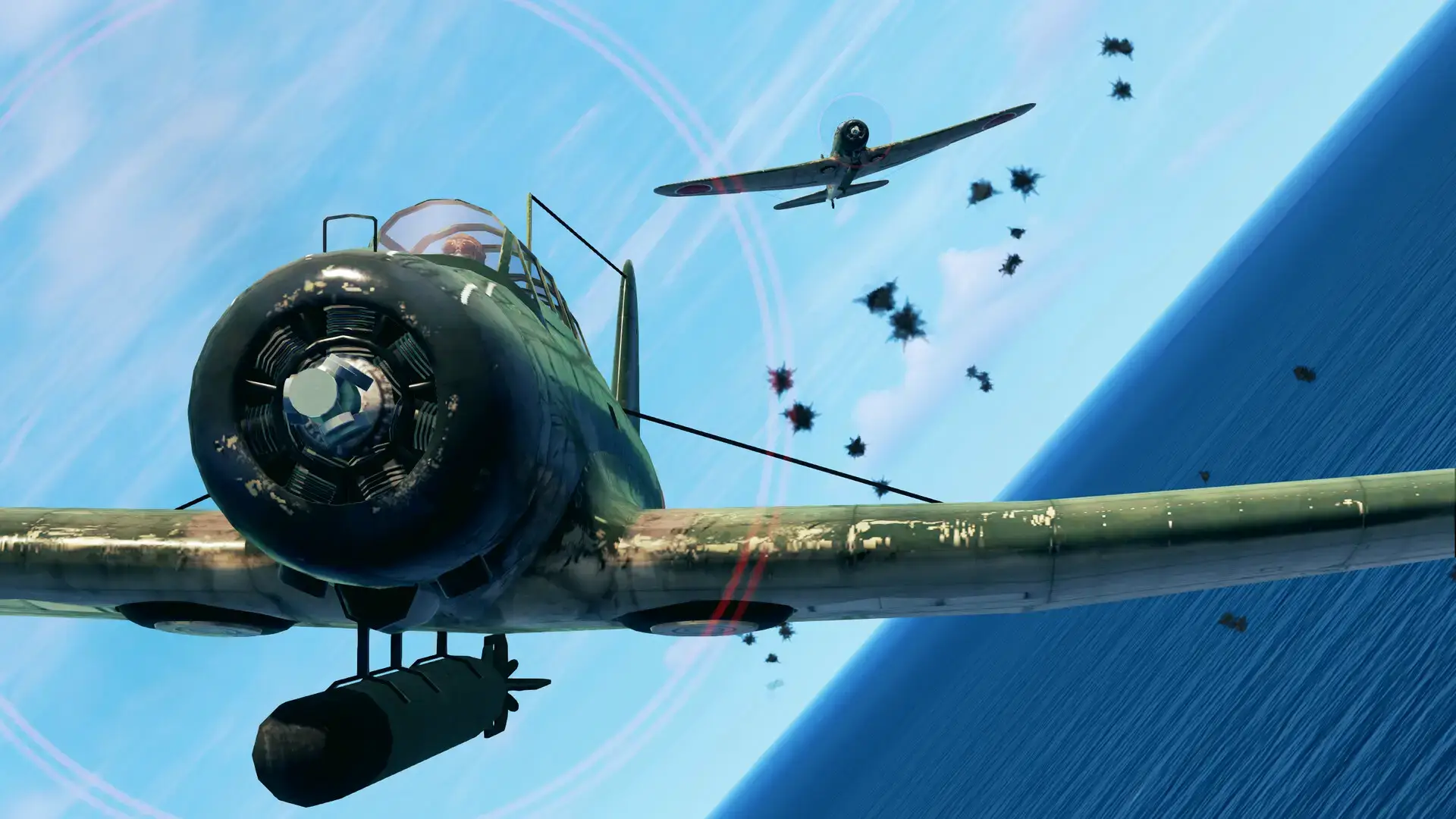
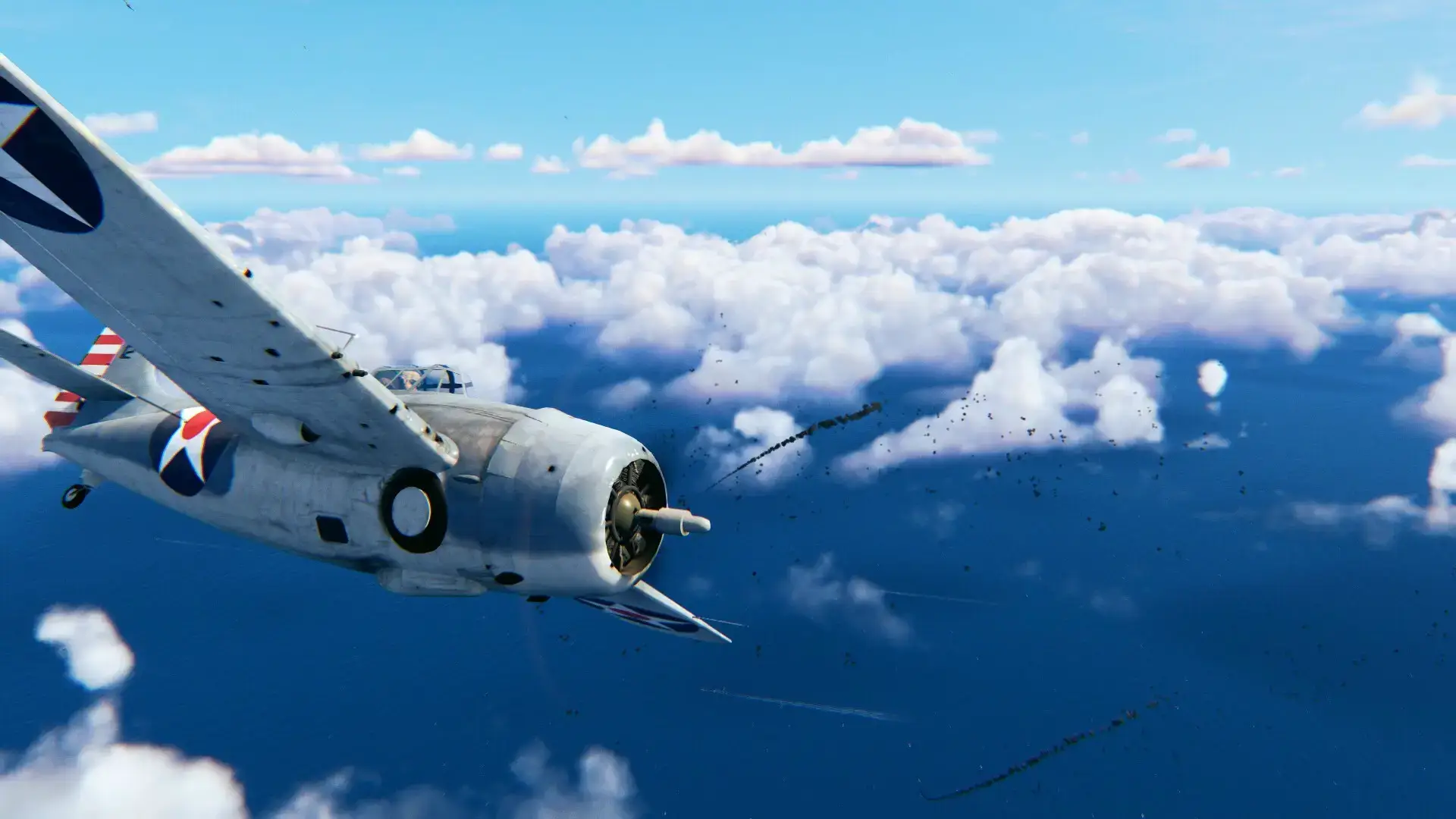
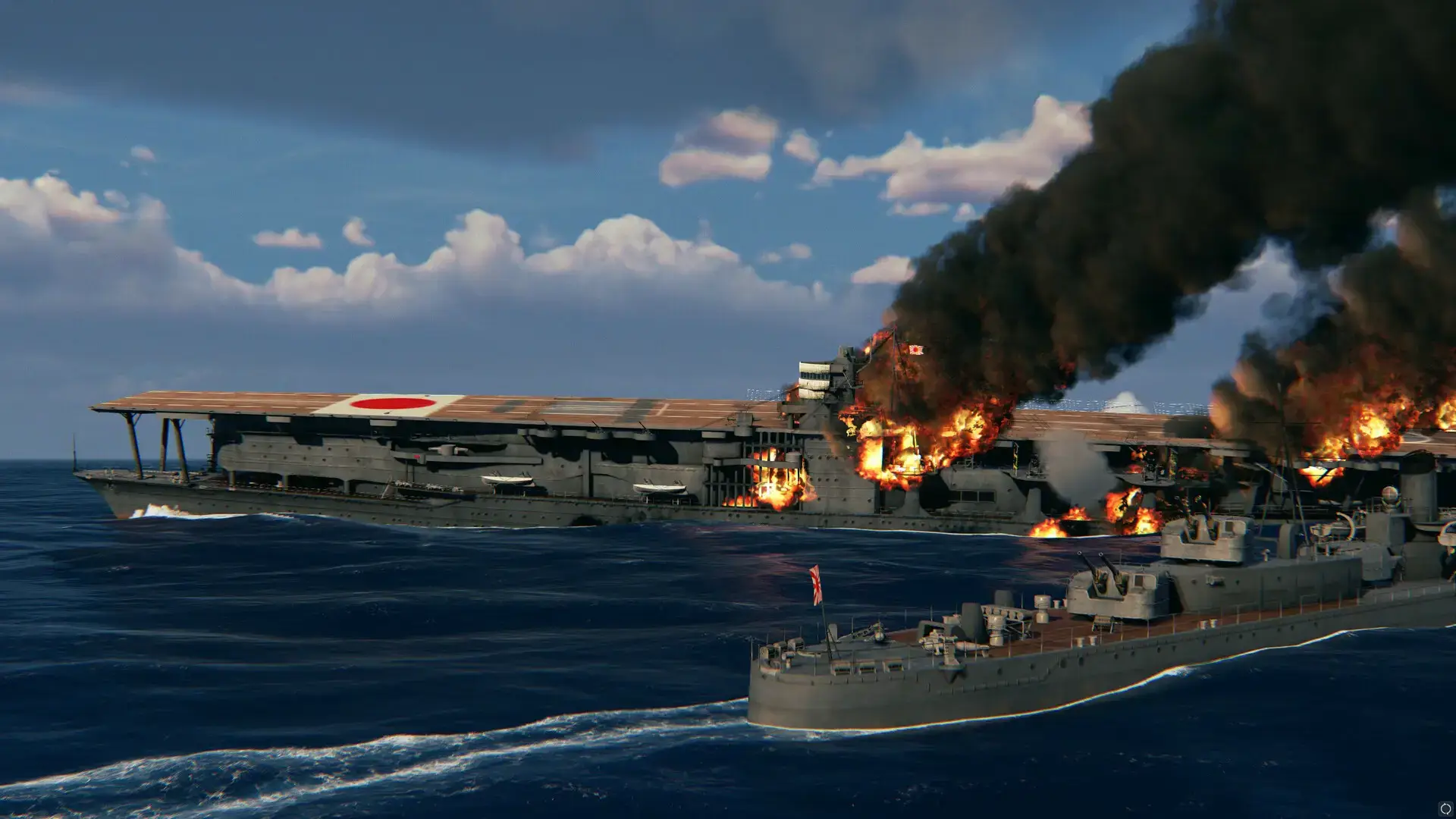
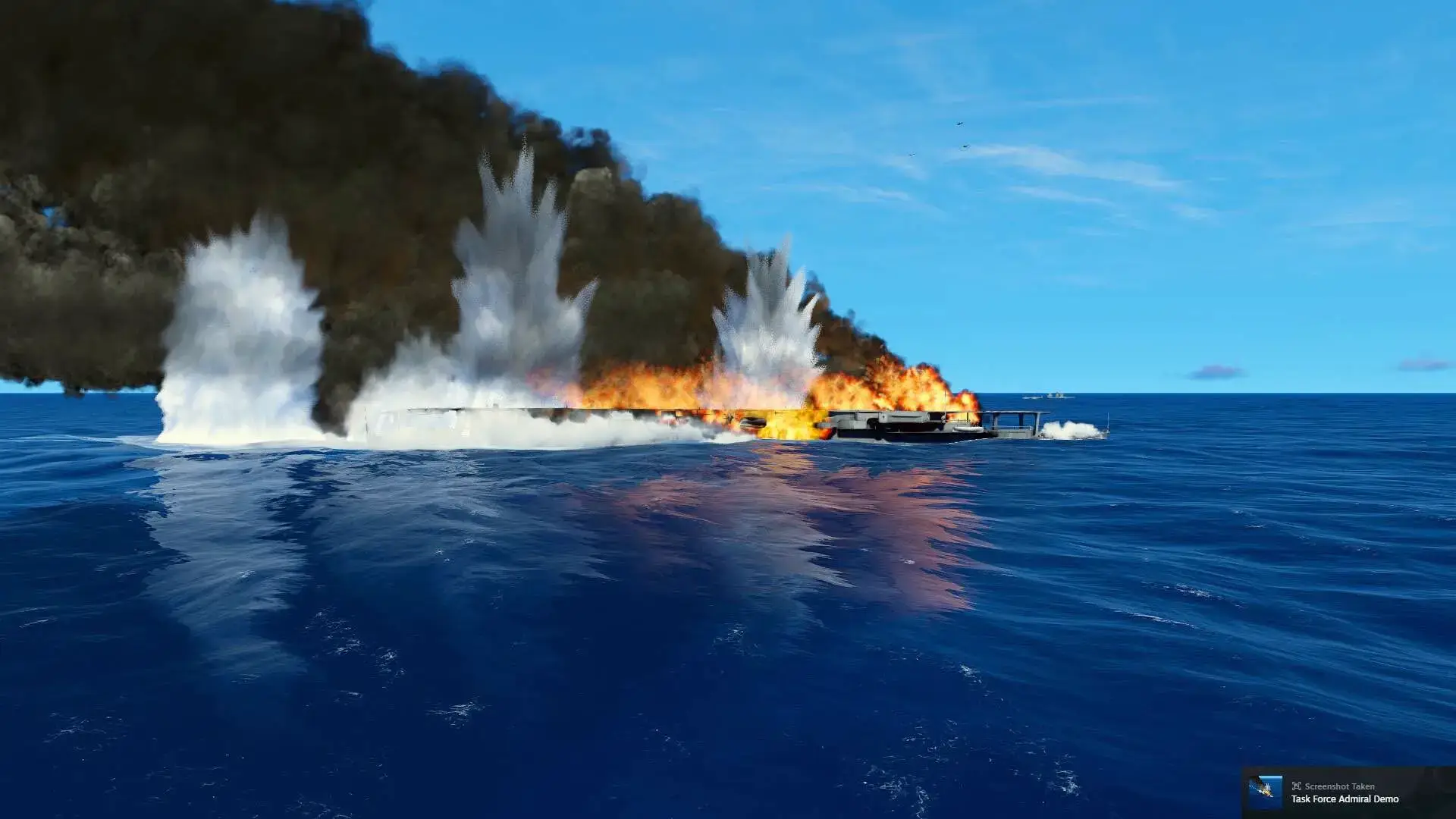
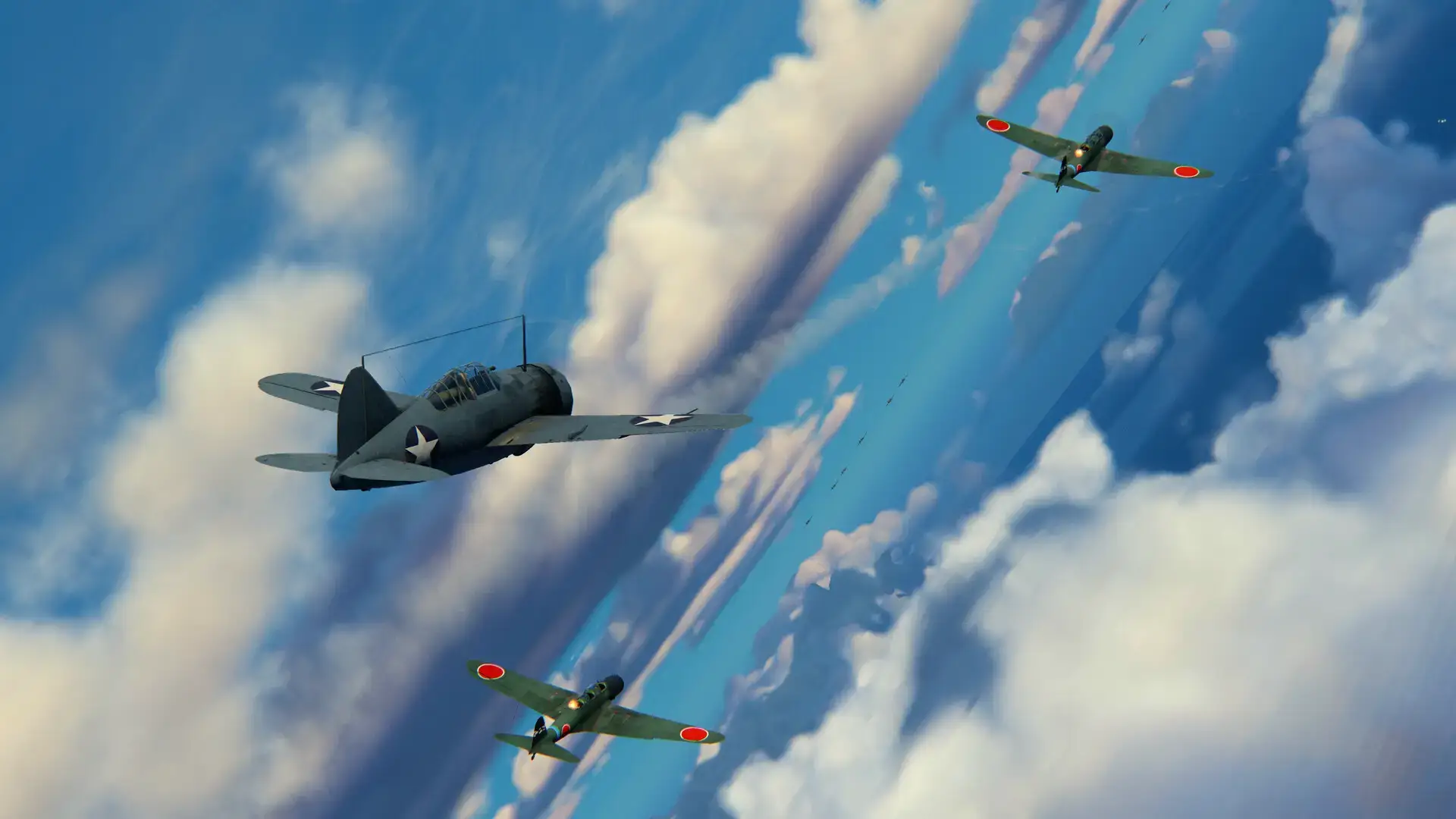
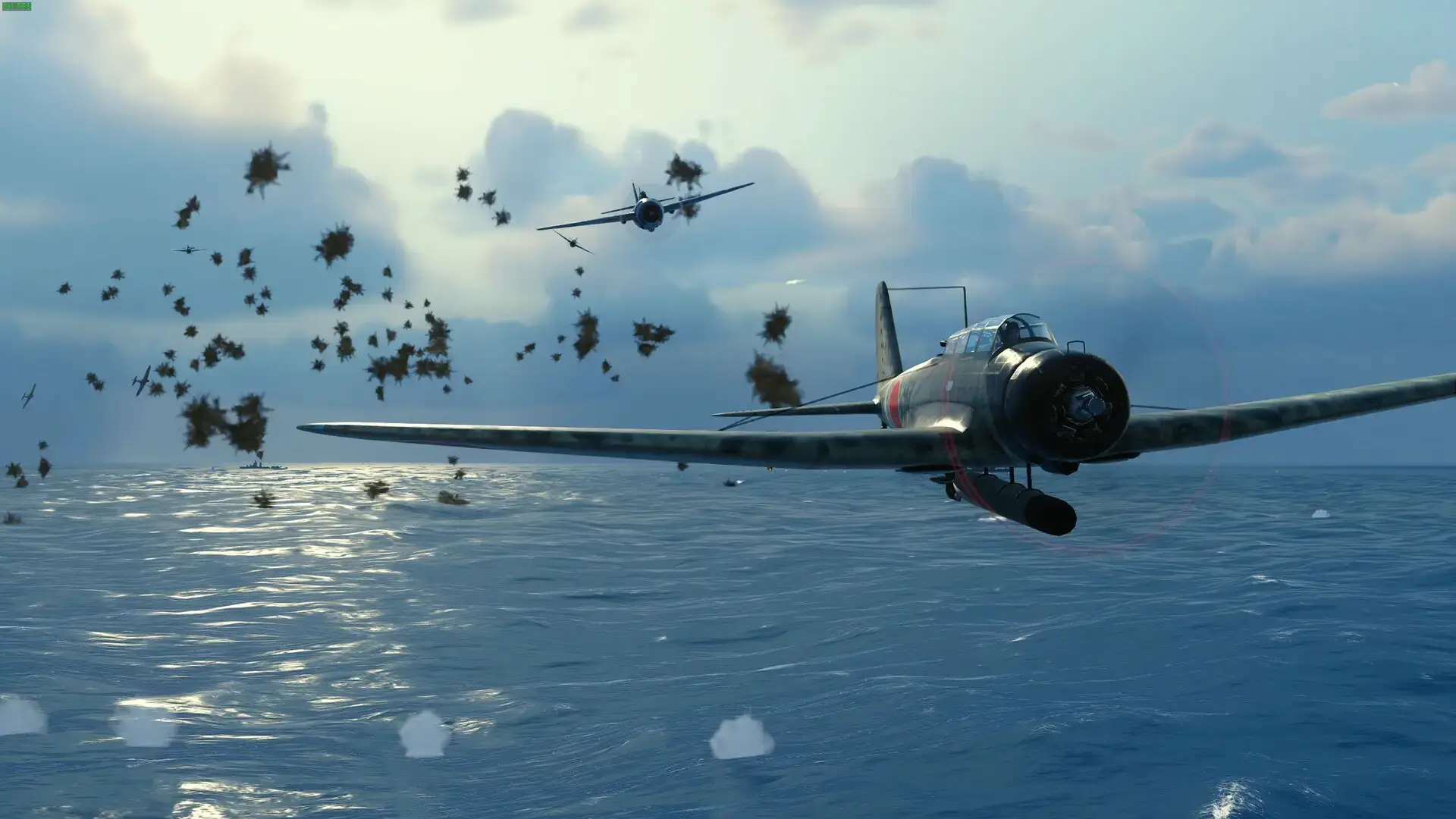
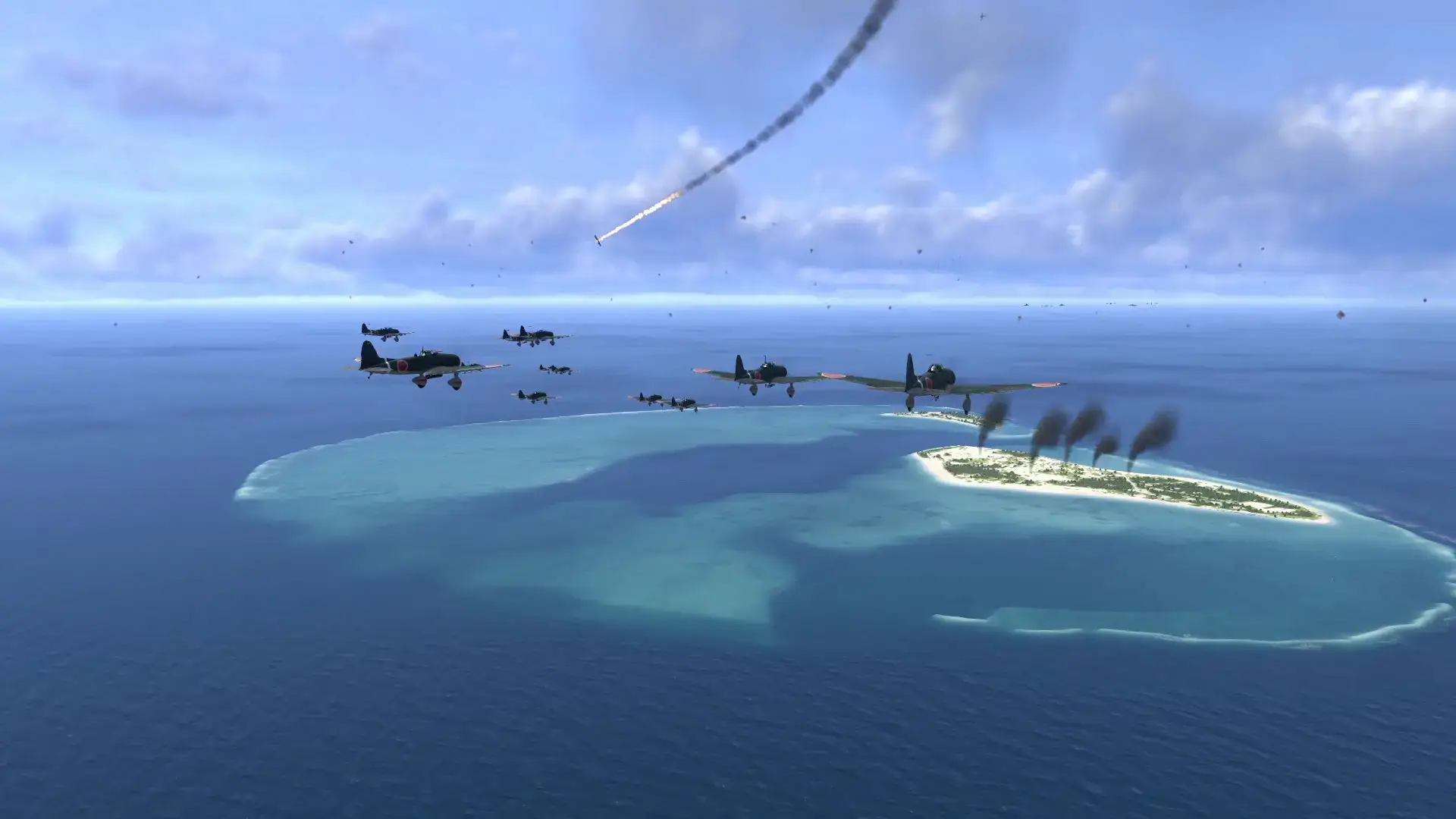
However, you can still watch the action. Once you give an order, you can switch to a cinematic camera and watch your SBD Dauntless bombers dive on Japanese carriers in real-time.
Key Gameplay Features
- 🚢
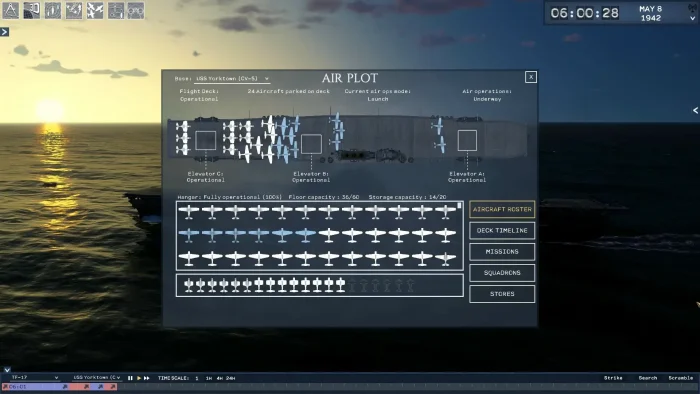
Total Command: You control the carrier. You must turn the ship into the wind to launch planes and manage the chaos of the flight deck.
- 🎥
Cinematic Replays: The game records everything. After a long battle, you can watch a movie-style replay of your planes attacking the enemy fleet.
- 📜
Historical Accuracy: The developers focused on history. The enemy AI acts like real Japanese commanders from 1942, and the planes perform exactly as they did in real life.
🤔 Who Would Like This Game?
This game is for history buffs and fans of naval strategy. If you loved old games like Task Force 1942 or Carriers at War, this is the modern version you have been waiting for.
If you want fast action where you fly the plane yourself, play War Thunder instead. This is a game about planning and patience.
Why Play on Windows?
Strategy games are best on PC:
- Mouse Interface: Drawing search sectors on the map and managing flight rosters is much faster with a mouse than a controller.
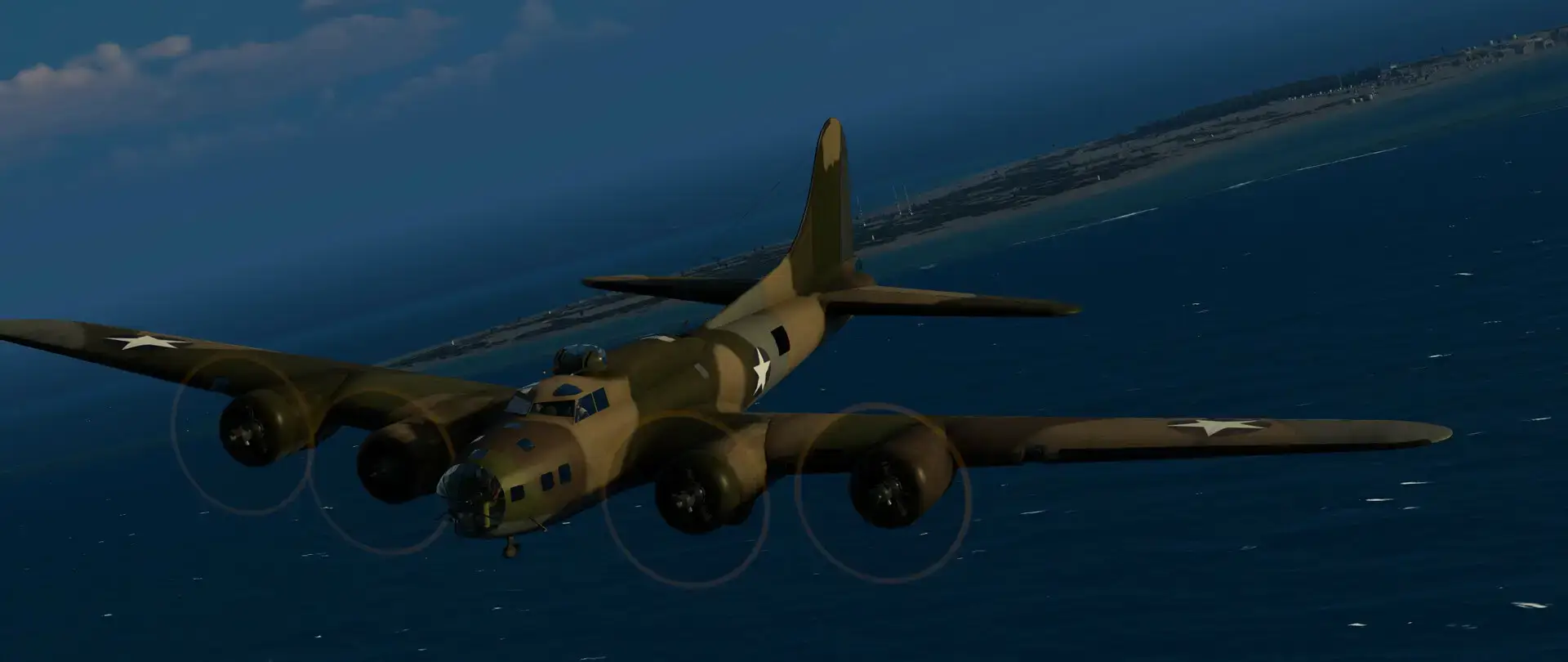
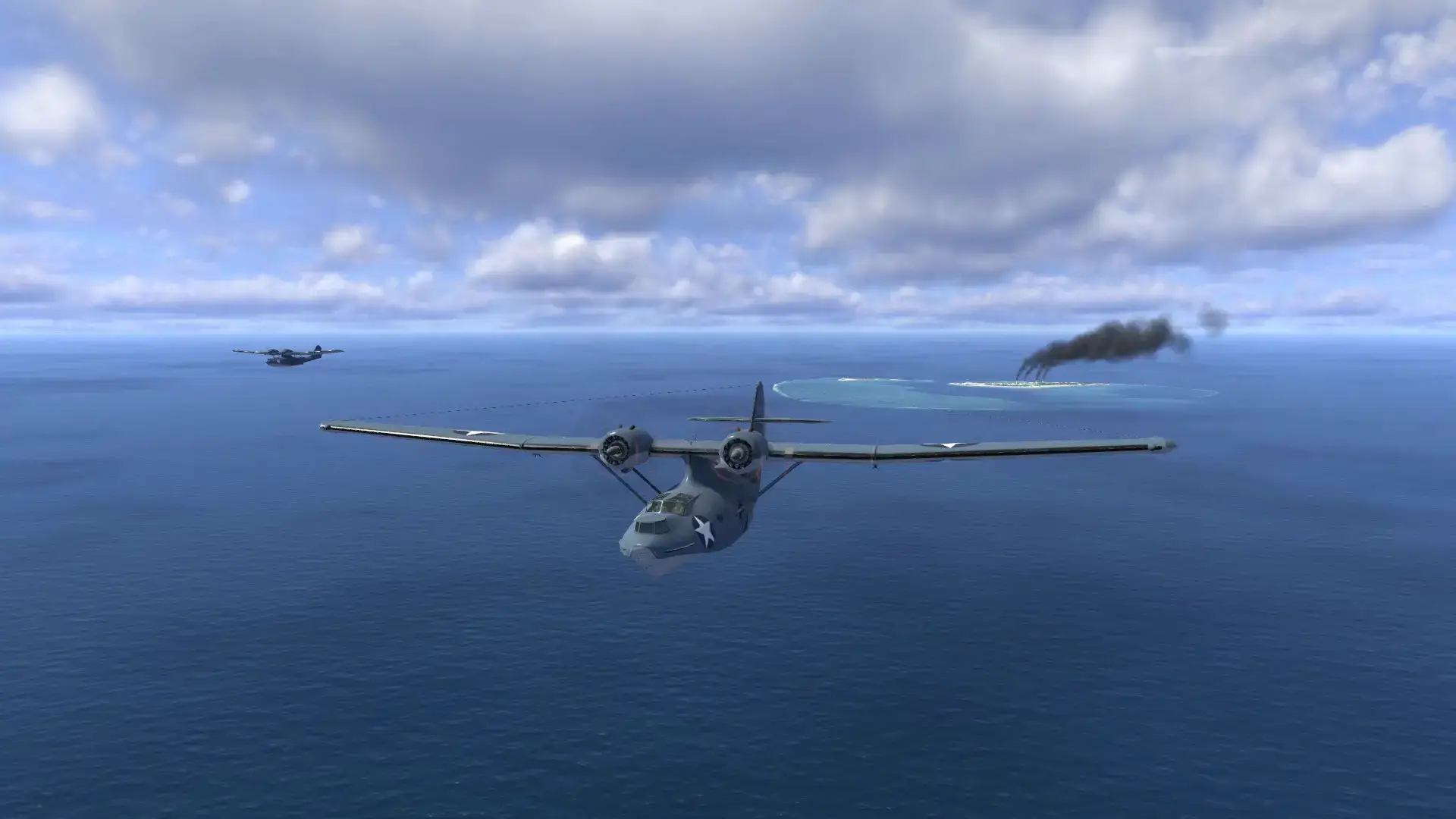
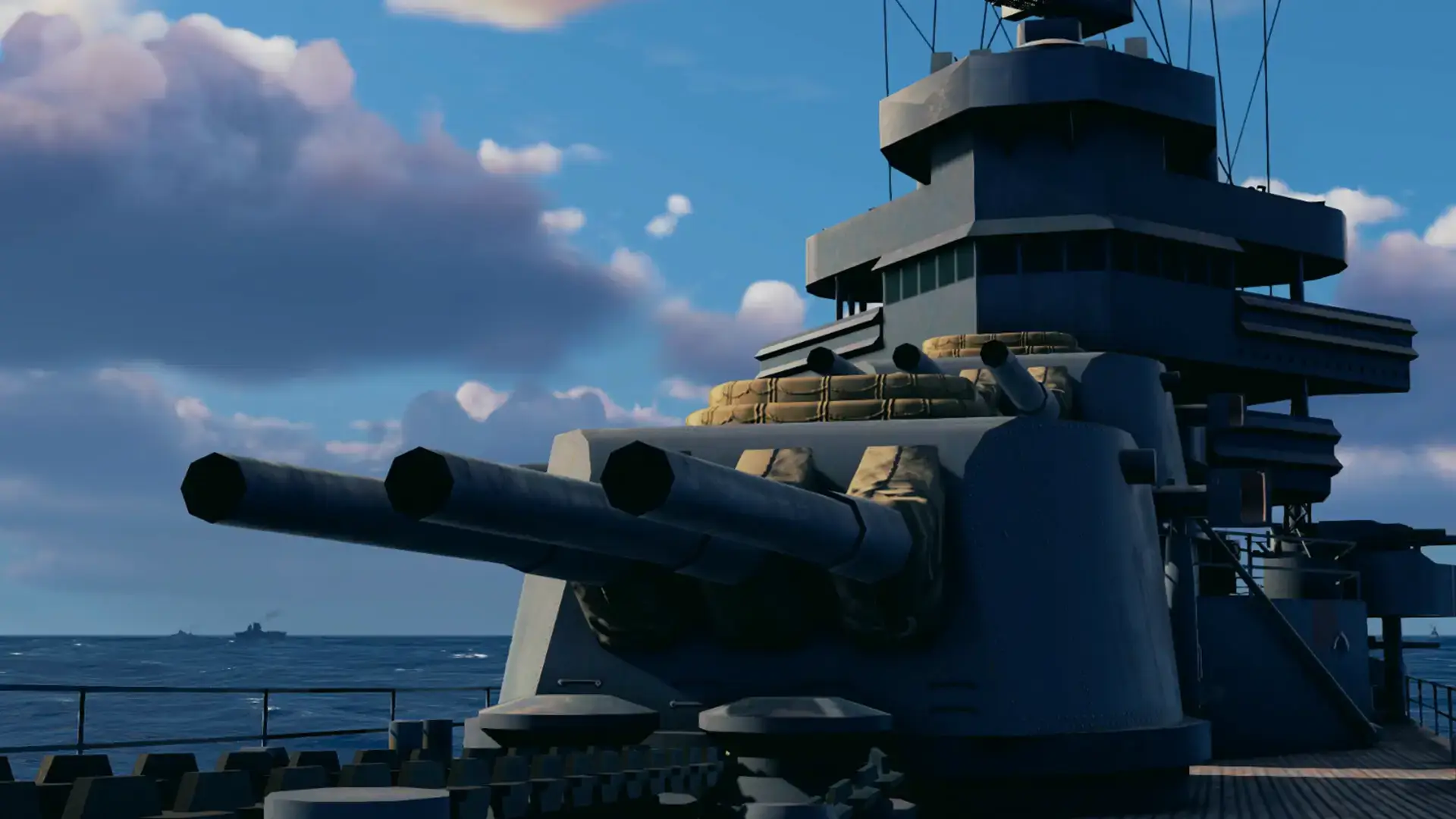
- 4K Graphics: The ship models are incredibly detailed. Playing on a high-resolution monitor lets you see the crew on the deck and the rivets on the planes.
- Modding: The PC version supports custom scenarios and skins, allowing you to create your own “What If” battles.
5 Tips for Beginners
Carrier warfare is dangerous. Use these tips to keep your fleet afloat.
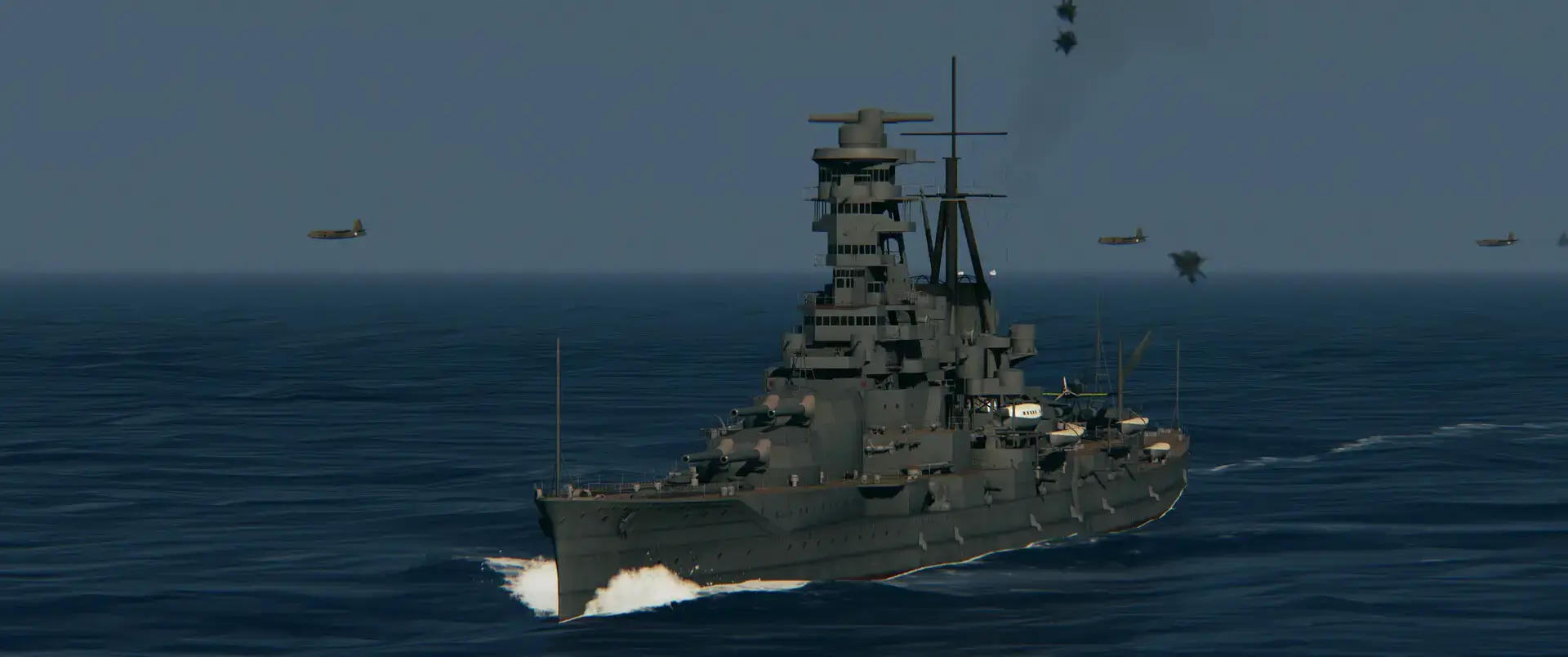
Gameplay Screenshots
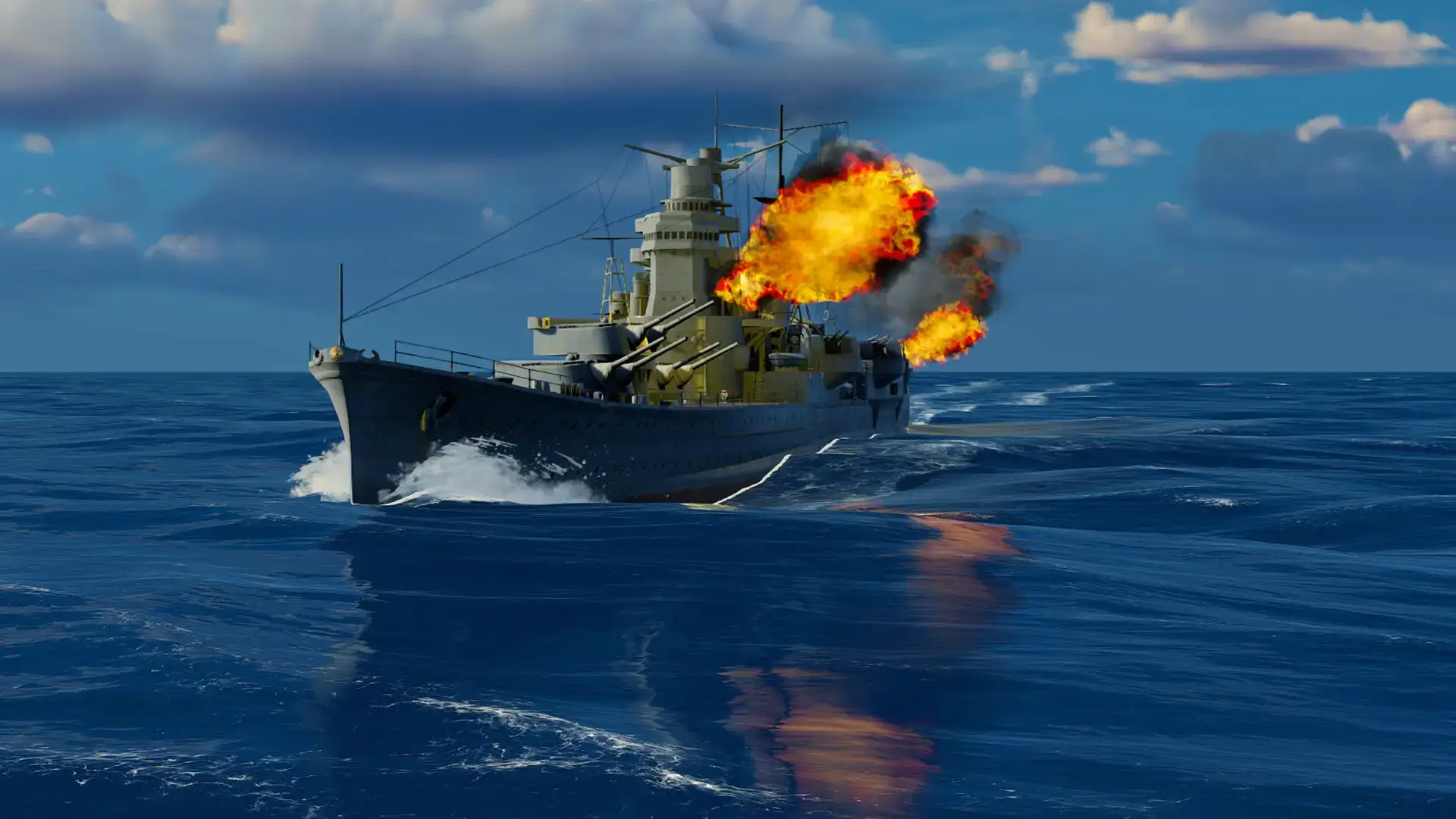
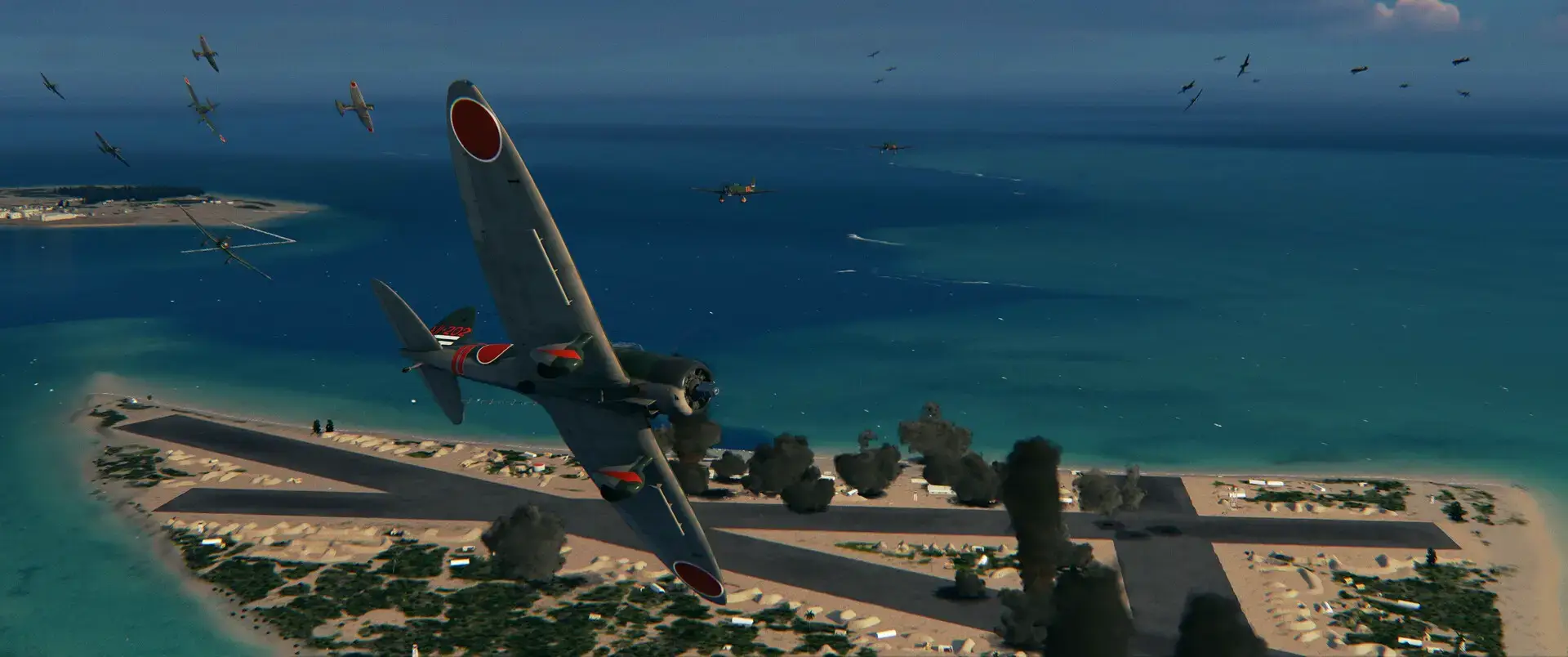
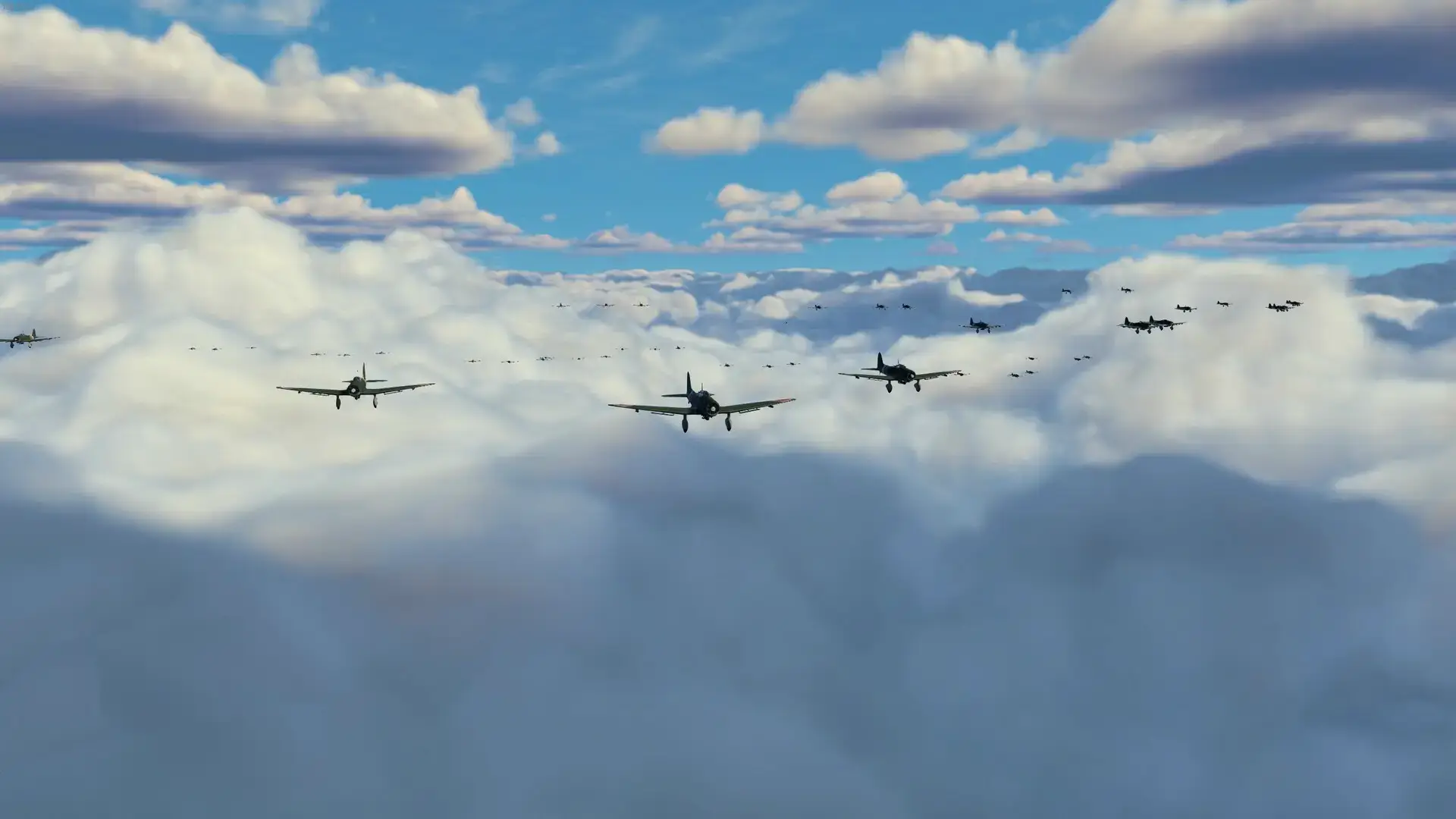
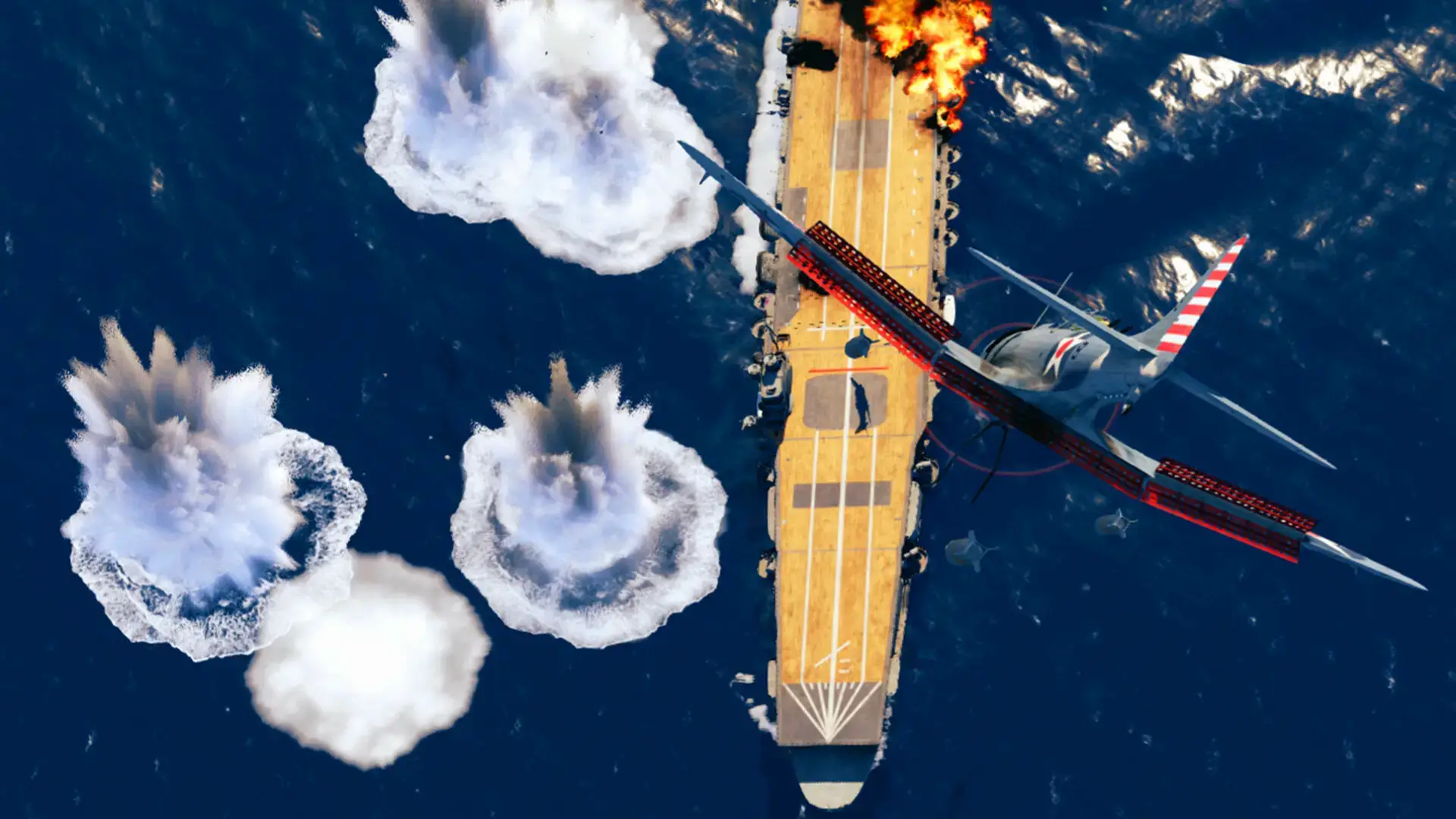
Video Overview
Watch probably the best guide out there that should get you up to date on how to play this interesting WW2 simulator.

System Requirements
The game handles many units at once, so a good CPU helps.
| Component | Minimum | Recommended |
|---|---|---|
| OS | Windows 10 / 11 (64-bit) | Windows 10 / 11 |
| CPU | Intel Core i5 (6th Gen) | Intel Core i7 (9th Gen) |
| RAM | 8 GB | 16 GB |
| GPU | GTX 1050 Ti | RTX 2060 / RX 5600 XT |
| Storage | 10 GB available | 10 GB SSD |
Task Force Admiral FAQ
- Can I control the planes directly?
No, you give orders to the squadrons, but the AI pilots fly the planes. You are the Admiral, not the pilot. - Is it multiplayer?
Currently, it is single-player only. The developers plan to add multiplayer features in future updates or volumes. - Does it have a campaign?
Yes, Volume 1 covers the early battles of 1942. It features single scenarios and a dynamic campaign mode. - Is it historically accurate?
Yes, the game uses real data for ship speeds, armor, and aircraft performance. It is designed to be a simulation.
🔗 Helpful Community Links
The community for this game is very active. Use these links to find guides and mods.
- Official Developer Website
- Task Force Admiral Reddit (Best for questions)
Explore more Windows games: Best Strategy Games · World of Warships for PC · Smite 2 for PC · Tabletop Simulator for PC · Half-Life: Alyx for PC