


Key Points
- The Xbox Wire website has updated its guide to help new users get started with their ROG Xbox Ally or ROG Xbox Ally X handheld consoles.
- The guide covers various topics, including navigating menus, using the command center, and accessing the Games Library.
- The resource is available on the Xbox Wire website, providing users with a comprehensive introduction to their new device.
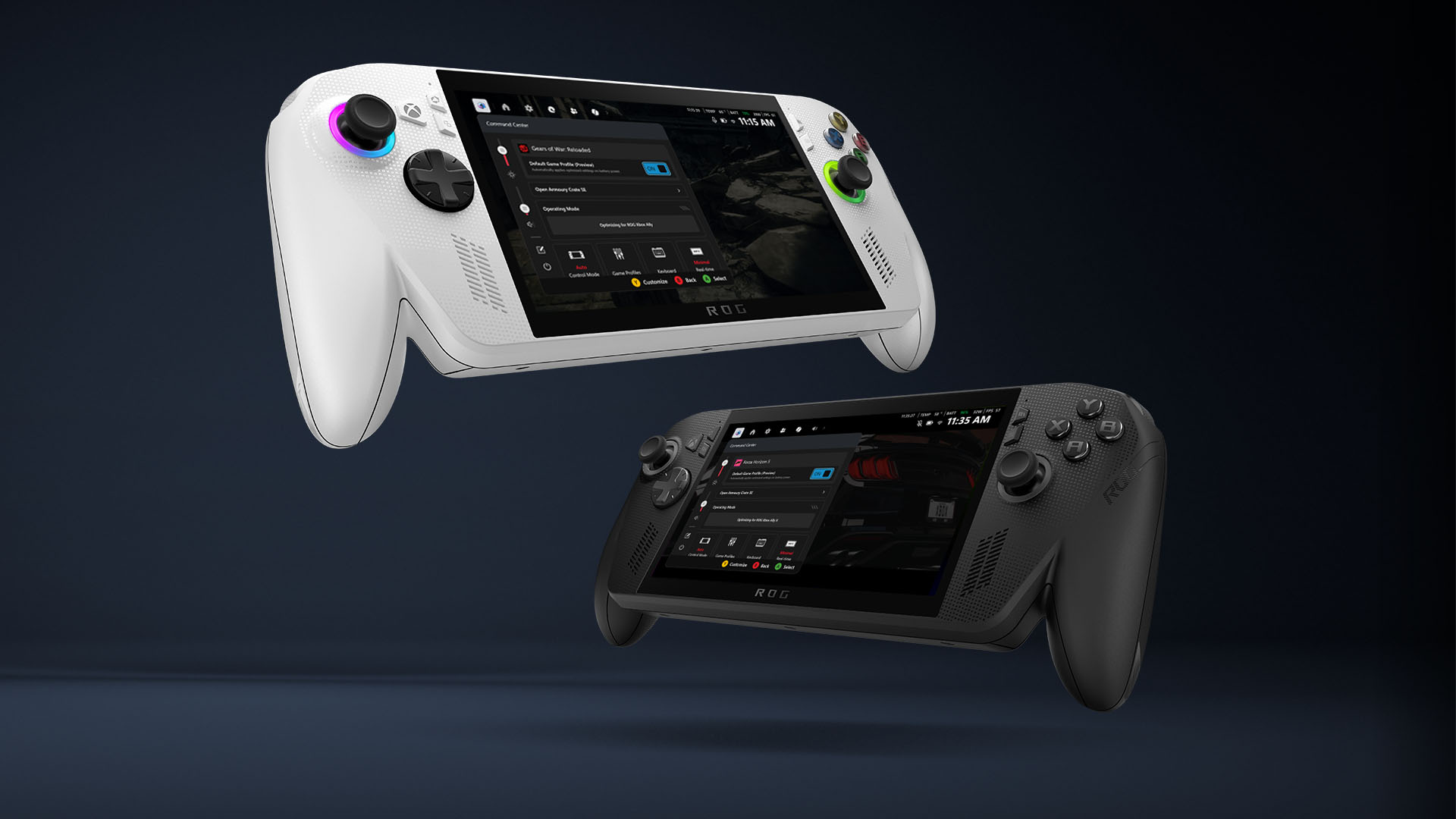
Microsoft’s Xbox division has released an updated guide to help users get started with their new ROG Xbox Ally or ROG Xbox Ally X handheld consoles. As the holiday season approaches, many people are expected to receive or give these devices as gifts. To ensure a smooth and enjoyable experience, Xbox Wire has compiled a helpful resource that covers the essential features and functions of the consoles.
The guide, available on the Xbox Wire website, provides an in-depth look at the various menus, the command center, and the Gaming Copilot (Beta) feature. Additionally, it explains how to access and navigate the Games Library, which is a crucial part of the gaming experience. The guide also offers tips on personalizing the setup to suit individual preferences, making it easier for users to get started with their new device.
By visiting the Xbox Wire website, users can access this valuable resource and learn more about their ROG Xbox Ally or ROG Xbox Ally X handheld console. The guide is designed to be user-friendly and easy to follow, making it an excellent starting point for those who are new to the Xbox ecosystem. With this updated guide, Microsoft aims to provide a seamless and enjoyable experience for its users, allowing them to quickly get started with their new device and explore the world of Xbox gaming.
The release of this guide demonstrates Microsoft’s commitment to supporting its users and ensuring that they get the most out of their devices. By providing comprehensive resources and guides, the company is helping to build a strong and engaged community of gamers. As the holiday season continues, it is likely that many people will be using this guide to get started with their new ROG Xbox Ally or ROG Xbox Ally X consoles, and Microsoft is well-positioned to support them every step of the way. The updated guide is now available on the Xbox Wire website, and users can access it to start exploring their new device and all its features.
Read the rest: Source Link
You might also like: Try AutoCAD 2026 for Windows, best free FTP Clients on Windows & browse the best Surface Laptops to buy.
Remember to like our facebook and our twitter @WindowsMode for a chance to win a free Surface every month.