

Readers like you help support this site. When you make a purchase using links on our site, we may earn an affiliate commission. All opinions remain our own.

The latest version makes pro-grade editing accessible to everyone. You can download Adobe Premiere Pro for your Windows PC via the official Adobe website, requiring Windows 11 or 10, 16 GB RAM, and an internet connection.
Developed by Adobe, it is trusted by pros for projects like Netflix series, BBC documentaries, YouTube vlogs, and more.
If you are a student, vlogger, YouTuber, Instagram influencer, TikTok influencer, or aspiring filmmaker wanting to craft stunning videos, you need a tool that is versatile and industry-standard.
This guide covers downloading Adobe Premiere Pro on Windows, its key features, and tips to get started.
Share your editing experience below, or contact us for help.
How to Download Adobe Premiere Pro on PC
To install Adobe Premiere Pro on your Windows PC, you can download it from the official Adobe website or subscribe via Amazon for a seamless setup. Here is how:
- Adobe Website
- Visit the page: Adobe Premiere Pro.
- Click Free Trial to download the installer (about 2 GB).
- Double-click the installer, sign in with an Adobe ID, and follow prompts.
- Launch the app from the Start menu and import a video clip to start editing.
- Amazon Subscription
- Visit the page: Adobe Premiere Pro on Amazon.
- Select the subscription plan and complete the purchase through Amazon.
- Follow the provided link to Adobe’s site, sign in with an Adobe ID, and download the installer.
- Install and launch the app to begin editing with full access.
Quick Tip: 💡 Download only from Adobe or Amazon to avoid fake versions that could harm your PC. Ensure a stable internet connection for the installer.
Download via Adobe | Subscribe via Amazon

What Is Adobe Premiere Pro About?
Adobe Premiere Pro, developed by Adobe, is a leading video editing software for Windows 10 and 11, combining professional editing, motion graphics, and audio tools in one app.
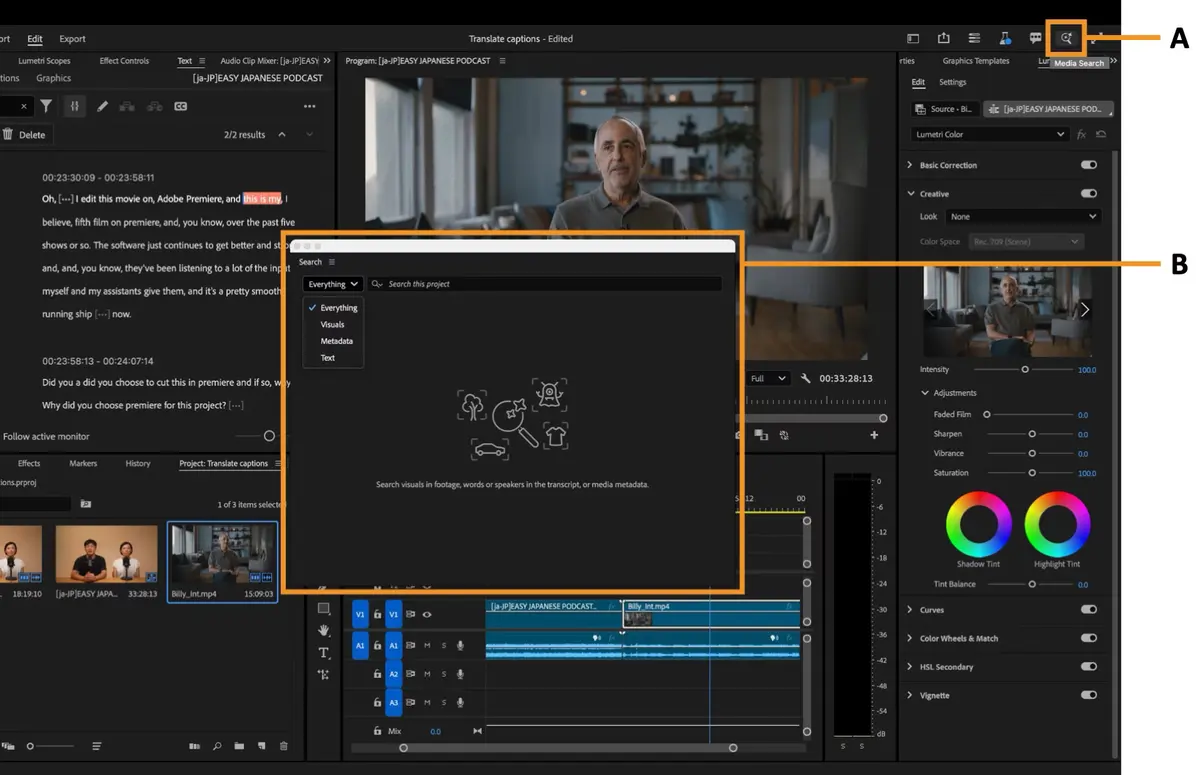
The 2025 version introduces enhanced AI-powered editing tools, like Auto-Reframe and Scene Edit Detection, for faster workflows.
Unlike simpler editors like CapCut, it offers pro-grade features, competing with tools like DaVinci Resolve.
Users on X praise its versatility but note a subscription cost after the trial.
Core Features: Combines advanced editing, AI tools, stock integration, and audio enhancement in one platform.
Why Use Adobe Premiere Pro on Windows?
It is industry-standard, flexible, and streamlines video production.
- Edits videos with AI-driven precision
- Creates motion graphics with After Effects integration
- Enhances audio for professional sound
- Supports 4K and 8K footage seamlessly
- Provides access to Adobe Stock assets
Adobe Premiere Pro Features Explained
Here is what Adobe Premiere Pro does and why it matters to you:
- AI Auto-Reframe: Adjusts clips for social media aspect ratios automatically. This saves time for influencers posting on Instagram or TikTok.
- Scene Edit Detection: AI identifies cut points for quick trimming. This speeds up editing for vloggers with long clips.
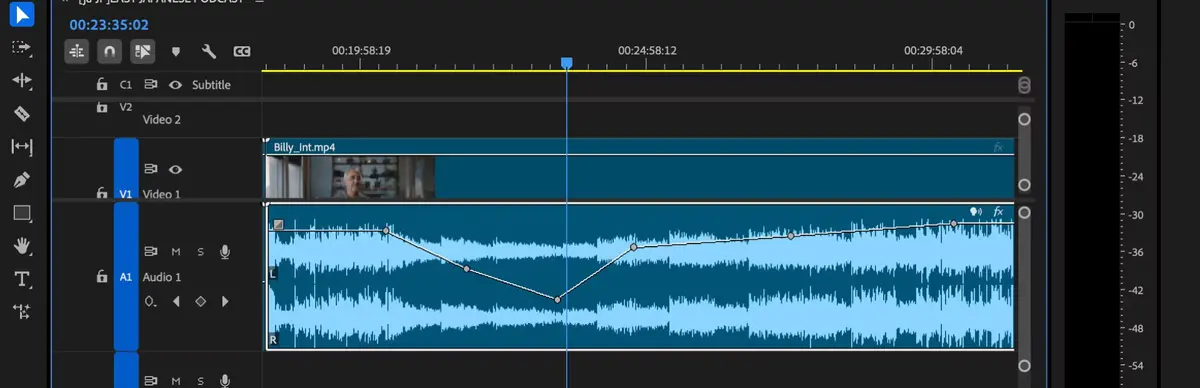
- Multi-Track Timeline: Layers videos, audio, and effects effortlessly. This is ideal for filmmakers building complex projects.
- Adobe Stock Integration: Access thousands of royalty-free videos and music. This helps YouTubers add polish without extra costs.
- Motion Graphics Templates: Customizable titles and animations. This makes intros pop for influencers and pros.
- AI Audio Enhance: Auto-improves audio quality. This ensures clear sound for tutorials or promos.
Is Adobe Premiere Pro for You?
- It’s for you if: You’re a YouTuber, influencer, student, or filmmaker wanting pro tools to edit videos, create graphics, or enhance audio.
- It’s not for you if: You need free software try DaVinci Resolve or dislike subscriptions and a learning curve.
Popular Industries and Use Cases for Adobe Premiere Pro
Adobe Premiere Pro is used across industries and tasks, including:
- Industries: Film (Hollywood, Netflix), Content Creation (YouTubers, influencers), Education (media schools)
- Use Cases: Editing films, creating vlogs, producing ads, crafting social media content
Quick Start Guide for Adobe Premiere Pro
New to Adobe Premiere Pro? Get going quick:
- Download and install from the Adobe website.
- Open the app, create a new project, and import a video clip.
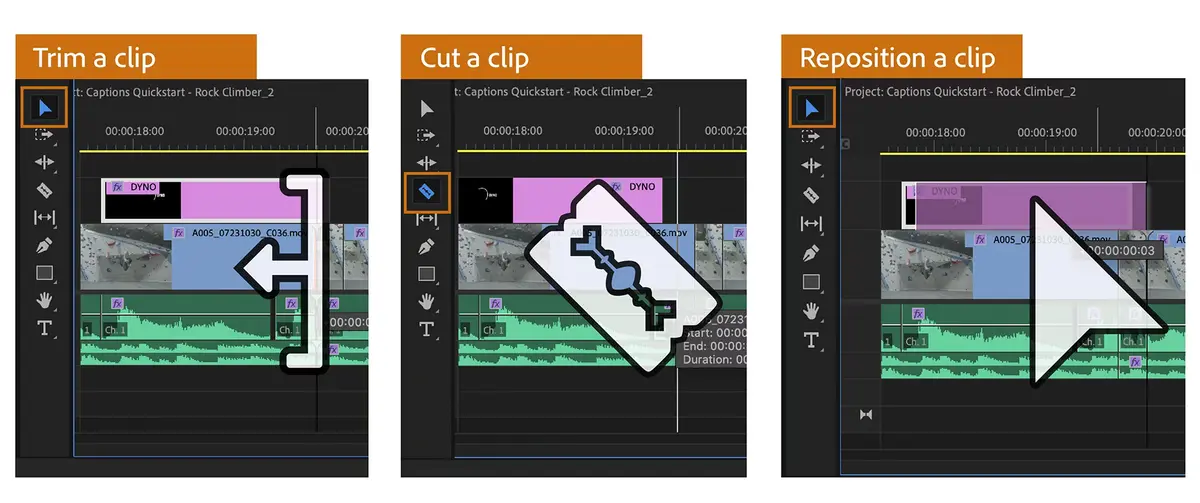
- Use the Editing workspace to trim clips or the Graphics workspace for titles.
- Get the best tools and hardware for Premiere Pro from Amazon.
Best Settings for Adobe Premiere Pro
Tweak these for a better experience:
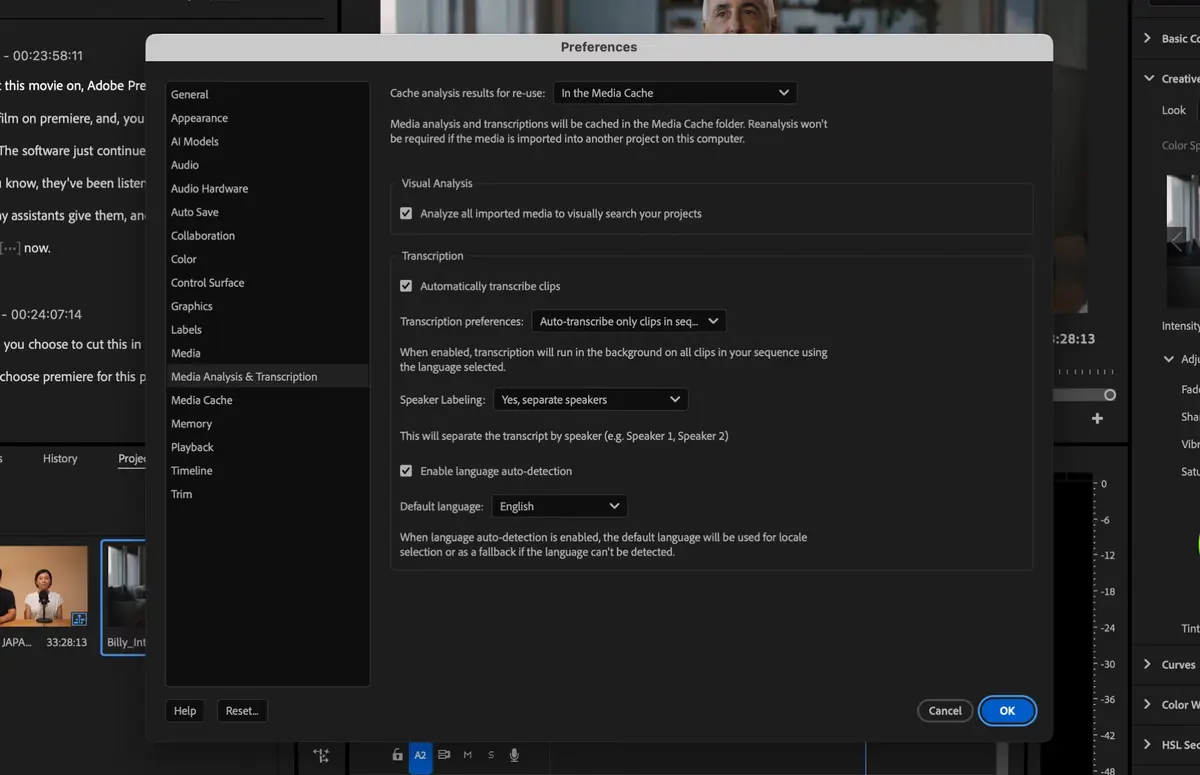
- Cache Management: Enable Media Cache in Preferences > Media to speed up playback.
- GPU Acceleration: Select CUDA or OpenCL in Project Settings for faster rendering (requires compatible GPU).
- Proxy Workflow: Enable proxies in Media Encoder for smoother 4K editing.
Common Issues & Fixes for Adobe Premiere Pro
- Crashes: Update GPU drivers or reduce playback resolution in Program Monitor.
- Slow Performance: Clear Media Cache or enable proxies for high-res footage.
- Audio Sync Issues: Check AI Audio Enhance settings or manually align in the timeline.
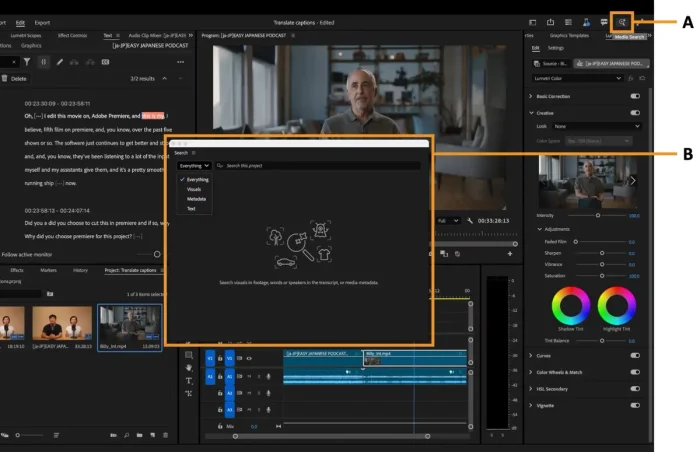
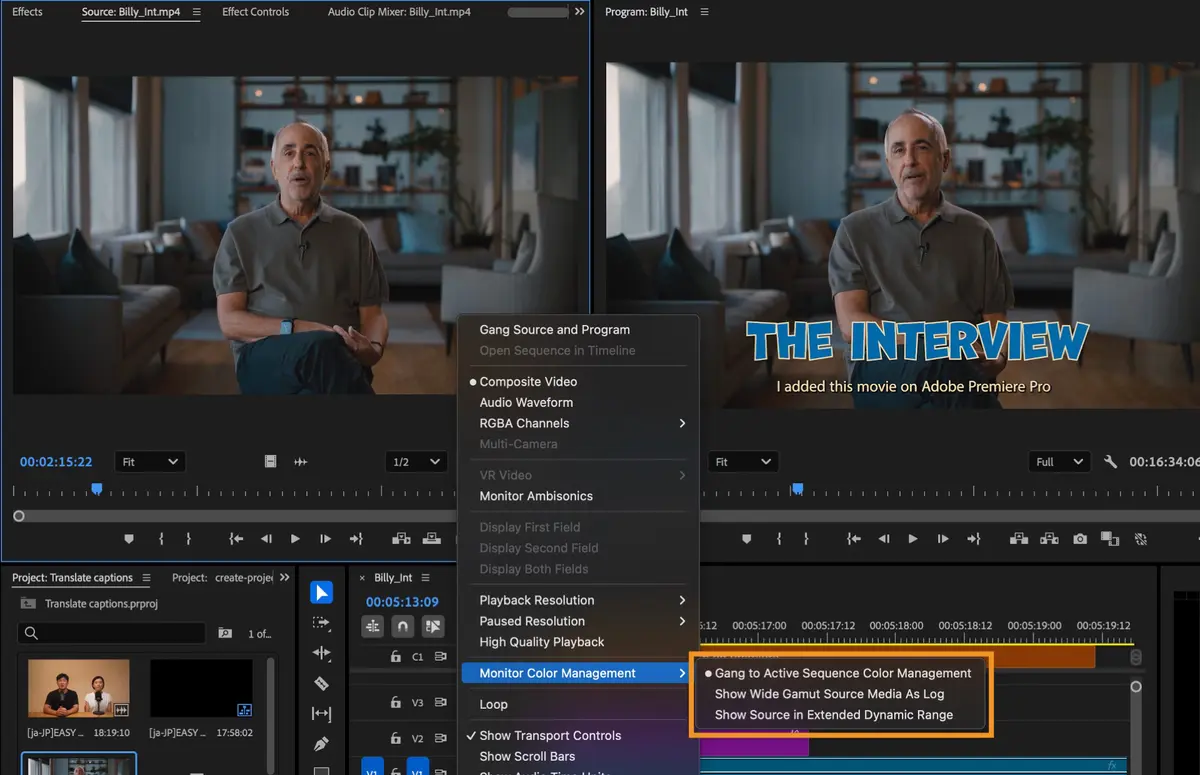
Adobe Premiere Pro Screenshots
Adobe Premiere Pro Beginner’s Video
Watch this quick guide to learn how to use Adobe Premiere Pro on your computer:

System Requirements for Adobe Premiere Pro
- OS: Windows 10 (64-bit) or Windows 11
- CPU: Intel Core i5 or AMD Ryzen 5, 3 GHz or faster
- RAM: 16 GB minimum, 32 GB recommended
- Storage: 8 GB free space (SSD recommended)
- Other: Internet connection, NVIDIA/AMD GPU with 4 GB VRAM
Adobe Premiere Pro on Windows FAQ
- Is Adobe Premiere Pro free? No, but it offers a 7-day free trial; subscriptions start after.
- Is the trial safe? Yes, if downloaded from Adobe, but ensure a secure internet connection.
Support and Community
Explore More Video Editors: DaVinci Resolve 20, Best Video Editing Software, Pinnacle Studio 26, Vegas Pro 22