

Readers like you help support this site. When you make a purchase using links on our site, we may earn an affiliate commission. All opinions remain our own.


You will be able to download AI LIMIT on Steam for Windows 10 and 11, launched March 27, 2025, with updates like the April 2 patch fixing bugs and smoothing combat.
It’s also on PS5 and Xbox Series X/S, with no mobile version yet.
From Sense Games and CE-Asia, it’s got a ‘Very Positive’ Steam rating (88% positive from 4,300+ reviews) and mixes hard fights with a sci-fi story.
As fans, we like its unique sync bar and cool weapons. This guide covers installing it on Windows, its main features, and tips for new players.
Tell us your favorite fight below, or contact us for help.
How to Install AI LIMIT on Windows 11 and 10
To play AI LIMIT on your Windows PC, download it from Steam. Here’s how:
- Method 1: Steam
- Go to the Steam page: Steam.
- Click Add to Cart ($44.99, often cheaper).
- Log into your Steam account or make one.
- Finish the purchase and click Install in your Steam Library.
- Wait for the download (about 50 GB with updates).
- Start it from your Steam Library or desktop.
Quick Tip: 💡 Fill the sync bar with hits; it boosts your damage fast.

What is AI LIMIT About?
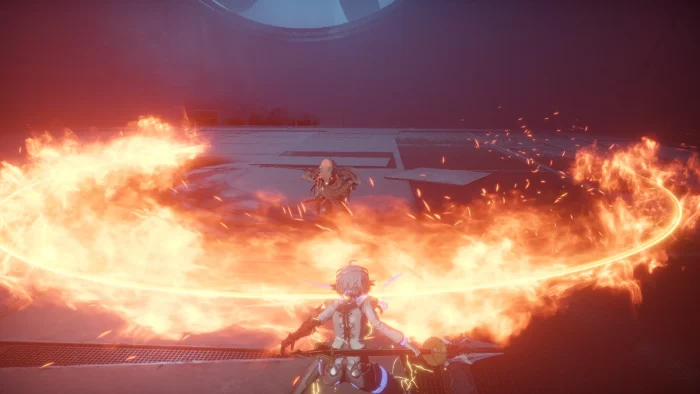
AI LIMIT, launched March 27, 2025 by Sense Games and CE-Asia, is an action RPG for Windows 10 and 11, plus PS5 and Xbox Series X/S, set in a ruined future where Arrisa hunts for truth in Havenswell after a disaster wiped out most life.
Main Gameplay: Fight with swords and spells, explore dark sewers and slums, and face big monsters in a world hit by ‘Mud.’ The April 2 patch fixes bugs and makes combat feel better.
Key Features
- Fast fights with a sync bar
- Lots of weapons to try
- Spells from your left hand
- Big ruined city to explore
- Cool looks for gear
Why Play AI LIMIT on Windows?
Windows 10 and 11 give you smooth play, sharp graphics, and easy controls for a full action game.
Tips for PC Beginners in AI LIMIT
New to AI LIMIT on PC? Here are five tips to get going:
- Set Keys: Put dodge on a mouse button in Settings > Controls for quick moves.
- Speed Up: Lower shadows in Graphics to avoid lag.
- Hit Often: Keep attacking (map) to fill the sync bar.
- Grab Gear: Check corners (map) for strong weapons.
- Parry Shots: Reflect projectiles (controls) to stay safe.
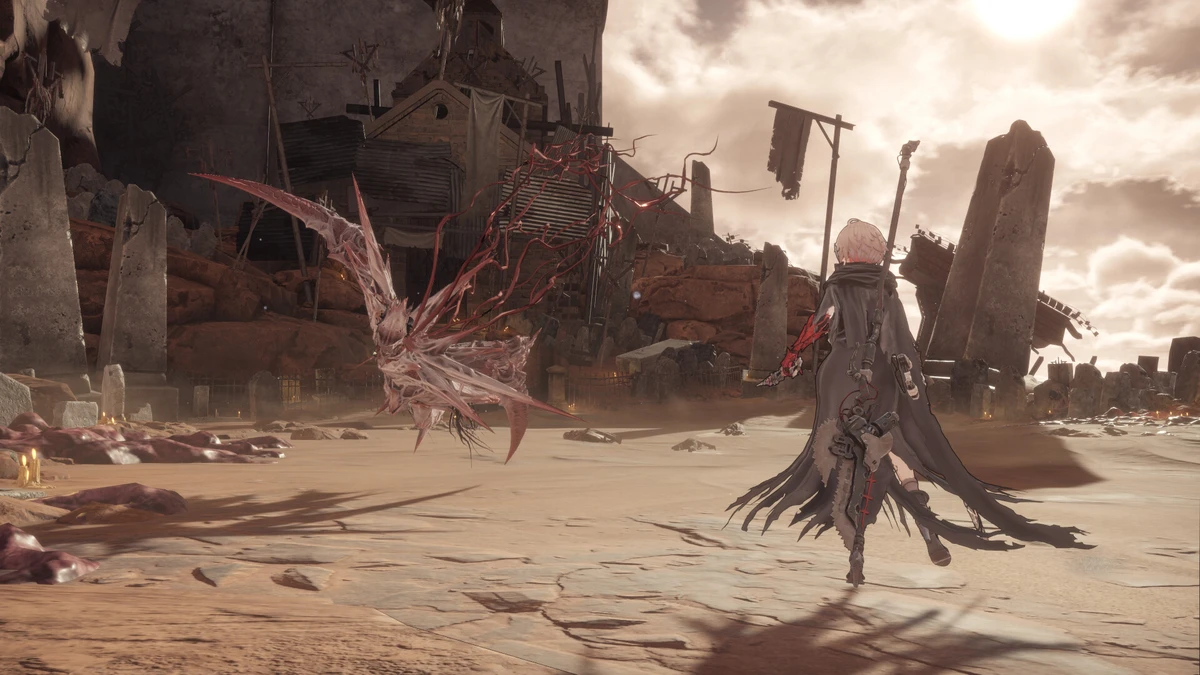
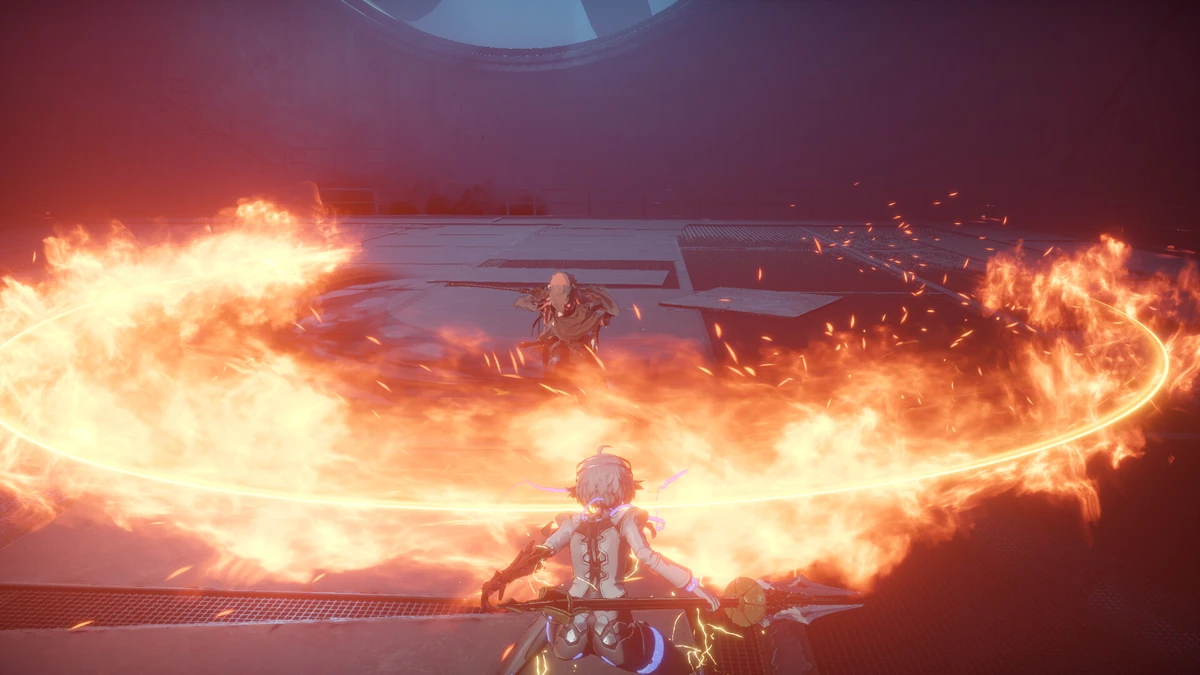
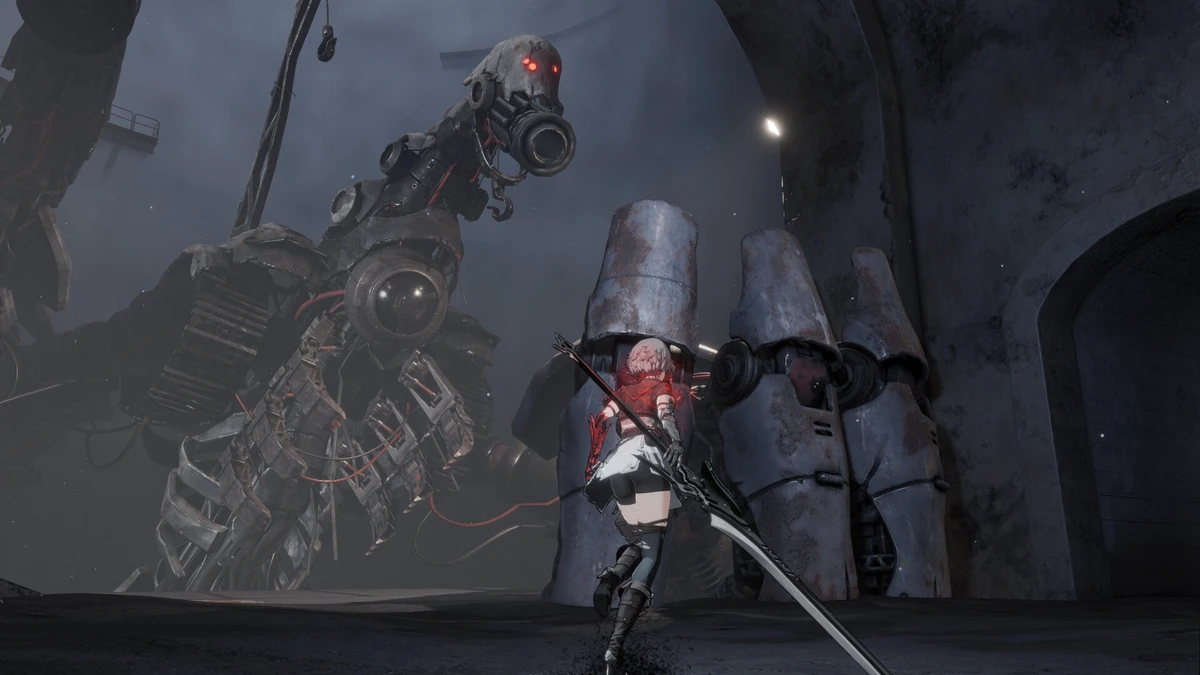
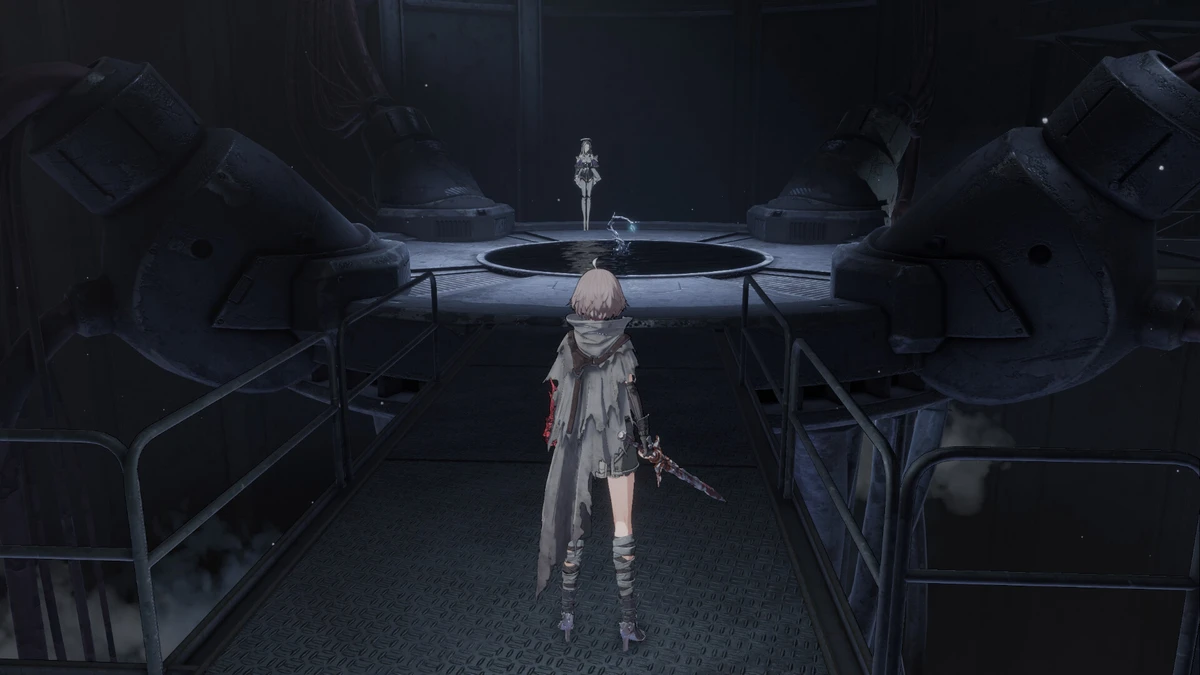
AI LIMIT Gameplay Screenshots

AI LIMIT Beginners Guide Video
Watch this beginners guide for AI LIMIT to jump in:

AI LIMIT PC Requirements for Windows
Minimum:
- OS: Windows 10 64-bit (latest update)
- CPU: Intel Core i5-6600K or AMD Ryzen 5 1600
- RAM: 8 GB
- Storage: 50 GB free (HDD okay, SSD better)
- GPU: NVIDIA GTX 1060 or AMD RX 580
- DirectX: Version 12
Recommended:
- OS: Windows 11 64-bit (latest update)
- CPU: Intel Core i7-9700 or AMD Ryzen 7 3700X
- RAM: 16 GB
- Storage: 50 GB free (SSD)
- GPU: NVIDIA RTX 3060 or AMD RX 6700 XT
- DirectX: Version 12
AI LIMIT on Windows FAQ
- Is it free? No, it’s $44.99.
- Can I play offline? Yes, after first setup.
- Does it run on Windows 11? Yes, works fine.
- What’s the download size? About 50 GB with updates.
Support and Community
Explore More Windows Games: inZOI, Schedule 1 for PC, Anime games for PC, First Berserker Khazan for PC, Haste for PC