

Readers like you help support this site. When you make a purchase using links on our site, we may earn an affiliate commission. All opinions remain our own.
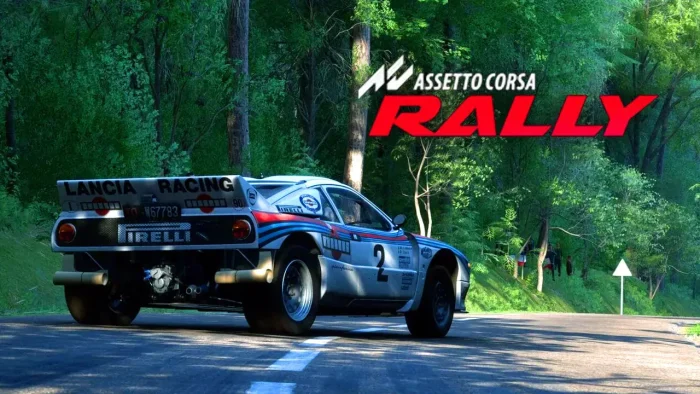

Available now on Steam, this title is developed by Supernova in technical partnership with Kunos Simulazioni, using a customized Unreal Engine 5 and a physics engine refined specifically for rally.
The game launched into Early Access recently and has already earned a “Very Positive” review status on Steam.
Players are diving into its laser-scanned stages and authentic car handling, though as an Early Access title, it is still undergoing development and refinement with community feedback.
Featuring officially licensed cars spanning rally history and laser-scanned real-world stages, Assetto Corsa Rally is built for players who seek an uncompromising simulation where dynamic weather, surface conditions, and professional co-driver notes create a deeply immersive challenge.
If you enjoy hardcore racing simulations, deep mechanical authenticity, and the thrill of mastering unpredictable rally stages, Assetto Corsa Rally is a promising new chapter in the sim racing genre.
This guide covers how to install it on Windows, its key features, and essential beginner tips for starting your rally career.
Have questions or your own strategies to share? Leave a comment below or contact us.
Download and install Assetto Corsa Rally on PC
Assetto Corsa Rally is available on Steam. Here’s how to install it:
- Method: Steam
- Open the store page: Assetto Corsa Rally on Steam.
- Click Add to Cart and complete the checkout process.
- In your Steam Library, click Install and select your preferred drive.
- Wait for the download to complete.
- Launch the game from your Library and start your rally journey.
Quick Tip: 💡 The game is in Early Access, with the full release expected in the future. This is a great opportunity to get the game and help shape its development with your feedback.
Get Assetto Corsa Rally on Steam

What is Assetto Corsa Rally?
Assetto Corsa Rally is a dedicated rally simulation built on the foundation of the beloved Assetto Corsa physics engine, but specifically adapted for the unique demands of rally racing. The game emphasizes raw intensity and precision, challenging you to master high-stakes driving on laser-scanned stages where weather, road surfaces, and time of day constantly impact your car’s behavior.
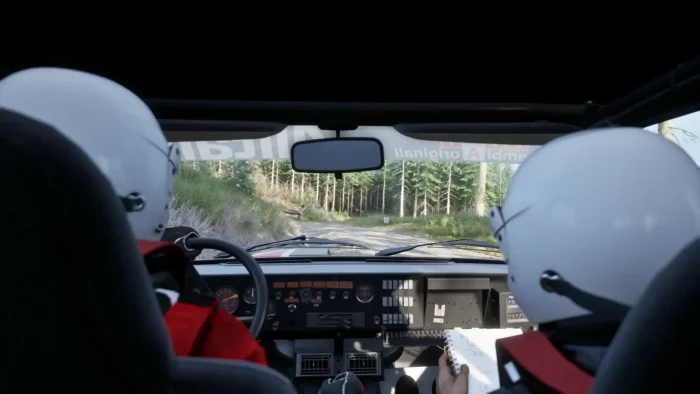
The core gameplay involves listening to your professional co-driver’s pace notes and adapting your driving to the ever-changing conditions across tarmac and gravel stages. You’ll manage everything from tire choice and car setup for different surfaces to dealing with a sophisticated physics-based damage system that makes every jump and impact consequential.
Unlike many arcade racers, Assetto Corsa Rally is an uncompromising simulator designed for those who want to feel the mechanical depth of rally cars, from modular drivetrains and custom suspensions to the authentic sound of engines and tires recorded from real vehicles.
Key Features
- Laser-Scanned Authenticity: Experience real-world rally stages and officially licensed cars, all recreated with laser scanning and CAD modeling for unmatched accuracy.
- Unreal Engine 5 Visuals: Powered by a customized version of Unreal Engine 5, the game delivers a stunning visual experience with dynamic lighting, weather, and immersive environments.
- Rally-Specific Physics: The acclaimed Assetto Corsa physics engine has been refined for rally, delivering realistic dynamics for FWD, RWD, and AWD cars on varied surfaces, with advanced damage and destructible environments.
- Professional Co-Driver Support: Work with authentic co-driver pace notes, developed in collaboration with professional co-drivers and featuring their original voices for maximum realism.
- Multiple Game Modes: Tackle a single stage, a full rally weekend, compete in online events with leaderboards, or practice freely in various offline and online modes.
Who would like this game?
This game is perfect for fans of hardcore racing simulations like the original Assetto Corsa or DiRT Rally, as well as players with racing wheels who are looking for an uncompromising, physics-focused rally experience that prioritizes authenticity over accessibility.
Why play on Windows?
Playing on PC is essential for Assetto Corsa Rally to fully leverage its support for triple-screen setups, advanced racing wheels, pedals, shifters, and other peripherals. The platform ensures you can experience the game’s high-fidelity simulation with the precise controls it demands.
Tips for PC beginners
- Listen to Your Co-Driver: Your co-driver’s pace notes are your most important tool. Trust them completely and learn to anticipate corners and hazards based on their calls; this is the key to setting fast and safe times.
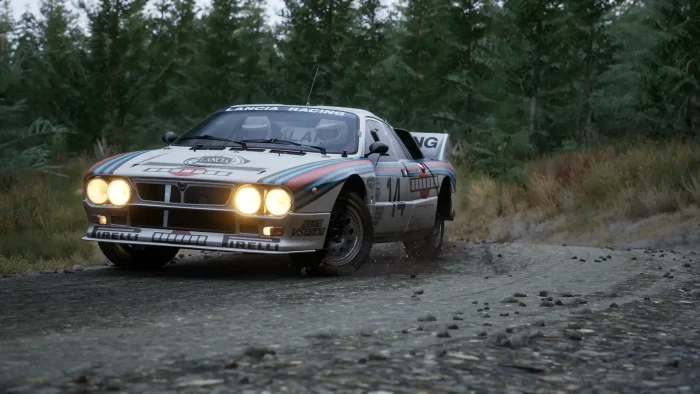
- Start Slowly and Learn the Car: Rally cars, especially RWD classics, can be twitchy. Begin with a more stable modern AWD car and spend time in Free Practice to understand how it reacts to different surfaces.
- Set Up Your Hardware: Ensure your racing wheel and pedals are properly configured. The game offers optimized profiles for direct input wheels, so take advantage of this for the most authentic and controllable experience.
- Adapt to Changing Conditions: Dynamic weather and day-night cycles drastically affect grip and visibility. Be prepared to adjust your driving style and car setup as conditions change during a stage.
- Focus on Finishing, Not Just Winning: The physics-based damage system is punishing. Sometimes, a slower, clean run that gets you to the finish line is better than a blisteringly fast run that ends in a crash and retirement.
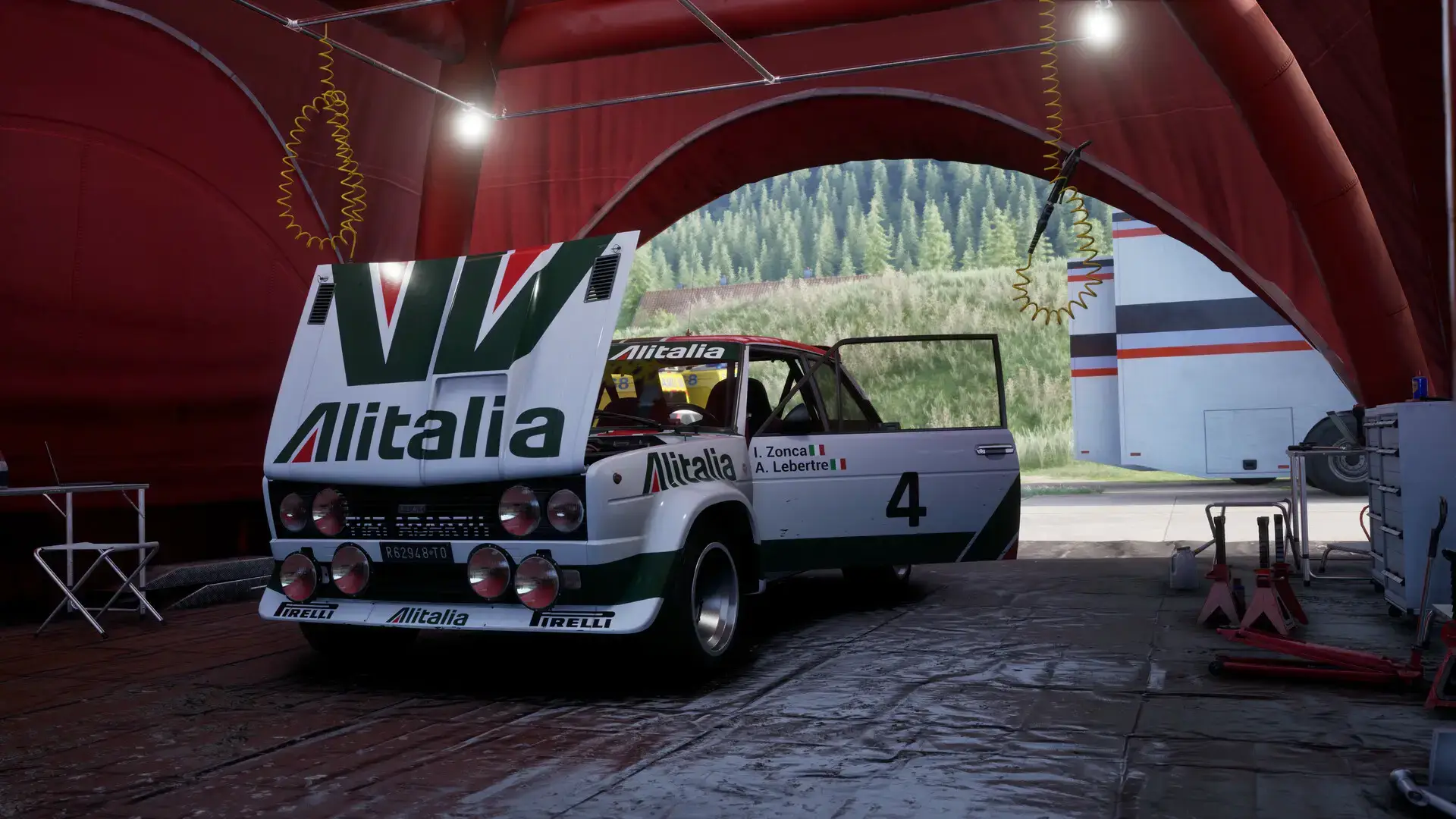
Assetto Corsa Rally Gameplay Screenshots
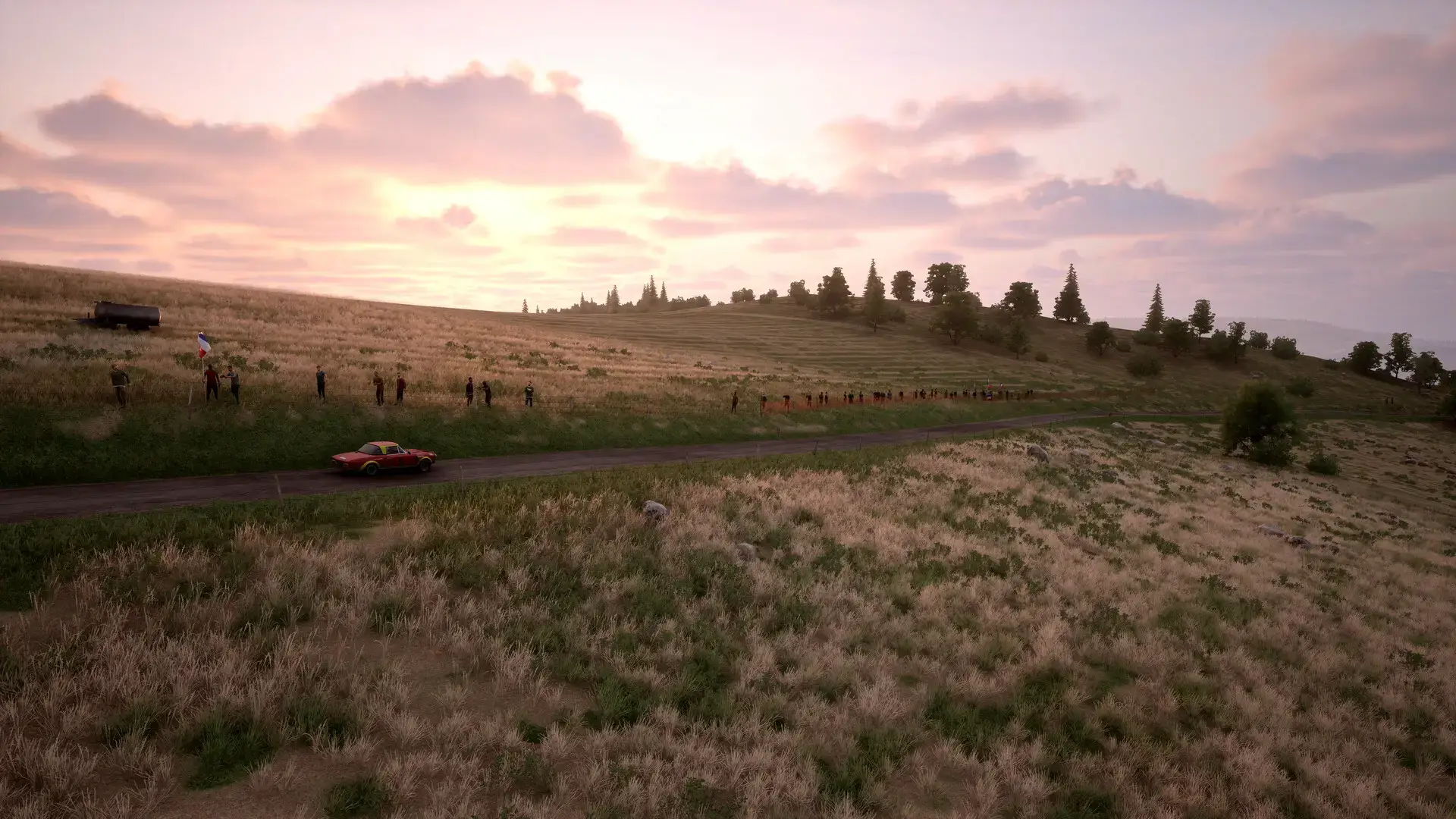
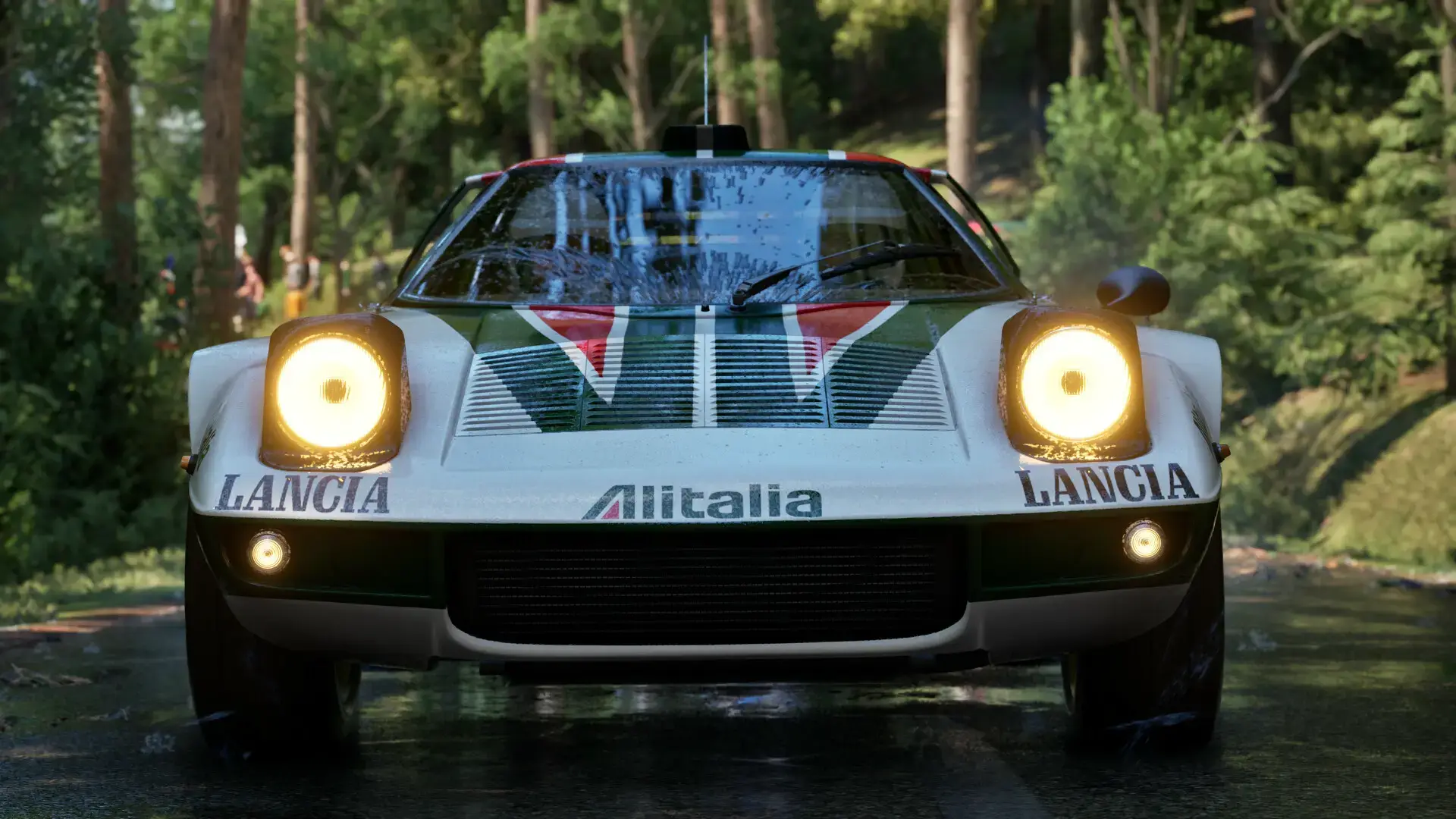
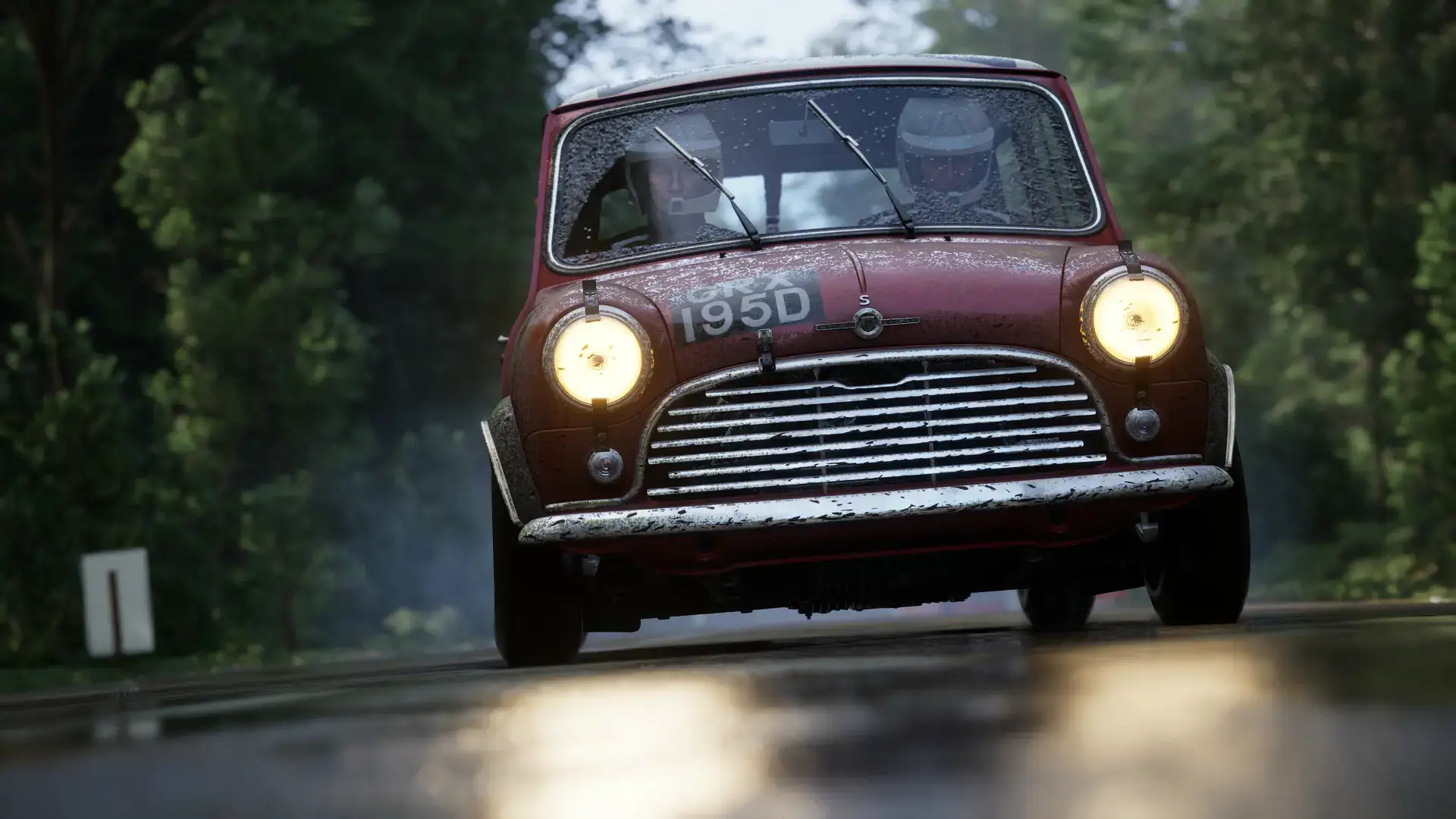
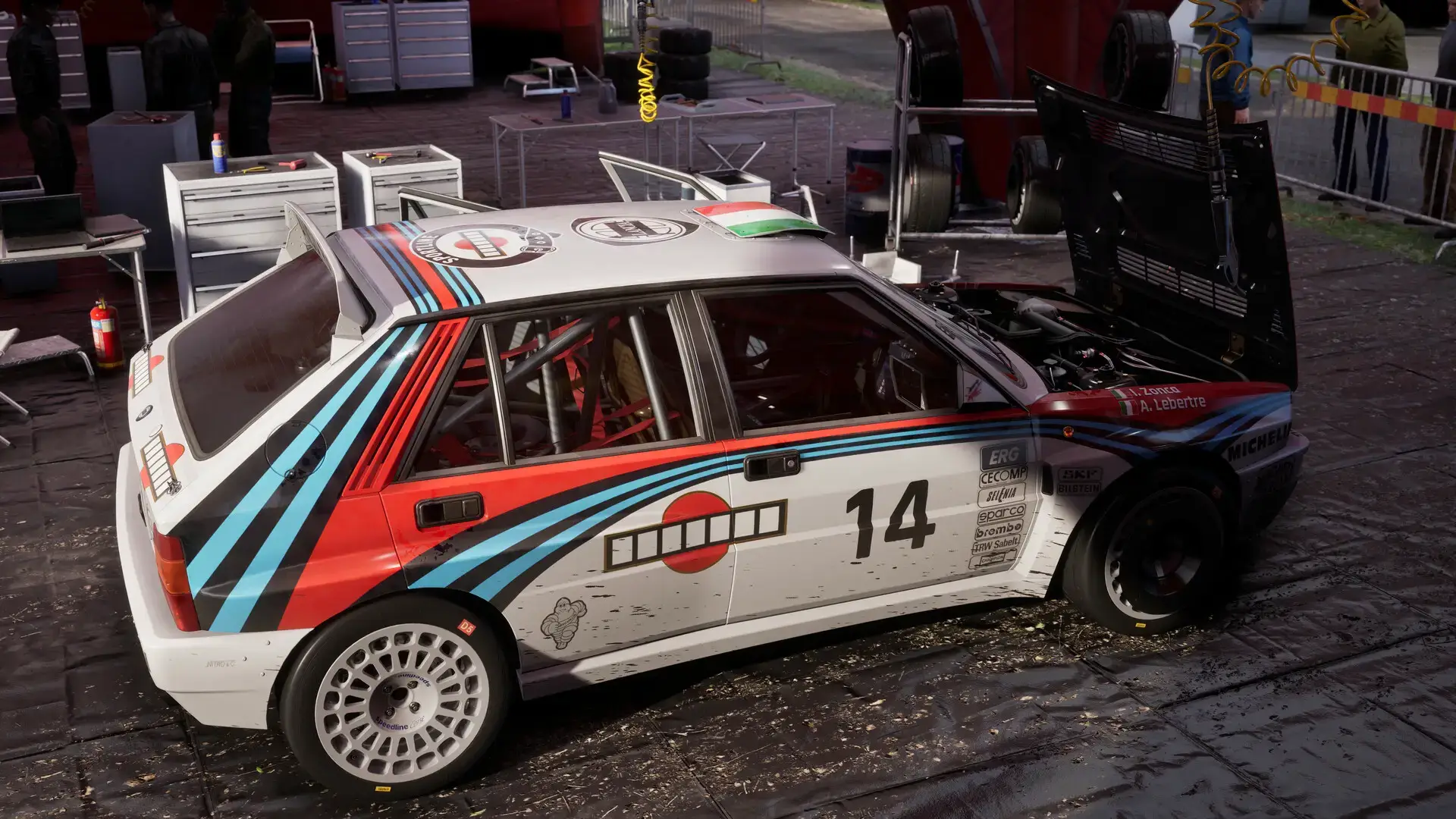
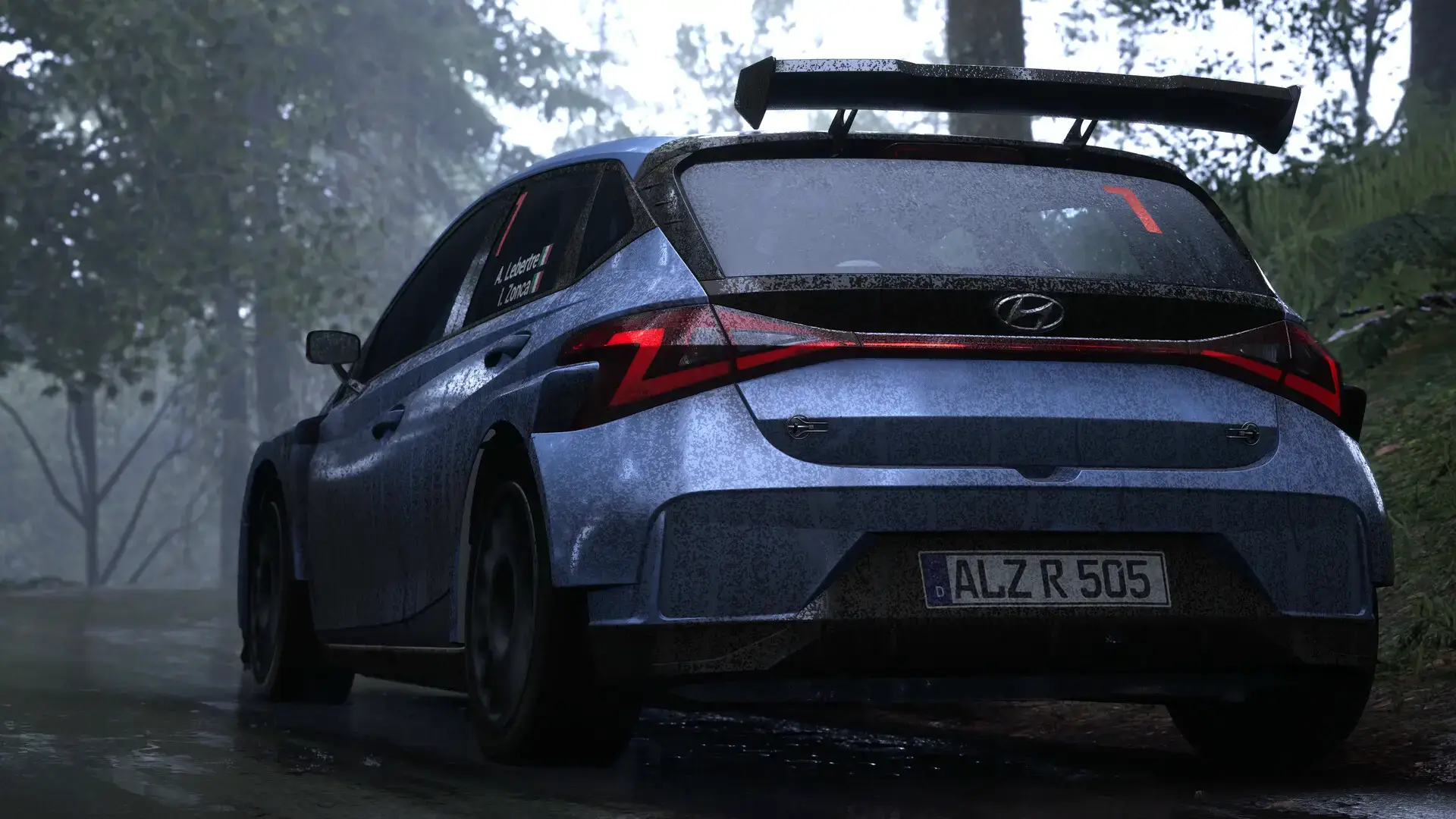
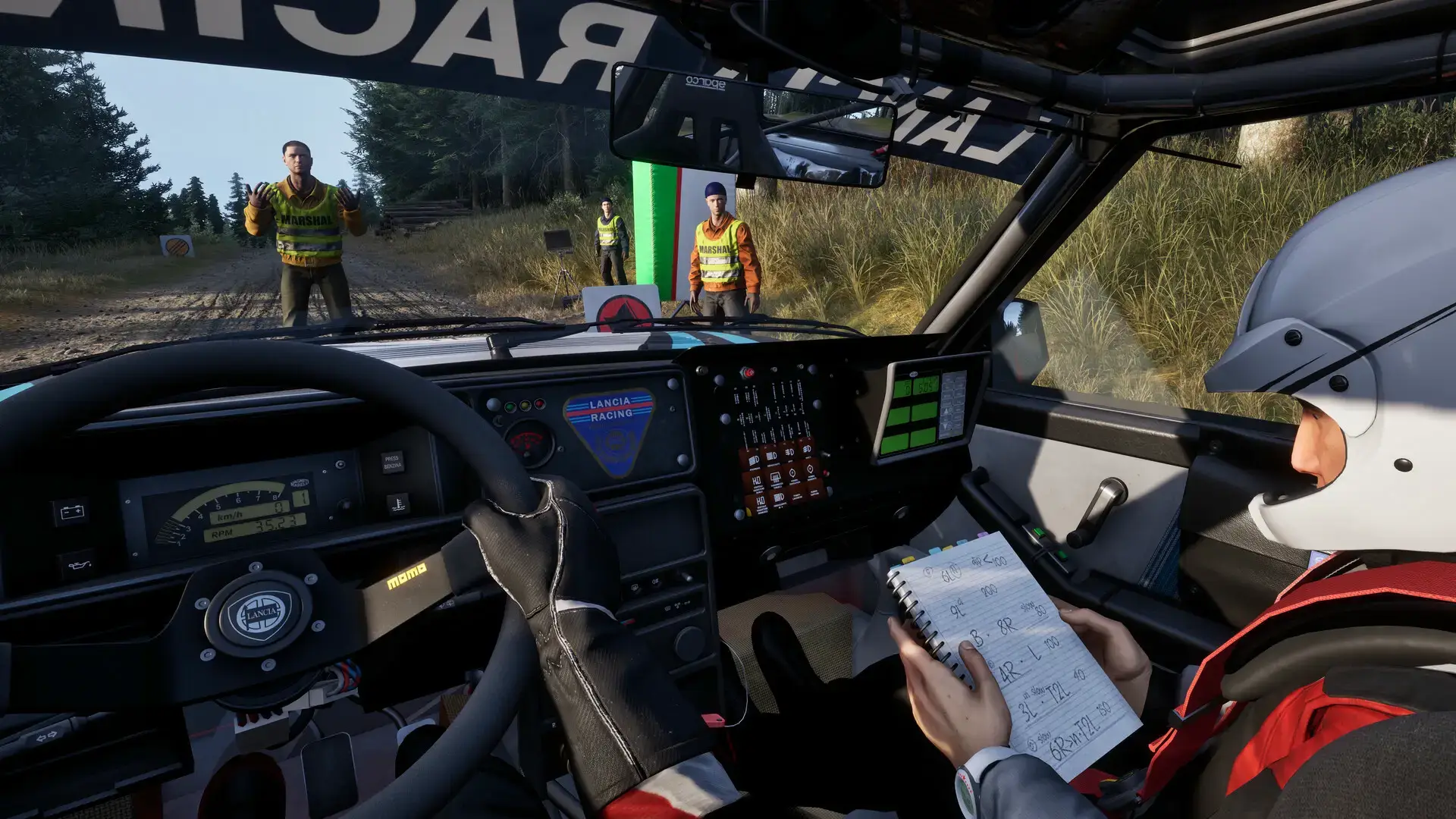
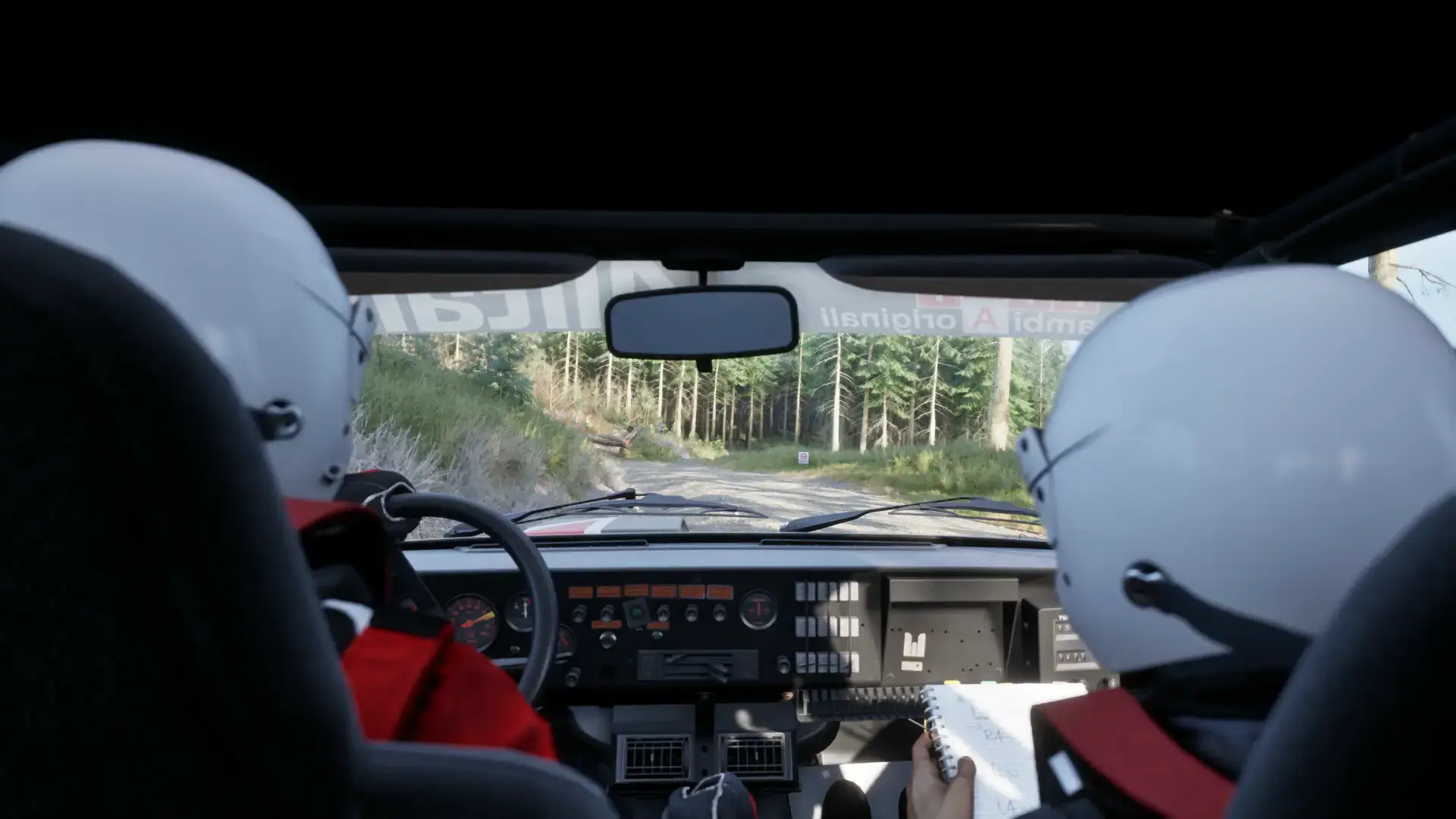
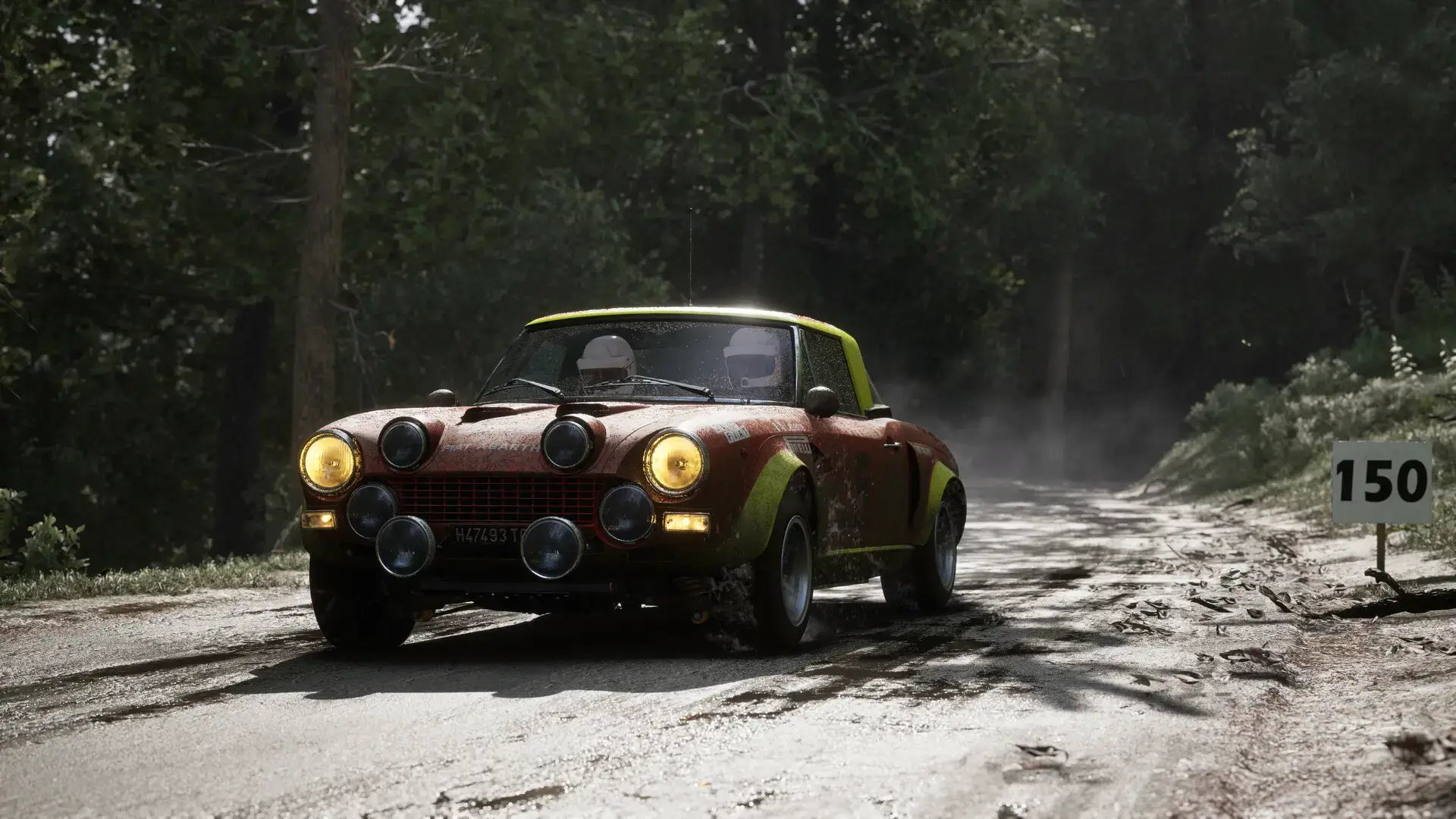

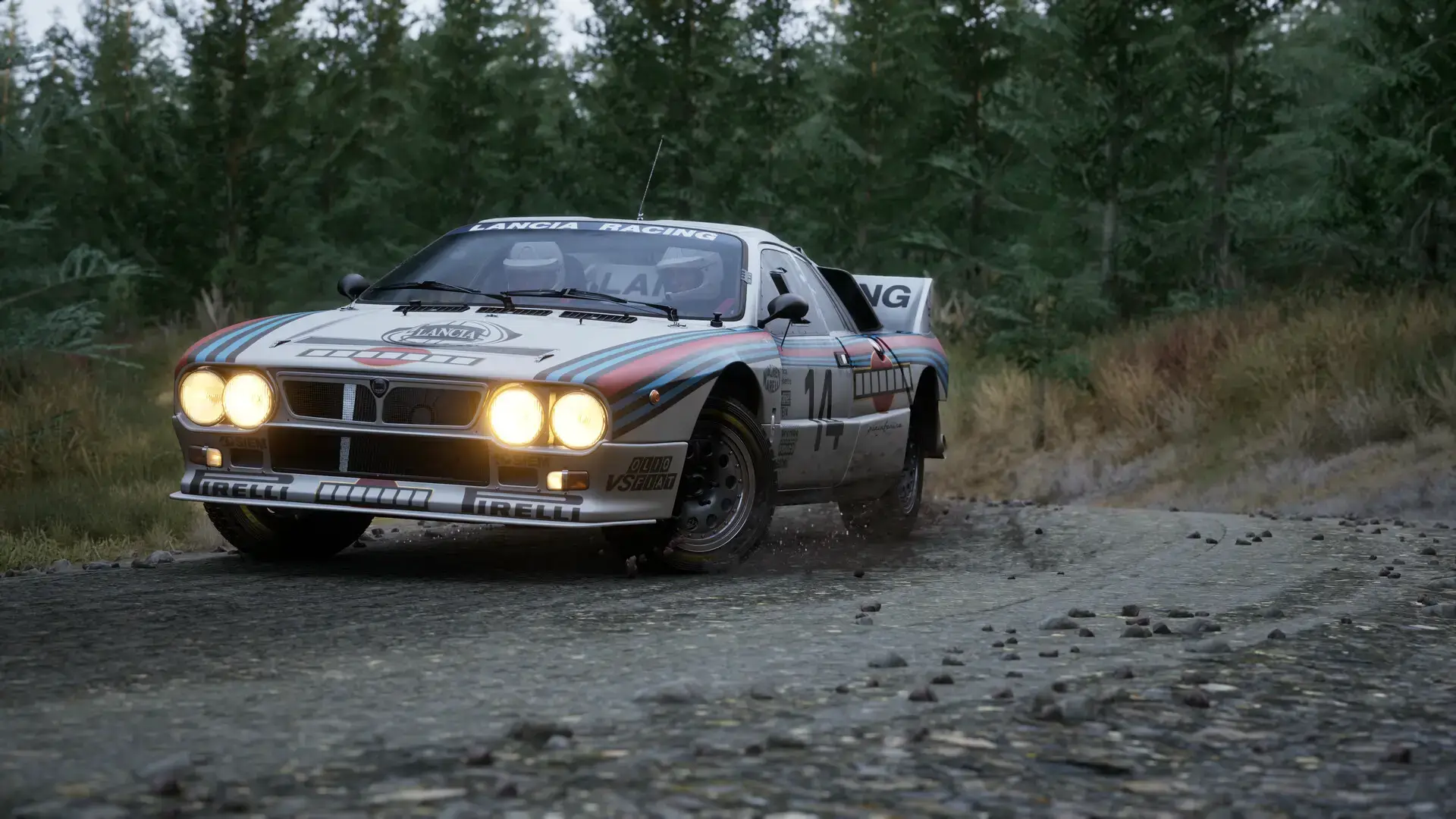
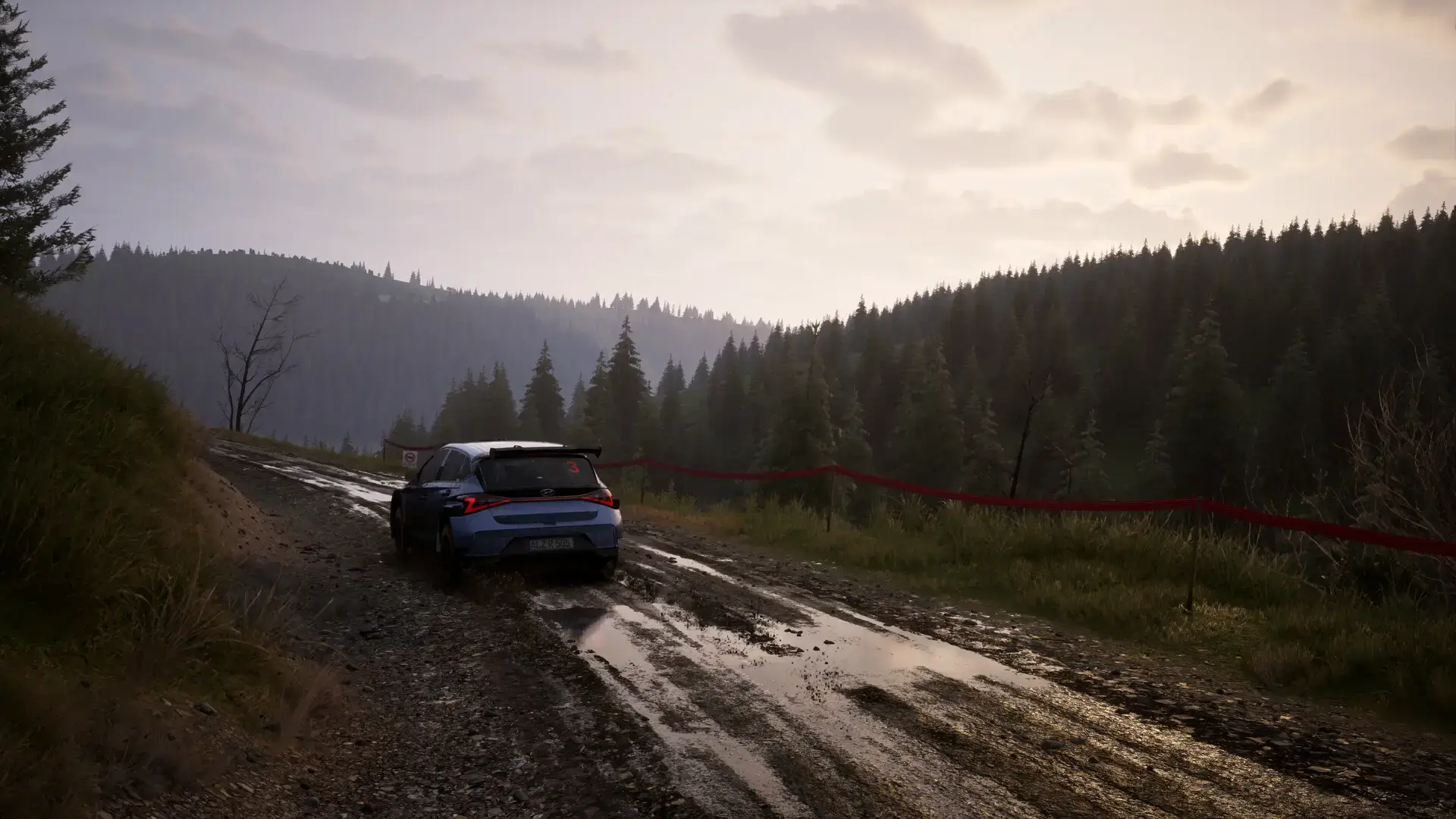
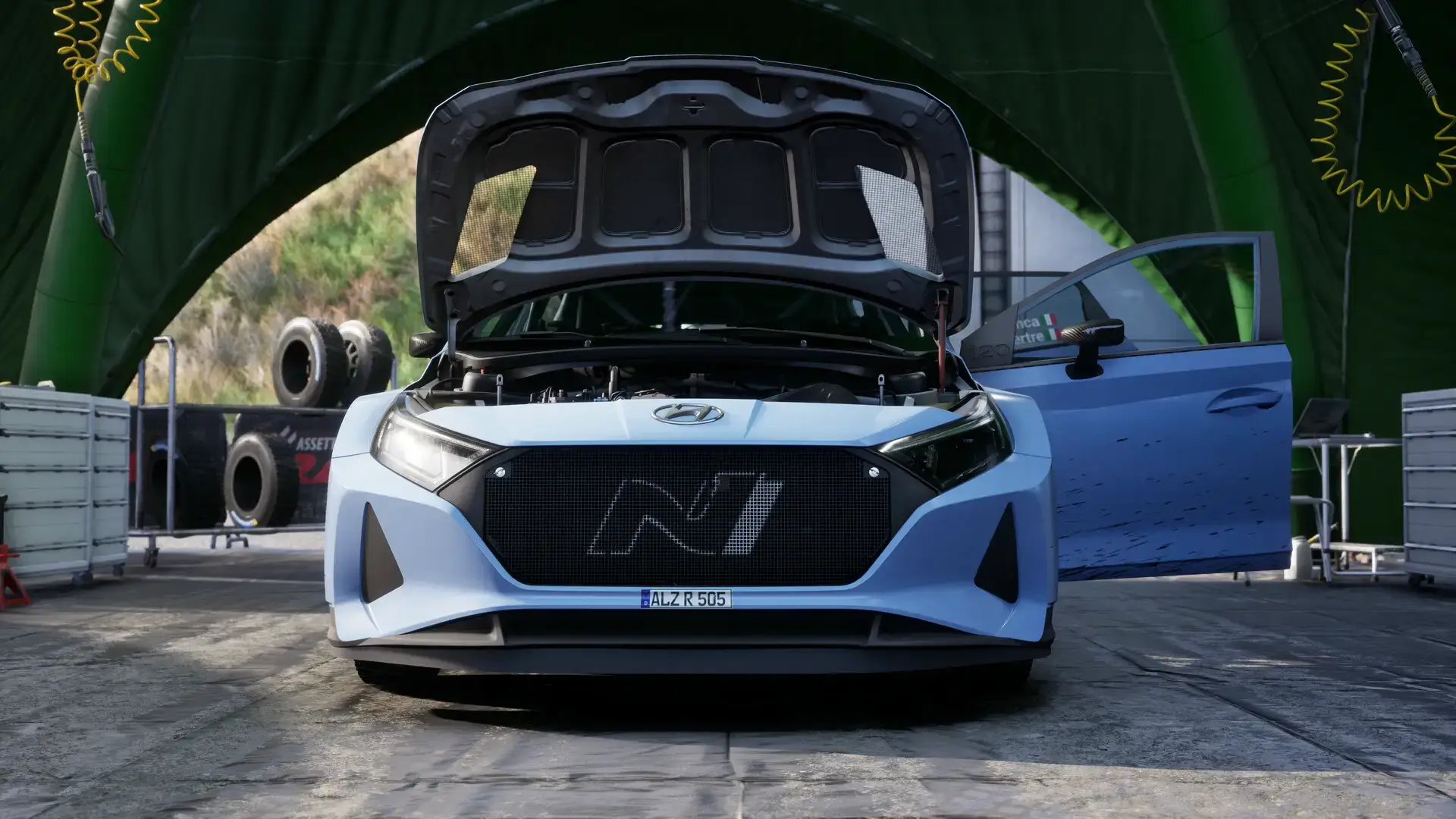
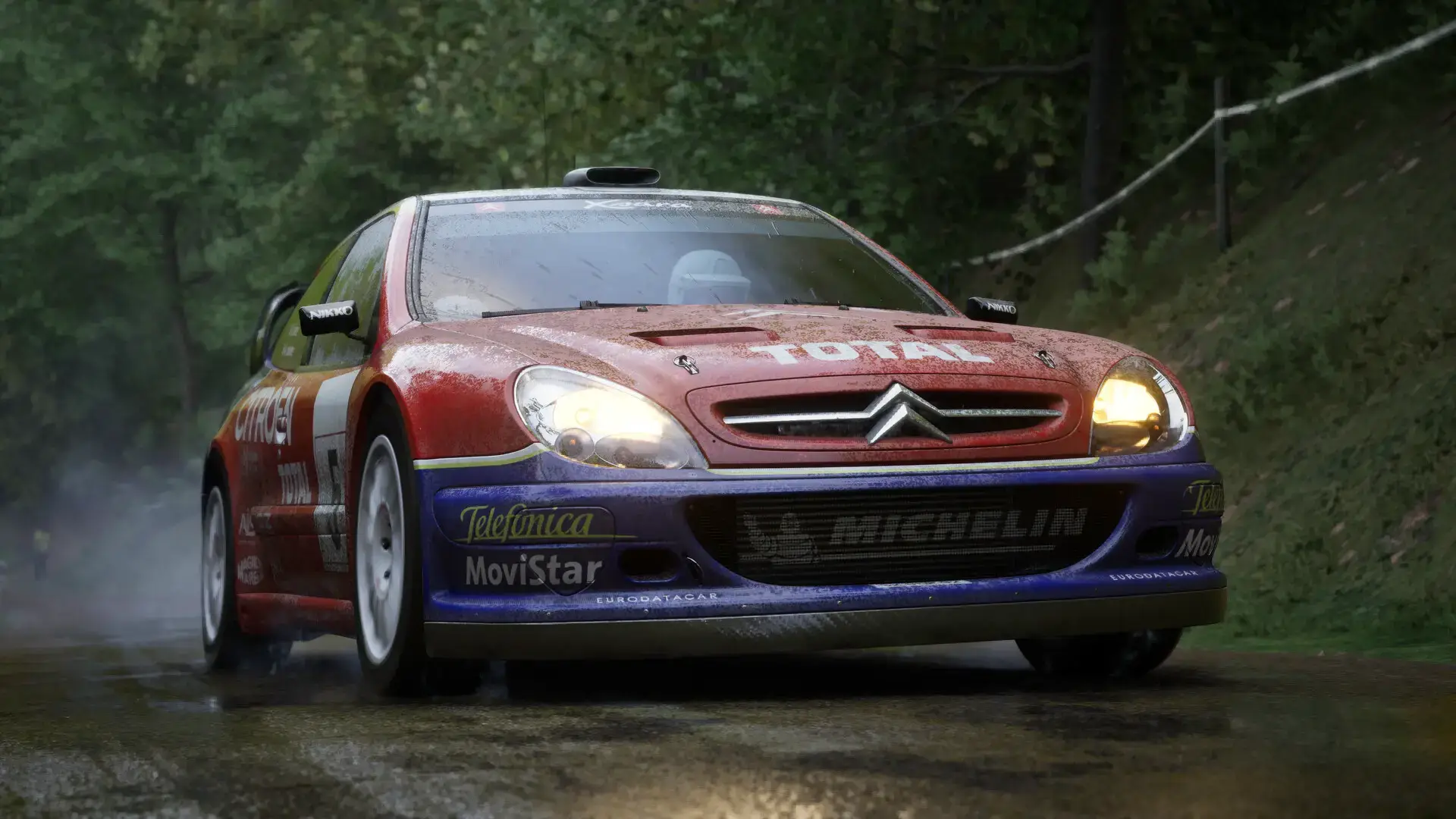
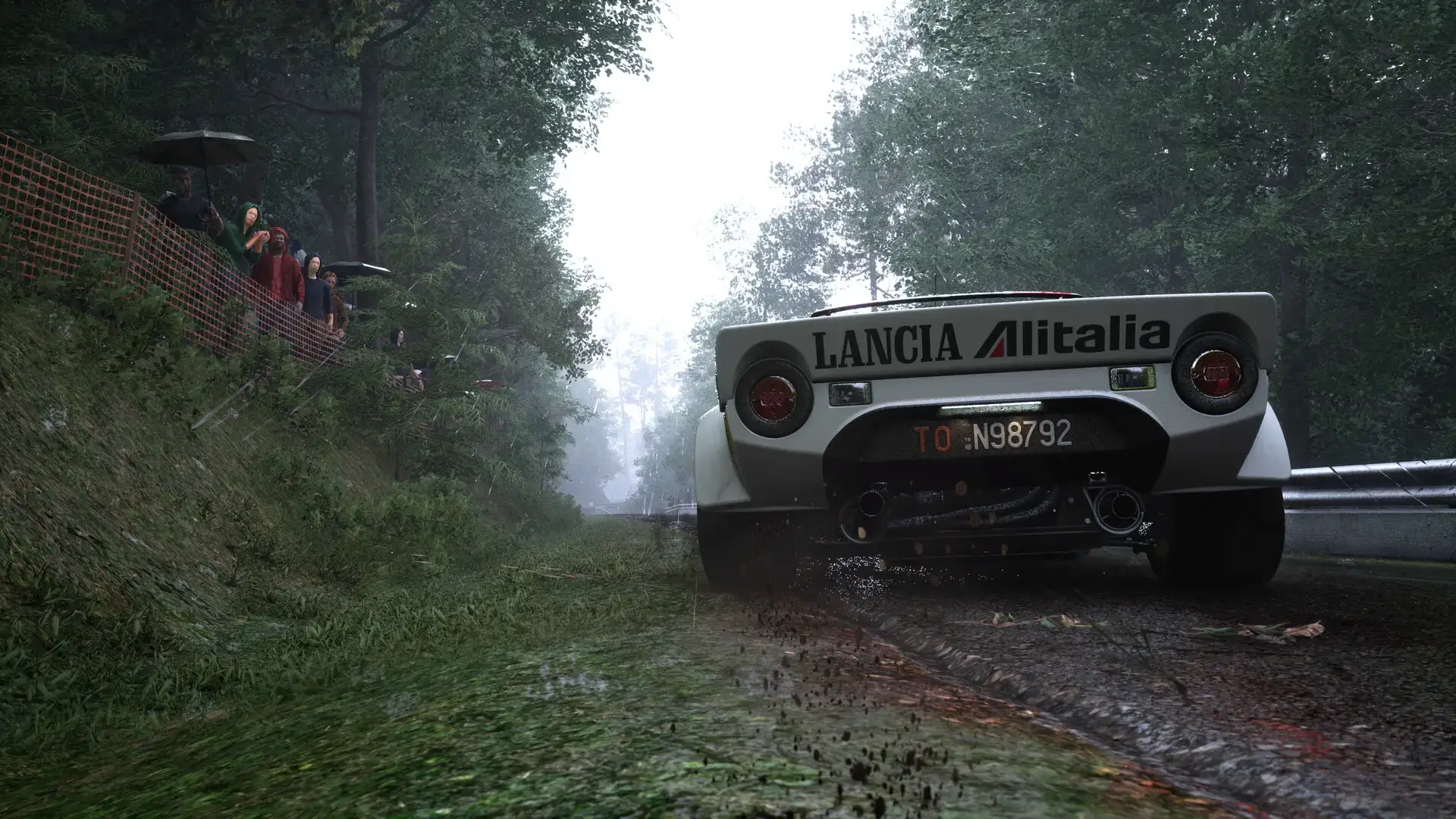


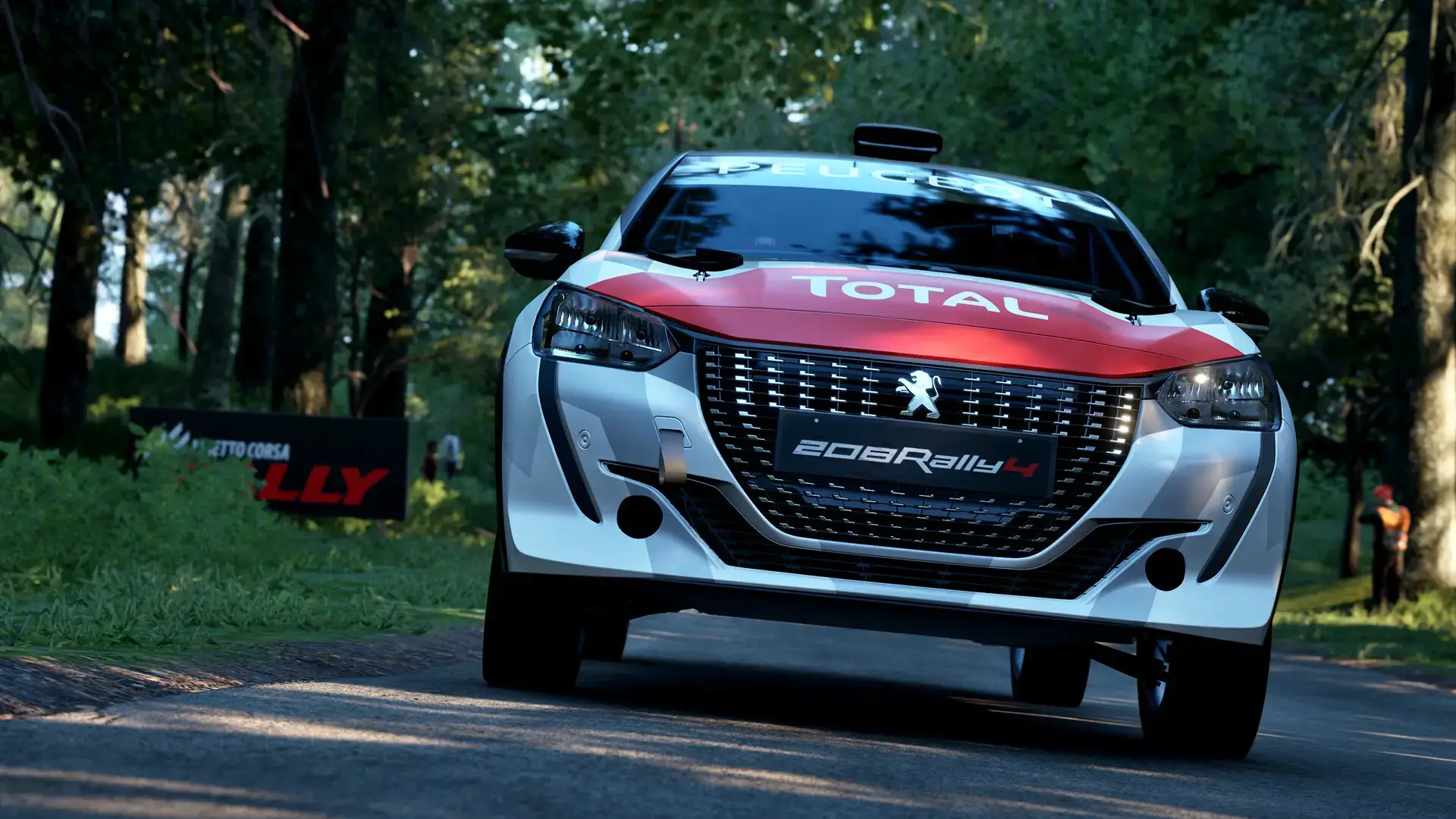
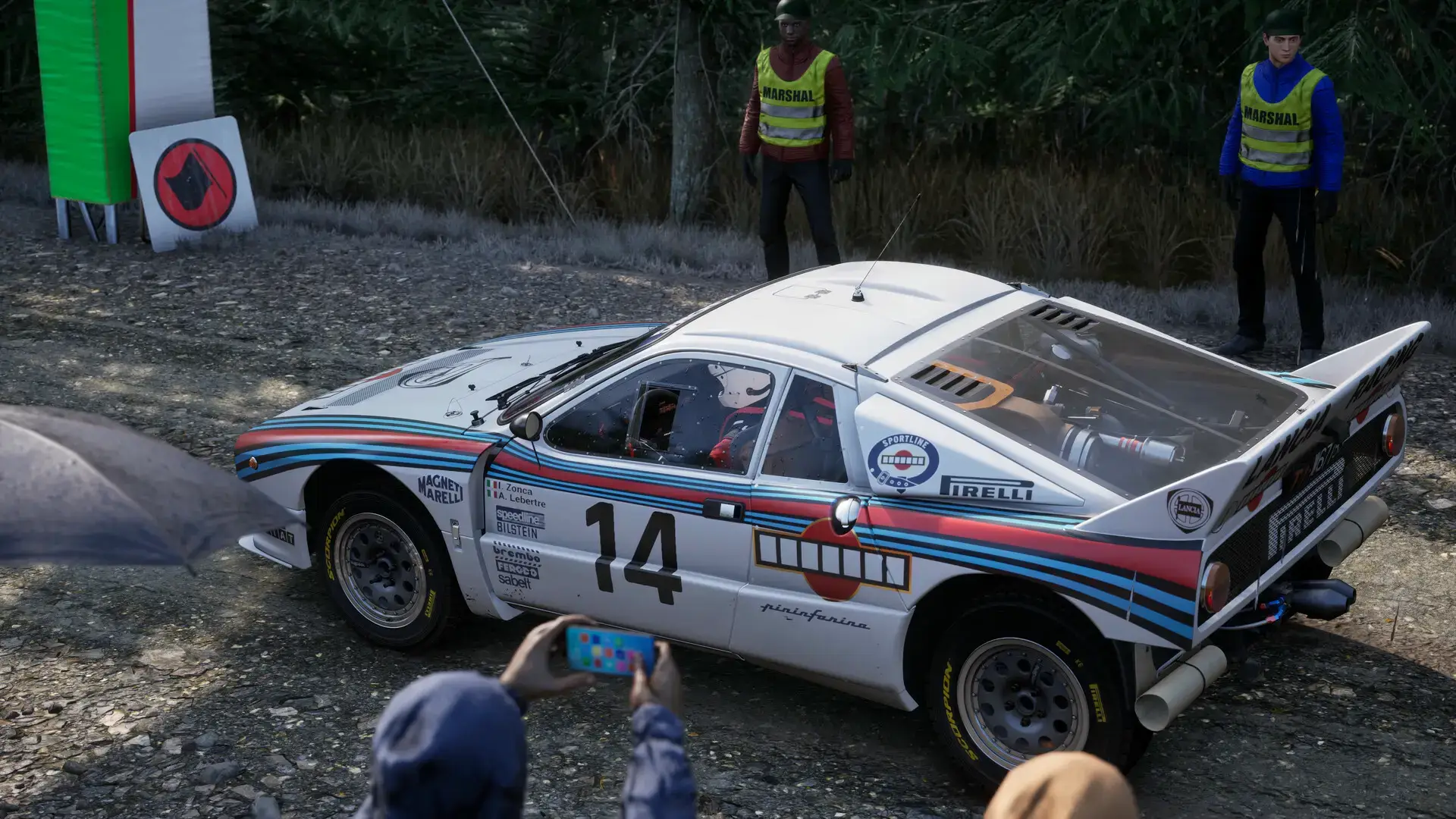
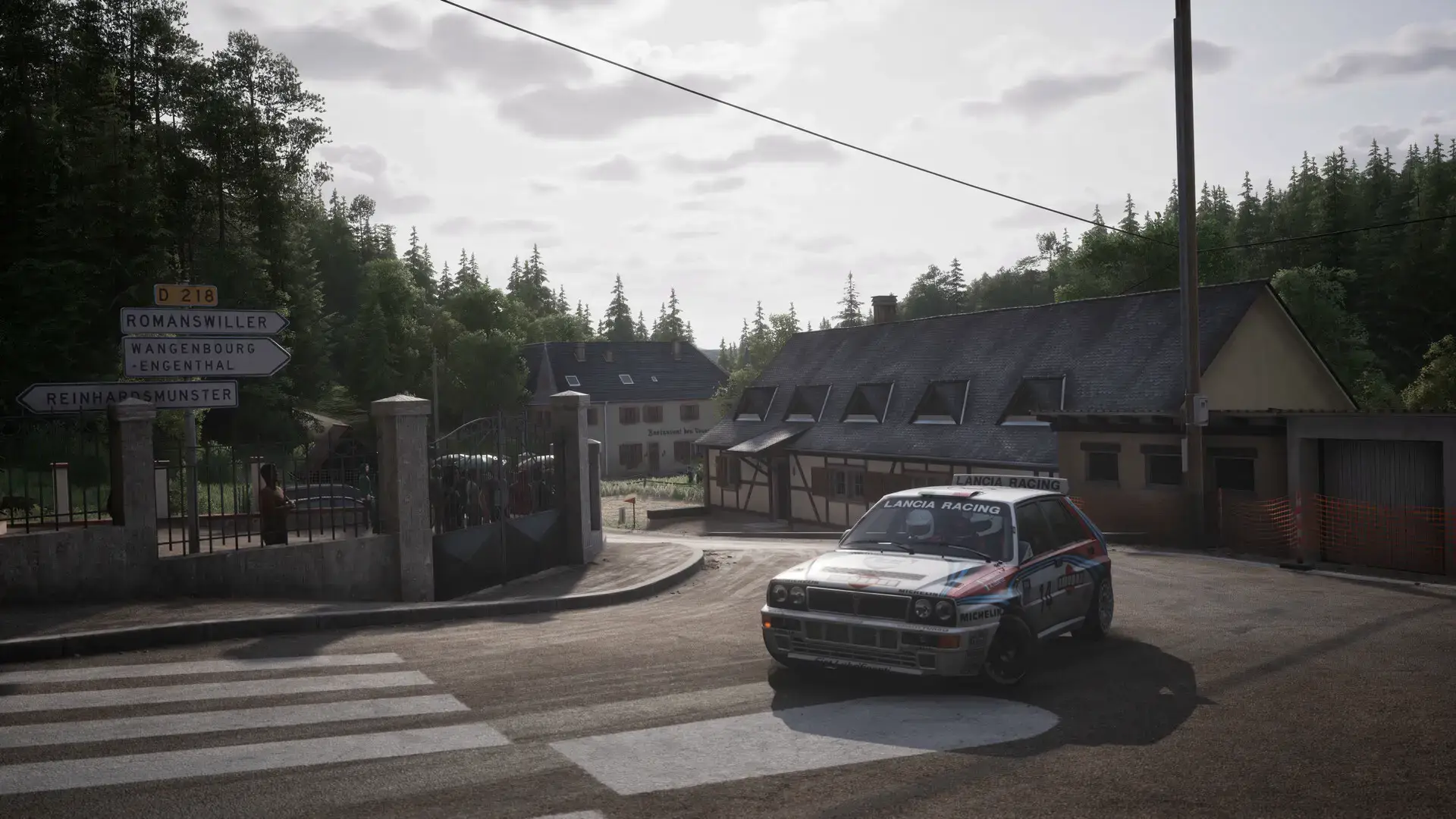
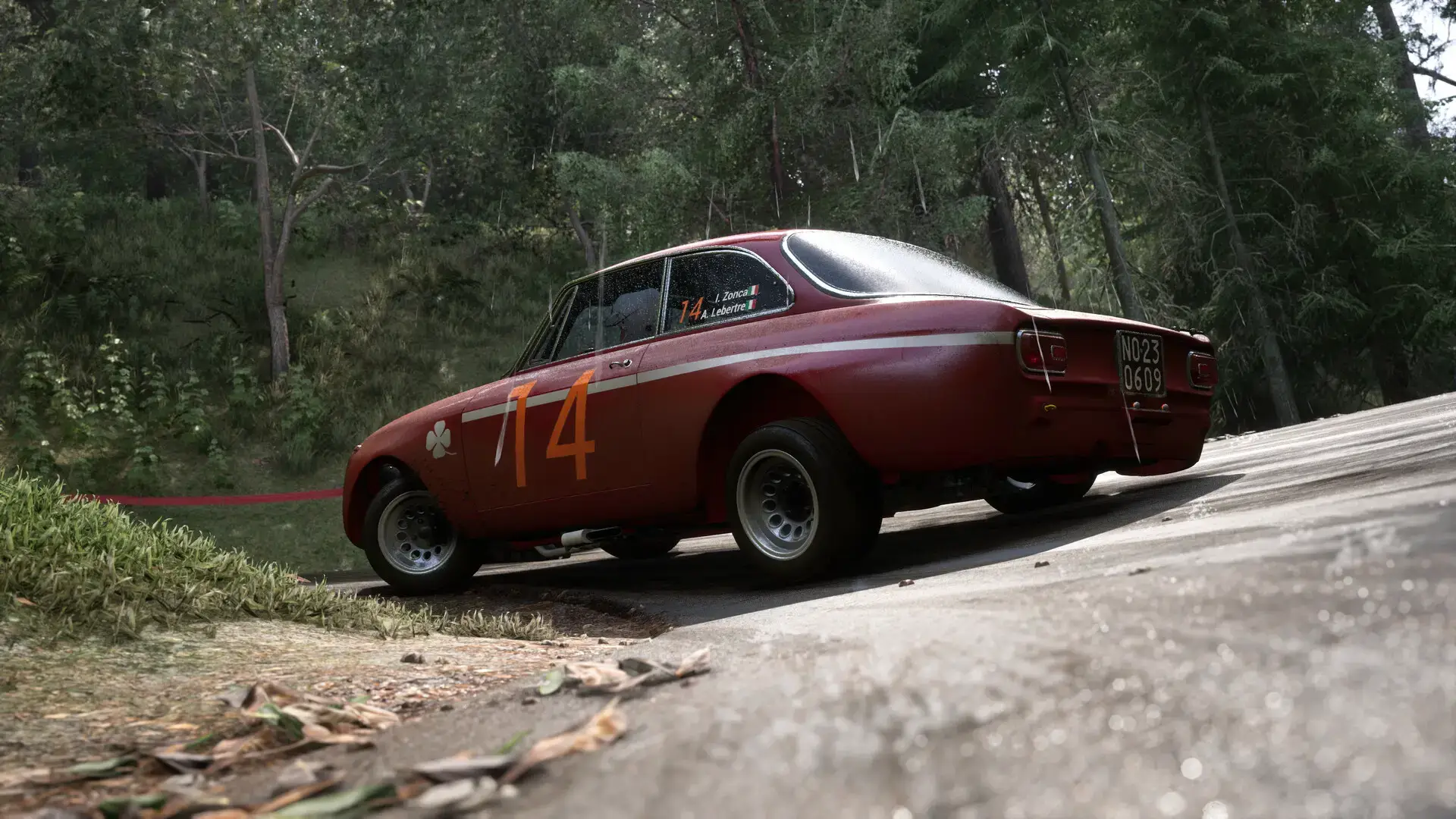
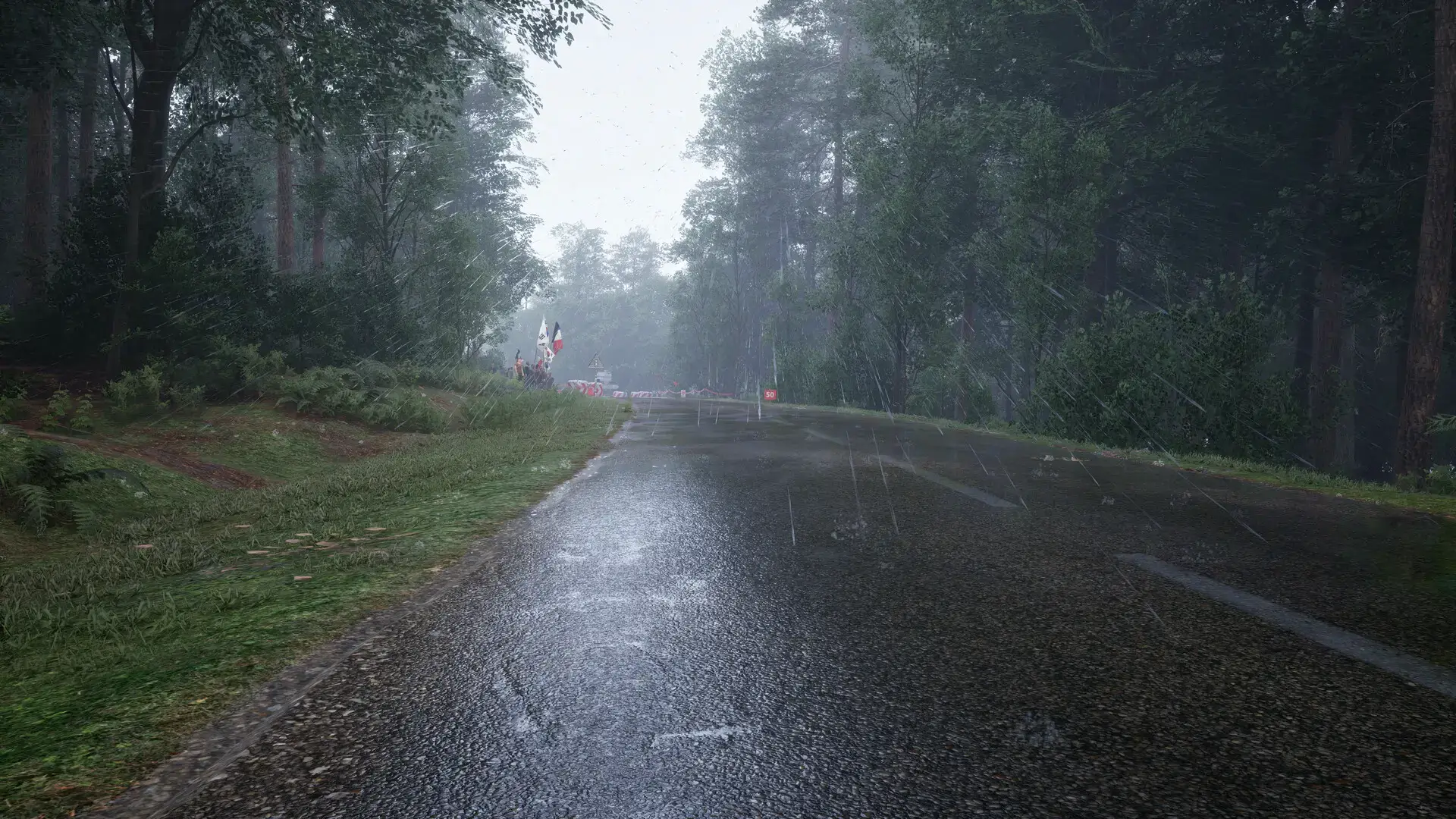
Assetto Corsa Rally Official Trailer
Watch the official trailer to see the game’s intense rally action and stunning Unreal Engine 5 visuals in action.

Assetto Corsa Rally PC Requirements
Minimum:
- OS: Windows 10/11 64-bit
- CPU: Intel Core i7-10700K / AMD Ryzen 5 3600X
- RAM: 16 GB
- GPU: NVIDIA GeForce RTX 2080 (8 GB) / AMD Radeon RX 6650 XT (8 GB)
- DirectX: Version 12
- Storage: 50 GB available space (SSD required)
Recommended:
- OS: Windows 10/11 64-bit
- CPU: Intel Core i5-12600K / AMD Ryzen 5 5600
- RAM: 16 GB
- GPU: NVIDIA GeForce RTX 3070 (8 GB) / AMD Radeon RX 6800 (16 GB)
- DirectX: Version 12
- Storage: 50 GB available space (SSD required)
Assetto Corsa Rally on Windows FAQ
- Is it a single-player game? Yes, the game features several offline single-player modes including Free Practice, Single Rally Stage, and Rally Weekend. It also includes online leaderboards for competitive play.
- What is the current state of Early Access? The Early Access version is fully playable with licensed cars, real rally stages, and multiple offline and online game modes. The developers plan to add more content like VR support during Early Access.
- Are there performance issues? As a new Early Access title, some players may encounter technical issues, but the developers are actively releasing patches and encourage community feedback to improve performance.
- Does it support VR? VR support is planned for addition during the Early Access phase but is not available at the initial launch.
- Will there be a console version? The developers have confirmed they are working on console versions, but the current focus is on the PC release. A console version is expected at a later date.
Support and Community
Explore more Windows games: The Last Caretaker for PC · Best Racing Games · Best Free to Play Games