

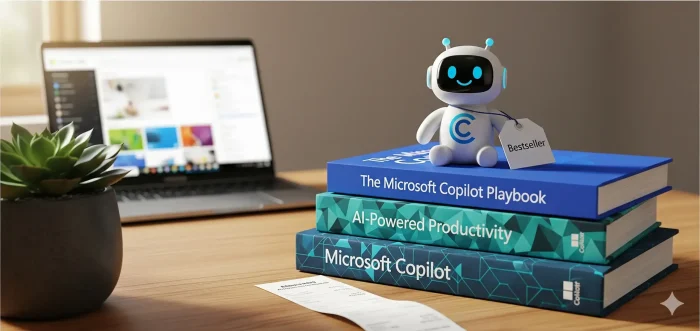

Microsoft 365 Copilot is powerful, but learning it can feel messy. The right book helps you move faster in Word, Excel, PowerPoint, Outlook, and Teams without guessing.
Below is a hand-picked list of Copilot books that are practical and focused: some are beginner-friendly, some are for enterprise rollout, and a few are for specific jobs like law and coding.
If you have a suggestion, contact us or leave a comment below.
Best Microsoft Copilot Books
Quick tip: pick a book based on your goal. If you want “Copilot everywhere,” choose a Microsoft 365-wide guide. If you want real outcomes at work, choose the enterprise/workflow books. If you’re learning from scratch, use the beginner guide.
1) Microsoft Copilot for Lawyers: The AI Legal Excellence Guide

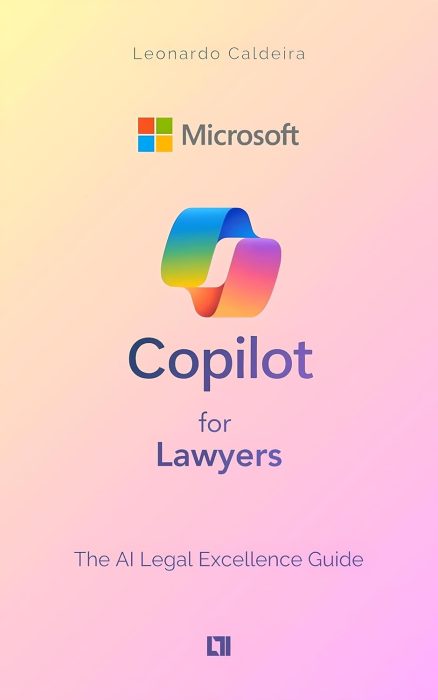
Practical workflows
Author: Leonardo Caldeira
Quick overview: A practical guide for legal professionals using Copilot to save time, reduce repetitive work, and improve document-heavy workflows.
- Streamlining research and drafting
- Automating repetitive legal tasks
- Using Copilot with Microsoft 365 apps
- Tips to work faster with fewer mistakes
- Work with contracts, memos, briefs
- Need repeatable templates/processes
- Want faster drafting + review cycles
- Spend too much time summarizing docs
2) AI-Powered Enterprise: Leveraging Microsoft 365 Copilot, Data, and Automation at Scale

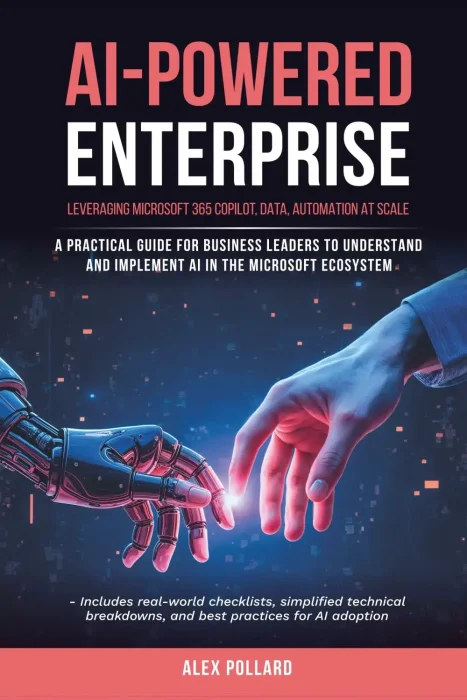
Scale + rollout
Author: Alex Pollard
Quick overview: A guide for business leaders and IT professionals on scaling AI-powered workflows with Copilot and Microsoft 365 tools.
- Automating enterprise processes
- Using AI insights for decisions
- Cross-team workflow patterns
- Deployment best practices
- Manage Copilot adoption at work
- Need governance and consistency
- Care about data/workflow structure
- Want repeatable org-wide wins
3) MICROSOFT 365 COPILOT AI USER GUIDE

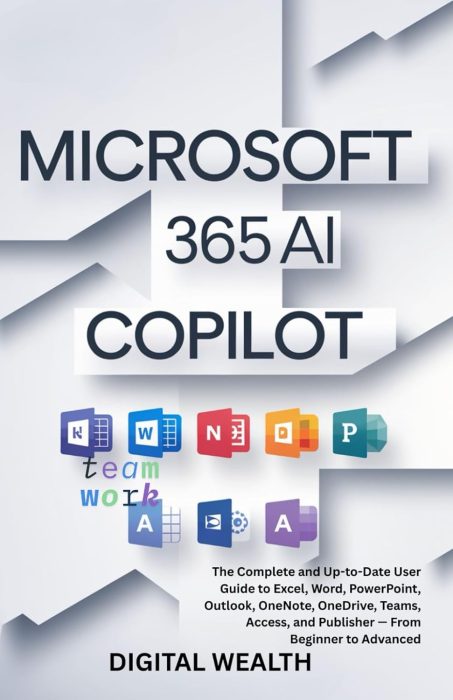
Beginner → advanced
Author: Digital Wealth
Quick overview: A comprehensive guide covering Copilot across many Microsoft 365 apps (including Excel, Word, PowerPoint, Outlook, Teams, and more).
- Copilot features across major apps
- Step-by-step productivity workflows
- Automation patterns you can reuse
- Tips from beginner to advanced
- Use multiple Microsoft 365 apps daily
- Want one “covers everything” book
- Prefer guided examples over theory
- Want quick wins across the suite
4) Microsoft Copilot, The Complete User Guide
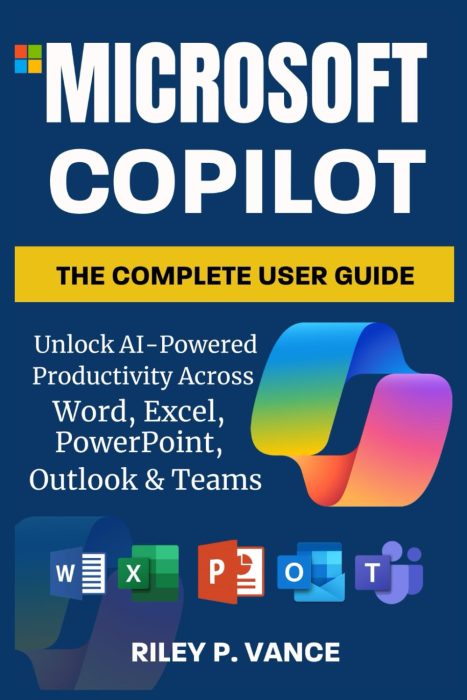
Real examples
Author: Riley P. Vance
Quick overview: Covers AI-powered productivity across Word, Excel, PowerPoint, Outlook, and Teams, with practical examples for real-world scenarios.
- Automating common tasks
- Faster work in core Office apps
- Workflow patterns you can reuse
- Everyday tips and shortcuts
- Live in Outlook/Teams/Office all day
- Want practical work scenarios
- Prefer examples over deep theory
- Need better daily productivity
5) Microsoft Copilot Pro Step by Step

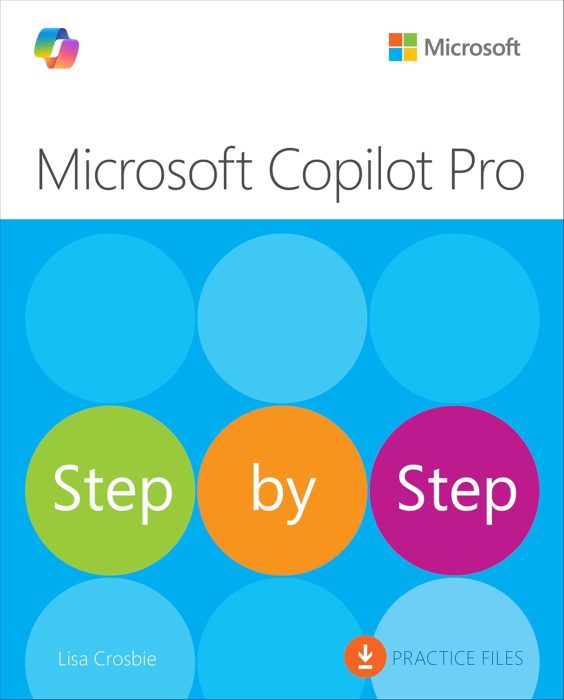
Repeatable tasks
Author: Lisa Crosbie
Quick overview: A step-by-step guide for users who want to master Copilot in daily productivity tasks and business scenarios.
- Practical workflows you can copy
- Step-by-step use across key apps
- Ways to save time and reduce mistakes
- Best practices for work tasks
- Prefer structured lessons
- Want predictable “do this → get that”
- Need workflows you can repeat daily
- Want fewer prompt mistakes
6) Microsoft Copilot Made Easy: Harnessing AI for Advanced Productivity

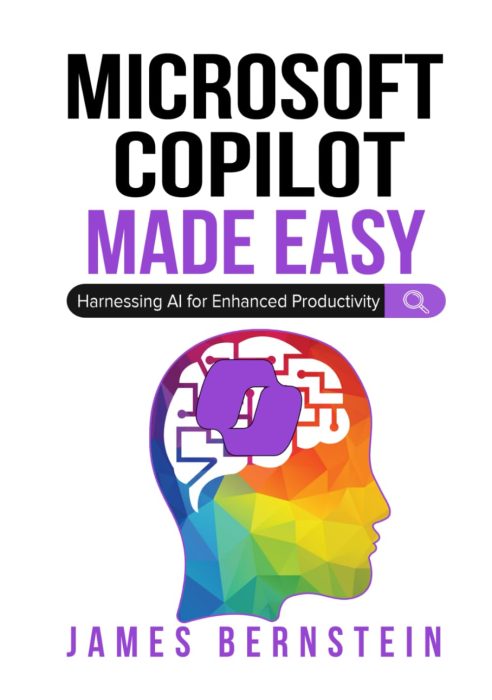
Advanced workflows
Author: James Bernstein
Quick overview: Learn how to harness Microsoft Copilot for advanced productivity and AI-assisted workflows across Microsoft 365 apps.
- Advanced Copilot productivity patterns
- Better workflows across key apps
- Time-saving repeatable methods
- Accuracy and quality tips
- Already use Copilot regularly
- Want stronger prompt structure
- Care about output quality
- Need faster “end-to-end” workflows
7) Microsoft Copilot AI 2025 User Guide For Beginners

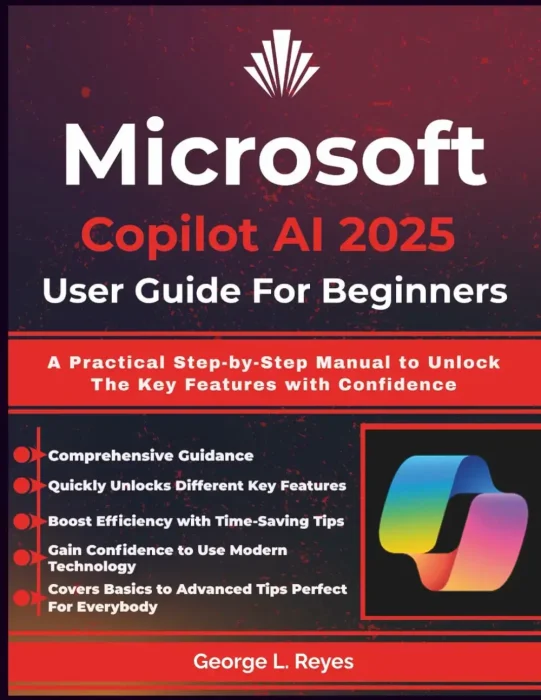
Simple steps
Author: George L. Reyes
Quick overview: A practical step-by-step manual for beginners to unlock Microsoft Copilot’s key features with confidence.
- Key features explained simply
- Step-by-step usage for beginners
- Everyday examples you can copy
- Confidence-building tips
- Are new to Copilot and AI tools
- Want a clear starting point
- Need simple, repeatable examples
- Prefer guided learning over theory
8) AI AT WORK: MICROSOFT COPILOT AND THE FUTURE OF WORK

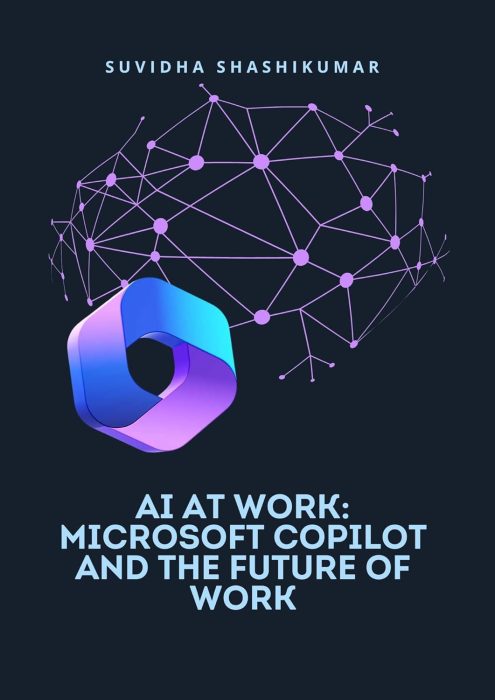
Future of work
Author: Suvidha Shashikumar
Quick overview: Explores the role of Microsoft Copilot in shaping the future of work, helping professionals adapt and thrive in AI-assisted workplaces.
- Workplace trends with AI integration
- How Copilot fits into daily work
- Examples of AI-assisted tasks
- Ways to adapt your workflow
- Lead teams or plan change
- Want context more than “how-to”
- Care about long-term workplace shifts
- Need a big-picture view
9) Microsoft Copilot for Coders: Elevate Your Programming with AI Assistance

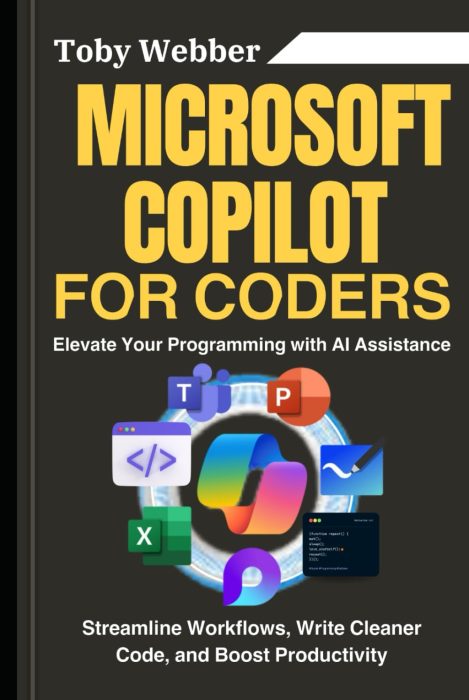
Coding workflows
Author: Toby Webber
Quick overview: A guide for developers to use Microsoft Copilot for coding, workflow automation, and writing cleaner, faster code.
- Automating routine coding tasks
- Writing cleaner, faster code
- Streamlining dev workflows
- Boosting productivity as a coder
- Write code daily at work
- Want fewer repetitive dev tasks
- Care about speed and quality
- Want better “assistant” habits
Want free Copilot learning resources?
If you want free Microsoft Copilot learning resources, check out our list of
free Copilot books.