

Readers like you help support this site. When you make a purchase using links on our site, we may earn an affiliate commission. All opinions remain our own.
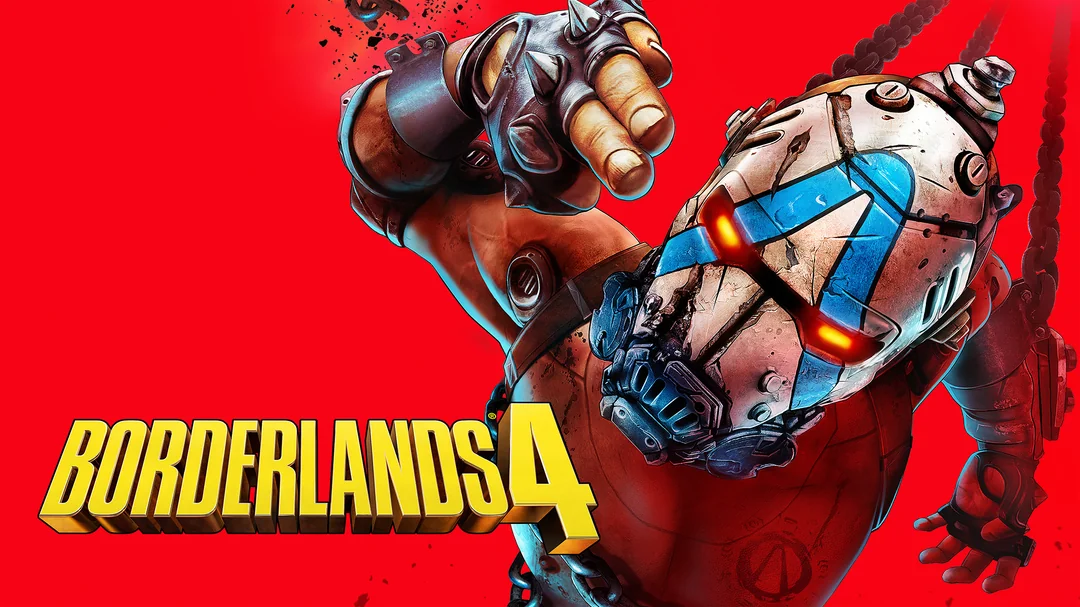
Developed by Gearbox Software and published by 2K, this new entry crashes you onto the planet Kairos as one of four new Vault Hunters leading a revolution against the tyrannical Timekeeper.
Wield powerful Action Skills, collect billions of guns, and explore a seamless open world powered by Unreal Engine 5.
Whether playing alone or teaming up with friends in online co-op for up to 4 players, every moment is filled with chaotic action, humor, and heart.
If you’re a fan of explosive shooters like Destiny 2 or the previous Borderlands games, this is an unmissable adventure.
This guide covers installing it on Windows, key features, and essential beginner tips for new vault hunters.
Have questions, tips, or want to share your strategies? Leave a comment below or contact us, we’re real people and always happy to help.
Download and install Borderlands 4 on PC
You can download Borderlands 4 via Steam, Epic Games Store, or Amazon Digital. Here’s how to install:
- Method 1: Steam
- Open the store page: Borderlands 4 on Steam.
- Click Add to Cart and complete checkout.
- In your Steam Library, click Install and select your drive.
- Wait for the download to complete (100 GB SSD space required).
- Launch from your Library and start your revolution!
- Method 2: Epic Games Store
- Open the store page: Borderlands 4 on Epic.
- Click Get Now to purchase and add to your library.
- Open the Epic Games Launcher and go to your Library.
- Click Install next to the game and choose your install location.
- Once installed, click Launch to play.
- Method 3: Amazon Digital
- Visit the product page: Borderlands 4 Digital Code on Amazon.
- Click Buy Now and complete checkout.
- Receive your digital code via email or Amazon message.
- Redeem the code in either Steam or Epic Games Store:
- Steam: Open Steam > Games > Activate a Product on Steam.
- Epic: Open Epic Launcher > Store > Redeem Code.
- Download and install as described above.
Quick Tip: 💡 Always experiment with different weapon elements! Enemies on Kairos have specific weaknesses—Shock depletes shields, Corrosive melts armor, and Incendiary burns flesh. Switch tactics based on your foes!
Get via Steam | Get via Epic | Get via Amazon
What is Borderlands 4?
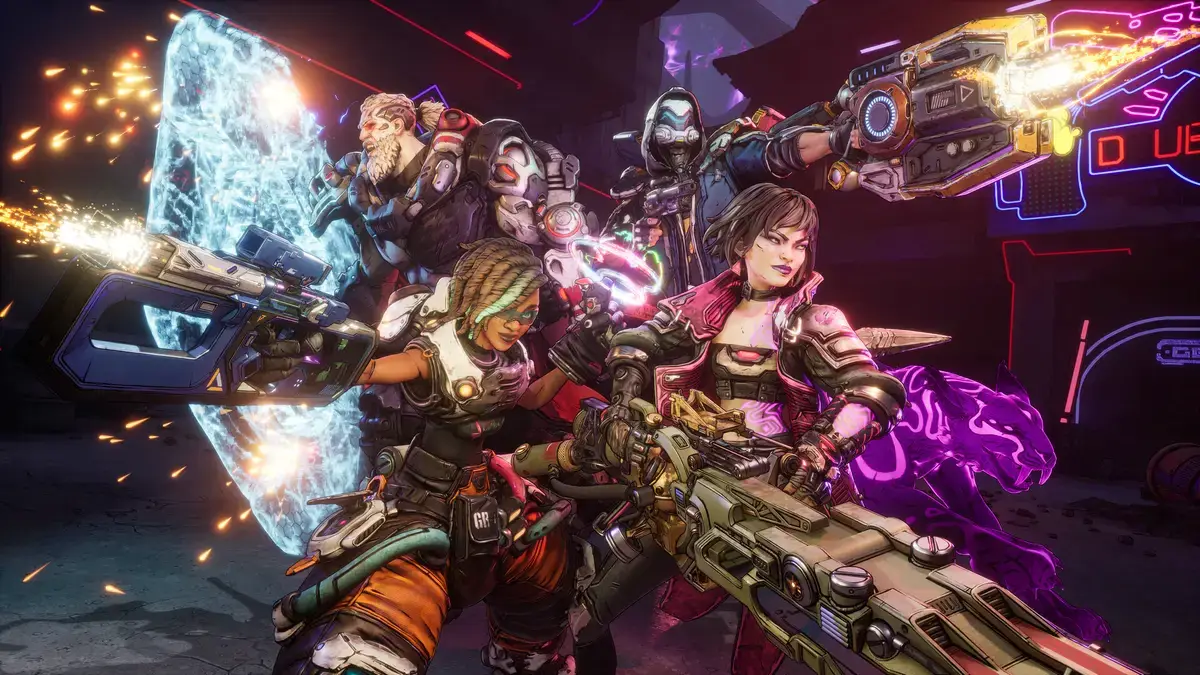
Borderlands 4 is a first-person looter-shooter set on the planet Kairos. Players lead a revolution against the tyrannical Timekeeper, battling outrageous enemies and collecting billions of weapons. Choose from four unique Vault Hunters, each with customizable Action Skills and deep skill trees.
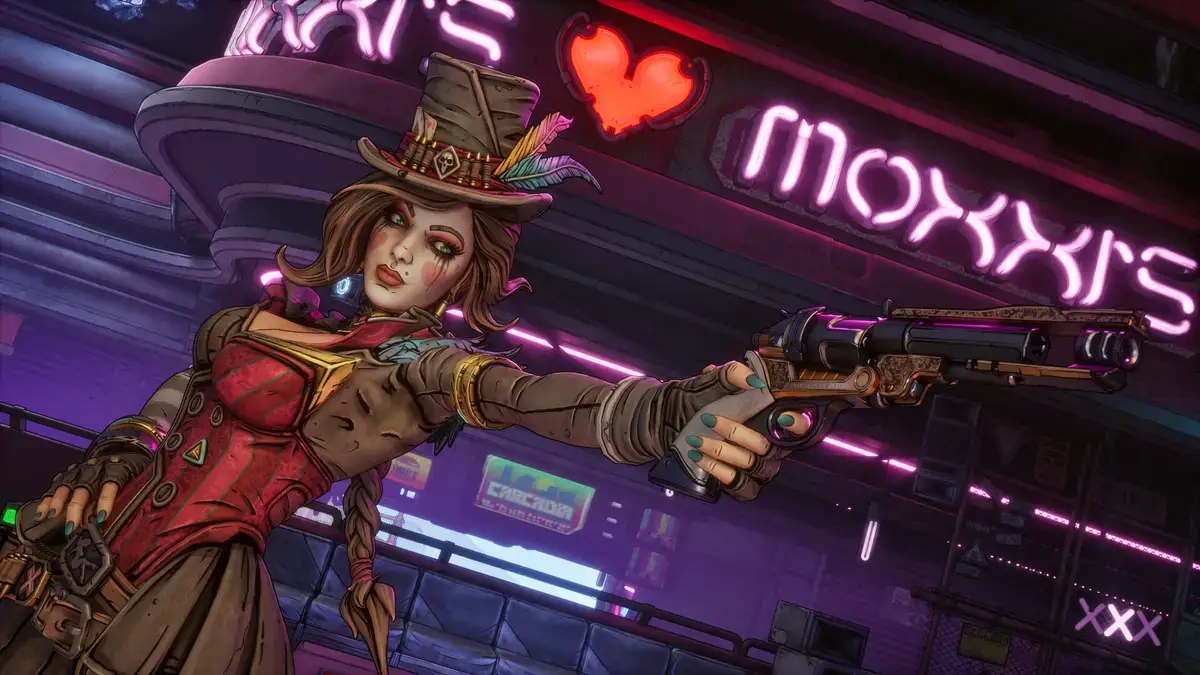
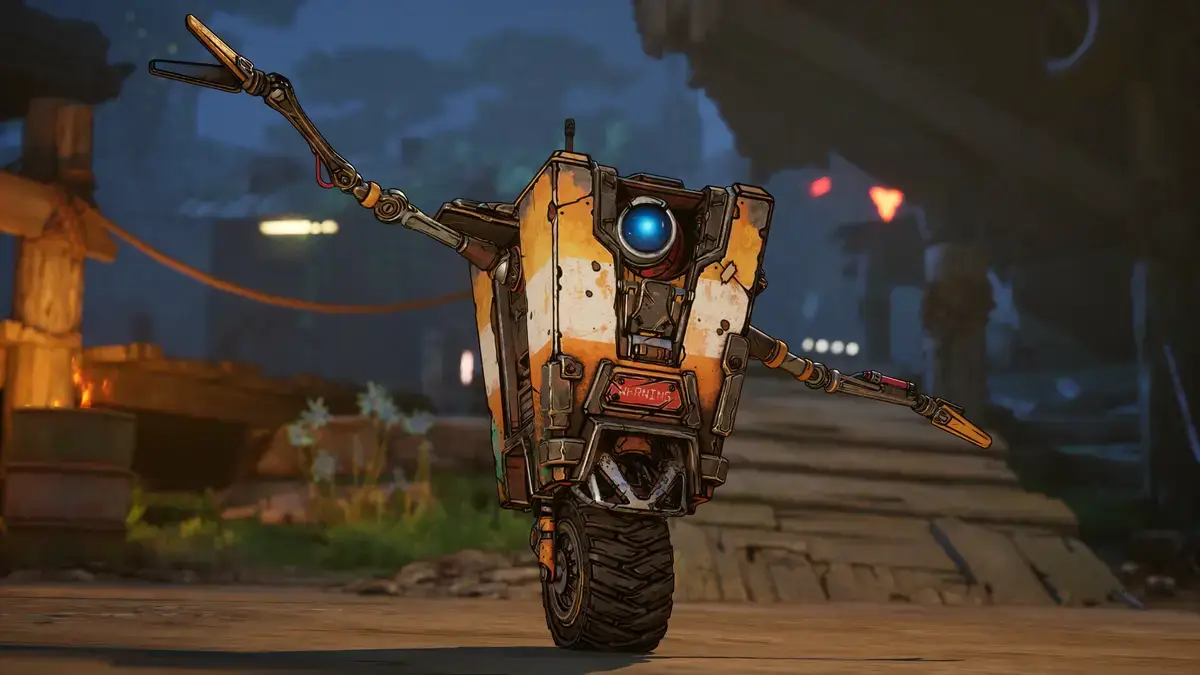
Returning characters like Claptrap and Mad Moxxi join the fight alongside new factions. With no loading screens, dynamic events, and chaotic co-op, Borderlands 4 is the most immersive entry in the series yet.
Key Features
- Seamless Open World: Explore the planet Kairos without interruptions, powered by Unreal Engine 5.
- Dynamic Movement: Double jump, glide, dodge, and grapple across environments for tactical advantages.
- Deep Customization: Craft unique builds with branching skill trees and billions of weapons.
- 4-Player Co-Op: Team up online or via split-screen with full cross-play support.
- Engaging Story: Unite Kairos’ factions to ignite a revolution against a ruthless dictator.
Why play on Windows?
PC offers the highest fidelity experience with support for 4K resolution, HDR10, high frame rates, and ultrawide monitors. Advanced graphics settings and customizable controls make PC the premier platform for vault hunting.
Tips for PC beginners
- Master Movement: Use dynamic abilities like grappling and gliding to reposition during fights. Verticality is key to survival.
- Experiment with Builds: Don’t stick to one skill tree. Mix and match skills to synergize with your weapons and playstyle.
- Elemental Damage Matters: Match damage types to enemy weaknesses for faster kills.
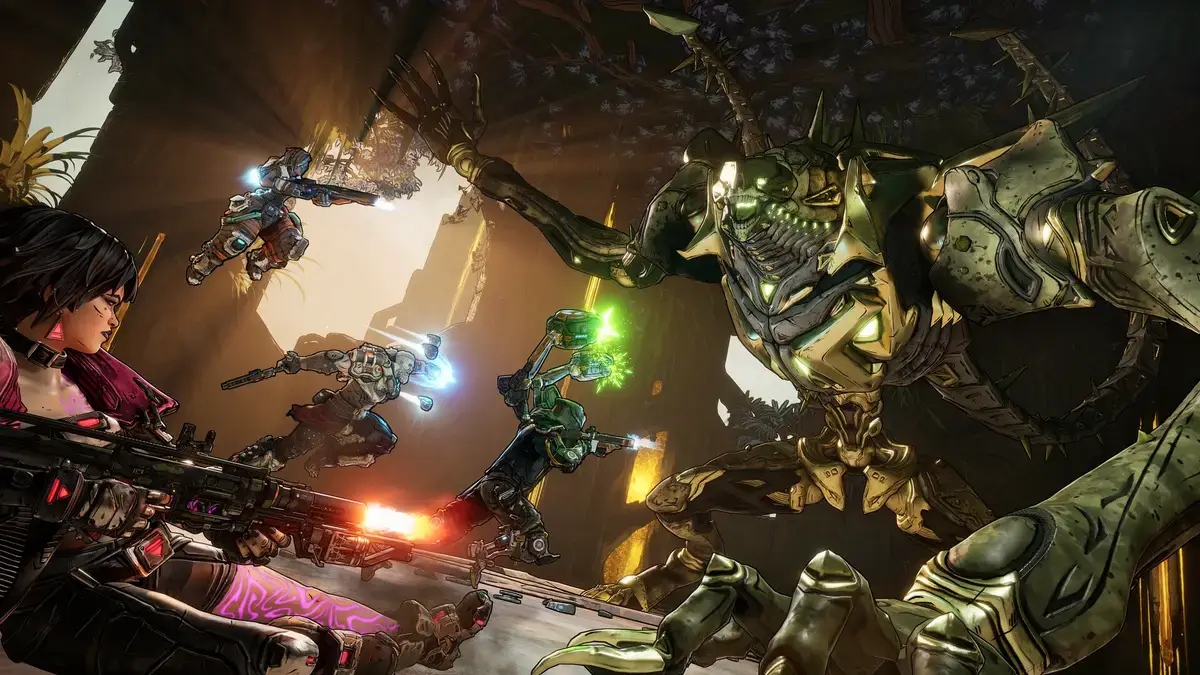
- Play Co-Op: Team up with friends to combine Action Skills for devastating combos and better loot.
- Explore Thoroughly: Kairos is packed with hidden chests, dynamic events, and Easter eggs that reward you with legendary gear.
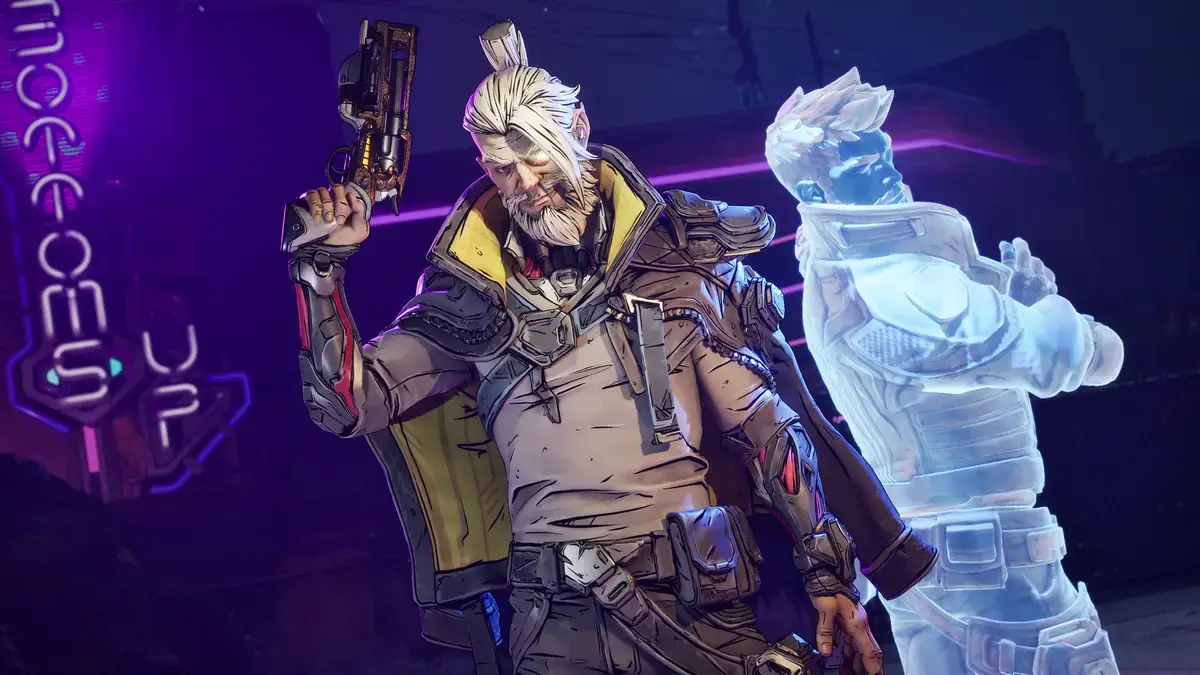
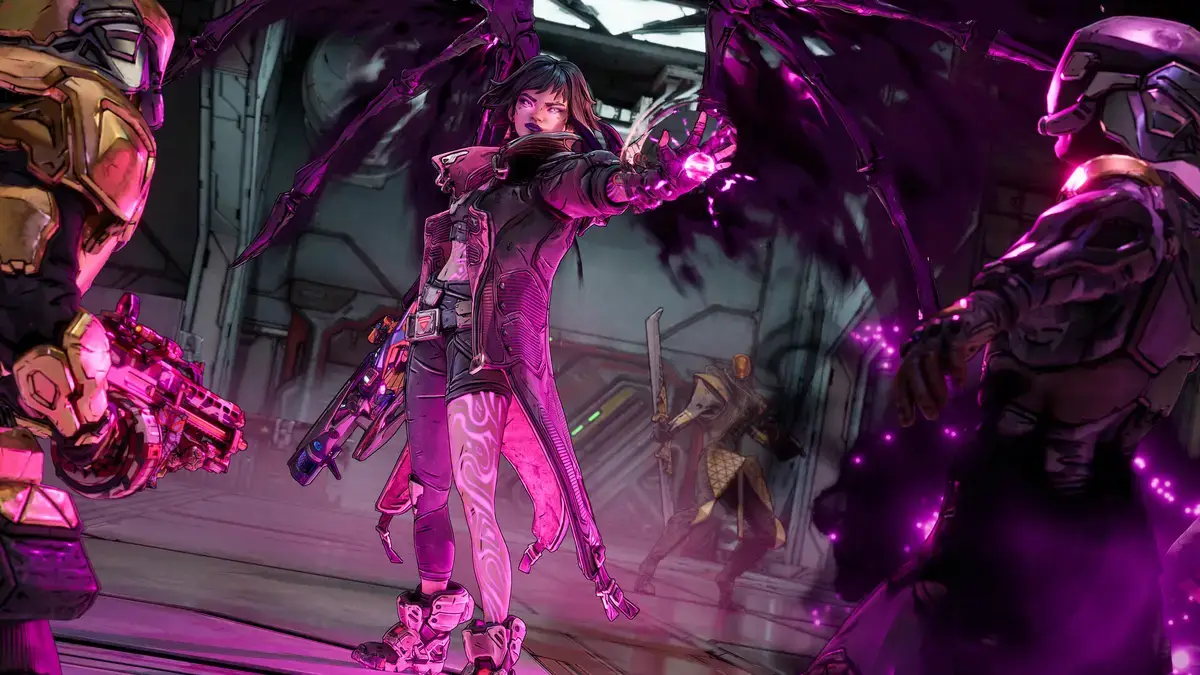
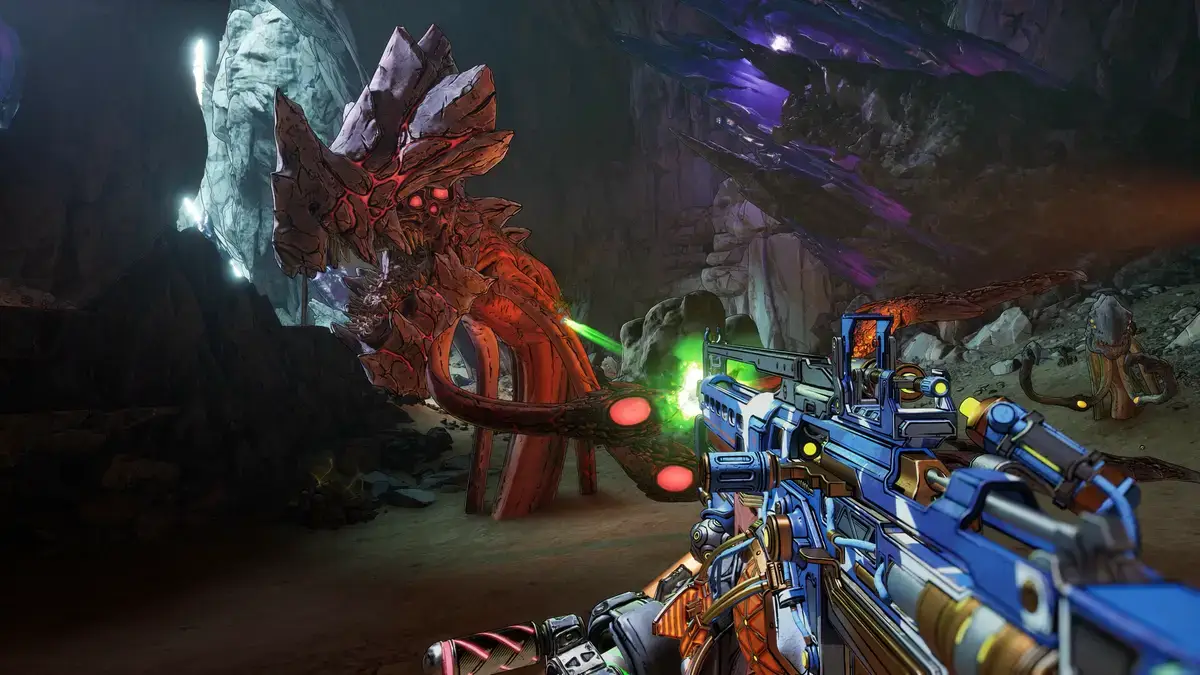
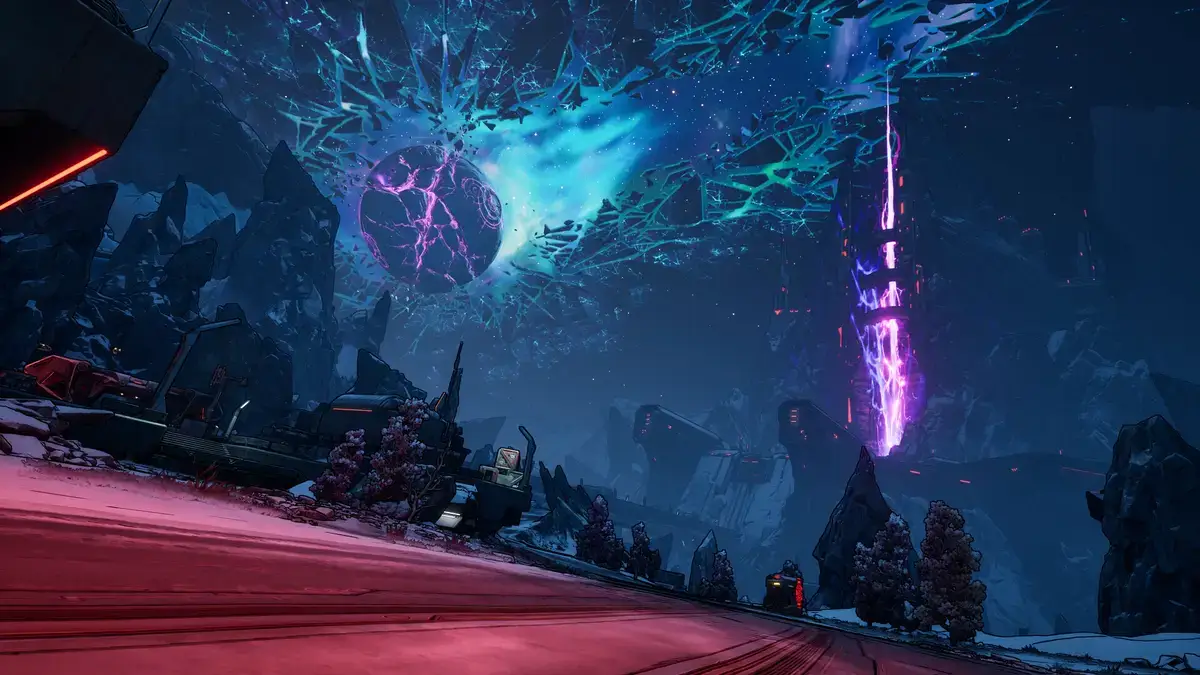
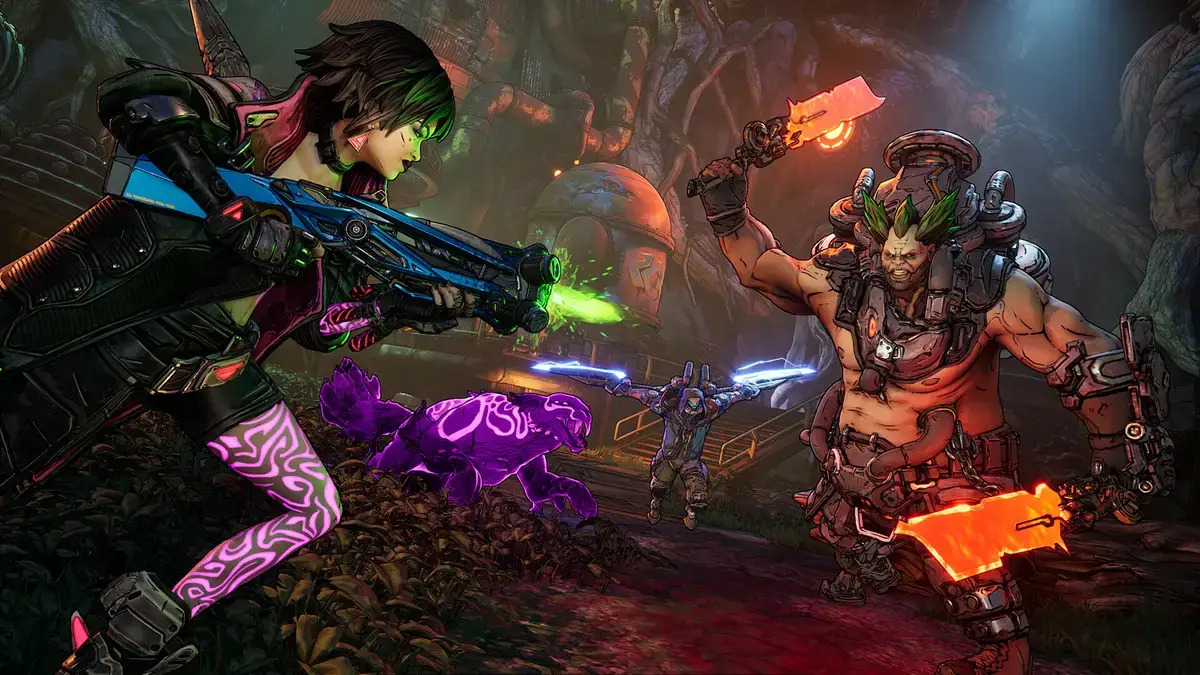
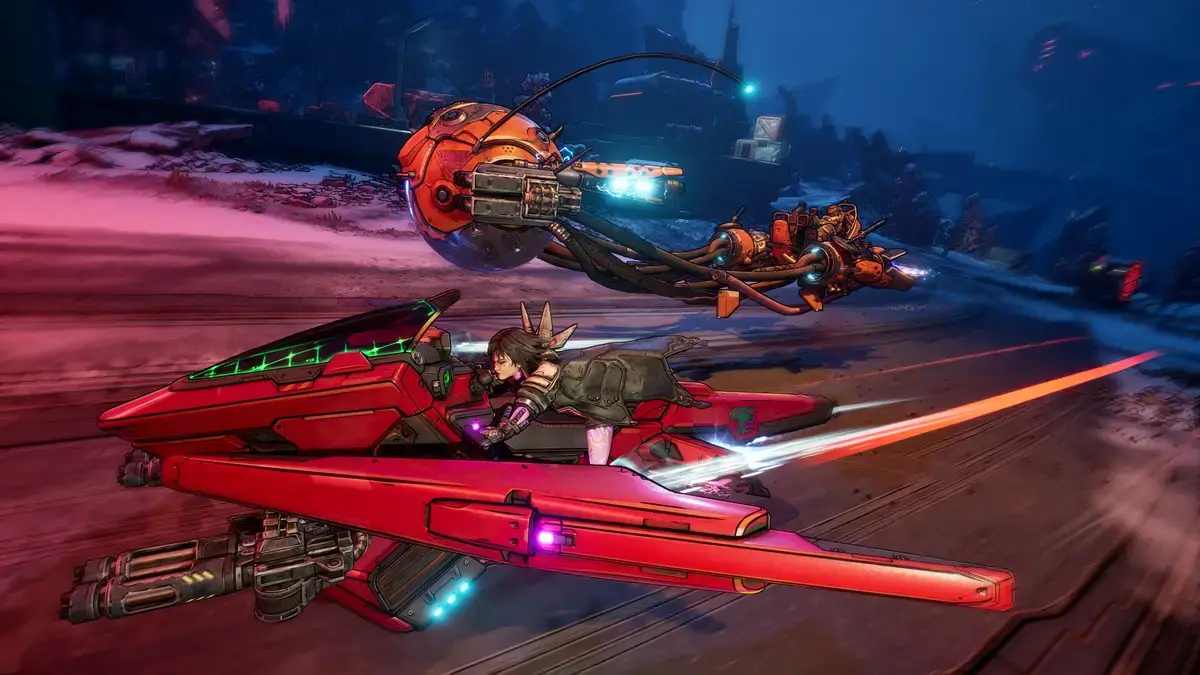
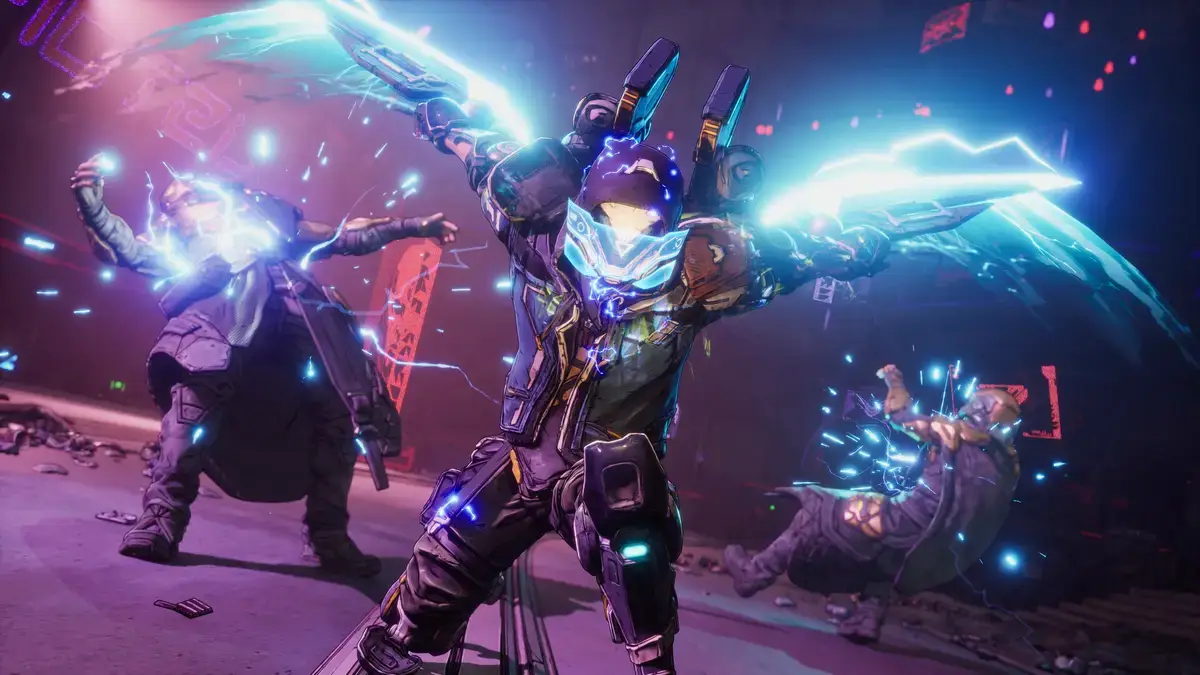
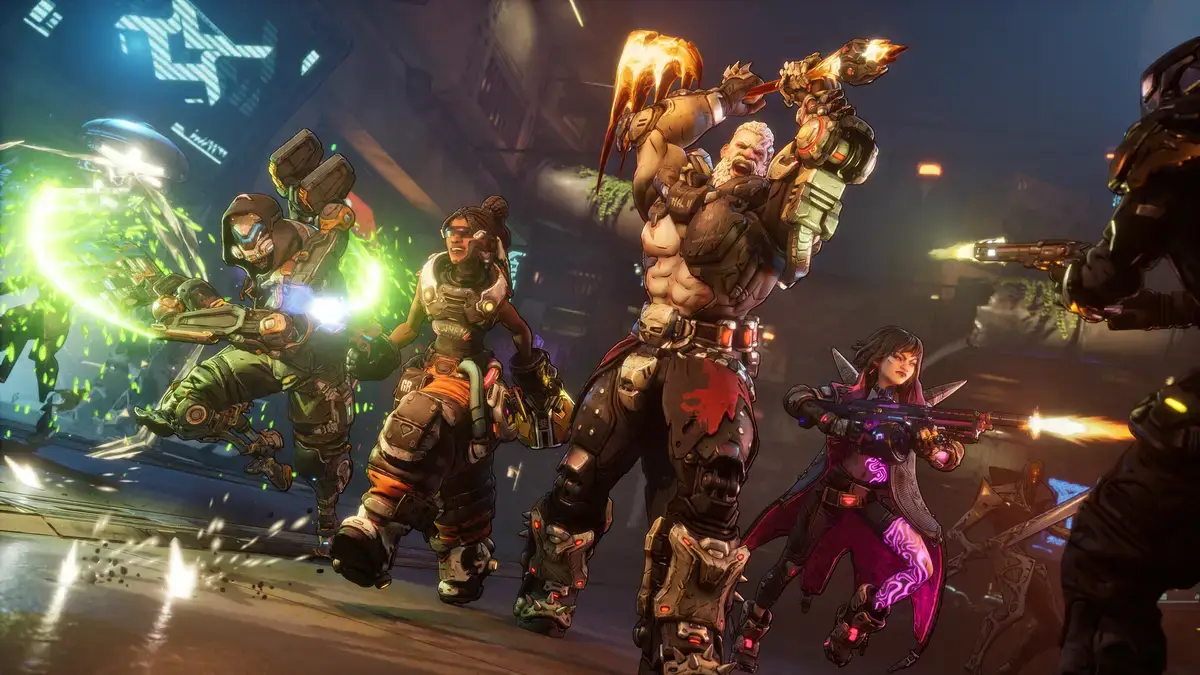
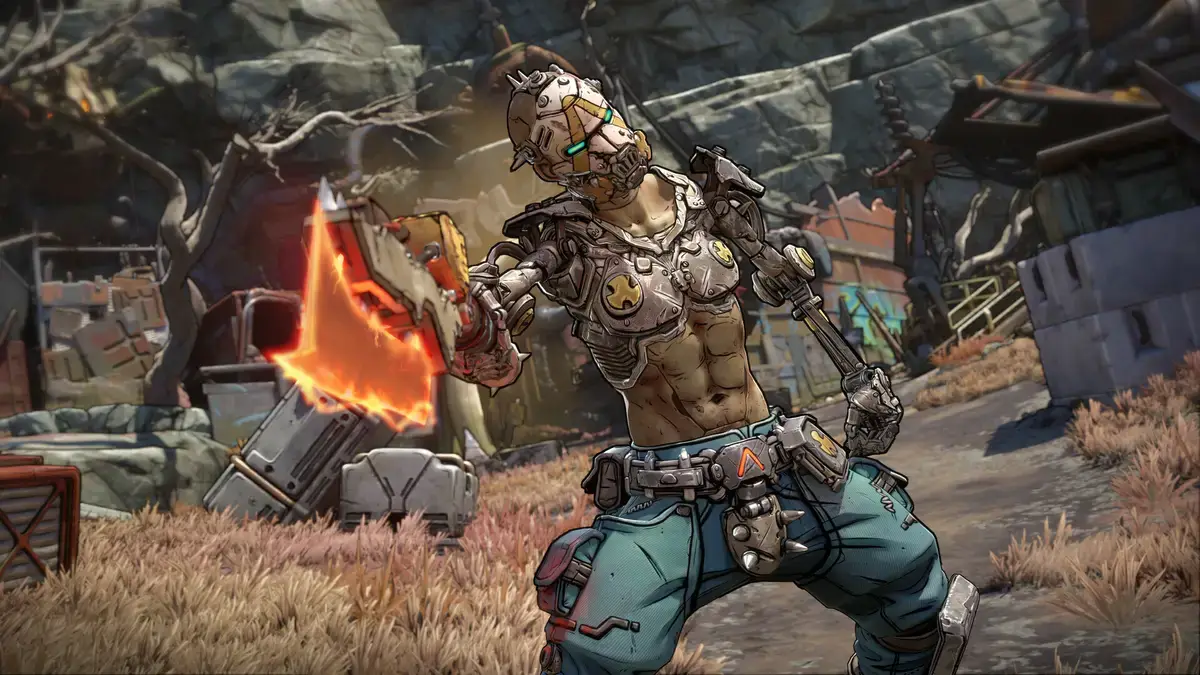
Borderlands 4 Gameplay Screenshots
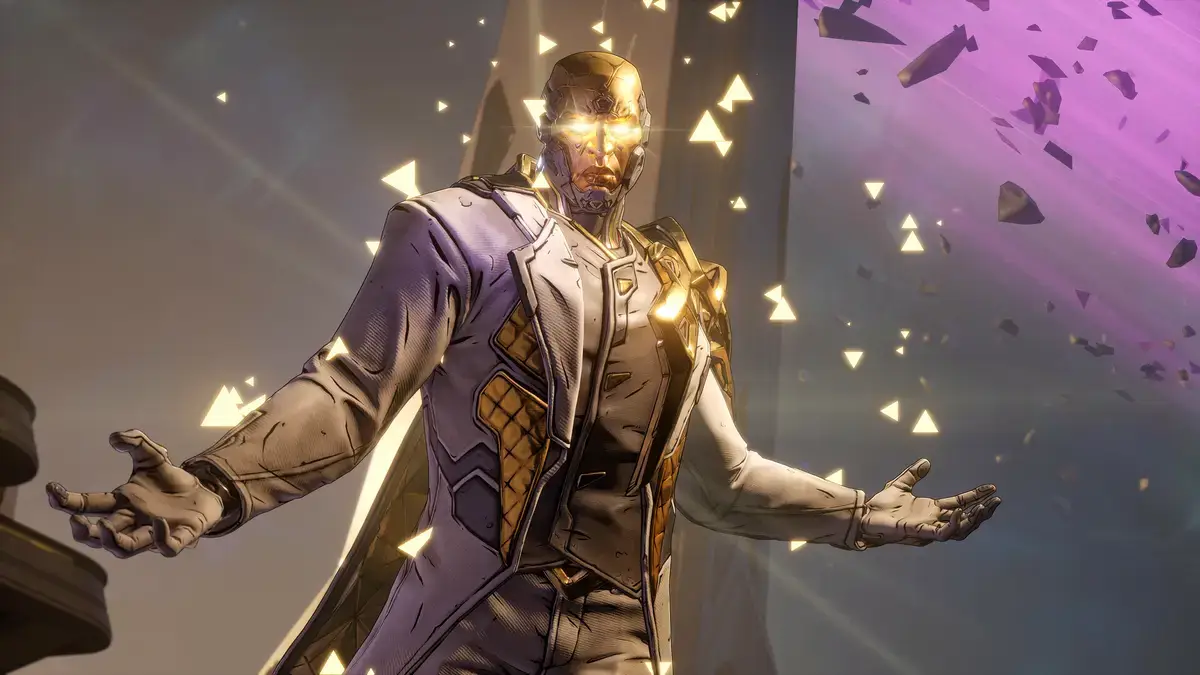
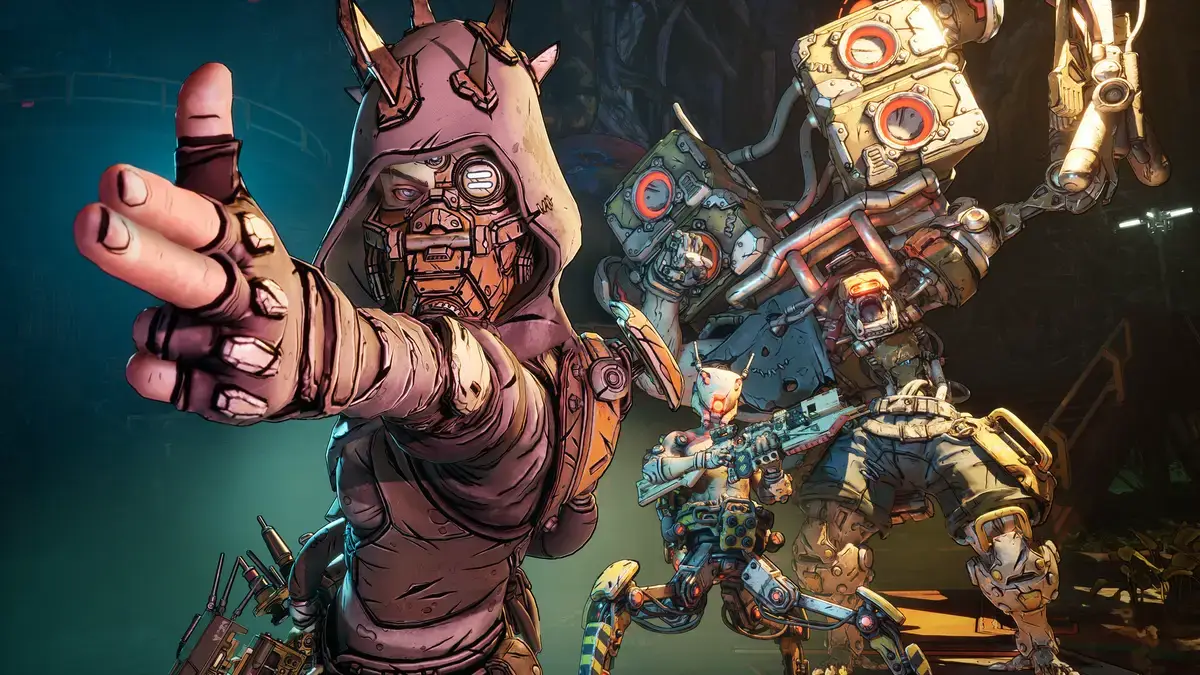
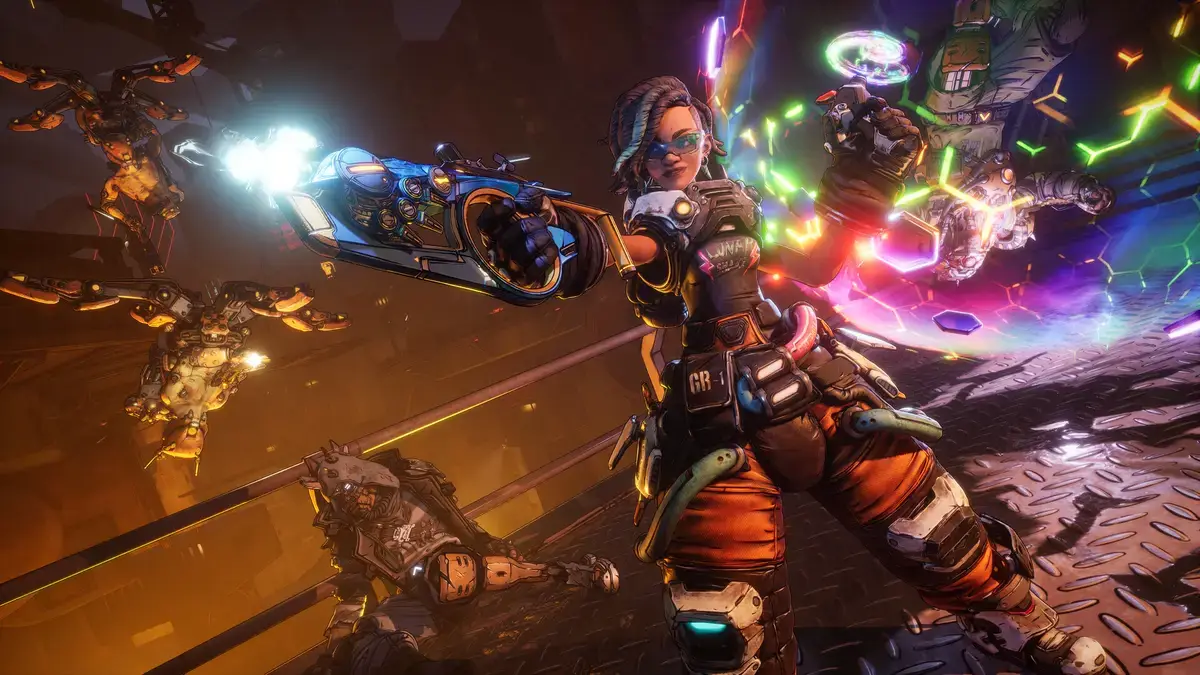
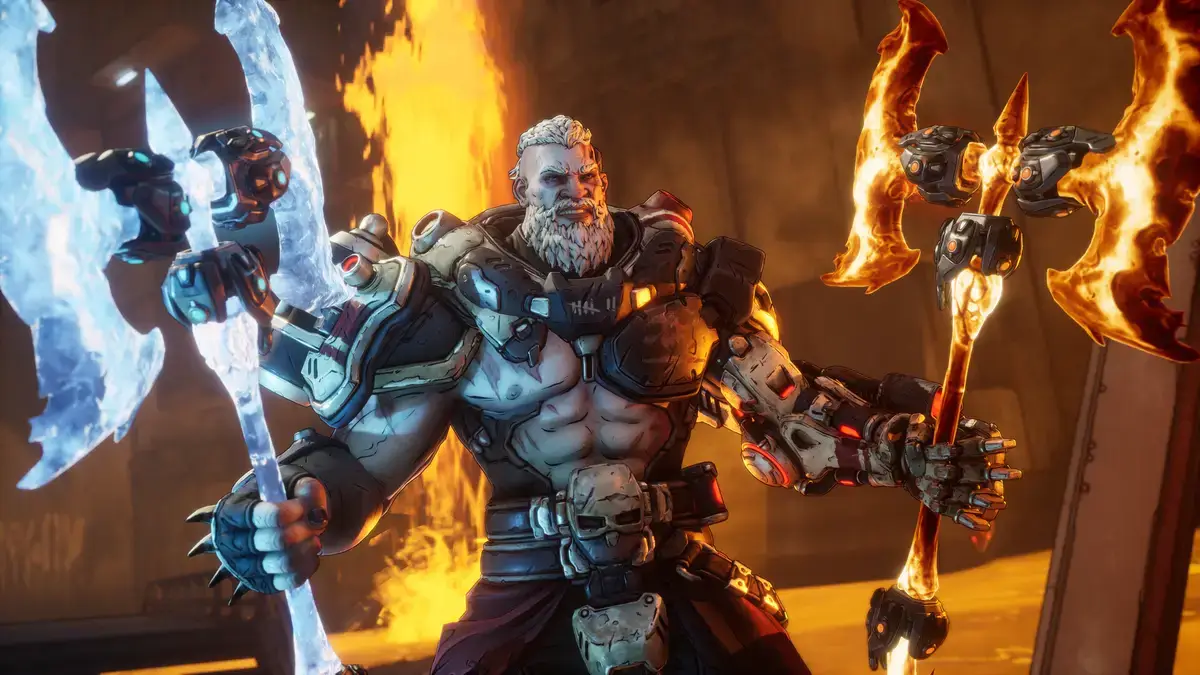
Borderlands 4 Tips Video
Watch the chaos and comedy of Borderlands 4 in action while learning some beginner friendly tips:

Looking for a PC to run this game? Check our list of the best gaming laptops and best gaming desktops.
🔥 Featured Borderlands Gear
Claptrap Fleece Throw Blanket
Stay cozy with this official 45×60-inch blanket featuring everyone’s favorite robot.
Jabber 9″ Plush by Youtooz
Adopt your own soft and detailed Jabber companion from Borderlands.
Borderlands 4 PC requirements
Minimum (1080p @ 30 FPS, Low Settings):
- OS: Windows 10/11 64-bit
- CPU: Intel Core i7-9700 / AMD Ryzen 7 2700X
- RAM: 16 GB
- GPU: NVIDIA RTX 2070 / AMD RX 5700 XT / Intel Arc A580
- DirectX: Version 12
- Storage: 100 GB SSD
Recommended (1440p @ 60 FPS, Medium Settings):
- OS: Windows 10/11 64-bit
- CPU: Intel Core i7-12700 / AMD Ryzen 7 5800X
- RAM: 32 GB
- GPU: NVIDIA RTX 3080 / AMD RX 6800 XT / Intel Arc B580
- DirectX: Version 12
- Storage: 100 GB SSD
Borderlands 4 on Windows FAQ
- Is it free? No, this is a premium title.
- Can I play offline? Yes, the single-player campaign is fully playable offline.
- Does it support cross-play? Yes, cross-play is supported between Steam, Epic, and consoles.
- Is there split-screen co-op? Yes, 2-player split-screen is supported on PC.
- How many players can play together? Up to 4 players can team up in online co-op.
Support and community
Explore more Windows games: Shape of Dreams for PC · Hades 2 for PC · Best Free Games on PC · Action Games · RPG Games