


Readers like you help support this site. When you make a purchase using links on our site, we may earn an affiliate commission. All opinions remain our own.
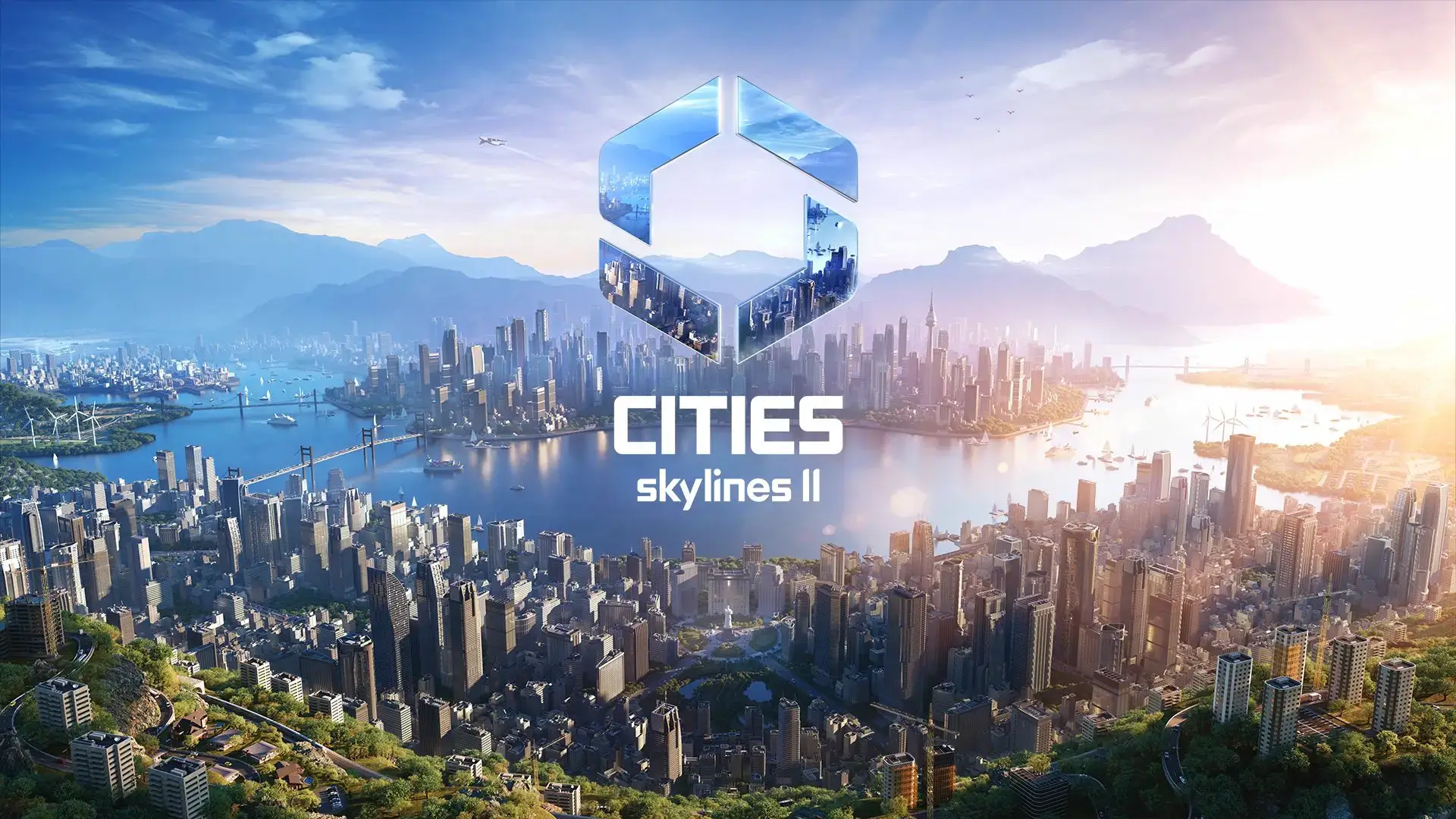
Cities: Skylines 2 is a city-building simulation for PC from Colossal Order and Iceflake Studios, available on Steam and PC Game Pass.
You lay down roads, zone neighborhoods, and build the systems that keep a city running: power, water, transit, schools, and more. Every citizen has a name, a job, and a life path that shifts based on how you build. There is no win condition. The city just keeps growing, or struggling, based on what you do next.
The simulation depth is what sets it apart from most city builders. Every road, building, and policy ripples through a living economy that reacts in real time. Add a factory district and you might solve a jobs problem while creating a traffic and pollution one somewhere else.
Cities: Skylines 2 launched on Windows 10 and 11 in 2023 and has kept growing since, with performance patches, paid expansions like Bridges & Ports, and a steady stream of creator packs and radio stations. It plays with mouse and keyboard, and is built for desktop PCs running Windows 10 or 11.
Already playing? Tell us what your current city looks like in the comments. Got questions before buying? Reach out to us directly.
What You Need to Know
- Single-player city builder with deep simulation: every citizen has a job, a home, and a life that changes based on how you build.
- Included with PC Game Pass and Xbox Game Pass Ultimate, alongside a standalone Steam purchase.
- Played mostly on Steam Deck shows up in reviews, but this is a desktop-first game that benefits from a strong PC and a big monitor.
Quick Facts


Quick Facts
| 💰 Price | $49.99 |
| 📅 Released | October 24, 2023 |
| 🛠️ Developer | Colossal Order, Iceflake Studios |
| 📦 Publisher | Paradox Interactive |
| 🎮 Genre | City Builder / Simulation |
| 👥 Players | Single-player only |
| 🔞 Rating | Everyone (ESRB) |
| 💾 Storage | 60 GB |
How to Download Cities: Skylines 2 on Windows
- Step 1. Open Steam, or the Xbox app if you use Game Pass, and sign in with a free account.
- Step 2. Search for “Cities: Skylines II” and open the store page.
- Step 3. If you have PC Game Pass or Xbox Game Pass Ultimate, click Install. Otherwise, click Buy, complete checkout, and wait for the 60GB download.
- Step 4. Launch the game and run through the short settings screen to set your resolution and graphics quality.
- Step 5. Start with a small map and a simple road layout. The tutorial prompts walk you through zoning, utilities, and your first budget decisions.
🎮 Cities: Skylines 2 Is on Game Pass
The PC version comes with PC Game Pass and Xbox Game Pass Ultimate, so you can play it without buying it outright if you already subscribe. Want to grab a membership just to try it? Compare prices on PC Game Pass (1 Month) or Xbox Game Pass Ultimate (1 Year) through G2A.
What Is Cities: Skylines 2?
Cities: Skylines 2 is the sequel to one of the most popular city-building games ever made. You start with an empty plot of land and build everything from scratch: roads, power lines, water systems, schools, hospitals, parks, and the zoning that decides where people live, work, and shop. The game tracks individual citizens rather than abstract population numbers, so you can watch a person grow up, get a job, start a family, and grow old, all shaped by the city you build around them.
Where the original Cities: Skylines focused on traffic and zoning, the sequel goes further into economic simulation. Trade routes between your city and neighboring towns, supply chains for goods, seasonal weather that changes how citizens behave, and policies that shift the mood of entire districts all feed into a single, connected system. Colossal Order built the original game and the sequel’s foundation, and Iceflake Studios has since taken over ongoing development, free updates, the in-game editor, and future expansions.
Official Trailer
Watch the official release trailer for Cities: Skylines 2 to see road building, zoning, citizen life paths, and a city growing from an empty map into a working metropolis.

Key Features
Citizen-Level Simulation
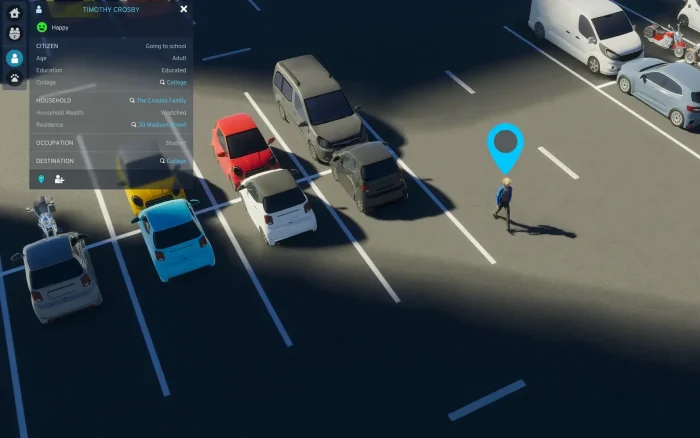
Every resident has a name, a job, a home, and a life path that shifts based on how your city grows.
Trade and Resources
Goods, jobs, and supplies move between your city and nearby towns, and shift as your choices change the local economy.
Deep Road and Transit Tools
Build highways, transit lines, and intersections with fine control over how traffic actually flows.
Seasons and Weather
Snow, heat waves, and storms change how citizens live and how your city’s services need to respond.
Expansions and Creator Packs
Paid content like Bridges & Ports adds new building types, while creator packs add themed assets and radio stations.
Mod and Asset Support
The PDX Mods platform and a growing community scene let you reshape the game with custom buildings and tools.
Is This Game for You?
You Will Love It If:
- ✅ You enjoy slow-burn management games where every decision has a ripple effect
- ✅ You like watching systems interact more than chasing a win condition
- ✅ You want a city builder with deep mod and creator pack support
- ✅ You have a PC that can handle a demanding simulation at scale
You Might Not If:
- ❌ You want fast-paced action or a clear story to follow
- ❌ You are running an older or budget PC without a strong graphics card
- ❌ You want multiplayer or co-op, since this is single-player only
- ❌ You expect a finished, polished experience with zero rough edges at launch
🎮 Our Take
Cities: Skylines 2 is in a better place now than it was at launch, but it is still not the smooth follow-up fans hoped for. The simulation underneath is genuinely impressive: citizens with real life paths, an economy that reacts to your choices, and road tools that reward careful planning. The catch is performance. Recent player reviews sit in “Mostly Positive” territory, while the all-time score remains “Mixed,” and that gap tells the real story: the systems are strong, but getting a big city to run smoothly still asks a lot from your hardware. Patches and expansions like Bridges & Ports have closed some of that gap, but this is not a game that runs lightly on modest machines.
If you loved the depth of the original Cities: Skylines and you have a PC that meets or beats the recommended specs, this is worth picking up now, especially if you already have it through Game Pass. If your PC is on the lighter side, or you want a guaranteed-smooth experience out of the box, it is reasonable to wait for the next round of optimization patches, or try it through Game Pass first before buying outright.
System Requirements
- OS: Windows 10 64-bit
- CPU: Intel Core i7-6700K or AMD Ryzen 5 2600X
- RAM: 8GB
- GPU: GeForce GTX 970 (4GB) or Radeon RX 480 (8GB)
- Storage: 60GB
- OS: Windows 10 64-bit or Windows 11
- CPU: Intel Core i5-12600K or AMD Ryzen 7 5800X
- RAM: 16GB
- GPU: GeForce RTX 3080 (10GB) or Radeon RX 6800 XT (16GB of video memory, also called VRAM)
- Storage: 60GB
Tips for Getting Started
Start Small and Plan Your Roads First
Lay a simple road grid before you zone anything. Bad early road layouts cause traffic problems that are painful to fix later.
Watch Your Budget Before You Expand
It is easy to overspend on services before you have the tax base to support them. Grow your population first, then add big projects.
Lower Your Graphics Settings for Big Cities
Performance drops as your city grows. Turning down shadows, crowd density, and draw distance keeps things smoother on most PCs.
Use Districts and Policies Early
Grouping areas into districts lets you apply policies like recycling or curfews to just that zone, which is a faster fix than rebuilding.
Check PDX Mods Before You Buy Creator Packs
A lot of what creator packs offer also exists for free through community mods. Browse PDX Mods first to see what is already covered.
Gameplay Screenshots
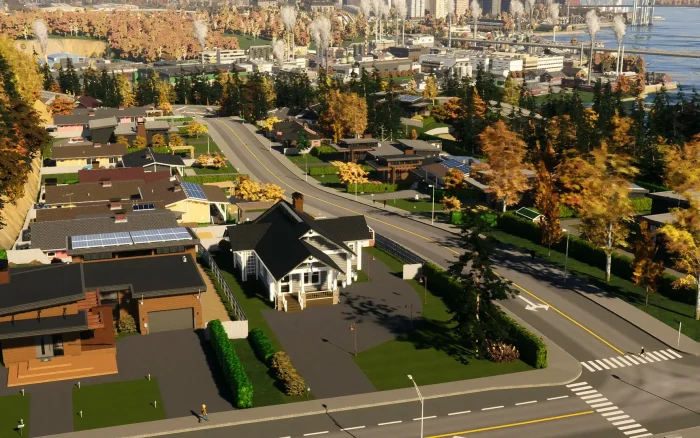
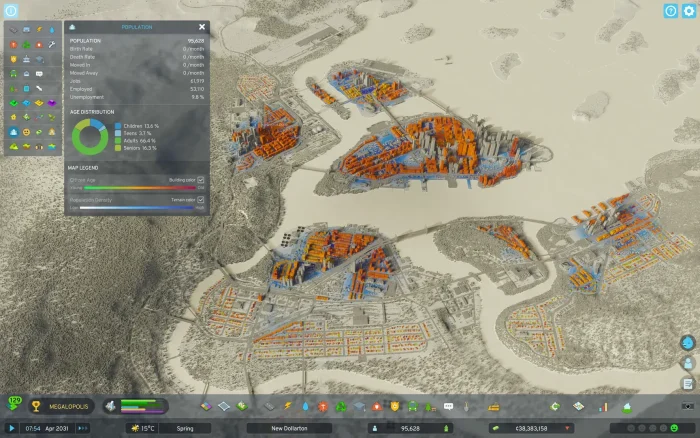
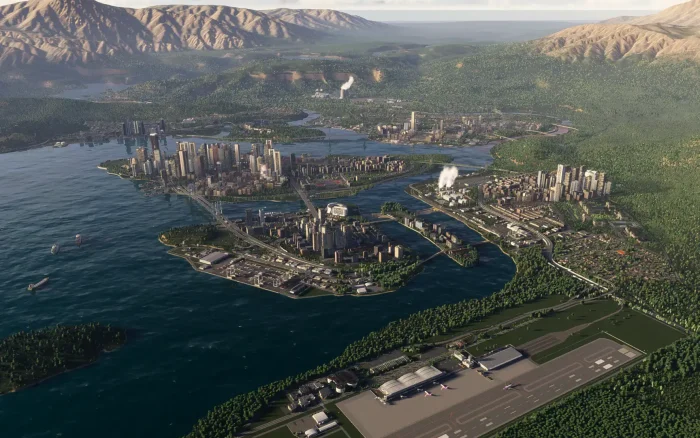
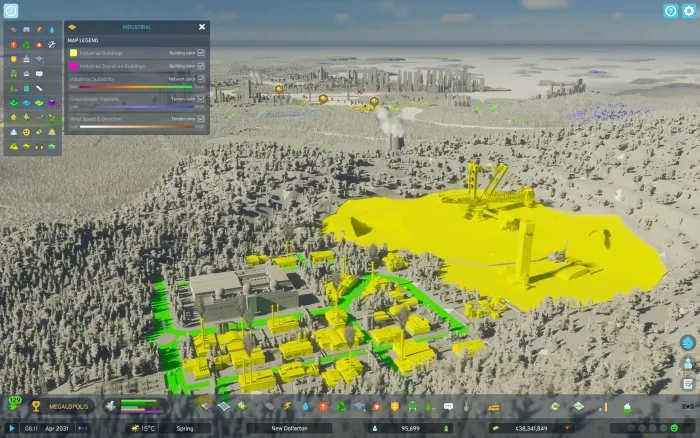
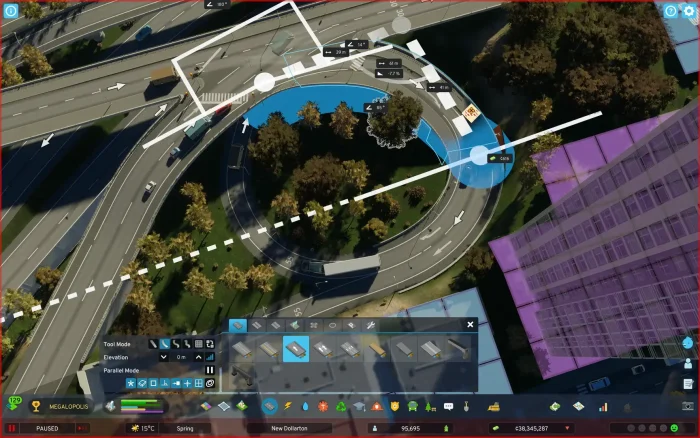
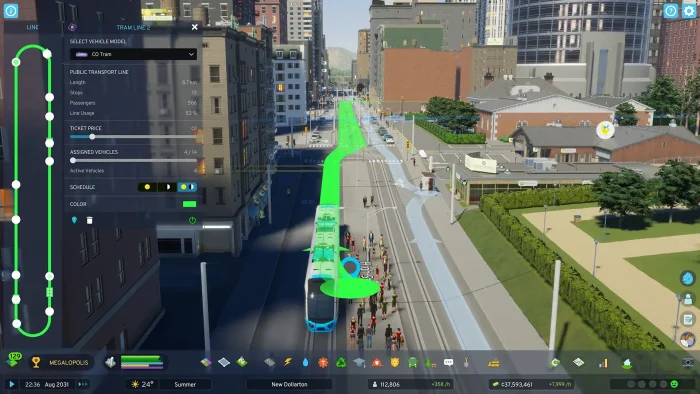
Here is what Cities: Skylines 2 looks like running on PC.


FAQ
Is Cities: Skylines 2 on Xbox Game Pass?
Do I need a powerful PC to run Cities: Skylines 2?
Can I use mods in Cities: Skylines 2?
Is there multiplayer in Cities: Skylines 2?
Will my Cities: Skylines 1 saves or mods carry over?
Does Cities: Skylines 2 have DLC and expansions?
What are the system requirements for Cities: Skylines 2?
Support and Community
Explore More Windows Games: Best City Building Games on PC · LEGO Fortnite · Best Simulation Games · Foundation on PC
Need a PC upgrade to run these? See our Best Gaming Desktops guide.