

Readers like you help support this site. When you make a purchase using links on our site, we may earn an affiliate commission. All opinions remain our own.


Drive Beyond Horizons puts you behind the wheel, scavenging parts, dodging rough roads, and teaming up with friends to uncover hidden spots in a survival adventure.
You can download it on Steam for Windows 10 and 11, launched March 24, 2025 in Early Access, with a patch fixing multiplayer and item spawns.
It’s not on consoles or mobile yet. From Tacty Studio and Santor Games, it’s got a ‘Very Positive’ Steam rating (80% positive from 4,000+ reviews) and blends driving with crafting and exploration.
It covers installing it on Windows, its main features, and tips for new players.
Tell us your best ride below, or contact us for help.
How to Install Drive Beyond Horizons on Windows 11 and 10
To play Drive Beyond Horizons on your Windows PC, download it from Steam. Here’s how:
- Method 1: Steam
- Go to the Steam page: Steam.
- Click Add to Cart ($29.99, often cheaper).
- Log into your Steam account or make one.
- Finish the purchase and click Install in your Steam Library.
- Wait for the download (about 25 GB with updates).
- Start it from your Steam Library or desktop.
Quick Tip: 💡 Check fuel early; cars stall without it.
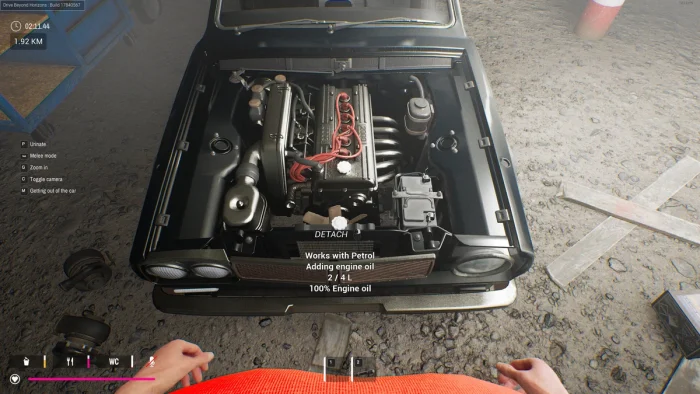

What is Drive Beyond Horizons About?
Drive Beyond Horizons, launched March 24, 2025 by Tacty Studio and Santor Games, is an Early Access driving adventure for Windows 10 and 11, where you roam random landscapes, customize vehicles, and face dangers like rough terrain and wildlife in solo or multiplayer modes.
Main Gameplay: Drive through deserts and forests, fix up cars with parts, and hunt for secrets.
A patch on May 12 fixes multiplayer stability, item spawns, and save issues for better play.
It’s in Early Access, so expect more updates over the next year.
Key Features
- Random open-world maps
- Deep vehicle customization
- Solo and multiplayer modes
- Dynamic weather and day-night cycle
- Survival with wildlife and terrain
Why Play Drive Beyond Horizons on Windows?
Windows 10 and 11 give you smooth play, clear visuals, and modding potential for a full driving adventure.
Check out the best Microsoft Surface PCs to buy in 2025 – Perfect for gaming.
Tips for PC Beginners in Drive Beyond Horizons
New to Drive Beyond Horizons on PC? Here are five tips to get started:
- Set Keys: Put brake on a mouse button in Settings > Controls for quick stops.
- Speed Up: Lower textures in Graphics to avoid lag.
- Check Fuel: Refill at cans (map) to avoid stalling.
- Gather Parts: Search wrecks (map) for car upgrades early.
- Team Up: Join multiplayer (menu) for easier loot runs.
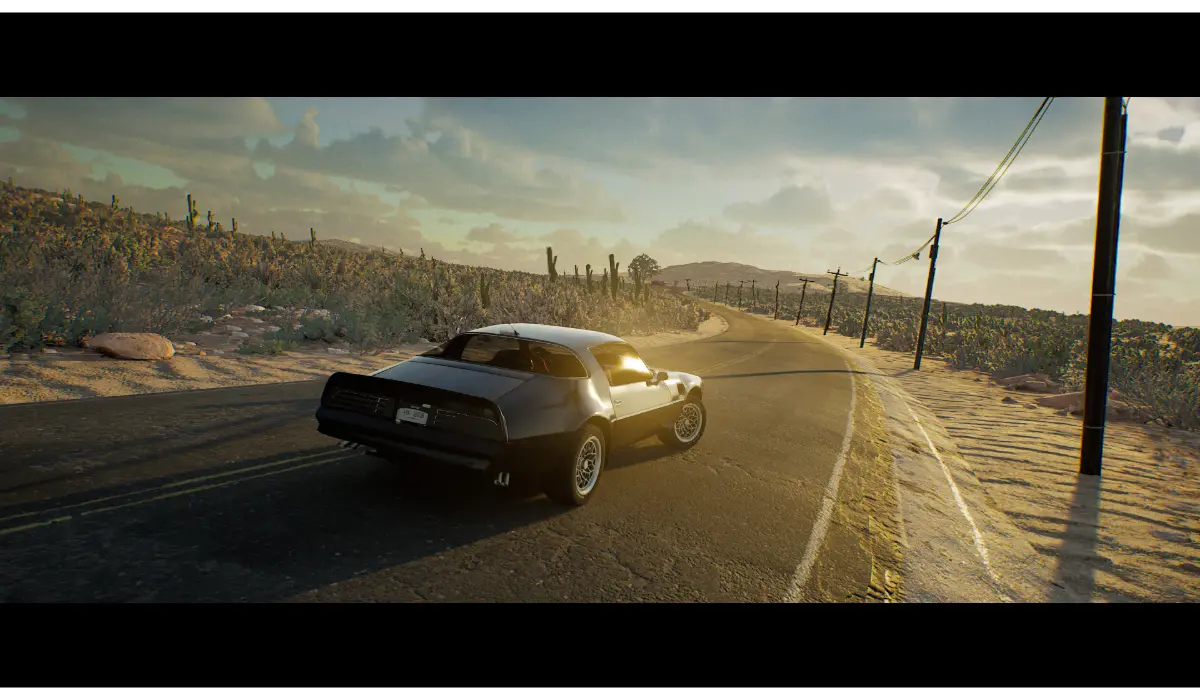
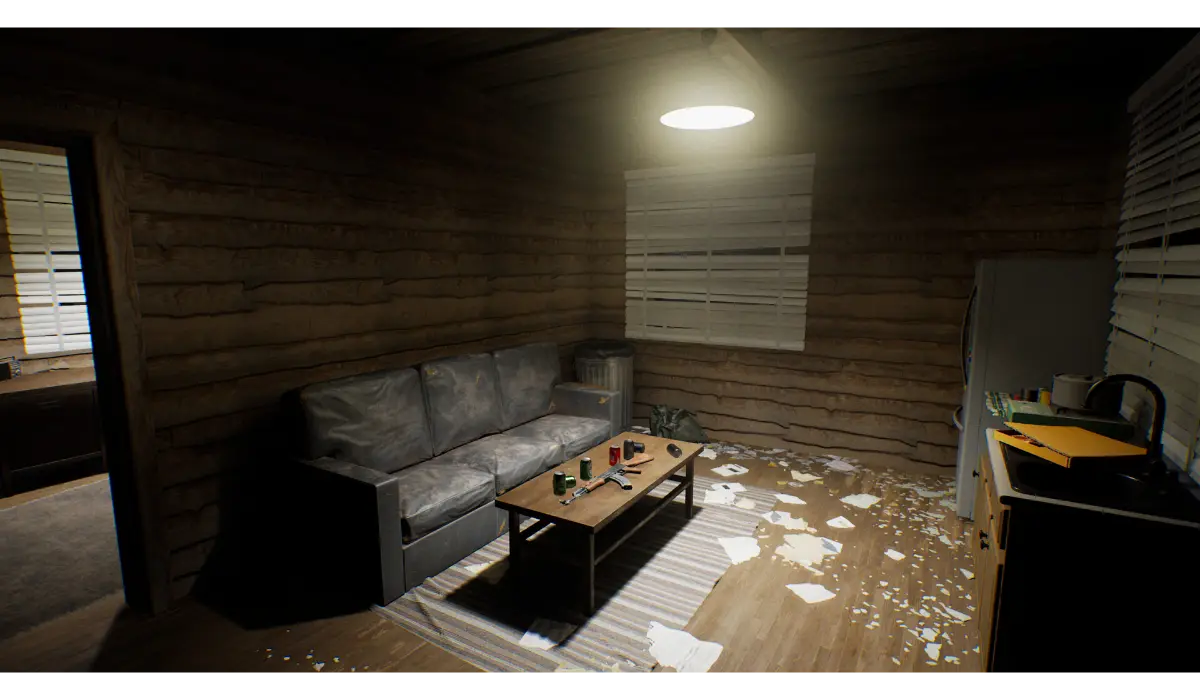
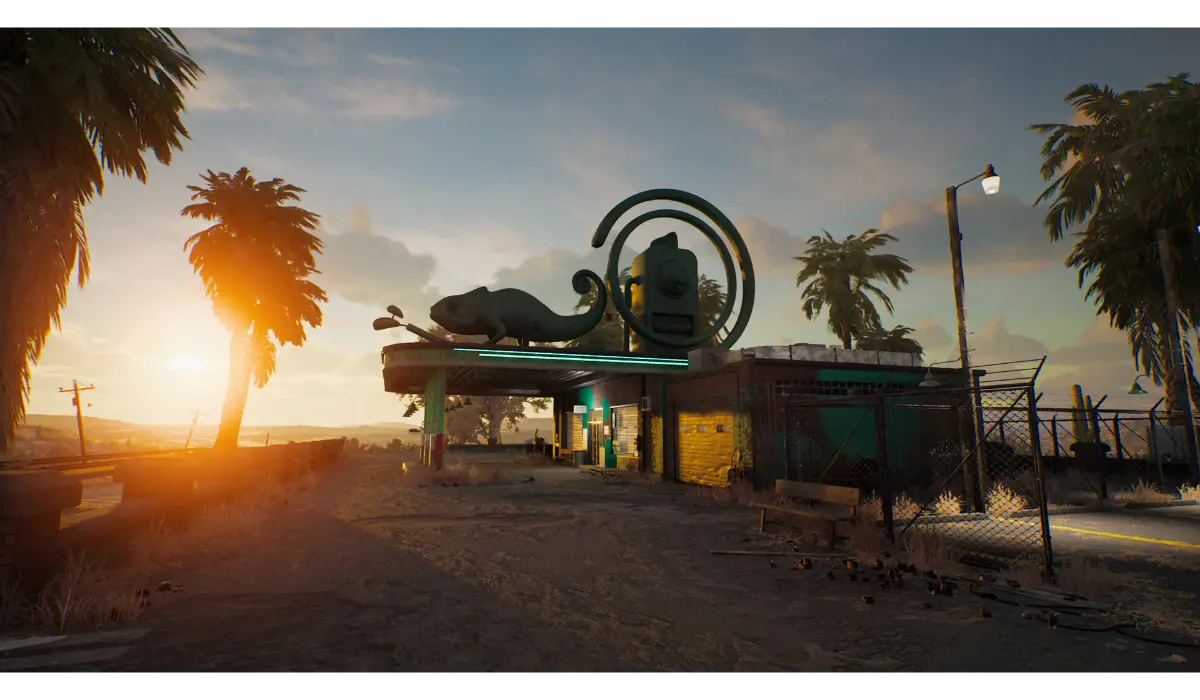
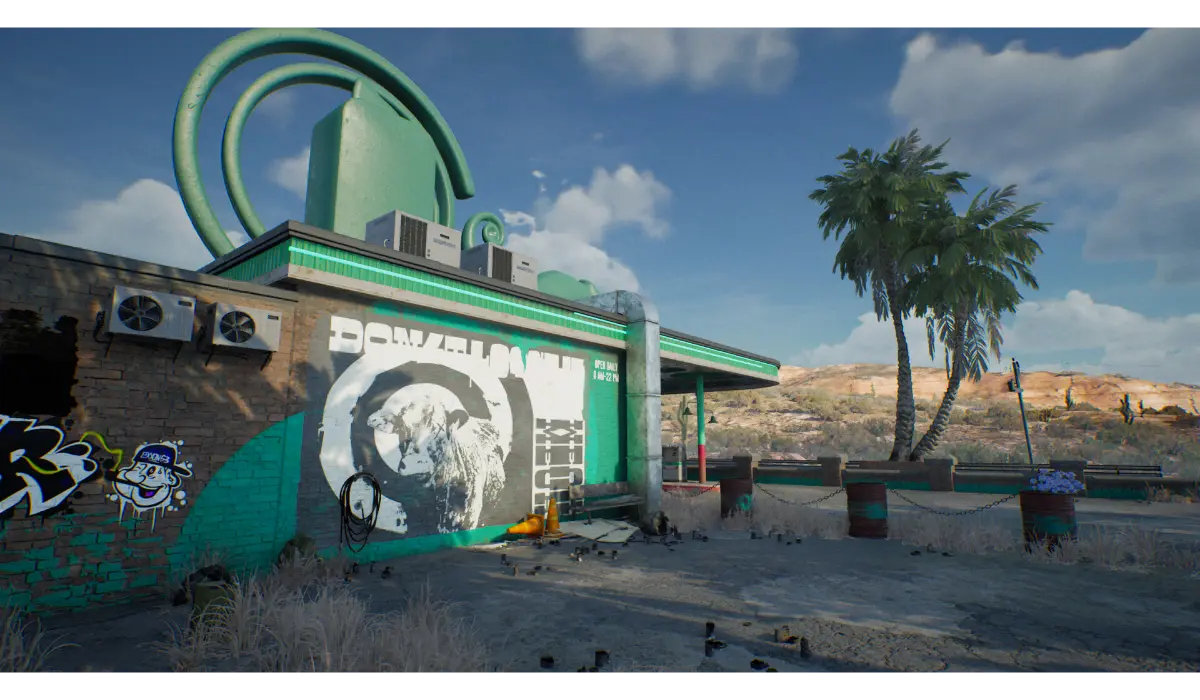
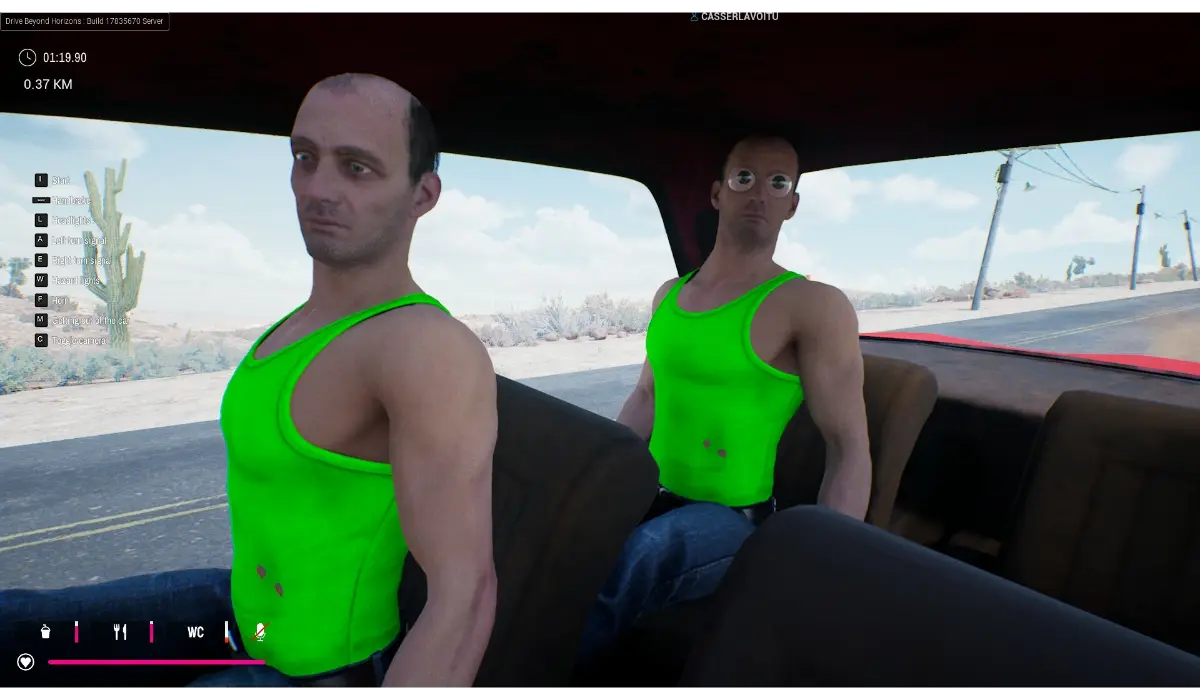
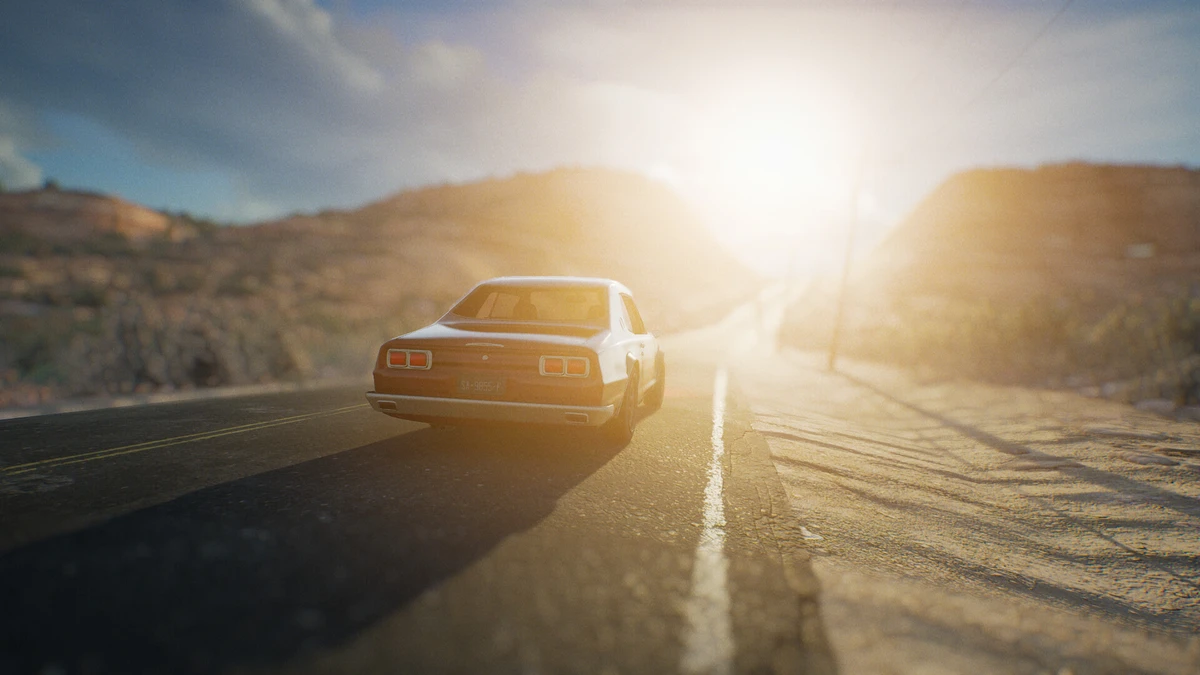
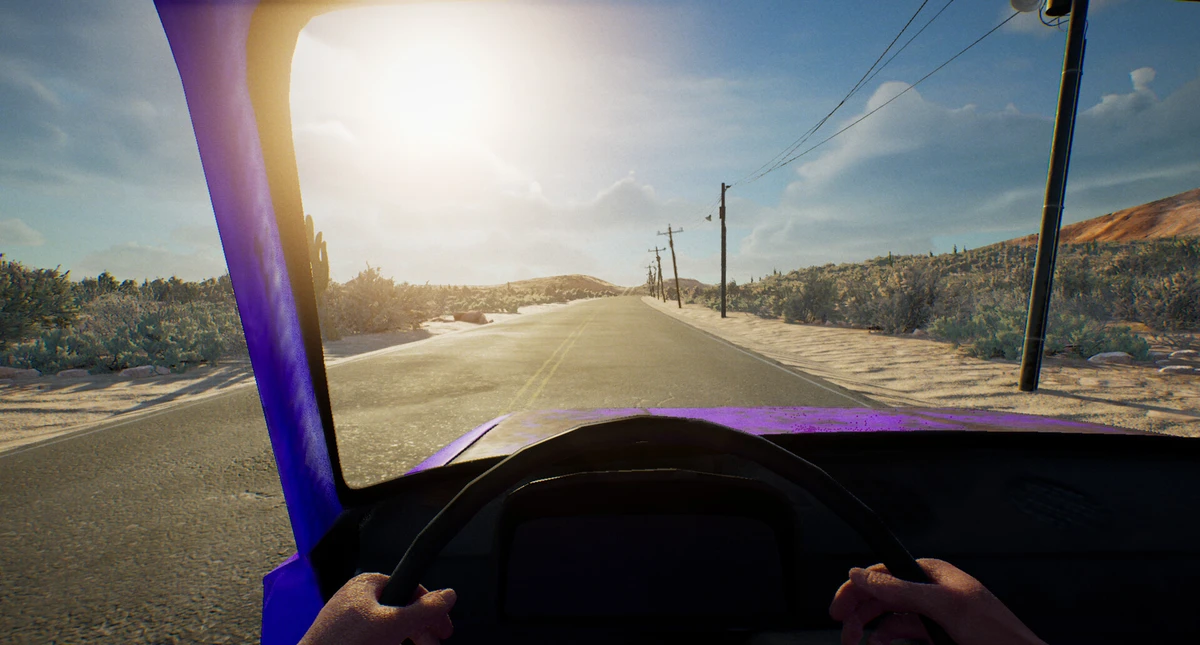
Drive Beyond Horizons Gameplay Screenshots


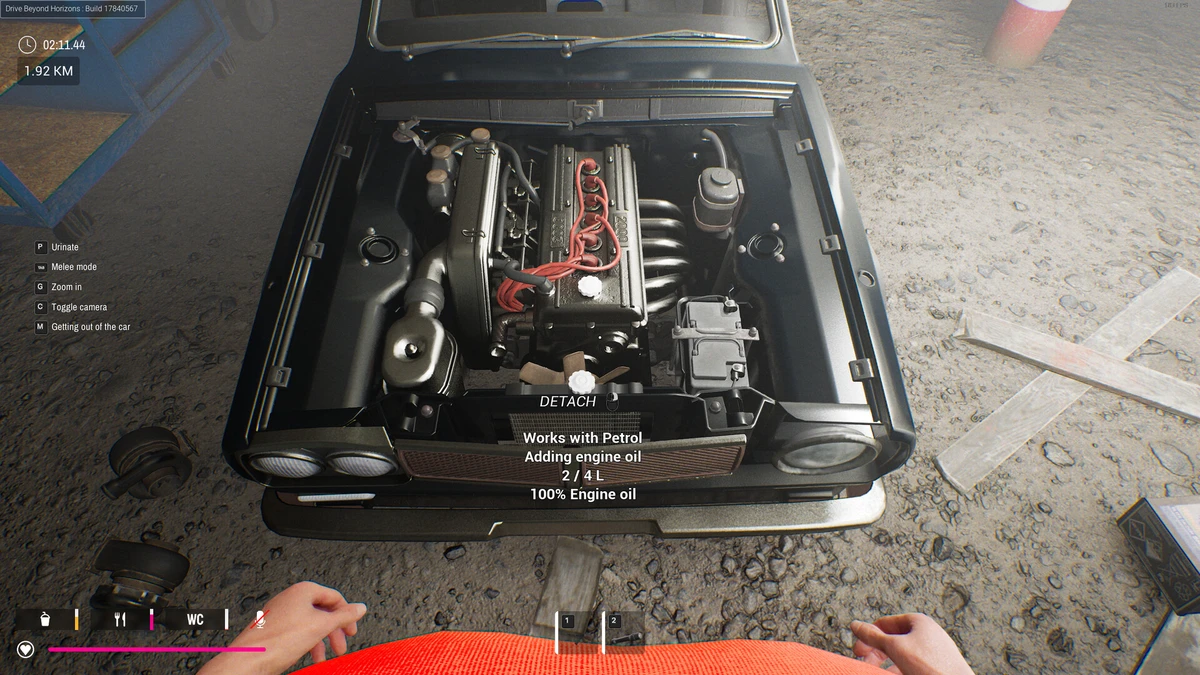
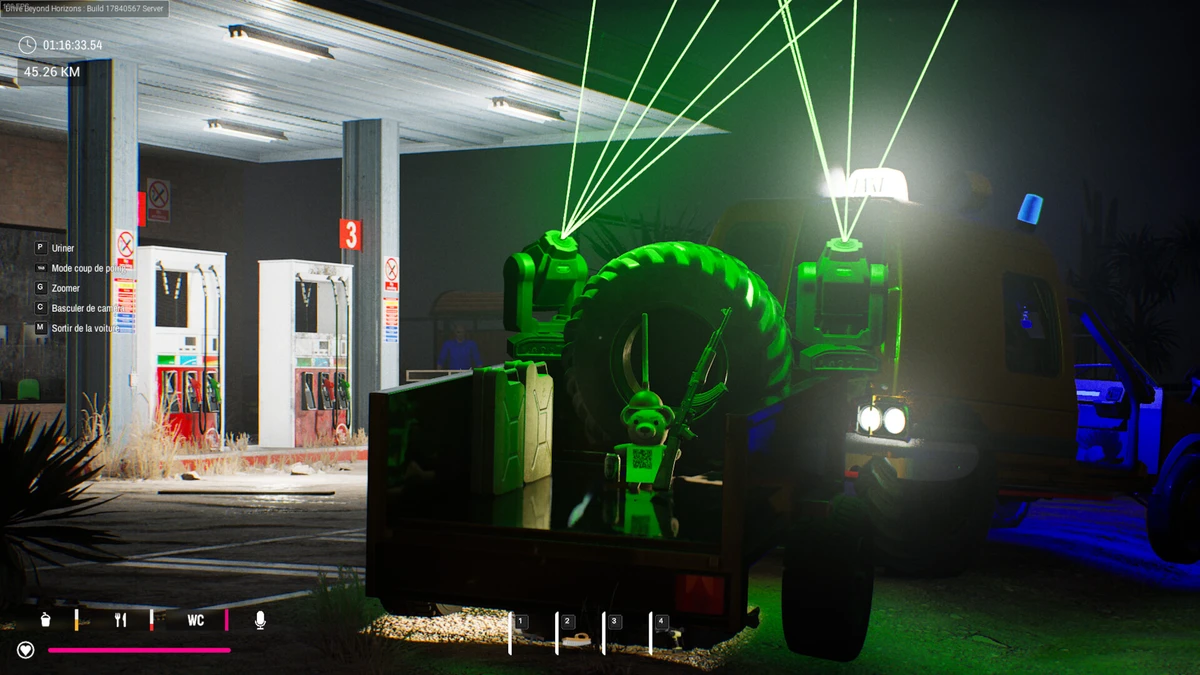
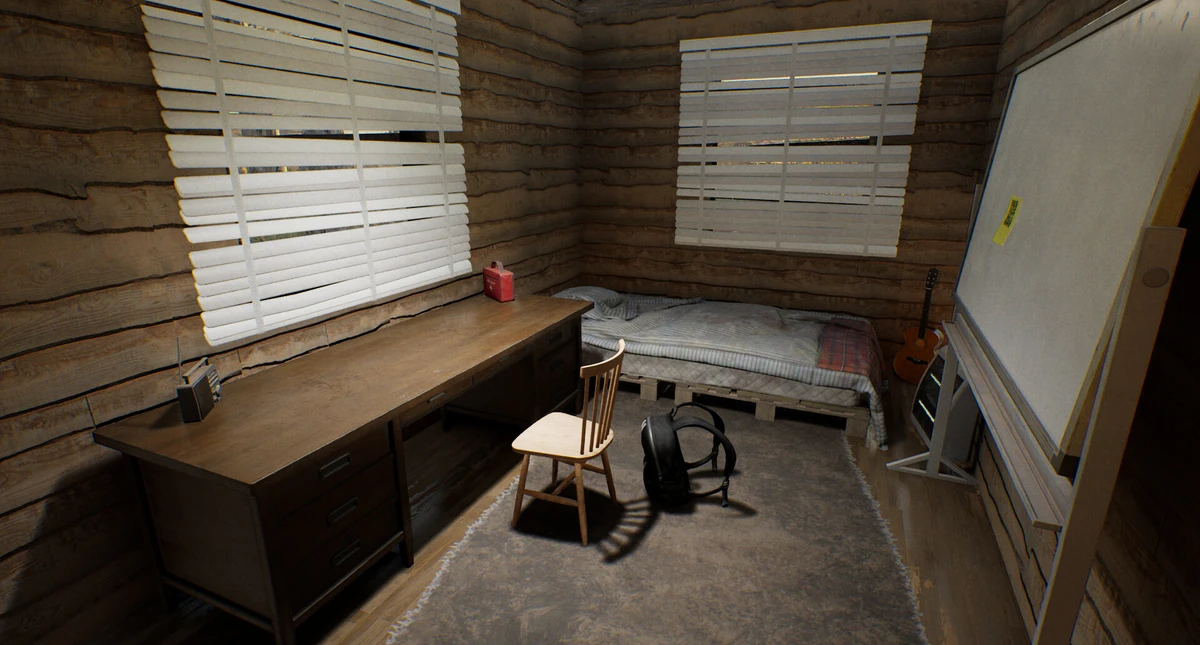
Drive Beyond Horizons Beginners Guide Video
Watch this beginners guide for Drive Beyond Horizons to jump in:

Drive Beyond Horizons PC Requirements for Windows
Minimum:
- OS: Windows 10 64-bit (latest update)
- CPU: Intel Core i5-6500 or AMD Ryzen 3 1200
- RAM: 8 GB
- Storage: 25 GB free (SSD recommended)
- GPU: NVIDIA GTX 1050 Ti or AMD RX 560
- DirectX: Version 11
Recommended:
- OS: Windows 11 64-bit (latest update)
- CPU: Intel Core i7-8700 or AMD Ryzen 5 3600
- RAM: 16 GB
- Storage: 25 GB free (SSD)
- GPU: NVIDIA RTX 2060 or AMD RX 6600
- DirectX: Version 11
Drive Beyond Horizons on Windows FAQ
- Is it free? No, it’s $29.99.
- Can I play offline? Yes, after first setup.
- Does it run on Windows 11? Yes, works great.
- What’s the download size? About 25 GB with updates.
Support and Community
Explore More Windows Games: Clair Obscur: Expedition 33, Best PC Racing Games, Best PC Simulation Games, Metaphor: ReFantazio for PC
Looking for a PC to run this game? Check our list of the best gaming laptops and gaming desktops.