

Readers like you help support this site. When you make a purchase using links on our site, we may earn an affiliate commission. All opinions remain our own.
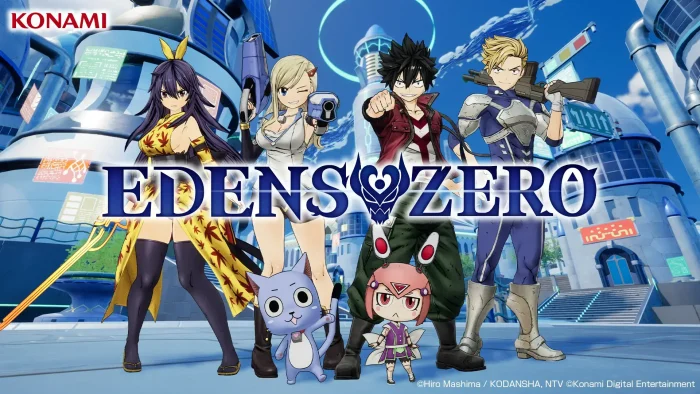

Fans of Fairy Tail will love its vibrant characters and open-world exploration, though some Steam reviews note occasional frame drops in crowded areas.
You can download it on Steam for Windows 11 and 10, launched July 15, 2025, with a demo available (save data carries over).
It’s also on PS5 and Xbox Series X|S, with no mobile version. From Konami, it has a ‘Mostly Positive’ Steam rating.
This guide covers installing it on Windows, key features, beginner tips, and exclusive merch.
Tell us your favorite planet to explore below, or contact us for help.
Download and Install EDENS ZERO on PC – A Step-by-Step Guide
To play EDENS ZERO on your Windows PC, download it from Steam. It’s $59.99 (Standard) or $69.99 (Deluxe). Here’s how:
- Method 1: Steam
- Go to the Steam page: Steam.
- Click Add to Cart ($59.99 Standard or $69.99 Deluxe).
- Log into your Steam account or create one.
- Complete the purchase and click Install in your Steam Library.
- Wait for the download (~11.3 GB with updates).
- Launch it from your Steam Library or desktop.
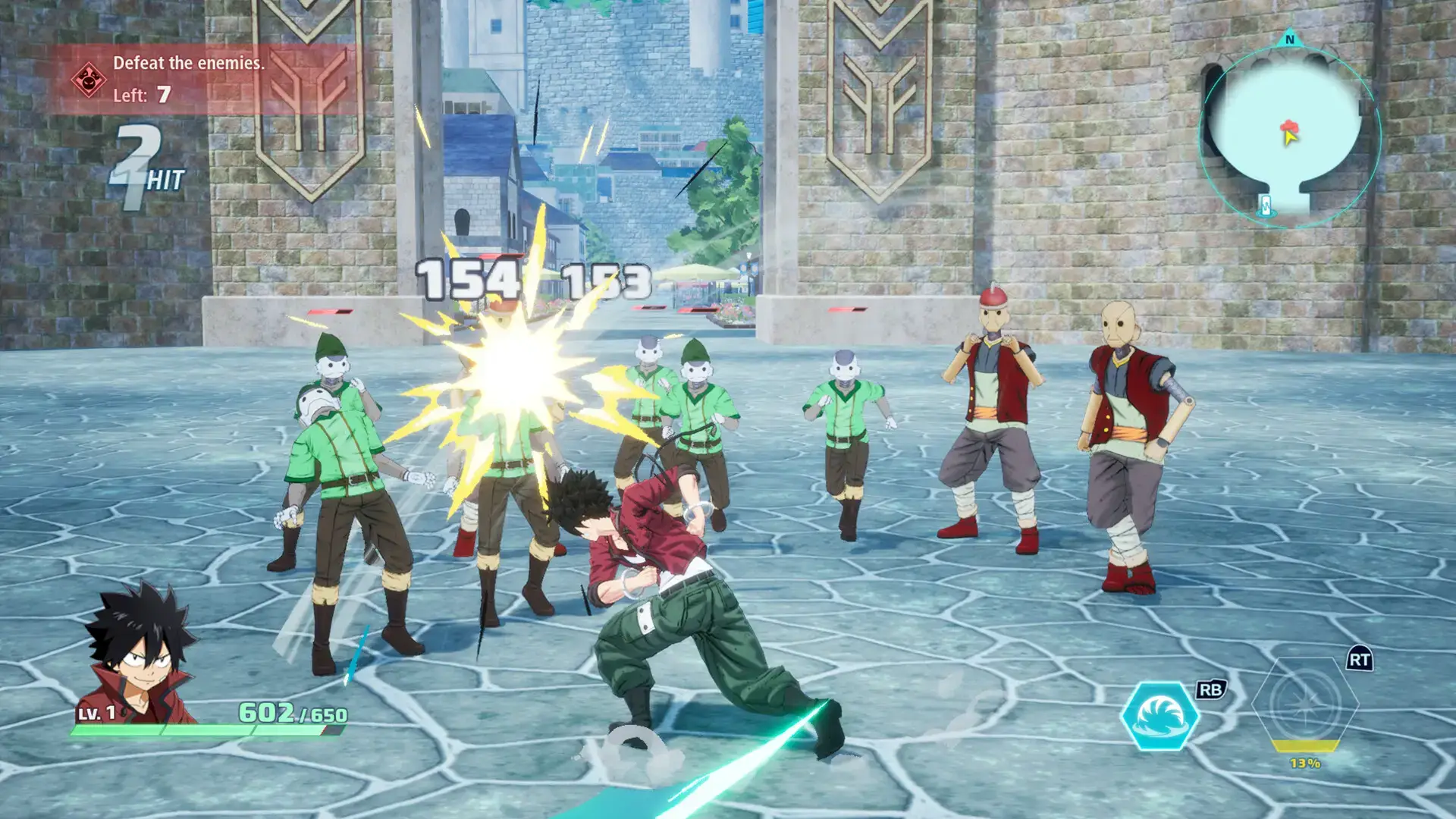
Quick Tip: 💡 Use Shiki’s gravity Ether Gear (Q key) to group enemies for combo attacks.

What is EDENS ZERO About?
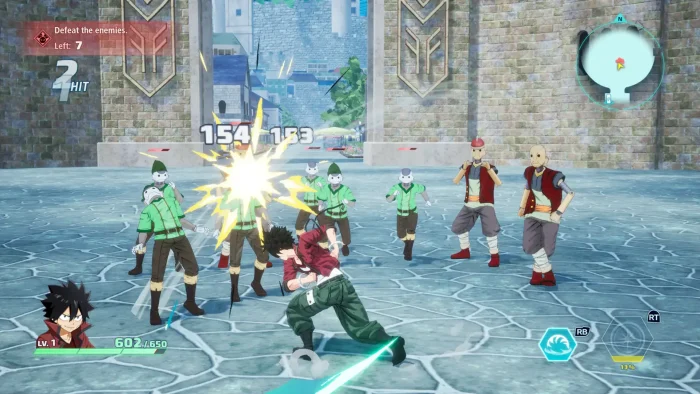
EDENS ZERO, launched July 15, 2025, by Konami, is a single-player 3D action RPG for Windows 10 and 11, PS5, and Xbox Series X|S, set in Hiro Mashima’s space fantasy universe, with a 20-30 hour campaign across planets like Blue Garden.
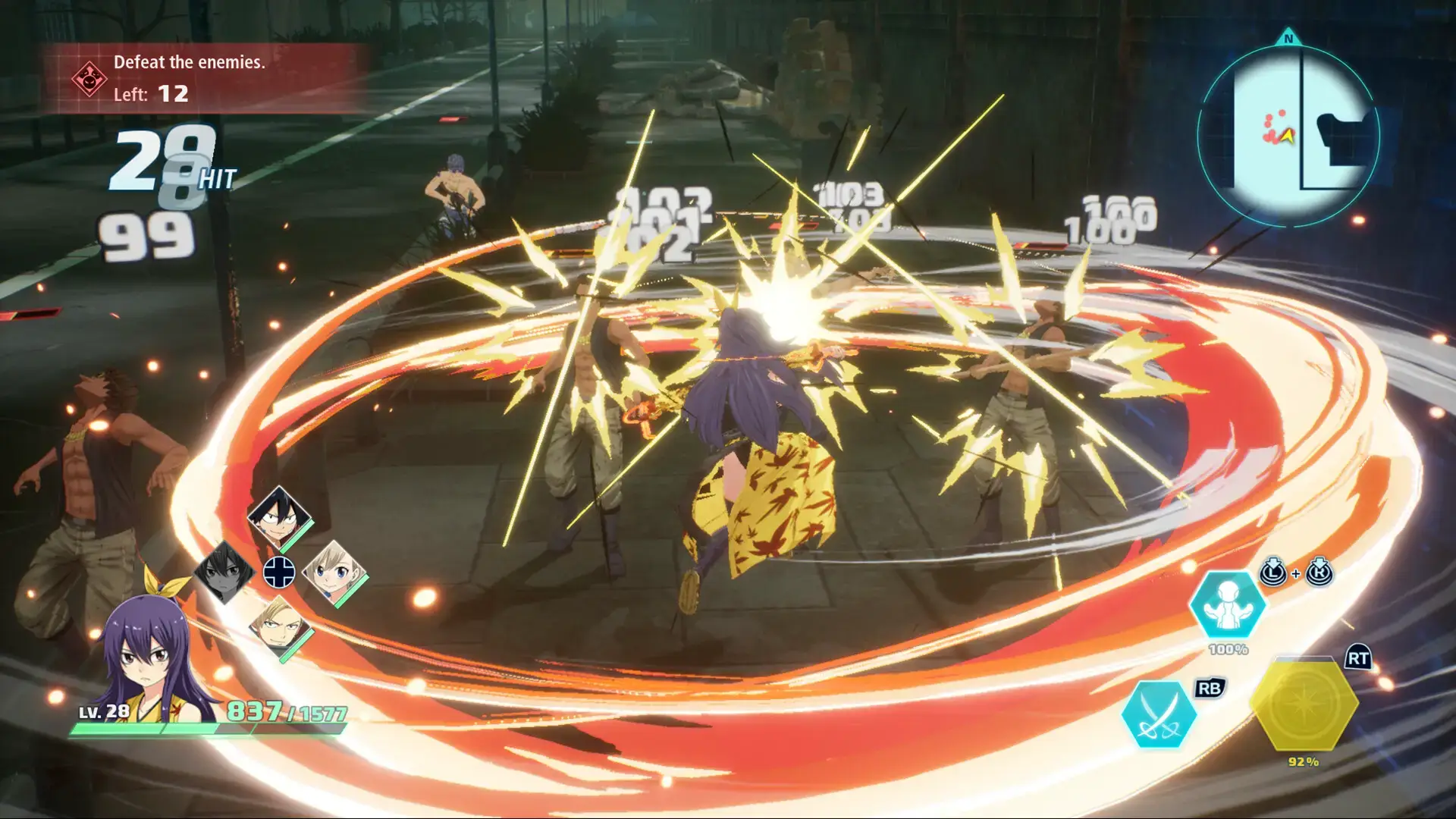
Main Gameplay: Control Shiki, Rebecca, and others, using Ether Gear powers for combos and Special Skills.
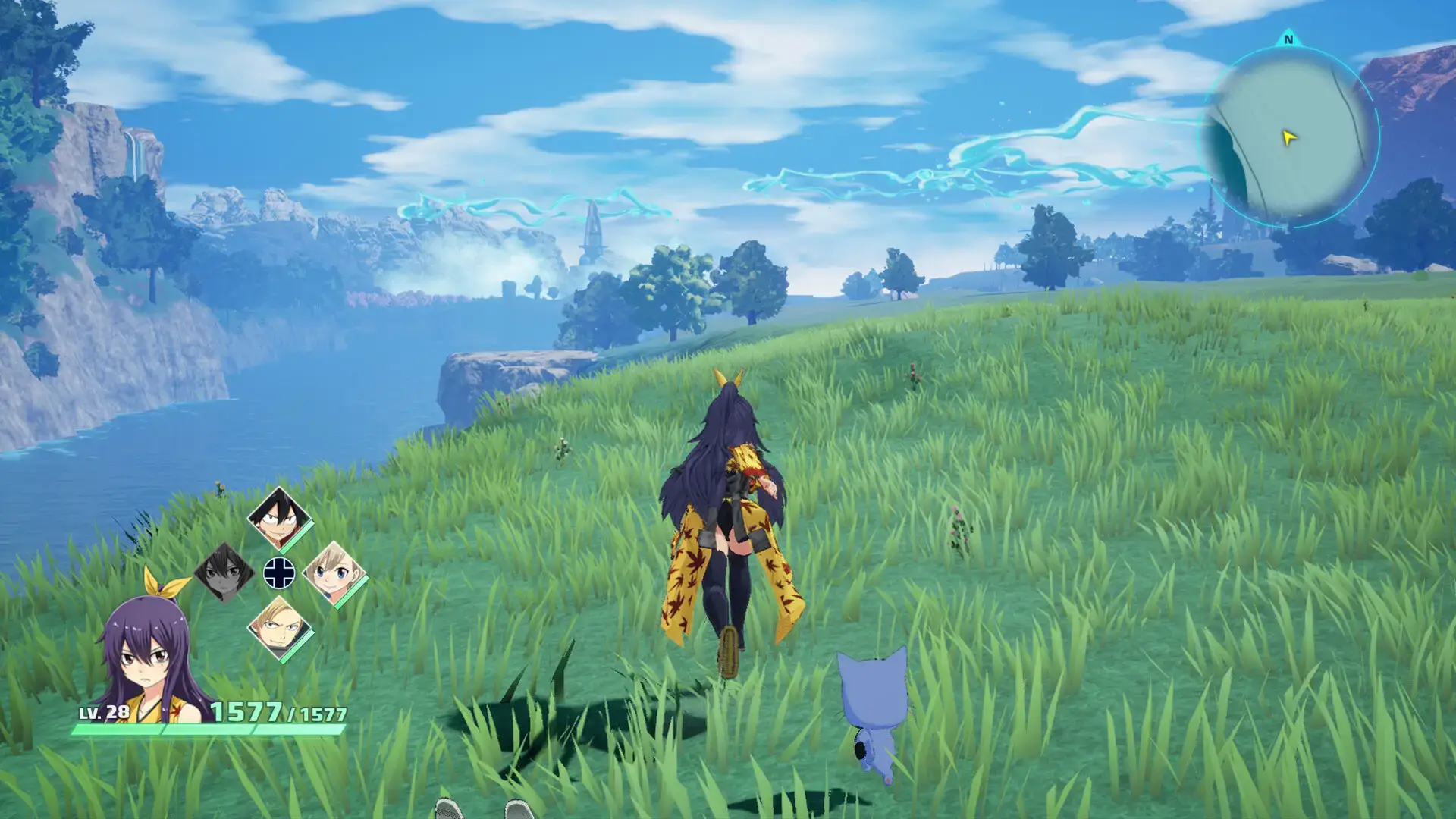
Explore open-world planets, complete quests, and enjoy anime-style cutscenes with ray tracing and DLSS 4 support.
Play solo, with a demo available (save data carries over).
The expansive story and dynamic combat make every planet a thrill.
Key Features
- Anime-style 3D graphics with voiced cutscenes
- Open-world exploration across planets like Blue Garden
- Ether Gear combat with combos and Special Skills
- Game-exclusive quests alongside the manga/anime story
- Ray tracing and DLSS 4 for stunning visuals
Why Play EDENS ZERO on Windows?
Windows 11 and 10 deliver smooth performance, ray-traced visuals, and Copilot+ PC AI features like Recall for tracking quest progress.
Tips for PC Beginners in EDENS ZERO
New to EDENS ZERO on PC? Here are five tips to get started:
- Set Controls: Bind Special Skills to mouse buttons in Settings > Controls for quicker activation.
- Optimize Graphics: Lower ray tracing in Graphics to avoid frame drops in crowded areas.
- Use Ether Gear: Activate Shiki’s gravity skill (Q key) to pull enemies together for easier combos.
- Explore Early: Visit side areas on Blue Garden for extra Lacrima to upgrade gear.
- Switch Characters: Swap to Rebecca (E key) for ranged attacks against flying enemies.
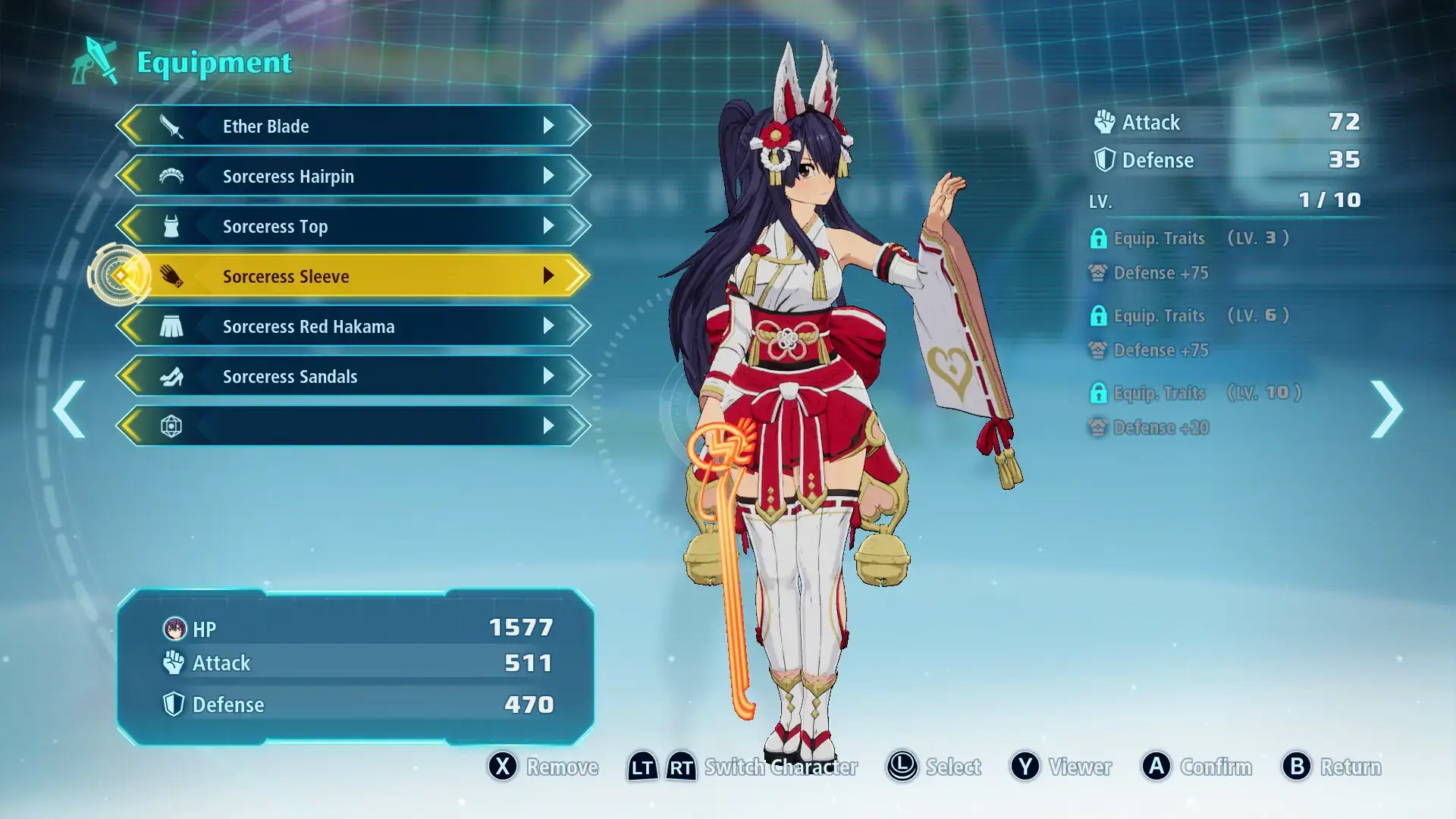
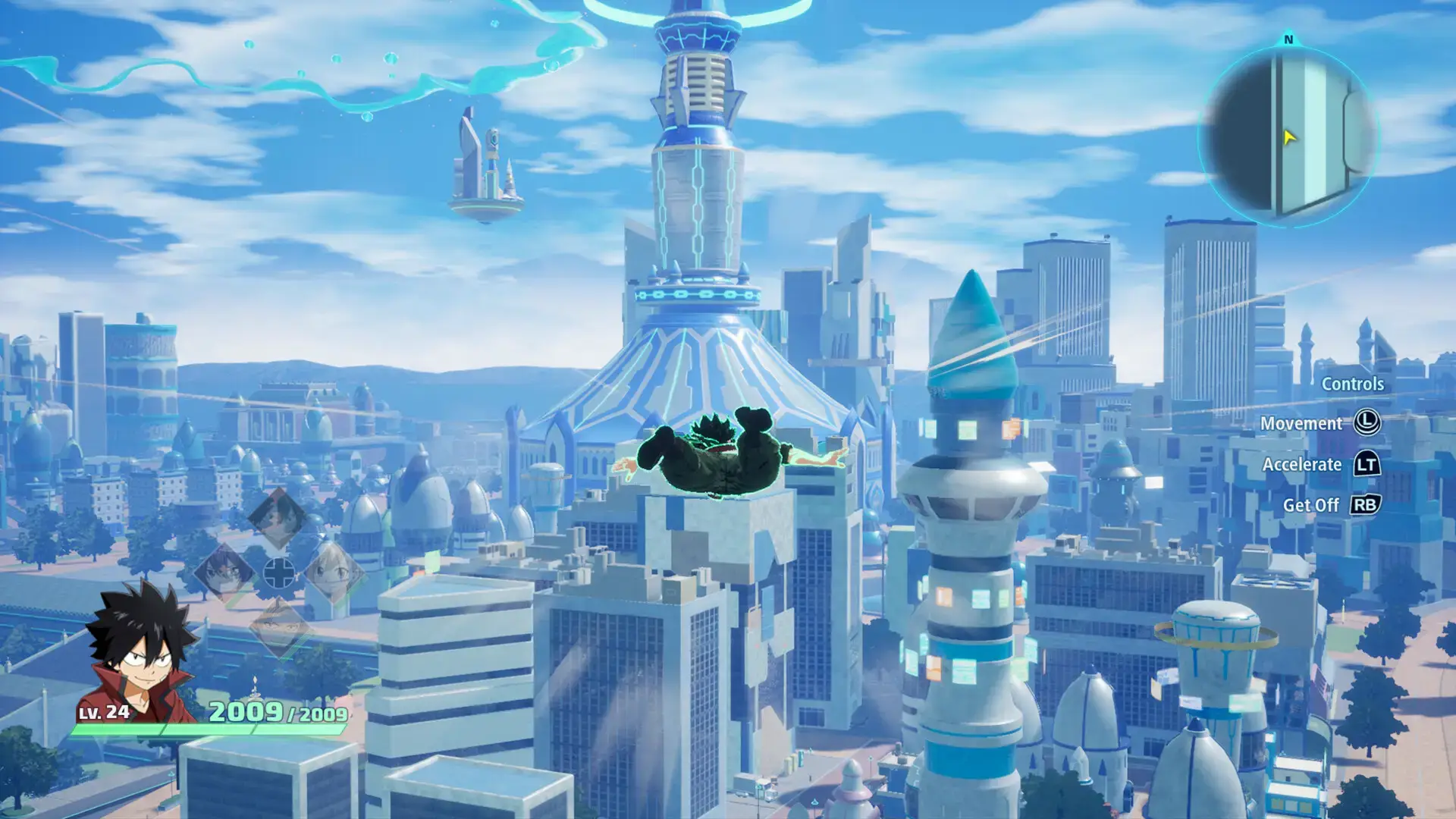
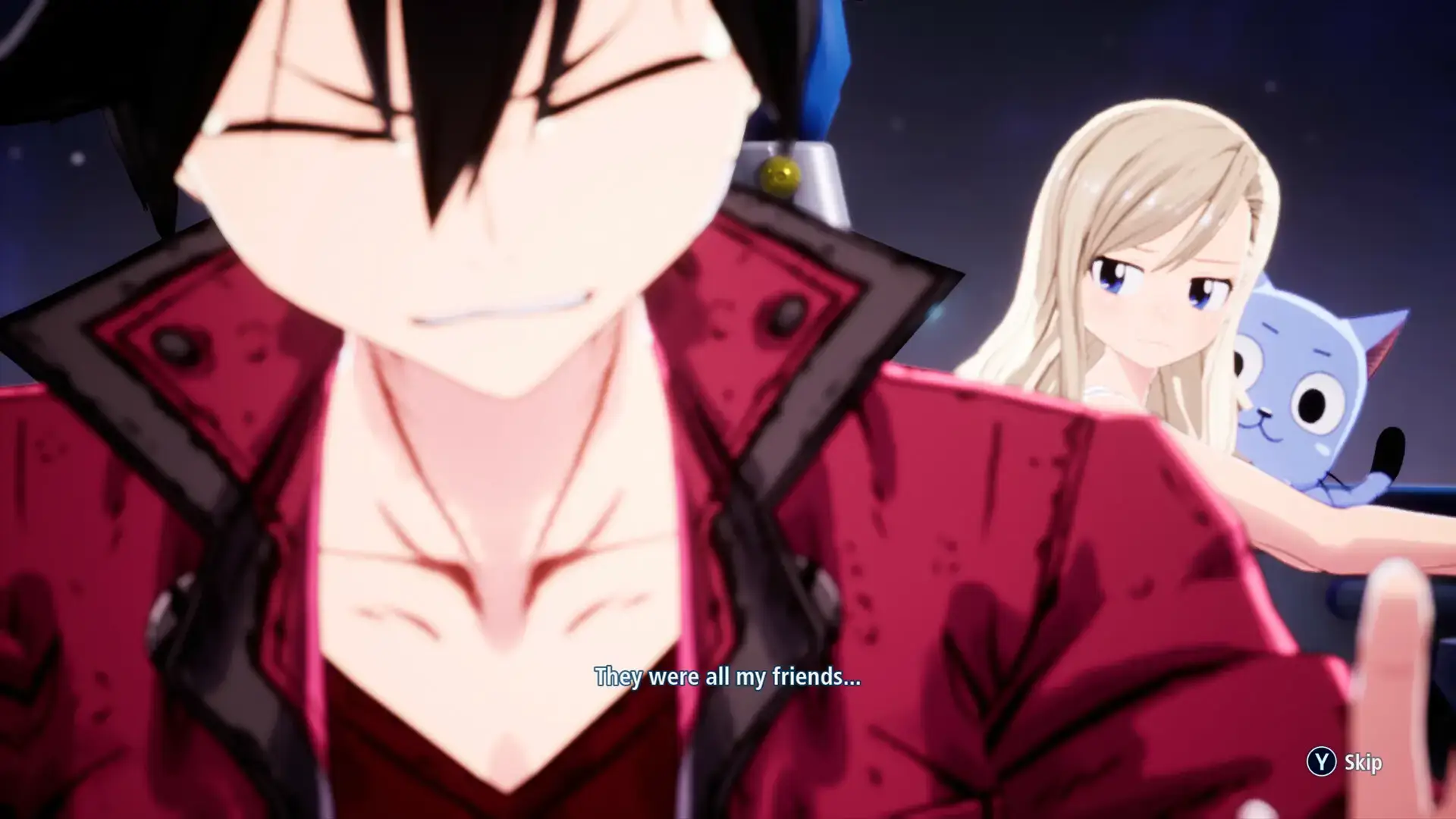
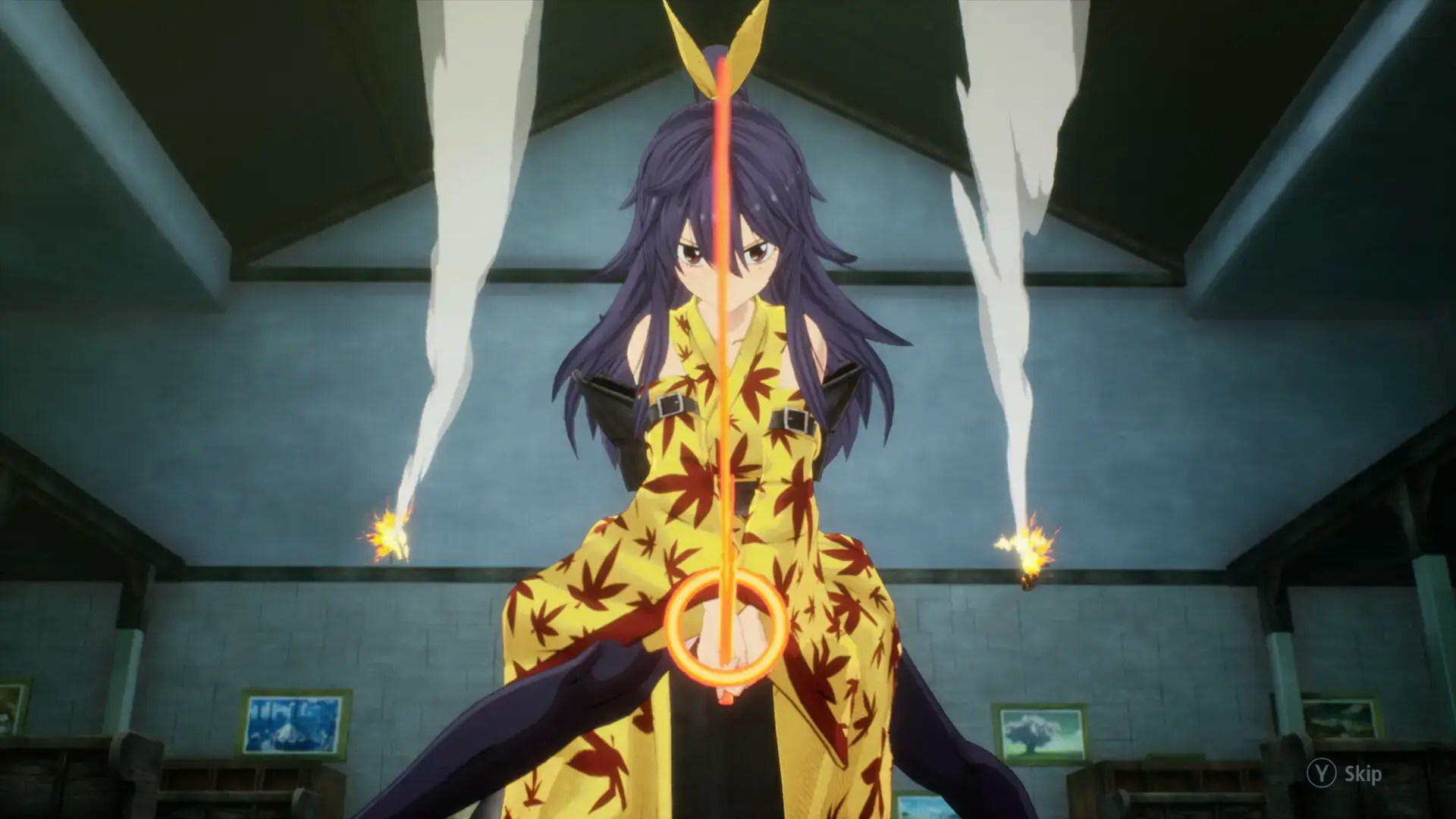
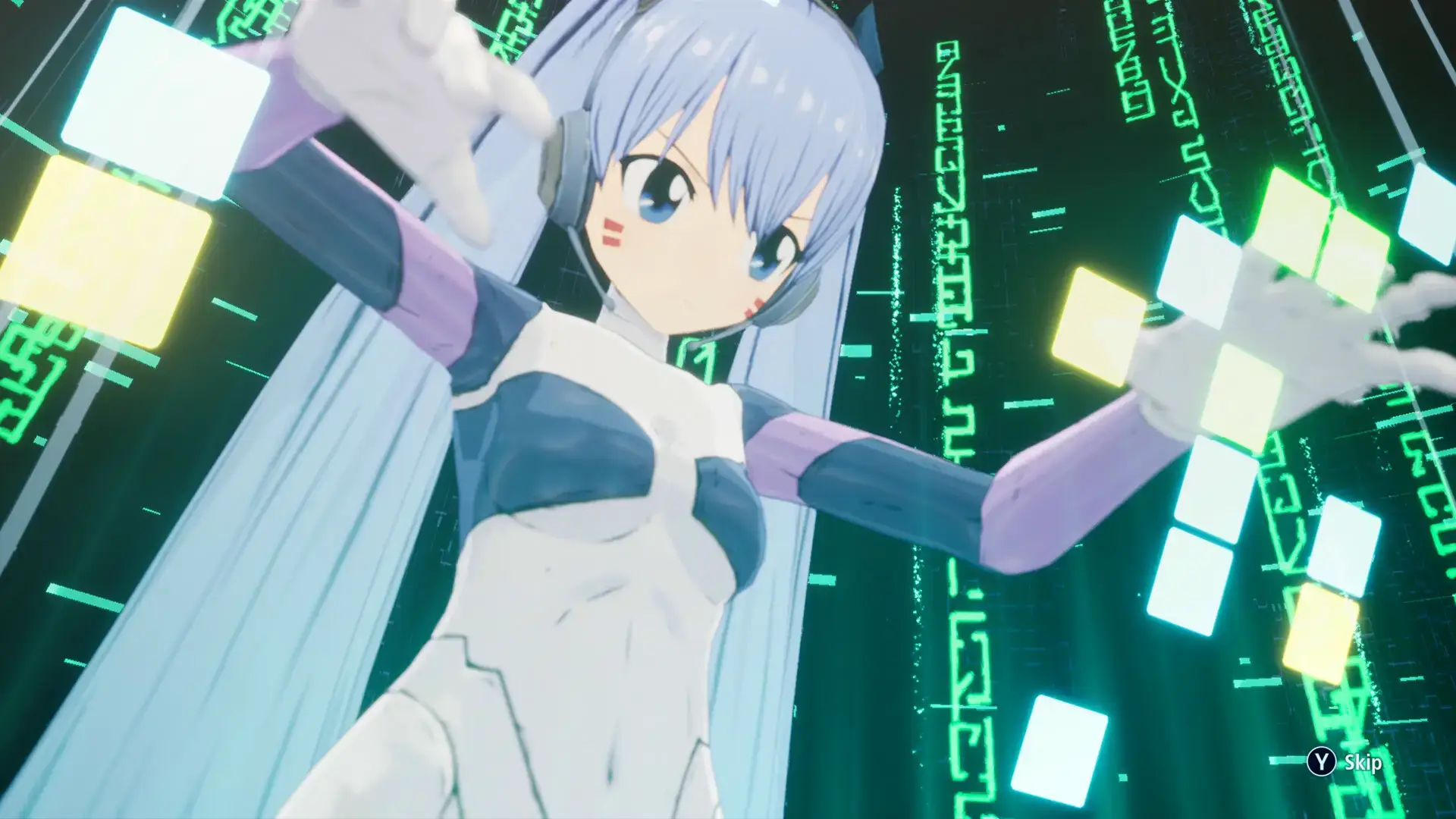
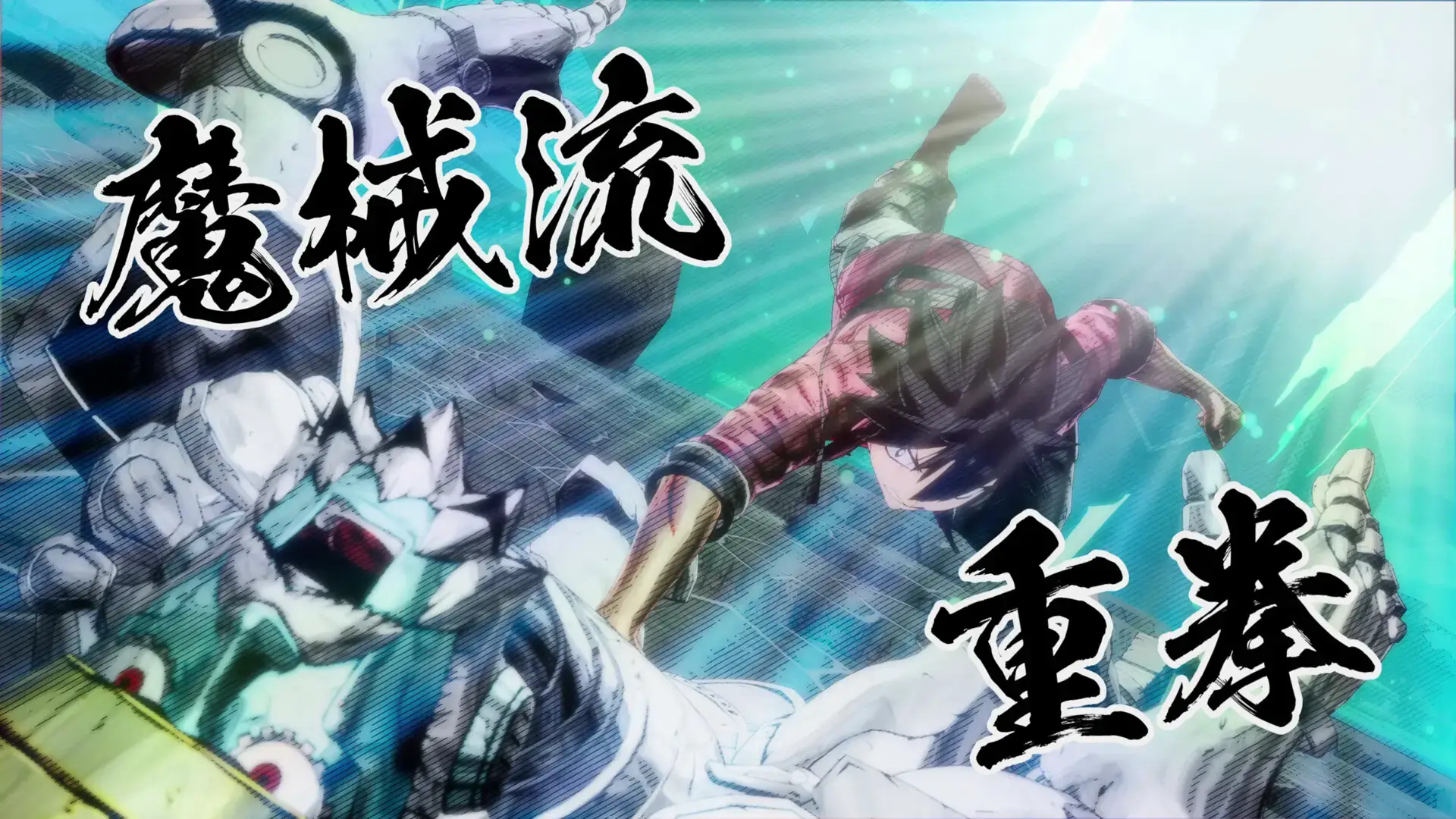
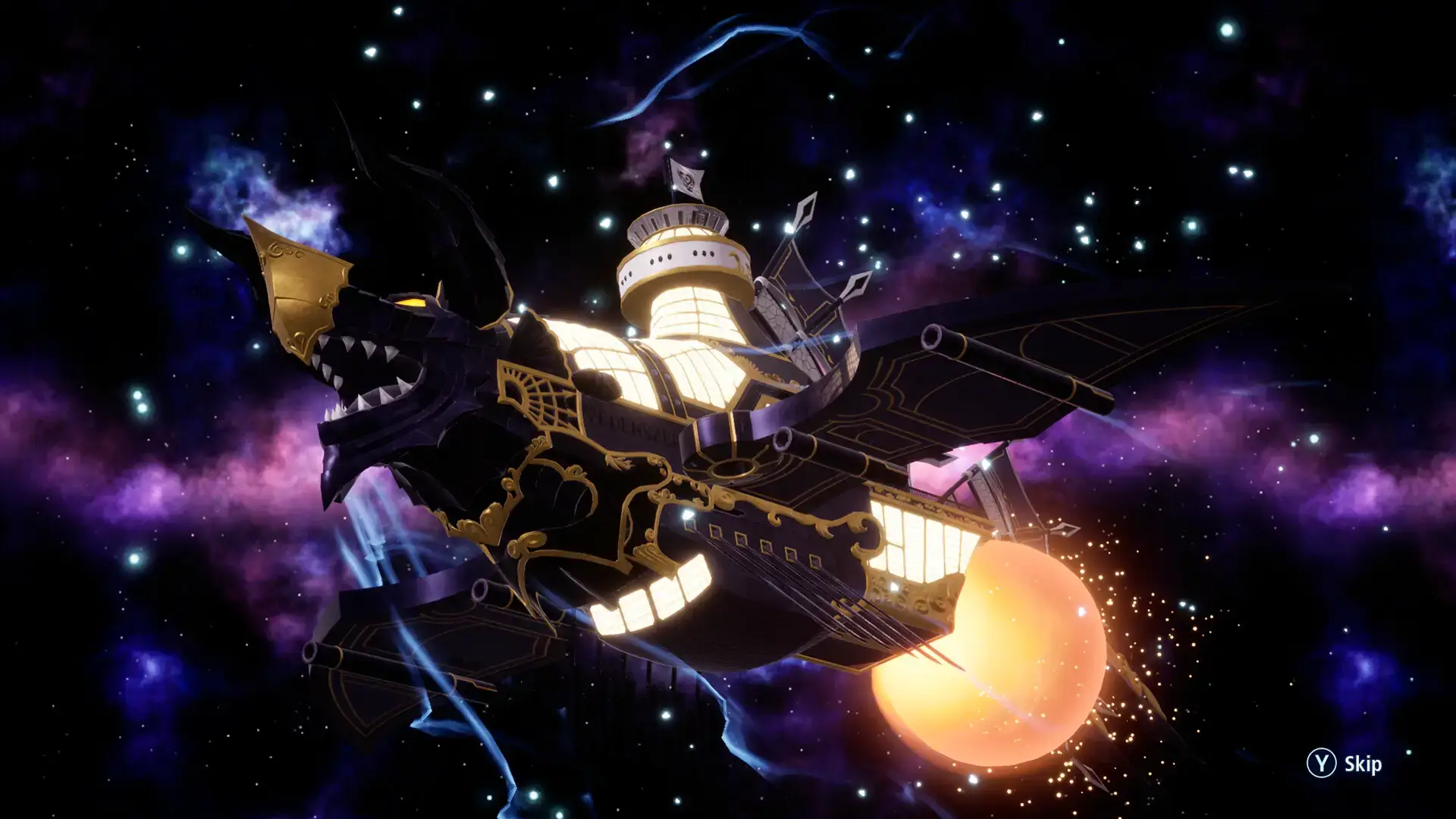
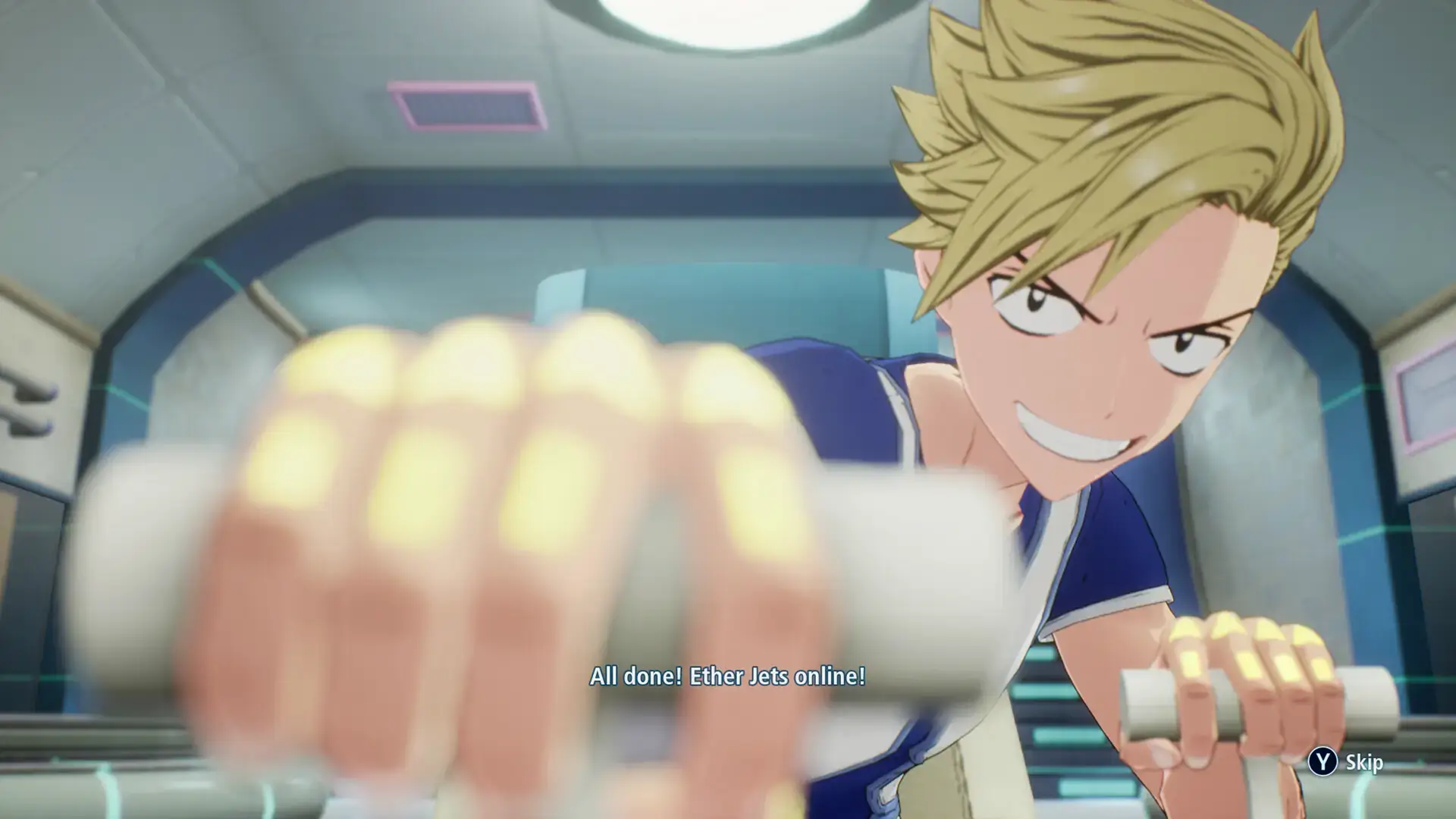
EDENS ZERO Gameplay Screenshots
EDENS ZERO Walkthrough Guide Video
Watch this full game walkthrough guide for EDENS ZERO to beat every level:

EDENS ZERO PC Requirements for Windows
Minimum:
- OS: Windows 10 64-bit (build 1909 or later)
- CPU: Intel Core i5-8400 or AMD Ryzen 3 3300X
- RAM: 8 GB
- Storage: 12 GB free (SSD recommended)
- GPU: NVIDIA GeForce GTX 1650 (4 GB) or AMD Radeon RX 570 (4 GB)
- DirectX: Version 12
Recommended:
- OS: Windows 11 64-bit
- CPU: Intel Core i7-10700 or AMD Ryzen 5 5600X
- RAM: 16 GB
- Storage: 12 GB free (SSD required)
- GPU: NVIDIA GeForce RTX 3060 (8 GB) or AMD Radeon RX 6700 (8 GB)
- DirectX: Version 12
Note: Ray tracing requires RTX 3060 or RX 6700. Performance at 1080p/60 fps on “Balanced” preset; frame drops possible in dense areas.
Exclusive EDENS ZERO Merch
Show your love for EDENS ZERO with these awesome collectibles:
| Item | Image | Description | Link |
|---|---|---|---|
| EDENS ZERO Vol. 1 |  |
First volume of Hiro Mashima’s space fantasy manga, perfect for fans of the game’s story. | Check price on Amazon |
| EDENS ZERO Vol. 2 |  |
Second volume of the manga, continuing Shiki’s cosmic adventure. | Check price on Amazon |
| EDENS ZERO Vol. 3 |  |
Third volume of the manga, diving deeper into the EDENS ZERO universe. | Check price on Amazon |
| EDENS ZERO Day One Edition Xbox Series X | 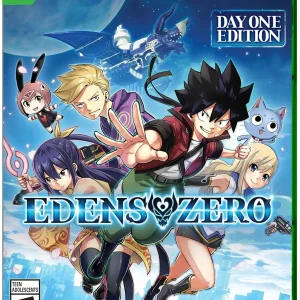 |
Day One Edition for Xbox Series X with exclusive in-game content for collectors. | Check price on Amazon |

EDENS ZERO on Windows FAQ
- Is it free? No, it’s $59.99 (Standard) or $69.99 (Deluxe). A demo is available.
- Can I play offline? Yes, in single-player mode after initial setup.
- Does it run on Windows 11? Yes, with enhanced performance.
- What’s the download size? About 11.3 GB with updates.
Support and Community
Explore More Windows Games: Umamusume: Pretty Derby PC Game, DOOM: The Dark Ages, ELDEN RING NIGHTREIGN, POPUCOM, F1 25, Kunitsu-Gami: Path of the Goddess
Looking for a PC to run this game? Check our list of the best gaming laptops and best gaming desktops.