

Readers like you help support this site. When you make a purchase using links on our site, we may earn an affiliate commission. All opinions remain our own.


You will be able to download ENA: Dream BBQ on Steam for Windows 10 and 11, launched March 26, 2025 with Chapter 1 free, and Update 1.0.5 adding bigger text and low-quality video options. It’s got no mobile version yet.
From Joel G, it’s got an ‘Overwhelmingly Positive’ Steam rating (98% positive from 12,000+ reviews) and blends quirky adventure with cool animation.
As fans, we like its offbeat VERY strange style and funny characters.
This guide covers installing it on Windows, its main features, and tips for new players.
Tell us your favorite oddball moment below, or contact us for help.
How to Install ENA: Dream BBQ on Windows 11 and 10
To play ENA: Dream BBQ on your Windows PC, download it from Steam. Here’s how:
- Method 1: Steam
- Go to the Steam page: Steam.
- Click Install Game (it’s free for Chapter 1).
- Log into your Steam account or make one.
- Finish the install from your Steam Library.
- Wait for the download (about 8 GB with updates).
- Start it from your Steam Library or desktop.
Quick Tip: 💡 Hunt for secrets early; they’re hidden all over.
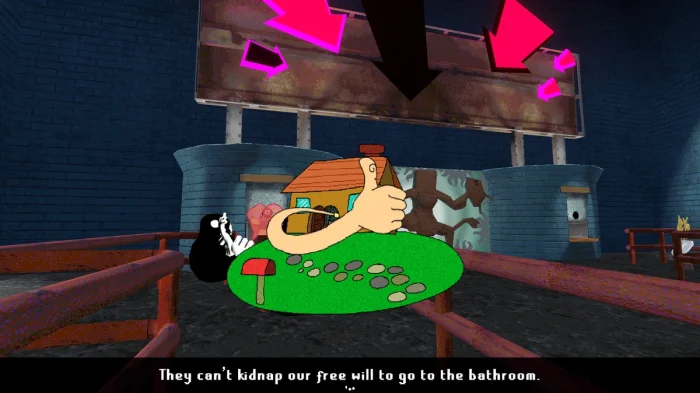

What is ENA: Dream BBQ About?
ENA: Dream BBQ, launched March 26, 2025 by Joel G, is an adventure game for Windows 10 and 11, where ENA roams strange places looking for the Boss, taking odd jobs and meeting sweet and sour characters along the way.
Main Gameplay: Walk around, solve weird puzzles with funky tools, and dig into hidden spots in Chapter 1, “Lonely Door.” Update 1.0.5 adds bigger text and low-quality videos for slower PCs, with more chapters coming later for a price.
Key Features
- Weird places to explore
- Funny and sour characters
- Strange tools for puzzles
- Lots of secrets to find
- Cool mixed animations
Why Play ENA: Dream BBQ on Windows?
Windows 10 and 11 give you smooth play, bright visuals, and easy controls for a full oddball adventure.
Tips for PC Beginners in ENA: Dream BBQ
New to ENA: Dream BBQ on PC? Here are five tips to get going:
- Set Keys: Put interact on a mouse button in Settings > Controls for quick use.
- Speed Up: Turn on low-quality videos in Accessibility (menu) if it lags.
- Look Around: Check corners (map) for hidden stuff.
- Talk Back: Pick fun replies (dialogue) to see more.
- Try Tools: Use weird items (inventory) to solve things.
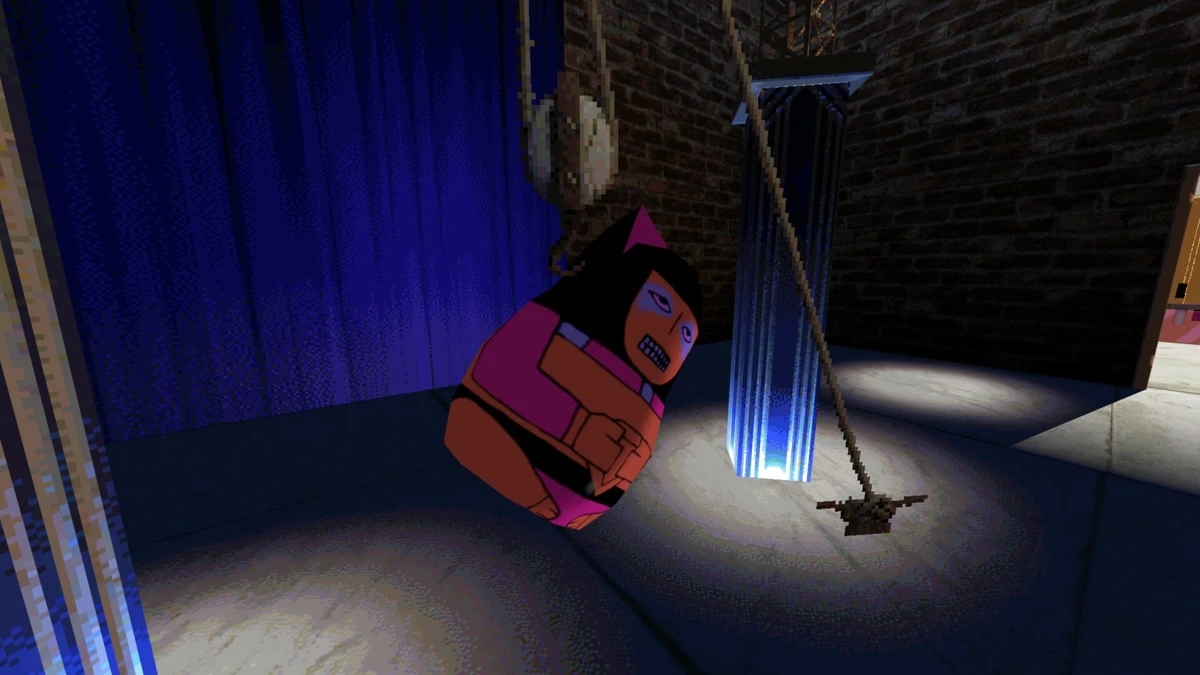
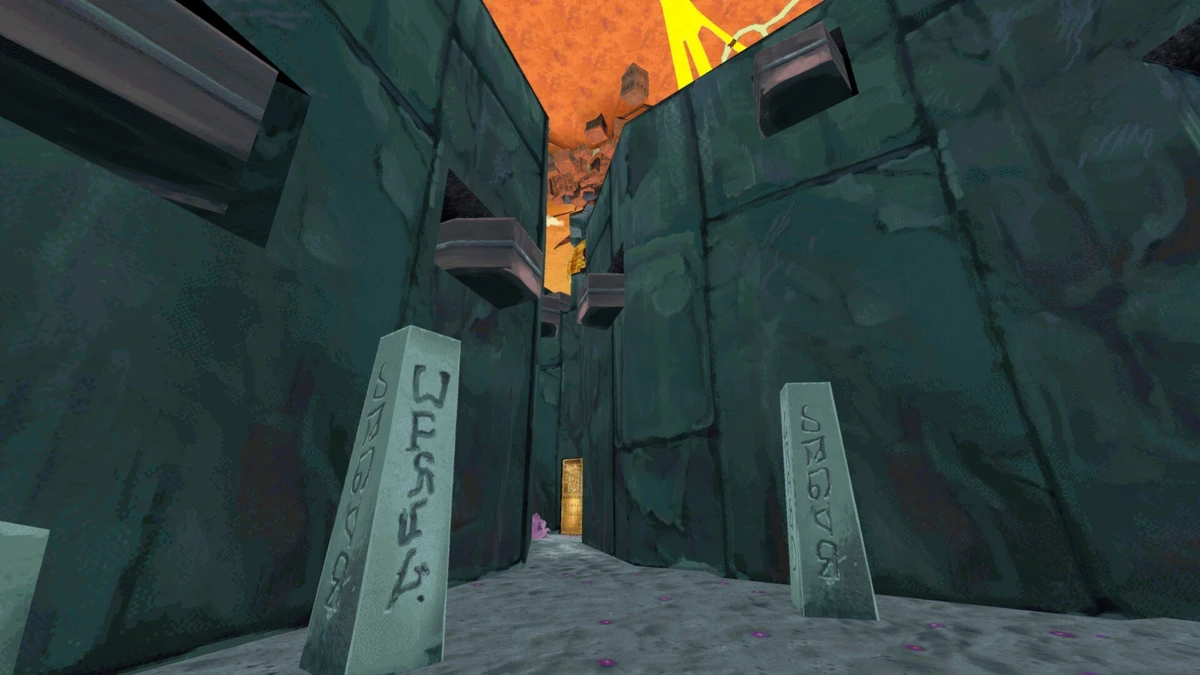
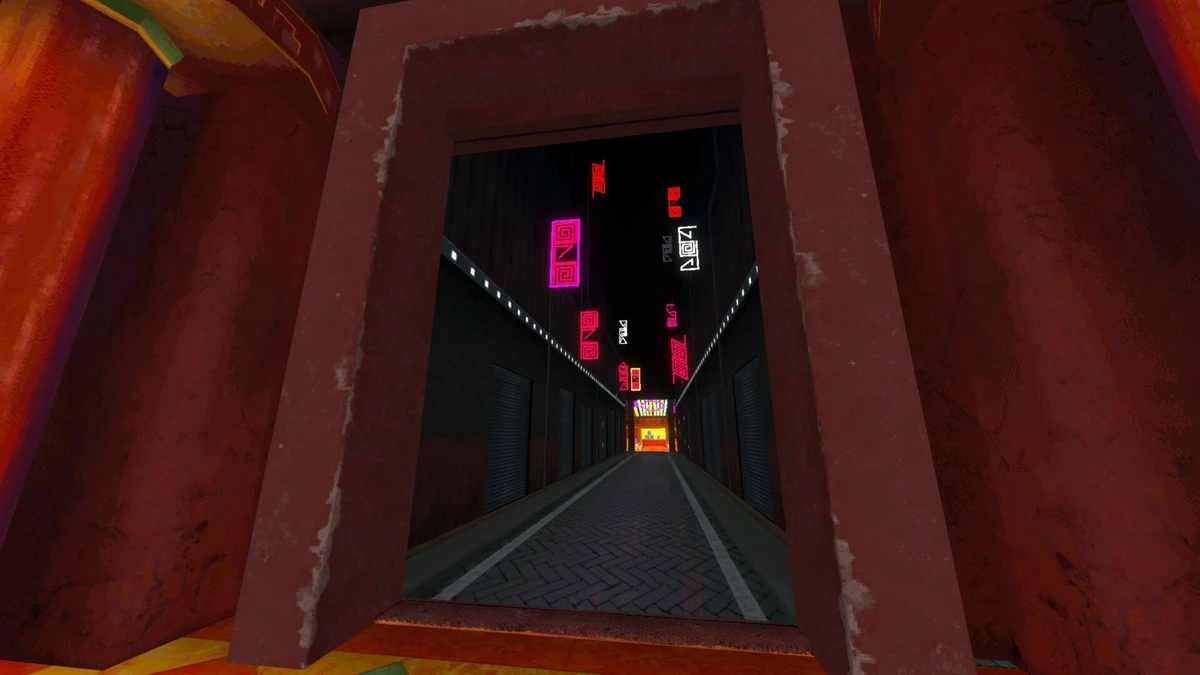
ENA: Dream BBQ Gameplay Screenshots


ENA: Dream BBQ Beginner’s Guide Video
Watch this beginner’s guide for ENA: Dream BBQ to jump in:

ENA: Dream BBQ PC Requirements for Windows
Minimum:
- OS: Windows 10 64-bit (latest update)
- CPU: Intel Core i5-2300 or AMD FX-4350
- RAM: 4 GB
- Storage: 8 GB free (SSD recommended)
- GPU: NVIDIA GTX 970 or AMD Radeon R9 390
- DirectX: Version 11
Recommended:
- OS: Windows 11 64-bit (latest update)
- CPU: Intel Core i5-6600 or AMD Ryzen 5 2600
- RAM: 8 GB
- Storage: 8 GB free (SSD)
- GPU: NVIDIA GTX 1060 or AMD RX 580
- DirectX: Version 11
ENA: Dream BBQ on Windows FAQ
- Is it free? Yes, Chapter 1 is free; later chapters cost extra.
- Can I play offline? Yes, after first setup.
- Does it run on Windows 11? Yes, works great.
- What’s the download size? About 8 GB with updates.
Support and Community
Explore More Windows Games: FlyKnight on PC, Best Adventure Games, Indie Games on PC, Stardew Valley on PC