Readers like you help support this site. When you make a purchase using links on our site, we may earn an affiliate commission. All opinions remain our own.
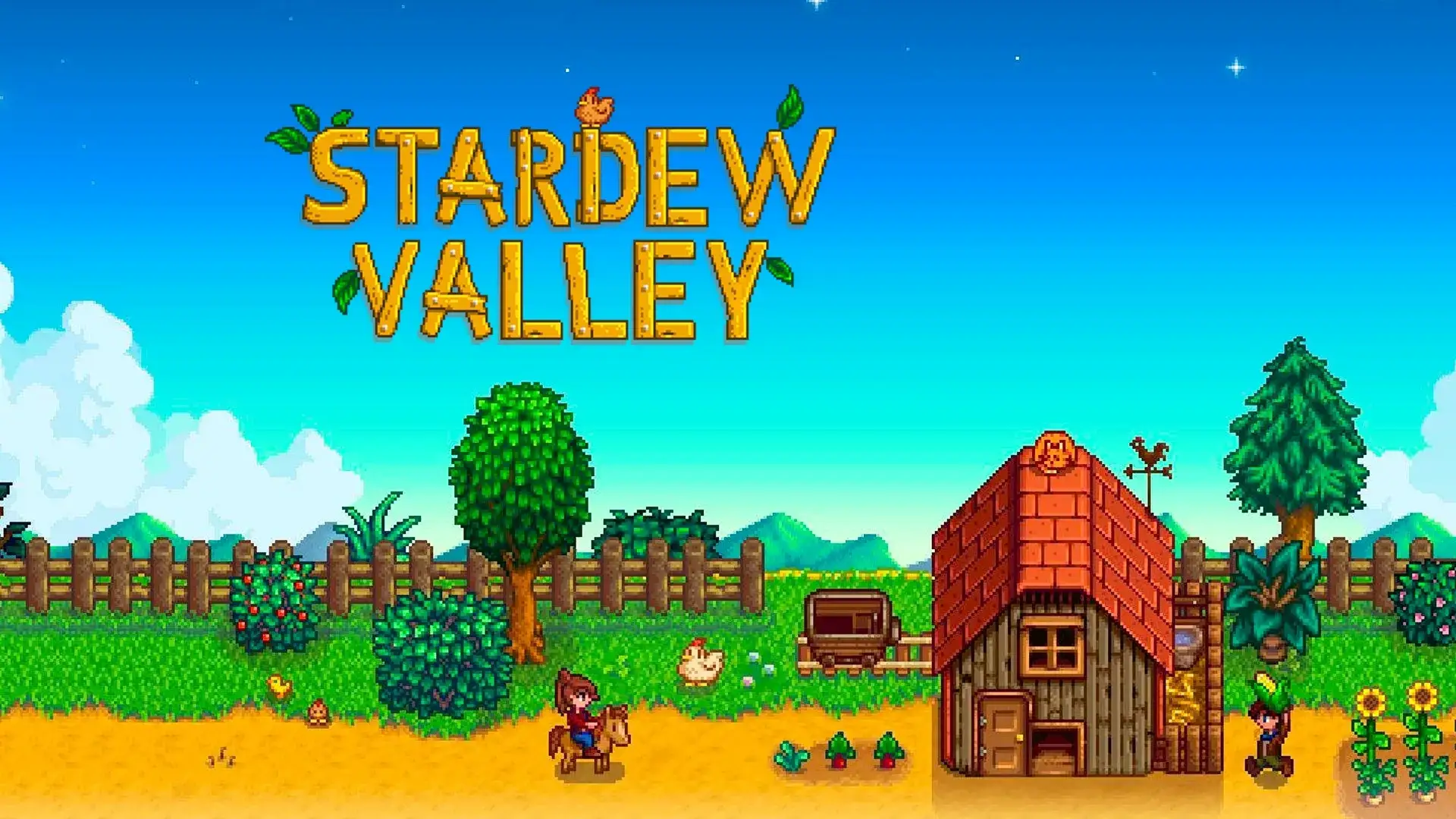
Stardew Valley on PC. Click to open it full size.
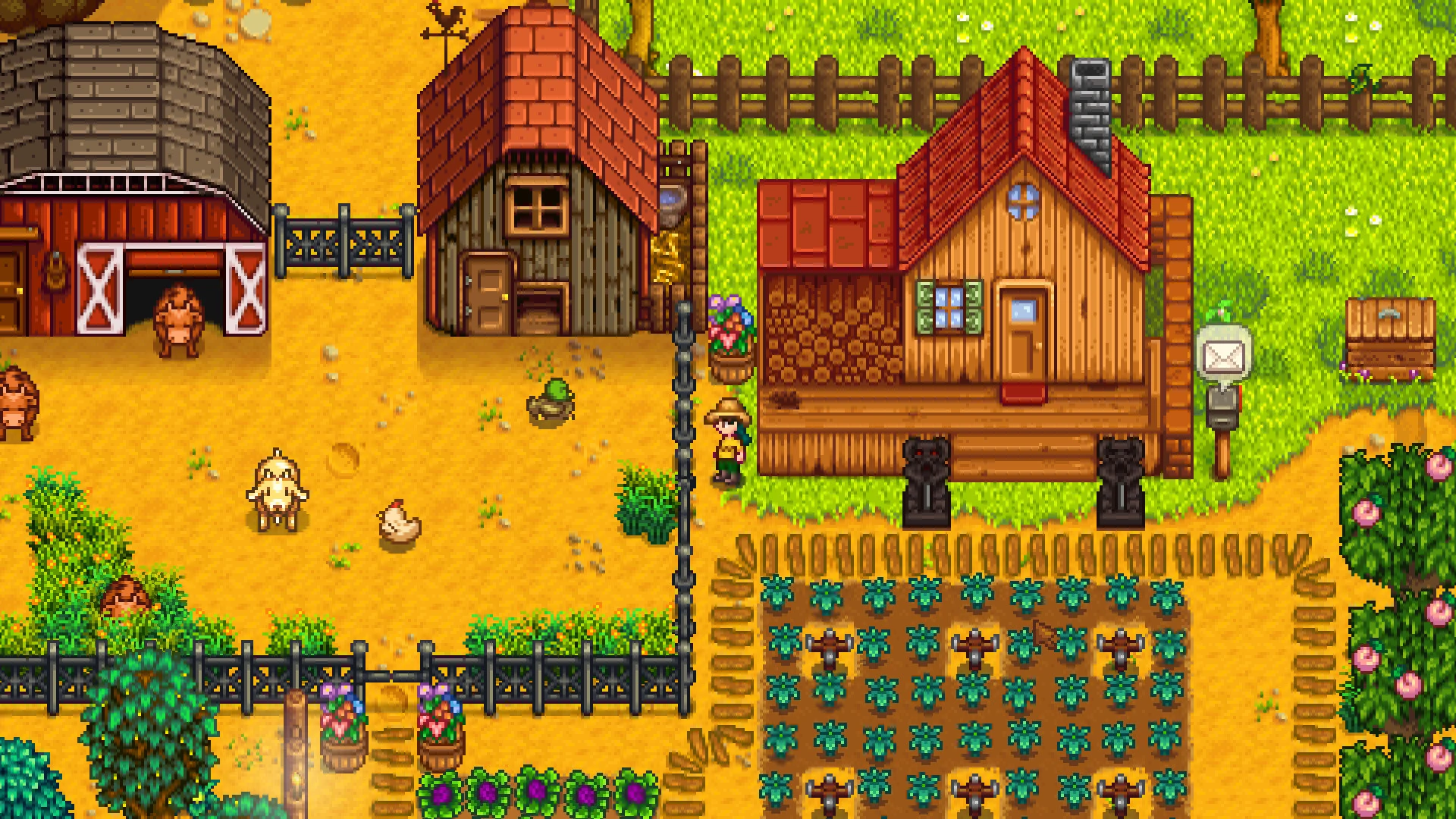
Stardew Valley is a farming life sim for PC from ConcernedApe, available on Steam and GOG. You take over your grandfather’s overgrown farm, grow crops, raise animals and make friends in a small town. Days are short, so you choose each morning whether to farm, fish, mine or visit people.
There is far more to it than farming. You can explore a mine full of monsters, fix up the old Community Center, fall in love and marry. Every one of those paths moves at your own pace, with no fail state.
It came out on PC in February 2016. ConcernedApe (Eric Barone) built it alone, and he has kept adding free updates since. It runs on Windows 10 and Windows 11, works with a mouse and keyboard or a controller, and supports online co-op for up to eight players on PC.
Already farming? Tell us which farm map you picked. Got questions before you buy? Reach out to us directly.
What You Need to Know
- One purchase, no DLC. Every update so far has been free.
- Steam and GOG sell the same game, and players on both can share a farm.
- It runs on almost any Windows PC, including older laptops.
- Mods are free and run through SMAPI, a mod loader made for this game.
- It is not on the Epic Games Store.
Quick Facts


How to Download Stardew Valley on PC
You can buy it on Steam or GOG. Both sell the same full game at the same price, and both get every update.
- Step 1. Pick a store. Open the Steam page or the GOG page.
- Step 2. Buy the game and sign in or create a free account.
- Step 3. Click Install in Steam, or in GOG Galaxy (GOG’s free launcher).
- Step 4. Launch the game and choose New for a solo farm, or Co-op to play with friends.
- Step 5. Name your farmer and pick a farm map. Standard is the safest first choice.
💡 Your PC is too weak? Cloud gaming is an option. Try Boosteroid.
Price and Where to Buy
There is only one edition of Stardew Valley. You pay once and get the whole game, plus every free update that comes after. The only real choice is the store.
US list price on both stores. Prices can vary by region and sale. DRM-free means the game runs without an online check or launcher.
What Is Stardew Valley?
Stardew Valley starts with a letter from your grandfather and a ticket out of an office job. You arrive in Pelican Town with a few coins and some old tools, and the farm is buried in weeds, rocks and stumps. From there, the game never tells you what to do next. Each in-game day you decide how to spend your energy, and the seasons change what grows, what fish bite and which festivals come to town.
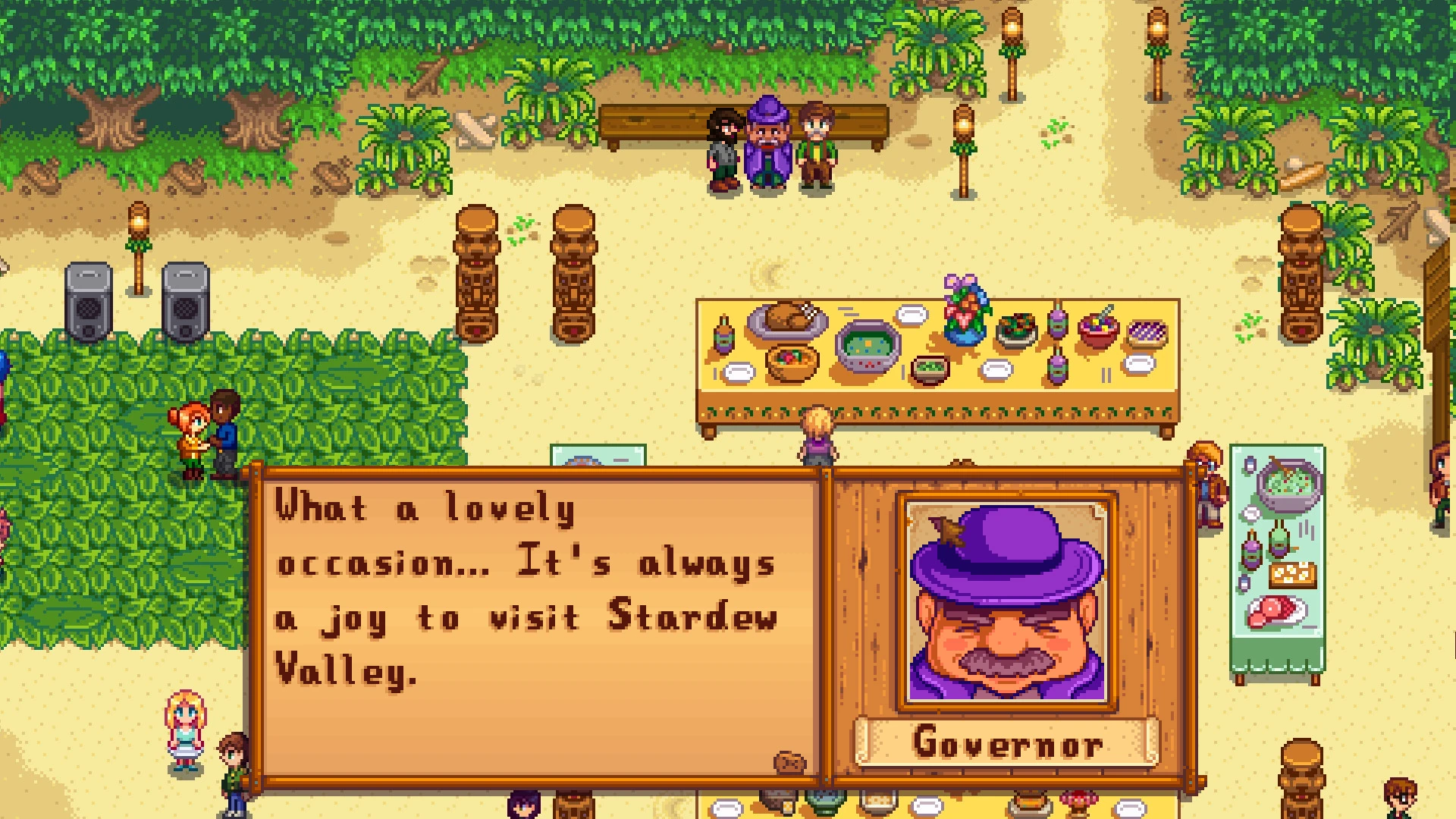
Seasonal festivals, like the summer Luau, bring the whole town together.
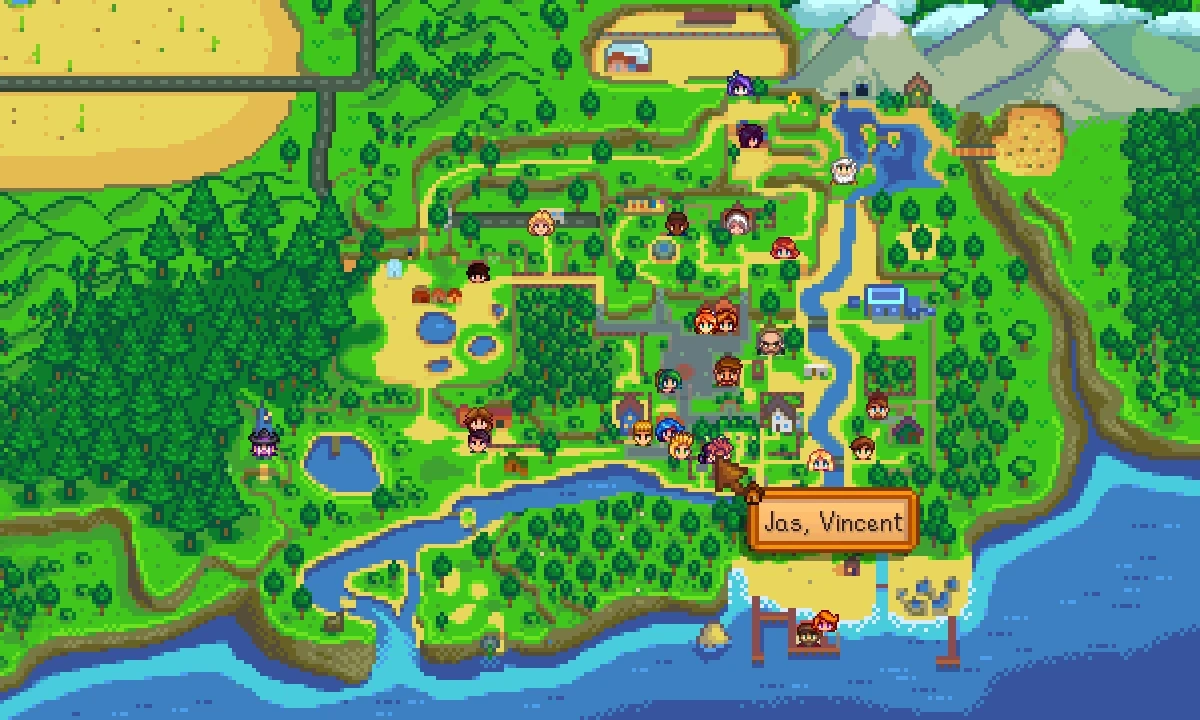
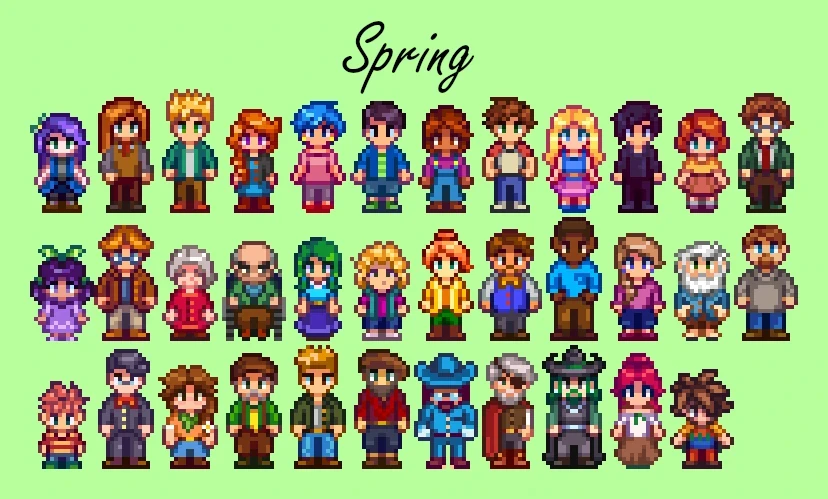
The town has more than 30 villagers, each with a daily routine, a birthday and a story you unlock by becoming friends. Twelve of them can be courted and married. The run-down Community Center is the long-term goal: fill its bundles with crops, fish and items to repair it, or side with the JojaMart corporation instead.
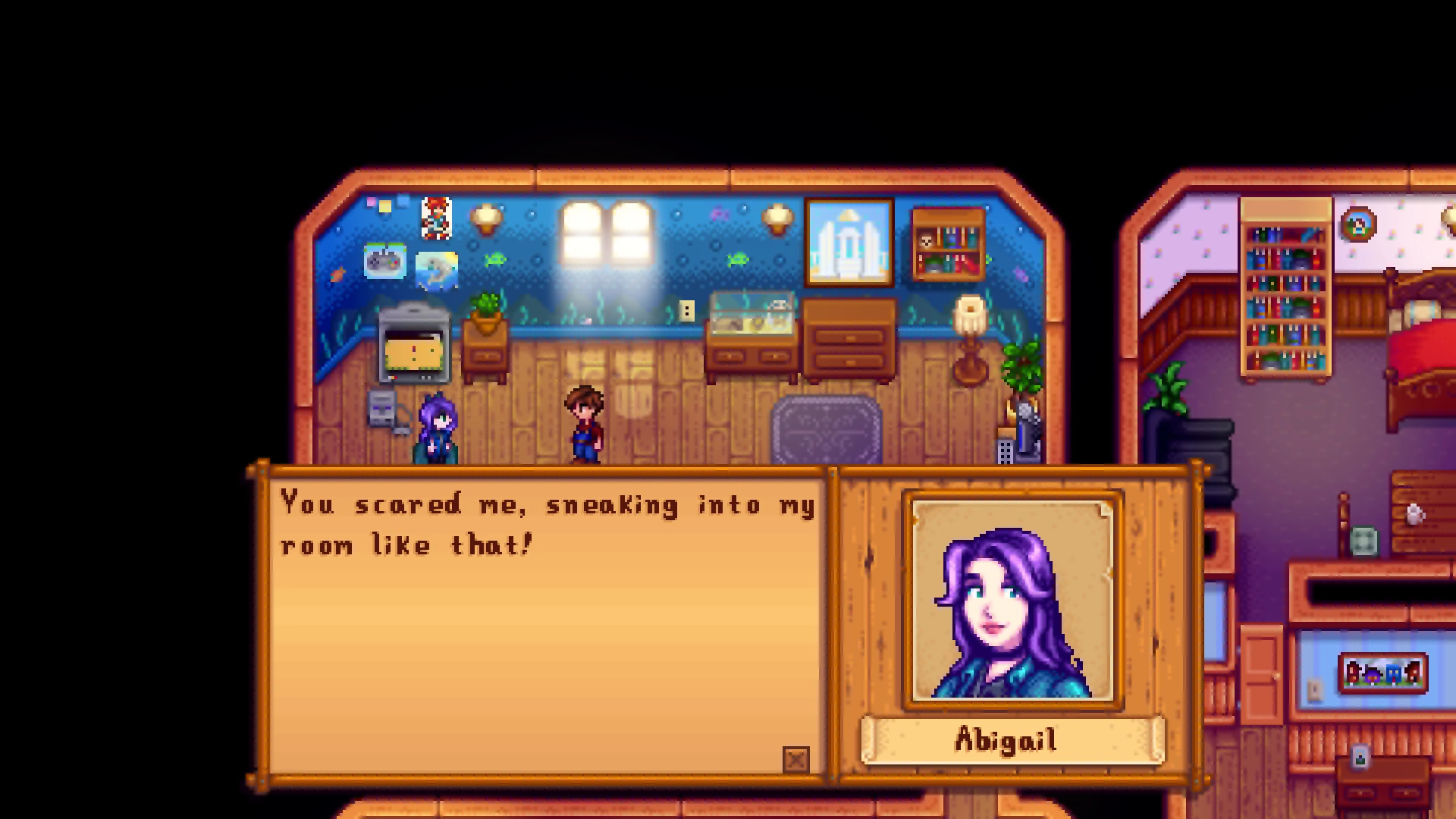
Every villager has their own home, schedule and opinions about you.
The 1.6 update in March 2024 added a new farm map, new festivals, a Mastery system for players who max out their skills, and up to eight players on PC. ConcernedApe has also confirmed a 1.7 update is in the works, with no release date set as of October 2026.
Official Trailer
Watch the official trailer for Stardew Valley from ConcernedApe to see the farm, the mines, fishing and life in Pelican Town.
Key Features
Grow crops, raise animals, plant an orchard and set up machines that turn your harvest into goods worth more.
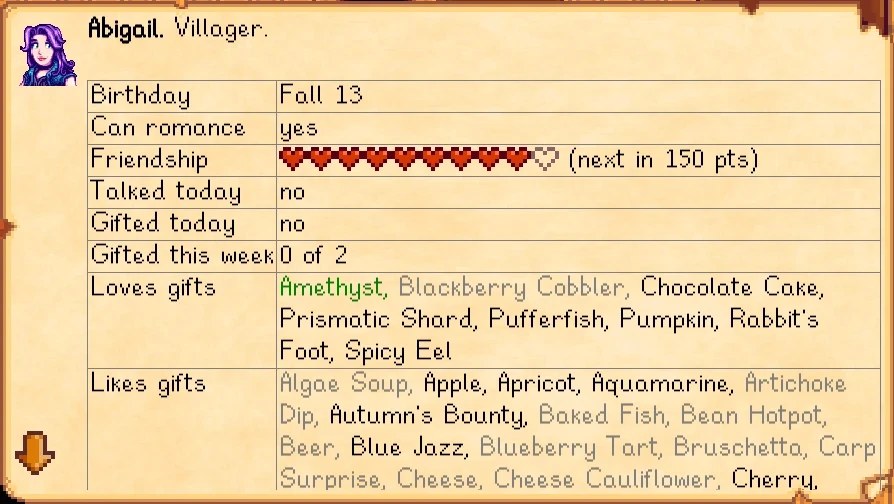
Make friends with villagers who each have their own routine, story and favorite gifts, and marry one if you like.
Fight your way down through cave levels for ore, gems and better weapons, with harder caves later on.
Farming, mining, foraging, fishing and combat each grow as you use them, and unlock new recipes and perks.
Share one farm with friends online or over LAN, or play split-screen on one PC.
Each season changes the crops and fish, and brings events like the egg hunt, the Luau and the Night Market.
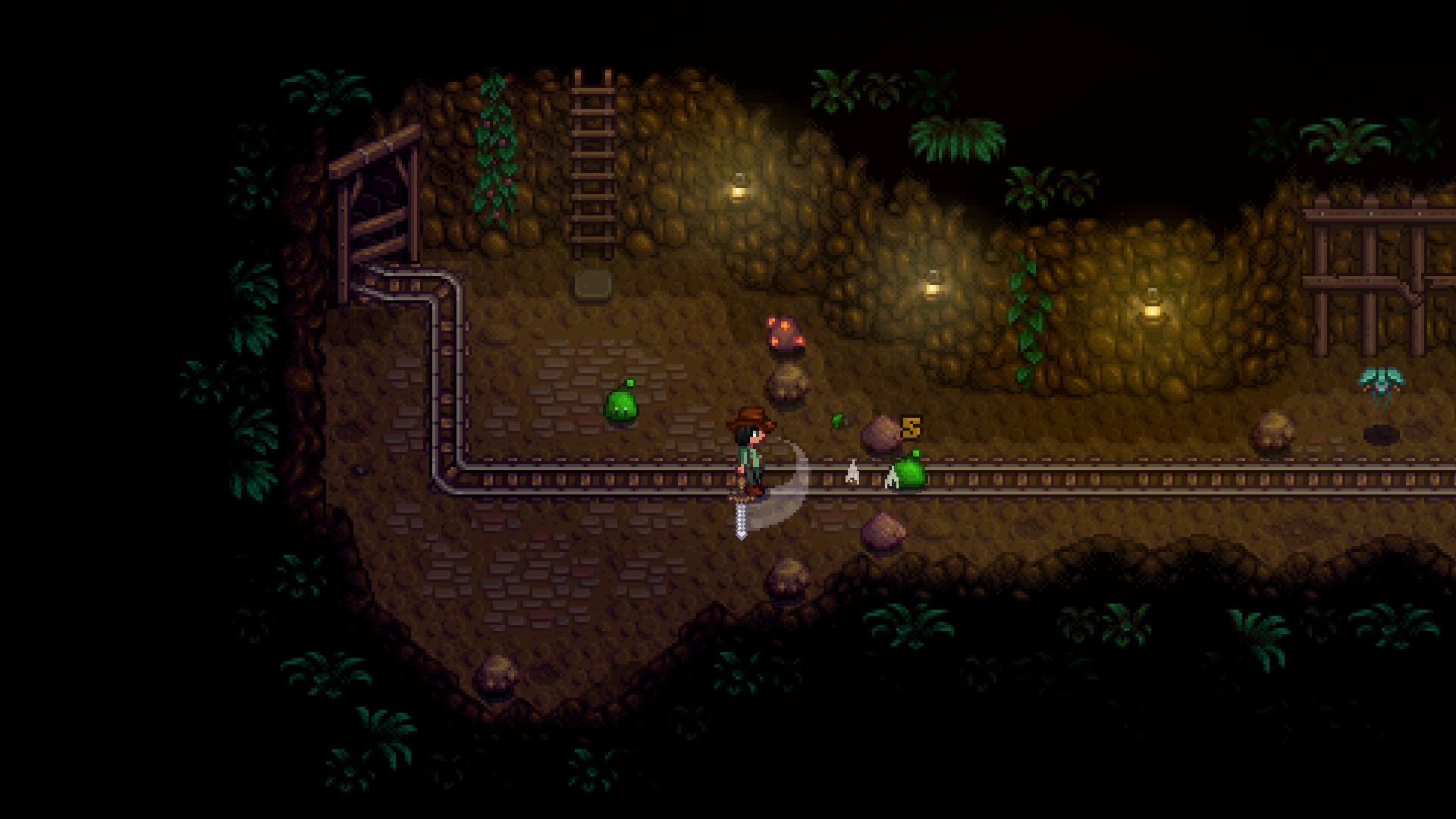
The mines are where you find ore for tool upgrades, and where most of the combat happens.
Is This Game for You?
Our Take
🎮 Our Take
Stardew Valley is the game most cozy games are measured against, and it holds up. The loop of planting, selling and upgrading is simple, but there is always a next goal, and the villagers are written well enough that you start caring about them. For the price it is one of the easiest buys on PC. The weak spots: the first week can feel slow while your energy and money are low, combat is basic, and the late game turns into optimizing a farm rather than discovering new things.
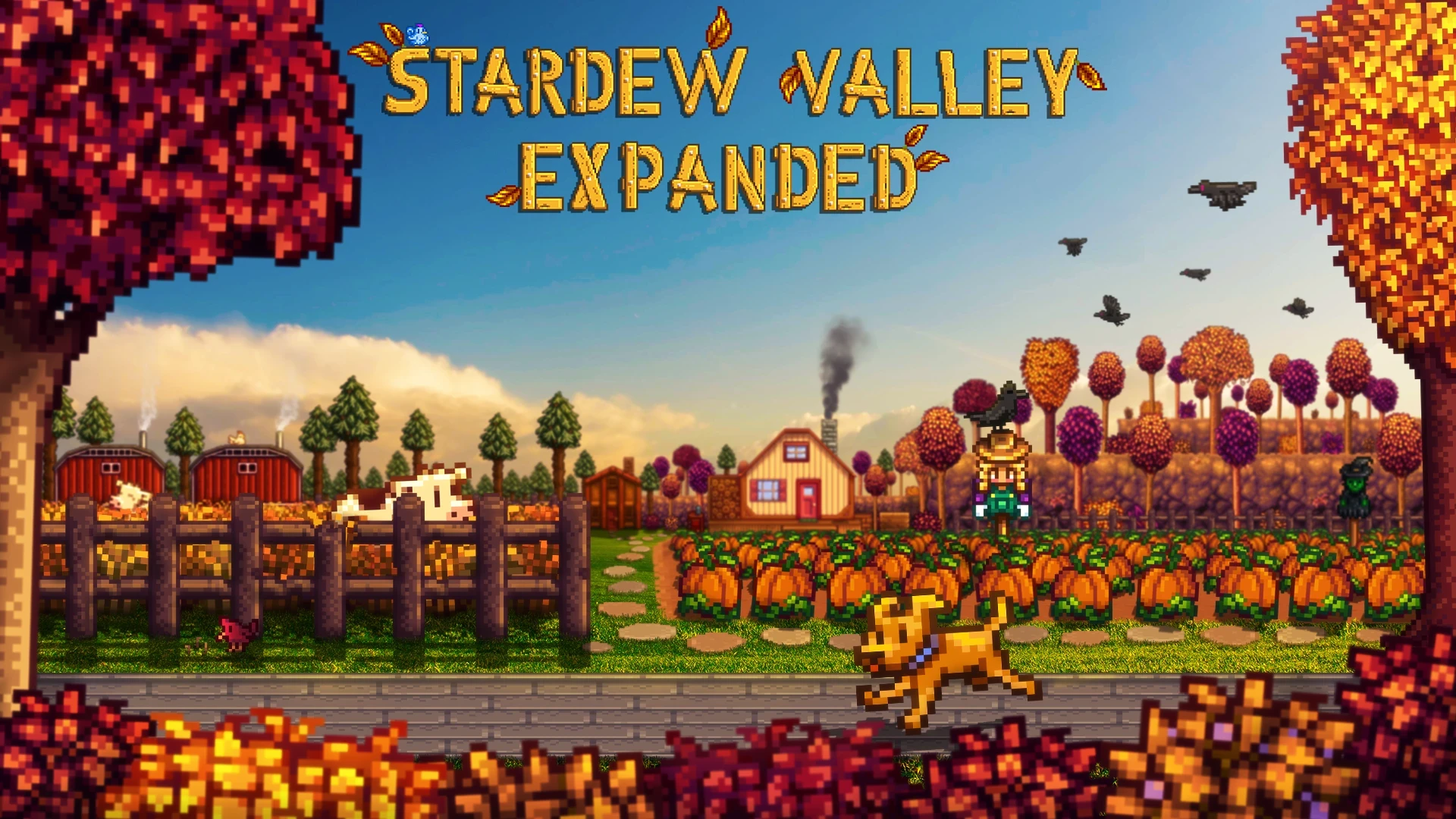
If you have never played it, buy it, on Steam if your friends are there or on GOG if you want a DRM-free copy. If you already finished it once, the 1.6 content and a mod like Stardew Valley Expanded are reason enough to start a new farm. If you want real tractors and crop yields, Farming Simulator 25 is the better fit.
System Requirements
This is one of the lightest games you can buy. ConcernedApe only lists a minimum spec, and nearly any Windows 10 or 11 PC clears it. Integrated graphics on a basic laptop are enough.
Big mods add some load. Stardew Valley Expanded and large mod lists can raise loading times and memory use, so 4 GB of RAM or more is a sensible floor if you plan to mod heavily.
Tips for Beginners
Clear a small patch first
Plant the parsnip seeds you start with right away, then clear more land as your energy allows. Do not try to clear the whole farm in week one.
Watch the TV every morning
The weather forecast tells you if rain will water your crops, and the fortune teller shows if it is a lucky day for the mines.
Stock up on wood and stone
Wood and stone run out fast. Chop trees and break rocks on rainy days so you have plenty for buildings and crafting.
Talk to everyone in spring
A quick chat each day builds friendship early, and many villagers send you recipes and gifts once they like you.
Reach the first elevator levels in the mines
Every five floors unlock an elevator. Pushing down early gets you copper and iron for tool upgrades much sooner.
Stuck on a bundle or a gift? The official Stardew Valley Wiki lists every villager’s favorite gifts, every bundle and every fish location.
Best Stardew Valley Mods to Start With
Stardew Valley has one of the largest mod scenes of any PC game, and nearly all of it is free. Mods run through SMAPI, a free mod loader, and most are hosted on Nexus Mods, which needs a free account to download. Mods work on the Steam and GOG versions alike.
These five are marked as working with the current version on SMAPI’s compatibility list, and none of them hand out free money or items, so they will not spoil your progress.
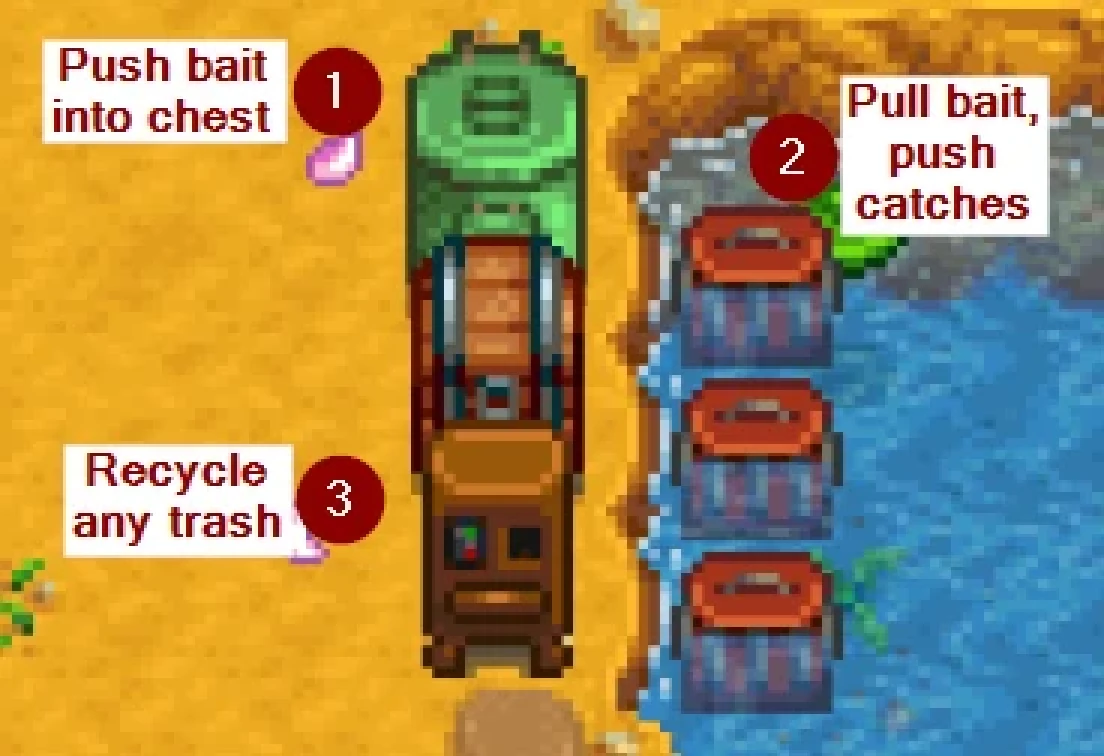
How to install mods on PC
- Step 1. Install SMAPI. Download it from smapi.io, unzip it and run the Windows installer.
- Step 2. Set the game to start through SMAPI. The installer shows how to do this in Steam or GOG Galaxy.
- Step 3. Download a mod and unzip it into the Mods folder inside your game folder.
- Step 4. Launch the game. A console window opens next to it and lists which mods loaded.
- Step 5. Remove a mod by deleting its folder from Mods.
Back up your Saves folder before adding a big mod like Stardew Valley Expanded, since some mods change a save in ways that do not undo cleanly. In co-op, every player usually needs the same content mods as the host. Download mods only from Nexus Mods or the mod maker’s own page, never from re-upload sites.
Stardew Valley Screenshots
Spring crops, a thunderstorm, the Night Market, a winter ride and a fall harvest, all from Stardew Valley on PC. Click any image to open it full size.
-
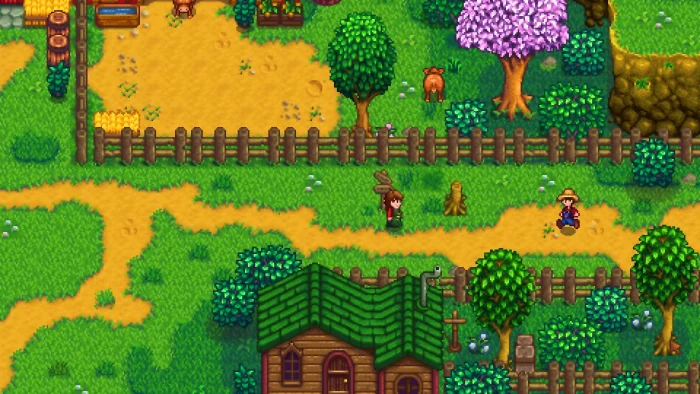
- Stardew valley co op cabins from
-
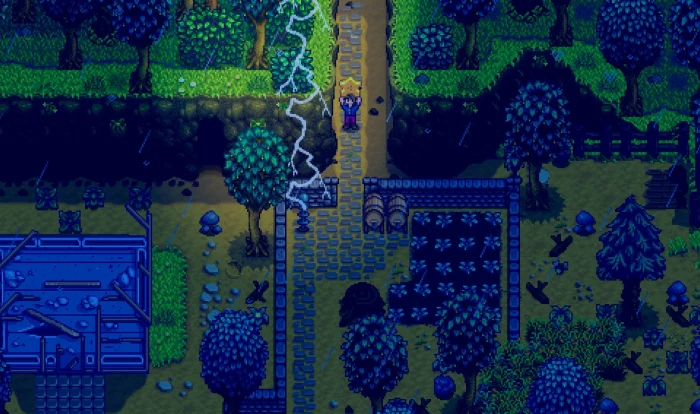
- Stardew valley storm night from
-
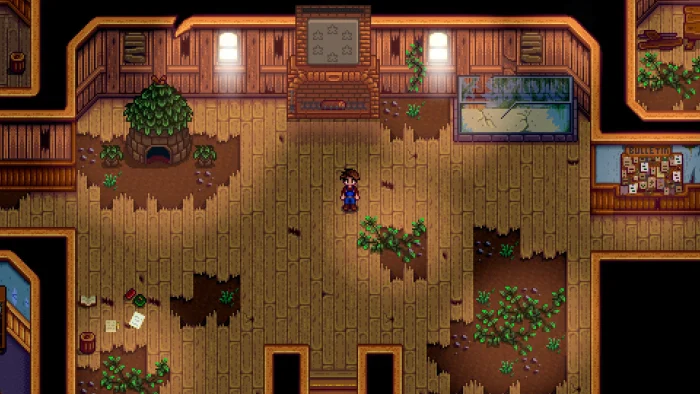
- Stardew valley community center from
-
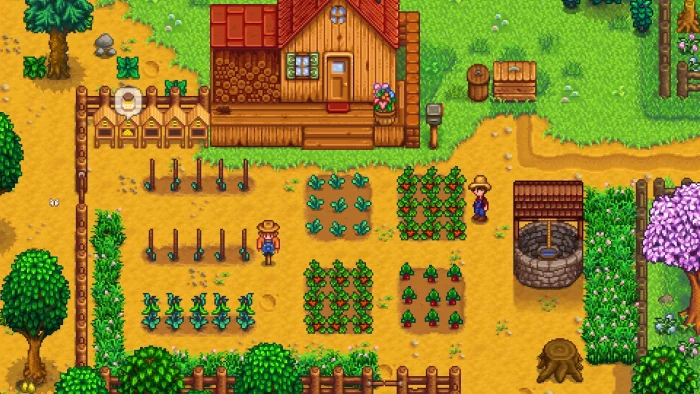
- Stardew valley spring crops from
-
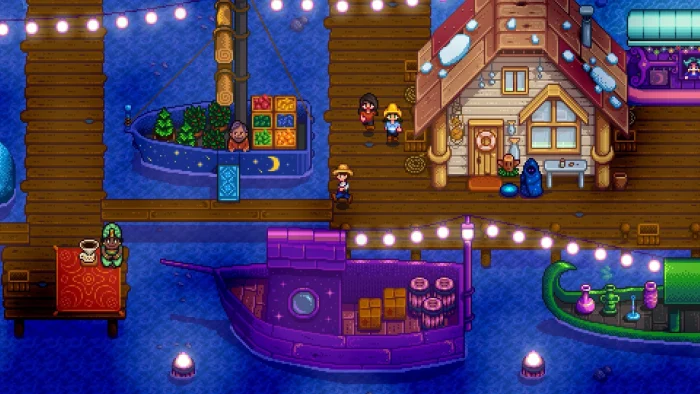
- Stardew valley night market from
-
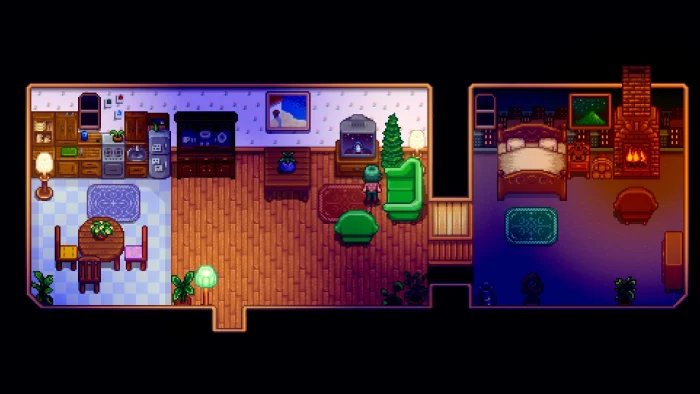
- Stardew valley farmhouse interior from
-
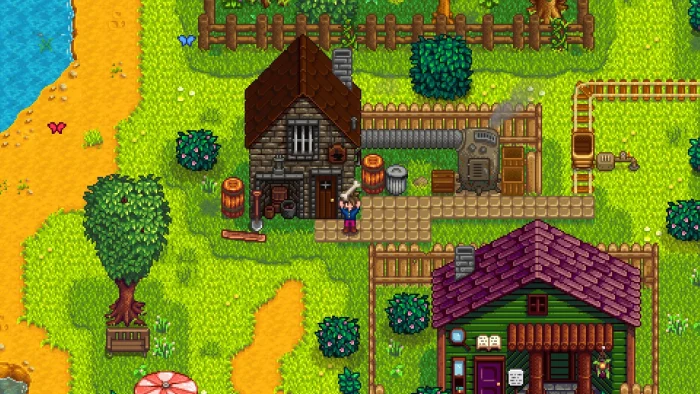
- Stardew valley blacksmith town from
-
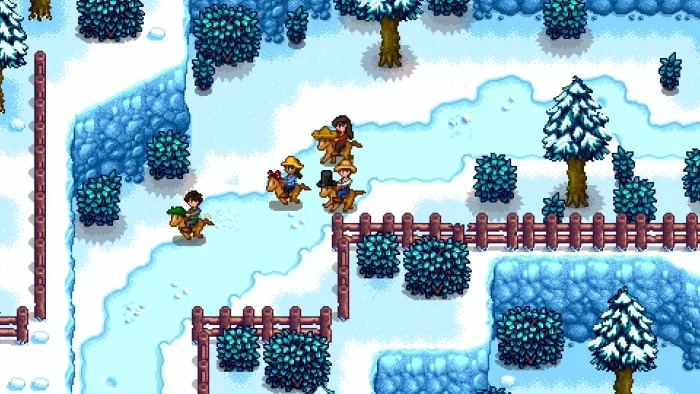
- Stardew valley winter horses from
-
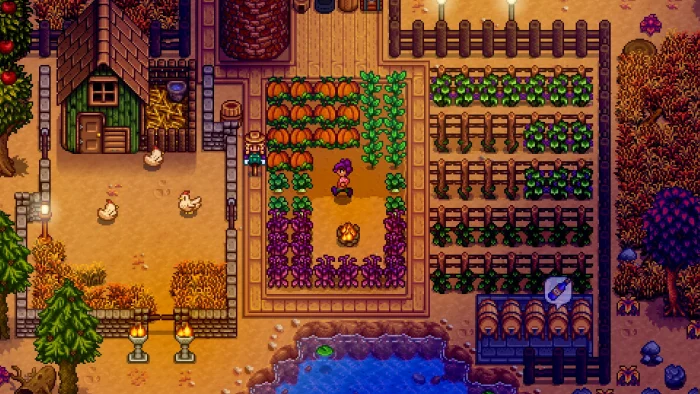
- Stardew valley fall farm from
-
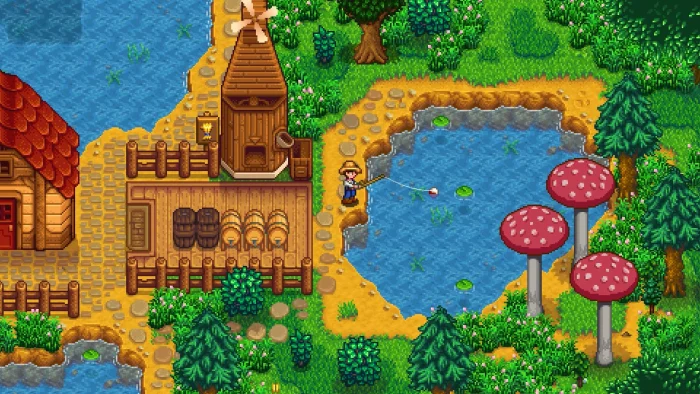
- Stardew valley fishing pond from
-
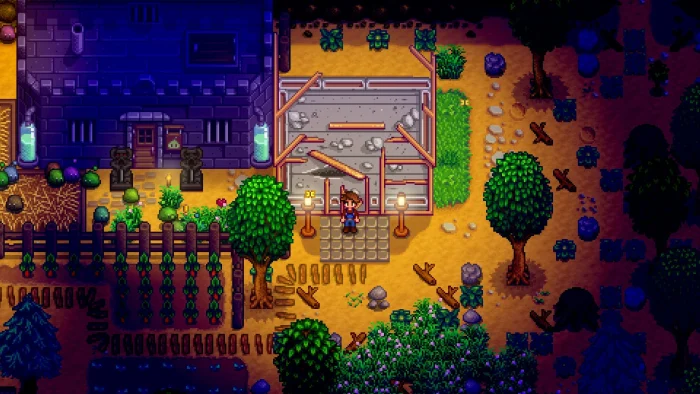
- Stardew valley farm night from
-
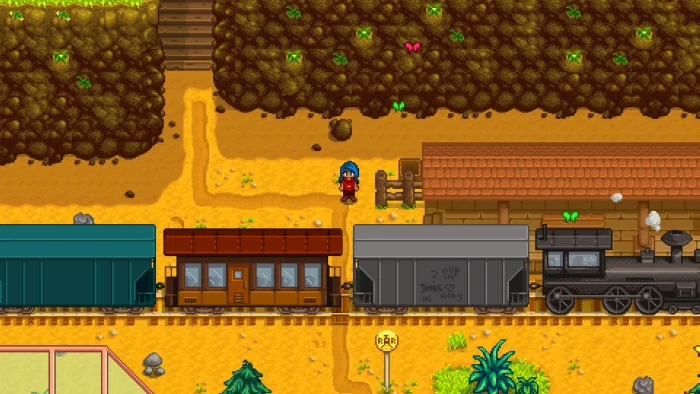
- Stardew valley train from
Stardew Valley FAQ
Can Steam and GOG players play Stardew Valley together?
How many players can play Stardew Valley co-op on PC?
Will my mods break when Stardew Valley updates?
Can I move my Stardew Valley save to another PC?
Does Stardew Valley have paid DLC?
What are the Stardew Valley system requirements on PC?
Support and Community
- Stardew Valley official site, ConcernedApe’s home for news, the blog and support info.
- Official Stardew Valley Wiki, for gifts, bundles, fish and every other detail.
- r/StardewValley on Reddit, the main player community for farm layouts, art and questions.
- Stardew Valley on Nexus Mods, the largest hub for free mods.
- SMAPI, the mod loader, with its mod compatibility list and troubleshooting help.
- Steam news page, to keep up with updates and patch notes.
Explore more Windows games: Fields of Mistria · Heartopia · The Sims 4 · Paralives · Minecraft · Best Simulation Games · Best Games for Girls
Need a PC upgrade to run these? See our Best Gaming Desktops guide.
Discover more from Windows Mode
Subscribe to get the latest posts sent to your email.












Add your first comment to this post