Readers like you help support this site. When you make a purchase using links on our site, we may earn an affiliate commission. All opinions remain our own.

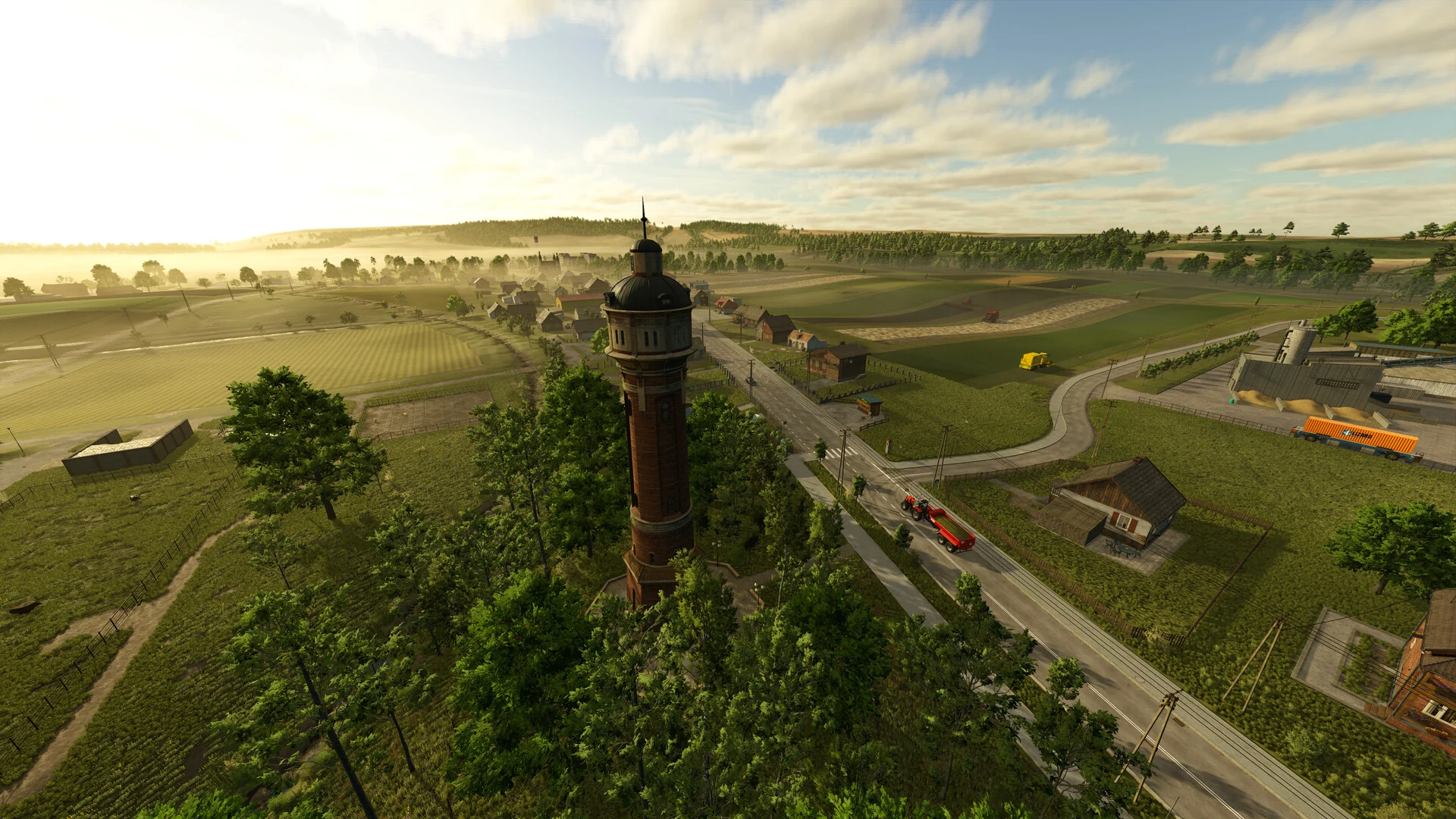
Farming Simulator 25 on PC. Click to open it full size.
Farming Simulator 25 is a farming sim for PC from GIANTS Software, available on Steam, the Epic Games Store and the Microsoft Store. You buy land, plow and plant fields, harvest crops and sell them. Animals, forestry and production chains turn the farm into a business you grow at your own pace.
The machines are the heart of it. You drive more than 400 real vehicles and tools from brands like John Deere, CLAAS, Fendt and Case IH. Hire AI workers, or turn on GPS steering, when you would rather manage than drive.
It came out on PC in November 2024. It runs on 64-bit Windows 10 and Windows 11, works with a mouse and keyboard, a controller or a steering wheel, and has online co-op with crossplay to PlayStation 5 and Xbox.
Already farming? Tell us which map you started on. Got questions before you buy? Reach out to us directly.
What You Need to Know
- The base game is a full game. Three maps and more than 400 machines, no expansion needed.
- Steam, Epic, the Microsoft Store and GIANTS’ own shop all sell the PC version.
- Mods are free and download from inside the game through the official ModHub.
- A mid-range gaming PC is enough. It does not need a high-end graphics card.
- Two big paid expansions add new maps: Highlands Fishing and Beans & Alpacas.
Quick Facts


How to Download Farming Simulator 25 on PC
Every PC store sells the same game with the same updates and the same ModHub. Pick the one where your friends already are.
- Step 1. Pick a store. Open Steam, the Epic Games Store or the Microsoft Store.
- Step 2. Buy the base game or an edition, and sign in or create a free account.
- Step 3. Click Install in your library and leave about 50 GB free.
- Step 4. Launch the game and set your controls under Settings, especially if you use a controller or wheel.
- Step 5. Start a New Farmer career on Riverbend Springs. It is the easiest map to learn on.
💡 Your PC is too weak? Cloud gaming is an option. Try Boosteroid.
Editions and Price
Most players should start with the base game. It is a complete game, and the expansions are best bought later, once you know you want a new region. The editions below bundle the base game with an expansion for a little less than buying both on their own.
Steam, Epic, the Microsoft Store and the official GIANTS shop list the base game at $29.99 in the US, and they all run frequent sales. A Year 2 Season Pass ($34.99) covers Beans & Alpacas plus two machine packs, for players who already own the game. Smaller machine packs sell separately for a few dollars each.
US list prices. Prices vary by region, store and sale.
What Is Farming Simulator 25?
Farming Simulator 25 drops you onto a farm with a little money, a few fields and a basic set of machines. There is no story to follow: you choose what to grow, which animals to keep and how big to get. Crops move through real stages, from plowing and seeding to fertilizing, harvesting and selling at the best price in town.
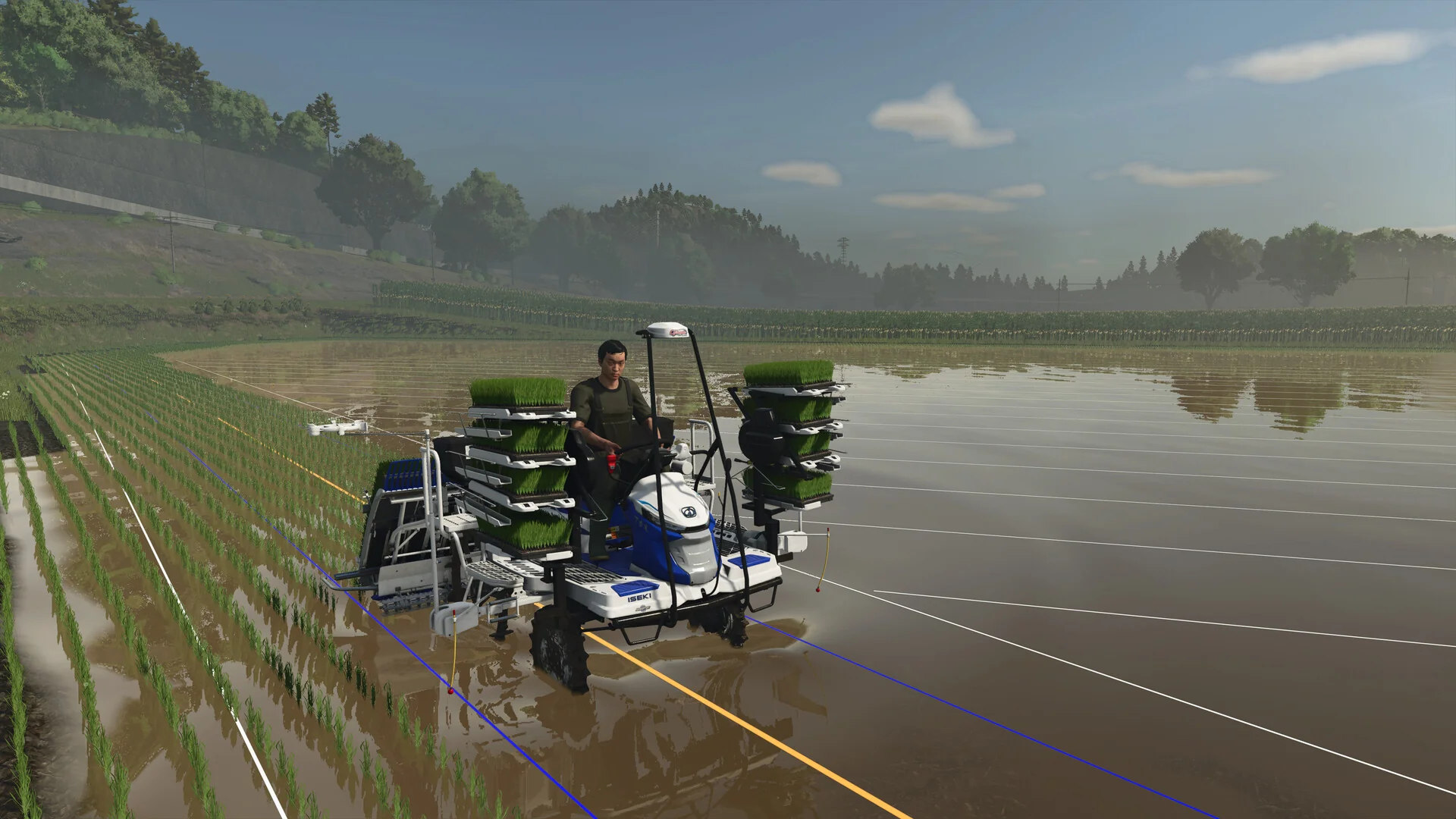
Rice grows in flooded paddy fields on Hutan Pantai, the East Asian map new to this game.
The base game has three maps. Riverbend Springs is open American farmland, Zielonka is a Central European village with ponds and small fields, and Hutan Pantai is an East Asian coast where you flood fields to grow rice. Buffalo and goats joined the usual cows, sheep, pigs, chickens and horses, and you can run greenhouses, forestry and factories that turn raw crops into goods worth more.
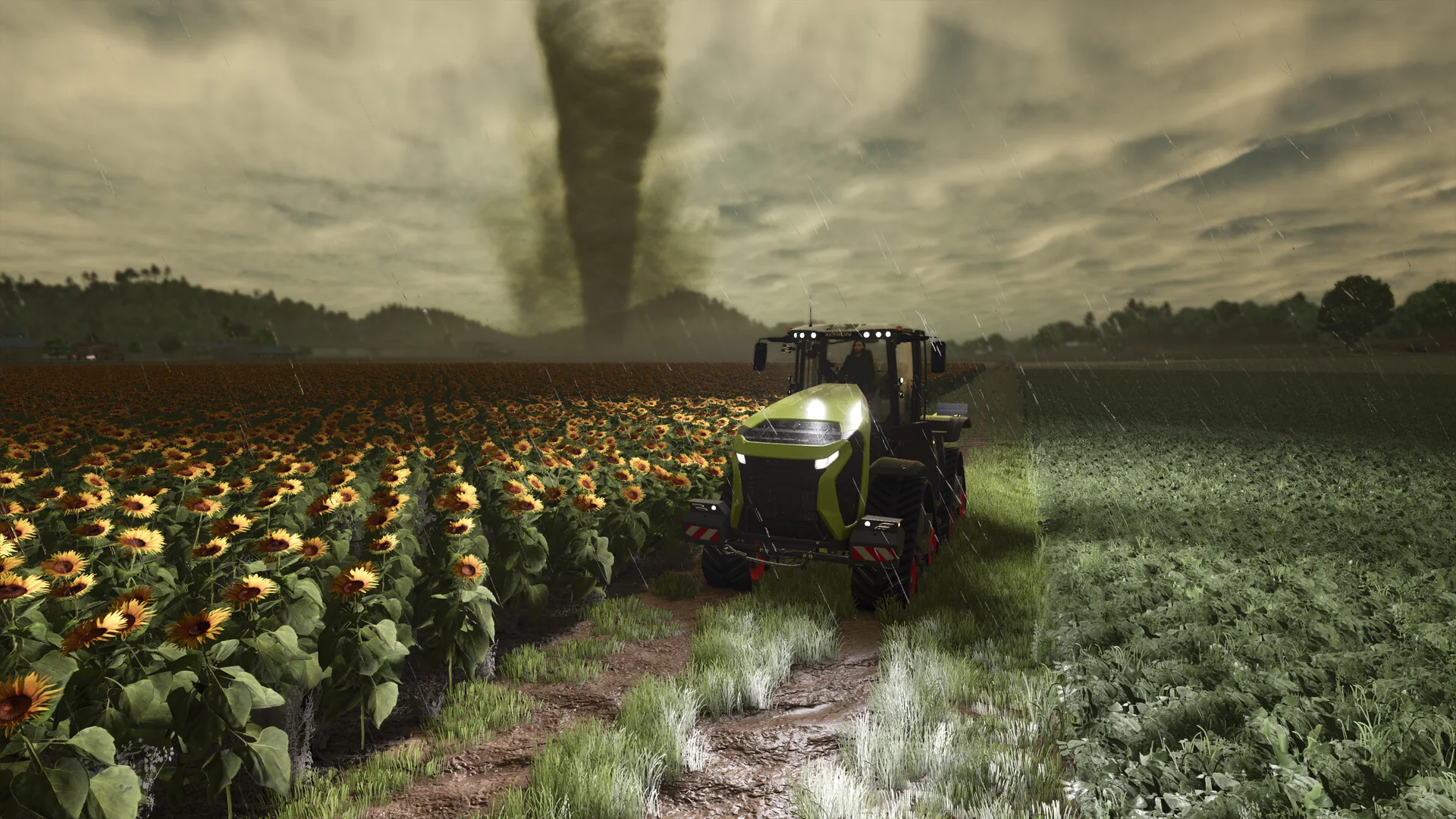
Storms, hail and tornadoes can damage crops, so the weather matters more than in earlier games.
GIANTS has kept adding to it since launch. Free updates brought back the Precision Farming add-on and remastered older maps, while paid expansions added Kinlaig in Highlands Fishing and Catuaí in Beans & Alpacas, which came out on October 27, 2026.
Official Trailer
Watch the official launch trailer for Farming Simulator 25 to see the three maps, rice farming, the new animals and the weather effects in action.
Key Features
Tractors, combines, sprayers and trucks from over 150 real brands, each with its own controls and settings.
American prairie, a Central European village and an East Asian coast with rice paddies.
Raise cows, buffalo, goats and more, then turn milk, wool and crops into goods at factories.
Hail and tornadoes can hurt crops, and tire tracks dig into soft ground.
Turn on GPS steering for straight lines, or hire AI workers to run a field while you do something else.
Run a farm together with friends on PC, Mac, PlayStation 5 or Xbox.
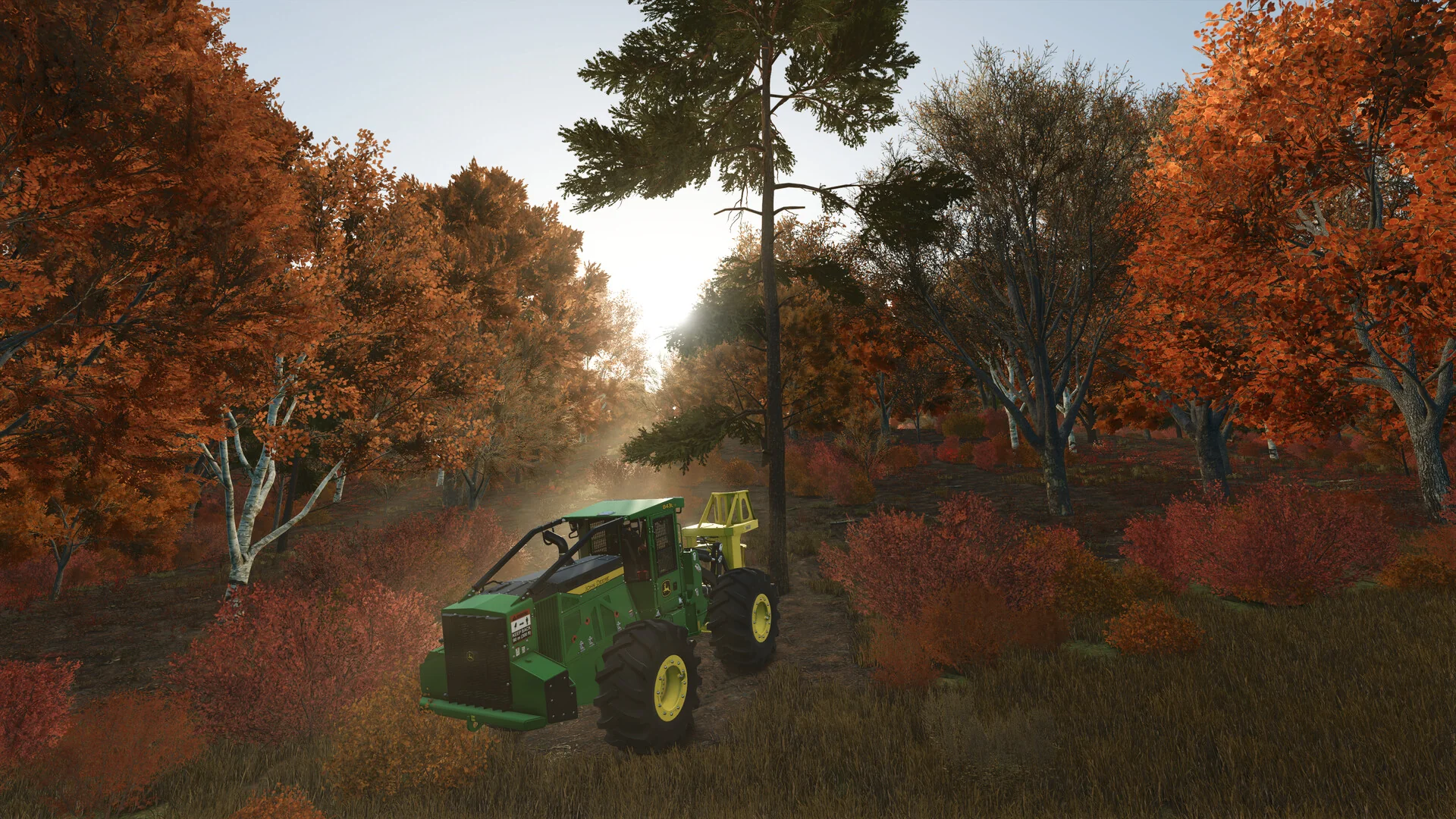
Forestry is a full job of its own, with its own machines for felling, moving and selling timber.
Is This Game for You?
Our Take
🎮 Our Take
Farming Simulator 25 is the most complete game in the series. Rice paddies, a third map with a very different feel, real weather and a big jump in how the fields and machines look make it a clear step up from Farming Simulator 22. The pace is slow on purpose, and that is the appeal: a long evening of harvesting with a podcast on is exactly what it is good at. The weak spots: the tutorial explains little, the AI workers can get stuck on odd corners, and the cost of all the expansions and packs adds up.
If you have never played a Farming Simulator, buy the base game and start on Riverbend Springs; it will keep you busy for a long time before you need anything else. If you came from FS22, it is worth the move, especially for co-op. If you want farming with villagers, friendships and no machinery to learn, Stardew Valley is the better fit.
System Requirements
Farming Simulator 25 needs a gaming PC, but not a new one. The minimum card, a GTX 1050 Ti with 3 GB of video memory, is about eight years old. The recommended spec targets smooth play at high settings.
An SSD makes a big difference to loading times on these large maps. Heavy mod lists and big multiplayer farms add load too, so 16 GB of RAM is a safer target than the 12 GB listed if you plan to mod.
Tips for Beginners
Take the tutorial missions, then do contracts
Contracts let you work other farmers’ fields with your own or borrowed machines. They are the quickest way to earn money in your first hours.
Lease before you buy
Leasing a machine costs a small daily fee instead of the full price. Lease the big harvesters until you know which ones you use often.
Hire workers for the boring parts
Start a field job, press the helper key and let an AI worker finish it while you move on to the next field.
Sell where the price is highest
Prices differ between selling points and change through the year. Check the Prices page before you deliver a full trailer.
Keep the ground healthy
Lime, fertilizer and plowing all raise your yield. Skipping them is the most common reason a harvest pays less than expected.
Not sure what a crop needs next? Open the in-game Field menu, or ask on the official GIANTS forum, where both players and GIANTS staff answer questions.
Best Farming Simulator 25 Mods to Start With
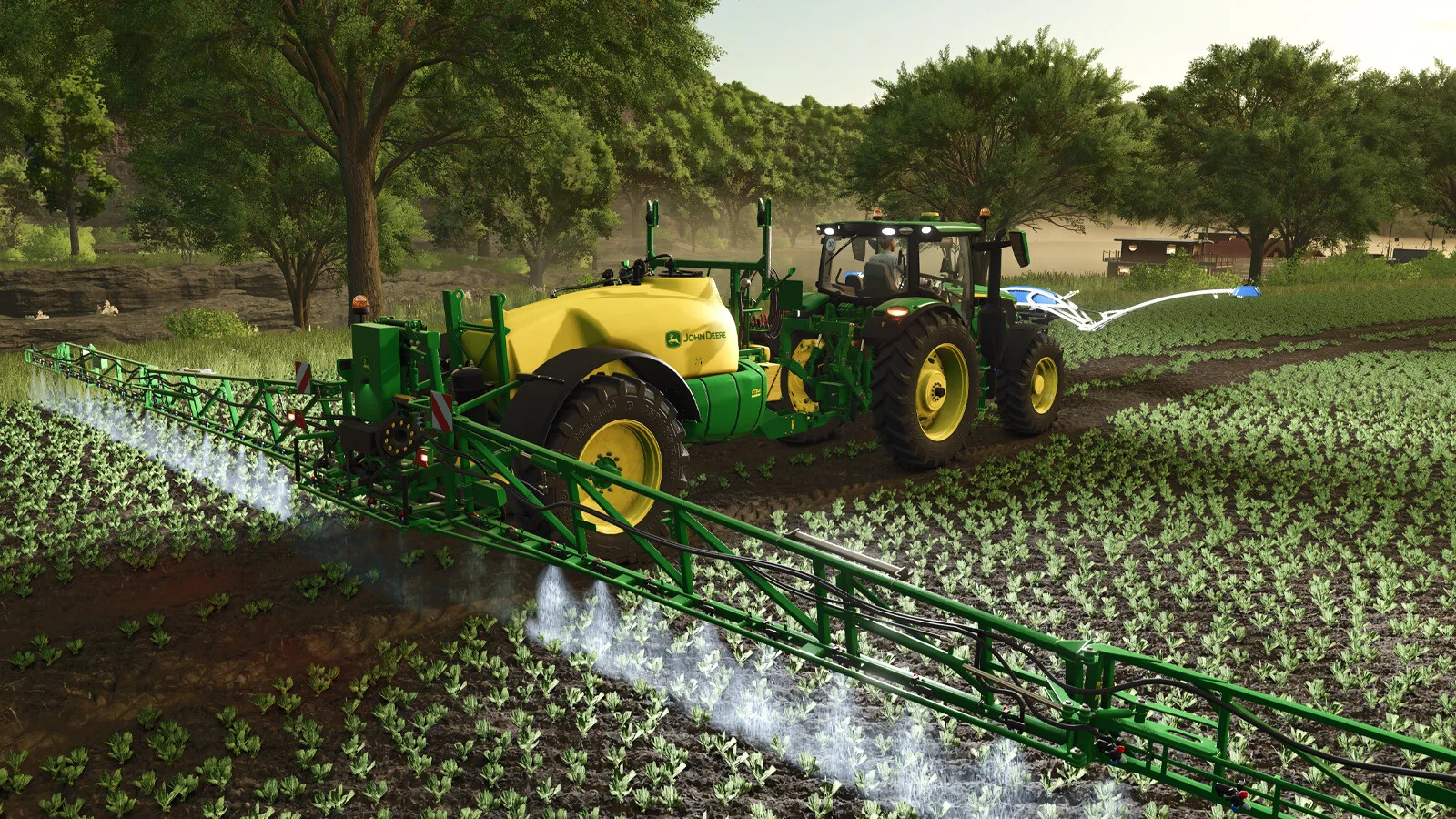
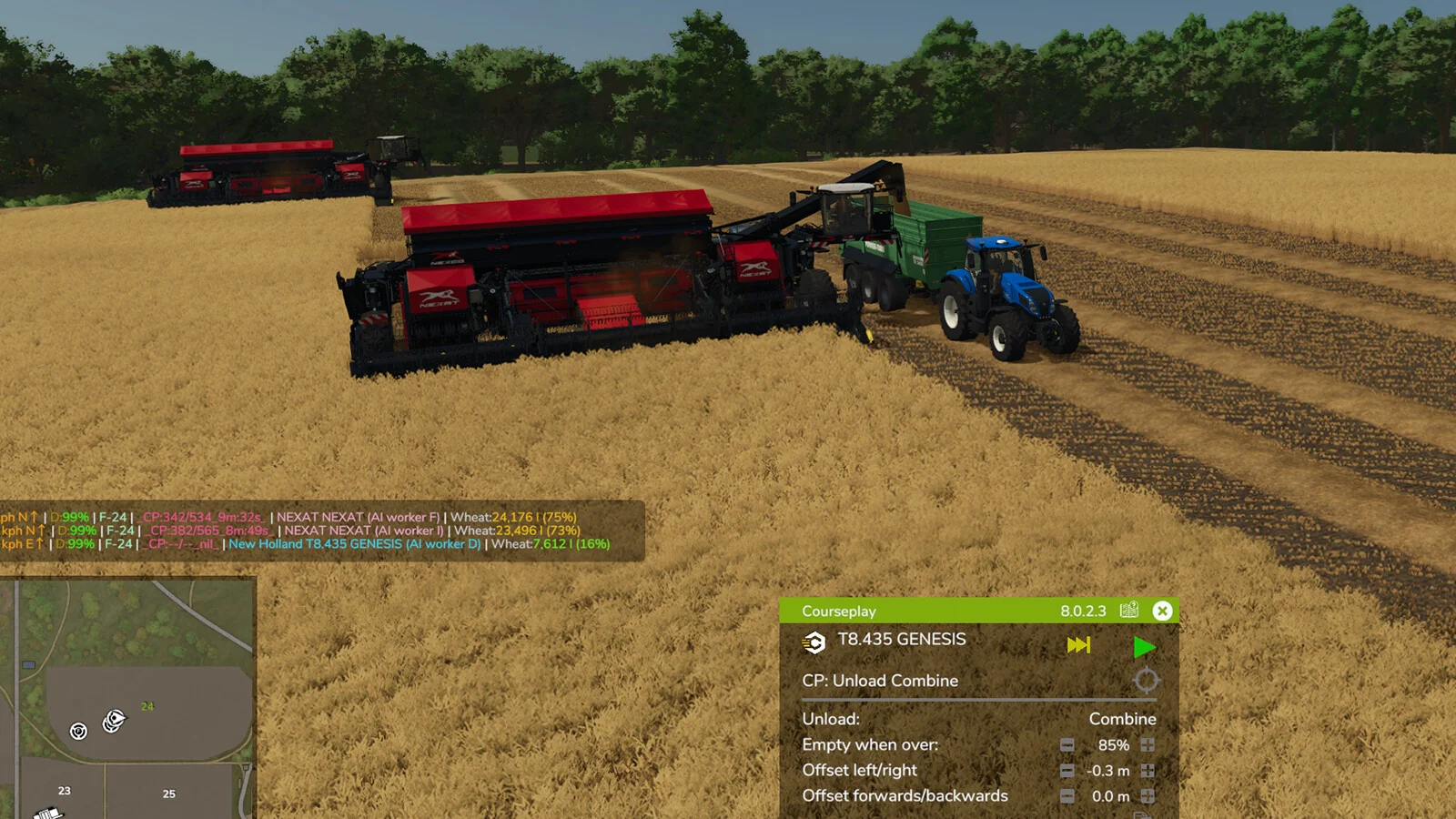
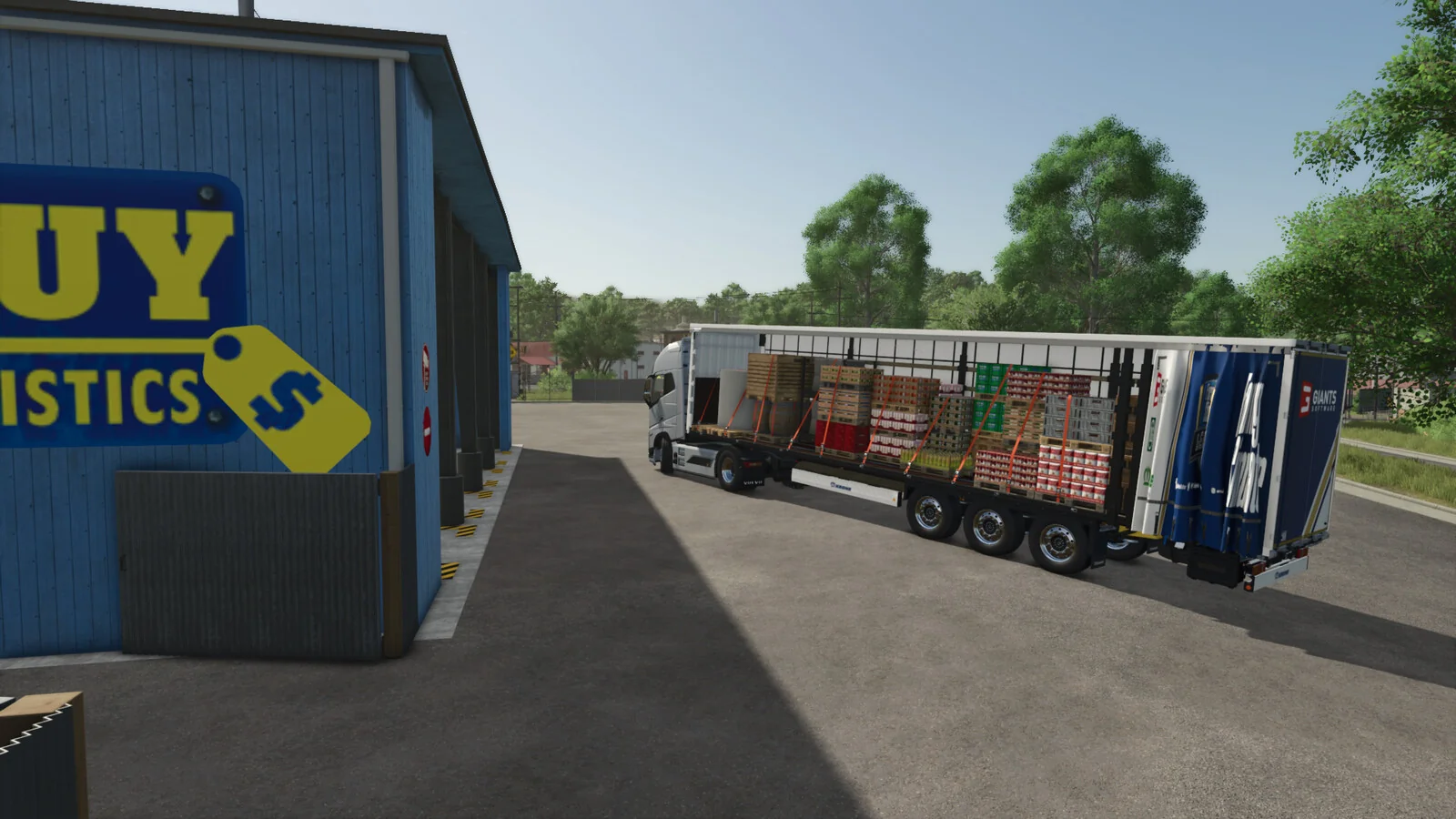
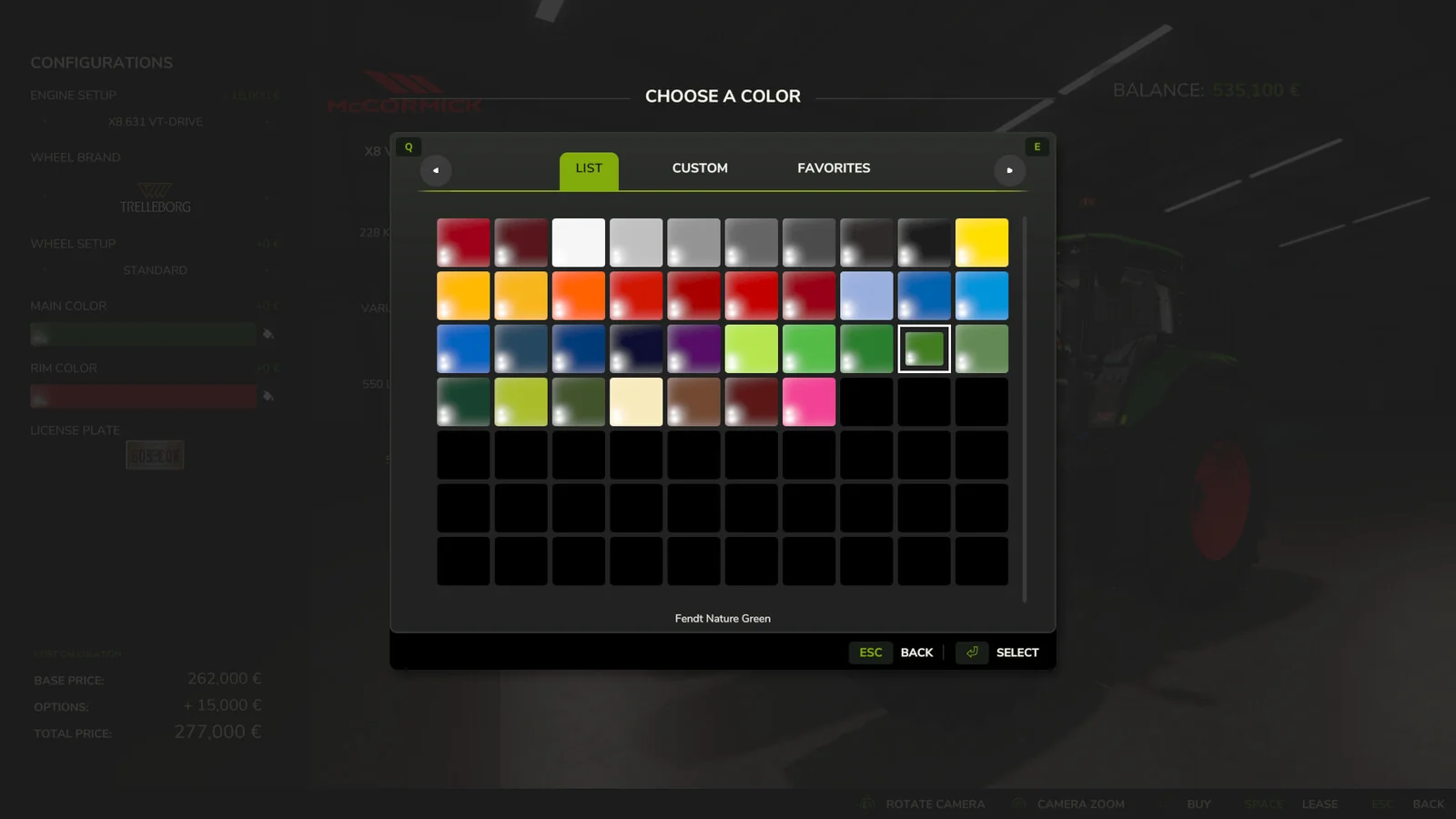
Mods are a big part of why people play Farming Simulator 25 on PC. The official ModHub is built into the game, and every mod on it is tested by GIANTS before it goes live. All of it is free, with no account needed beyond the game itself.
These five are current, popular on ModHub and none of them hand out free money, so they will not spoil your progress. Two come from GIANTS itself.
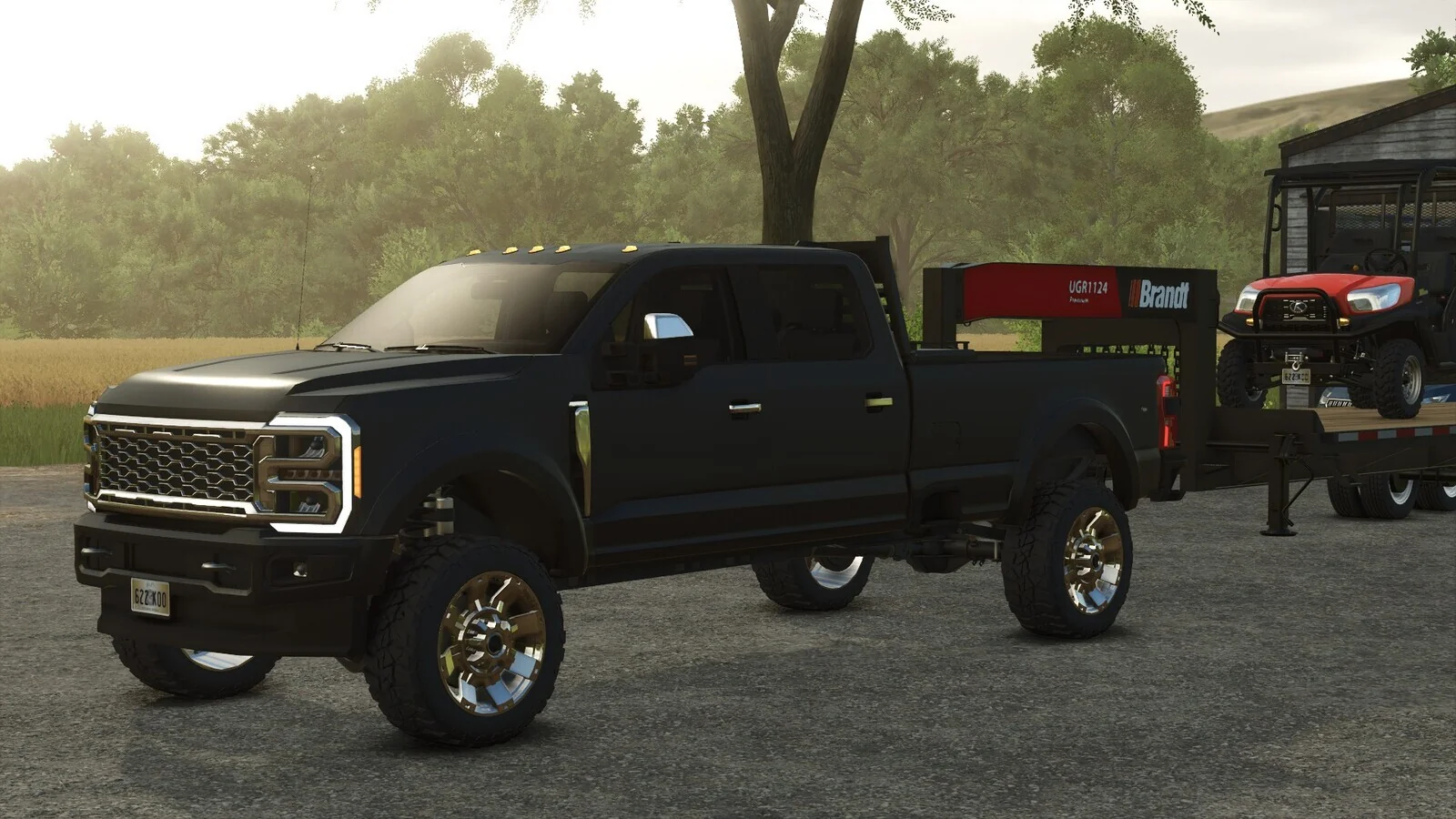
How to install mods on PC
- Step 1. Open Downloadable Content from the game’s main menu.
- Step 2. Browse or search the ModHub and pick a mod.
- Step 3. Click Download. The game installs it for you.
- Step 4. Tick the mod when you load a save, on the mod selection screen.
- Step 5. Manual installs go as a .zip file into Documents\My Games\FarmingSimulator2025\mods. Do not unzip them.
Back up your savegame folder before adding a big mod, since removing one later can leave its buildings or machines missing from that save. In multiplayer, every player needs the same mods as the host, and PC-only mods keep console players out. Stick to ModHub or the mod maker’s own page, never re-upload sites.
Farming Simulator 25 Screenshots
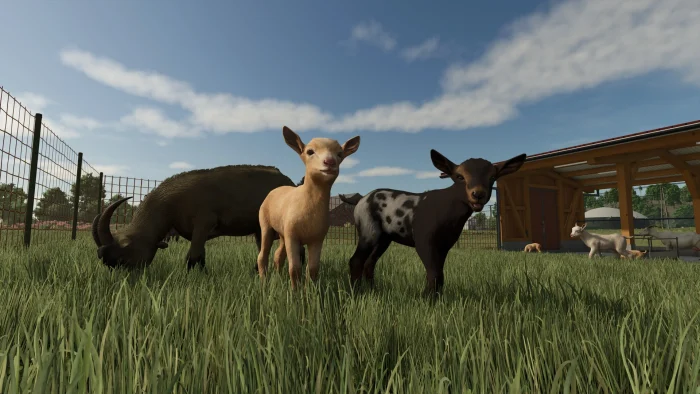
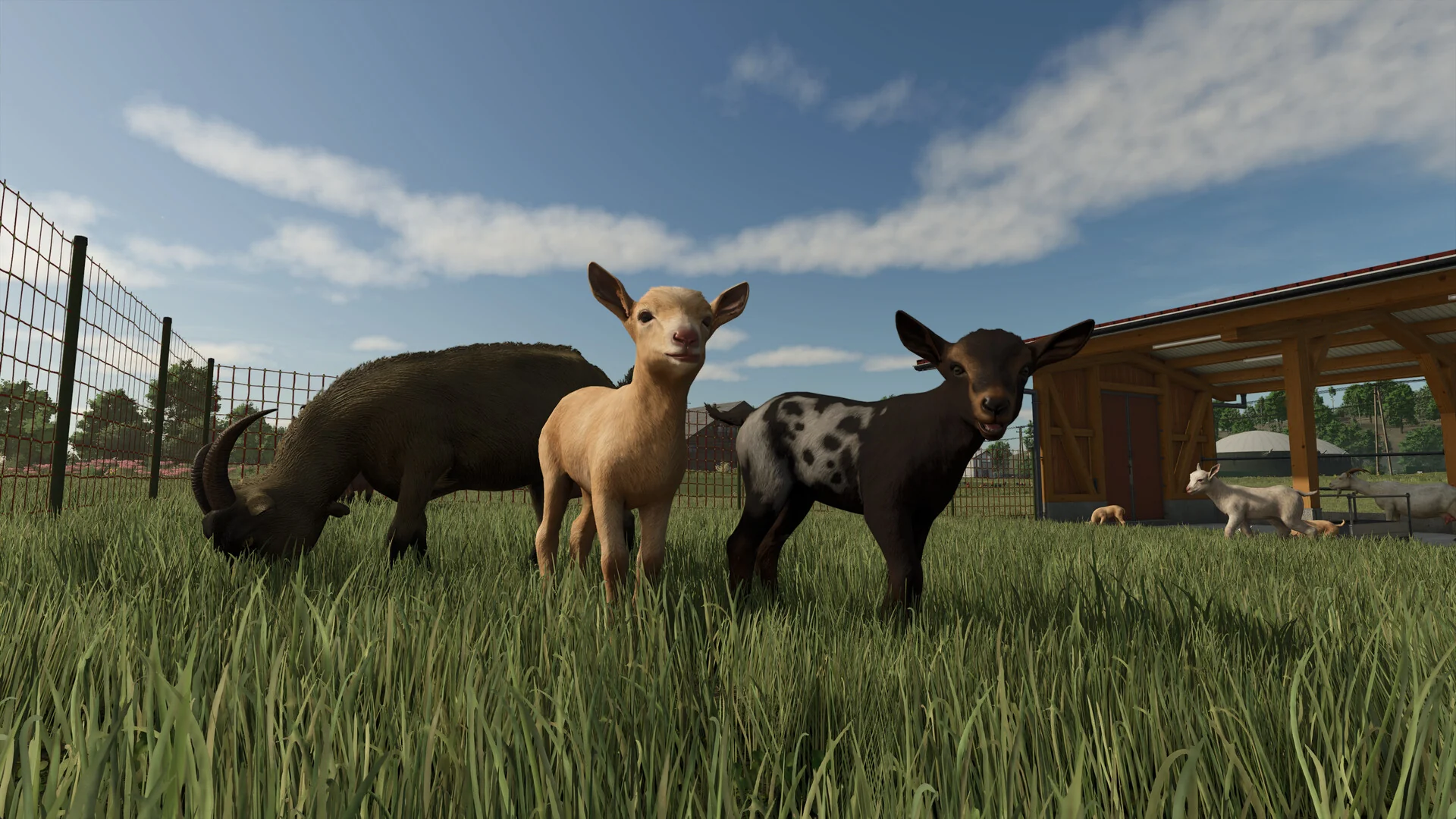
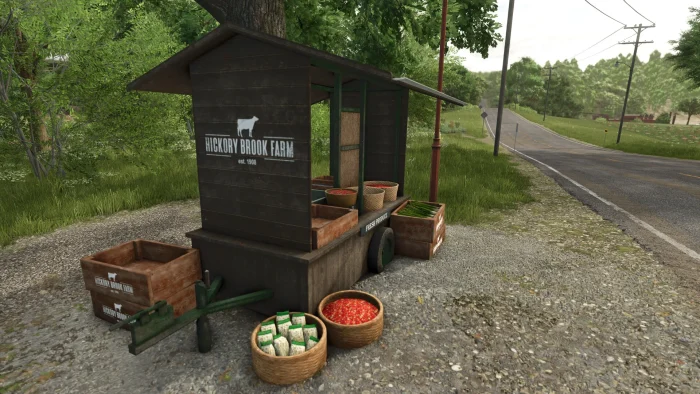
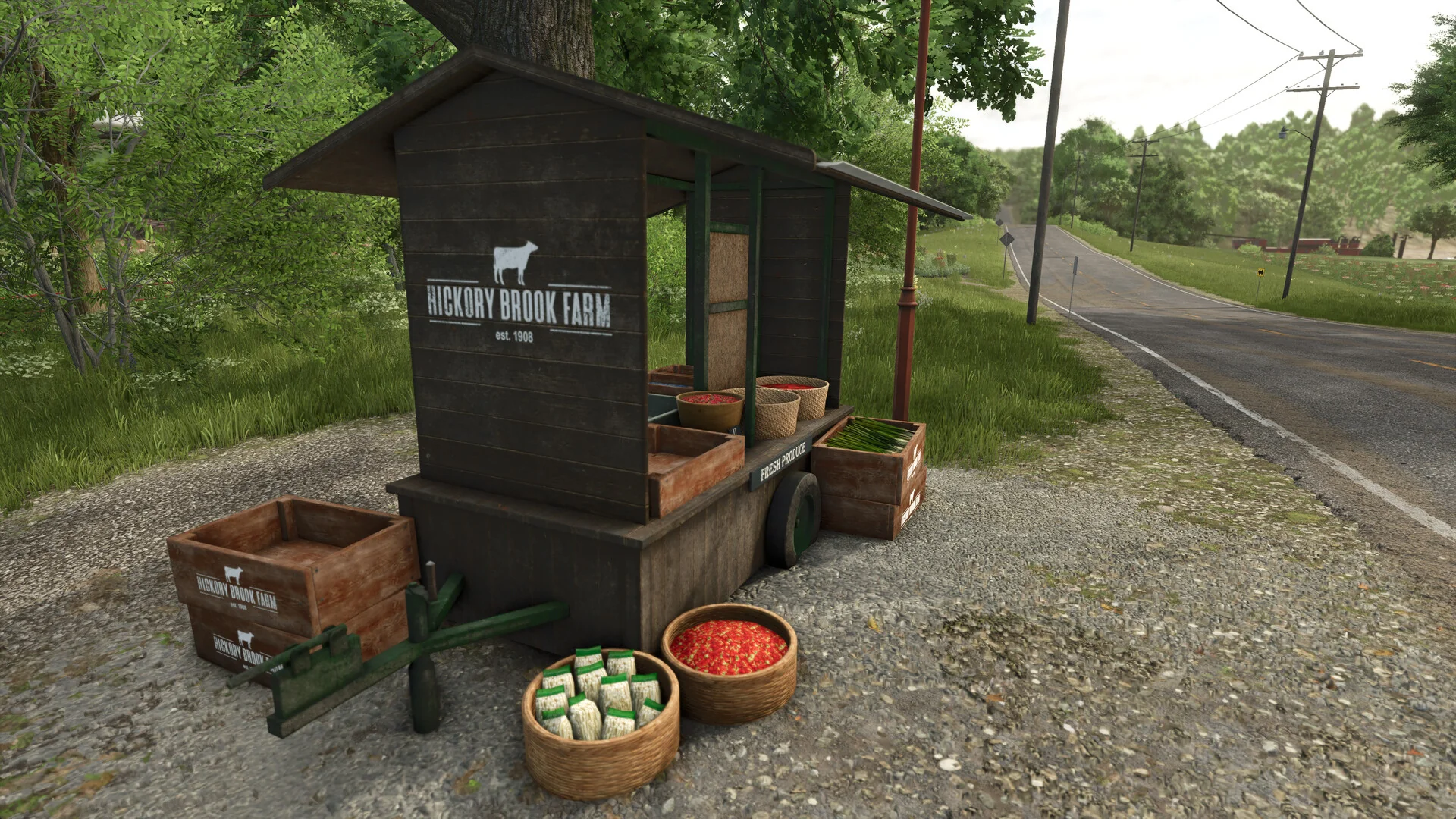
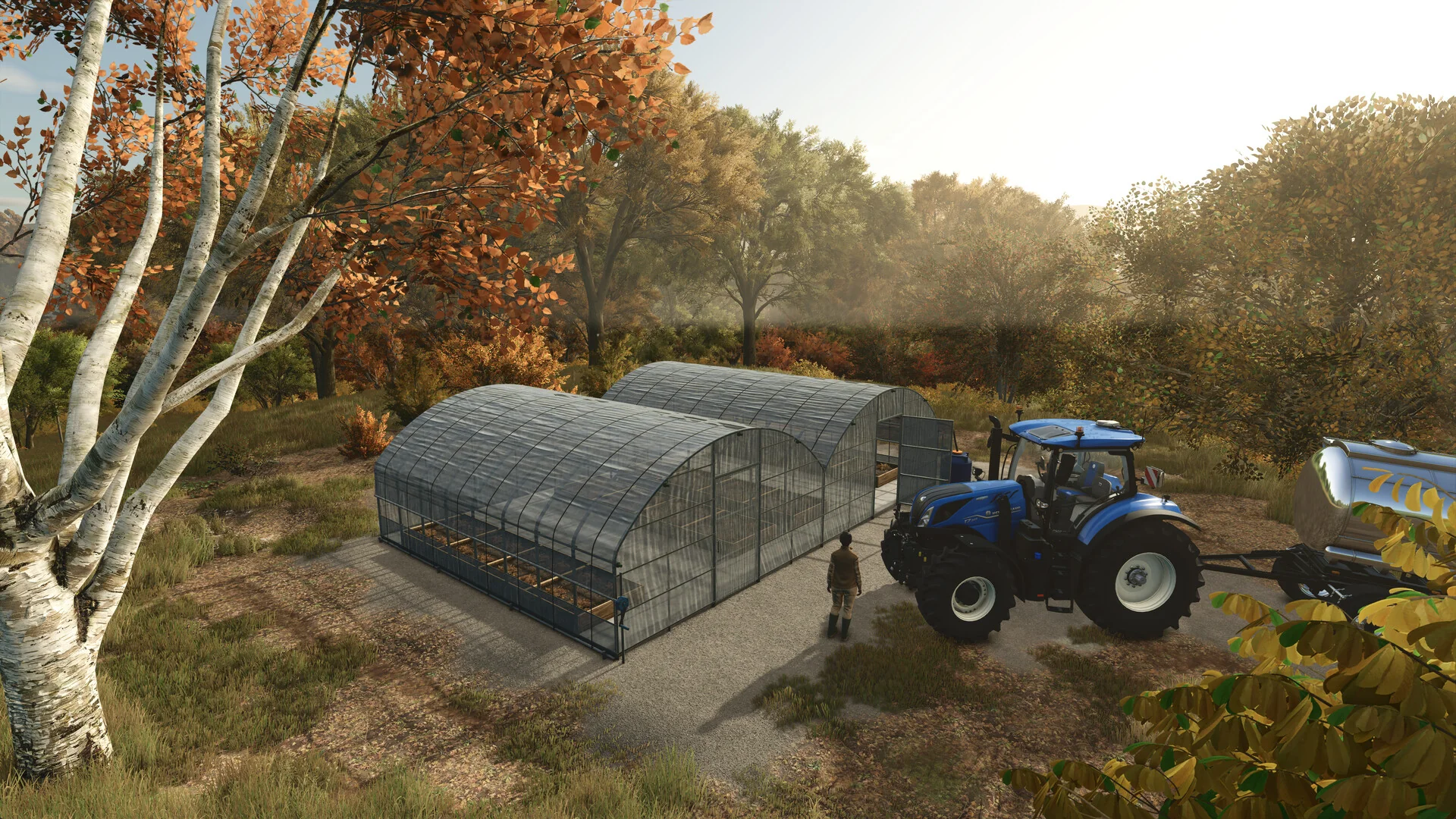
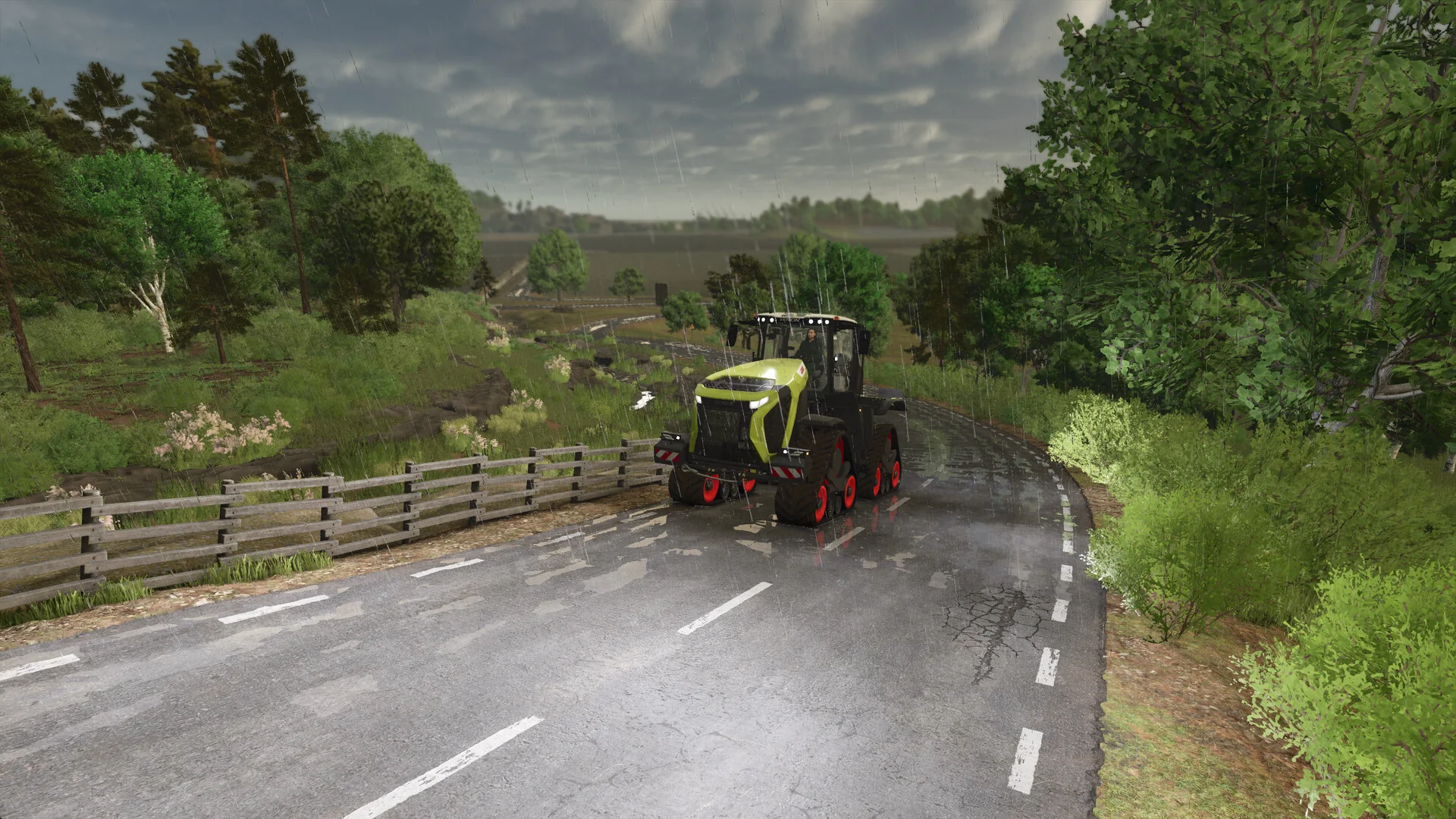
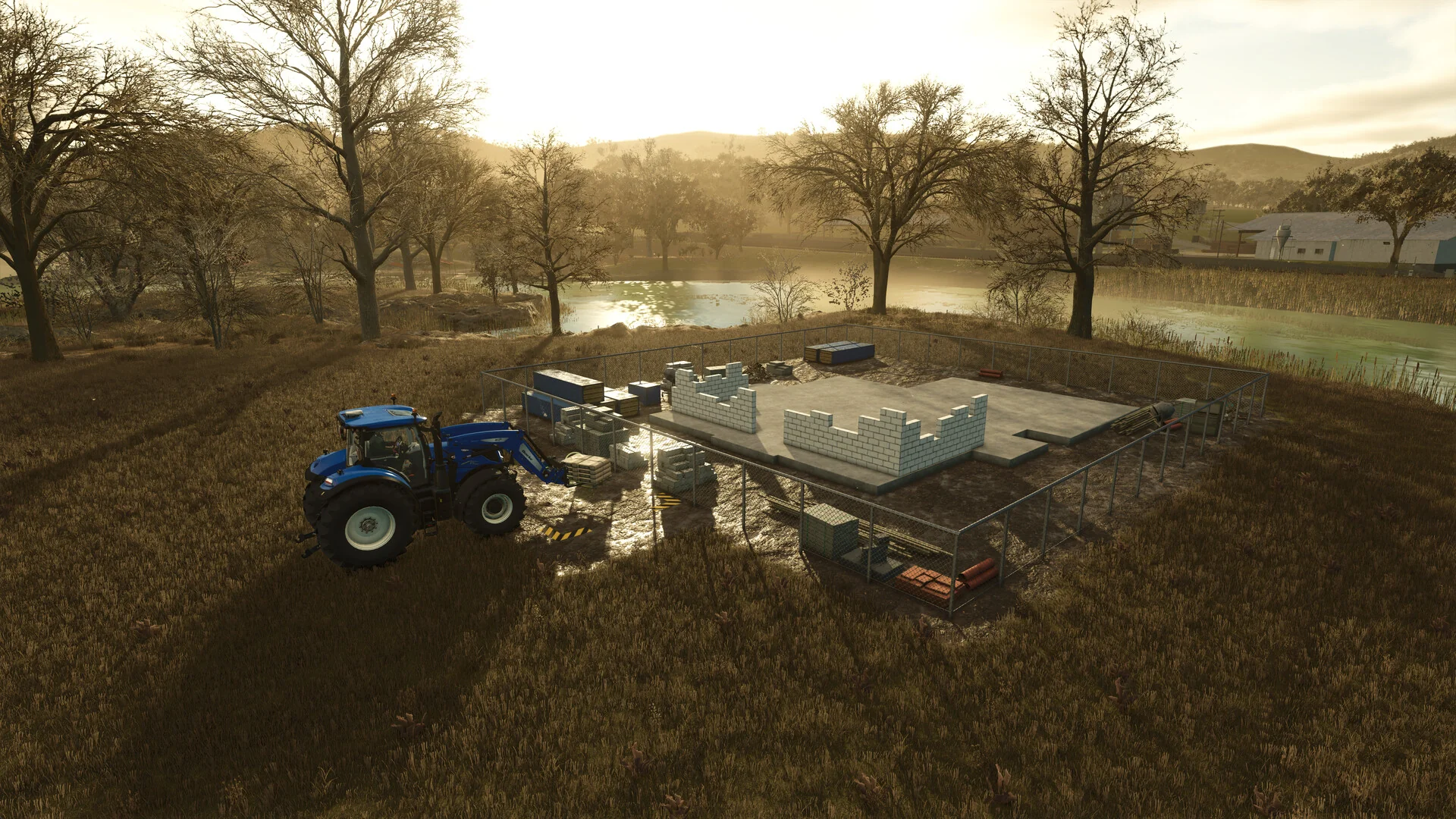
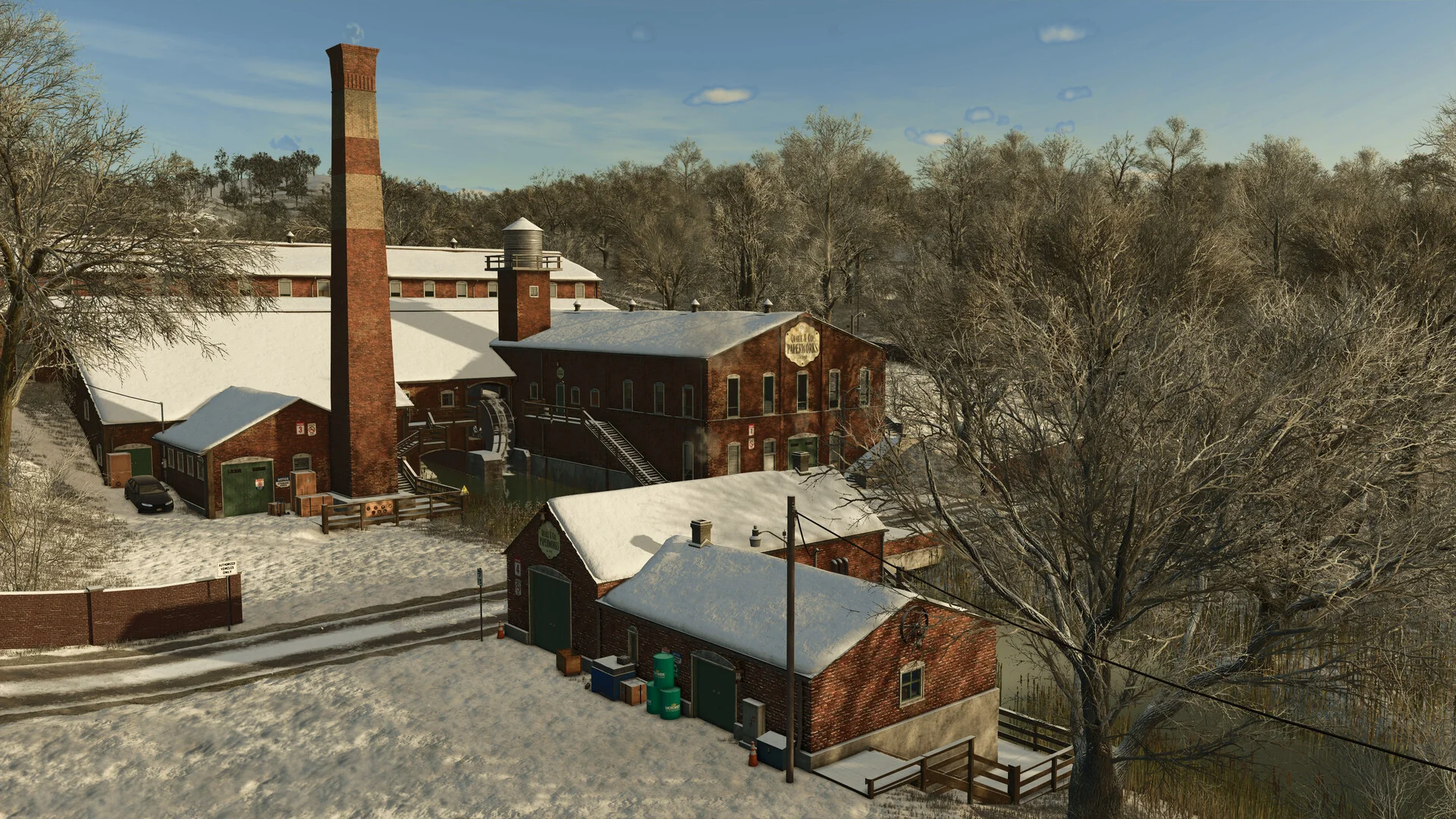
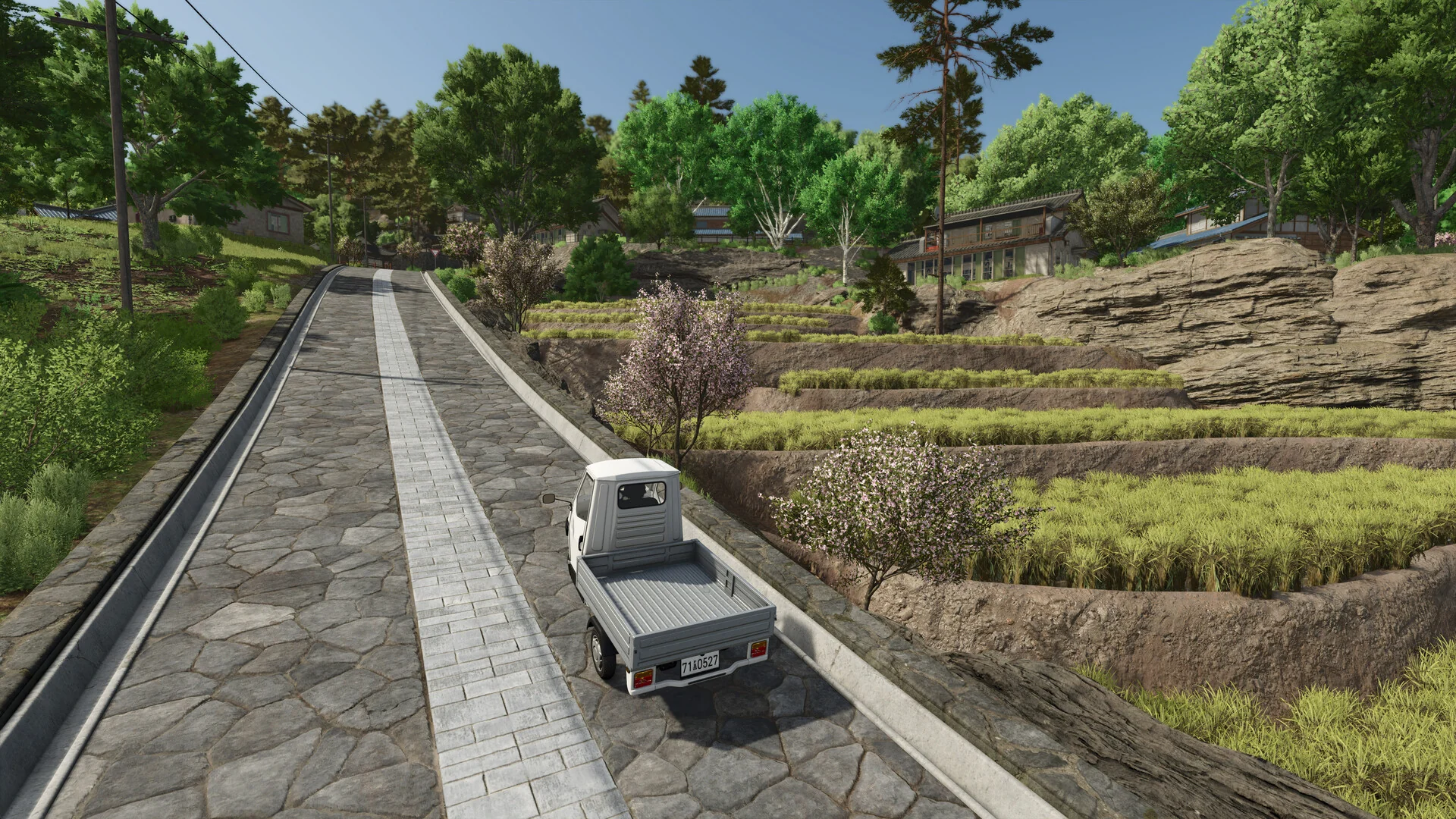
Goats and buffalo, a roadside farm stand, greenhouses, a winter brick factory and terraced fields, all from Farming Simulator 25 on PC. Click any image to open it full size.
-
- Farming simulator 25 goats buffalo from
-
- Farming simulator 25 farm stand from
-
- Farming simulator 25 greenhouses from
-
- Farming simulator 25 tracked tractor from
-
- Farming simulator 25 construction from
-
- Farming simulator 25 farmhouse from
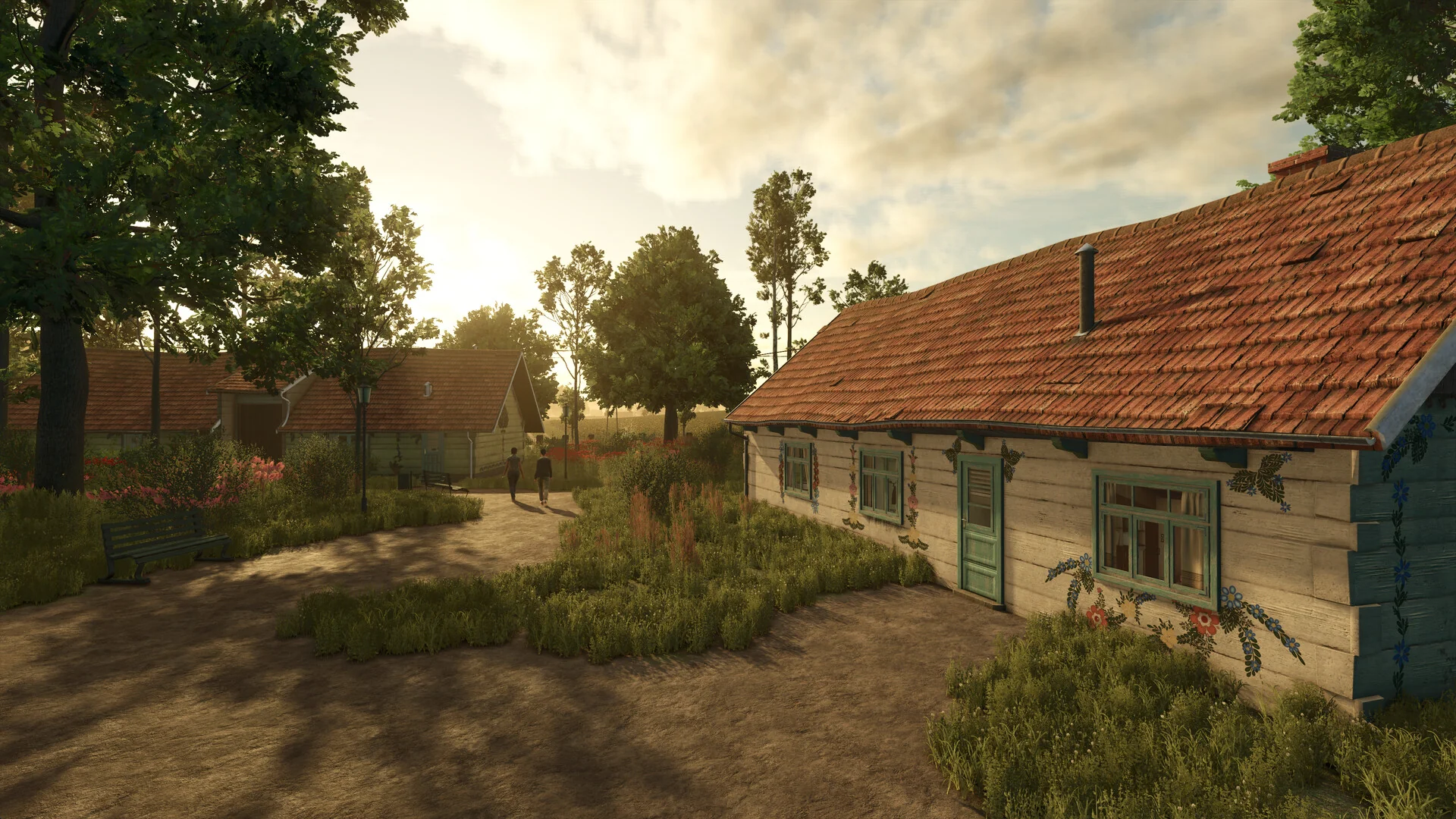
-
- Farming simulator 25 brick factory from
-
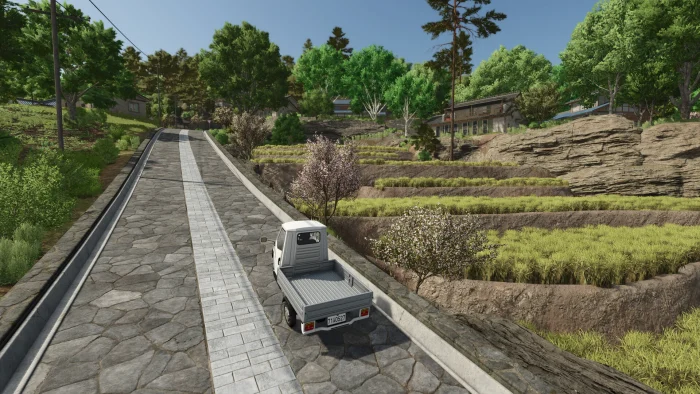
- Farming simulator 25 terraced fields from
Farming Simulator 25 FAQ
Can PC players play Farming Simulator 25 with PlayStation and Xbox players?
How many players can join a Farming Simulator 25 farm on PC?
Do I need the expansions to enjoy Farming Simulator 25?
Where are Farming Simulator 25 mods and saves stored on PC?
Can I play Farming Simulator 25 offline?
What are the Farming Simulator 25 system requirements on PC?
Support and Community
- Farming Simulator official site, GIANTS Software’s home for news, patch notes and support.
- Official ModHub, for every tested mod, also reachable inside the game.
- Official GIANTS forum, where players and GIANTS staff answer questions.
- GIANTS Software Discord, for live chat with other farmers.
- r/farmingsimulator on Reddit, the main player community for farm photos, help and mod tips.
- Steam news page, to keep up with updates and new packs.
Explore more Windows games: Stardew Valley · Farming Simulator 22 · Horses of Hoofprint Bay · SnowRunner · Transport Fever 3 · Cities: Skylines II · Car Mechanic Simulator · Best Simulation Games
Need a PC upgrade to run these? See our Best Gaming Desktops guide.
Discover more from Windows Mode
Subscribe to get the latest posts sent to your email.












i play this everyday
I played this series about…5-7 years ago, the games were great then I need to try the latest ones.