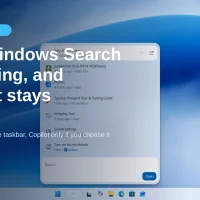
Windows Search is getting a real rebuild, not another skin on the same box. Microsoft says the new experience can change settings, open apps, preview files and run quick PC actions from the taskbar Search box. Copilot can plug in later this year, but only if you choose it.
That opt-in promise comes from Microsoft’s own Windows Experience Blog. Windows Central reports the wider Search rollout is due before the end of 2026. Insiders in the Experimental channel have been able to try the new UI since October 7.
What the new Windows Search actually does
Microsoft rebuilt Search on WinUI 3, the same modern UI stack used in newer Windows apps. The company says early tests show better performance and lower memory use. The layout is a single list instead of the old two-pane design with a big preview column on the right.
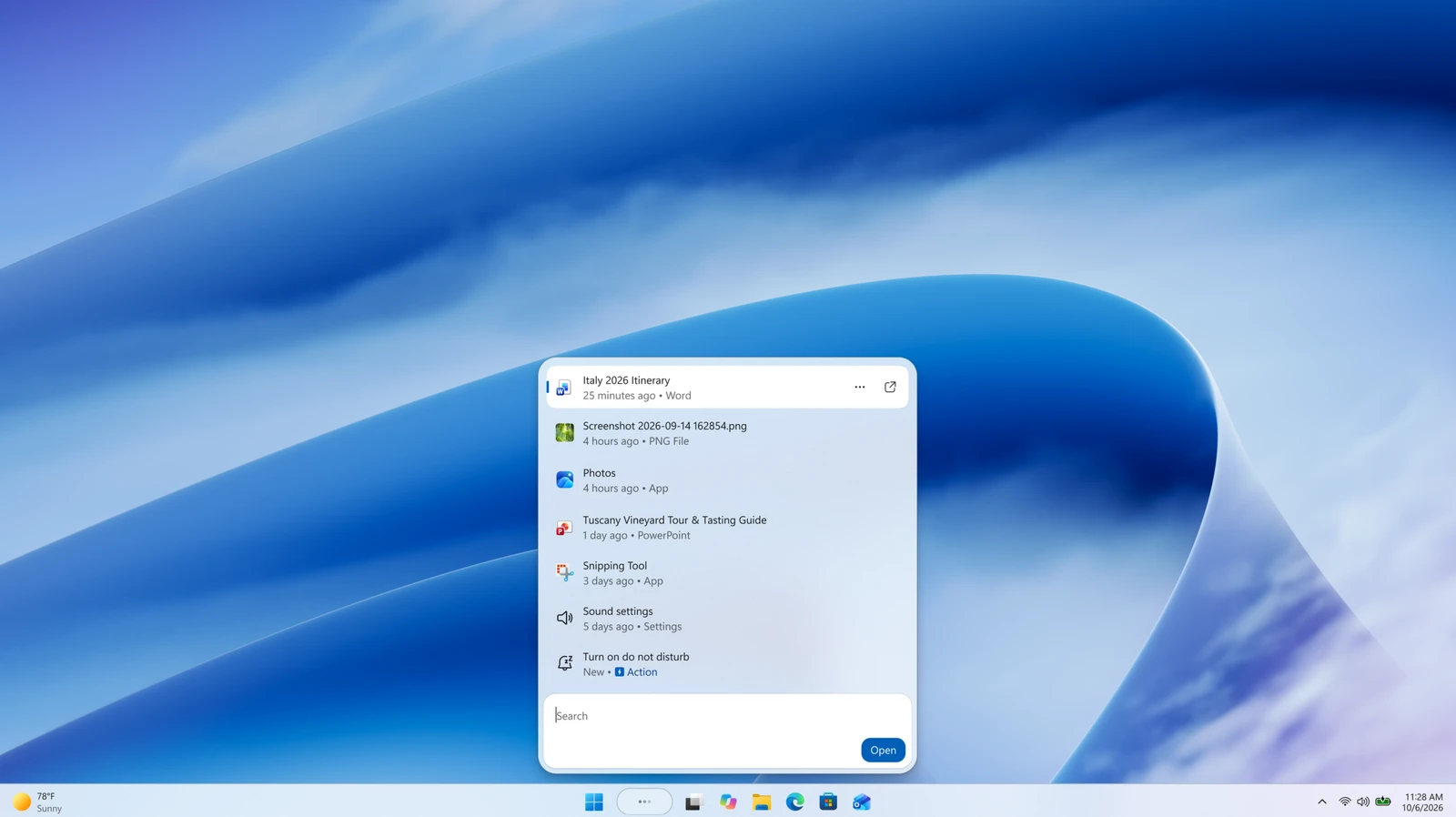
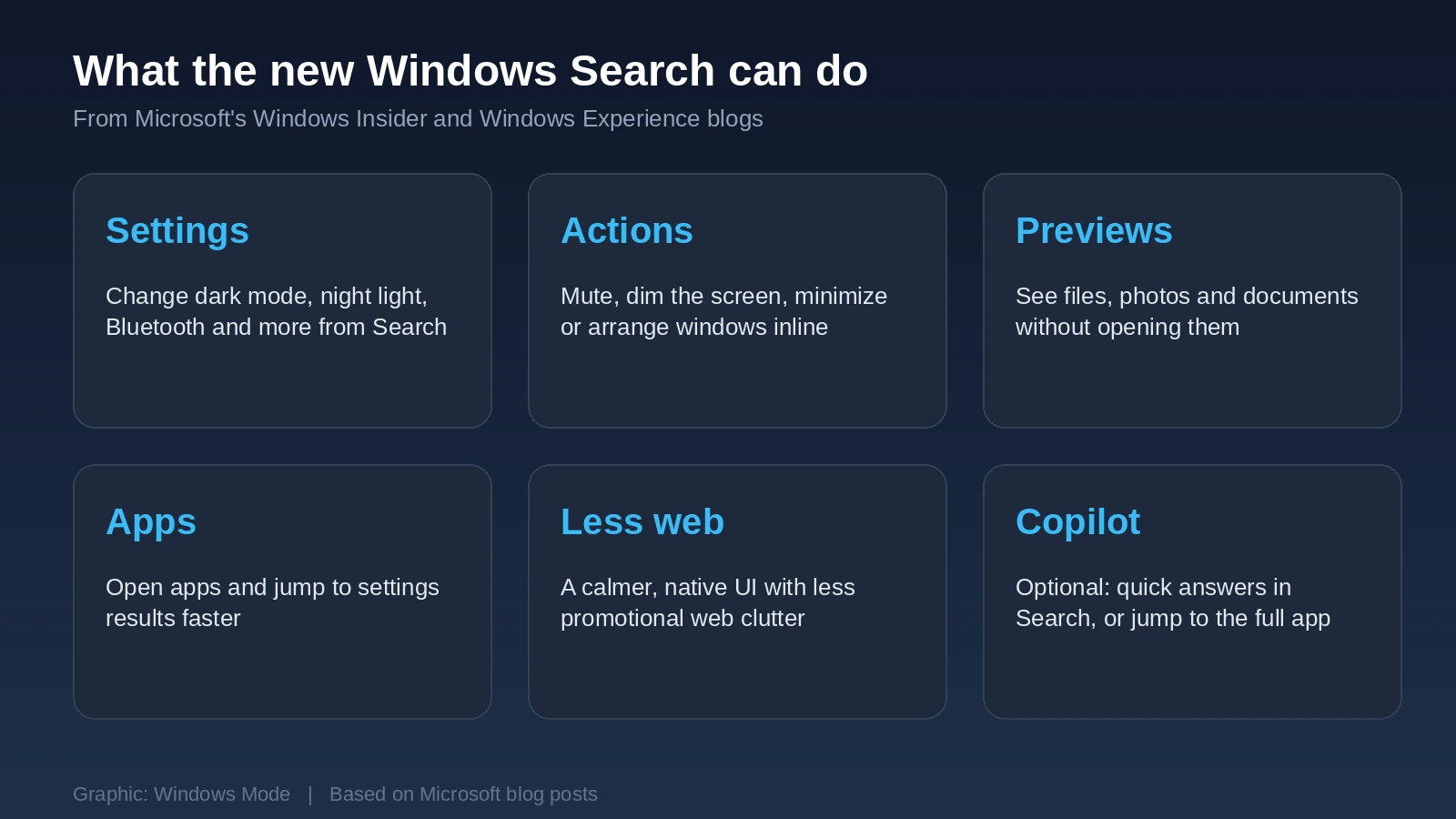
Beyond finding things, Search can now finish common jobs without opening Settings or another window. Microsoft’s examples include:
- Toggle settings: switch to dark mode, turn on night light, enable Airplane mode or Bluetooth.
- Quick adjustments: dim the screen or mute the PC.
- Workspace: minimize all windows or arrange them on screen.
- Phone Link (coming soon): send a quick text from Search when your phone is connected.
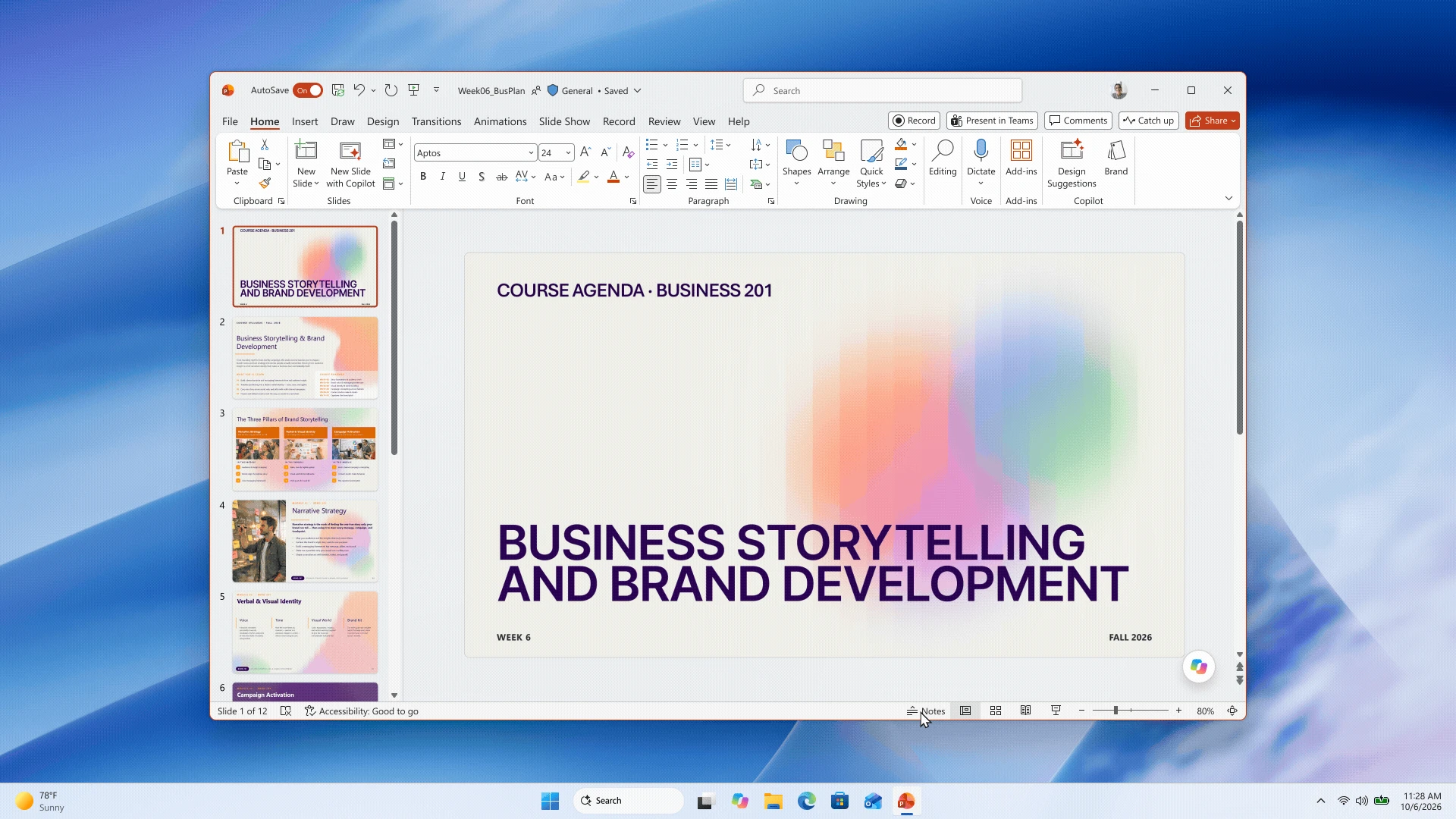
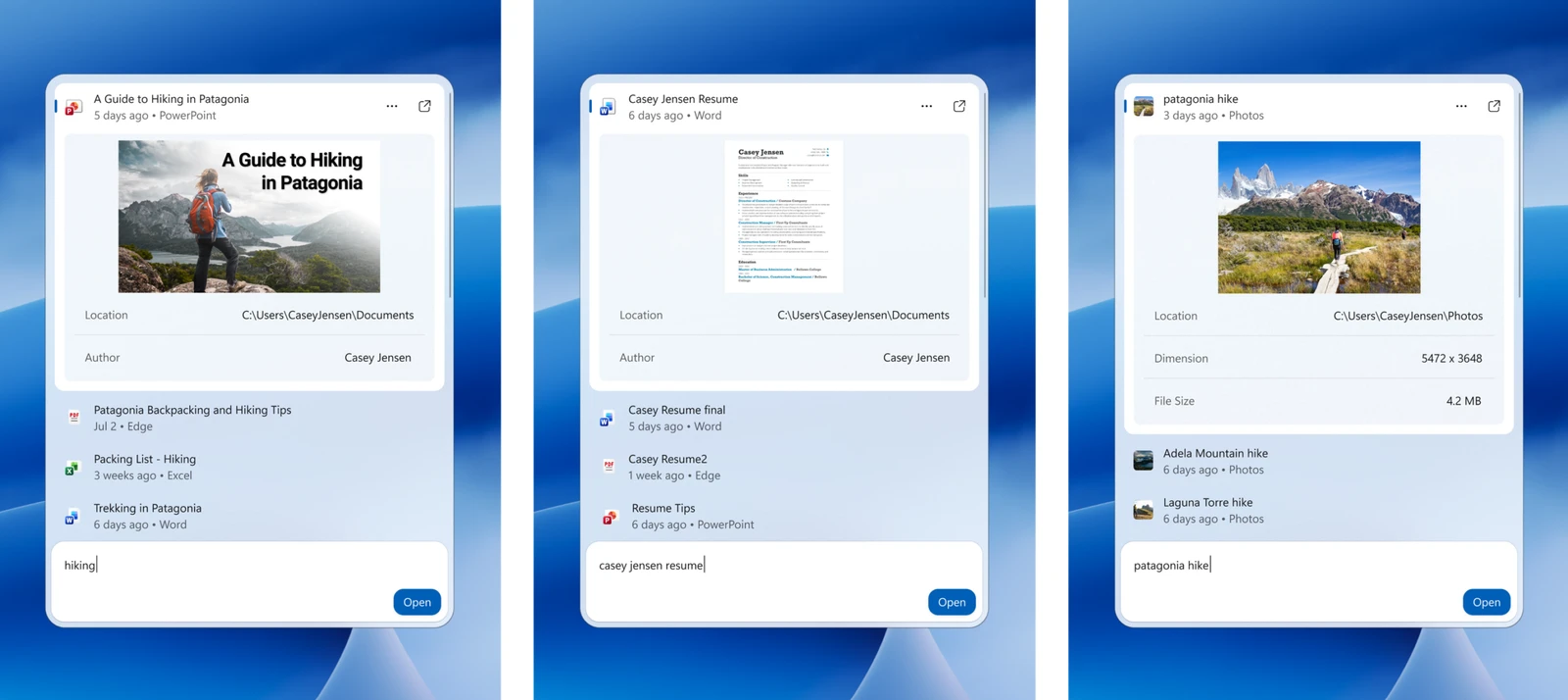
Later this year Microsoft also plans richer file previews and inline web answers (weather, stock prices, quick facts) inside Search, plus better matching for typos and synonyms. The company says the redesign reduces promotional web clutter and leans on native Windows UI for a faster feel.
Copilot in Search is opt-in this time
Ask Copilot, the earlier preview that put Copilot inside a Search-like pane, never shipped outside preview and had no off switch for the AI part. Microsoft paused that testing over the summer. The new Search UI looks similar, but Copilot is no longer baked in by default.
In their words
“We will also begin adding the option to integrate the new Copilot with Search on the taskbar, so you can get quick answers inline from Search, and if you want to have a richer conversation, you can jump from Search directly to the full Copilot app. This experience will be opt-in, and will first start rolling out to select markets later this year.”
Microsoft, Windows Experience Blog
If you leave Copilot off, you still get the faster Search UI, file and app results, settings changes and inline actions. You just will not see AI answers inside the Search box.
Timing, as Microsoft and Windows Central describe it
- Insiders now: Experimental channel, English only at first. Feature flag: New Windows Search Experience (after build 26340.9616 or 28120.3181).
- Copilot in Search: opt-in, select markets, later this year (Microsoft).
- Broader rollout: Windows Central reports Microsoft plans to begin shipping the new Search before the end of 2026. Microsoft’s public blogs focus on the Insider preview and the Copilot opt-in window, not a full general-availability date.
- Start menu Search: the old experience stays there for now. Microsoft says Start menu support is planned for next year (2027).
What you can do now
- On a regular Windows 11 PC: keep Windows Update on. There is no consumer toggle for the new Search until Microsoft ships it beyond Insiders.
- If you are already an Insider on the Experimental channel: open Settings > Windows Update > Windows Insider Program > Feature flags, look for New Windows Search Experience, turn it on, then restart after checking for updates.
- Share feedback with Win + F, under Desktop Environment > Search.
- If you dislike Copilot in Search: wait for the opt-in. Unlike Ask Copilot, Microsoft says you will not have to live with it if you never enable it.
No Copilot+ PC required for the basic Search actions
Windows Central asked Microsoft whether the new Search needs an NPU. Microsoft said the inline actions use a small local machine-learning model on the main processor, not a generative model, so they are not limited to Copilot+ PCs. Copilot answers inside Search are a separate, optional layer.
Frequently Asked Questions
Will Copilot show up in Search by default?
Can I try the new Windows Search today?
Does this change Search in the Start menu?
Source: Microsoft, Windows Insider Blog.
Discover more from Windows Mode
Subscribe to get the latest posts sent to your email.














Add your first comment to this post