

Readers like you help support this site. When you make a purchase using links on our site, we may earn an affiliate commission. All opinions remain our own.
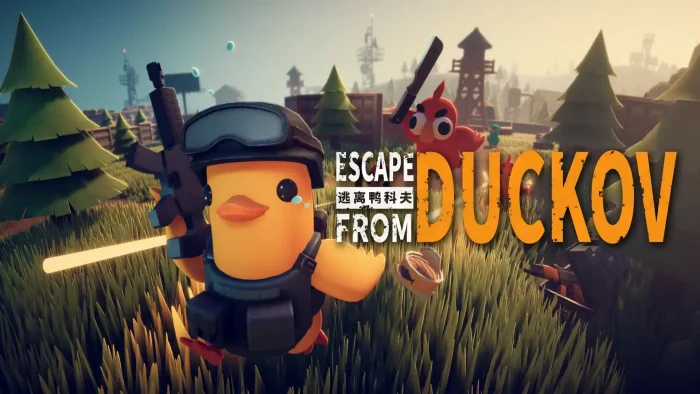

Developed by Team Soda, this top-down shooter tasks you with scavenging across vast maps, building your hideout, and upgrading your gear to survive in a world filled with hostile ducks.
After a successful launch, the game has earned an “Overwhelmingly Positive” user review status on Steam, with players praising its addictive core loop, satisfying gunplay, and hilarious concept.
Its forgiving single-player focus and charming style make it a fantastic entry point for anyone curious about extraction shooters but intimidated by competitive PvP.
If you enjoy the loot-and-extract gameplay of hardcore shooters but wish it was a more relaxed, single-player experience with a lot of personality, Escape From Duckov is a quack-tastic adventure.
This guide covers how to install it on Windows, its key features, and essential beginner tips for surviving your first raids.
Have questions or your own tips to share? Leave a comment below or contact us, we’re real people and always happy to help.
Download and install Escape From Duckov on PC
Escape From Duckov is available on Steam and the Epic Games Store. Here’s how to install it:
- Method: Steam
- Open the store page: Escape From Duckov on Steam.
- Click Add to Cart and complete the checkout process.
- In your Steam Library, click Install and select your preferred drive.
- Wait for the download to complete.
- Launch the game from your Library and start your adventure.
- Method: Epic Games Store
- Open the store page: Escape From Duckov on Epic Games.
- Click Get to add the game to your library.
- Open the Epic Games Launcher and go to your Library.
- Click Install next to Escape From Duckov.
- Once installed, click Launch to start playing.
Quick Tip: 💡 For players who want a comprehensive resource, a detailed game guide is available on Amazon. It can help you navigate quests, find the best loot, and master the game’s mechanics: Escape From Duckov Game Guide on Amazon.
Get Escape From Duckov on Steam | Get Escape From Duckov on Epic Games

What is Escape From Duckov?
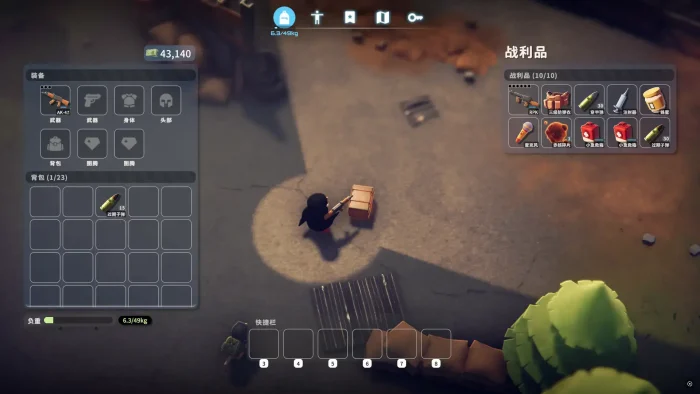
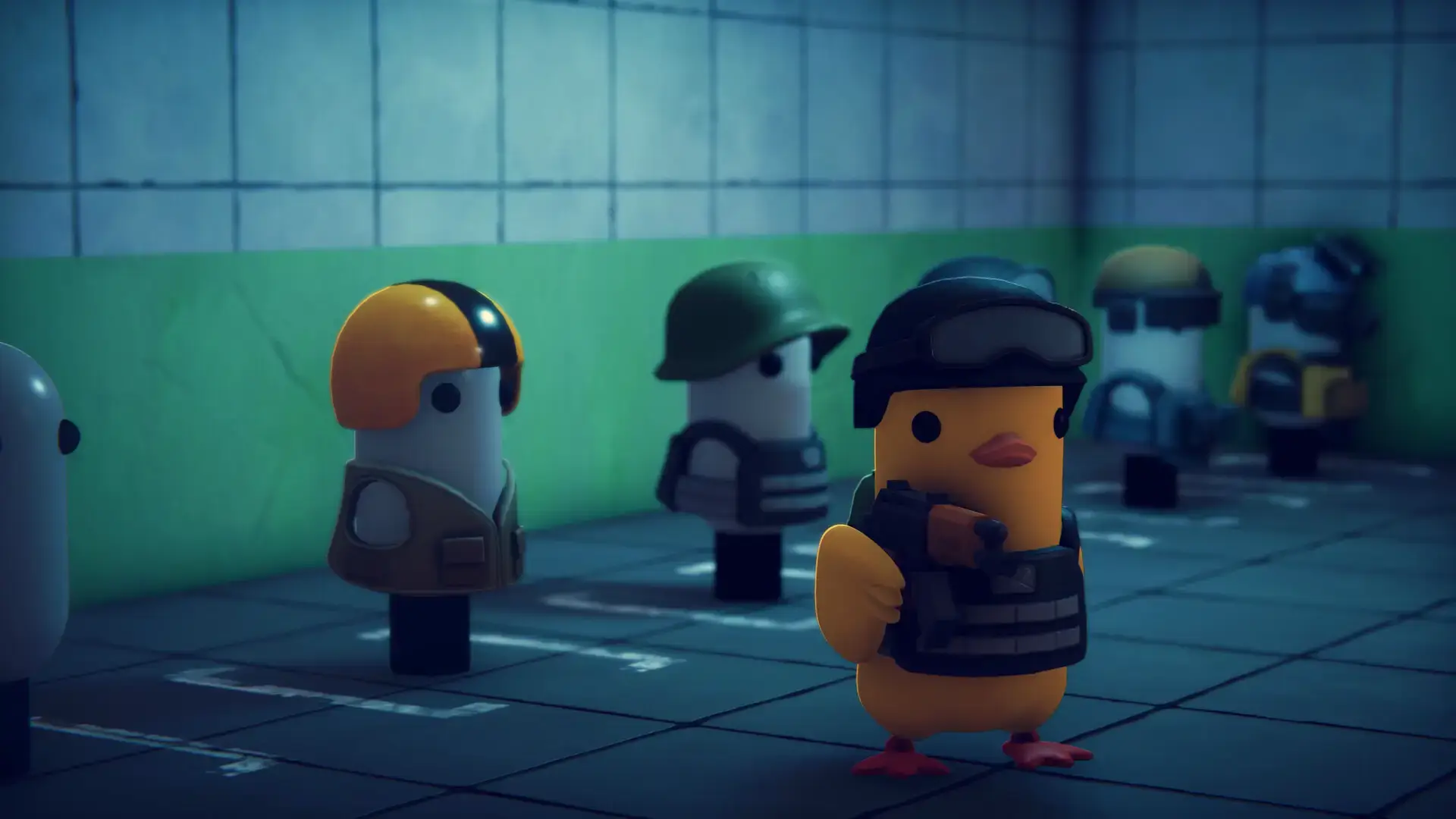
Escape From Duckov is a single-player, top-down extraction shooter where you play as a custom duck character trying to survive and uncover the mysteries of a dangerous world. The core loop involves gearing up, venturing into dynamic maps to loot resources, fighting off enemy ducks and other threats, and successfully extracting to bring your haul back to your ever-growing hideout.
Unlike its hardcore inspirations, the game features a more forgiving death mechanic: if you die, your loot is dropped in a box where you fell, giving you a chance to retrieve it on your next run. This makes for a much less stressful experience, perfect for solo players.
Key Features
- Single-Player Extraction Focus: A unique PVE-only take on the genre, perfect for solo players who want the looter-shooter experience without PvP pressure.
- Deep Progression & Base Building: Constantly upgrade your duck’s skills and expand your hideout with new facilities like workshops and armor shops, making every run feel rewarding.
- Extensive Weapon System: Choose from over 50 weapons and customize them with an extensive modification system to create your ultimate firearm.
- Charming Art & Sound: Features a cute, cartoonish aesthetic with wonderfully round and expressive ducks, complemented by a smooth, jazzy soundtrack in your hideout.
- Steam Workshop Support: The game includes mod support from the start, allowing the community to create new weapons, maps, and missions to keep the experience fresh.
Why play on Windows?
Playing on PC provides the ideal environment for Escape From Duckov’s precise top-down combat and intricate inventory management. The mouse and keyboard controls offer the accuracy needed for its satisfying gunplay, and the platform ensures smooth performance for its dynamically generated raids.
Tips for PC beginners
- Start with Simple Loot Runs: When you begin, focus on quick, safe runs to learn the maps. A recommended early route is to head left from your base, loot the basket and nearby caches, and clear the tents of melee enemies for a solid, low-risk haul.
- Prioritize Key Early Quests: Focus on Jeff’s first quests, “Basic Construction” and “Startup Capital.” You’ll need to find two pieces of wood and get one kill. This will unlock your Workbench, which is essential for crafting and progression.
- Check the Shop for Quest Items: Don’t waste hours searching for a specific item. Some quest components, like the “Driver” (flathead screwdriver) needed to repair the Signal Tower, can be bought directly from the in-game shop.
- Build Bridges ASAP: Collect 4 wood to repair the two bridges on the map. This opens up access to the best loot zones, including a cave that is considered the ultimate loot spot in the starting area.
- Master Sound Cues: Sound is crucial. Different enemy types have unique footstep sounds and quacks that they emit just before attacking. Learning these will give you a vital warning and help you decide whether to fight or flee.
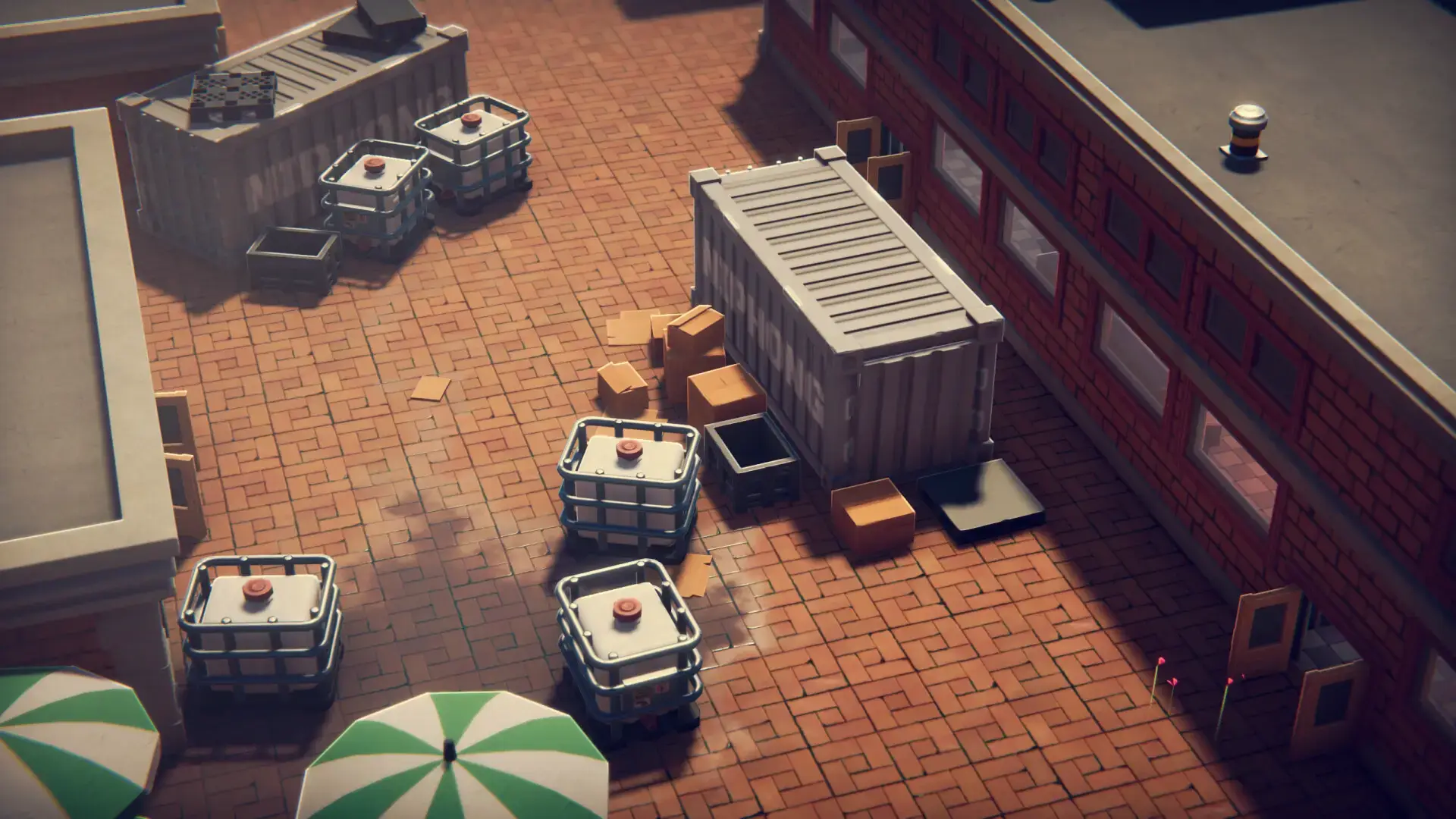
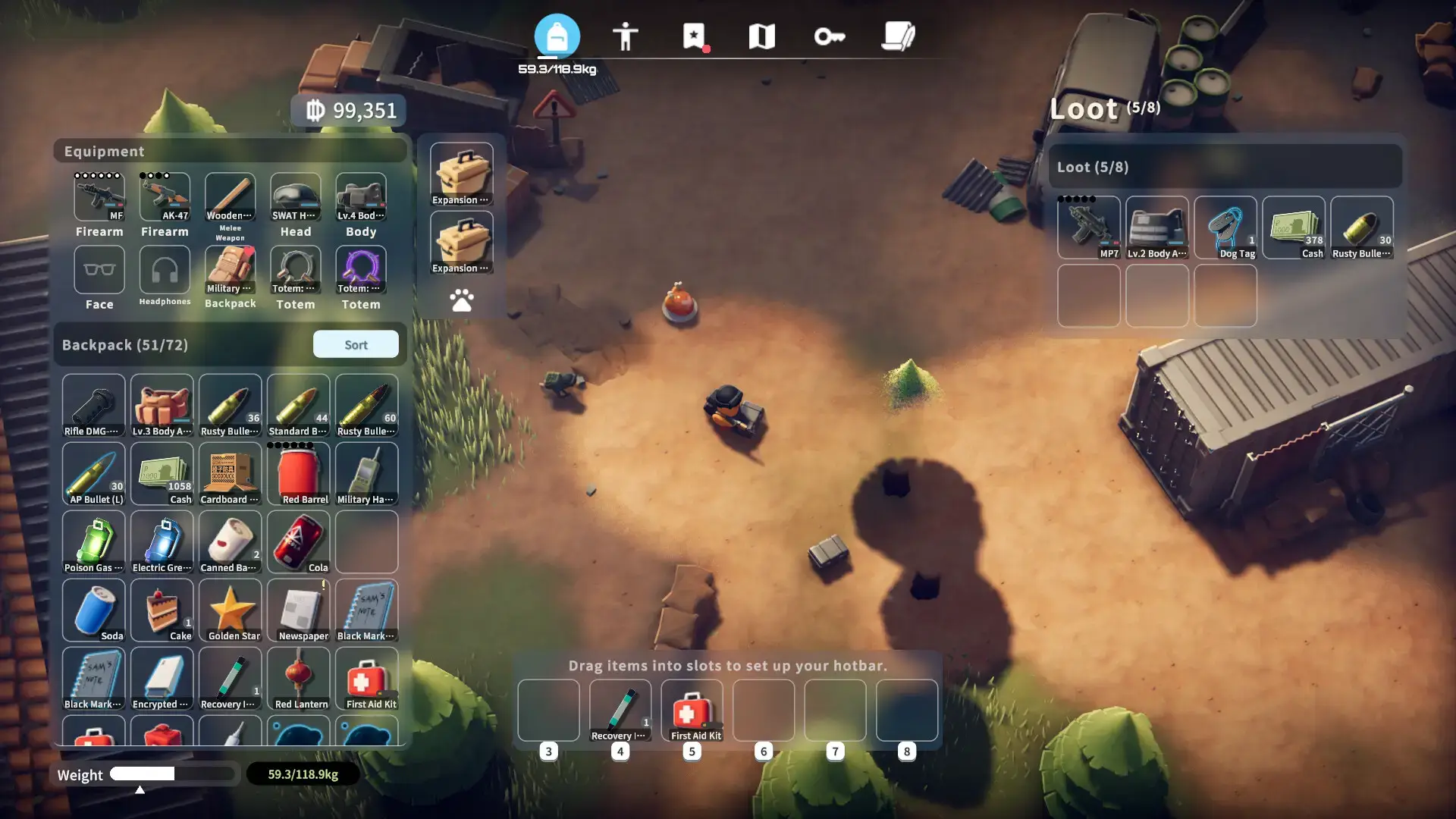
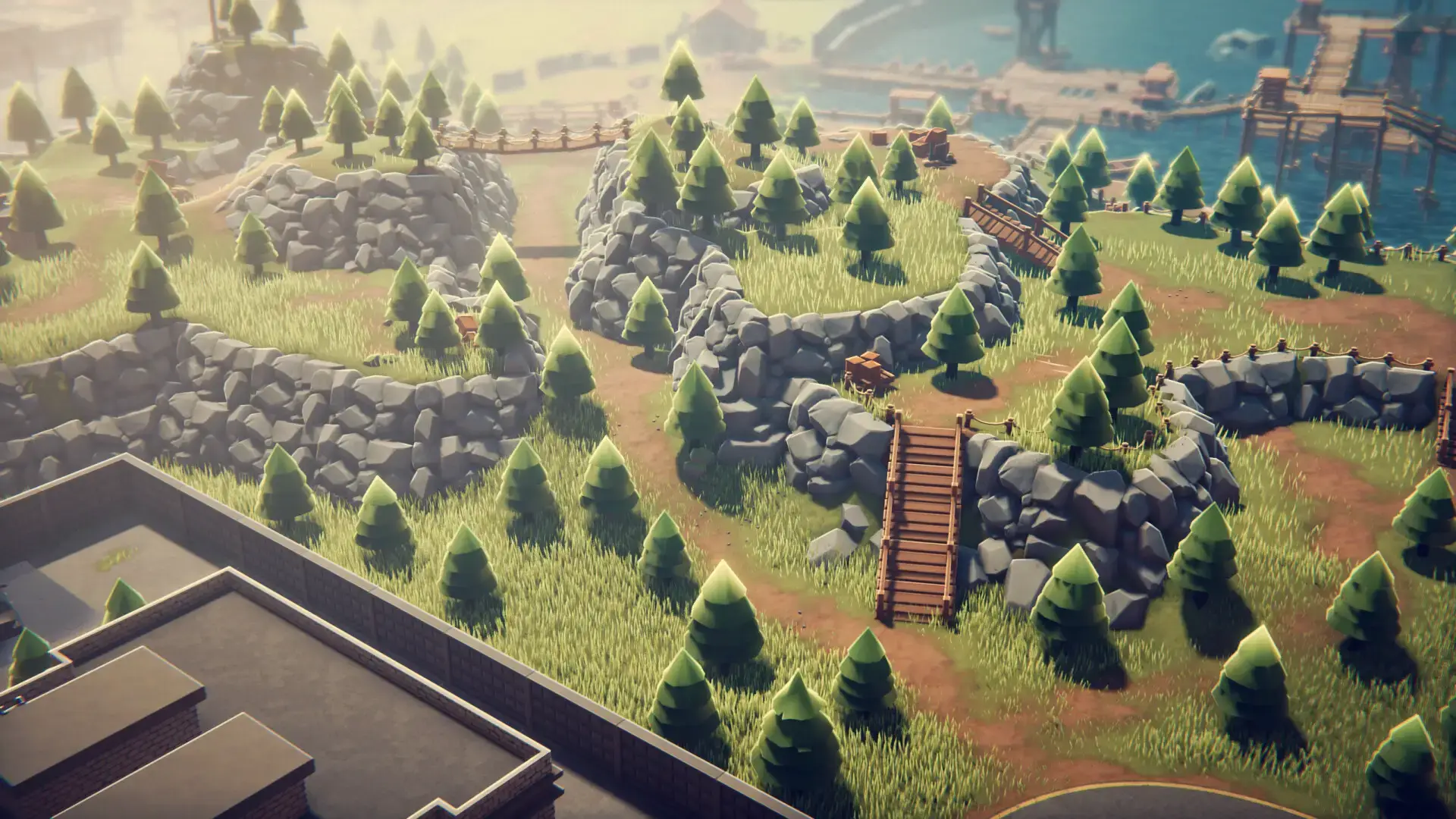
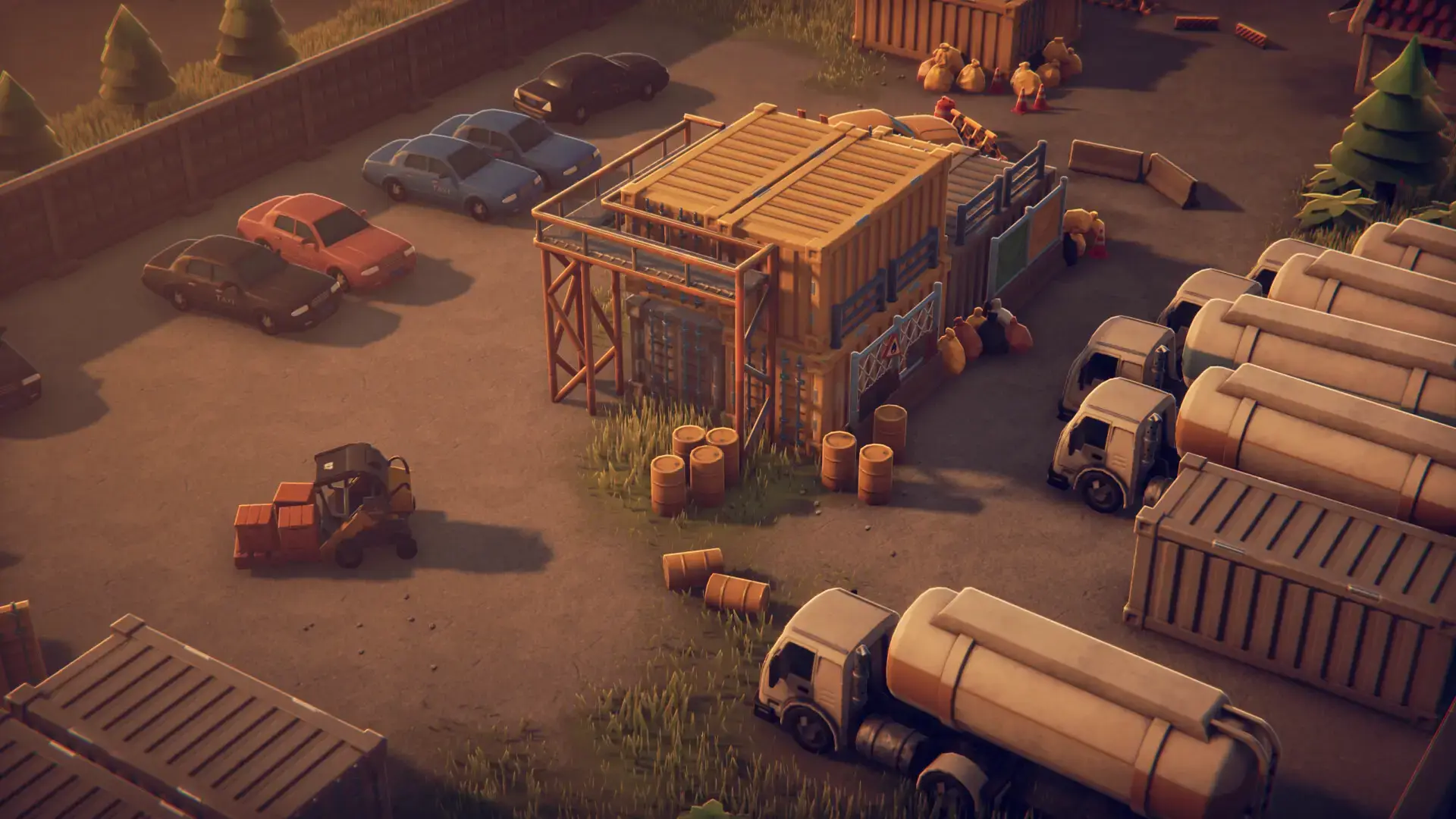
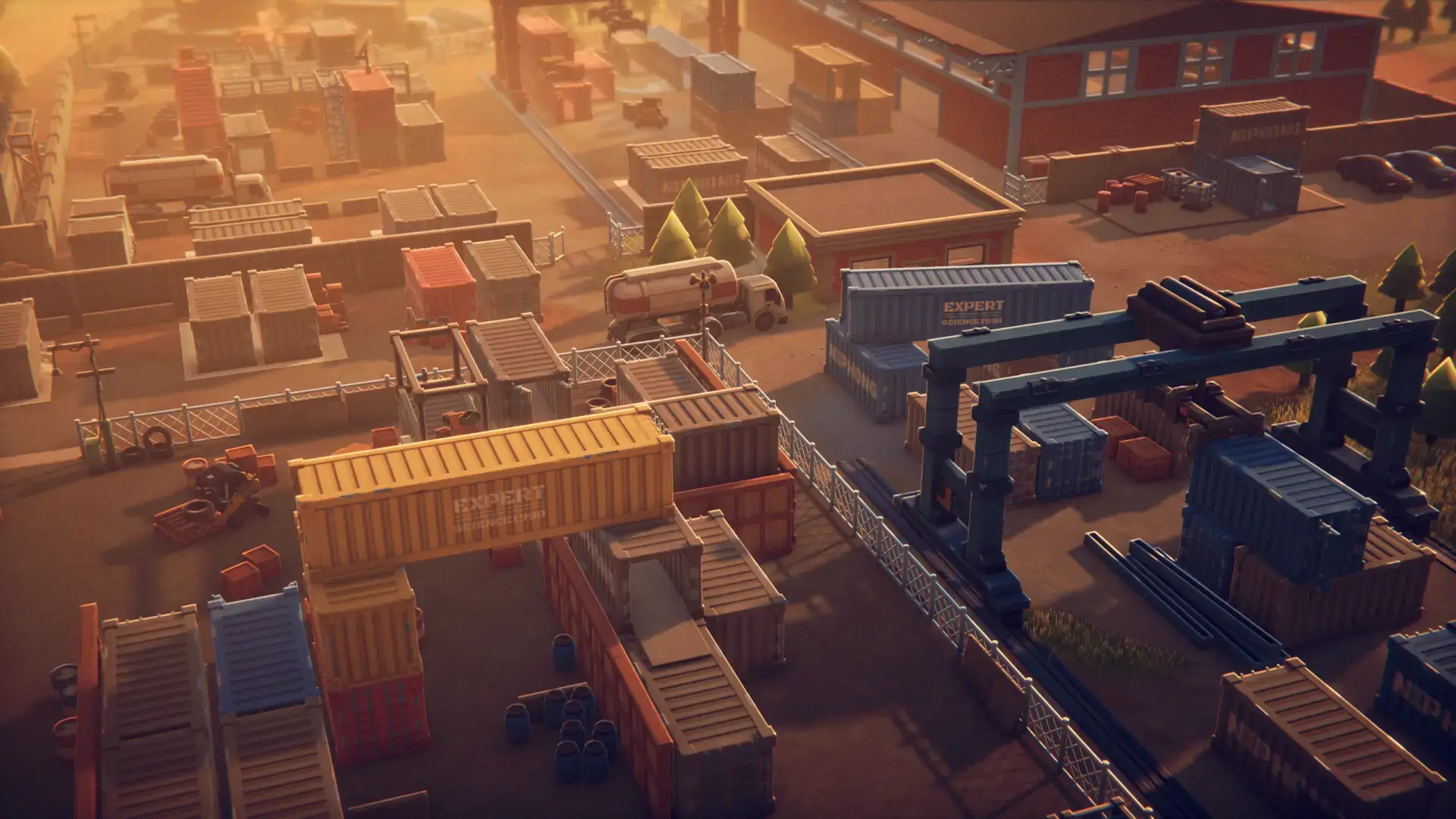
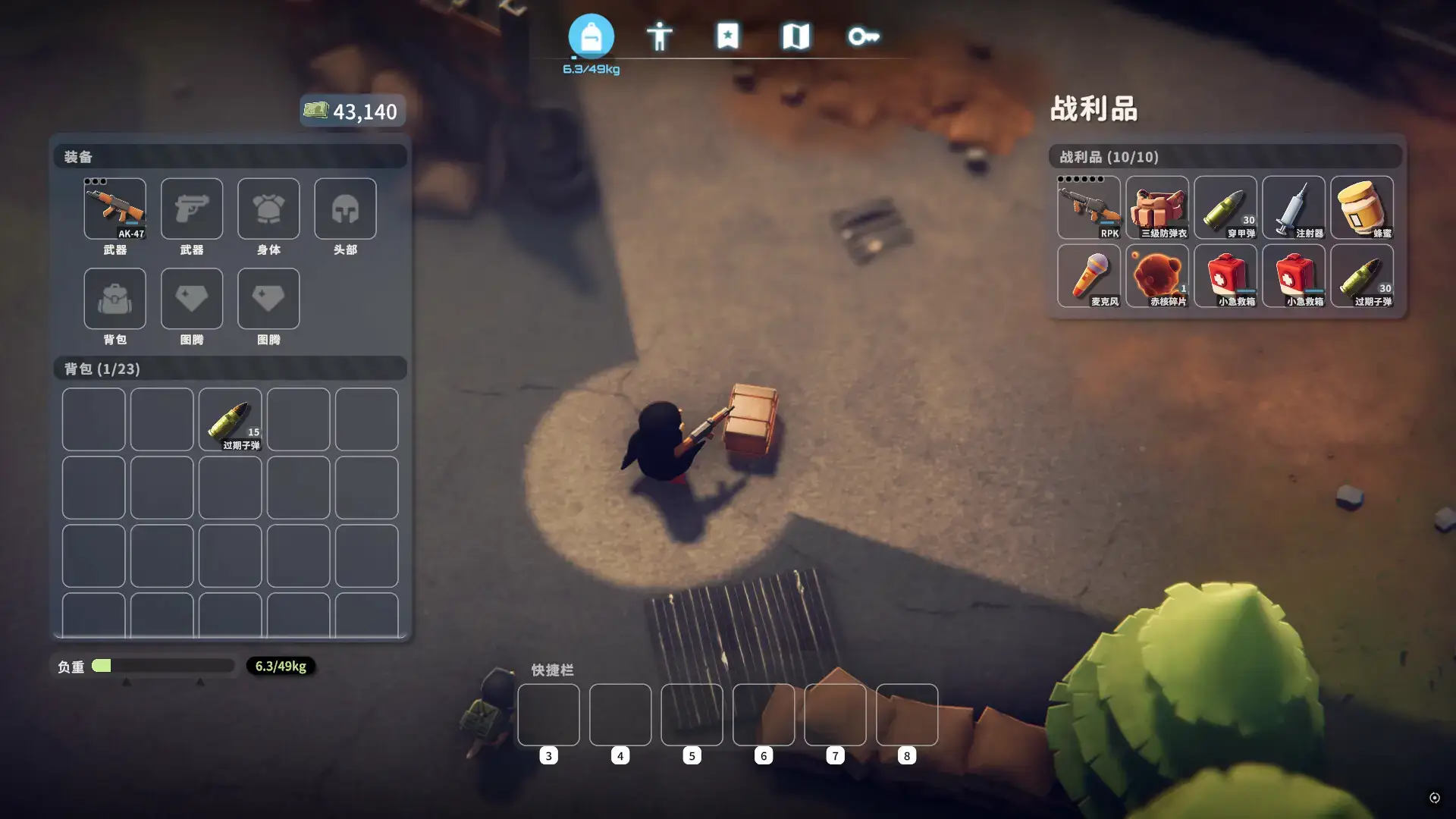
Escape From Duckov Gameplay Screenshots
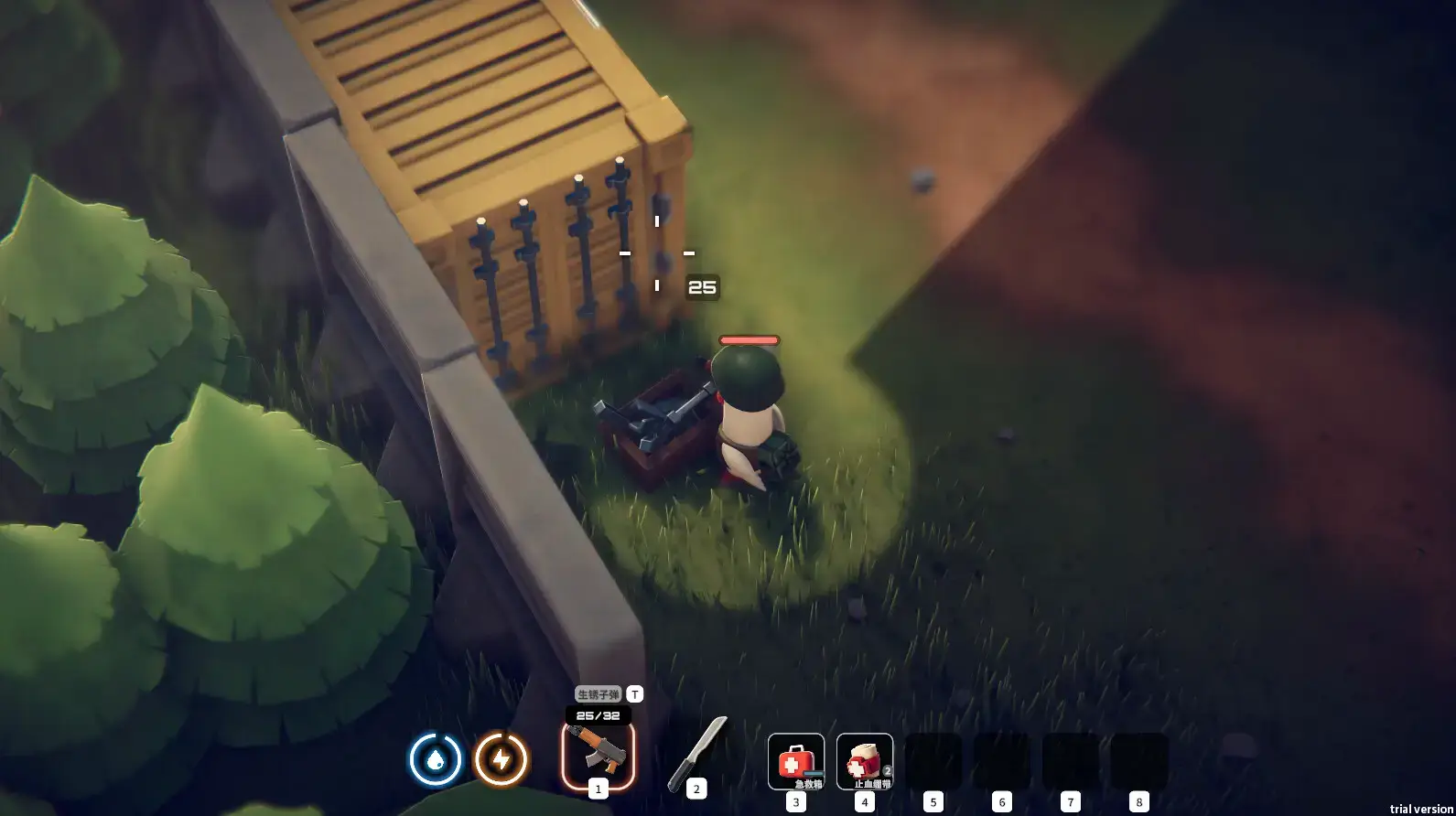
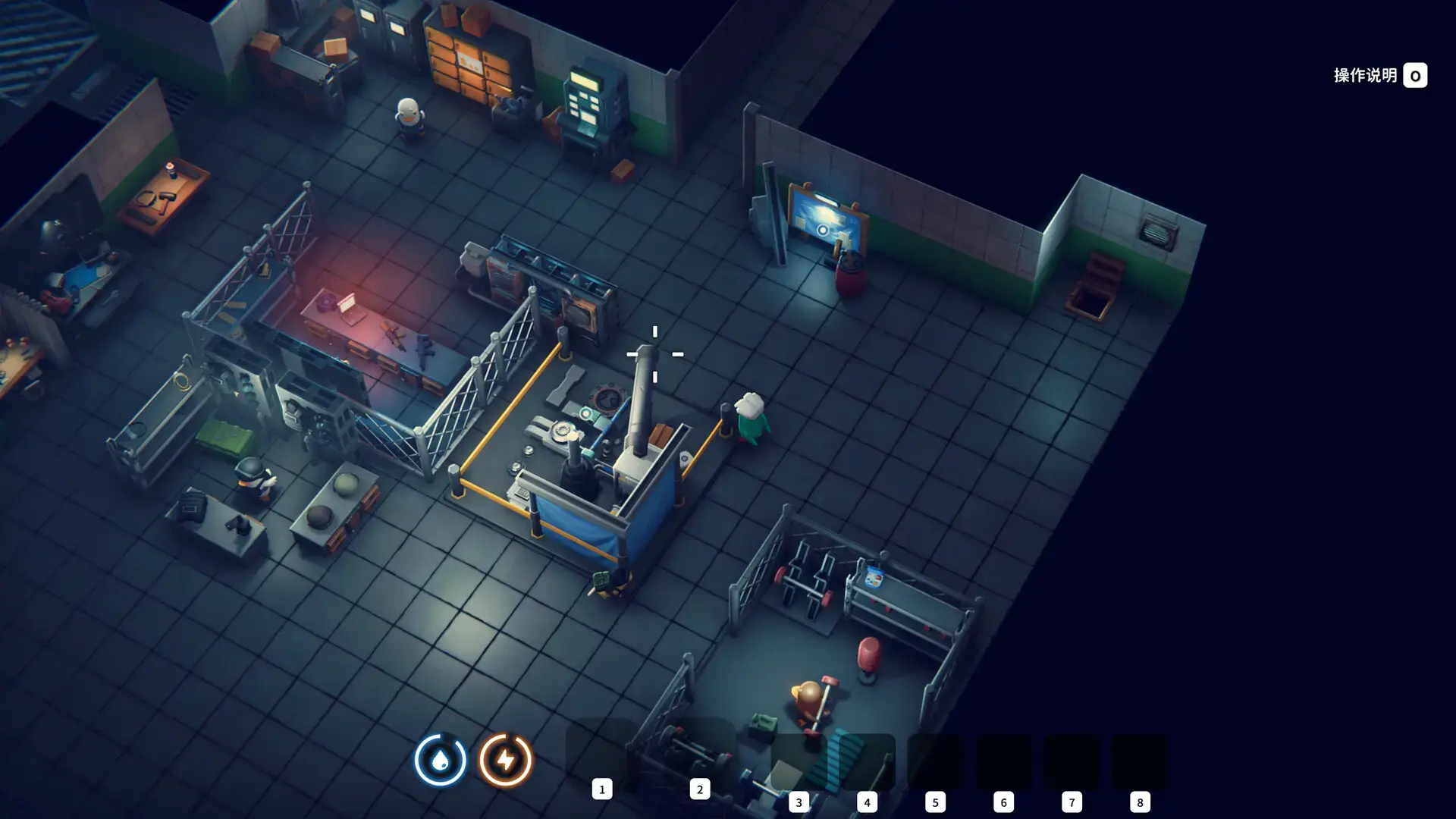
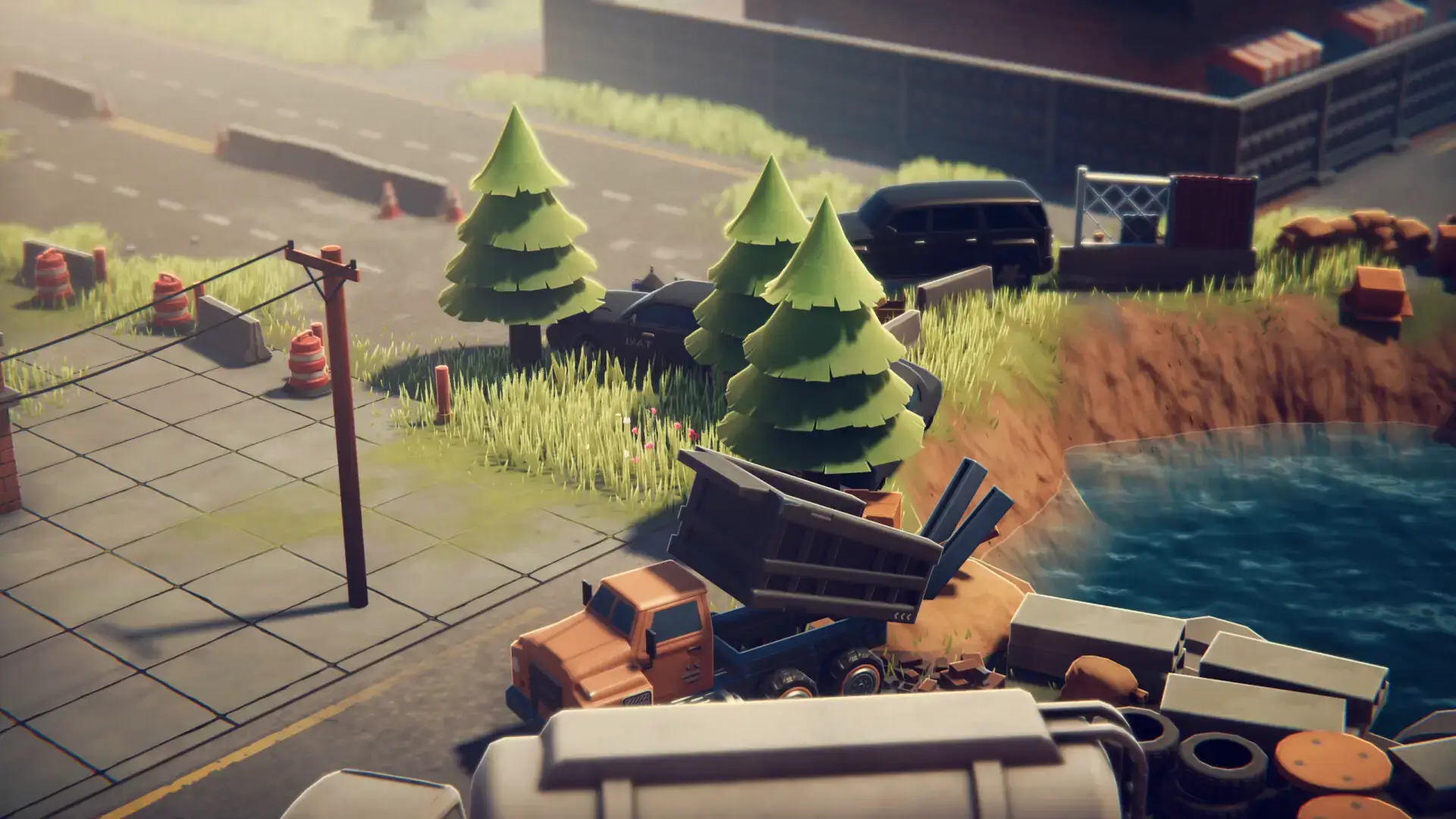
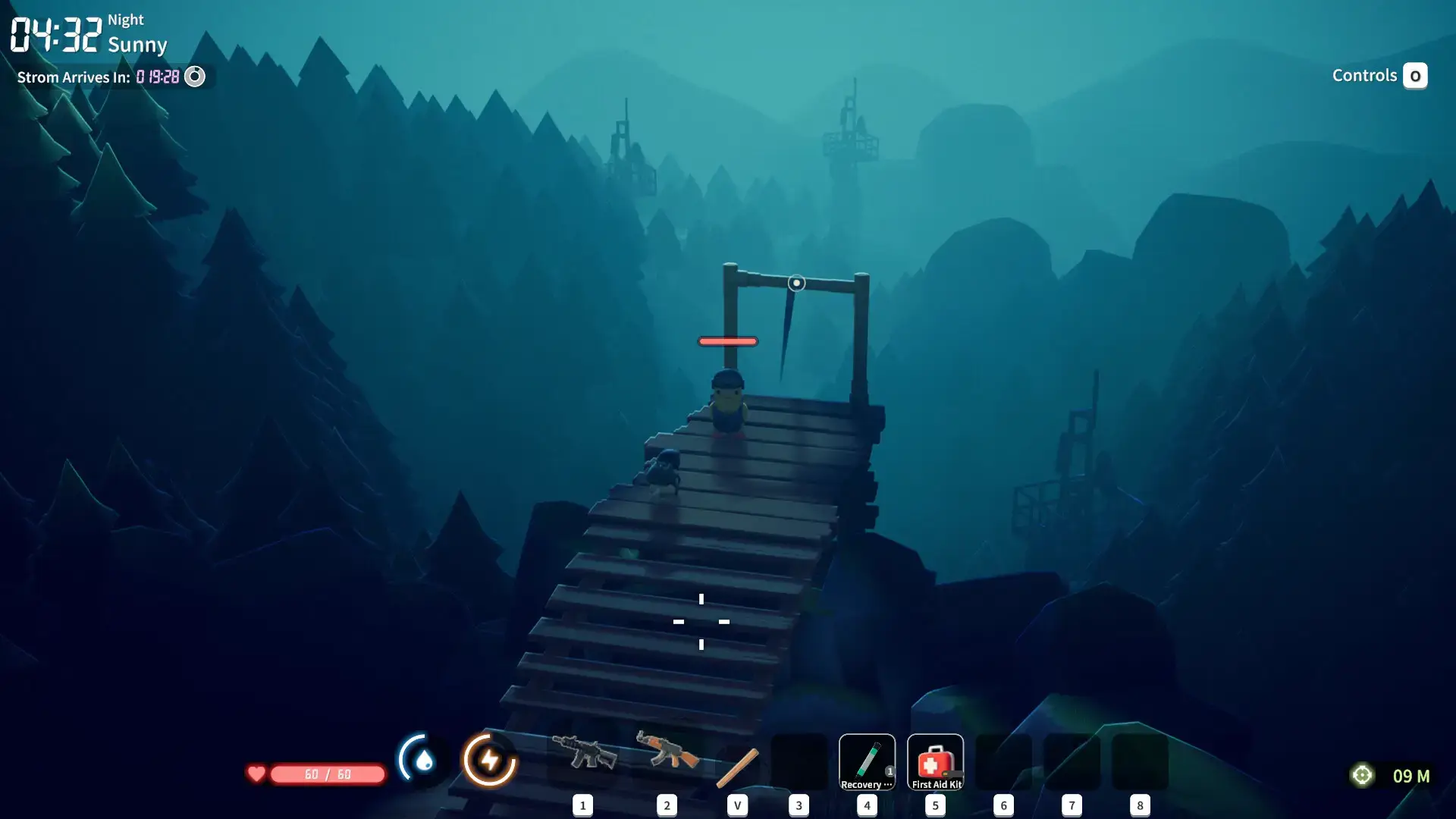
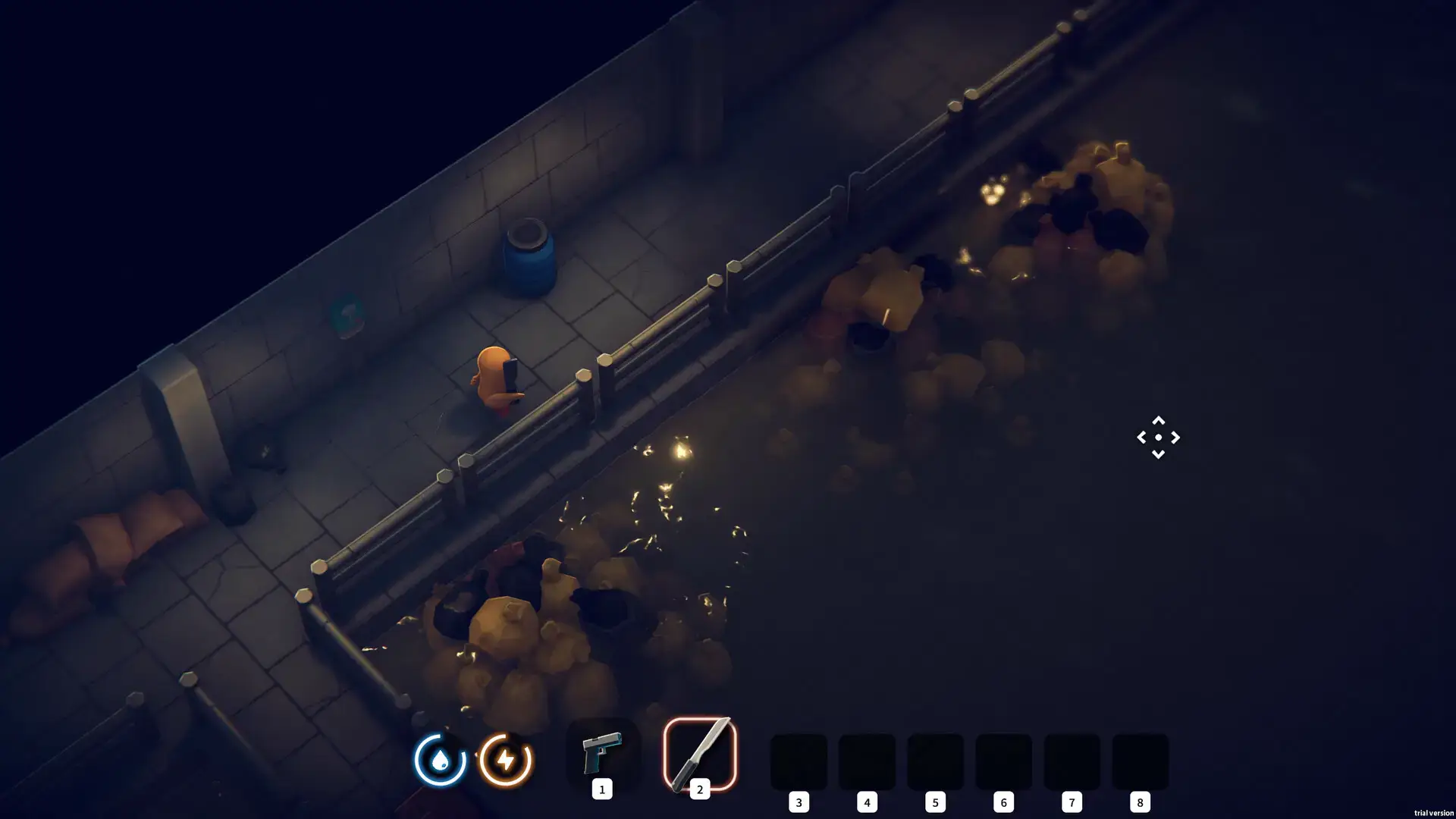
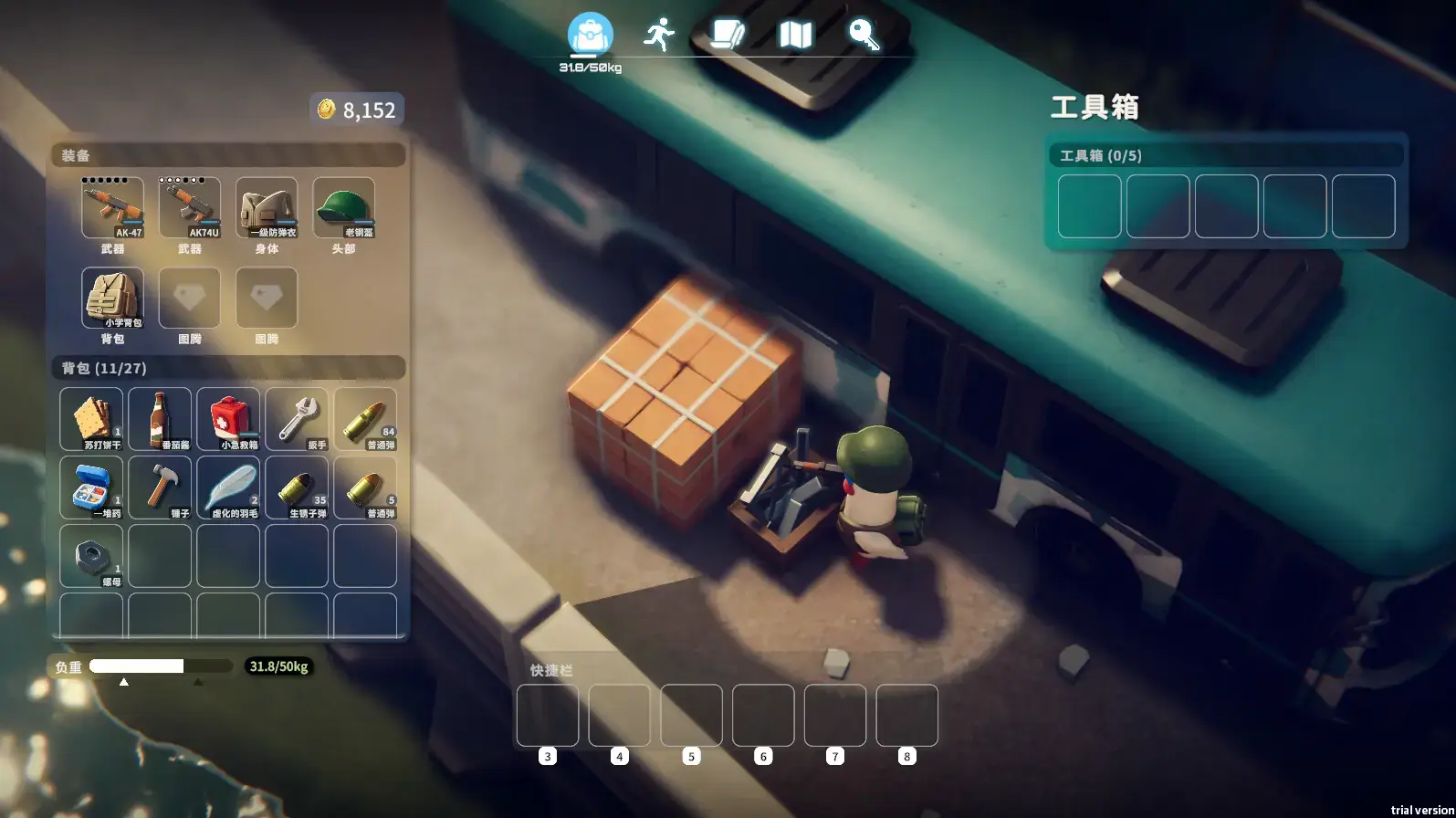
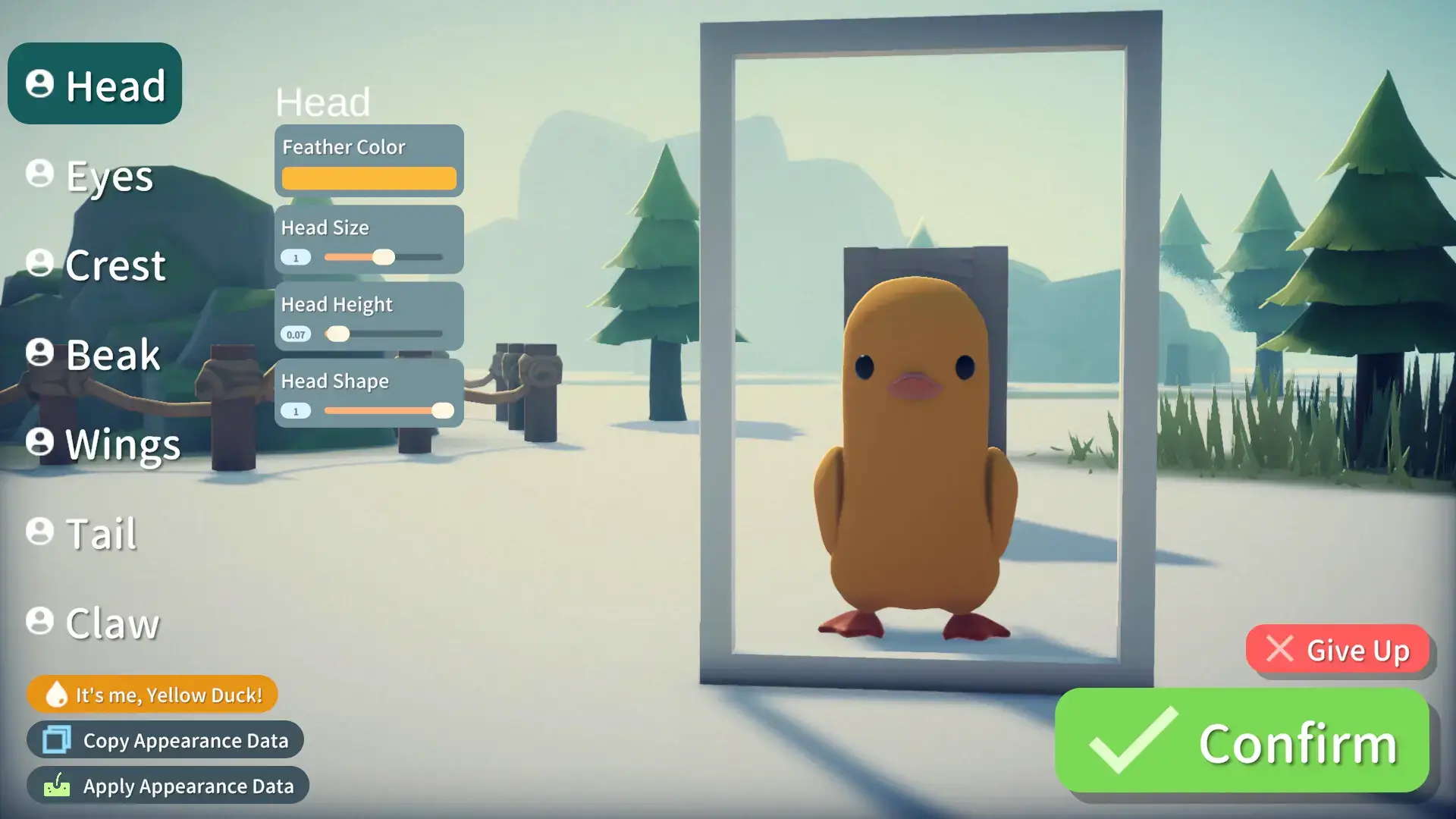
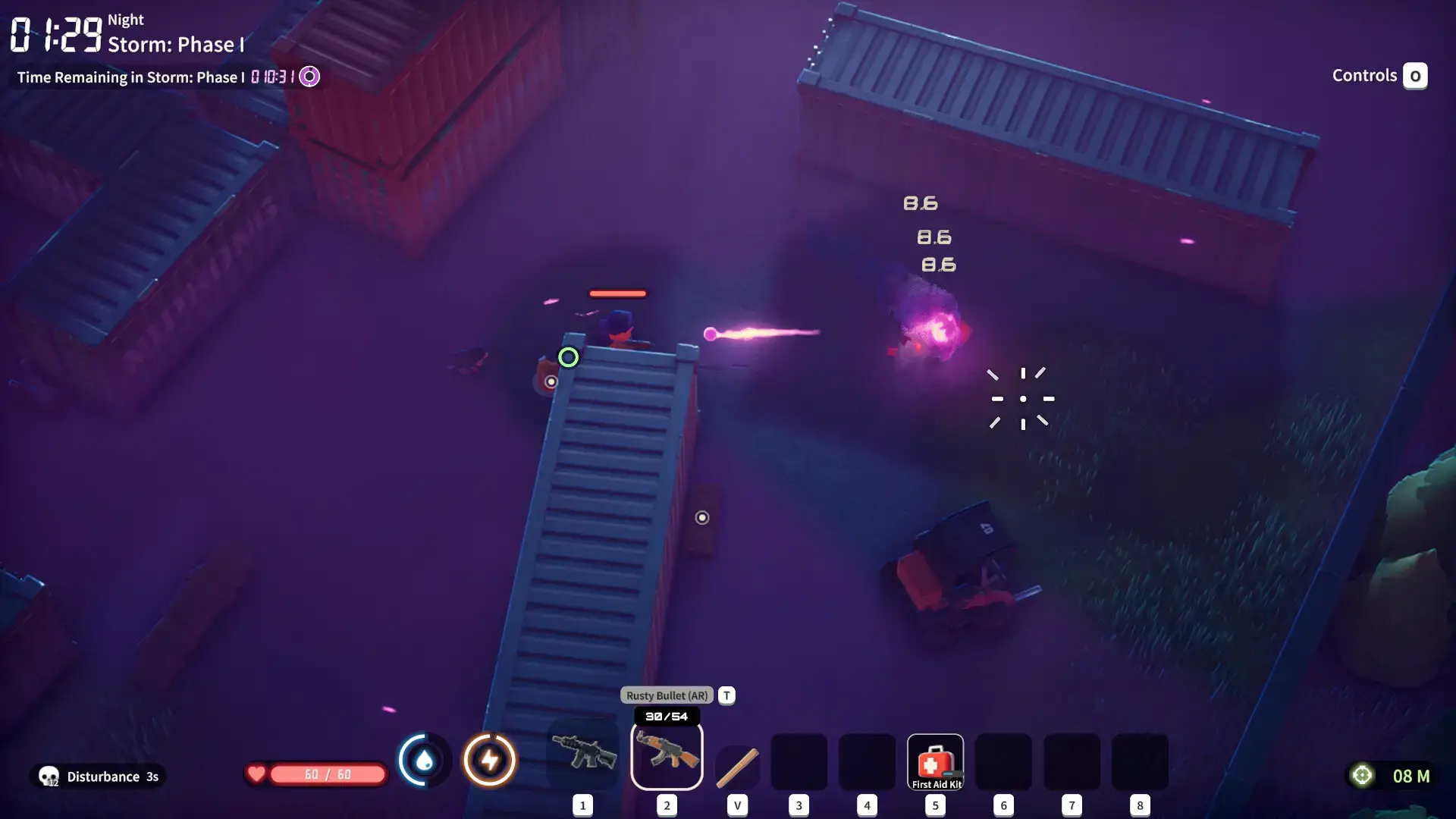
Escape From Duckov Beginners Video
Watch a short video with the best tips and tricks so that you can actually dominate in this game.

Escape From Duckov PC Requirements
Minimum:
- OS: Windows 10 (64-bit)
- CPU: Intel Core i7-9700 / AMD Ryzen 5 5600
- RAM: 8 GB
- GPU: NVIDIA GeForce GTX 1060 / AMD Radeon RX 6500 XT
- DirectX: Version 11
- Storage: 16 GB available space
Recommended:
- OS: Windows 10 (64-bit)
- CPU: Intel Core i7-9700 / AMD Ryzen 7 5700
- RAM: 16 GB
- GPU: NVIDIA GeForce GTX 2060 / AMD Radeon RX 6600
- DirectX: Version 11
- Storage: 16 GB available space
Escape From Duckov on Windows FAQ
- Is it a single-player game? Yes, this is a completely single-player PVE experience with no multiplayer or co-op modes.
- What happens when I die? You drop your loot in a box where you died, but you can return in a future raid to retrieve it, making it much more forgiving than other games in the genre.
- How long is the game? The developers estimate over 50 hours for a single playthrough, with completionist runs taking significantly longer.
- Does it support controllers? At launch, the game does not have native controller support. The best experience is with mouse and keyboard.
- Is there a lot of grinding? Some reviews point out that progression can feel slow and grindy due to the reliance on randomly generated loot for quests.
Support and Community
Explore more Windows games: Dispatch on PC · ARC Raiders on PC · Best Free Games on PC · Simulation Games · Action Games