

Readers like you help support this site. When you make a purchase using links on our site, we may earn an affiliate commission. All opinions remain our own.
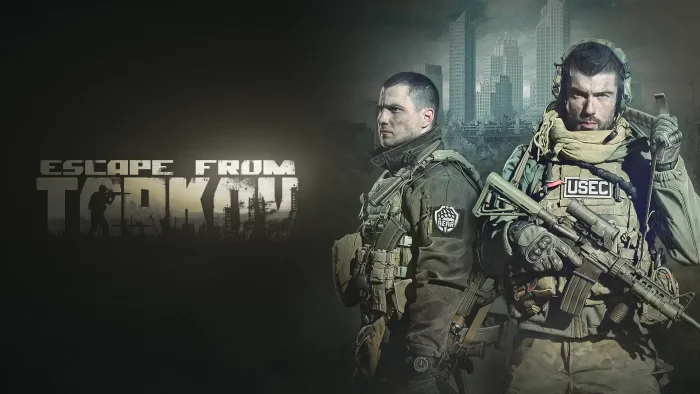

Available now on Steam and through the official Battlestate Games launcher, this game defines the extraction shooter genre with its punishing realism, deep weapon customization, and high-stakes gameplay.
The game launched its full 1.0 version on November 15, 2025, and currently holds “Mixed” recent reviews on Steam.
While praised for its intense gameplay and detailed mechanics, some players report optimization issues at launch that the developers are actively addressing.
Featuring the complete story campaign with multiple endings, extensive weapon modification with realistic ballistics, and the tense extraction gameplay that made it famous, Escape from Tarkov offers one of the most immersive and challenging FPS experiences available.
If you enjoy hardcore military simulations, deep progression systems, and games where every decision carries permanent consequences, Escape from Tarkov might be the game for you.
This guide covers how to install it on Windows, its key features, and essential beginner tips for surviving your first raids in the Norvinsk region.
Have questions or your own strategies to share? Leave a comment below or contact us.
Download and install Escape from Tarkov on PC
Escape from Tarkov is available on Steam and through the official Battlestate Games launcher. Here’s how to install it:
- Method: Steam
- Open the store page: Escape from Tarkov on Steam.
- Choose your edition and click Add to Cart to complete purchase.
- In your Steam Library, click Install and select your SSD drive.
- Wait for the download to complete (approximately 80 GB).
- Launch the game from your Library and begin your survival journey.
- Method: Official Launcher
- Create an account on the official Battlestate Games website.
- Purchase your preferred edition and download the game launcher.
- Install the game through the official launcher to your SSD drive.
- Launch and log in with your Battlestate Games account.
Get Escape from Tarkov on Steam
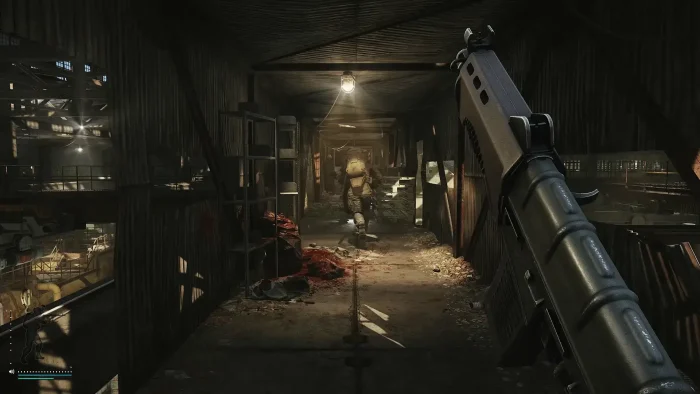

What is Escape from Tarkov?
Escape from Tarkov is a hardcore story-driven MMO that combines FPS and RPG elements with unique loot and escape mechanics. Set in the fictional Norvinsk region, you take on the role of a mercenary who must survive and uncover the truth behind the Tarkov conflict while fighting both AI scavengers and other players.
The core gameplay revolves around entering raids with your gear, completing objectives, gathering loot, and successfully extracting within the time limit. If you die, you lose everything you brought in, creating intense, high-stakes gameplay where every decision matters. The new 1.0 release introduces the complete story campaign with multiple endings, providing narrative context to the brutal survival experience.
Unlike traditional shooters, Tarkov emphasizes realism with detailed ballistics, medical systems that track individual body part damage, and the most extensive weapon modification system in gaming, allowing for deep customization of firearms and equipment.
Key Features
- Complete Story Campaign: Experience the full narrative with multiple endings in the new 1.0 release, providing context and objectives beyond pure survival.
- Deep Weapon Customization: Modify firearms with hundreds of individual parts, from barrels and stocks to sights and grips, creating your perfect weapon for any situation.
- Realistic Ballistics & Medical Systems: Advanced bullet physics, armor penetration, and detailed medical treatment for individual body parts create unparalleled combat realism.
- High-Stakes Extraction Gameplay: Enter raids with your gear, complete objectives, and fight to reach extraction points while managing limited resources and time.
- Persistent Character Progression: Develop your character’s skills, build your hideout, and establish trader relationships across multiple gameplay sessions.
Who would like this game?
This game is perfect for fans of hardcore military simulations and extraction shooters who enjoy deep, complex systems, high-stakes gameplay, and don’t mind a steep learning curve. It’s ideal for players who value realism and persistence over casual accessibility.
Why play on Windows?
Playing on PC provides the essential environment for Escape from Tarkov’s demanding performance requirements and complex controls. The precision of mouse and keyboard is crucial for accurate shooting, while Windows ensures optimal performance for the game’s detailed graphics and large, complex maps that require fast loading from an SSD.
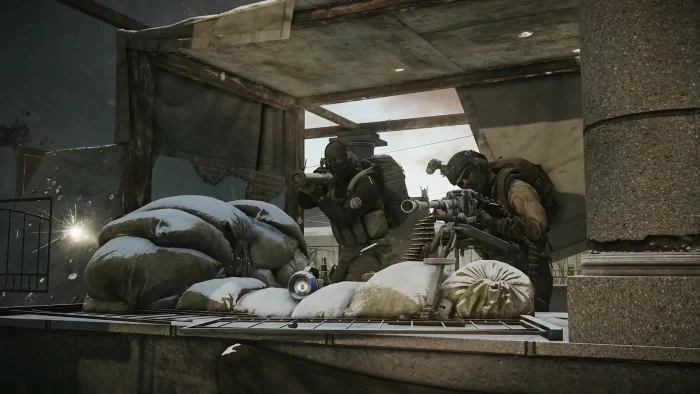
Tips for PC beginners
- Start with Offline/PvE Mode: Use the offline raid option or PvE mode to learn maps, extract locations, and combat mechanics without risking your precious gear to other players.
- Master Sound Awareness: Invest in a good headset and learn to identify different sounds. Footsteps, reloading, and inventory management noises can reveal enemy positions and save your life.
- Manage Your Expectations: Accept that you will die frequently, especially early on. The learning curve is extremely steep, and even experienced players have bad raids where they lose everything.
- Learn Key Extracts: Before each raid, study the extraction points for your specific map and spawn location. Nothing is worse than surviving a raid only to die because you couldn’t find the extract in time.
- Use the Wiki and Maps: Keep the official Tarkov Wiki and fan-made maps open on a second screen or device. The game provides minimal in-game guidance, so external resources are essential.
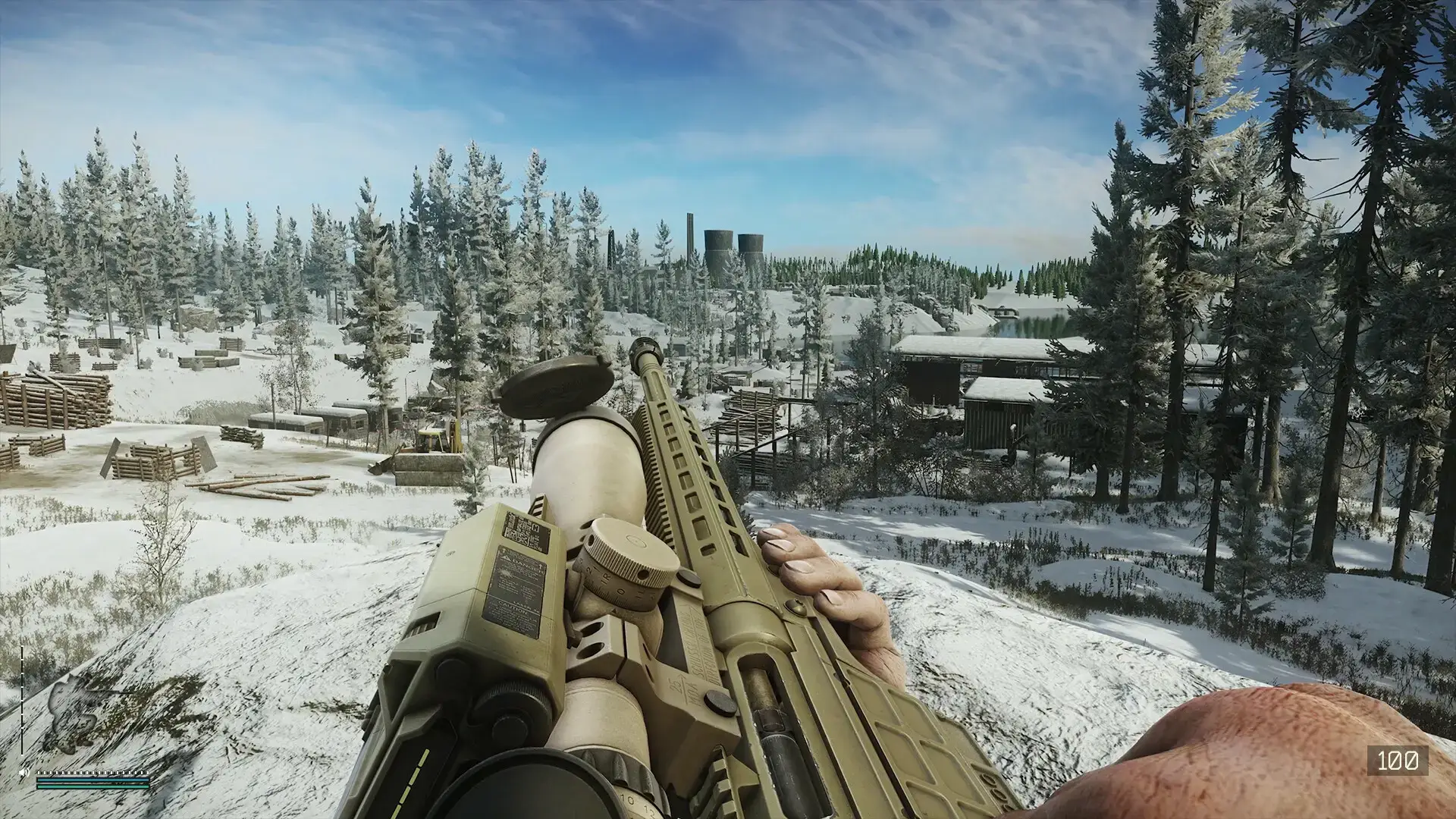
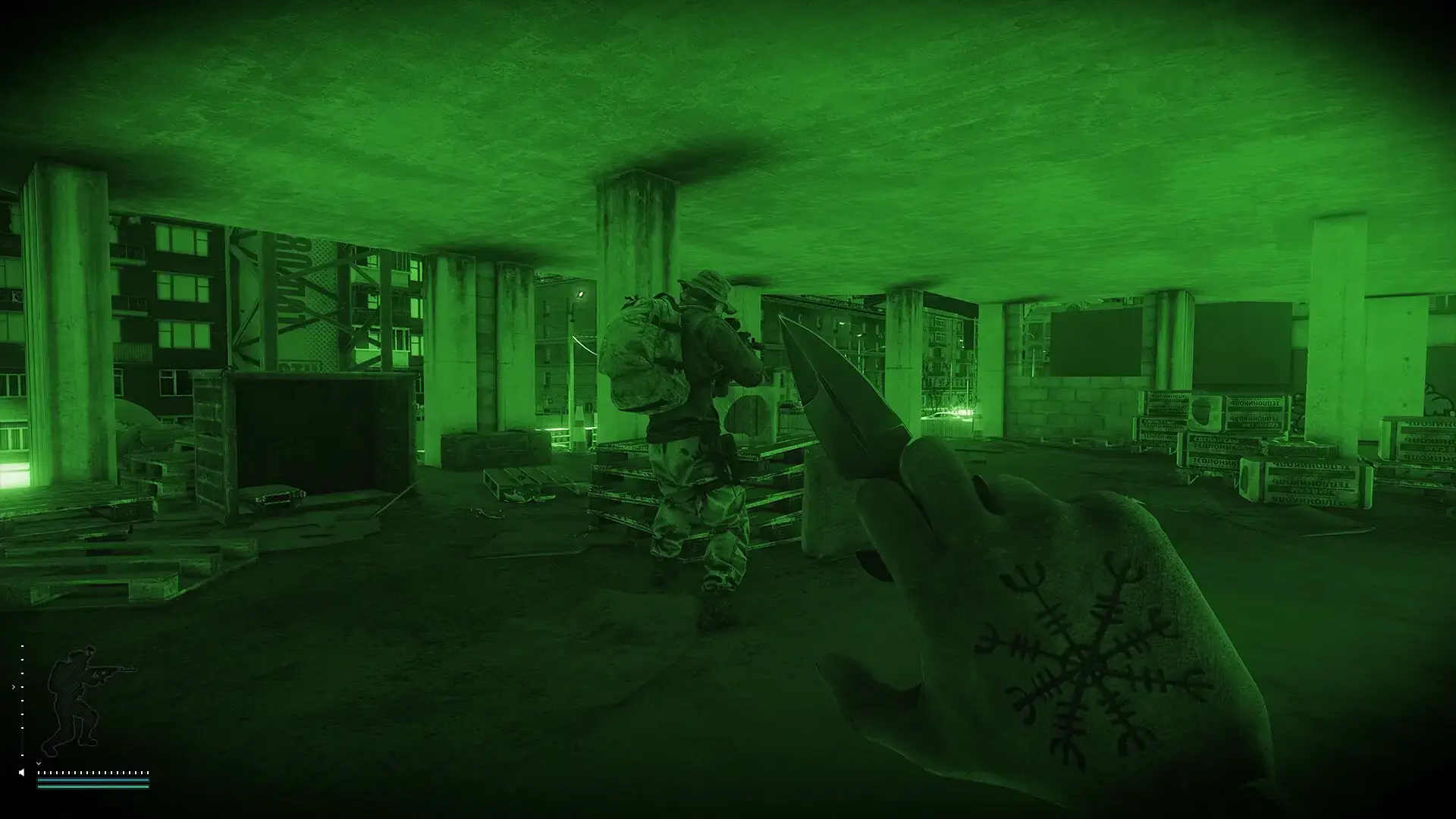
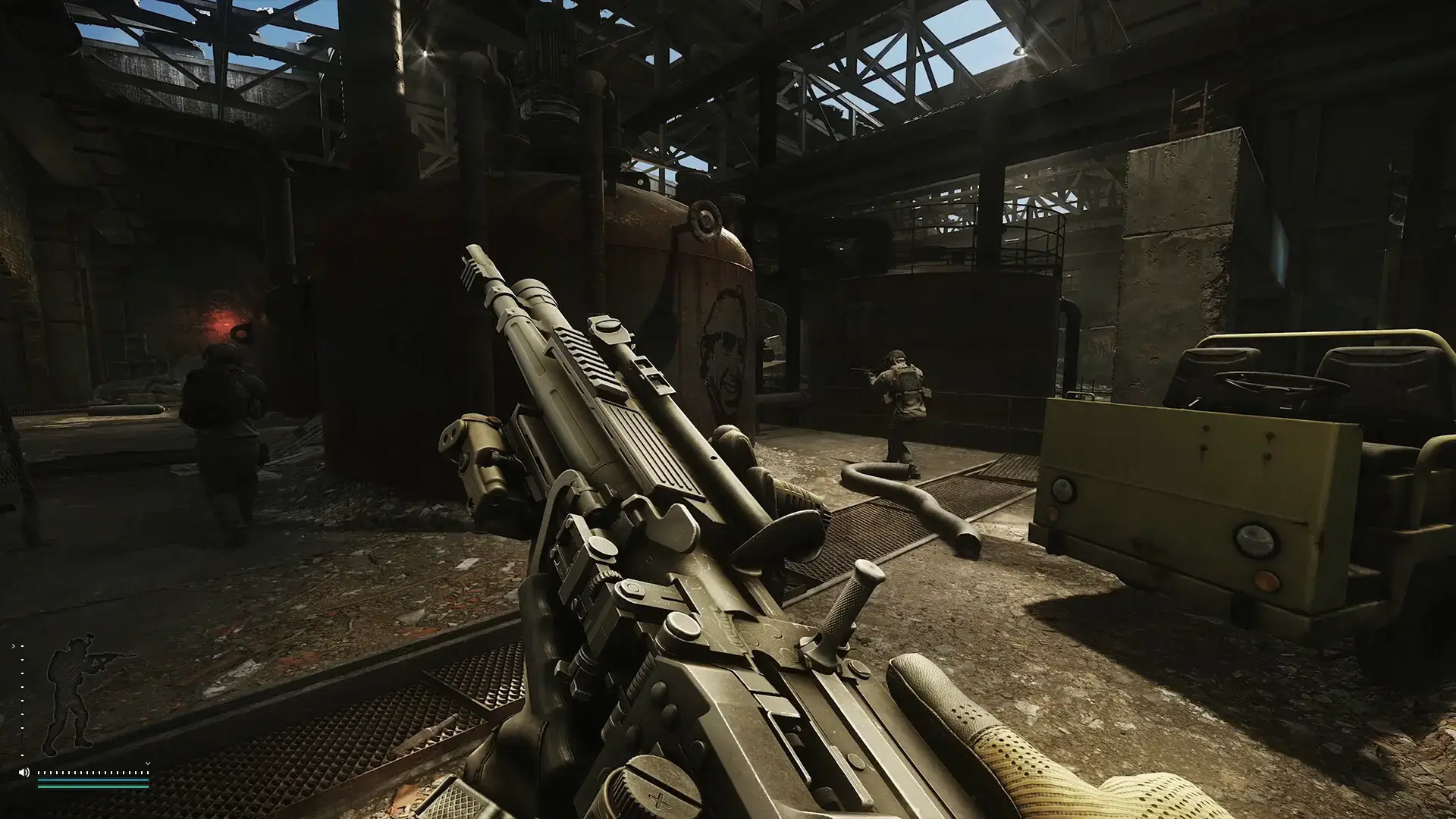
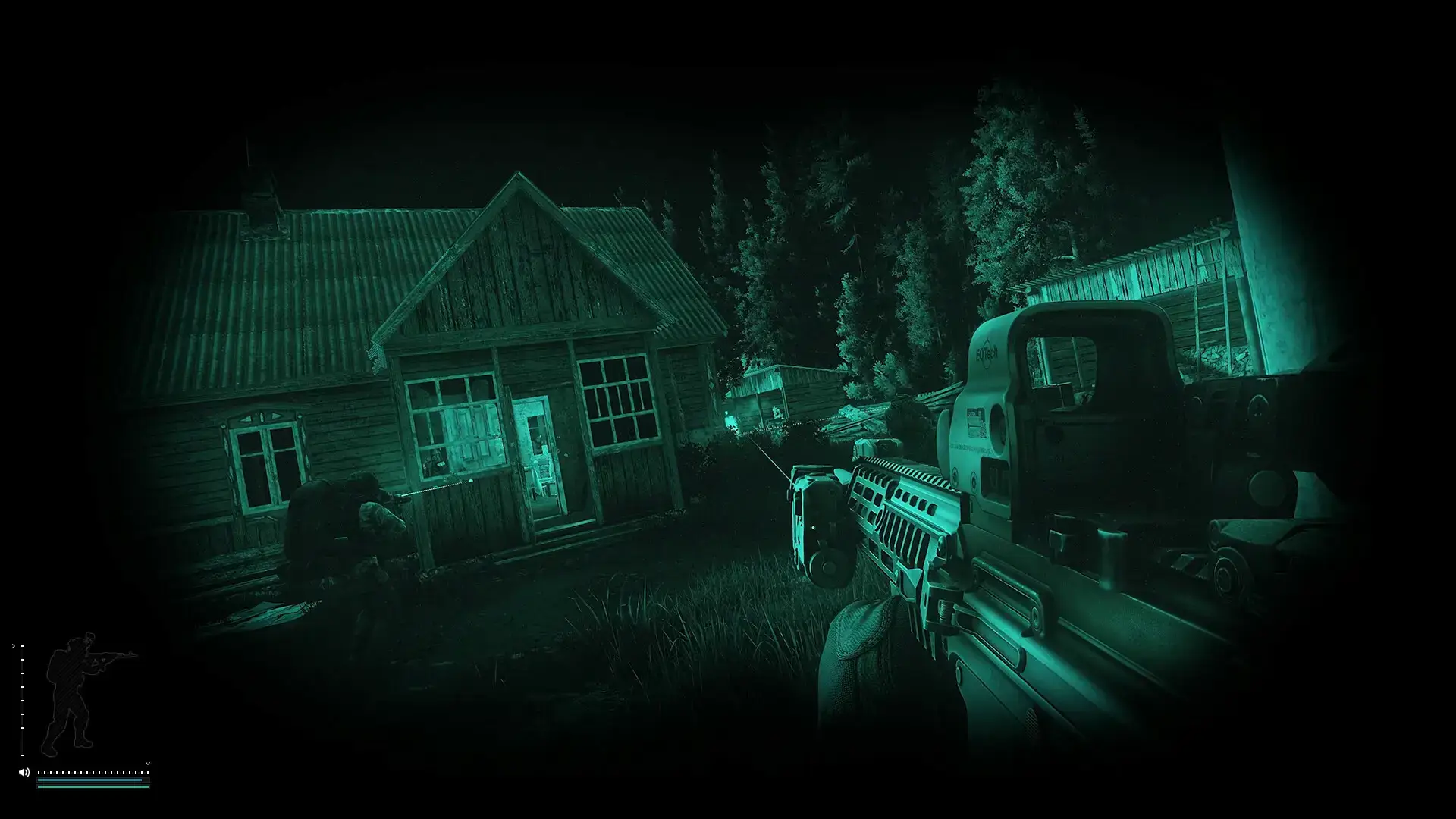
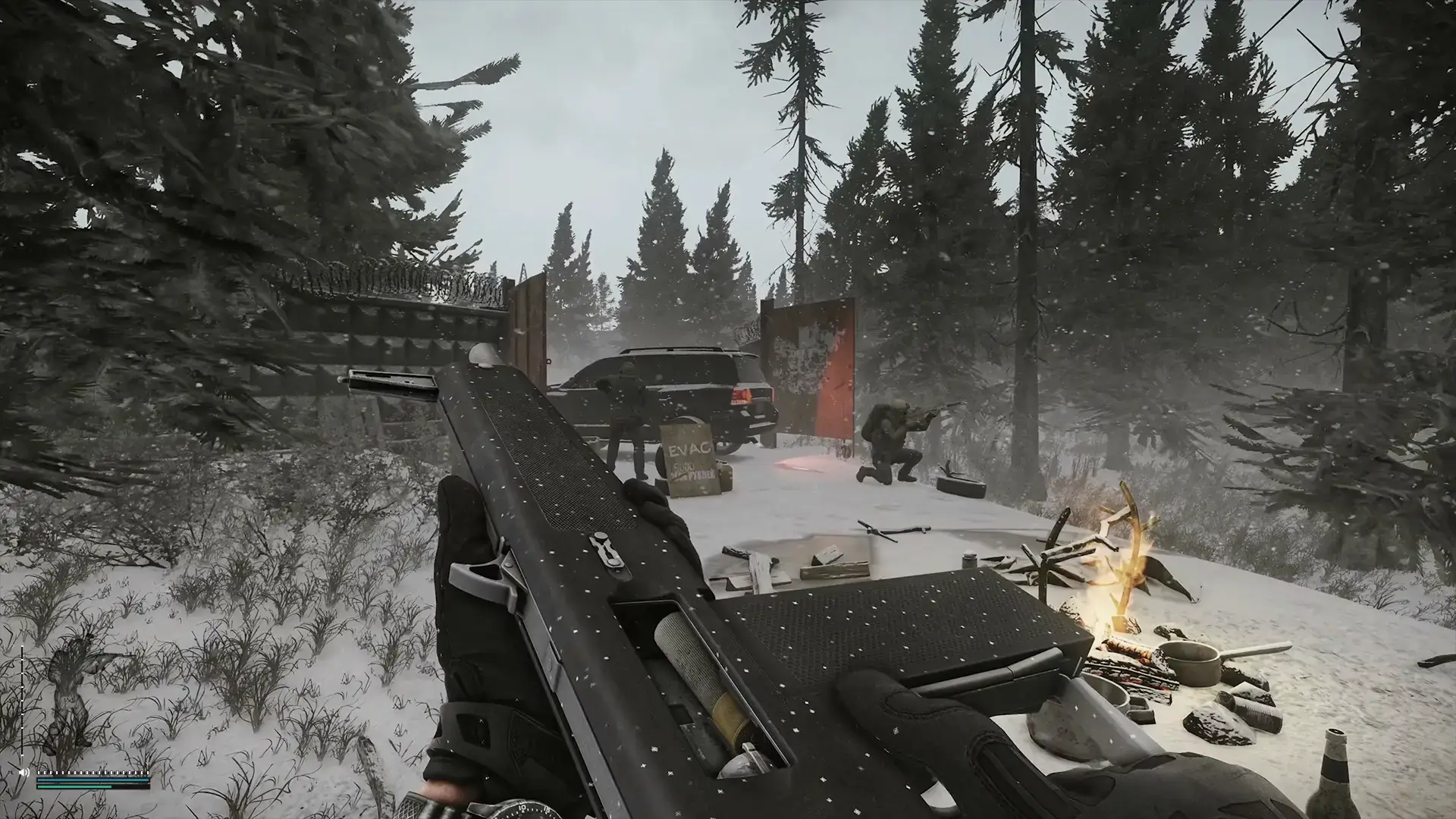
Escape from Tarkov Gameplay Screenshots
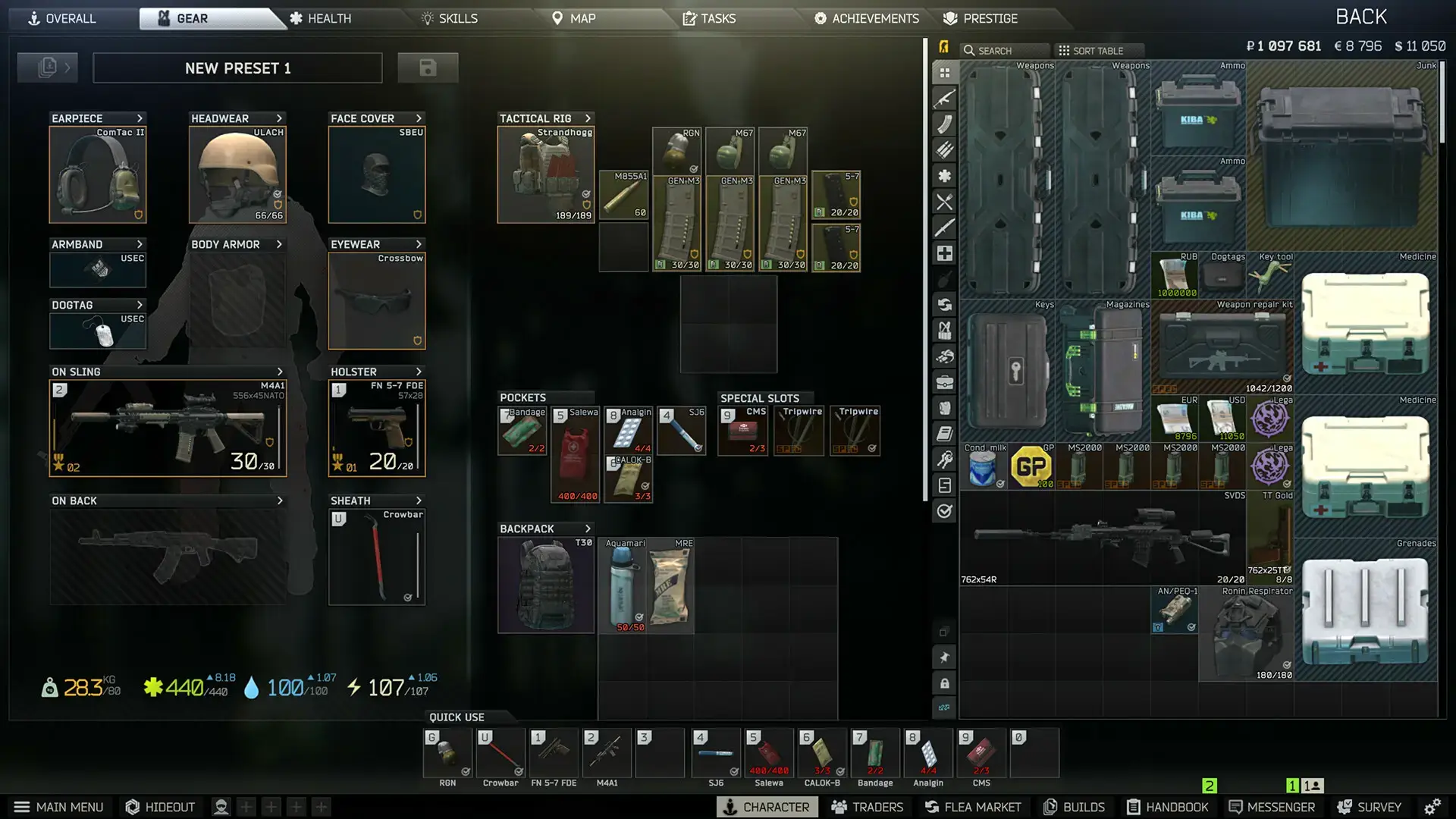
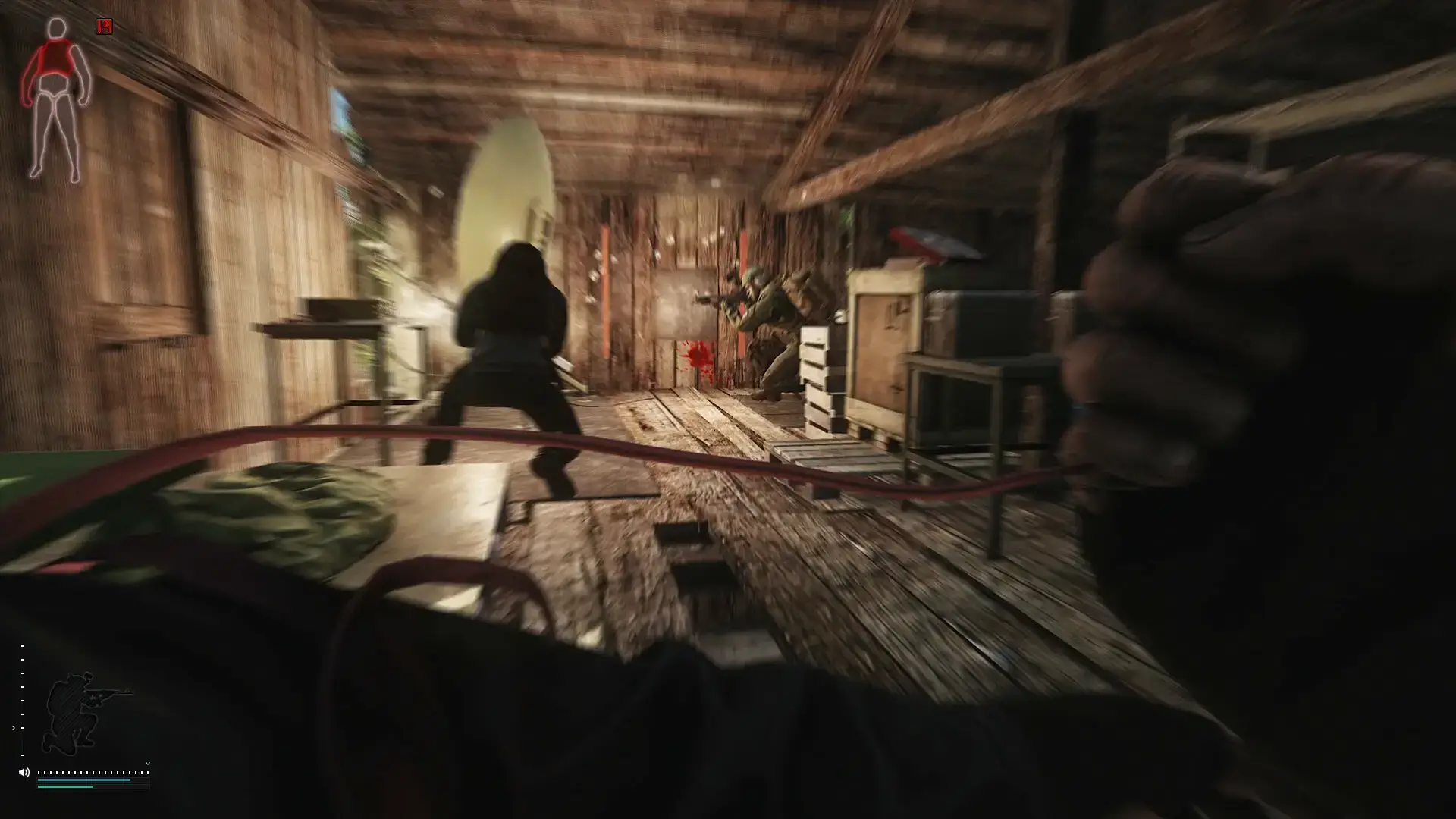
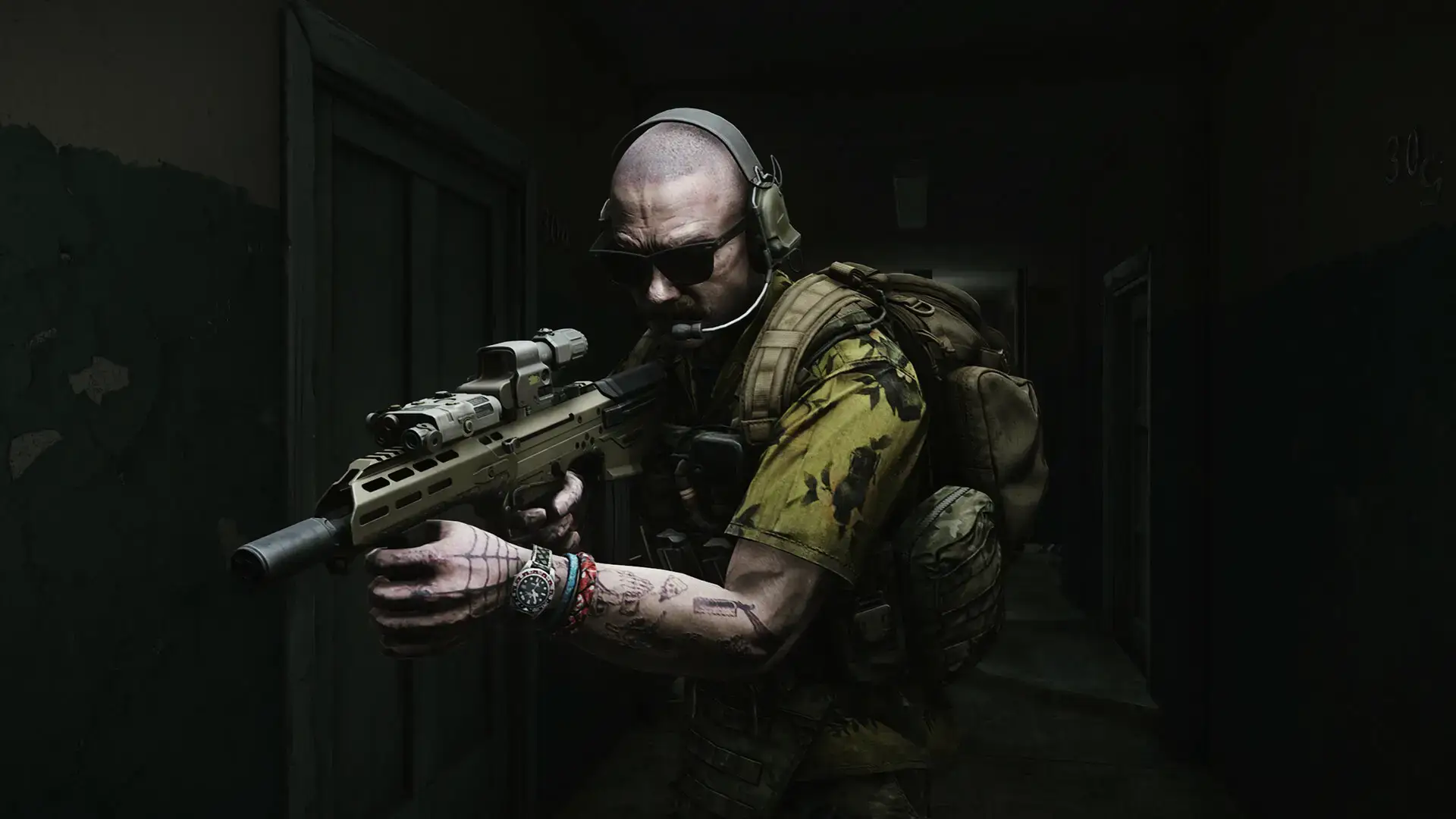
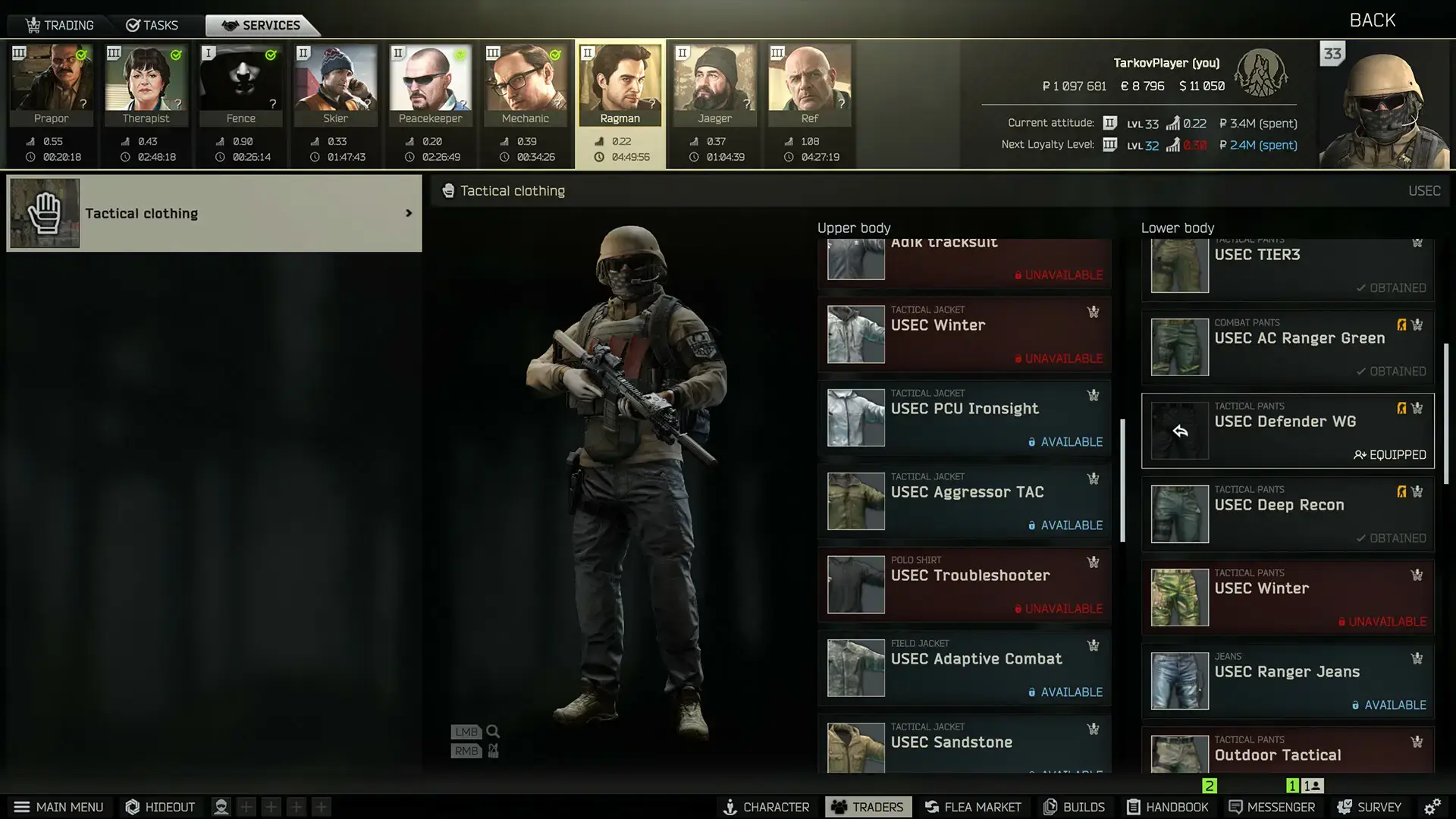
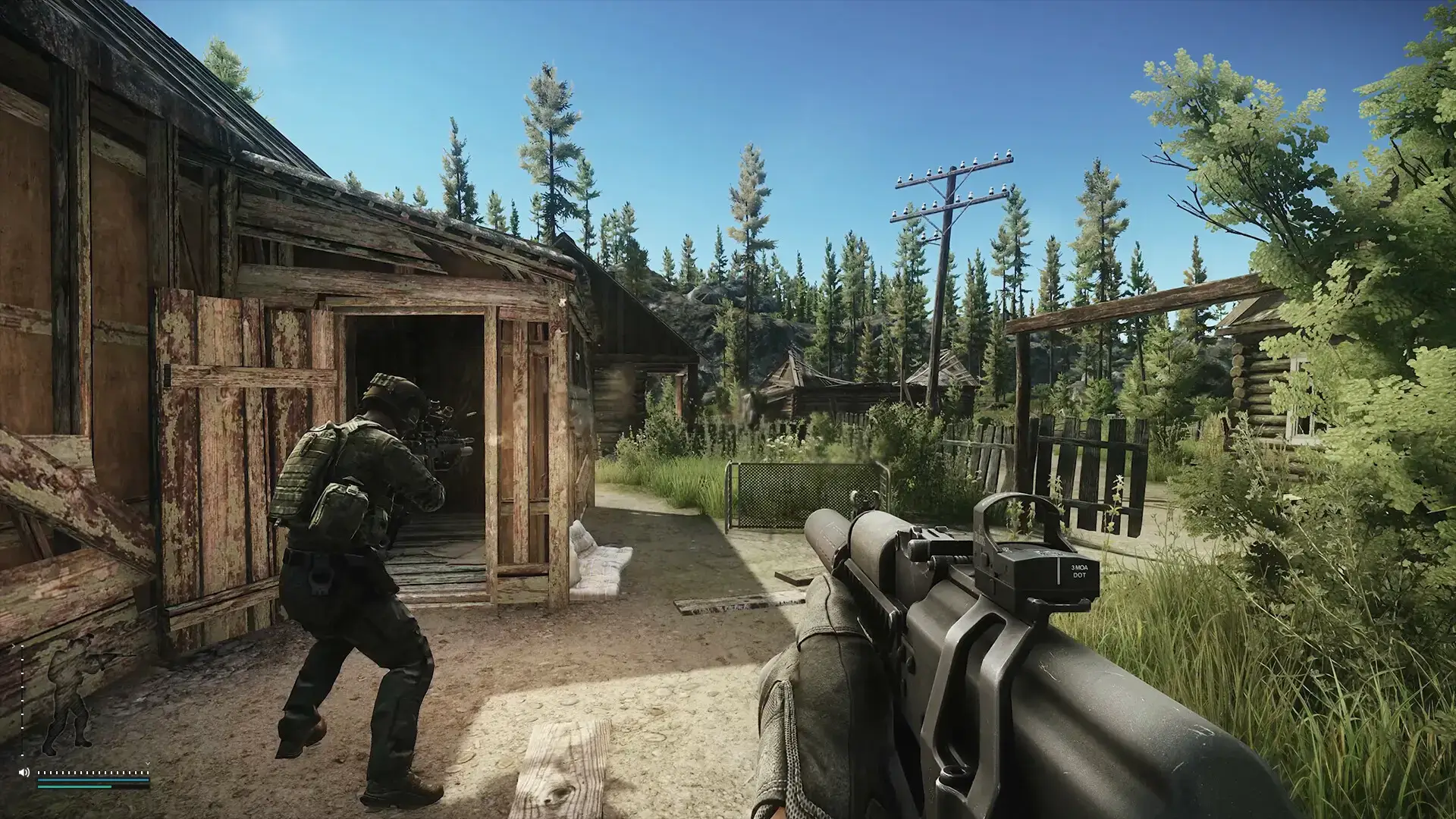
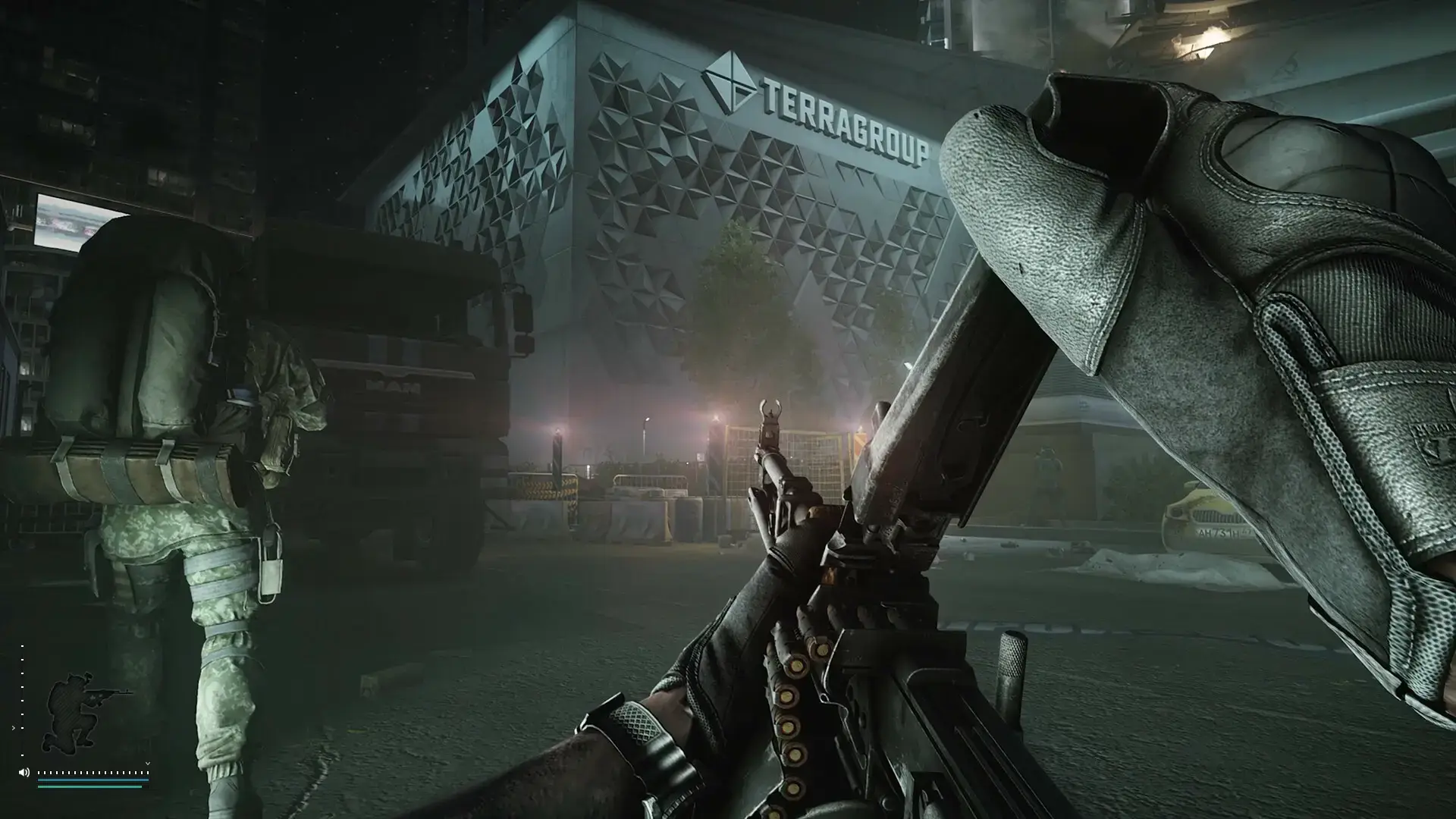
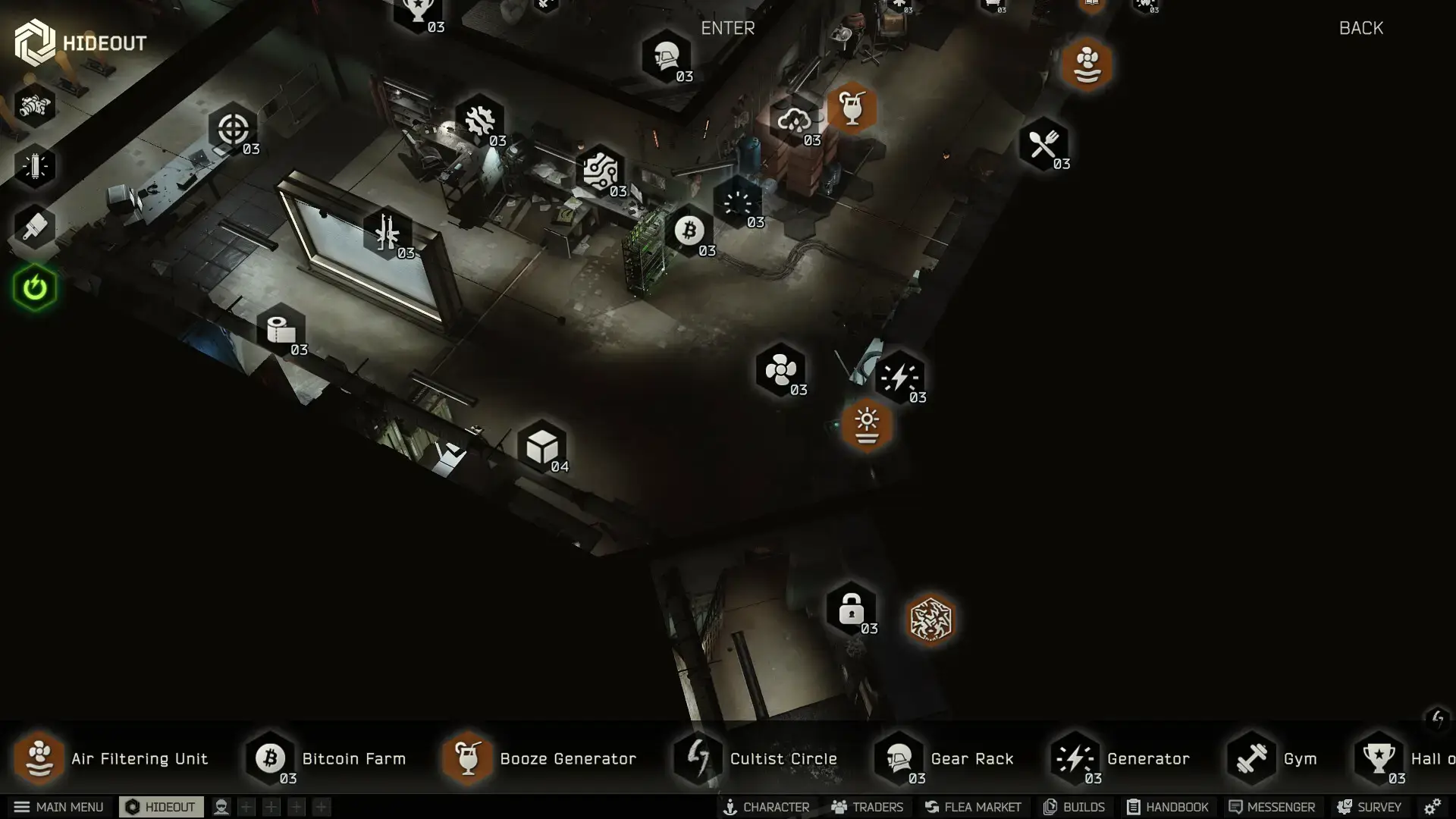
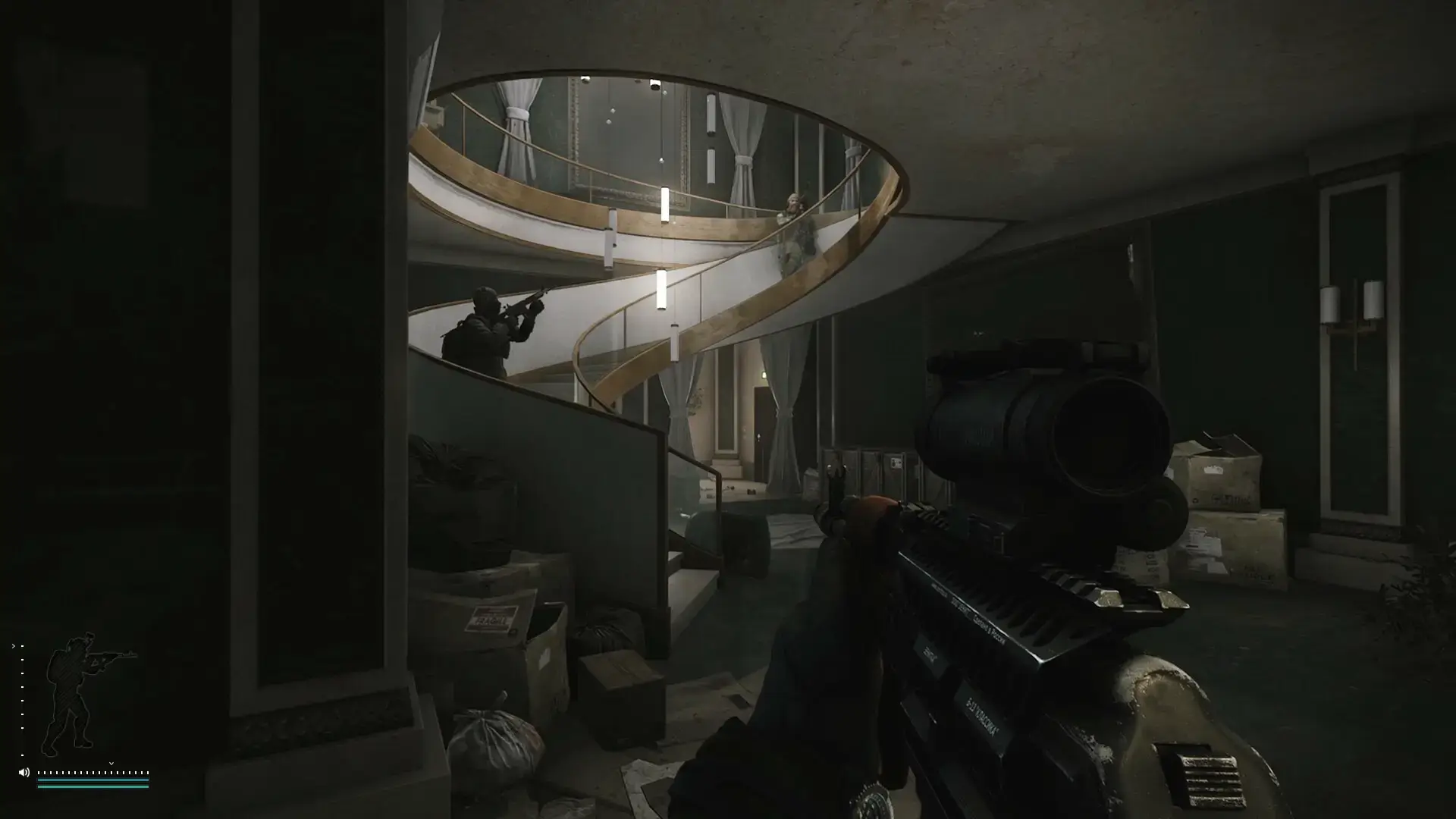
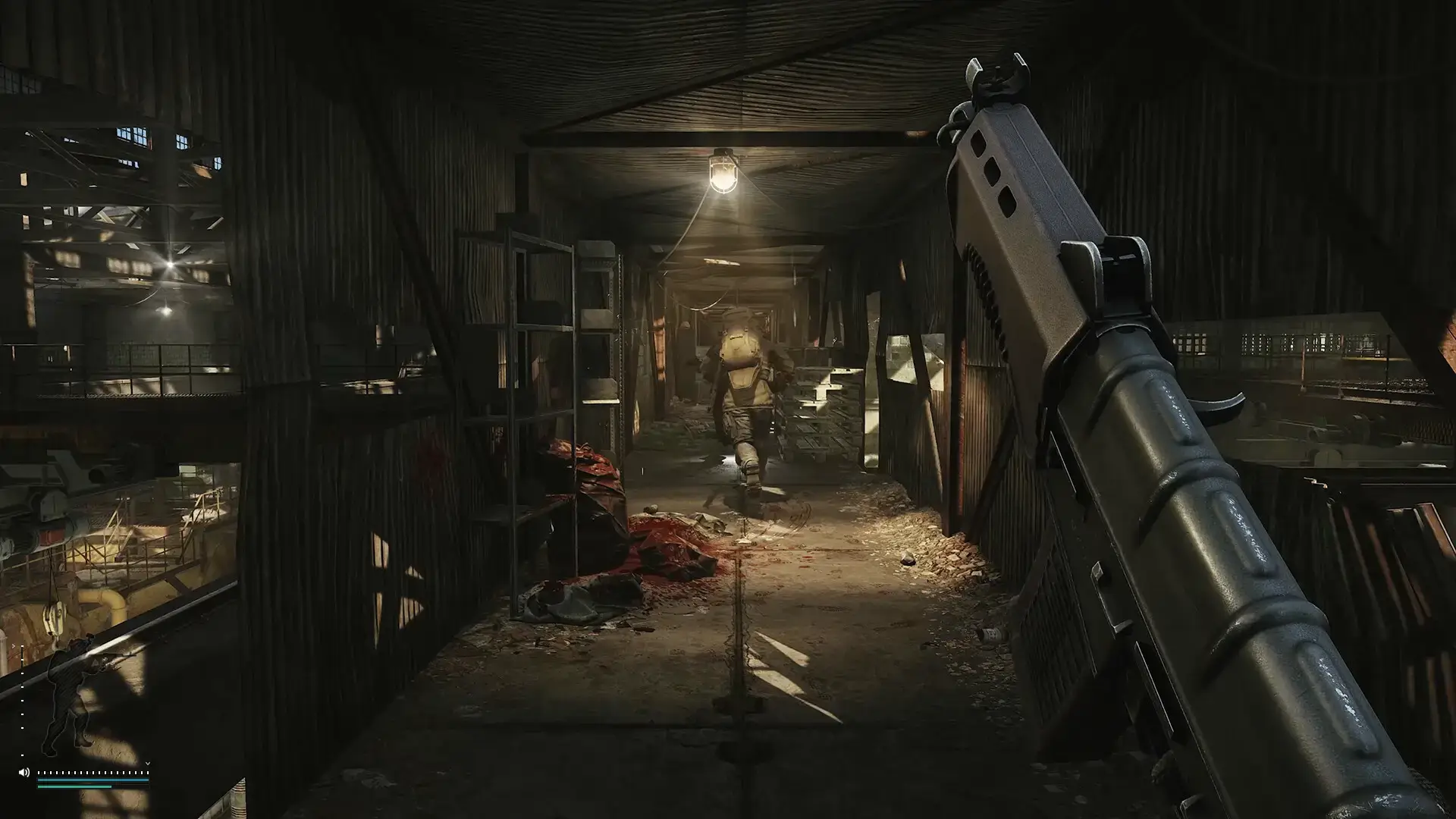
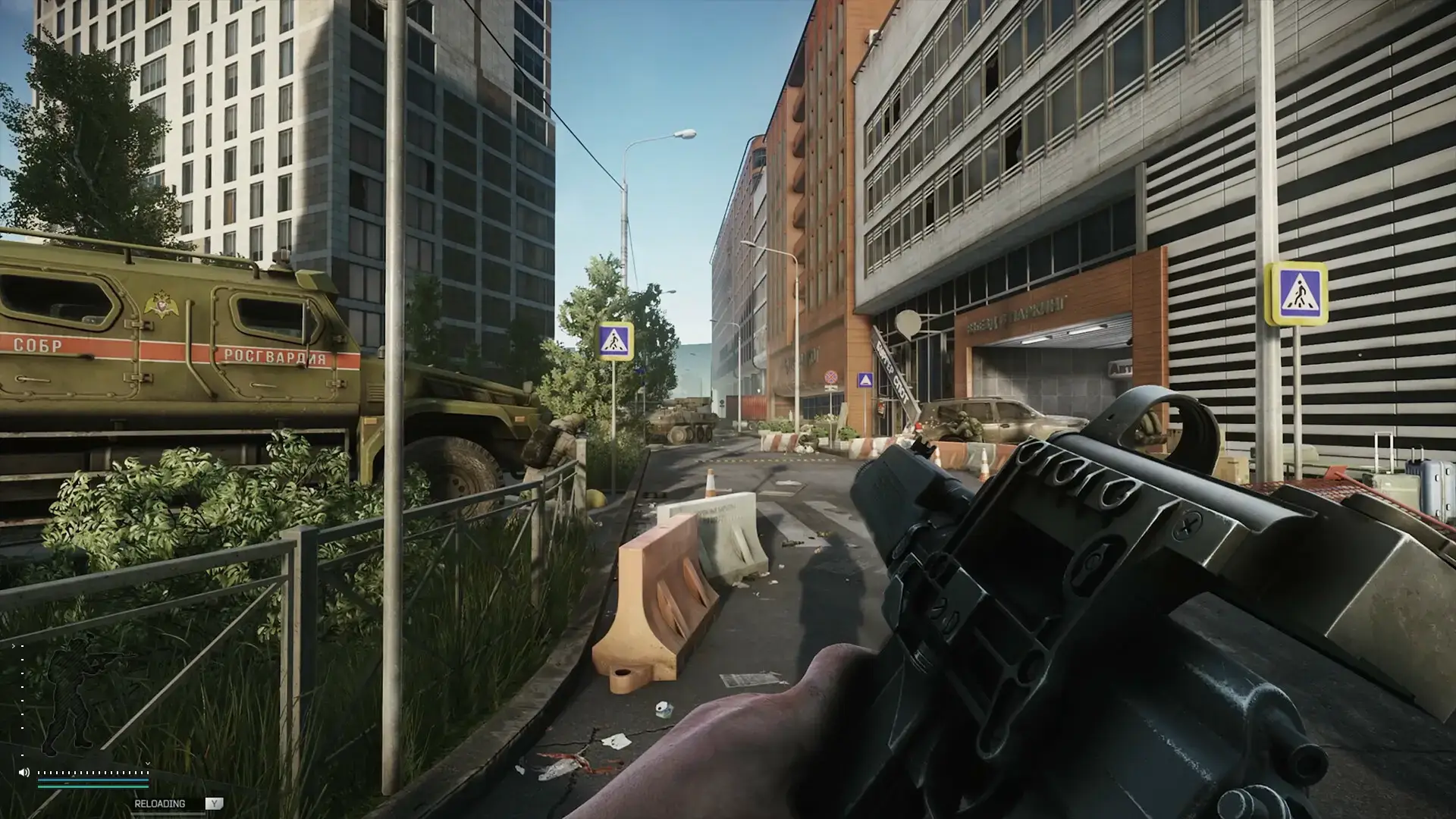
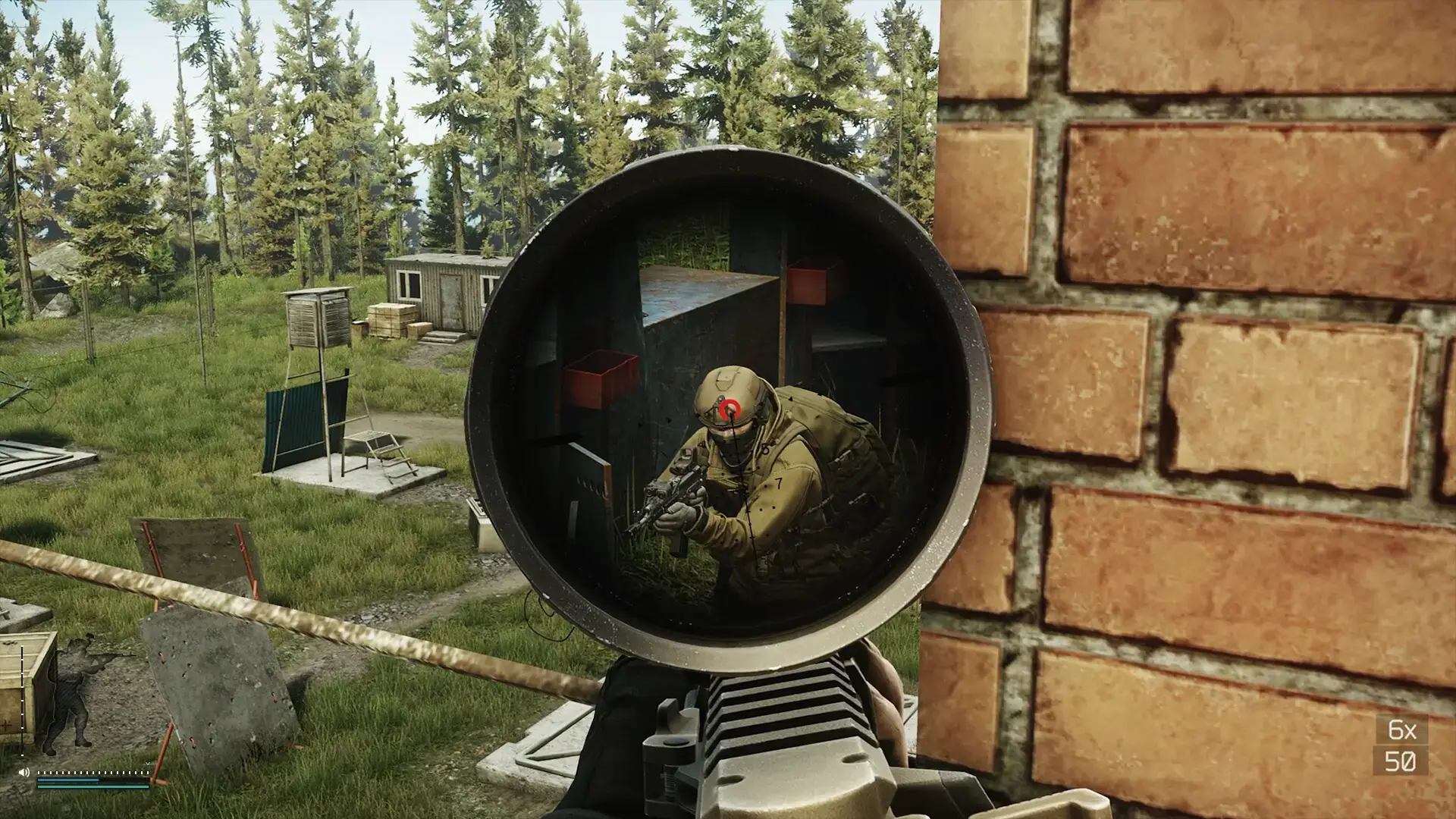
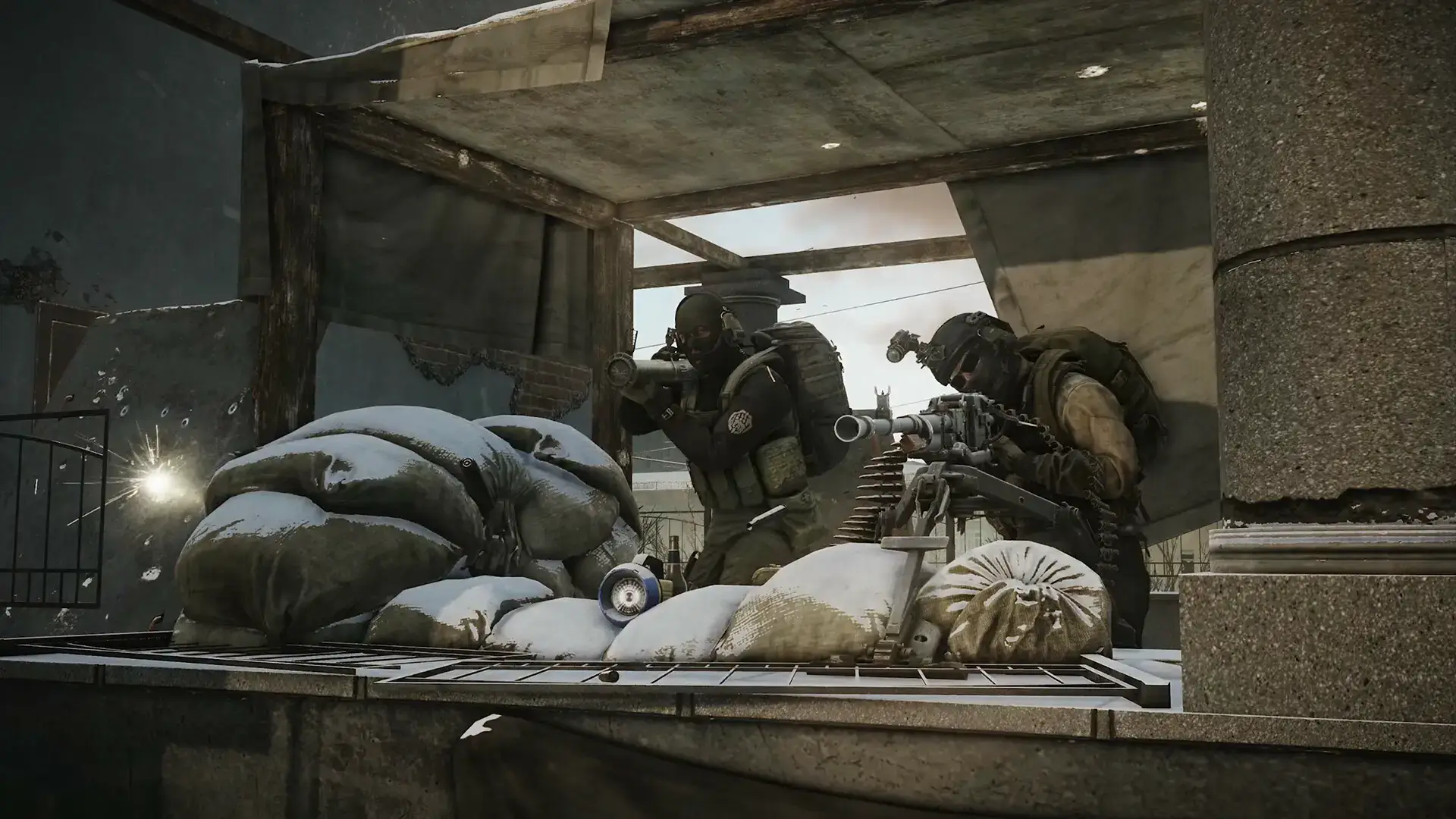
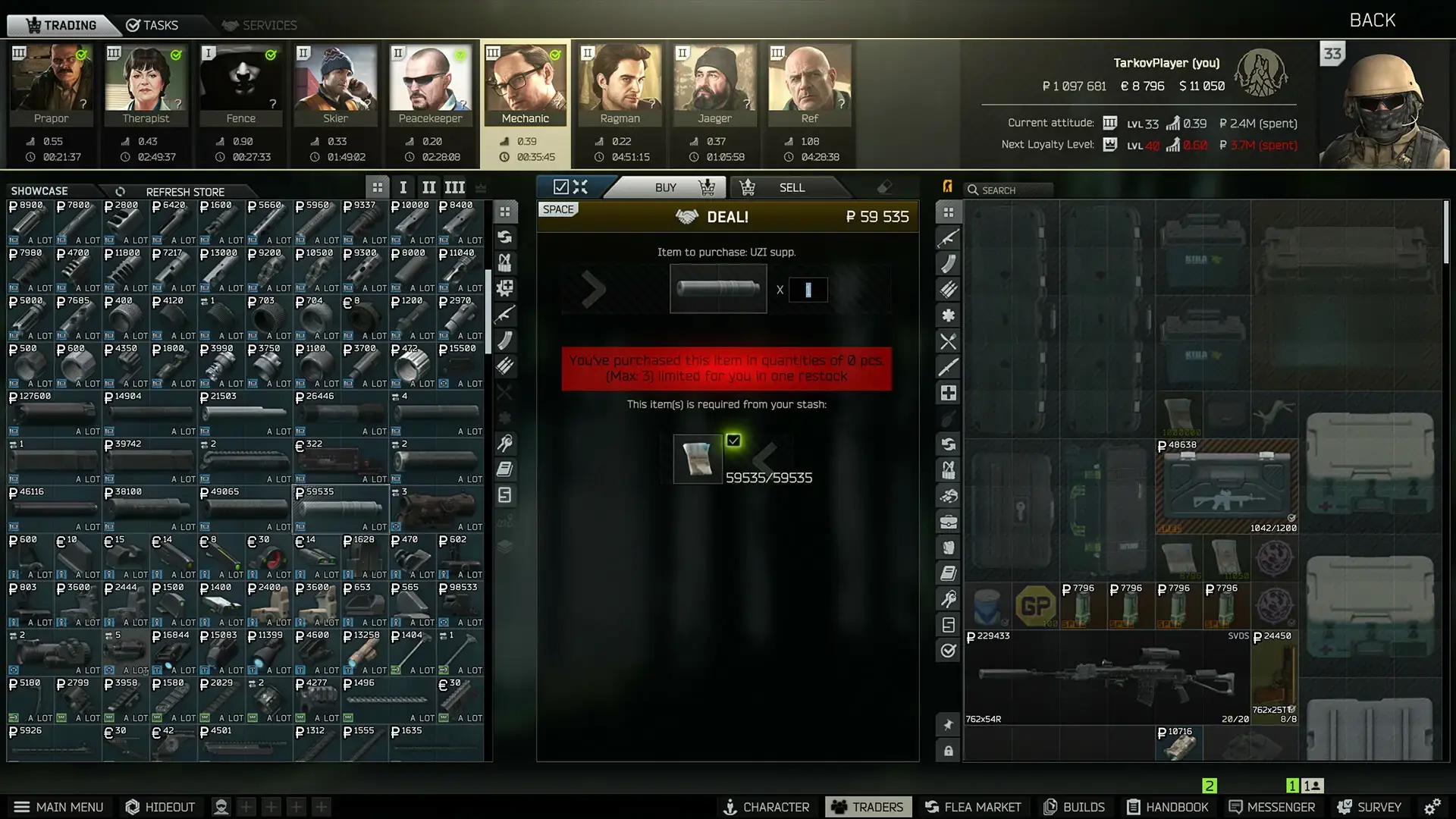
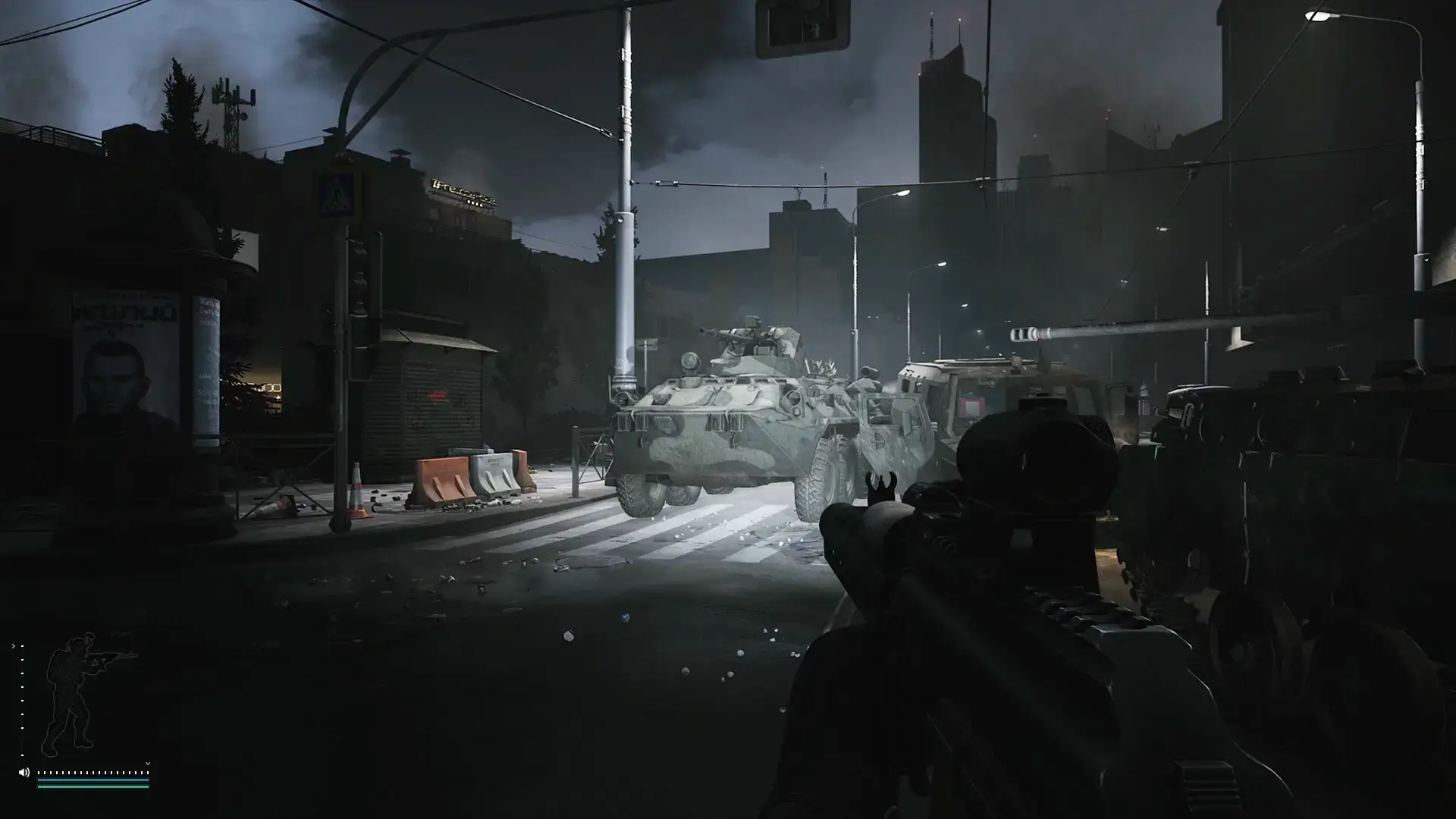
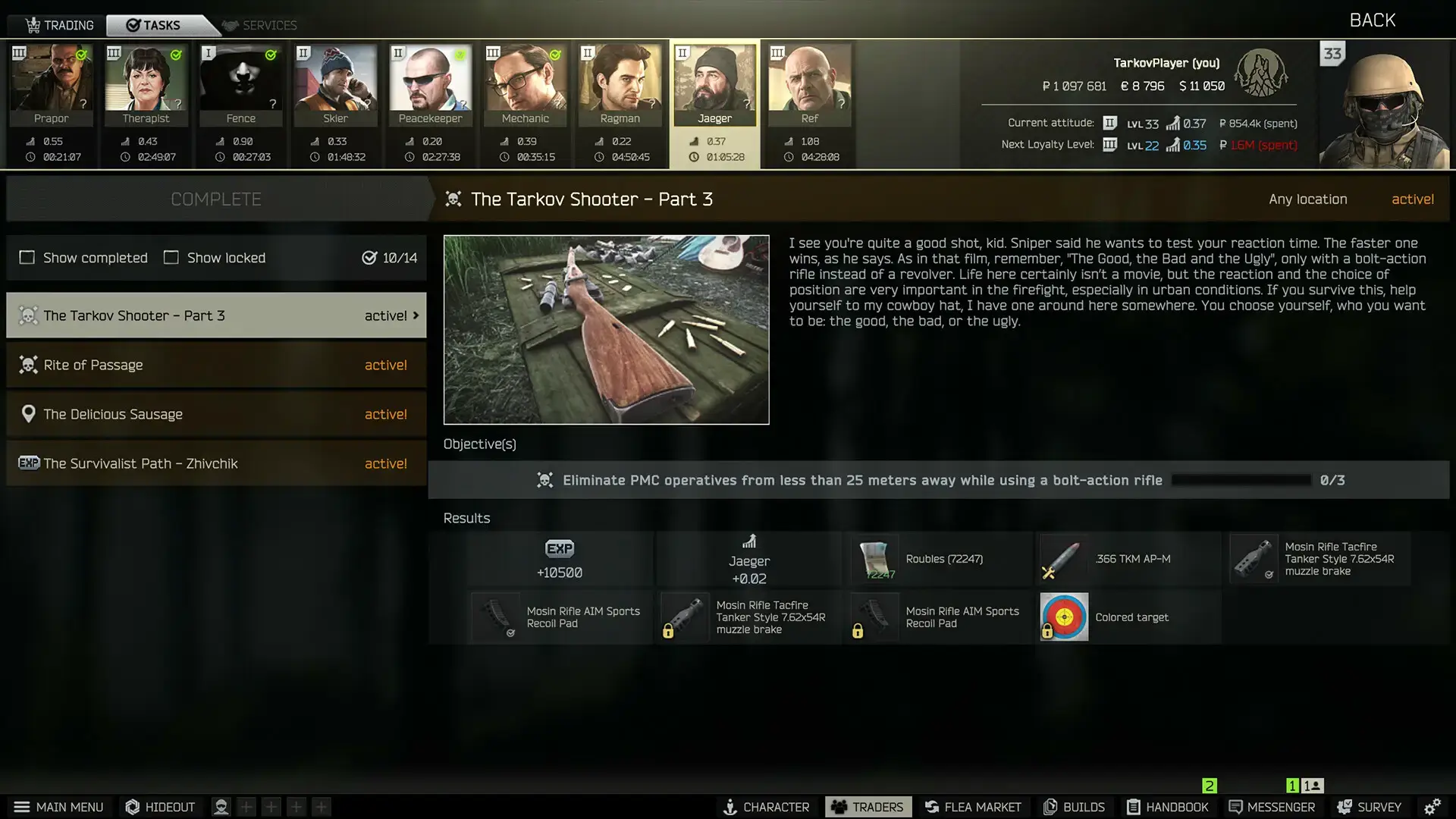
Escape from Tarkov Official Trailer
Watch the official 1.0 launch trailer to see the intense combat and deep systems in action.

Escape from Tarkov PC Requirements
Minimum:
- OS: Windows 10/11 64-bit
- CPU: Intel Core i5-6600 / AMD Ryzen 5 1600
- RAM: 12 GB
- GPU: NVIDIA GeForce GTX 1060 (6 GB) / AMD Radeon RX 580 (8 GB)
- DirectX: Version 12
- Storage: 80 GB available space (SSD required)
Recommended:
- OS: Windows 10/11 64-bit
- CPU: Intel Core i7-9700K / AMD Ryzen 7 5700X
- RAM: 16 GB or more
- GPU: NVIDIA GeForce RTX 3070 / AMD Radeon RX 6700 XT
- DirectX: Version 12
- Storage: 80 GB available space (SSD required)
Escape from Tarkov on Windows FAQ
- Is the game always online? Yes, a permanent internet connection is required as all gameplay occurs on dedicated servers with other players.
- What’s different in the 1.0 release? The full story campaign with multiple endings is the major addition, alongside various optimizations and content updates after eight years in development.
- Why are reviews mixed at launch? Some players report performance and optimization issues with the 1.0 release, though the developers are working on patches to address these concerns.
- Is there a single-player mode? While there’s no traditional single-player, offline raids with AI scavengers are available for practice, and the new story campaign provides structured PvE content.
- How punishing is the game? Extremely. Death means losing all gear you brought into the raid, creating high-stakes gameplay that isn’t for everyone.
Support and Community
Explore more Windows games: Call of Duty: Black Ops 7 · Best Games on PC · Best Action Games