

Readers like you help support this site. When you make a purchase using links on our site, we may earn an affiliate commission. All opinions remain our own.
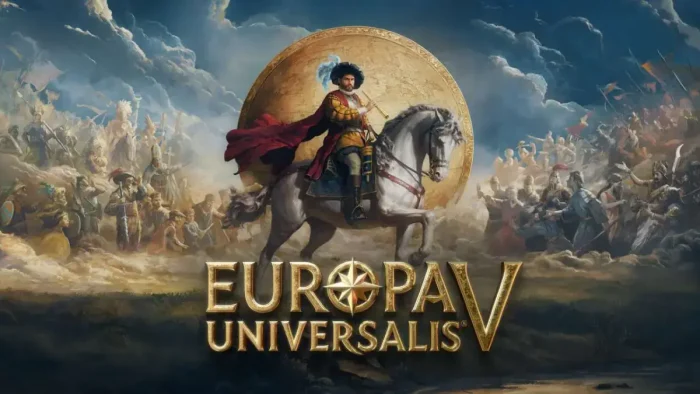

This historical simulation lets you guide any nation from the late Middle Ages through the Renaissance and into the early modern era, spanning from 1337 to 1837.
Developed by Paradox Development Studio, this masterpiece introduces revolutionary systems including detailed population management, dynamic economic simulations, and sophisticated diplomatic mechanics that create the most immersive strategy experience to date.
Following its highly anticipated launch, the game has earned a “Mostly Positive” review status on Steam, with veteran strategy gamers praising its depth, improved AI, and the elimination of the traditional “mana” system in favor of more organic gameplay mechanics.
Its unparalleled depth and complexity make it the ultimate choice for strategy enthusiasts who crave meaningful decision-making and long-term nation building.
If you enjoy deep historical simulation, complex economic management, and diplomatic gameplay where every choice shapes centuries of history, Europa Universalis V represents the pinnacle of grand strategy gaming.
This guide covers how to install it on Windows, its revolutionary new features, and essential beginner tips for surviving your first century of rule.
Have questions or your own strategies to share? Leave a comment below or contact us, we’re real people and always happy to help.
Download and install Europa Universalis V on PC
Europa Universalis V is available exclusively on Steam. Here’s how to install it:
- Method: Steam
- Open the store page: Europa Universalis V on Steam.
- Click Add to Cart and complete the checkout process.
- Choose between Standard Edition or Premium Edition (includes future DLCs).
- In your Steam Library, click Install and select your preferred drive.
- Wait for the download to complete (approximately 20 GB).
- Launch the game from your Library and begin your historical campaign.
Quick Tip: 💡 For the complete experience, consider the Premium Edition which includes three future DLC packs and instant access to cosmetic “Sacred Sites” content, ensuring you get all major updates: Europa Universalis V Premium Edition on Steam.
Get Europa Universalis V on Steam

What is Europa Universalis V?
Europa Universalis V is a deep historical grand strategy game where you take control of any nation from the late medieval period through the early industrial era. The game completely reimagines the series’ foundations by introducing detailed population systems, dynamic economic simulations, and replacing abstract “monarch power” with organic “situations” based on historical events.
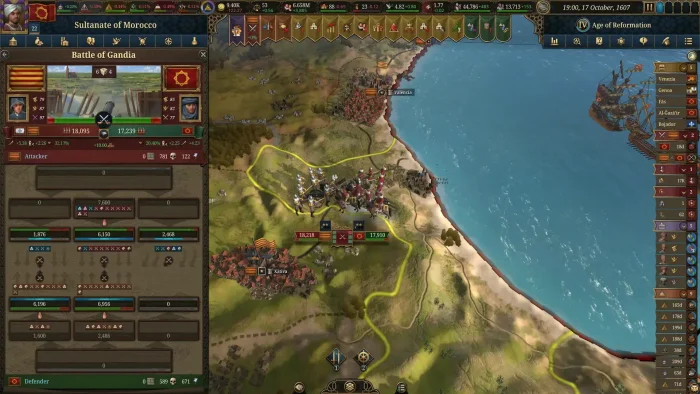
The core gameplay involves managing your nation’s economy, military, diplomacy, and internal development across five centuries of history. You’ll navigate complex international relations, conduct warfare with revamped military systems, and guide your population through technological and social transformations.
Unlike previous entries, EUV features unprecedented simulation depth with individual population units having their own needs, cultures, and religions, creating emergent storytelling that feels both historically grounded and uniquely your own.
Key Features
- Revolutionary Population System: For the first time in the series, detailed populations are represented on the map with individual needs, cultures, and religions that dynamically impact your empire’s stability and growth.
- Deep Economic Simulation: Master the most sophisticated trade system in the series, with dozens of goods, realistic supply and demand economics, and complex production chains from raw materials to finished products.
- Dynamic Situations System: Replaces the traditional “mana” system with organic historical events and challenges that require strategic decision-making rather than resource stockpiling.
- Evolving Military Mechanics: Experience warfare that transforms from medieval levies to professional standing armies, with completely redesigned combat, logistics, and navy systems.
- Sophisticated Diplomacy: Navigate complex international relations with dynasty management, powerful alliances, and territorial disputes that feel authentic to the historical period.
Why play on Windows?
Playing on PC provides the ideal environment for Europa Universalis V’s complex interface and deep simulation. The mouse and keyboard controls are essential for efficiently managing vast empires, while Windows ensures optimal performance for the game’s detailed calculations and graphics.
Tips for PC beginners
- Start with a Major Power: Begin your first campaign with a strong, stable nation like France, England, or Portugal. These countries have solid economic bases and geographical advantages that forgive early mistakes while you learn core mechanics.
- Use Automation Features: Don’t be overwhelmed by micro-management. Use the robust automation systems for population management and trade initially, focusing your attention on learning diplomacy and military strategy first.
- Manage Expansion Carefully: Avoid rapid conquest that raises your “Antagonism” level. High antagonism can trigger powerful coalitions against you. Instead, focus on integrating new territories and building infrastructure to improve control and income.
- Balance Your Economy: Use taxes and minting cautiously to avoid inflation. Build a sustainable economy by developing production chains and maintaining a surplus of essential goods, particularly food for population growth.
- Choose Allies Wisely: Select stable, powerful allies that share your strategic interests, but be cautious of being dragged into their conflicts. Always check a potential ally’s rivals and internal stability before committing to alliances.
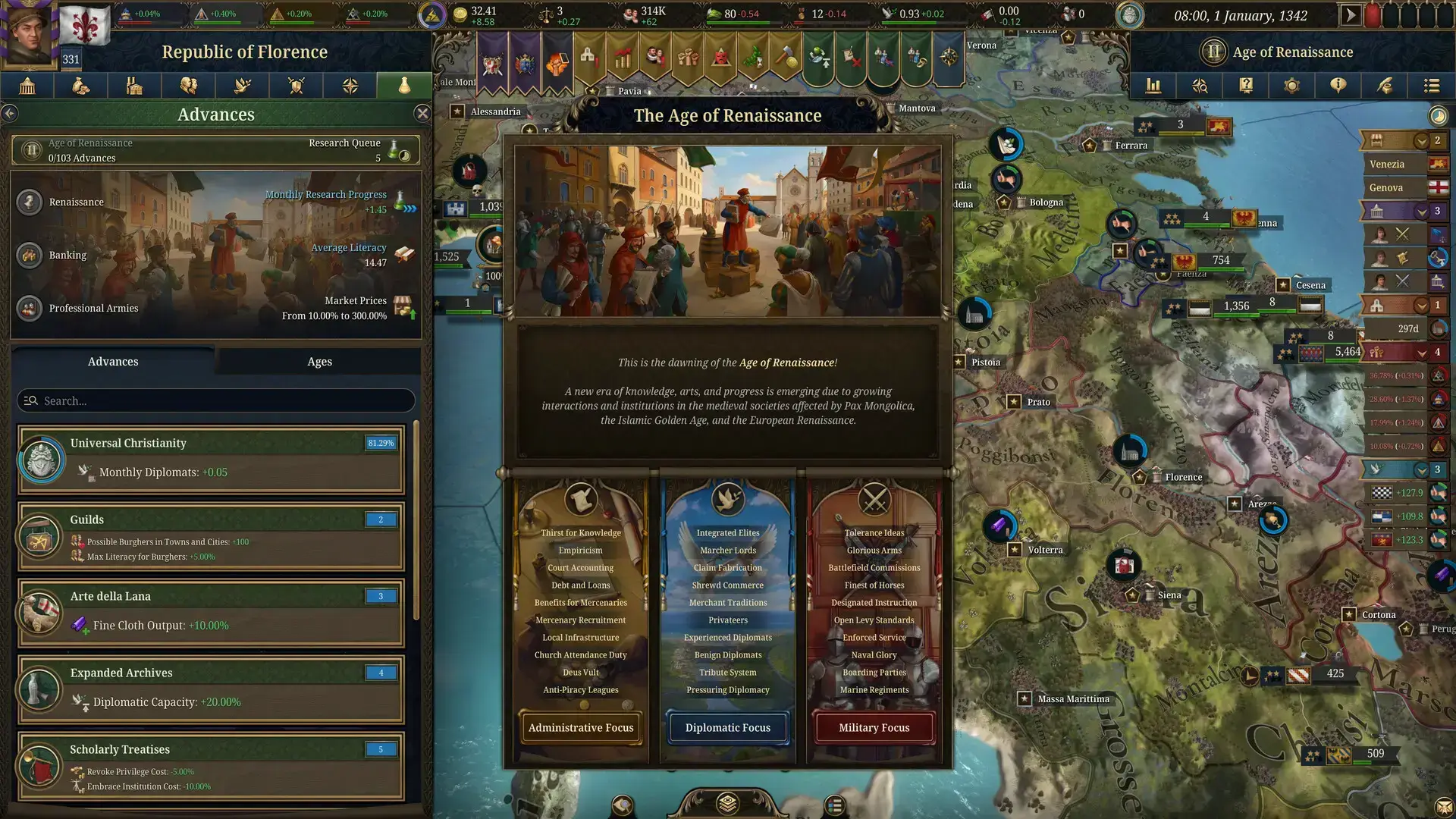
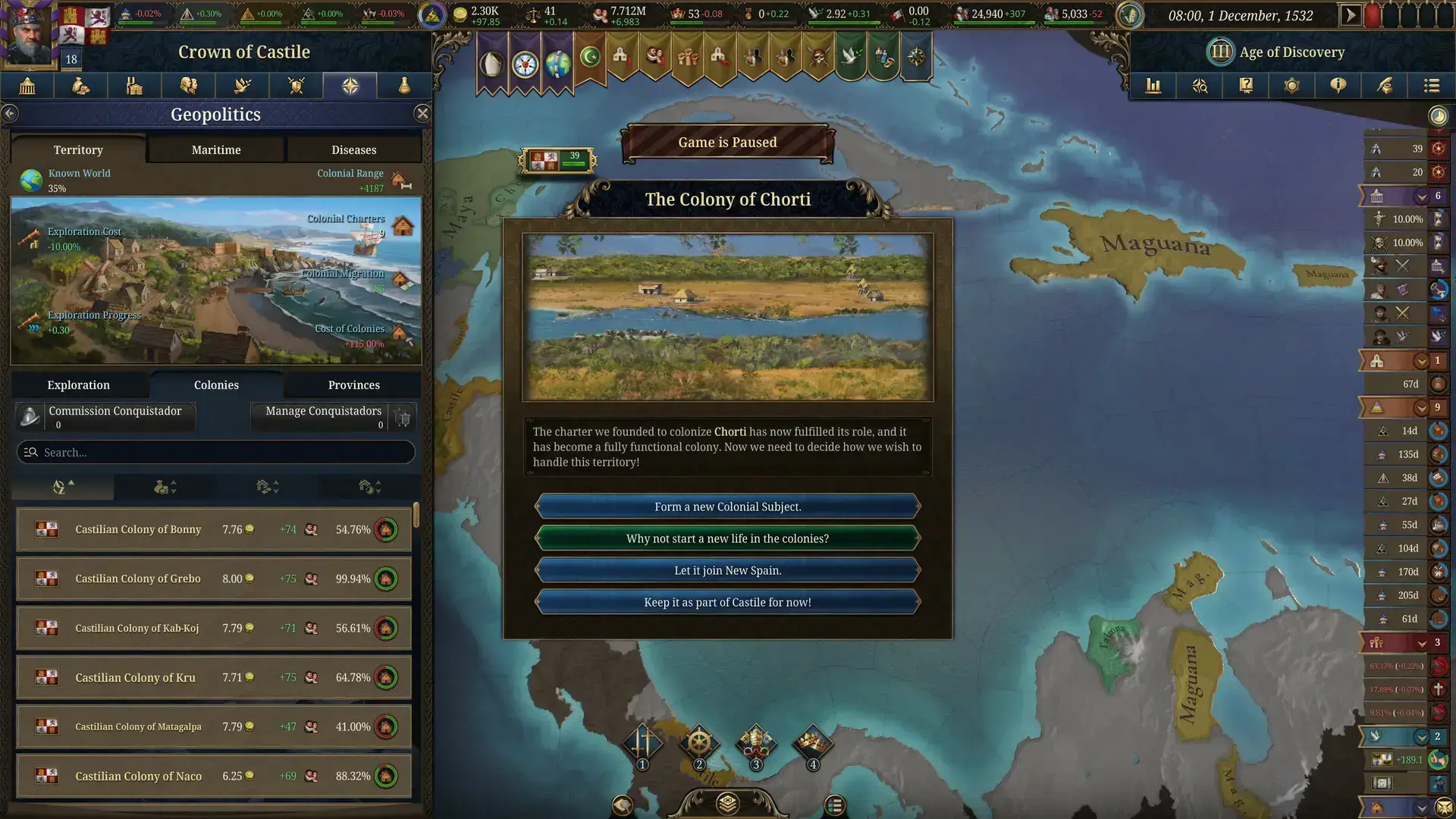
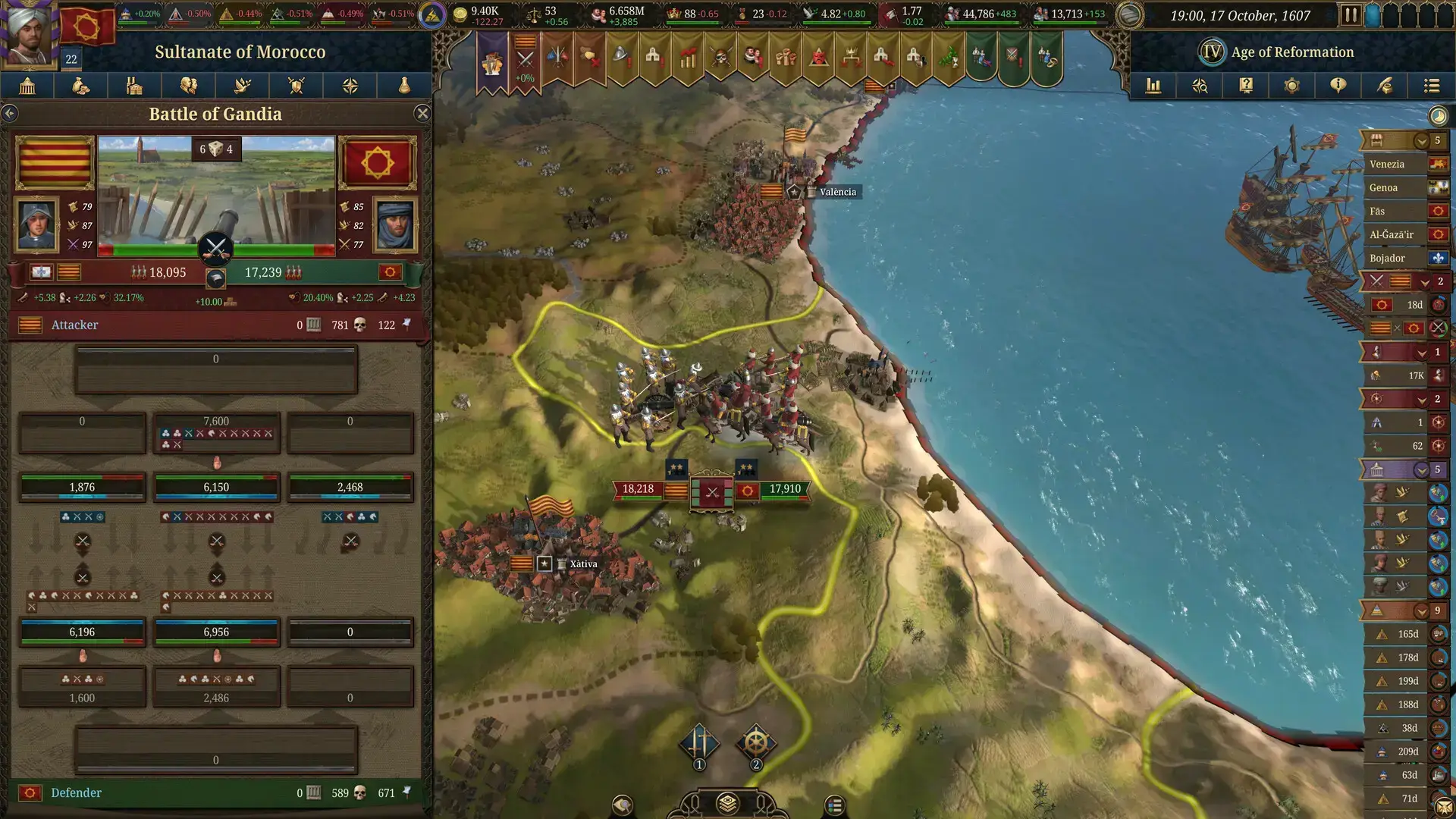
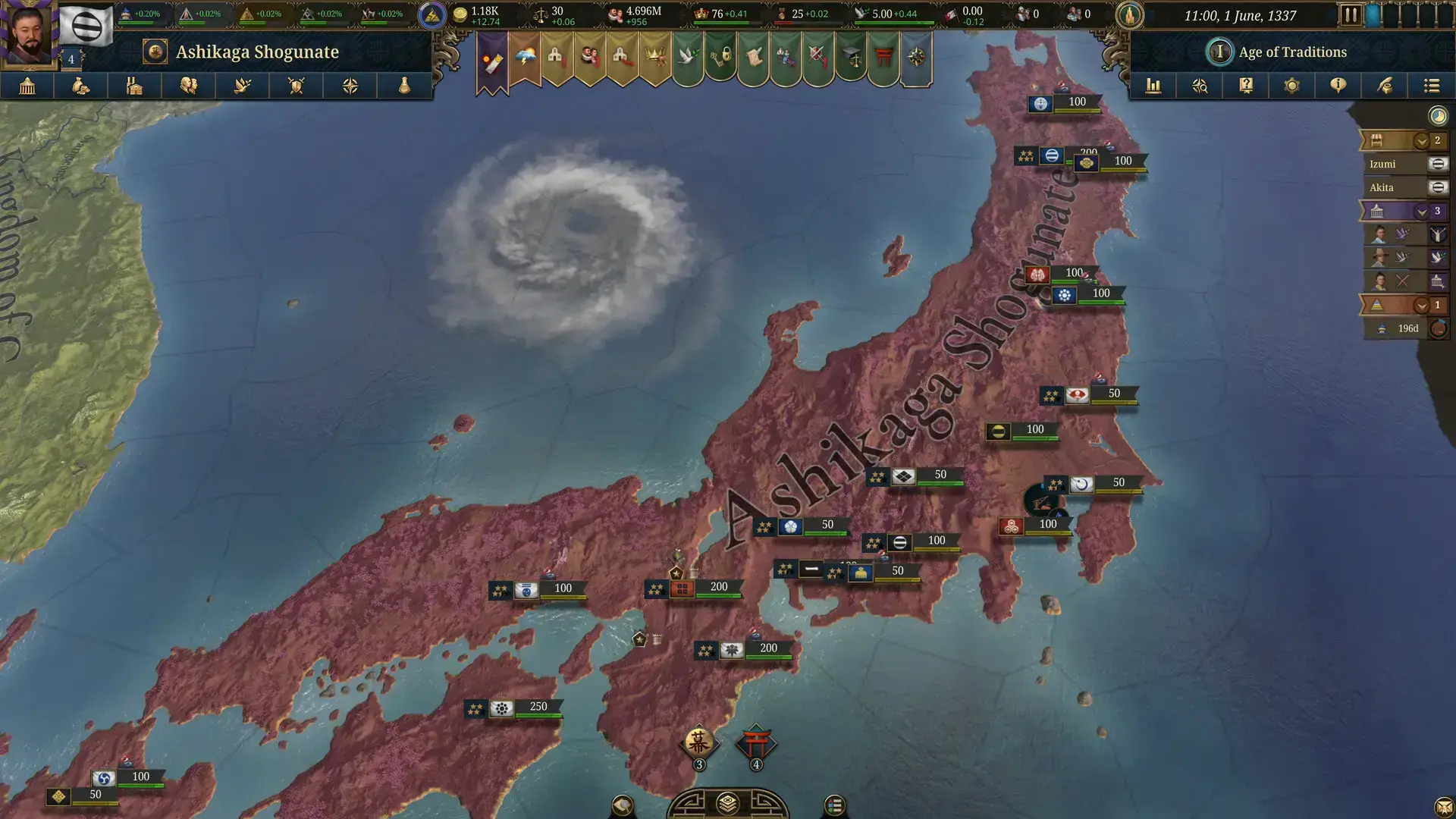
Europa Universalis V Gameplay Screenshots
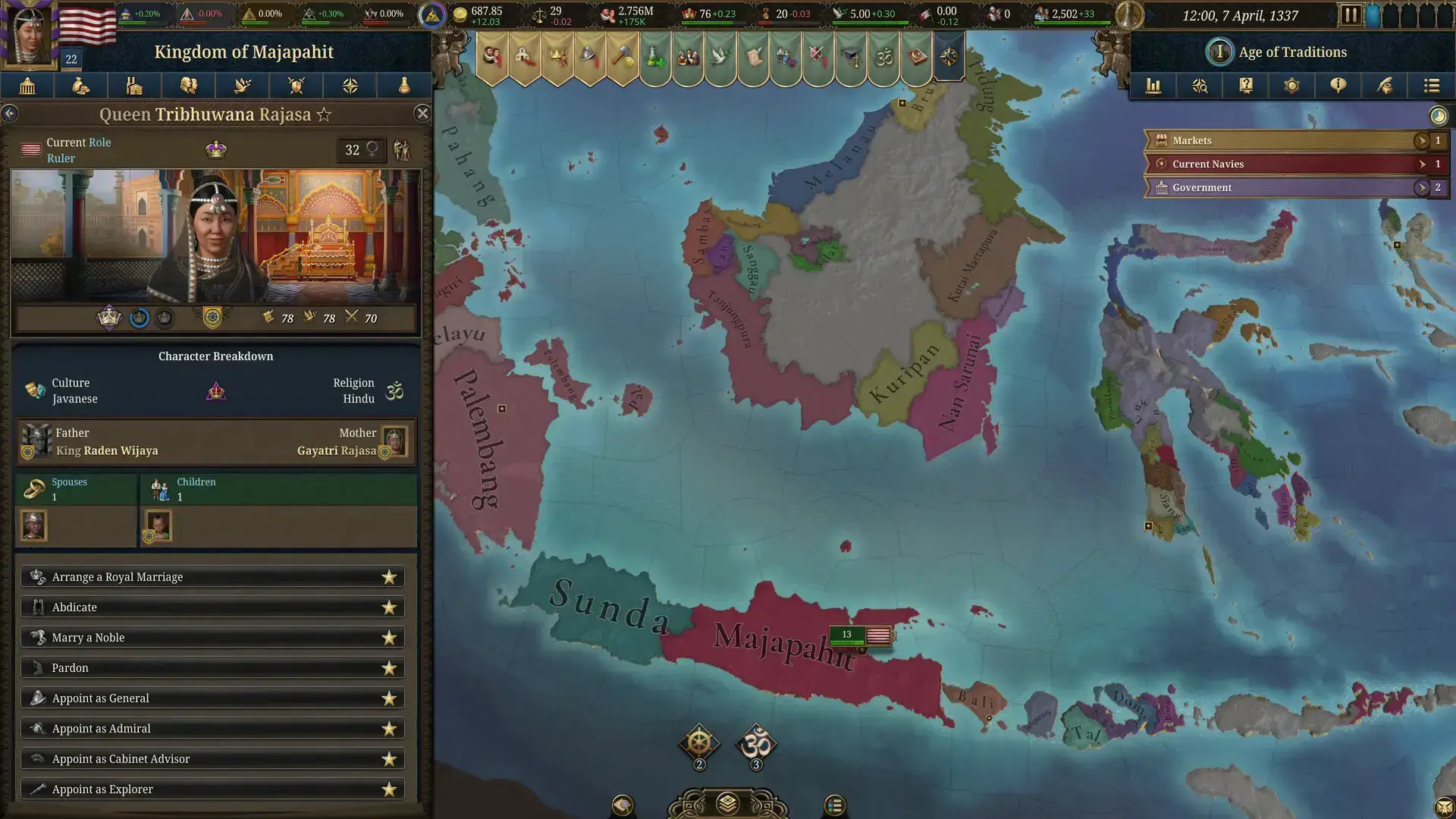
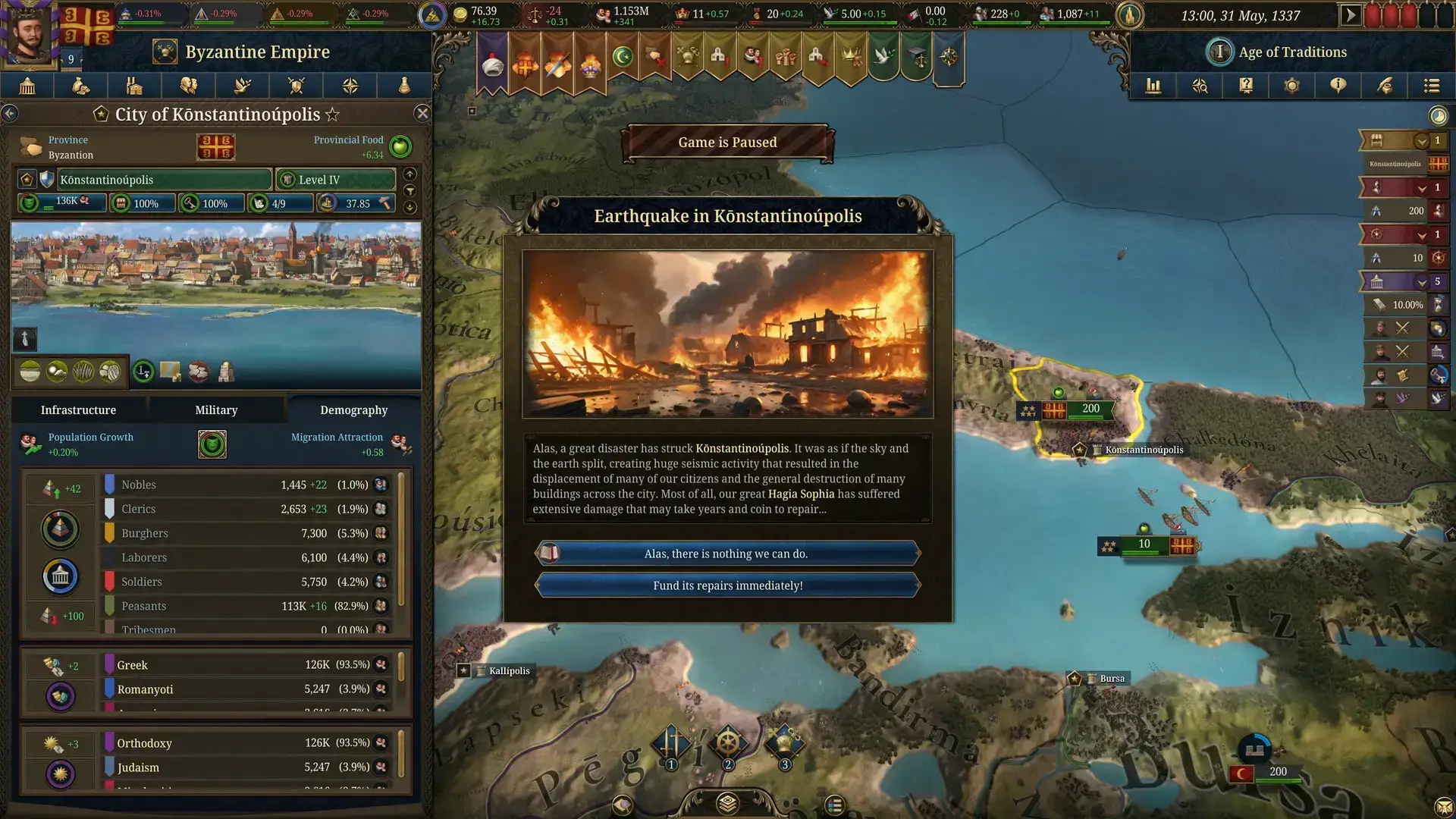
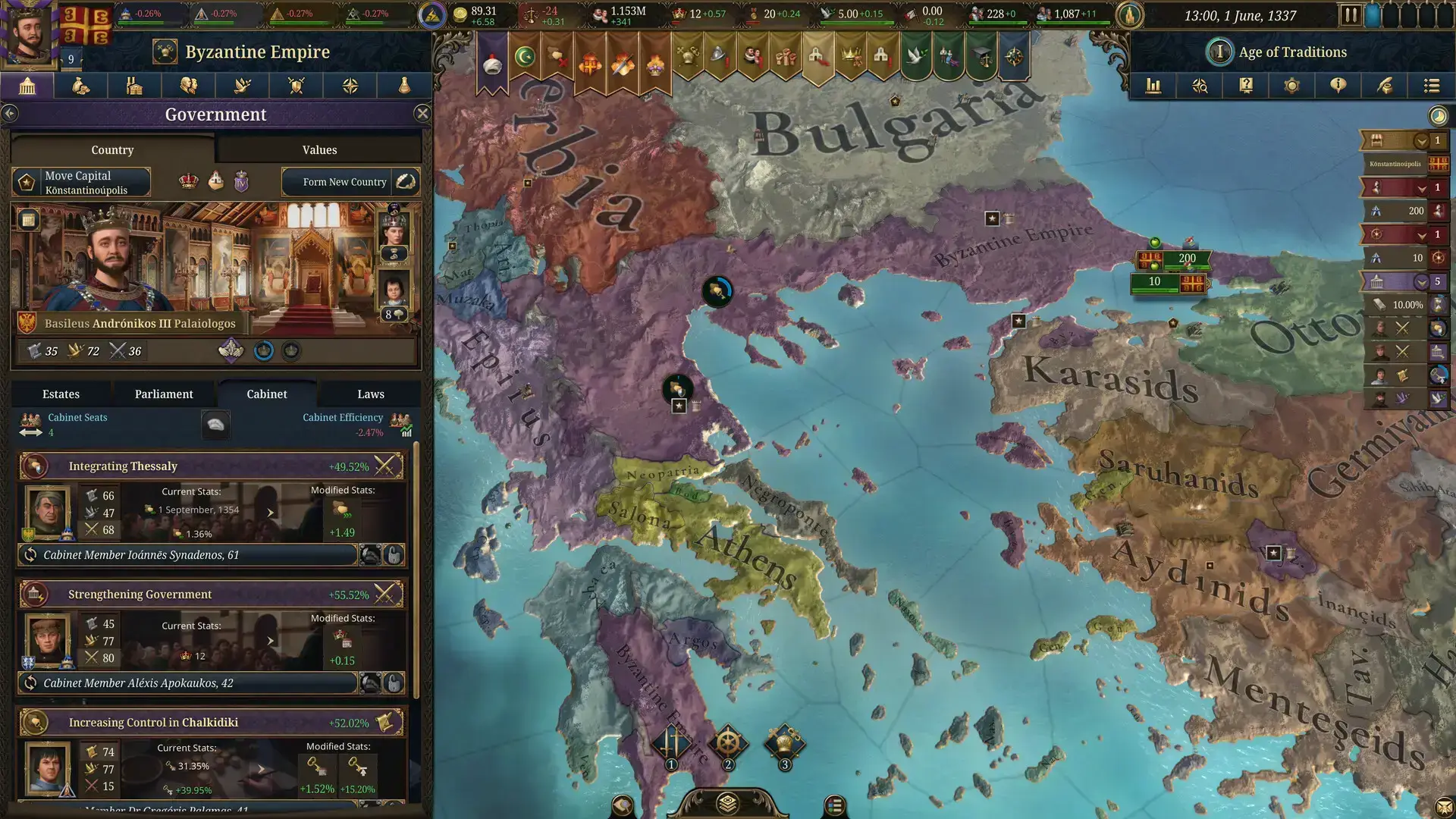
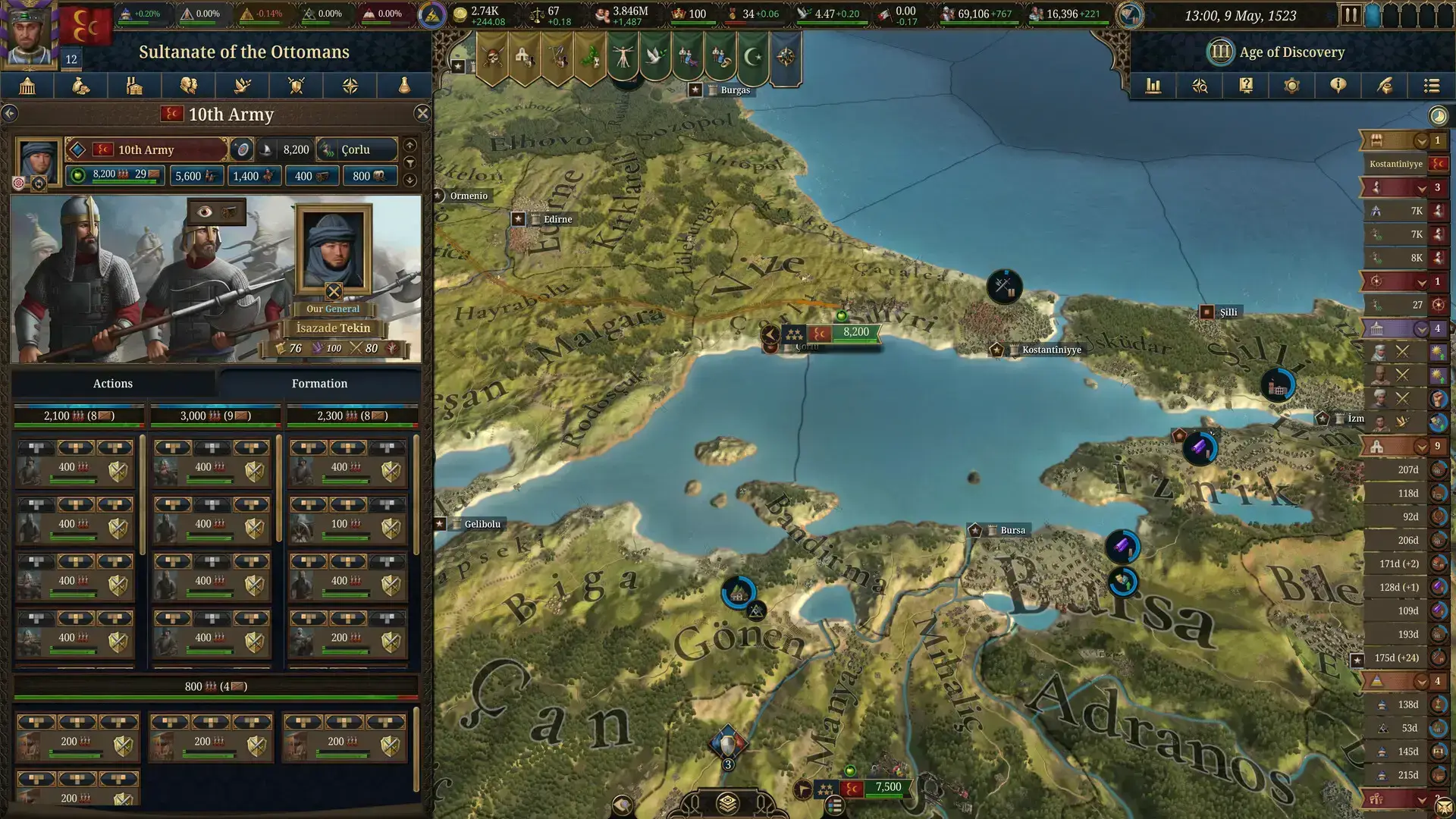
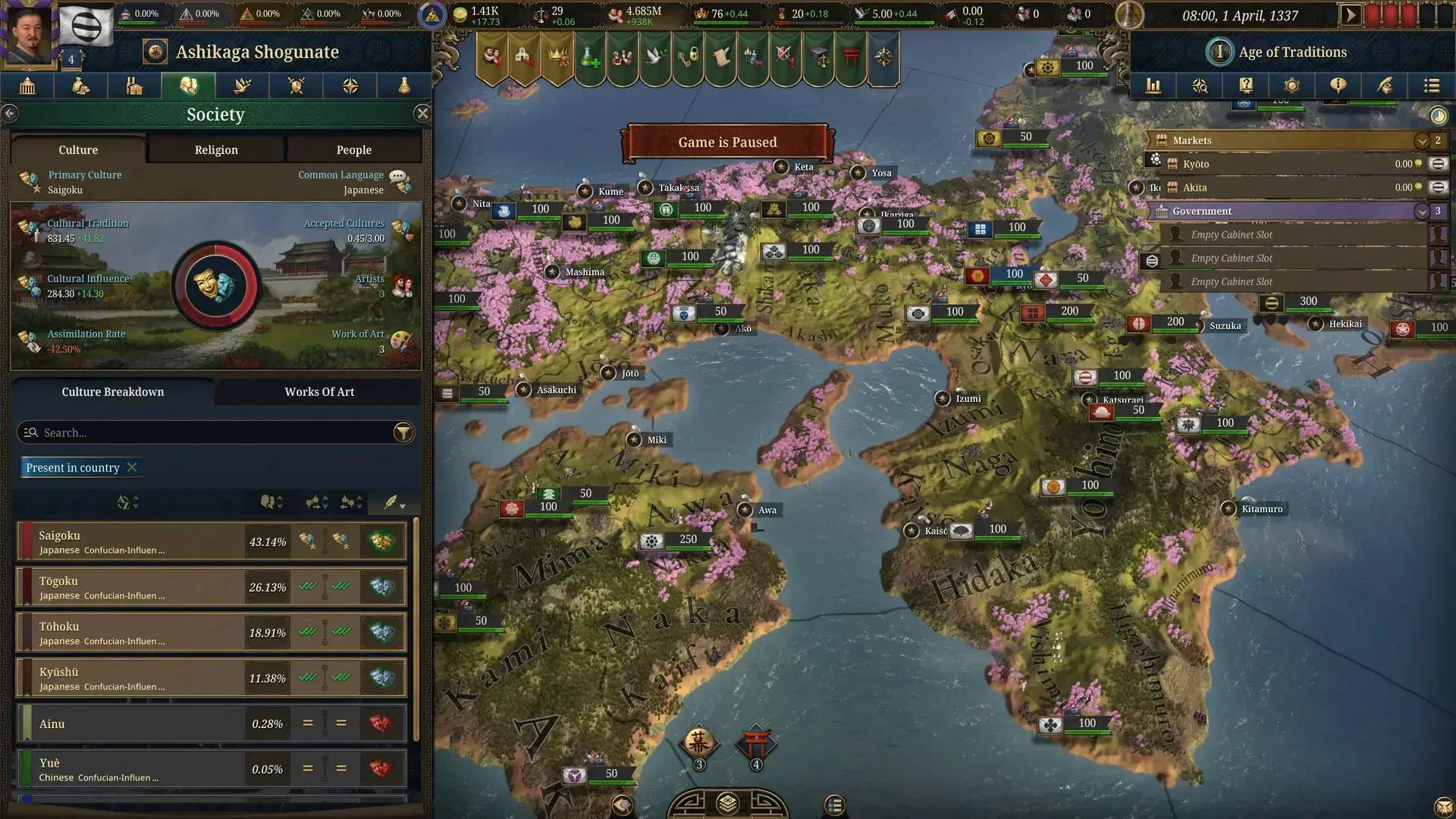
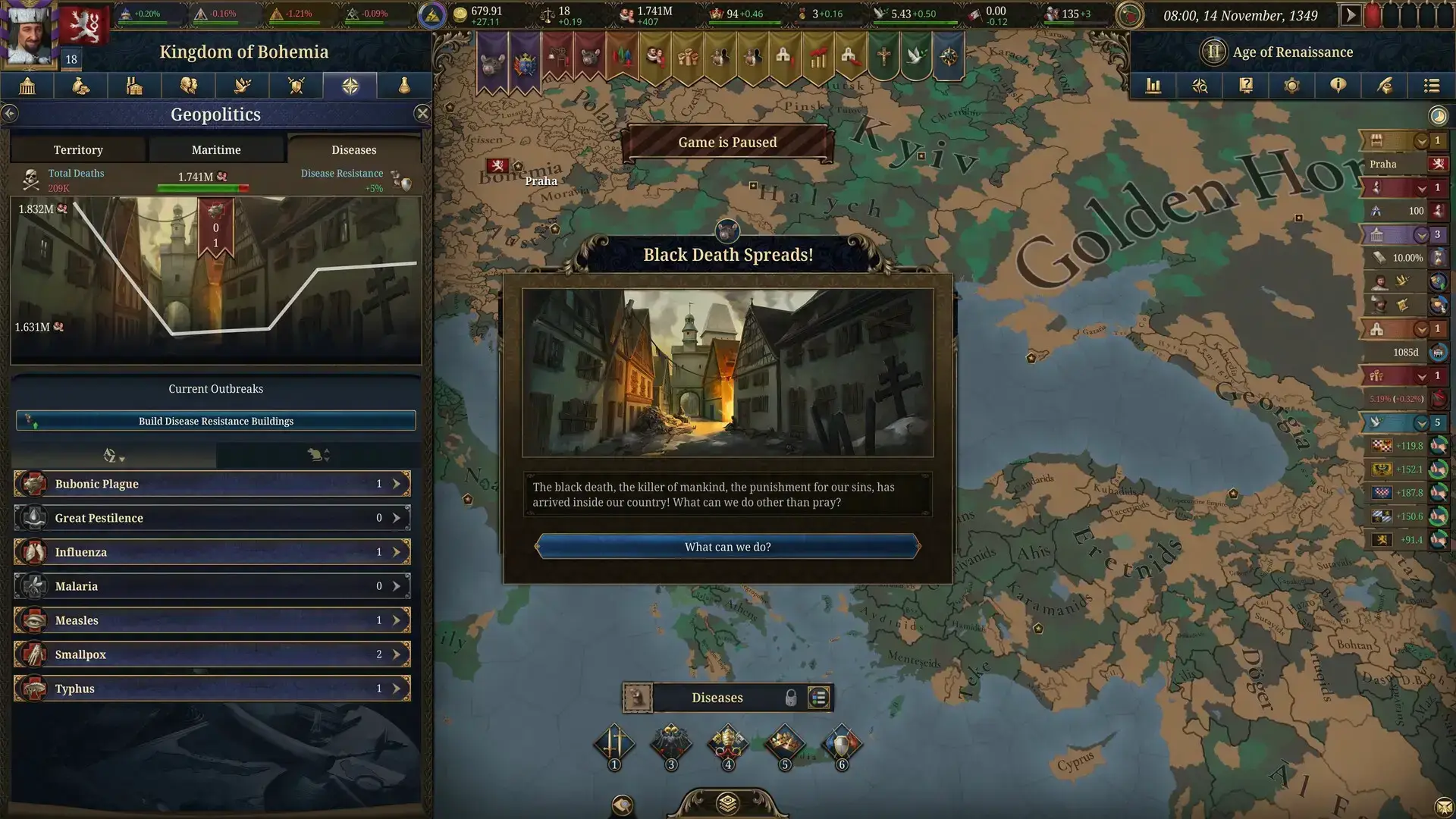
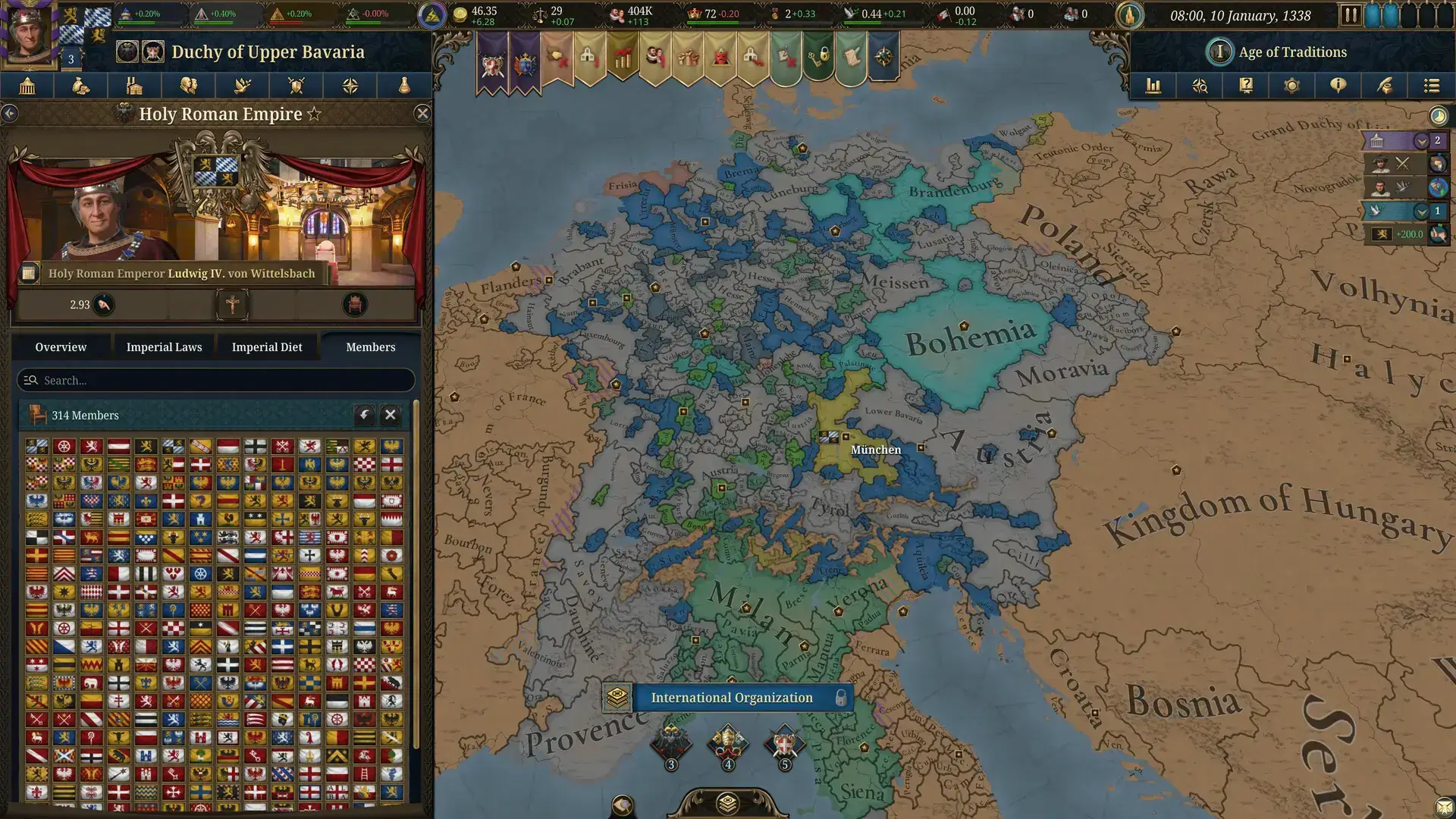
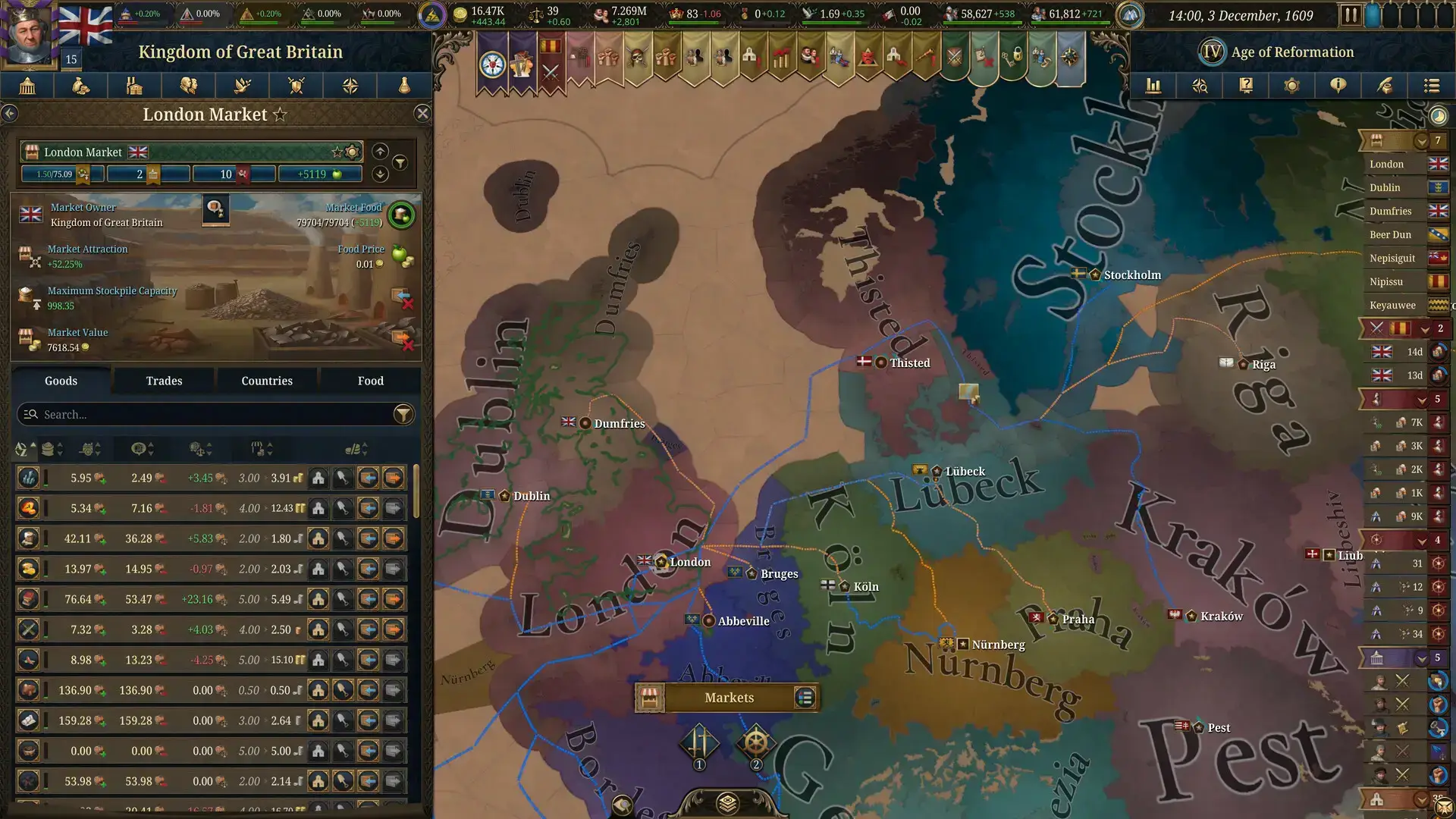
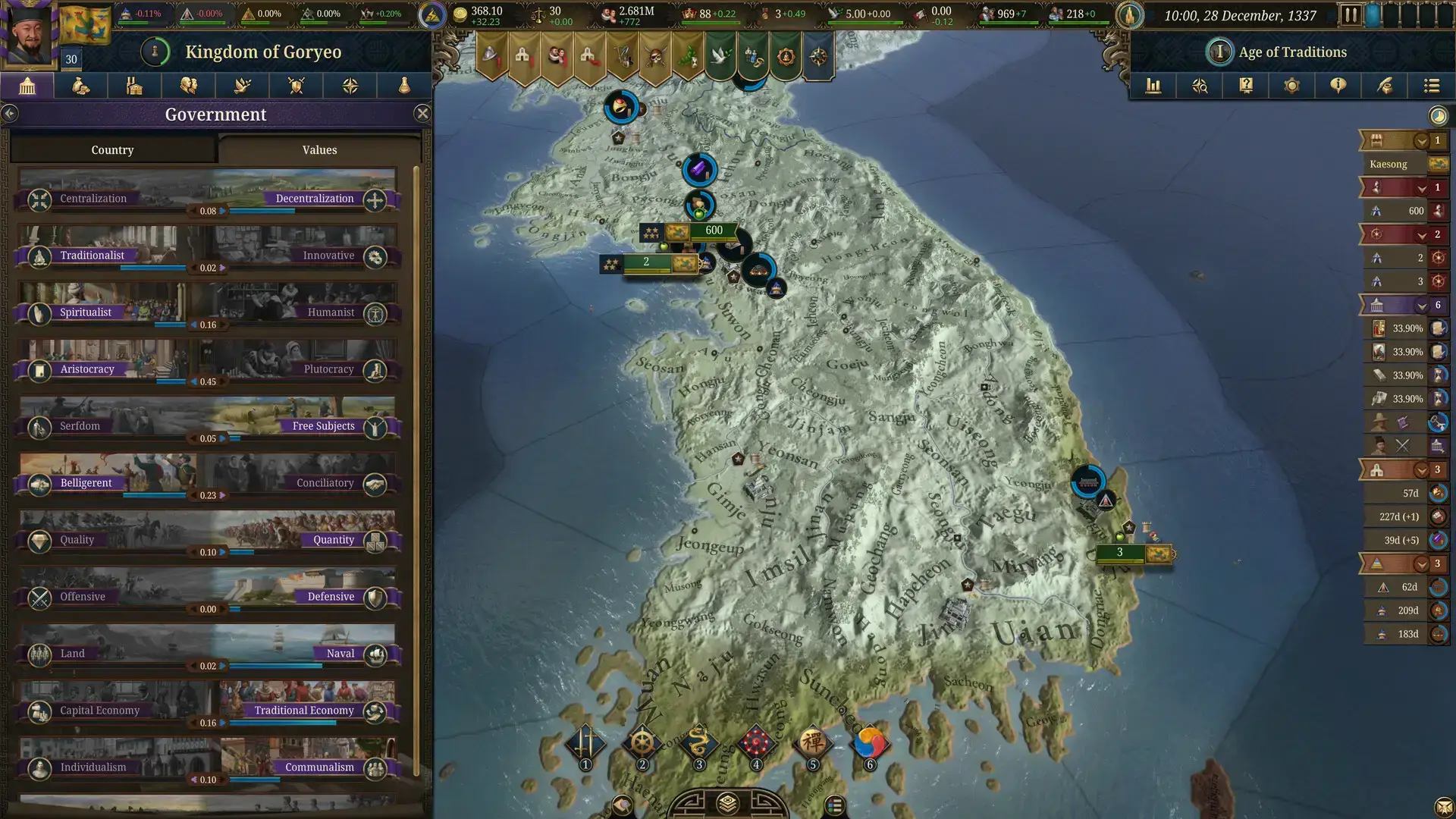
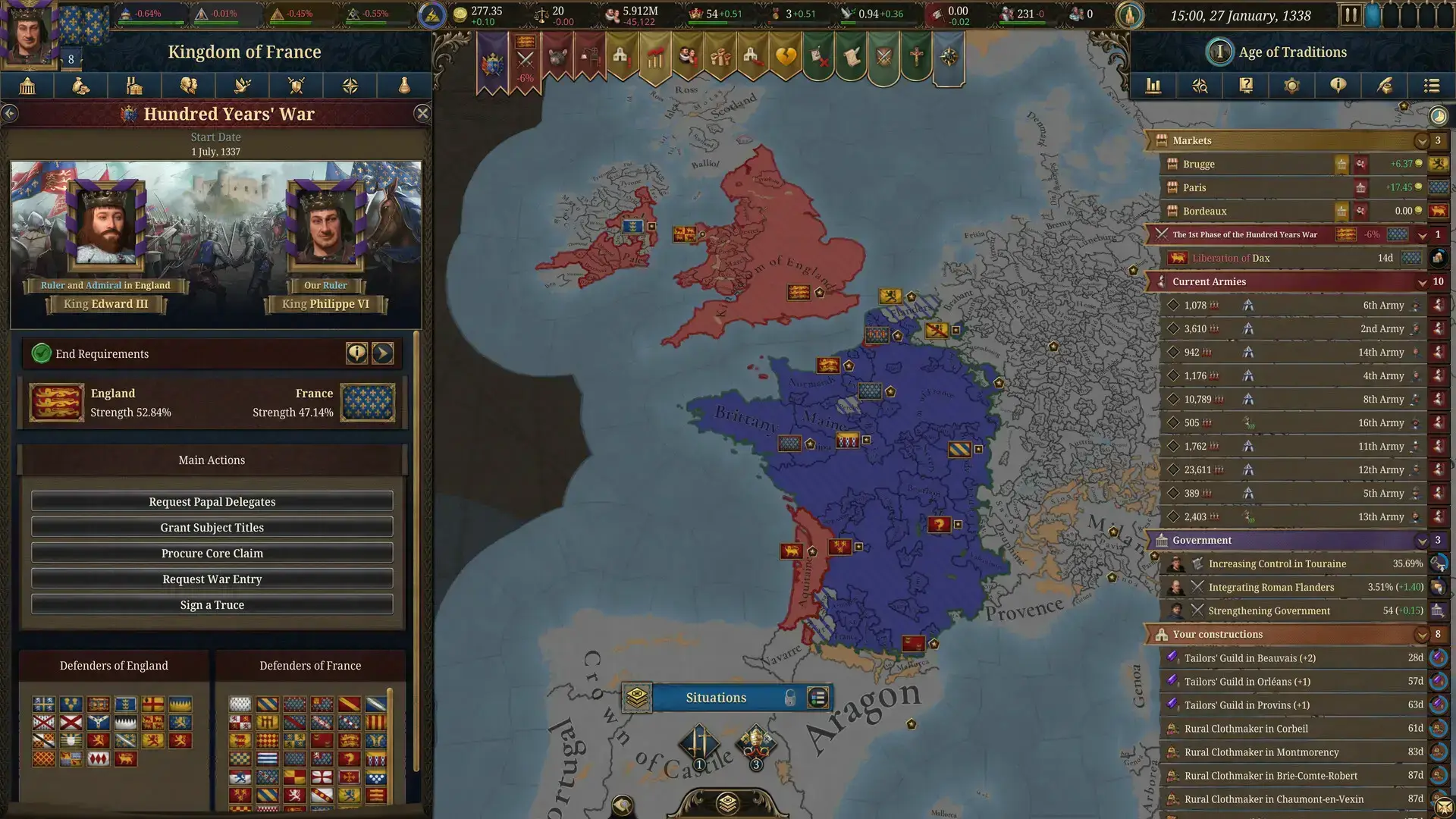
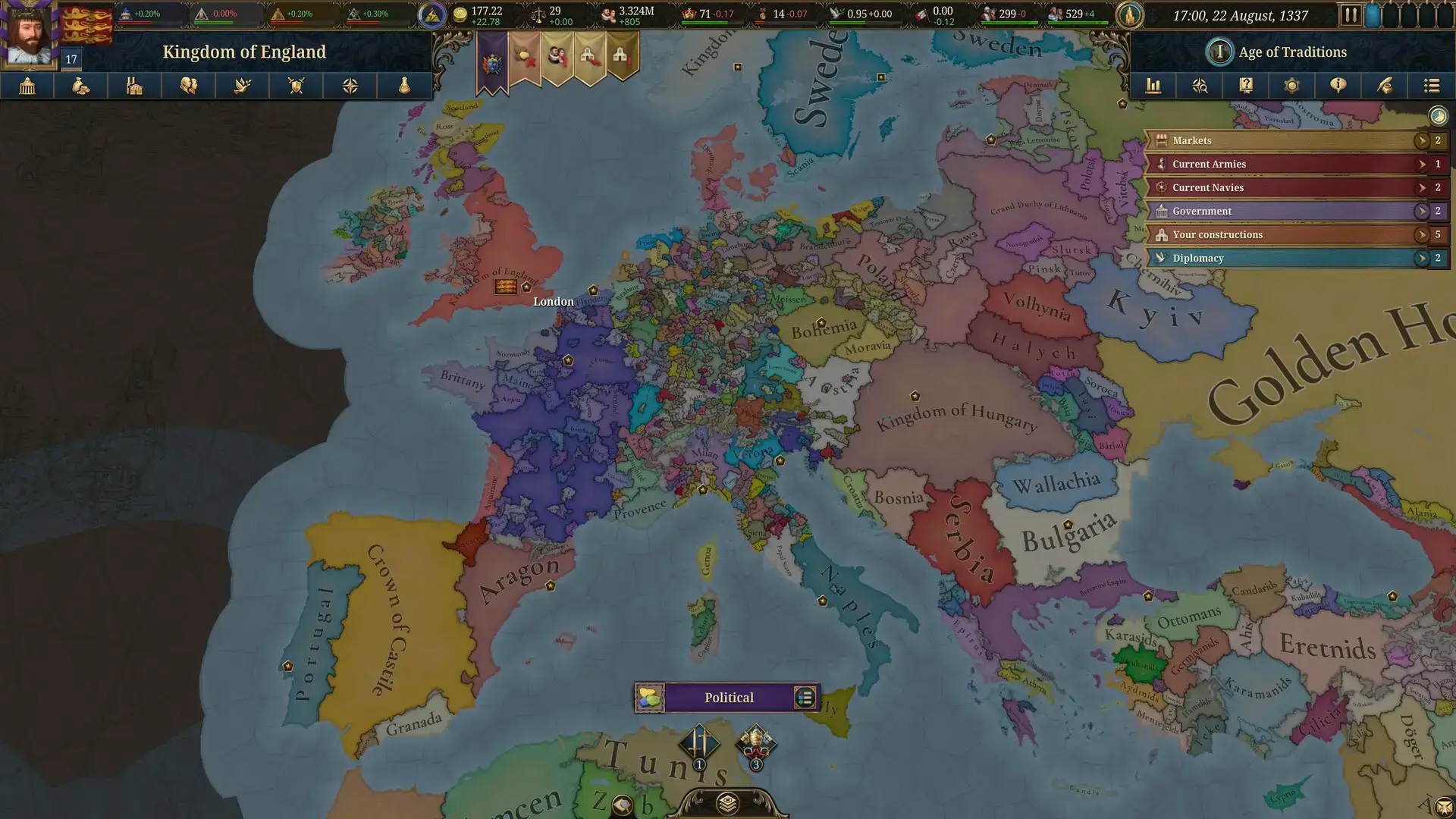
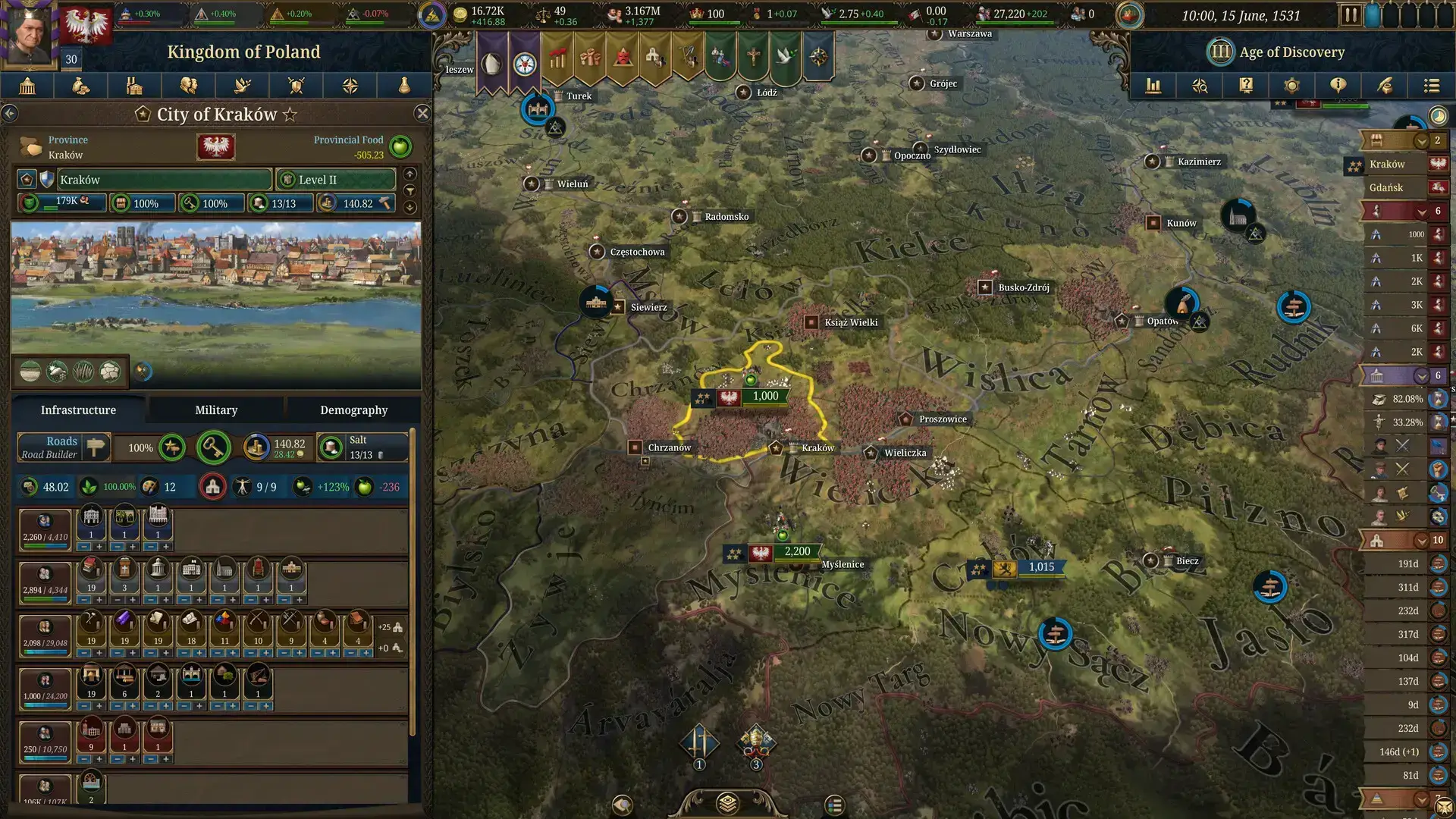
Europa Universalis V Official Trailer
Watch the official announcement trailer to see the revolutionary new systems and stunning visual improvements in action.

Europa Universalis V PC Requirements
Minimum:
- OS: Windows 10 Home 64 Bit
- CPU: Intel Core i7-8700K / AMD Ryzen5 3600
- RAM: 16 GB
- GPU: NVIDIA GeForce GTX 1060 (6GB) / AMD Radeon RX 580 (8GB)
- DirectX: Version 11
- Storage: 20 GB available space
Recommended:
- OS: Windows 11
- CPU: Intel Core i7-14700K / AMD® Ryzen 7 7800X3D
- RAM: 32 GB
- GPU: NVIDIA GeForce RTX 3060 Ti (8GB) / AMD Radeon RX 6700 XT (12GB)
- DirectX: Version 11
- Storage: 20 GB available space
Europa Universalis V on Windows FAQ
- Is it a single-player game? Yes, though it includes robust multiplayer options for those who want to compete or cooperate with friends.
- What are the major changes from EU4? The game eliminates “monarch power,” introduces detailed population simulation, dynamic economic systems, and replaces abstract mechanics with organic “situations.”
- Is the Premium Edition worth it? For dedicated fans planning extensive play, yes, it includes all announced DLCs. Casual players may prefer the Standard Edition initially.
- Are there console or Mac versions? No, the developers have confirmed Windows PC exclusivity to ensure optimal performance for the complex simulation and controls.
- How difficult is it for new players? The learning curve is steep, but improved tutorials, tooltips, and automation features make it more accessible than previous entries while maintaining depth.
Support and Community
Explore more Windows strategy games: Anno 117: Pax Romana for PC · Dispatch for Windows · Best PC Strategy Games · Civilization VII