

Readers like you help support this site. When you make a purchase using links on our site, we may earn an affiliate commission. All opinions remain our own.
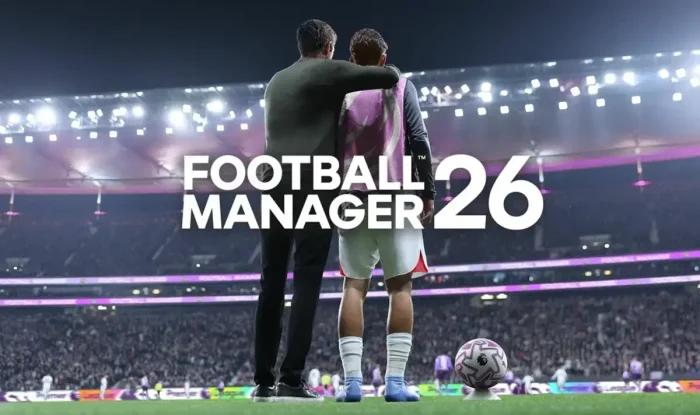

The game’s release was met with significant community feedback regarding crashes during career setup, performance drops during matches, and a controversial new interface that many found difficult to navigate. On Steam discussions and community forums, players highlighted problems with the game failing to start and general instability, even on capable systems.
In response, the developers have been actively releasing patches, including a major November update addressing over 300 issues through the Steam Public Beta branch. These fixes target crashes, match freezes, and add requested quality-of-life improvements like customizable attribute colors.
While the game shows tremendous potential with its visual upgrades and expanded features, prospective players should be aware that the experience is still being refined through ongoing updates.
This guide covers how to install it on Windows, its key features, and essential tips while acknowledging the current state of the game.
Have questions or your own strategies to share? Leave a comment below or contact us, we are always happy to help.
Download and install Football Manager 2026 on PC
Football Manager 2026 is available for PC primarily on Steam. Here’s how to install it:
- Method: Steam
- Open the store page: Football Manager 2026 on Steam.
- Click Add to Cart and complete the checkout process.
- Choose your preferred edition during purchase.
- In your Steam Library, click Install and select your preferred drive.
- Wait for the download to complete (approximately 20 GB).
- Launch the game from your Library and begin your managerial career.
Quick Tip: 💡 Use the FM Rater tool available on community sites to check how well Football Manager 2026 will run on your specific PC hardware before purchasing and installing.
Get Football Manager 2026 on Steam

What is Football Manager 2026?
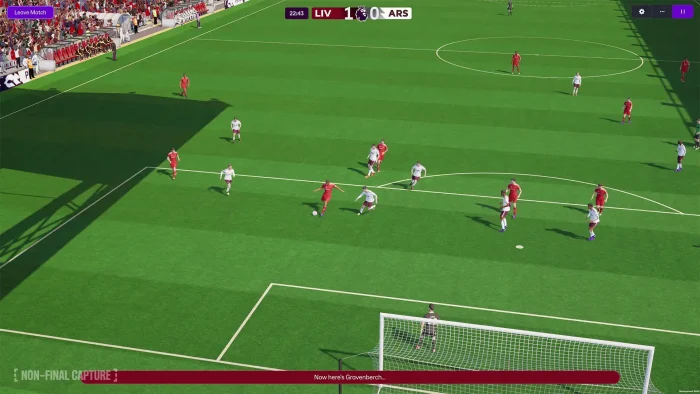
Football Manager 2026 is the deepest football management simulation ever created, putting you in complete control of any football club in the world. The game represents a technical revolution with its move to the Unity engine, delivering dramatically improved match visuals, more realistic player animations, and enhanced stadium atmospheres.
The core gameplay involves managing every aspect of your chosen club, from tactical planning and player transfers to youth development and financial management. You’ll navigate press conferences, handle player relationships, and make critical decisions that determine your club’s success across multiple seasons.
Unlike previous entries, FM26 features fully integrated women’s football from launch and includes the official Premier League license, creating unprecedented authenticity in both men’s and women’s football simulations.
Key Features
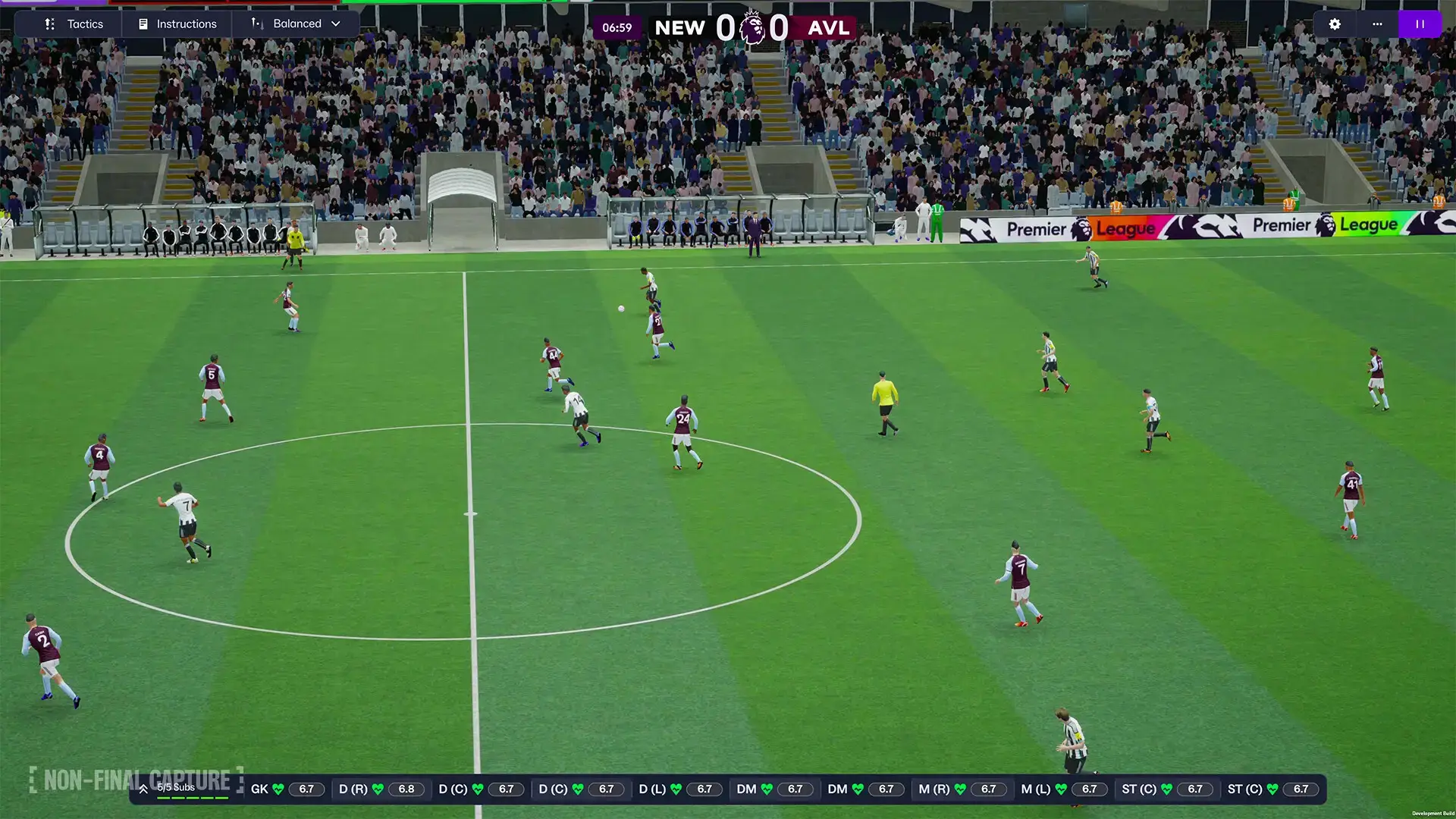
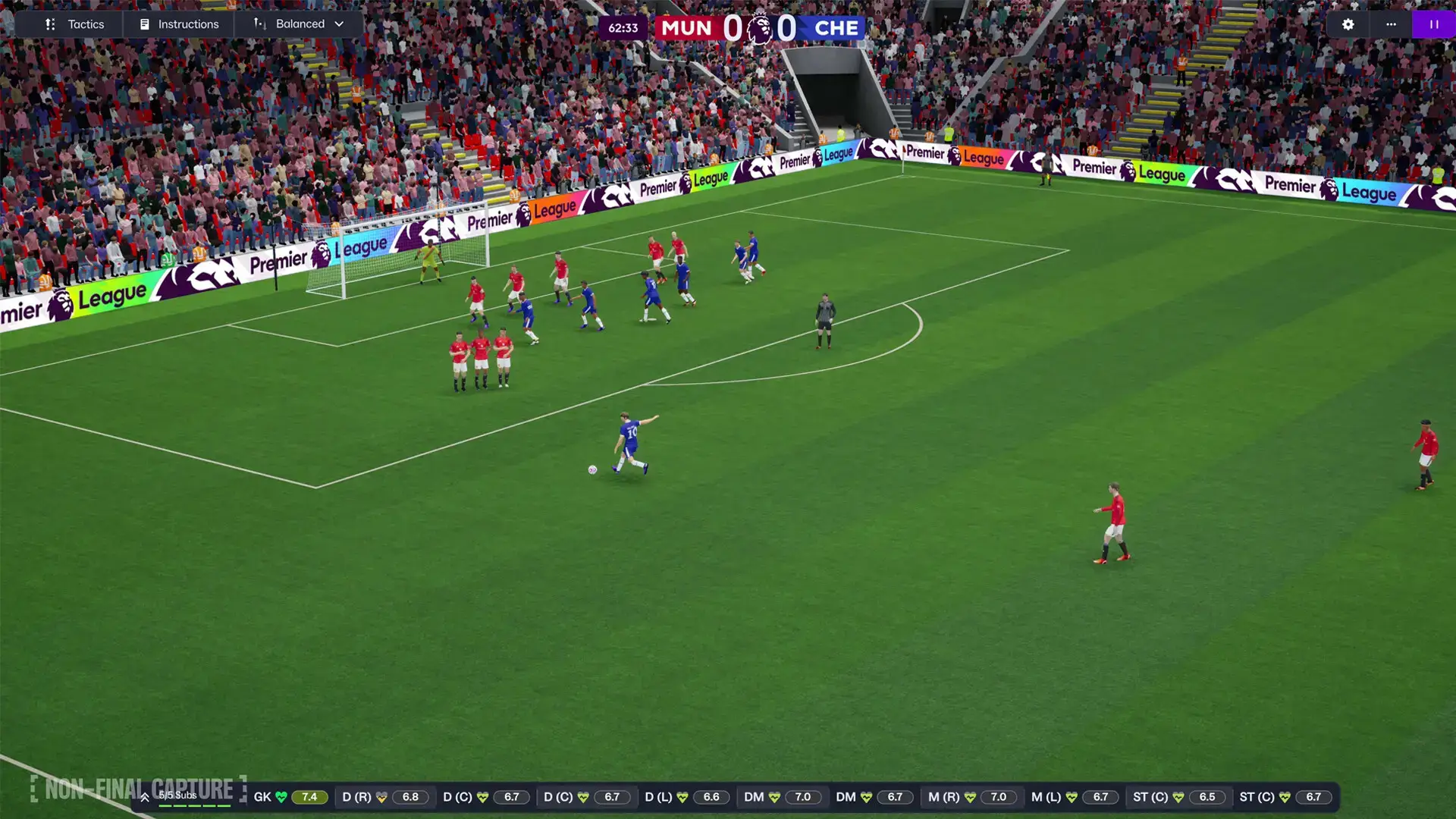
- New Unity Engine: Experience a visual revolution with enhanced player animations, realistic ball physics, dynamic lighting, and more immersive crowd reactions that bring match days to life.
- Women’s Football Integration: For the first time in the base game, manage women’s clubs with fully realized leagues, featuring over 35,000 licensed players across 14 playable competitions.
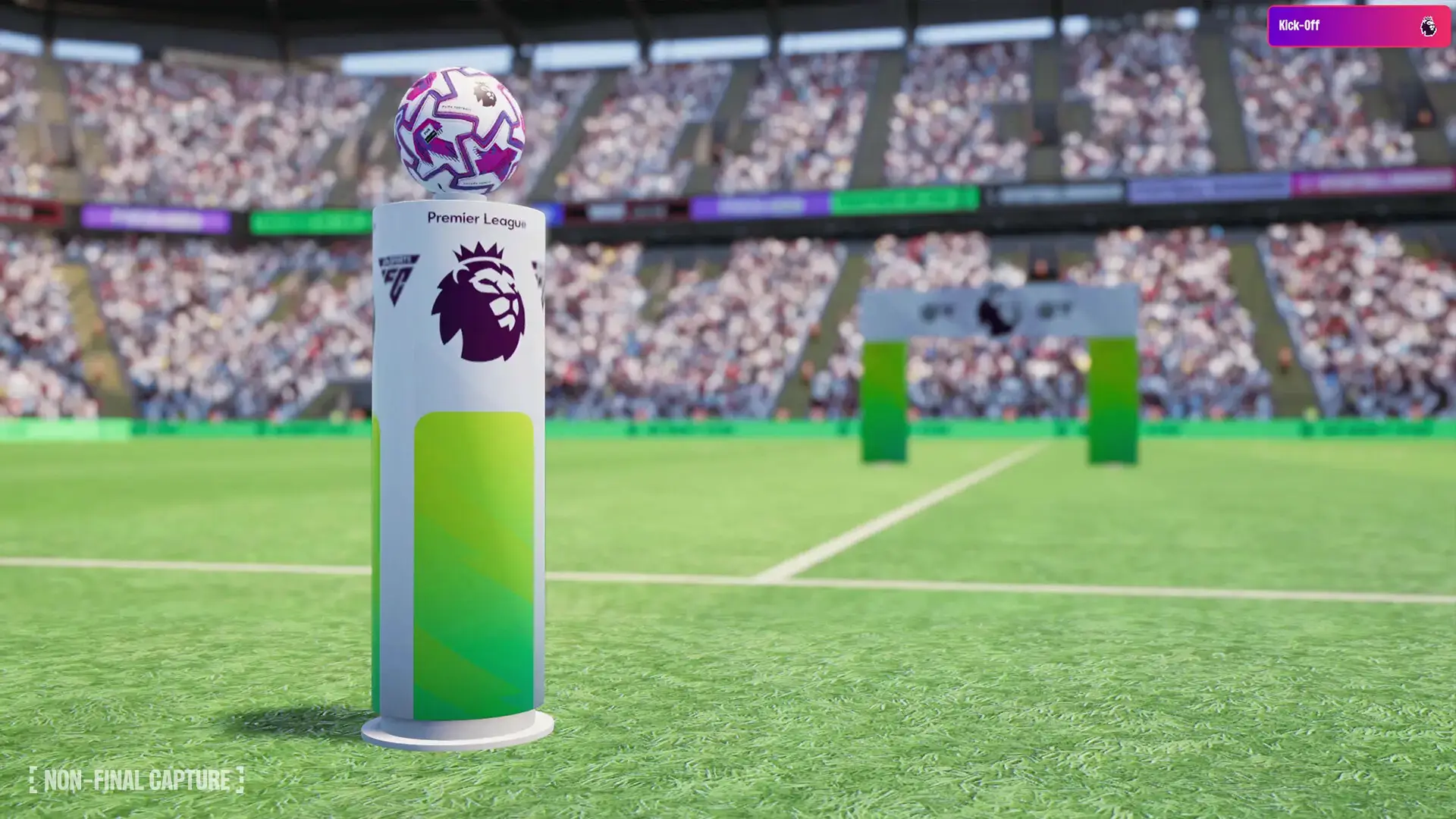
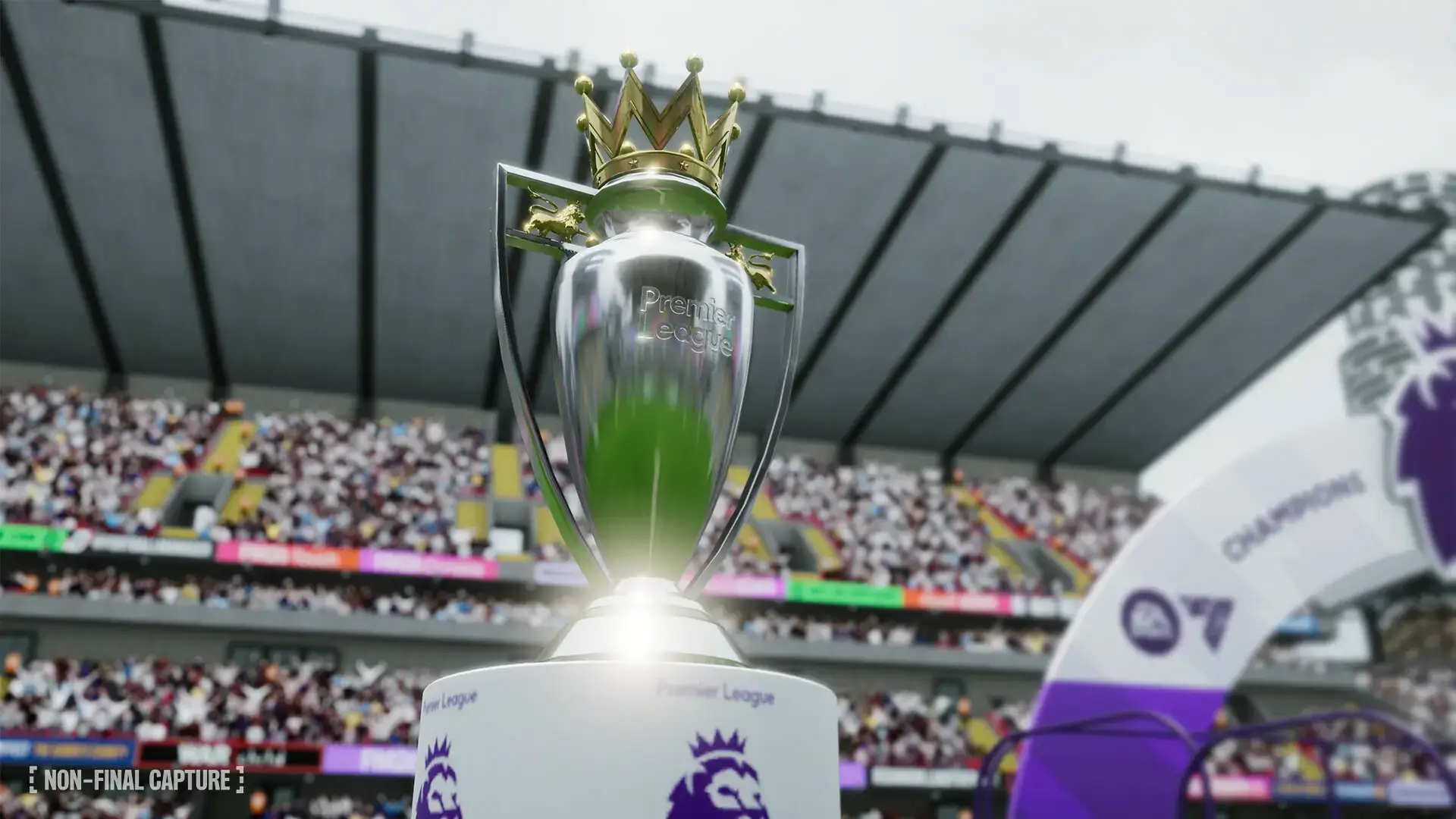
- Official Premier League License: Experience authentic English top-flight football with real kits, logos, and broadcast-style presentation for complete immersion.
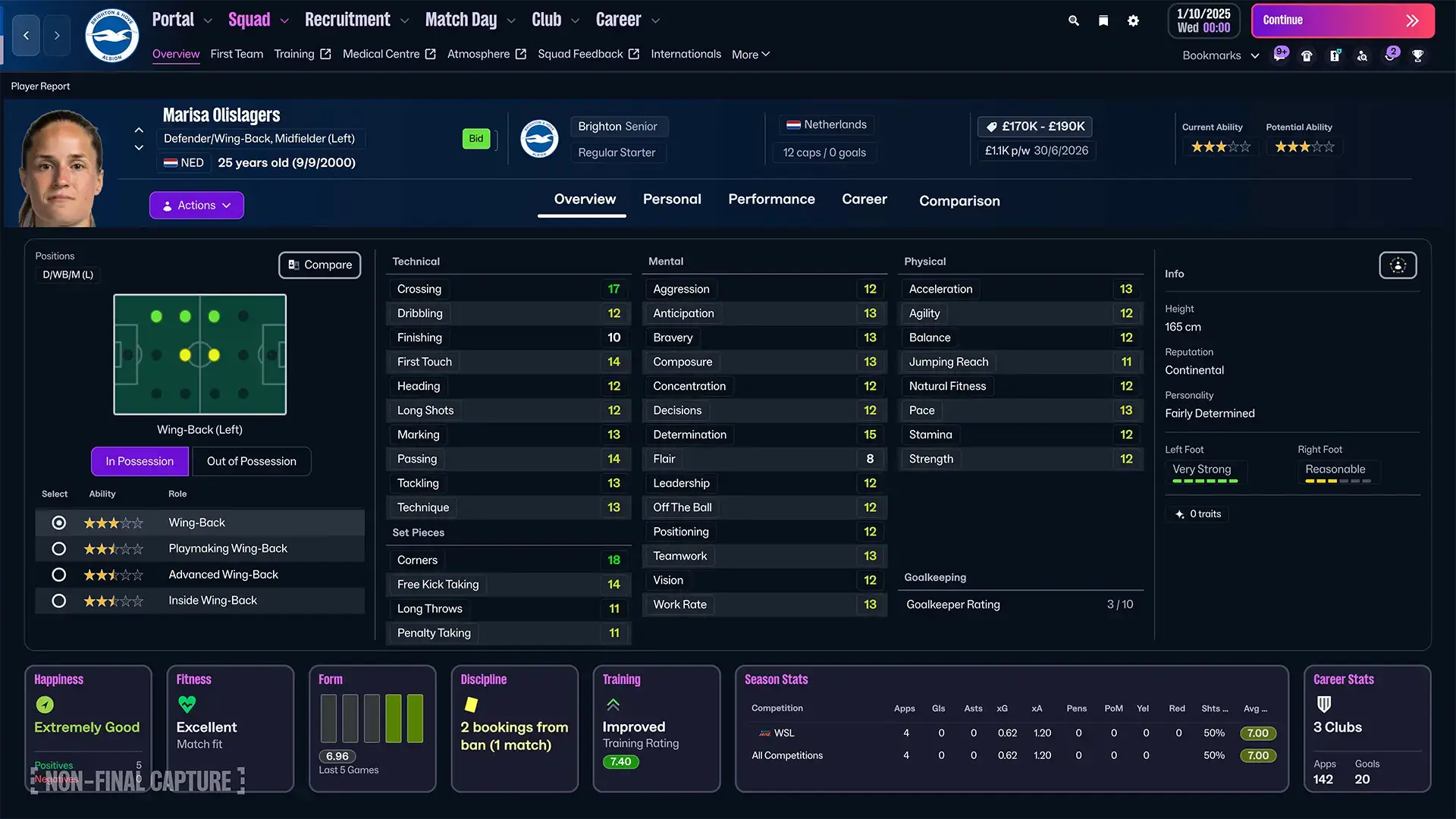
- Smarter User Interface: Navigate the game with ease thanks to streamlined menus, back/forward navigation buttons, and enhanced search functionality.
- Enhanced Match Analysis: Utilize more detailed post-match data and visualizations to refine your tactics and identify areas for improvement.
Why play on Windows?
Playing on PC provides the ideal environment for Football Manager 2026’s complex data processing and detailed interface. The mouse and keyboard controls are essential for efficiently navigating countless menus and making precise tactical adjustments, while Windows ensures optimal performance for the game’s new visual engine.
Tips for PC beginners
- Start with a Top Club: Begin your first save with a financially stable, strong club like Manchester City or Bayern Munich. These teams have large squads and healthy budgets, making them more forgiving while you learn the game’s mechanics.
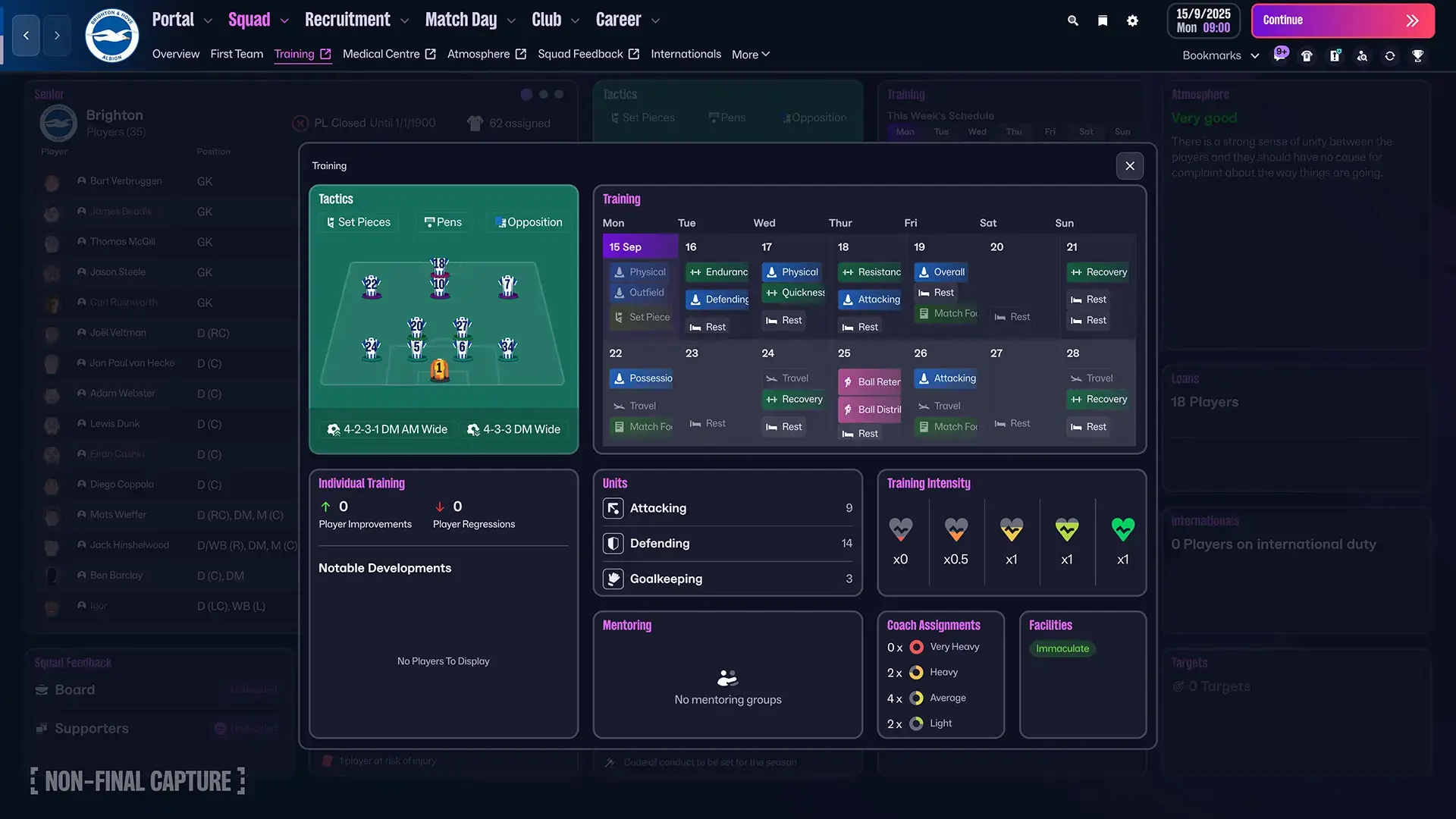
- Delegate to Your Staff: Use the Staff Responsibilities section to delegate tasks like training, scouting assignments, and youth development to your backroom team. This reduces micromanagement while you focus on core decisions.
- Keep Tactics Simple: Start with a standard, well-balanced tactical preset rather than creating complex custom systems. The game provides several proven formations that work effectively while you learn tactical principles.
- Check PC Performance: Use community tools like the FM Rater to analyze how well the game will run on your specific hardware and get recommendations for optimal graphics settings.
- Build Around a Core Squad: Identify your best 15-16 players and ensure they get regular playing time. A happy, cohesive core squad performs better than constantly rotating large numbers of players.
Football Manager 2026 Gameplay Screenshots
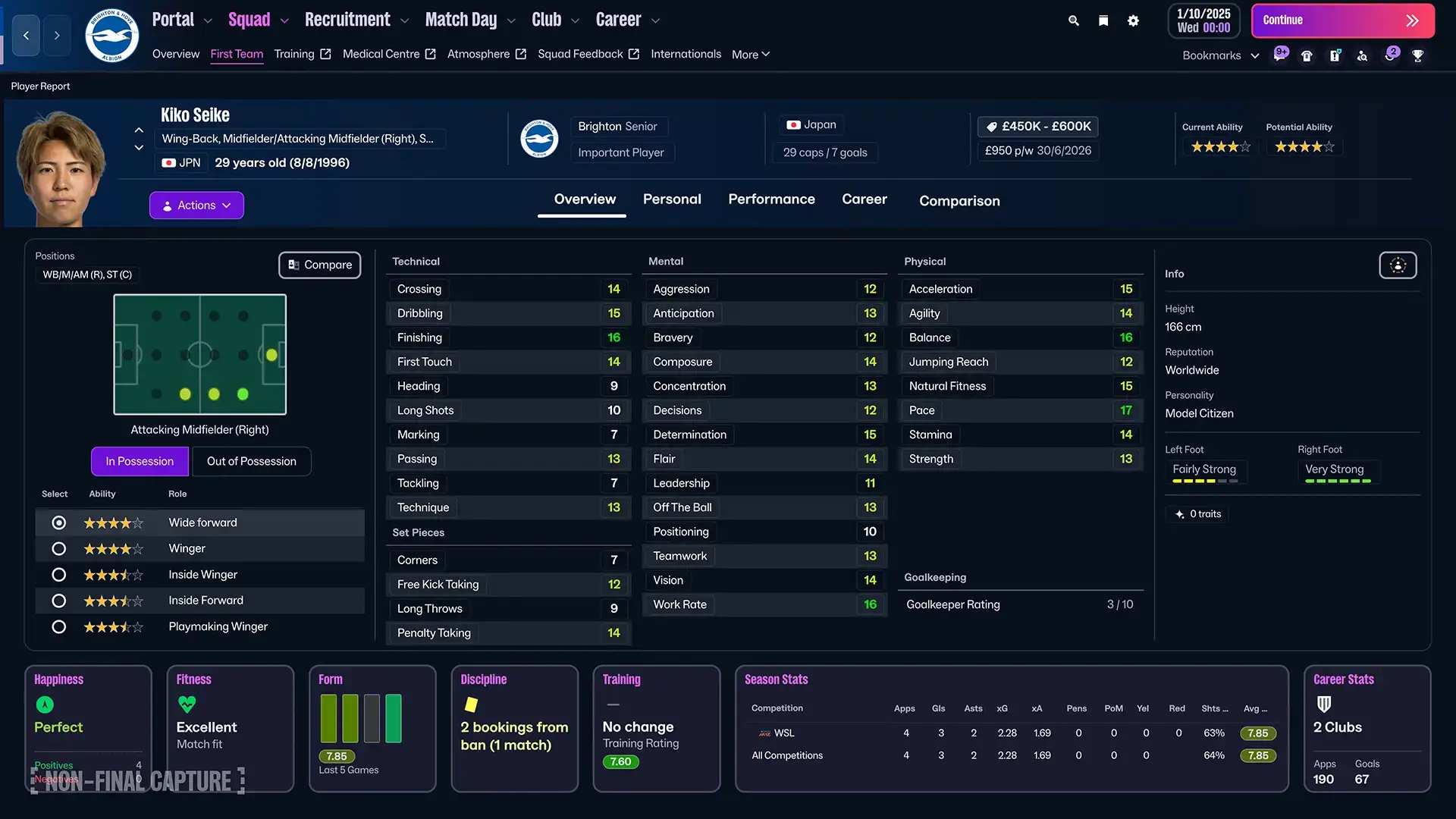
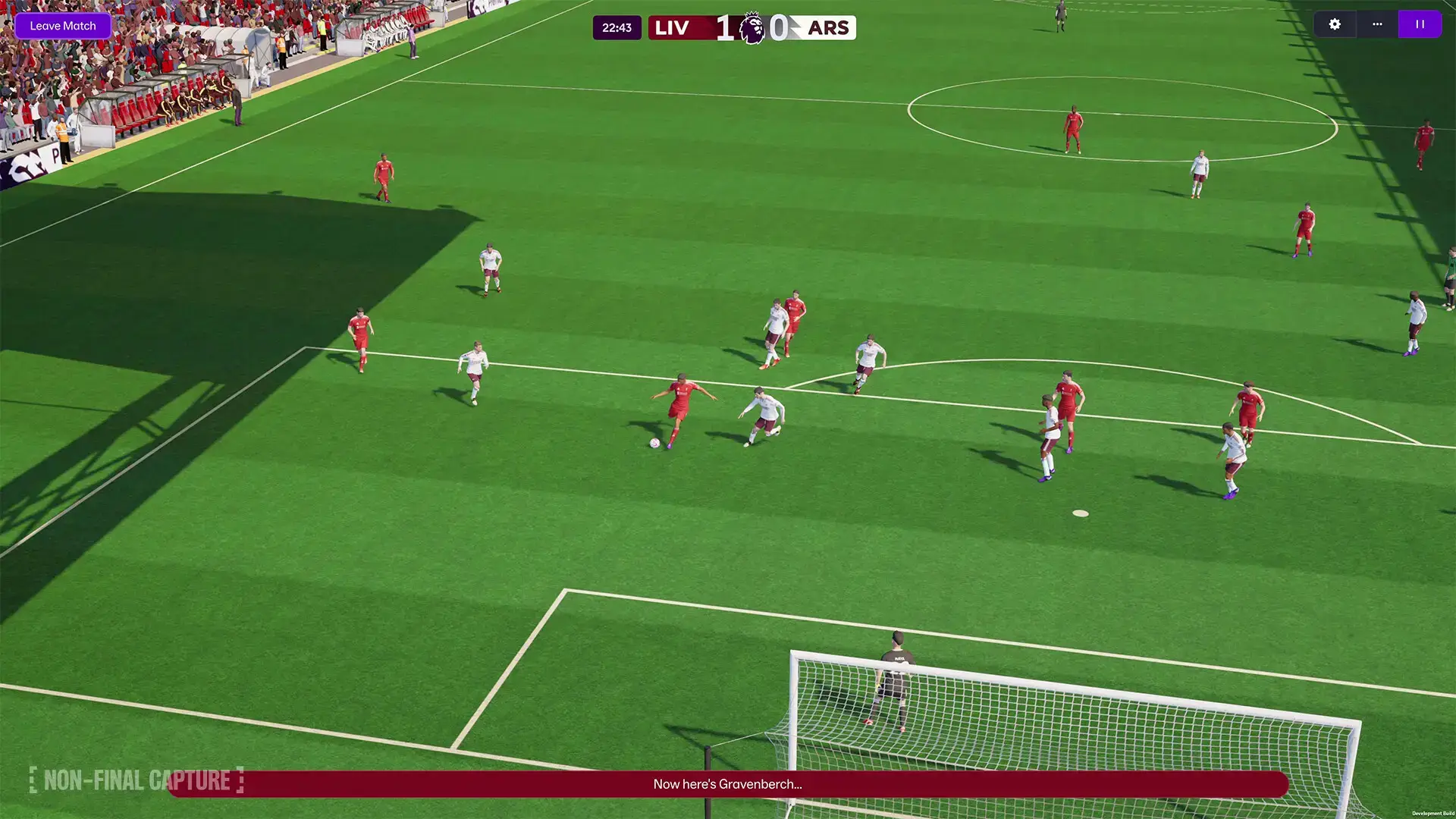
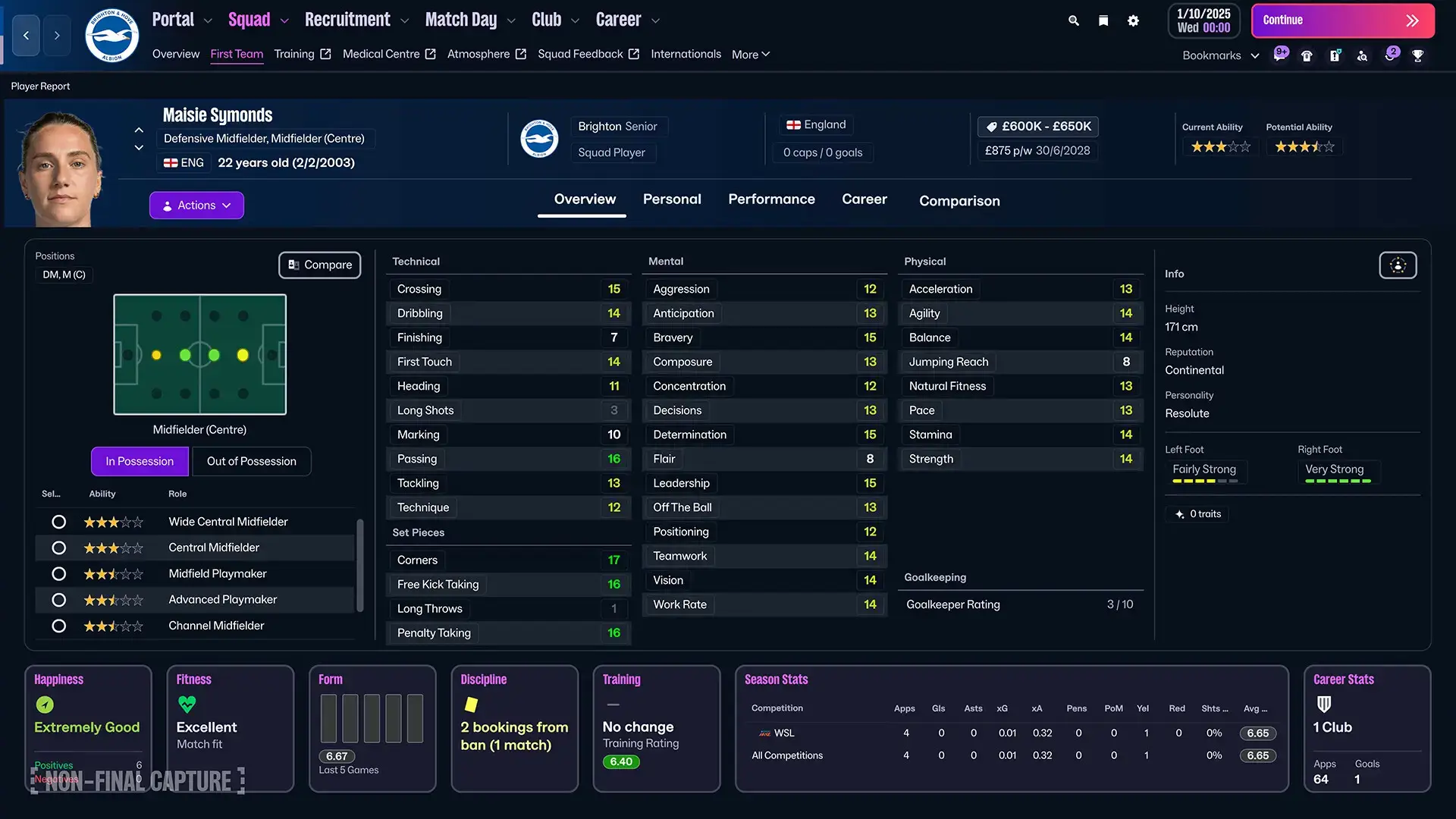
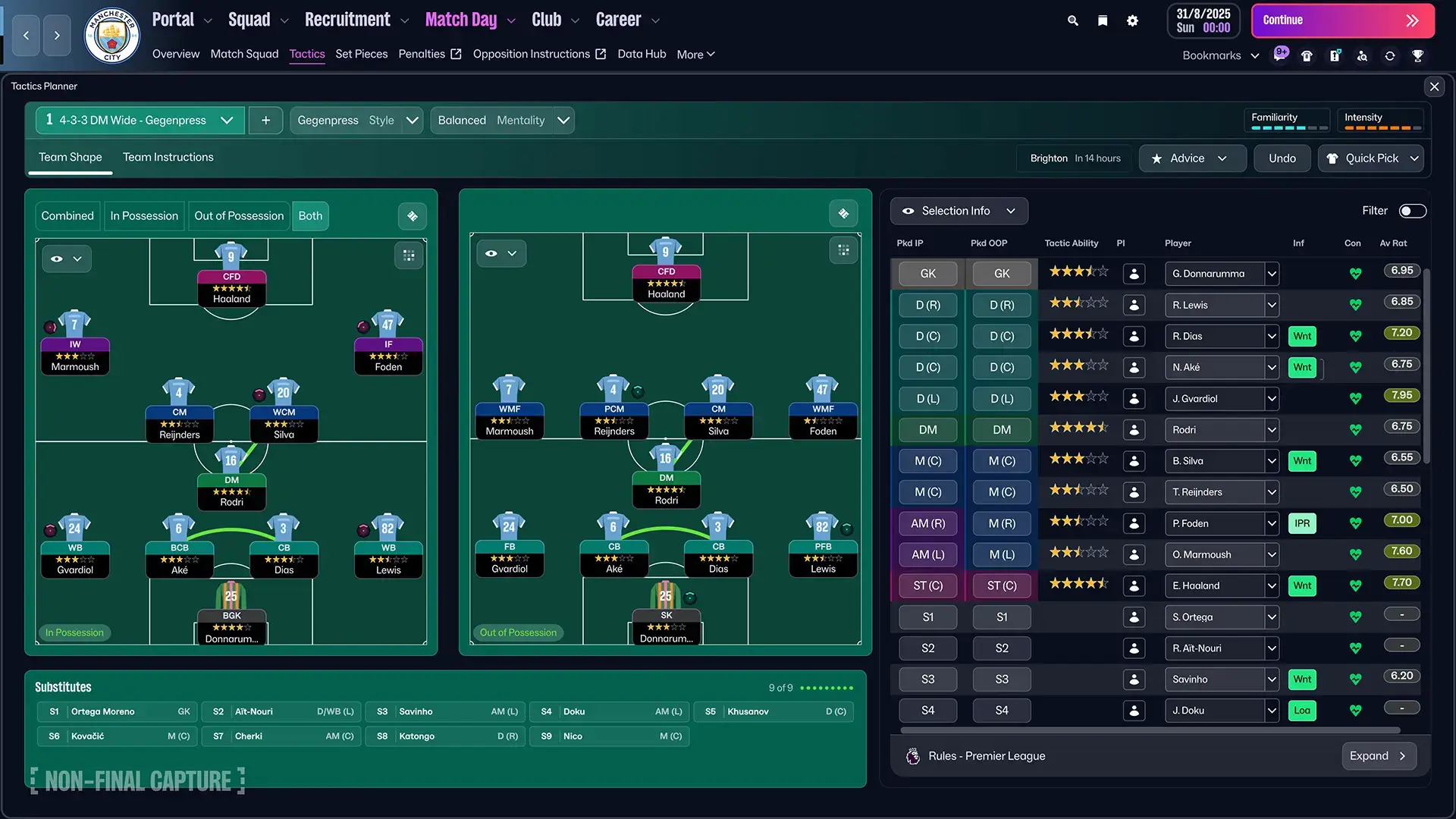
Football Manager 2026 Official Trailer
Watch the official announcement trailer to see the revolutionary Unity engine and new features in action.

Football Manager 2026 PC Requirements
Minimum:
- OS: Windows 10 (22H2) / Windows 11 (23H2) 64-bit
- CPU: Intel Core i3-530 / AMD FX-4100
- RAM: 4 GB
- GPU: NVIDIA GeForce GTX 960 / AMD Radeon R9 380 / Intel HD 530
- DirectX: Version 11
- Storage: 20 GB available space
Recommended:
- OS: Windows 11 (23H2) 64-bit
- CPU: Intel Core i5-9600 / AMD Ryzen 5 2600
- RAM: 12 GB
- GPU: NVIDIA GeForce RTX 2060 / AMD Radeon RX 5600 XT
- DirectX: Version 11
- Storage: 20 GB available space (SSD recommended)
Football Manager 2026 on Windows FAQ
- Is it a single-player game? Yes, though it includes robust multiplayer options for those who want to compete or cooperate with friends in online saves.
- What are the major changes from FM24? The game has moved to the Unity engine, requires more storage (20 GB), and has higher recommended RAM and GPU requirements to support the improved visuals.
- Will there be international management? International management will not be included at launch but will be added in a free content update ahead of the 2026 FIFA World Cup.
- Are there any planned macOS versions? Yes, the game will also be released on macOS with specific system requirements.
- When is the release date? Football Manager 2026 is scheduled for worldwide release on November 4, 2025.
Support and Community
Explore more Windows sports games: FIFA 26 · Best PC Sports Games · NBA 2K26 · Madden NFL 26