


Microsoft Office 2021 is a one-time purchase version of Word, Excel and PowerPoint for PC, now sold through third-party license resellers rather than Microsoft directly.
You pay once, install it, and own it. There is no monthly fee, no subscription to cancel, and no cloud storage bundled in.
The catch is the calendar. Microsoft ends support for Office 2021 on October 13, 2026, with no extension and no extended security updates. The apps keep opening and your files keep working, but Microsoft stops shipping security fixes for them after that date.
Office 2021 runs on Windows 10 and Windows 11. If you already own a product key, you can install it today from your Microsoft account in about ten minutes. If you are shopping fresh, Office 2024 is the current one-time purchase and is supported until October 9, 2029.
Already running Office 2021? Tell us which apps you actually use in the comments. Not sure which version to buy? Reach out to us directly.
What You Need to Know:
- Microsoft no longer sells Office 2021 on its own store, and the old product pages now redirect to Office 2024 and Microsoft 365
- Support ends October 13, 2026. Your files are fine, but the apps stop getting security fixes
- A key you already own installs normally, and Office 2024 is the direct replacement if you want to buy once and keep it
How to install Office 2021 on PC
These steps are for anyone holding a 25-character Office 2021 product key, whether it came in a box, arrived by email, or shipped with a PC. Everything happens on Microsoft’s own servers.
- Step 1. Find your product key. It is 25 characters long, printed on the card inside the retail box or sent in your order confirmation email.
- Step 2. Go to setup.office.com, Microsoft’s official redemption page.
- Step 3. Sign in with your Microsoft account, or create one if you do not have one yet.
- Step 4. Enter the 25-character key and confirm your country and language.
- Step 5. Open Services and subscriptions in your Microsoft account, where Office 2021 now appears.
- Step 6. Click Install and run the downloaded file.
- Step 7. Open Word once it finishes and sign in with the same account to activate.
Worth knowing: Windows installs the 32-bit version of Office by default, and Microsoft recommends leaving it that way because more add-ins work with it. Pick 64-bit only if you work with very large Excel files. You cannot run both on one PC.
Where to Buy an Office 2021 License
Microsoft no longer sells Office 2021. The retail home editions have sold through, so what is left on resale marketplaces is mostly Office 2021 Professional Plus, which is a volume license, the kind companies bought in bulk for staff.
What that means for you
It installs the same apps and usually activates fine, but a volume key can be deactivated later. Fine as a cheap short-term option. Not for a work machine. Want something you can leave alone? Buy Office 2024.
Two checks before you pay: the listing region must say worldwide, and the seller should offer buyer protection. Redeem the key the day it arrives so a dud is still inside the refund window.
What Is Microsoft Office 2021?
Office 2021 is a fixed version of the Office apps that you buy once and keep. It launched in October 2021 as the perpetual-license alternative to a Microsoft 365 subscription. Perpetual means the license does not expire, so the apps do not stop working if you stop paying, because there is nothing to keep paying.
The tradeoff is that it never changes. A one-time purchase gets security and bug fixes during its support window, but no new features. Microsoft 365 gets new features continuously. Office 2021 is the same suite on the day support ends as it was on release day.
- One payment, one PC. Each license covers a single Windows PC or Mac.
- No cloud attached. No OneDrive storage, no Copilot, no cross-device syncing included.
- No upgrade path. Moving to Office 2024 later means buying it at full price.
Key Features
Word
Documents, letters, reports and CVs
Excel
Spreadsheets, formulas and charts
PowerPoint
Slide decks with transitions and notes
Outlook
Email and calendar, on business editions
OneNote
Free-form notes and clipped research
Works Offline
No internet needed after activation
Who Should Use Office 2021?
- Use it if you already own a product key, or you want the cheapest way onto real Word and Excel and you are comfortable replacing it in a couple of years.
- Skip it if you are setting up a work machine you do not want to think about again. Buy Office 2024 or a Microsoft 365 plan instead and get years of updates.
- Be careful if you are buying a key from a marketplace. Prices vary because the licenses behind them vary. Check the region and the seller before you pay.
What Each Office 2021 Edition Includes
Office 2021 shipped in three consumer and small-business editions. The main difference is whether Outlook is included and whether you are allowed to use it for commercial work.
| Edition | Apps Included | Commercial Use |
|---|---|---|
| Home & Student 2021 | Word, Excel, PowerPoint, OneNote | No |
| Home & Business 2021 | Word, Excel, PowerPoint, OneNote, Outlook | Yes |
| Professional 2021 | Word, Excel, PowerPoint, OneNote, Outlook, Publisher, Access | Yes |
Office 2021 vs the Alternatives
| Version | How You Pay | Supported Until | Cloud & AI |
|---|---|---|---|
| Office 2021 | One-time | October 13, 2026 | No |
| Office 2024 | One-time | October 9, 2029 | No |
| Microsoft 365 | Monthly or yearly | While subscribed | Yes |
| LibreOffice | Free | Ongoing | No |
Office 2024, the Direct Replacement
If you want the one-time purchase model without the 2026 deadline hanging over it, Office 2024 is the same idea with a longer runway. It carries support until October 9, 2029, and it comes in two consumer editions. Microsoft sells Office Home 2024 for $179.99 and Office Home & Business 2024 for $249.99, which is the number worth holding in your head when you compare marketplace prices.
Office Home 2024
Word, Excel, PowerPoint and OneNote on one PC or Mac. No Outlook. Licensed for personal and school use, not commercial work.
Office Home & Business 2024
Everything in Home 2024 plus Outlook for email and calendar, and a license that permits commercial use. The pick for freelancers and small businesses.
One thing to watch: listings labeled Office 2024 Professional Plus are volume licenses meant for organizations, not the consumer product. Those are the ones most likely to stop activating later. Stick to Home 2024 or Home & Business 2024. You can compare the official versions on Microsoft’s comparison page.
If You Would Rather Subscribe: Microsoft 365
Office 2024 is cheaper long term and never asks for money again. A subscription costs more over the years but keeps moving to the current version, so it never hits an end-of-support date. What the extra buys you:
- 1 TB of OneDrive storage for each person on the plan
- Copilot AI tools built into Word, Excel and PowerPoint
- Phone and tablet apps, not just the one PC
- New features as they ship, instead of a suite frozen on release day
The Family plan covers six people, each with their own login and their own 1 TB. Split six ways it usually beats buying separate copies, so price it before you buy two of anything.
Microsoft 365 Personal
One person, across all their devices. Word, Excel, PowerPoint, Outlook, 1 TB of OneDrive storage and Copilot features. Sold as a 12 month subscription.
Microsoft 365 Family
Everything in Personal, shared with up to six people. Each person gets their own account and their own 1 TB of storage. The best value if more than two of you need Office.
Which Office Should You Buy?
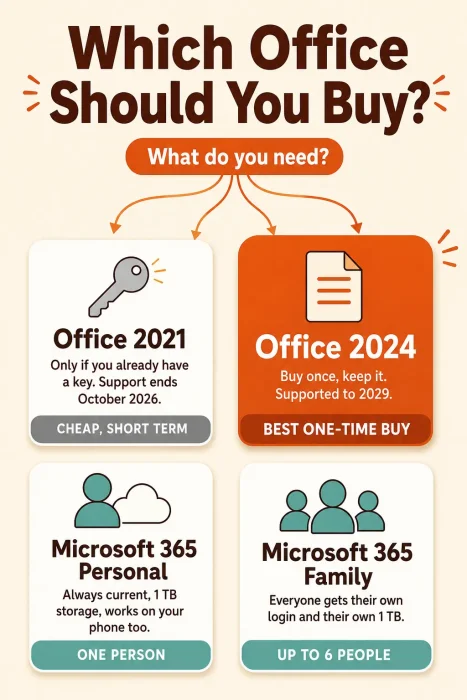
If you are weighing up the four options, the infographic below sums up who each one suits in a single line.

System Requirements
Microsoft publishes one shared requirements list for its current Office suites, so these figures cover both Office 2021 and Office 2024. They are modest, and almost any PC bought in the last decade clears them.
| Requirement | Details |
|---|---|
| Operating System | Windows 11 or Windows 10 |
| Processor | 1.6 GHz or faster, 2 cores |
| Memory | 4 GB RAM for 64-bit, 2 GB for 32-bit |
| Hard Disk Space | 4 GB of free space |
| Display | 1024 x 768 resolution |
| Graphics | DirectX 10 capable card for hardware acceleration |
| Also Needed | Internet access to install and activate, plus a Microsoft account |
Common Issues and Compatibility Notes
The key will not activate
A key tied to one country often refuses to redeem from another. This is the single most common failure with marketplace keys. Check the listing region before buying, and redeem straight away so a bad key is still inside the refund window.
The key says it is already used
Office keys redeem to one Microsoft account and stay there. If yours was redeemed before, sign in with that original account instead of trying again. If you bought it new, open a dispute with the seller rather than hunting for a workaround.
Word opens in the wrong version
This happens when two versions of Office share a PC. Windows picks one to own the file types and it is not always the one you want. Uninstall the older suite, then run a repair on the one you kept from Apps in Windows Settings.
Outlook is missing after install
Outlook was never part of Home & Student 2021. If you need email and calendar, you need Home & Business or Professional, or a Microsoft 365 plan. Check which edition your key covers before assuming the install failed.
Tips for Getting Started
Save your product key somewhere you will find it again. A password manager works better than the box it came in.
Redeem a new key the day it arrives. Waiting a month is how a refund window quietly closes on a key that never worked.
Turn on AutoSave to a local folder you back up. Office 2021 has no cloud storage behind it, so a lost laptop is a lost document.
Learn five keyboard shortcuts rather than fifty. Ctrl+S, Ctrl+Z, Ctrl+Shift+V, F4 and Alt+= cover most of what people reach for daily.
Set your default file format to the modern one (.docx and .xlsx) so files open cleanly for whoever you send them to.
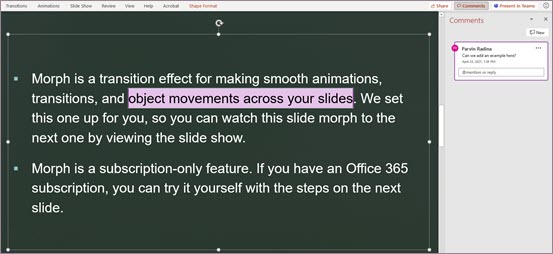
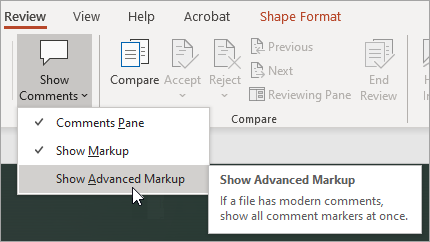
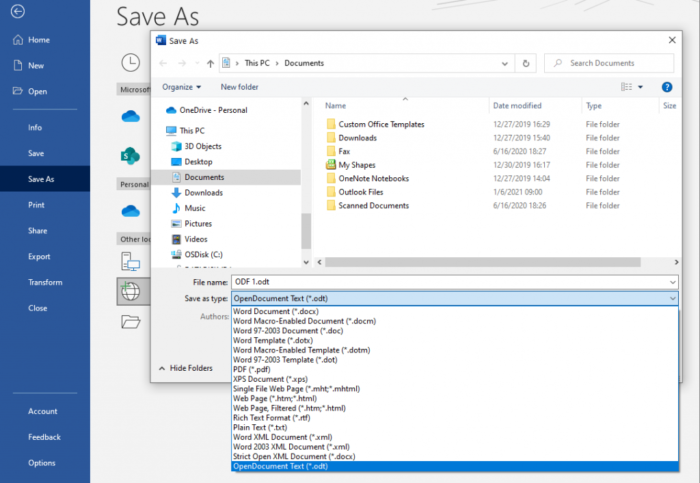
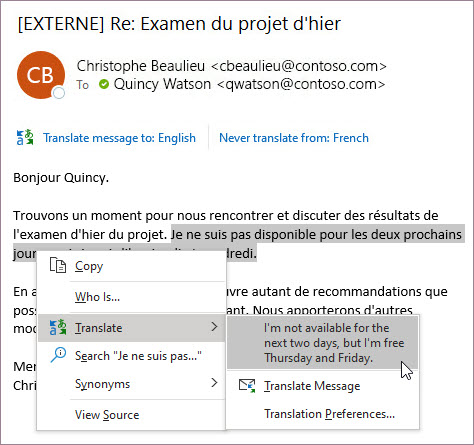
Microsoft Office 2021 Screenshots
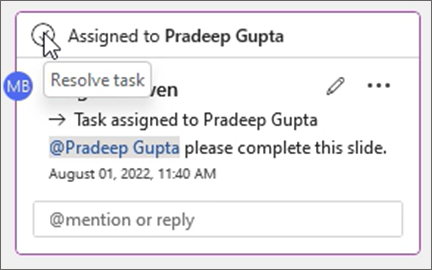
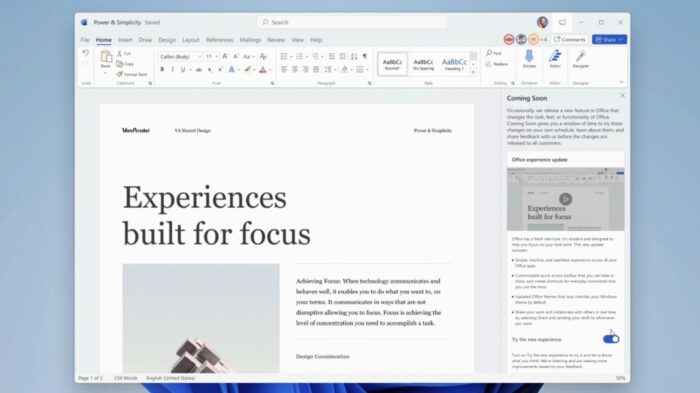
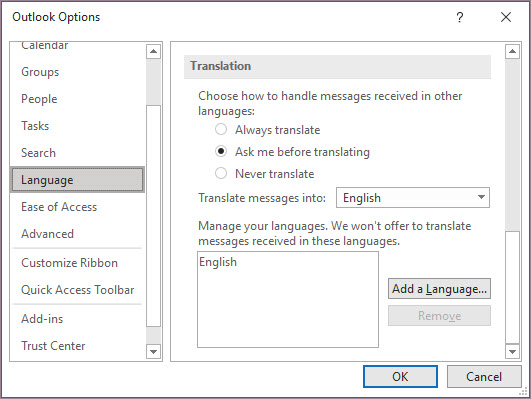
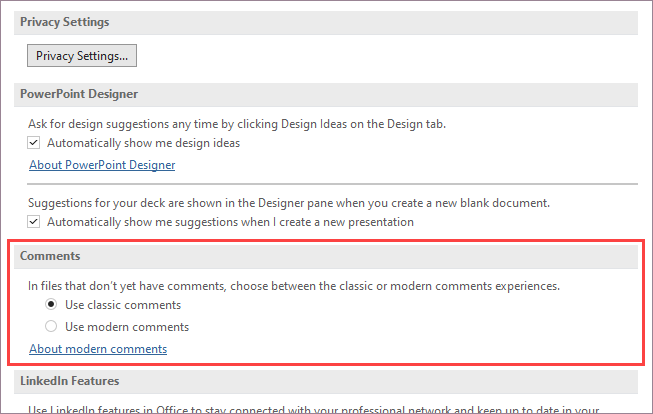
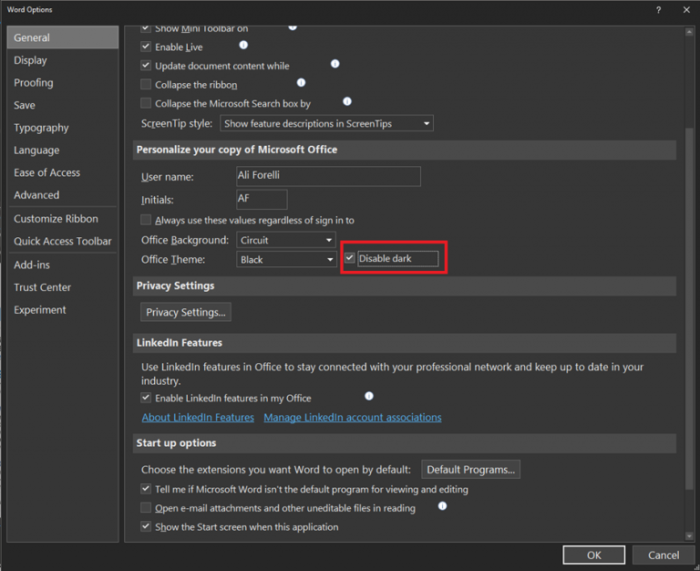
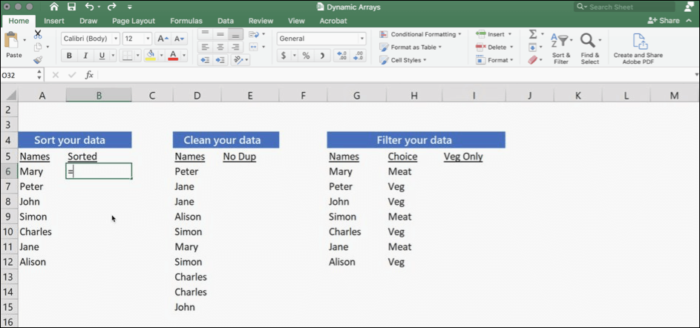
A look at Word, Excel and PowerPoint running on Windows, plus the account page where you install and manage your license.
Frequently Asked Questions
What happens to my Word and Excel files after Office 2021 support ends?
Can I still activate an Office 2021 product key I bought years ago?
Can I install Office 2021 and Office 2024 on the same PC?
Are cheap Office 2021 keys sold on marketplaces legitimate?
Can I move my Office 2021 license to a new computer?
Does Office 2021 still run on Windows 11?
What are the system requirements for Office 2021 on Windows?
Support and Community
- 🌐 Microsoft Office official site for product details straight from the developer
- 💬 r/Office365 on Reddit for licensing and activation questions answered by other users
- 🔧 Microsoft Q&A for Office where Microsoft staff answer install and activation problems
- 📅 Official lifecycle page for the support dates in writing
More Windows software guides: Best Microsoft Office Alternatives · LibreOffice for Windows · WPS Office for Windows · OnlyOffice for Windows