

Readers like you help support this site. When you make a purchase using links on our site, we may earn an affiliate commission. All opinions remain our own.
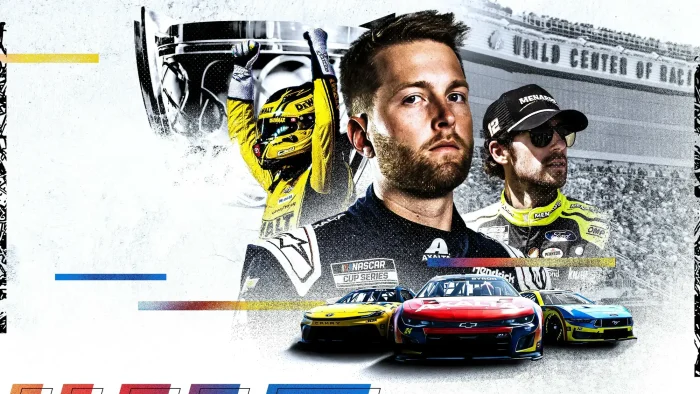

Despite the promising foundation and comprehensive licensed content, the PC version launched on November 11, 2025, to a “Mostly Negative” reception on Steam. Players report numerous technical issues and a lack of polish that has impacted the initial experience, though the developers have begun addressing concerns through updates.
The game features over 150 officially licensed drivers across the Cup Series, Xfinity Series, Craftsman Truck Series, and ARCA Menards Series, offering the most complete NASCAR simulation to date when technical issues are resolved.
If you’re a dedicated racing fan willing to navigate early technical challenges for authentic NASCAR simulation, NASCAR 25 represents both the potential and growing pains of a franchise reboot.
This guide covers how to install it on Windows, its key features, and essential beginner tips for starting your racing career while being transparent about the current state of the game.
Have questions or your own racing strategies to share? Leave a comment below or contact us.
Download and install NASCAR 25 on PC
NASCAR 25 is available on Steam. Here’s how to install it:
- Method: Steam
- Open the store page: NASCAR 25 on Steam.
- Click Add to Cart and complete the checkout process.
- In your Steam Library, click Install and select your preferred drive.
- Wait for the download to complete (approximately 50 GB).
- Launch the game from your Library and start your racing career.
Quick Tip: 💡 Be prepared for potential technical issues at launch. The developers are actively working on patches, so check for game updates regularly if you experience problems.
What is NASCAR 25?
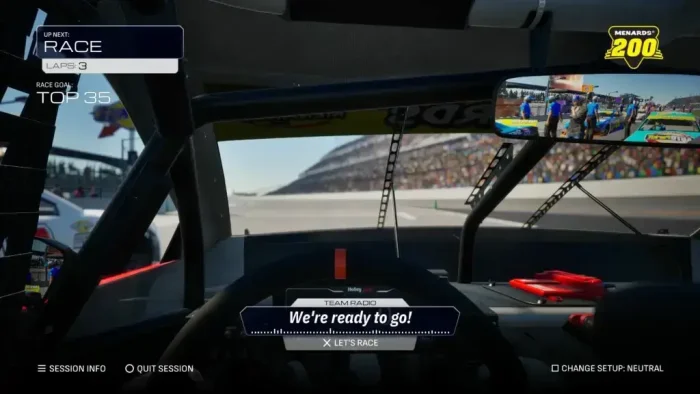
NASCAR 25 is the official NASCAR simulation that brings the sport back to gaming platforms after a hiatus, developed by the experienced team at iRacing Studios. The game represents a complete rebuild of the franchise with modern technology and expanded content across all major NASCAR series.
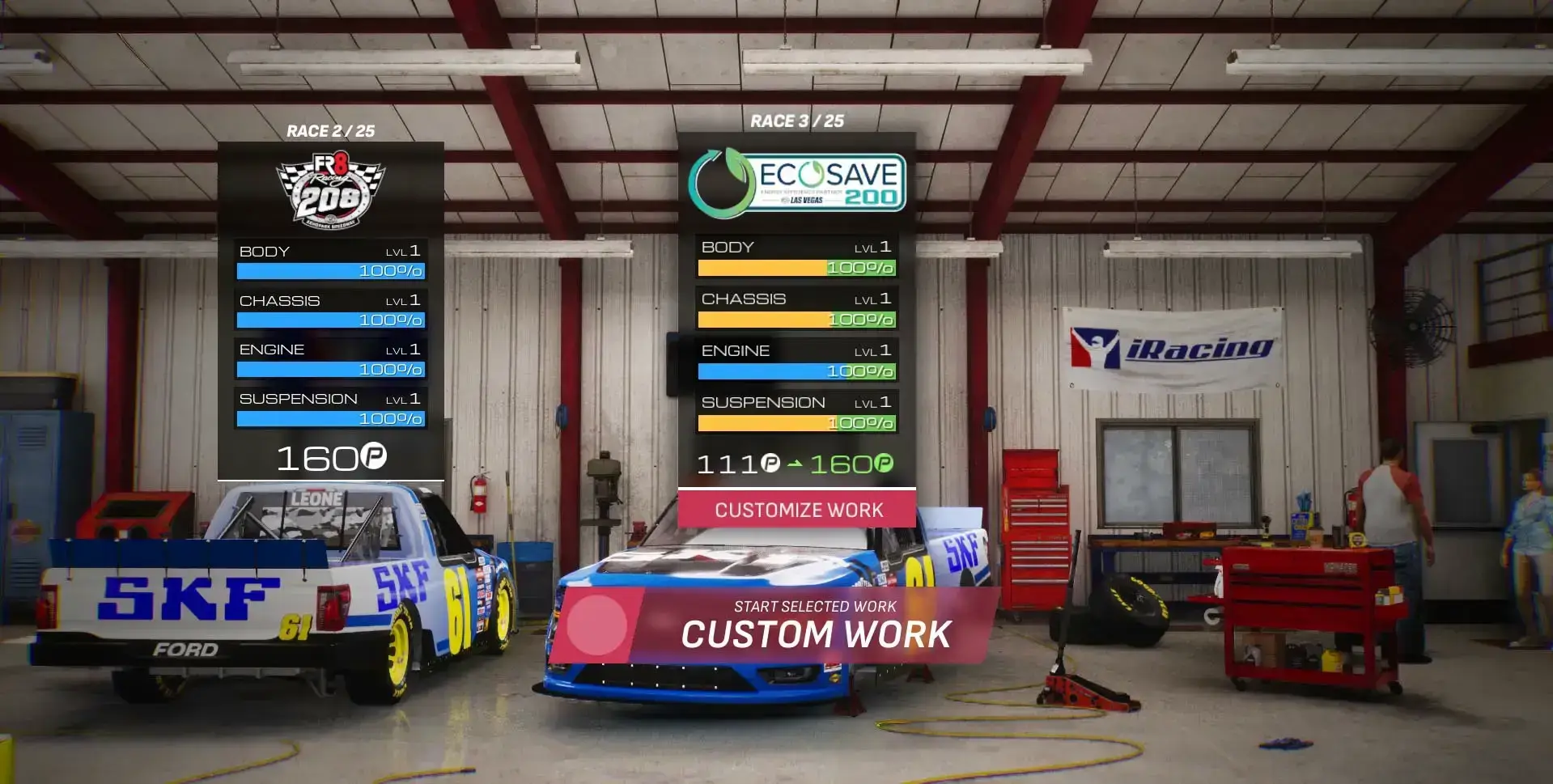
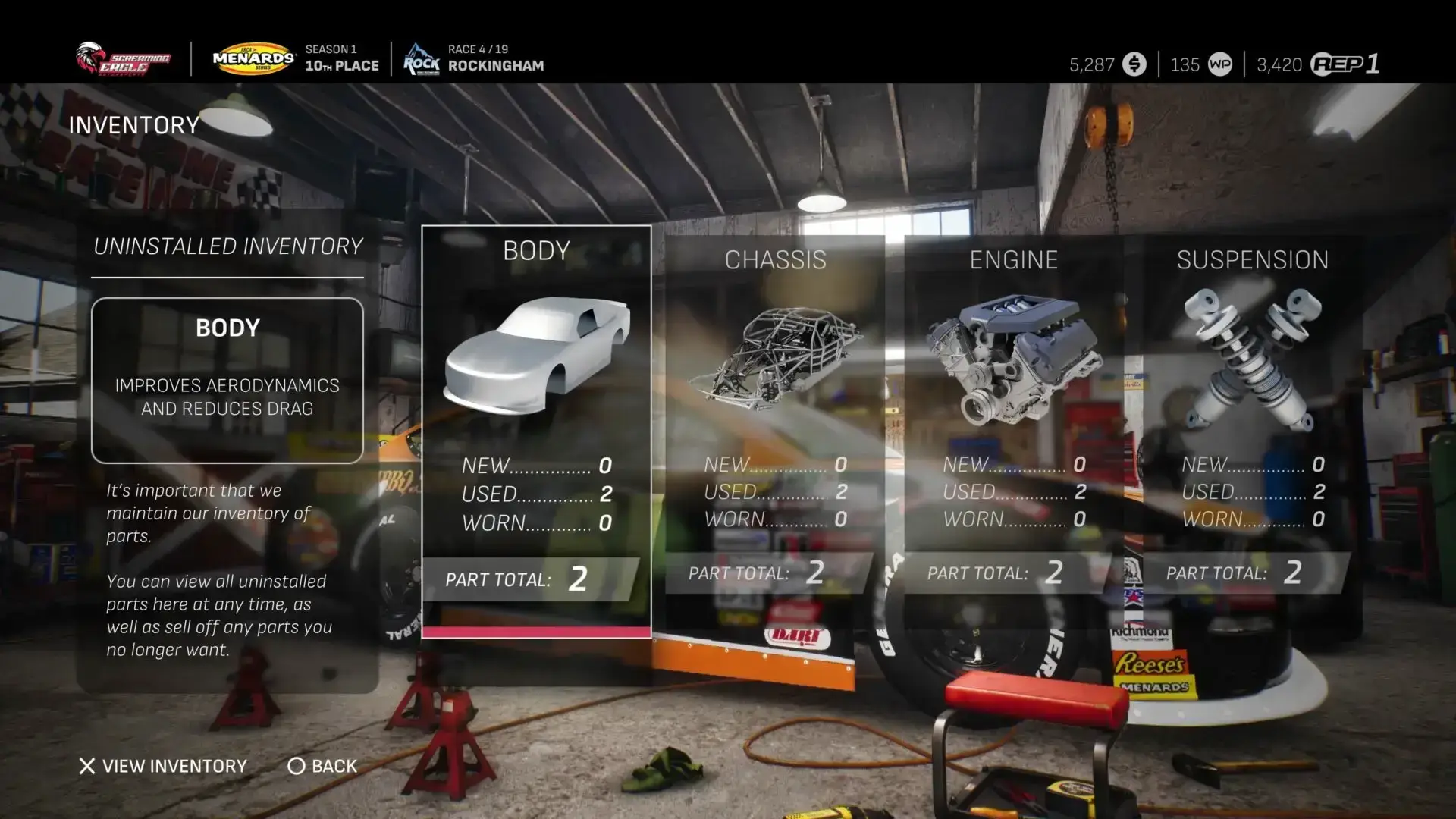
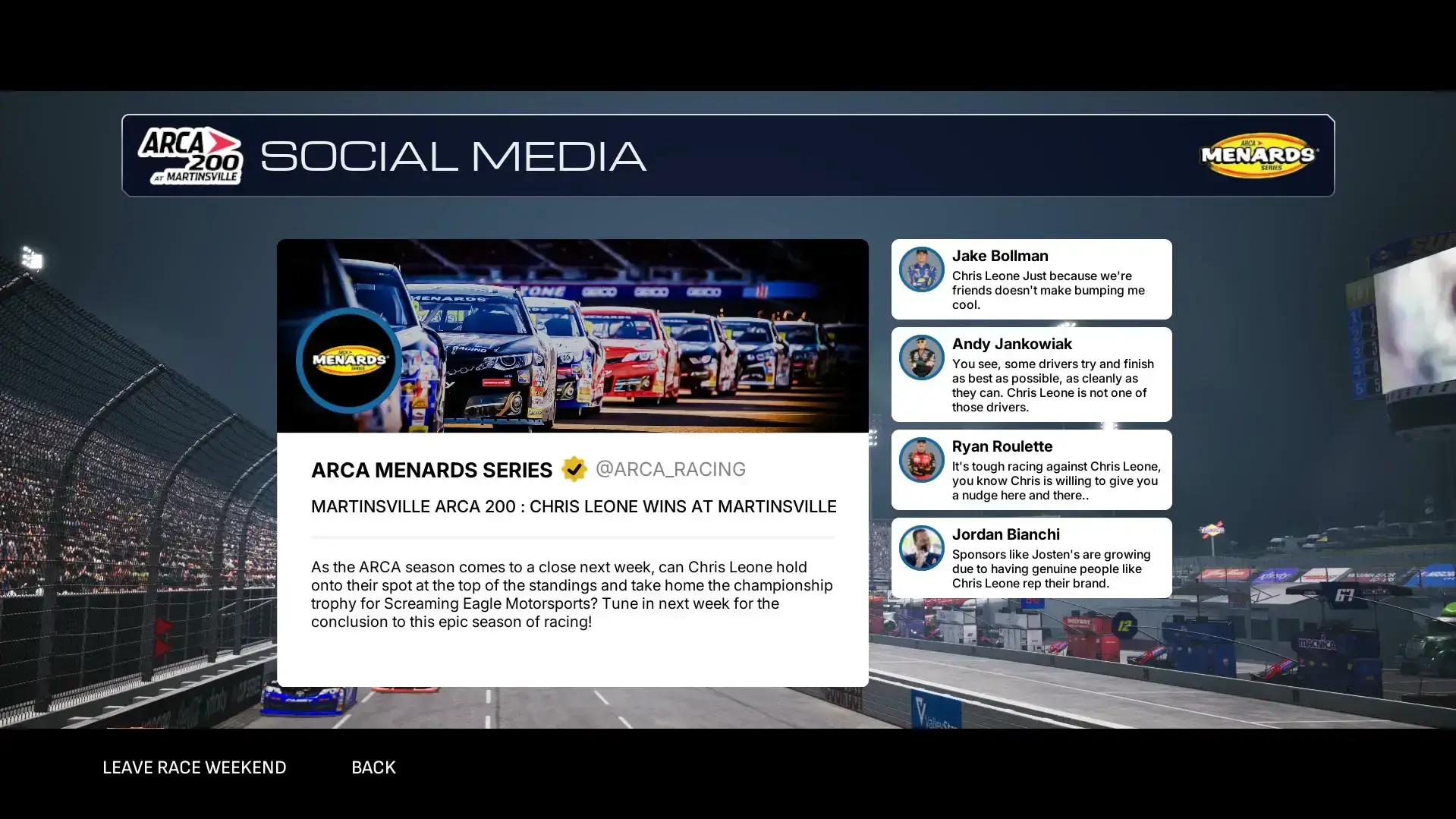
The core experience centers around a deep career mode where players start from a backyard garage in the ARCA Menards Series and work their way up through the Craftsman Truck Series, Xfinity Series, and ultimately to the premier NASCAR Cup Series. Along the way, you’ll manage sponsors, hire staff, upgrade your equipment, and compete against over 150 officially licensed drivers.
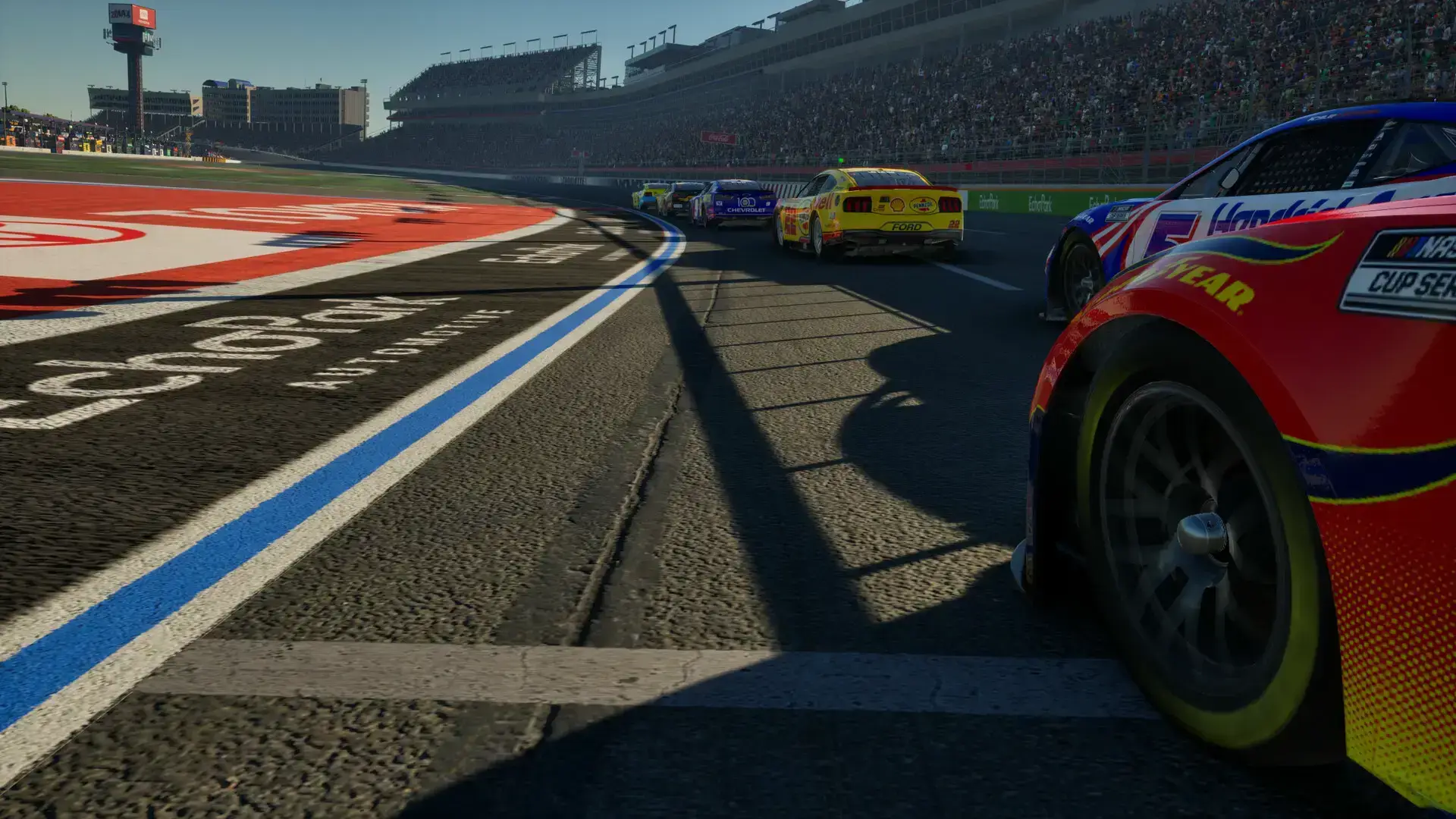
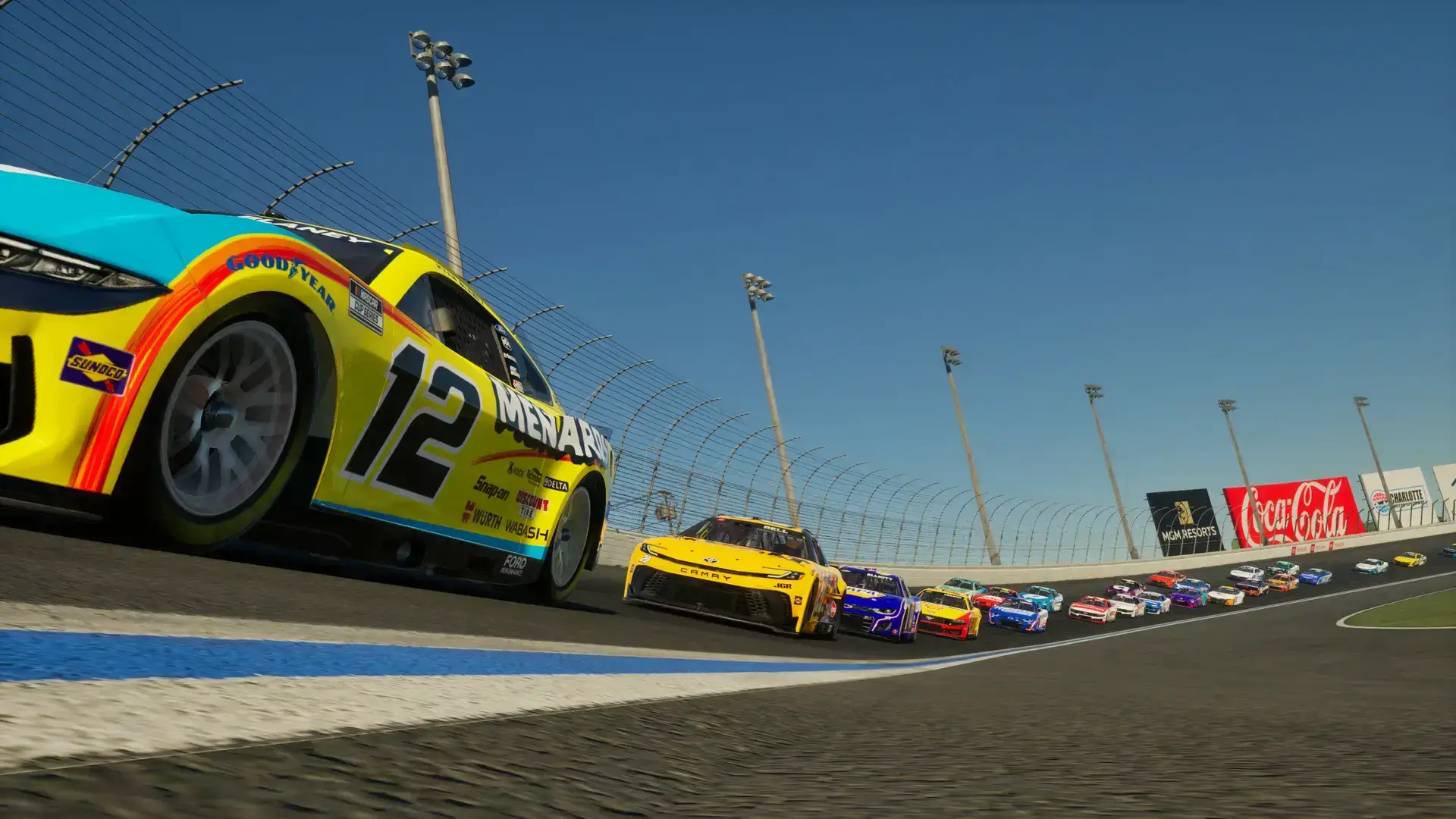
Built on Unreal Engine 5 with laser-scanned car models and tracks, NASCAR 25 aims to deliver the most authentic oval racing experience available, though the initial PC release has been hampered by technical issues that the developers are working to address.
Key Features
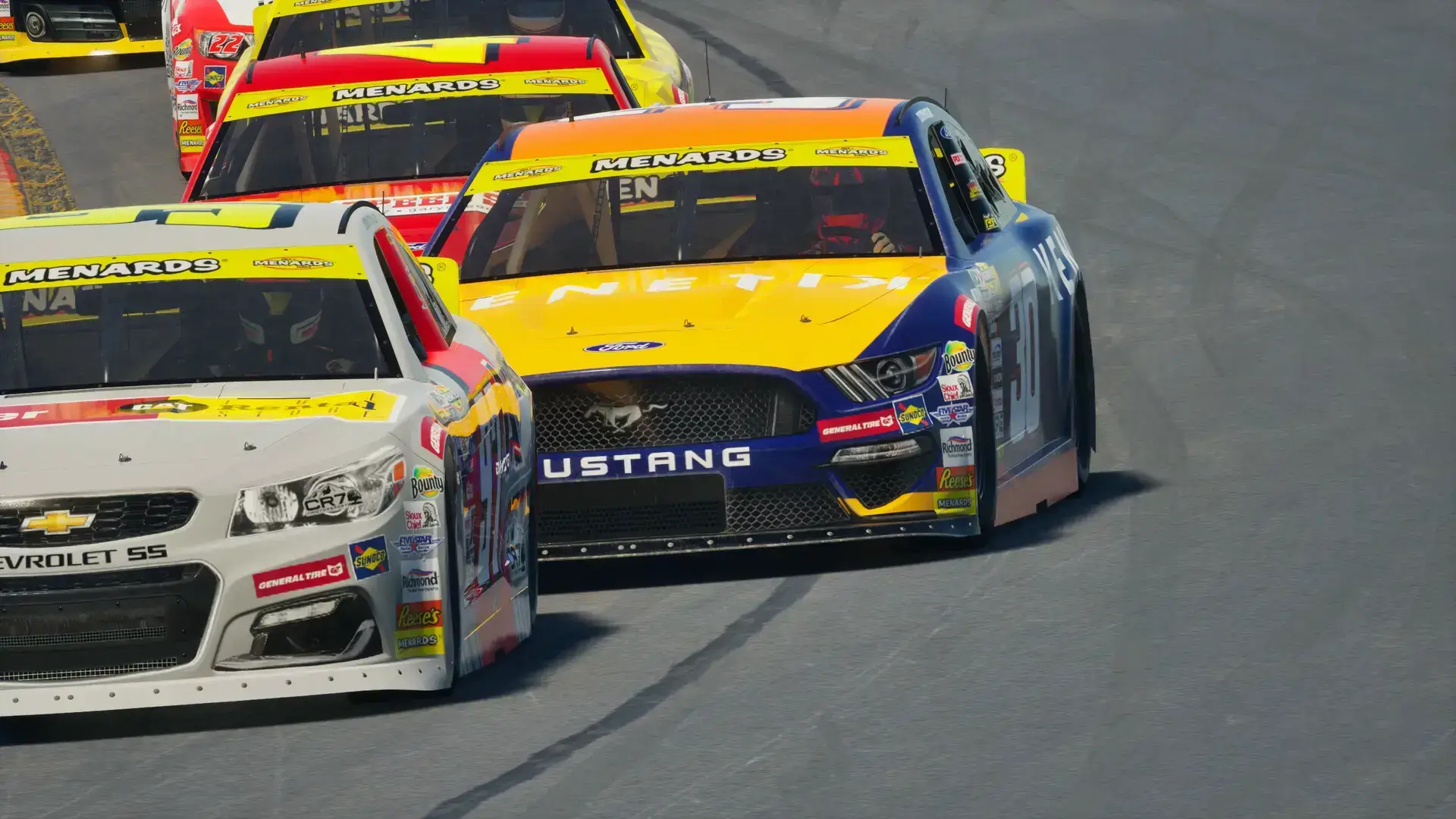
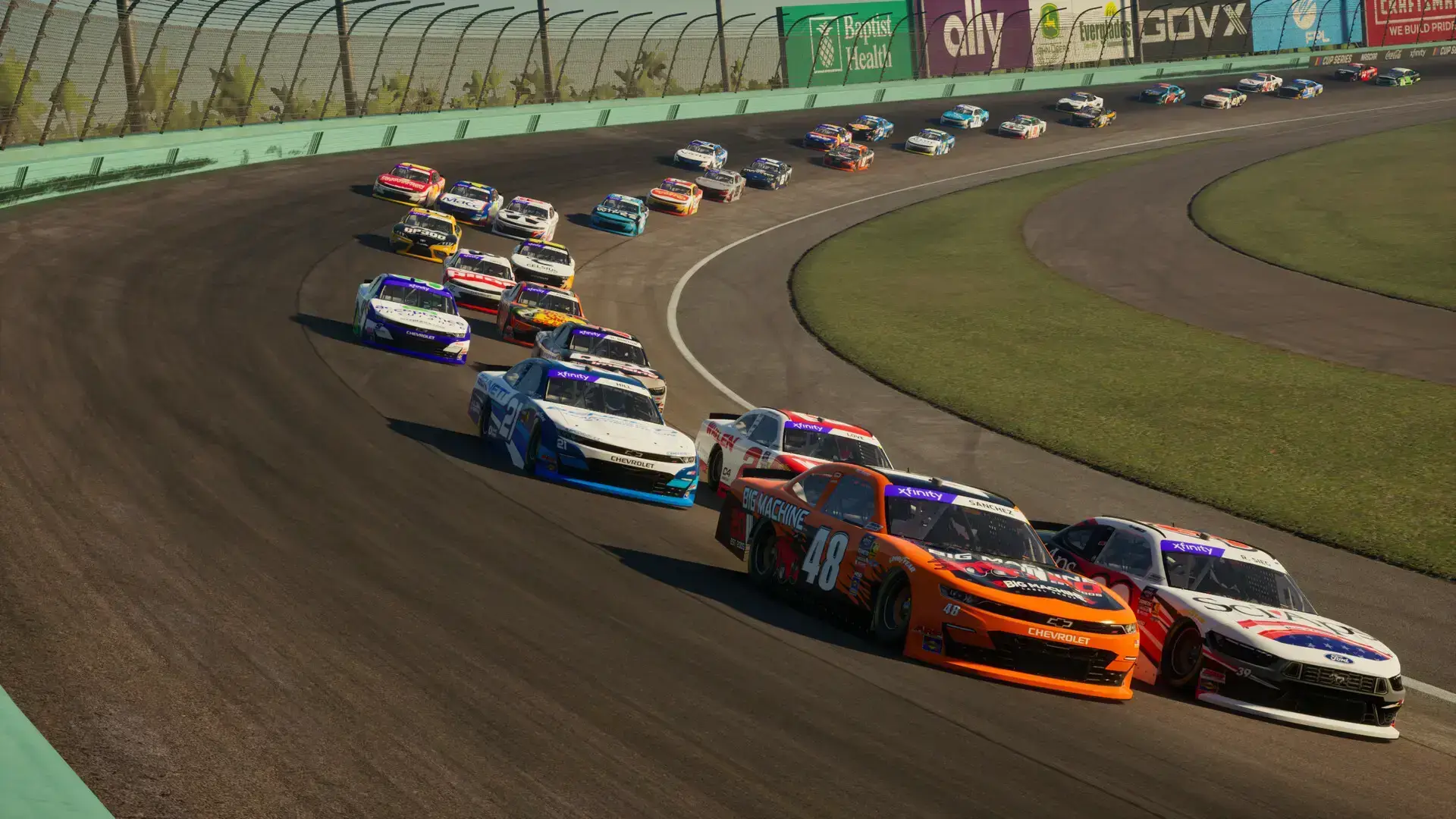
- Complete NASCAR Experience: Features all four national series including Cup, Xfinity, Truck, and ARCA Menards with over 150 officially licensed drivers and dozens of authentic tracks.
- Deep Career Progression: Start from the bottom in ARCA and work your way up to the Cup Series while managing sponsors, staff, and car upgrades in your own garage.
- Modern Technical Foundation: Built on Unreal Engine 5 with laser-scanned cars and tracks, featuring physics tuned with feedback from real NASCAR drivers and teams.
- Extensive Multiplayer: Online multiplayer supports up to 40 players for massive oval racing events with full NASCAR rules and regulations.
- Regular Content Updates: The “November Pack” DLC added 36 new paint schemes, showing ongoing support despite launch challenges.
Why play on Windows?
Playing on PC provides the ideal environment for NASCAR 25’s simulation-focused gameplay. The precise controls of a racing wheel and pedal setup are best supported on Windows, and the platform offers the potential for superior performance and graphics once technical issues are resolved.
Tips for PC beginners
- Start in ARCA Menards Series: Begin your career in the ARCA series to learn the game’s physics and handling characteristics before moving up to more competitive series.
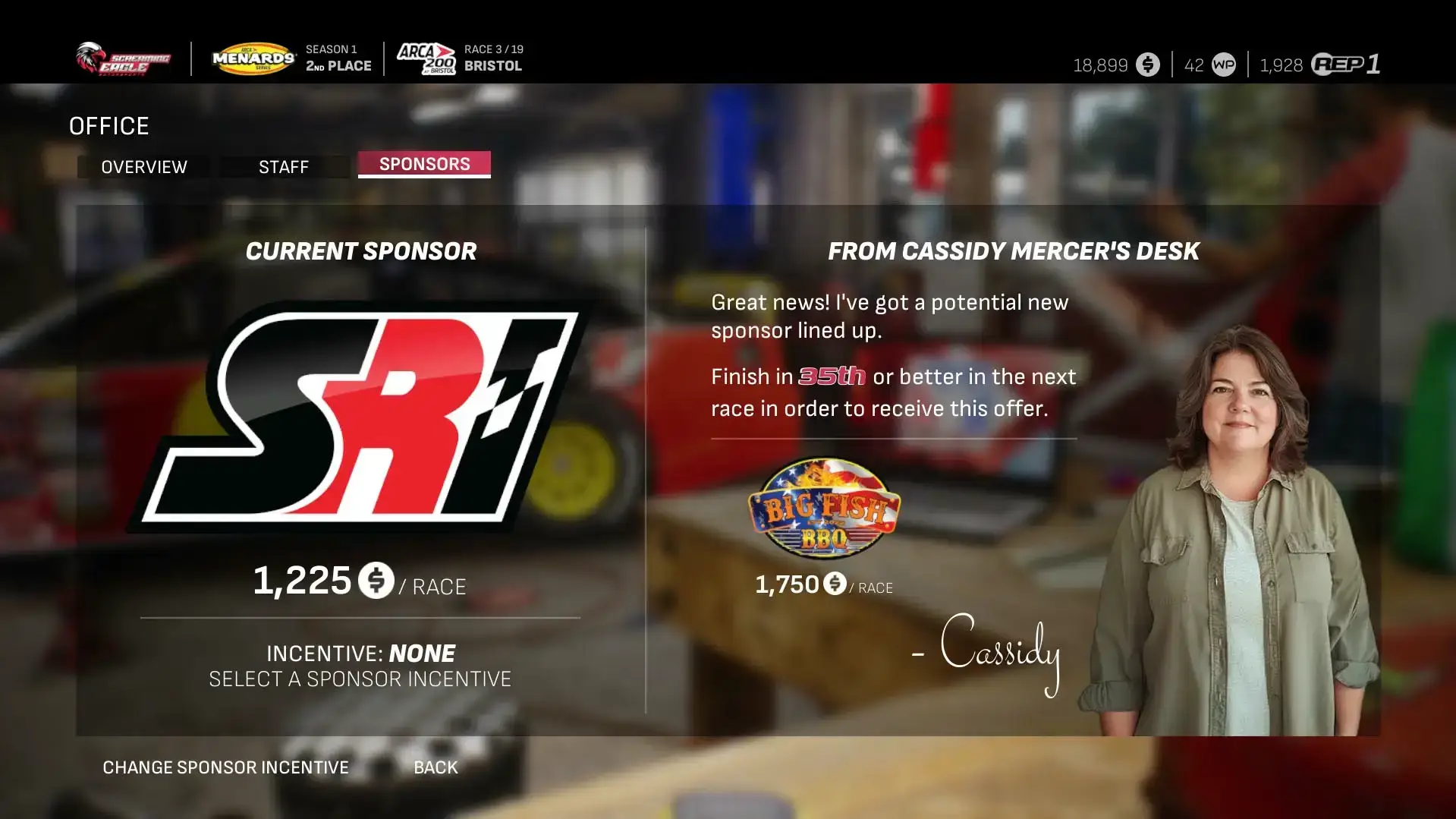
- Manage Your Sponsors Wisely: Carefully choose sponsor contracts that match your performance goals. Meeting sponsor objectives is crucial for earning money to upgrade your equipment.
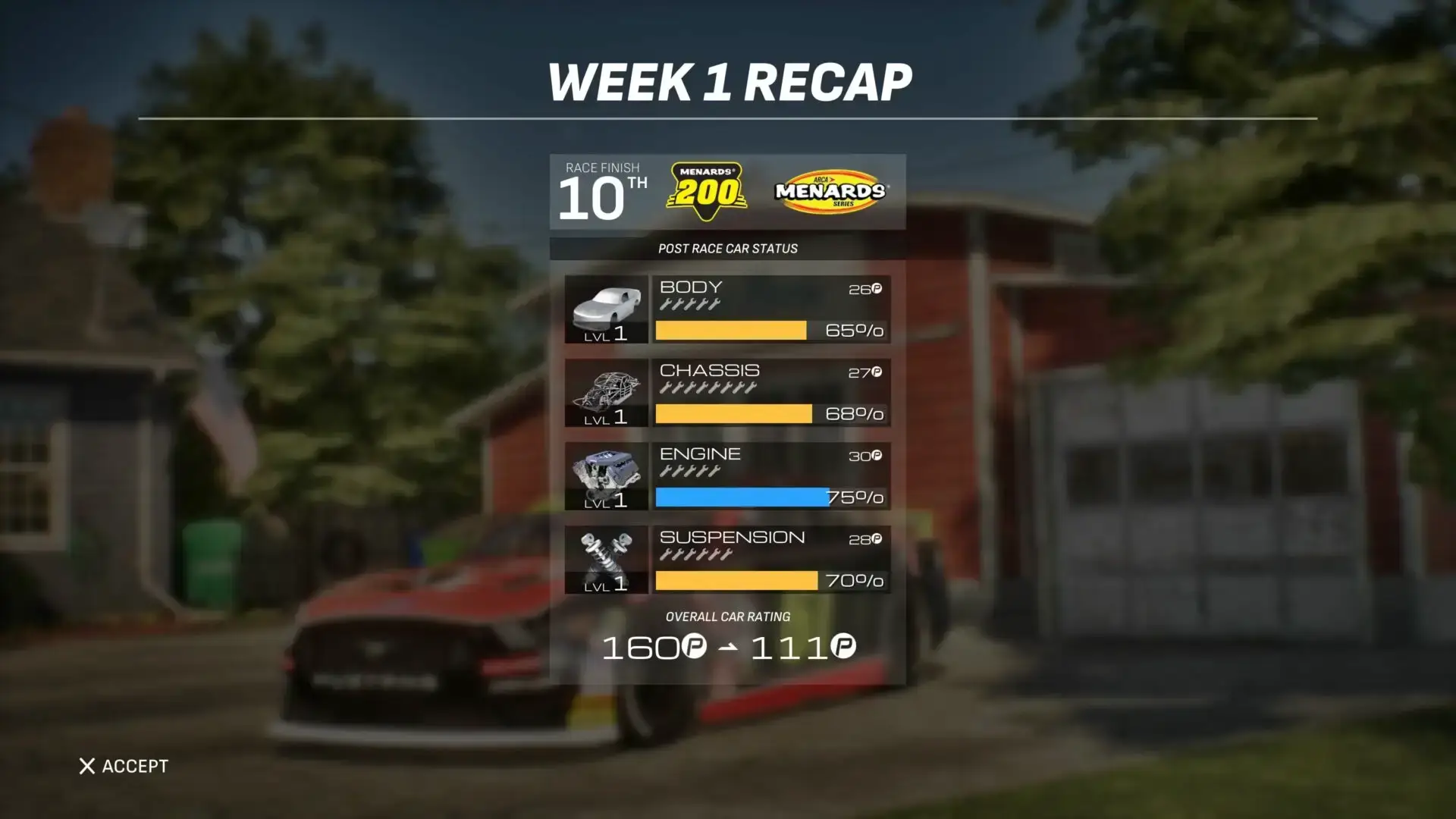
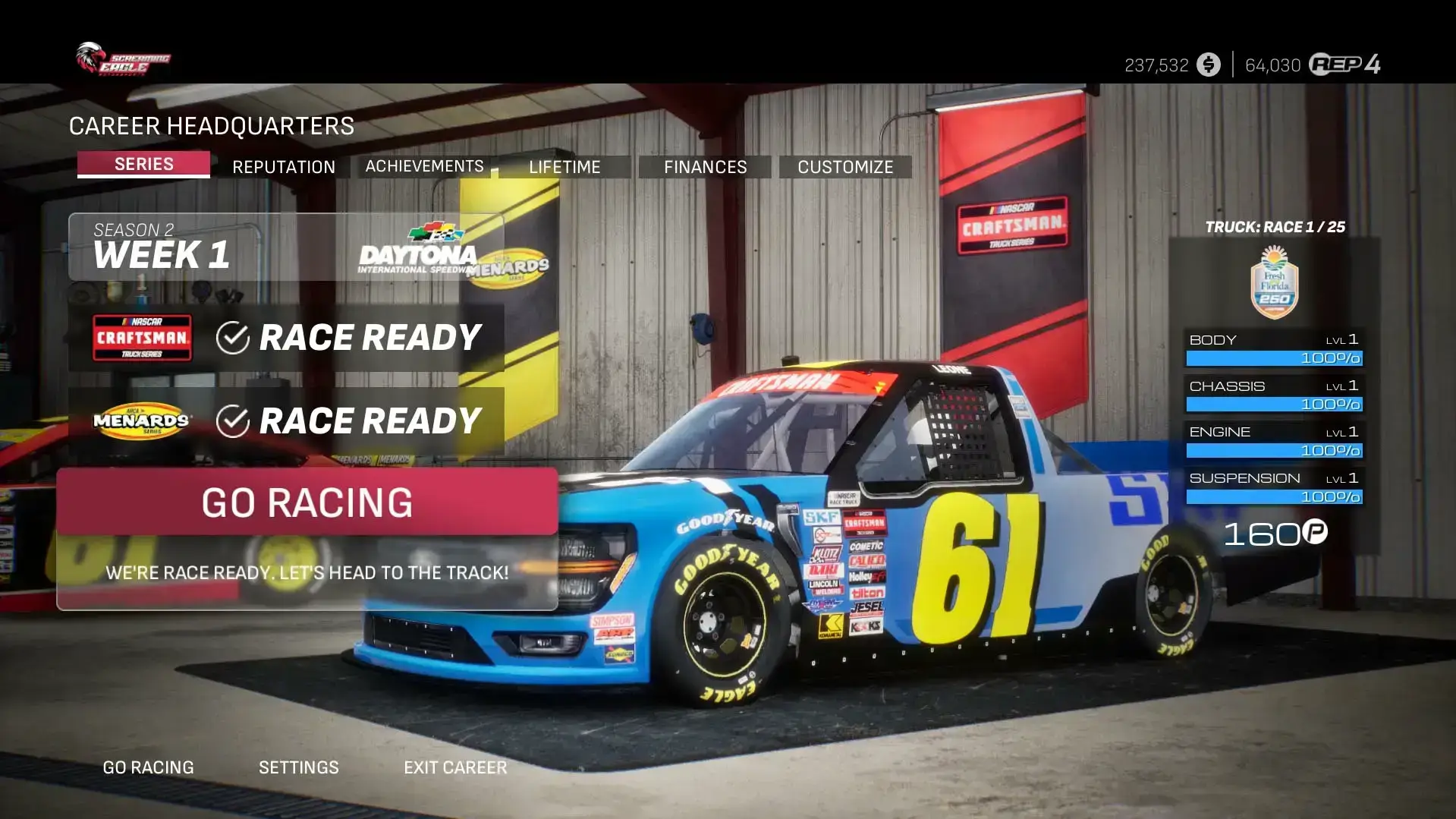
- Focus on Car Upgrades: Invest early in performance upgrades for your car. Better parts will give you a competitive edge as you progress through the career mode.
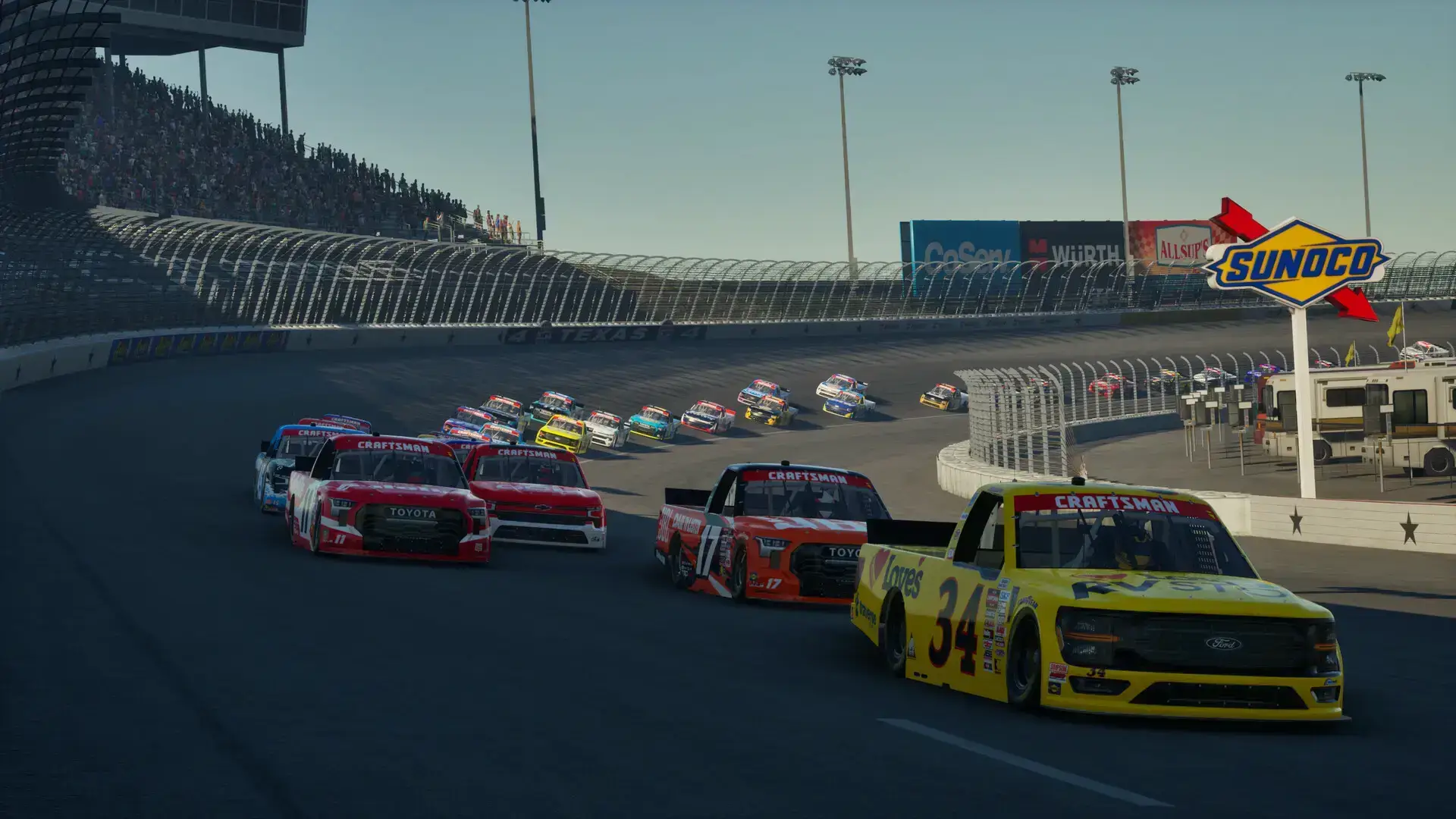
- Learn Drafting Techniques: Mastering the art of drafting is essential in NASCAR racing. Practice staying in the slipstream of other cars to conserve fuel and make passes.
- Be Patient with Technical Issues: Given the current state of the PC version, be prepared for potential bugs and performance issues while the developers work on patches.
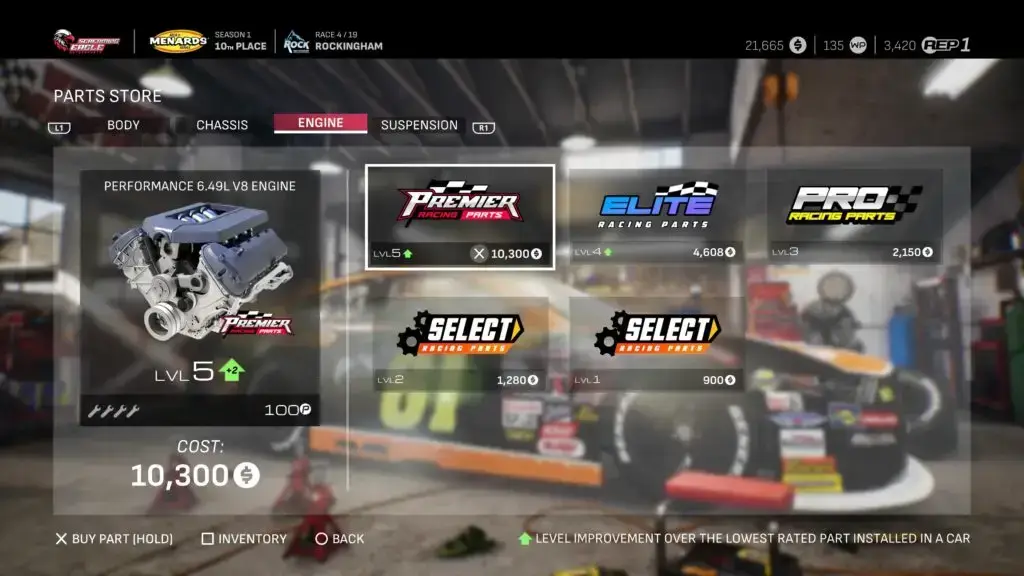
NASCAR 25 Gameplay Screenshots



NASCAR 25 Official Trailer
Watch the official announcement trailer to see the game’s visuals and features in action.

NASCAR 25 PC Requirements
Minimum:
- OS: Windows 10/11 64-bit
- CPU: Intel Core i5-4690 / AMD Ryzen 3 1200
- RAM: 16 GB
- GPU: NVIDIA GeForce GTX 1060 / AMD Radeon RX 580 (4GB VRAM)
- DirectX: Version 12
- Storage: 50 GB available space
Recommended:
- OS: Windows 10/11 64-bit
- CPU: Intel Core i7-9700K / AMD Ryzen 5 5600X
- RAM: 16 GB
- GPU: NVIDIA GeForce RTX 3060 / AMD Radeon RX 6700 XT
- DirectX: Version 12
- Storage: 50 GB available space (SSD recommended)
NASCAR 25 on Windows FAQ
- Why are the Steam reviews so negative? The PC version launched with numerous technical issues including performance problems, bugs, and a lack of polish that frustrated players.
- Is there multiplayer? Yes, the game supports online multiplayer for up to 40 players with full NASCAR rules and regulations.
- What content is included? All four national NASCAR series with over 150 drivers, career mode, quick races, championships, and multiplayer.
- Are the developers fixing the issues? iRacing Studios has begun releasing updates and DLC, indicating ongoing support to address player concerns.
- When was the PC version released? The Windows PC version launched on November 11, 2025, following the console release on October 14, 2025.
Support and Community
Explore more Windows games: F1 25 · Sports Games · Best Racing Games · Forza Horizon 5