

Readers like you help support this site. When you make a purchase using links on our site, we may earn an affiliate commission. All opinions remain our own.
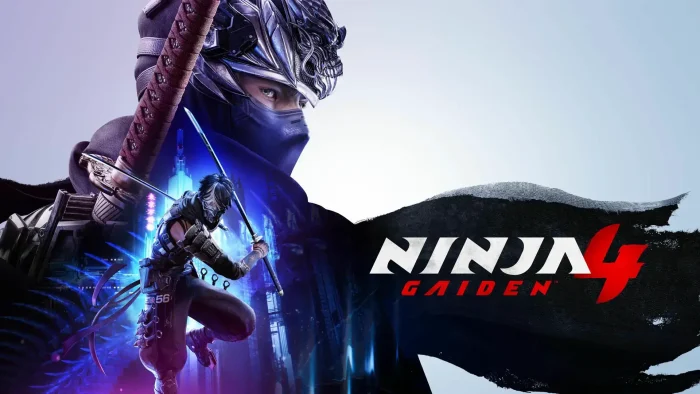

Developed through a powerhouse collaboration between Team NINJA and PlatinumGames, and published by Xbox Game Studios, this title fuses the series’ signature high-speed, brutal combat with stylish, dynamic action for a new generation.
The game introduces a new ninja prodigy, Yakumo, whose destiny is intertwined with the iconic Ryu Hayabusa.
Set in a near-future Tokyo shrouded by an endless rain of miasma, you must fight through cybernetic soldiers and otherworldly creatures to free the city from an ancient curse.
With “Very Positive” reviews already on Steam, the game is being praised for its sharp, evolved combat and accessibility options that welcome newcomers while still challenging veterans to achieve “Master Ninja” status.
This guide covers how to install it on Windows, its key features, and essential tips to begin your mission.
Have questions or your own ninja strategies? Leave a comment below or contact us, we are always happy to help.
Download and install NINJA GAIDEN 4 on PC
NINJA GAIDEN 4 is available on Steam, the Microsoft Store, and is included with Xbox Game Pass for PC on day one. Here’s how to install it:
- Method: Steam
- Open the store page: NINJA GAIDEN 4 on Steam.
- Click Add to Cart and complete the checkout process. You can choose the Standard or Deluxe Edition.
- In your Steam Library, click Install and select your preferred drive.
- Wait for the download to complete (approximately 54.9 GB).
- Launch the game from your Library and begin your mission.
- Method: Microsoft Store / Xbox App for PC
- If you have a PC Game Pass or Game Pass Ultimate subscription, the game is included at no extra cost.
- Open the Xbox App on your PC or the Microsoft Store page: NINJA GAIDEN 4 on Microsoft Store.
- Click Install (for subscribers) or Buy to purchase.
- Select your drive and wait for the download.
- Launch the game once installed.
Quick Tip: 💡 The game is an Xbox Play Anywhere title. If you purchase it from the Microsoft Store, you own it on both your Windows PC and Xbox console.
Get NINJA GAIDEN 4 on Steam | Get NINJA GAIDEN 4 on Microsoft Store

What is NINJA GAIDEN 4?
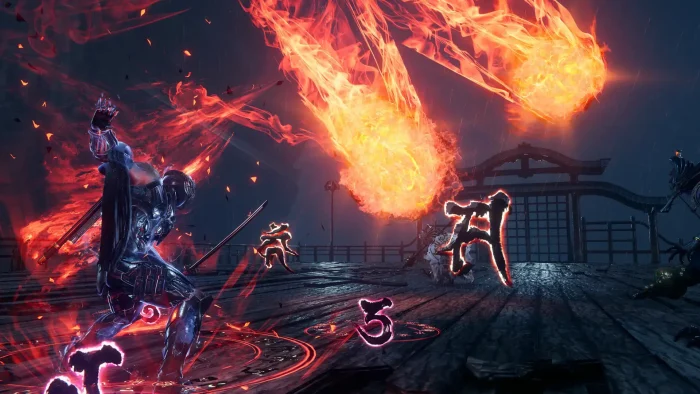
NINJA GAIDEN 4 is a top-tier action game that brings back the series’ infamous, high-speed combat while introducing new mechanics and a new protagonist. The gameplay is a seamless fusion of Team NINJA’s methodical, challenging philosophy and PlatinumGames’ fluid, stylish flair.
You will master a deep combat system that includes new features like Bloodbind Ninjutsu to transform your weapons, alongside classic techniques such as the Izuna Drop and Flying Swallow. The game is designed to be highly accessible, with multiple difficulty settings and assist functions that allow anyone to enjoy the heart-pounding adventure.
Key Features
- Evolved Hack-and-Slash Combat: Experience a perfect blend of strategic, precision-based combat and stylish, dynamic action. Switch between Yakumo’s Base Form and his powerful Bloodraven Form to break enemy guards.
- A New Ninja Rises: Follow the story of Yakumo, a young prodigy from the Raven Clan, as he fights alongside the legendary Ryu Hayabusa in a rain-drenched, near-future Tokyo.
- Customizable Difficulty: With modes ranging from “Hero” (with auto-dodge/block) to the ultra-challenging “Master Ninja,” the game meets every player at their skill level and pushes them to improve.
- Visually Stunning World: Explore a distinctive world built on the themes of adversity, brutality, and transformation, brought to life with a striking mix of traditional Japanese and electronic music.
- Substantial Campaign: Embark on a campaign that offers around 10 hours of intense, high-octane action.
Why play on Windows?
Playing on PC allows you to experience NINJA GAIDEN 4’s lightning-fast, precision-based combat with the superior responsiveness of mouse and keyboard or your preferred controller. The platform also ensures you can achieve the high frame rates essential for fully appreciating the game’s fluid animation and visual spectacle.
Tips for PC beginners
- Start with the Training Mode: Before diving into the story, spend time in the dedicated training mode to familiarize yourself with the movement, combos, and the new Bloodbind Ninjutsu mechanics.
- Don’t Be Afraid to Adjust Difficulty: The game is designed to be accessible. If you’re new, start with “Hero” or “Normal” mode. You can always increase the challenge on a subsequent playthrough.
- Master Yakumo’s Bloodraven Form: As Yakumo, remember to use his Bloodraven Form (often triggered by holding the left trigger). This is key to breaking through enemy defenses and interrupting powerful attacks.
- Learn the Legacy Techniques: Classic moves like the Izuna Drop and Flying Swallow are not just for show—they are incredibly effective. Make them a core part of your combat repertoire.
- Manage Your Space: Positioning is everything. Use wall runs and quick dodges to control the battlefield, avoid being surrounded, and create openings for your attacks.
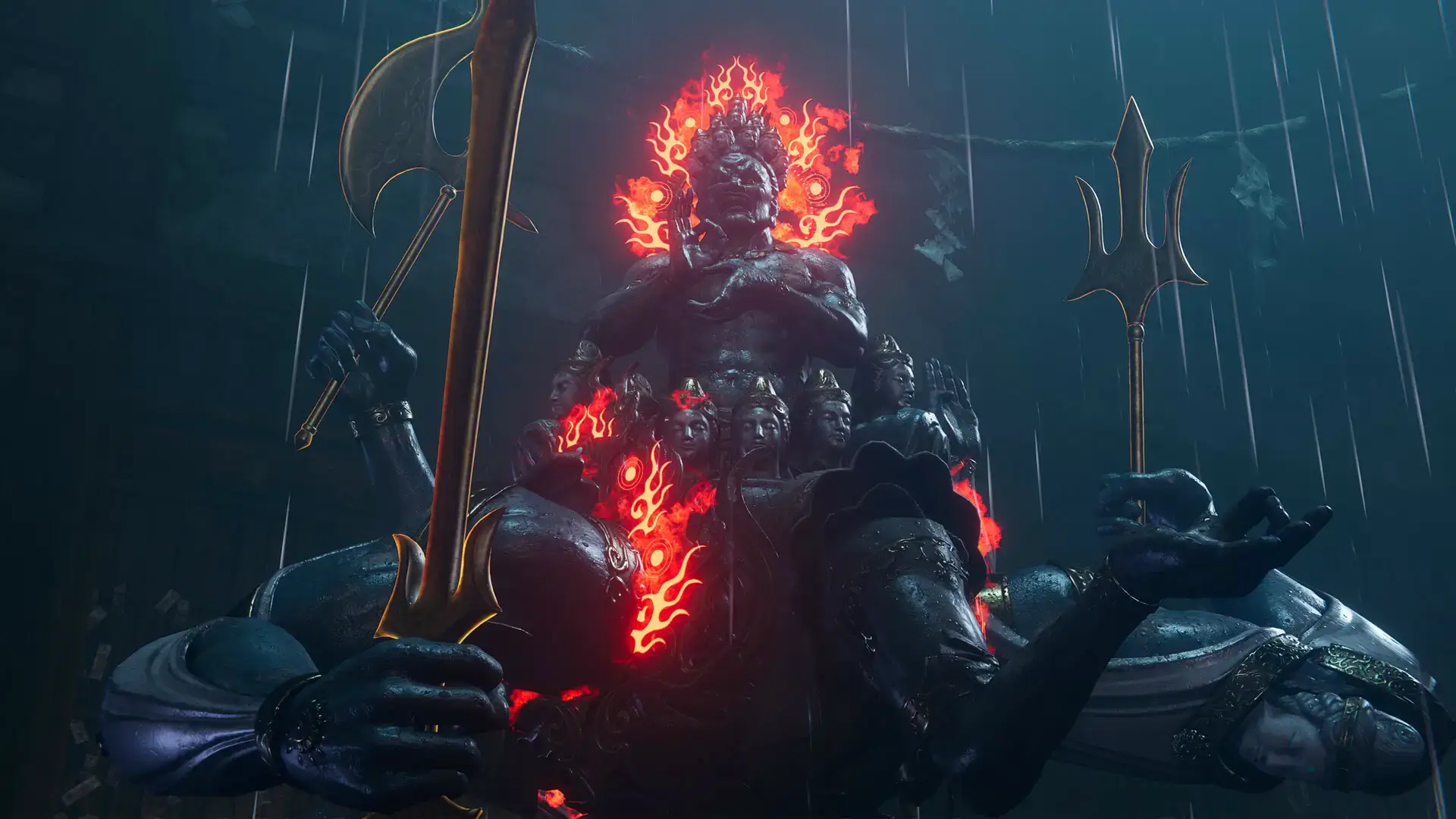
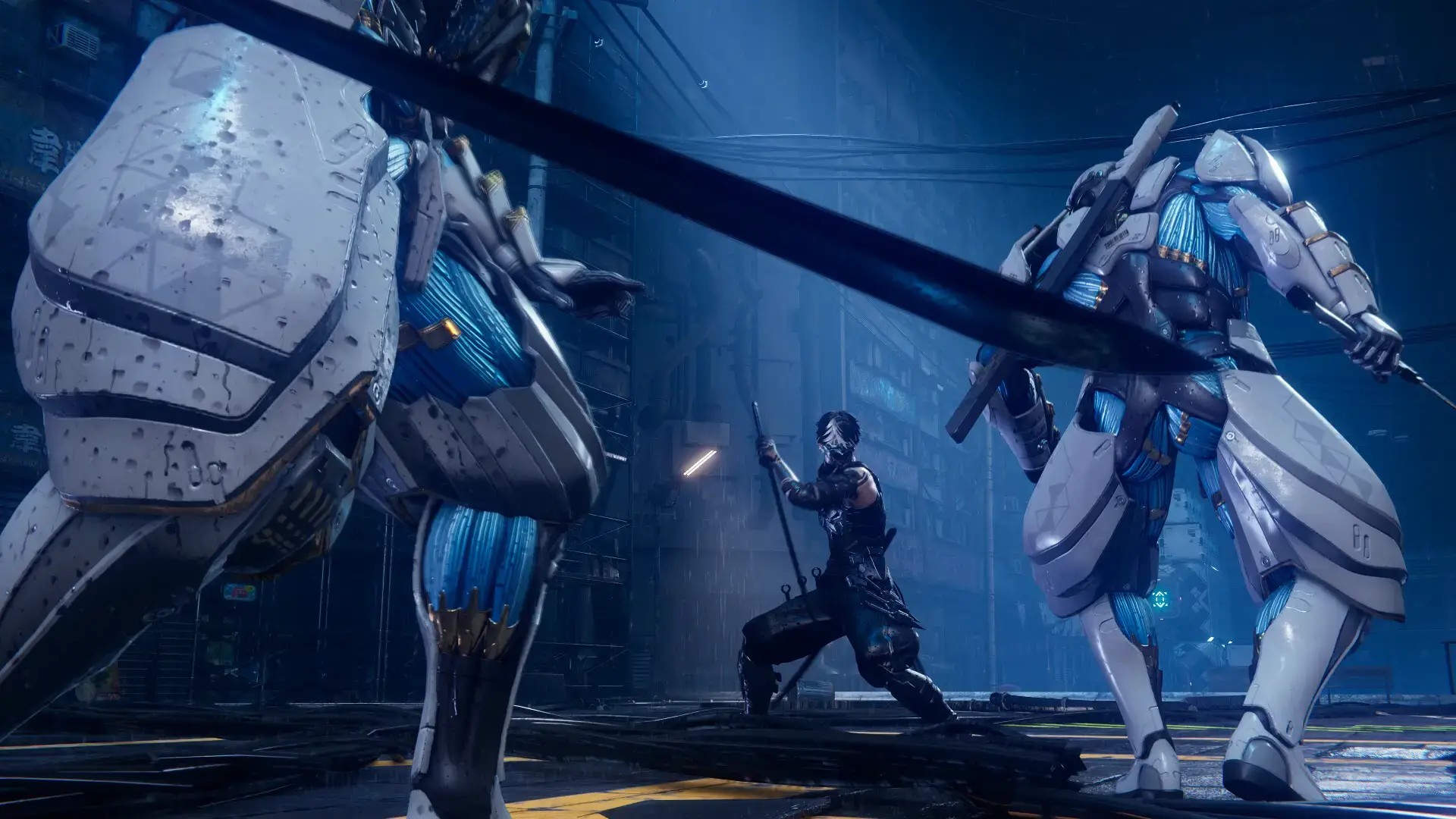
NINJA GAIDEN 4 Gameplay Screenshots


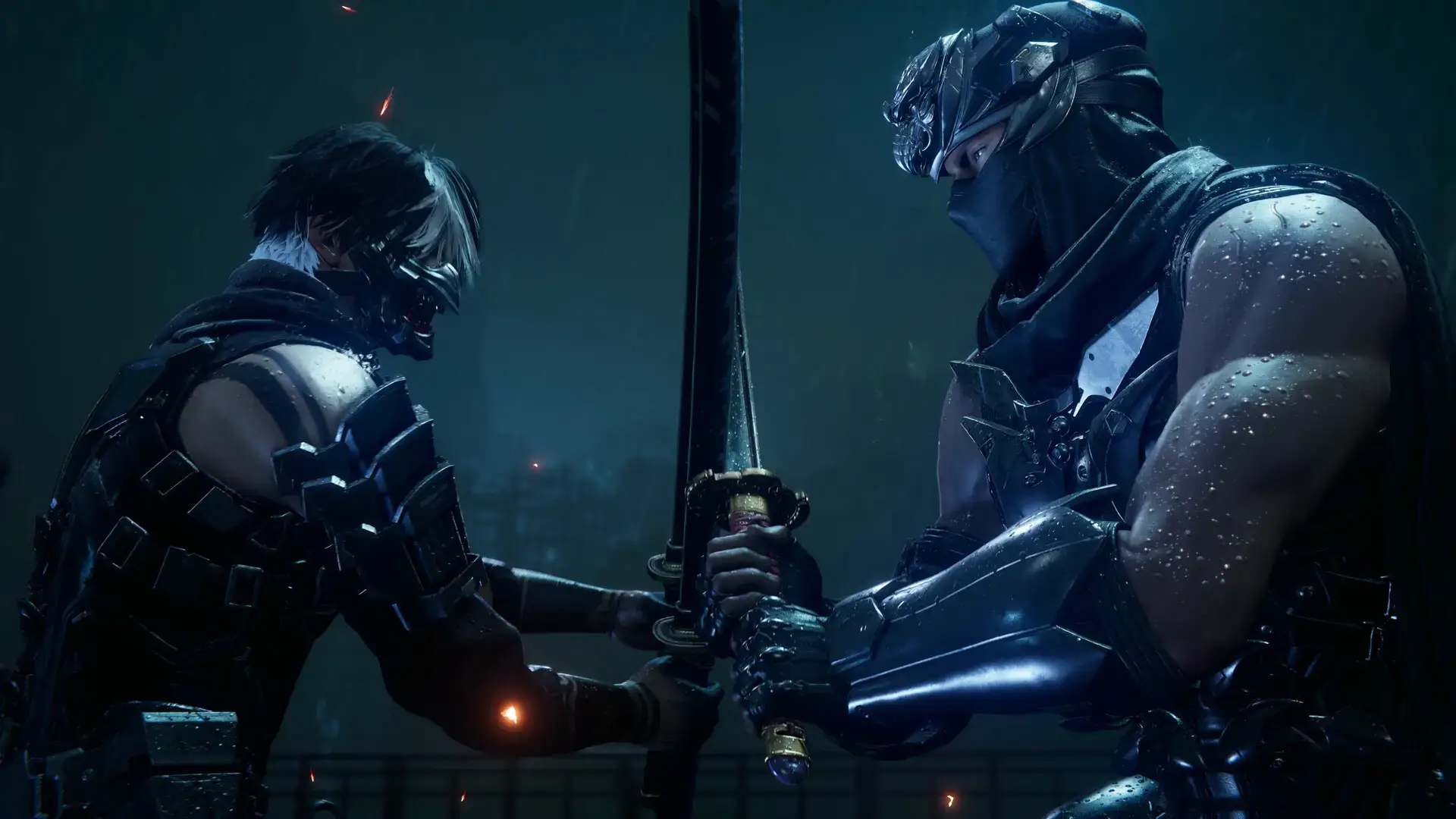
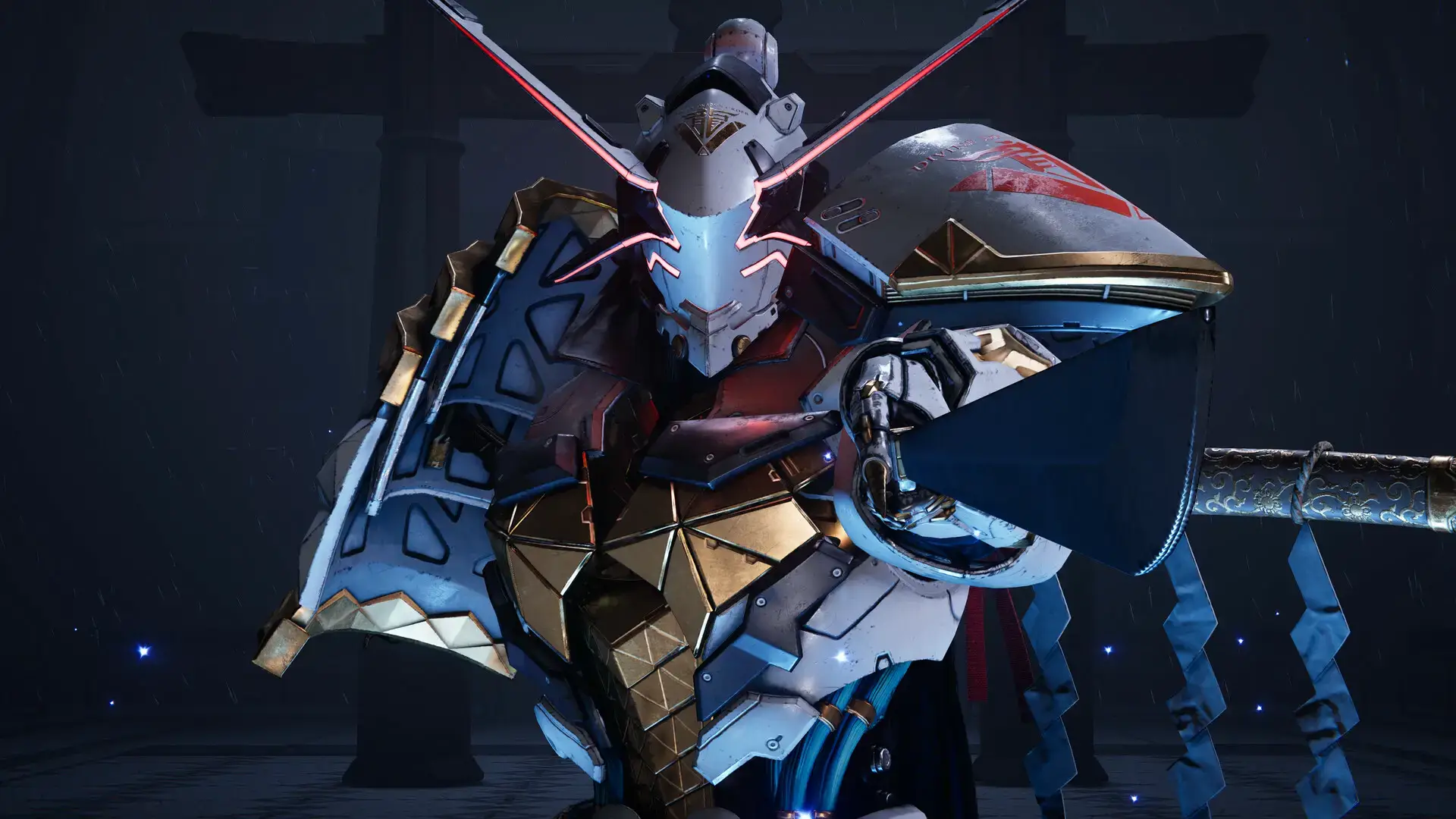
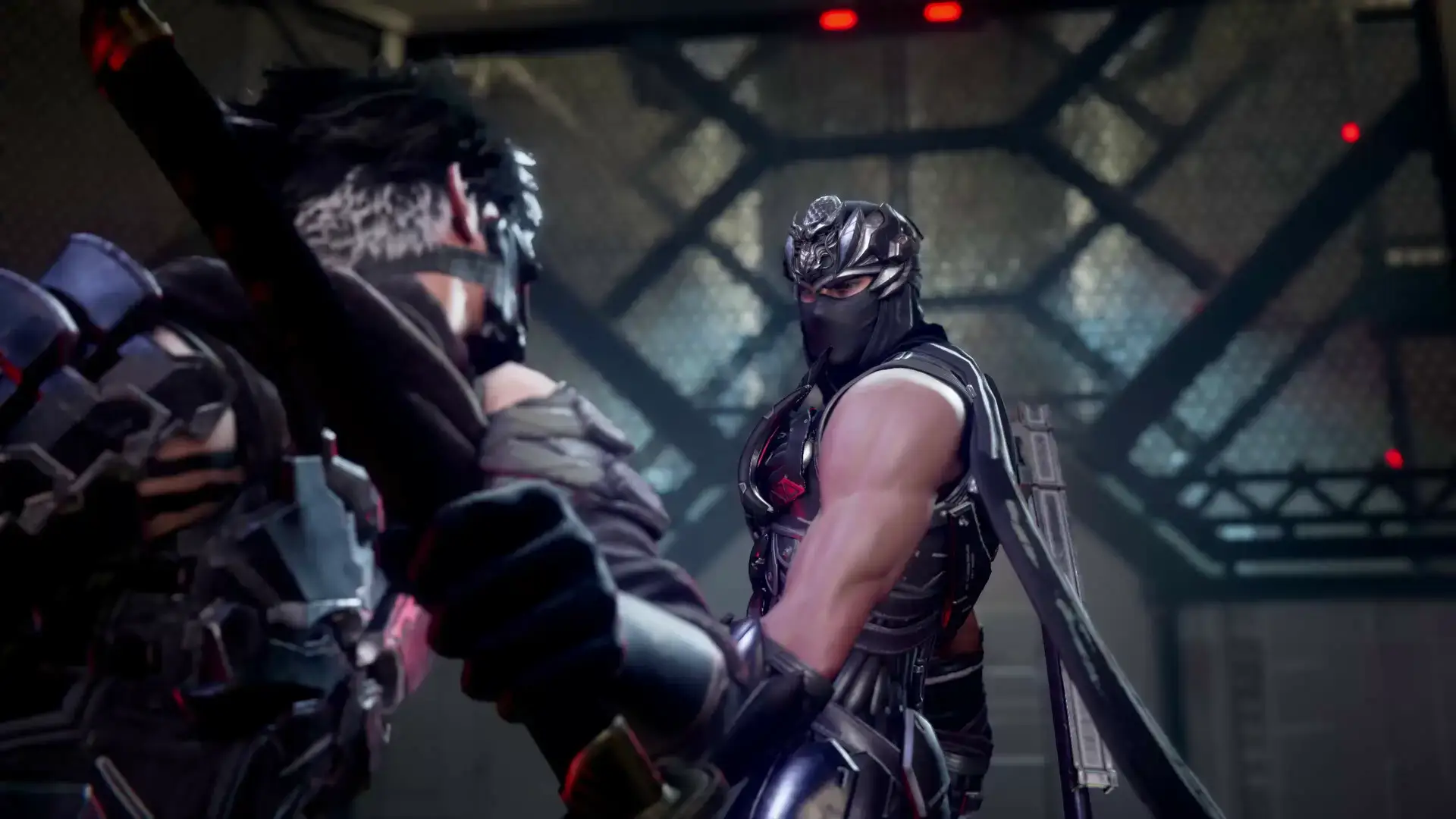
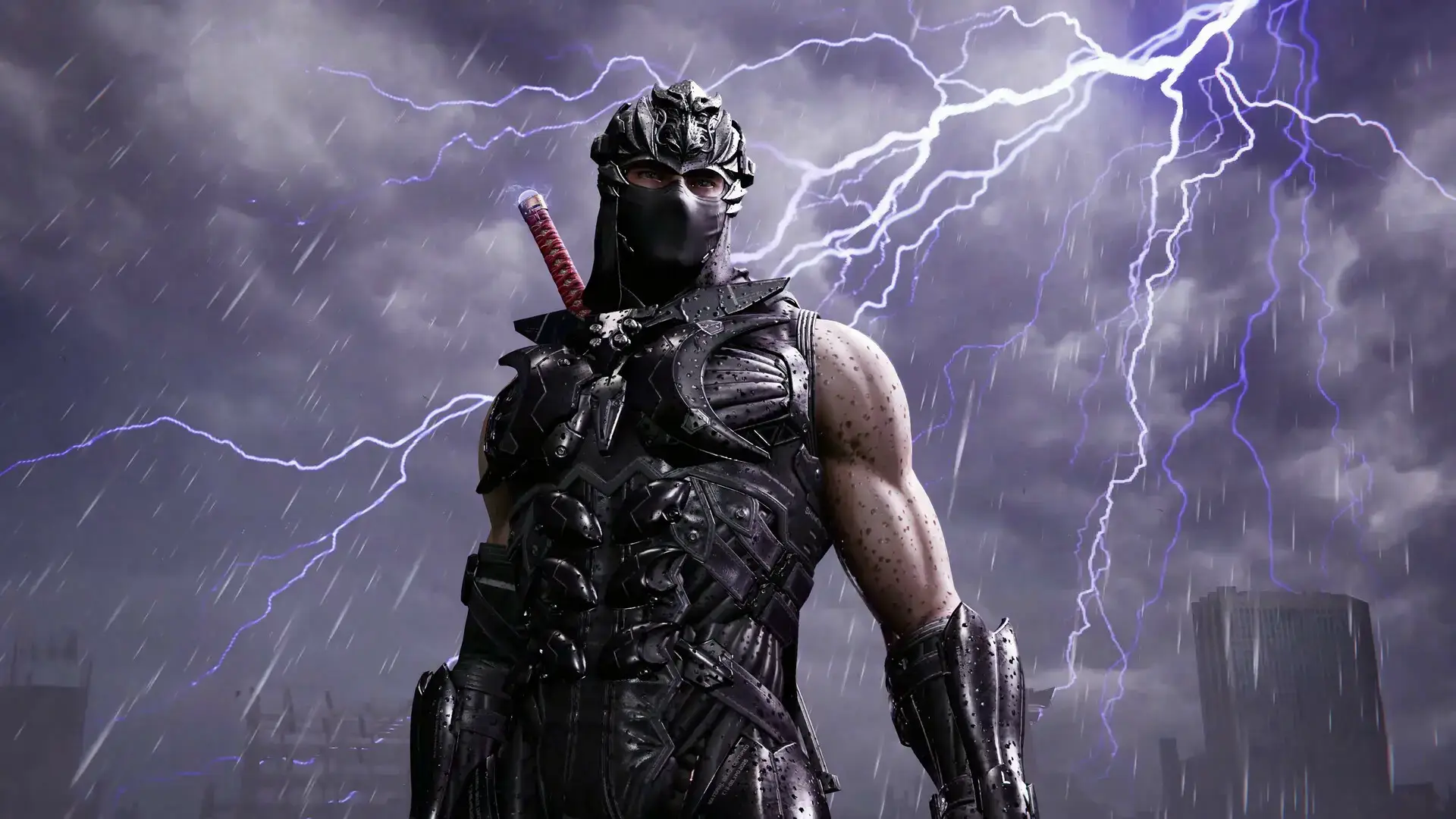
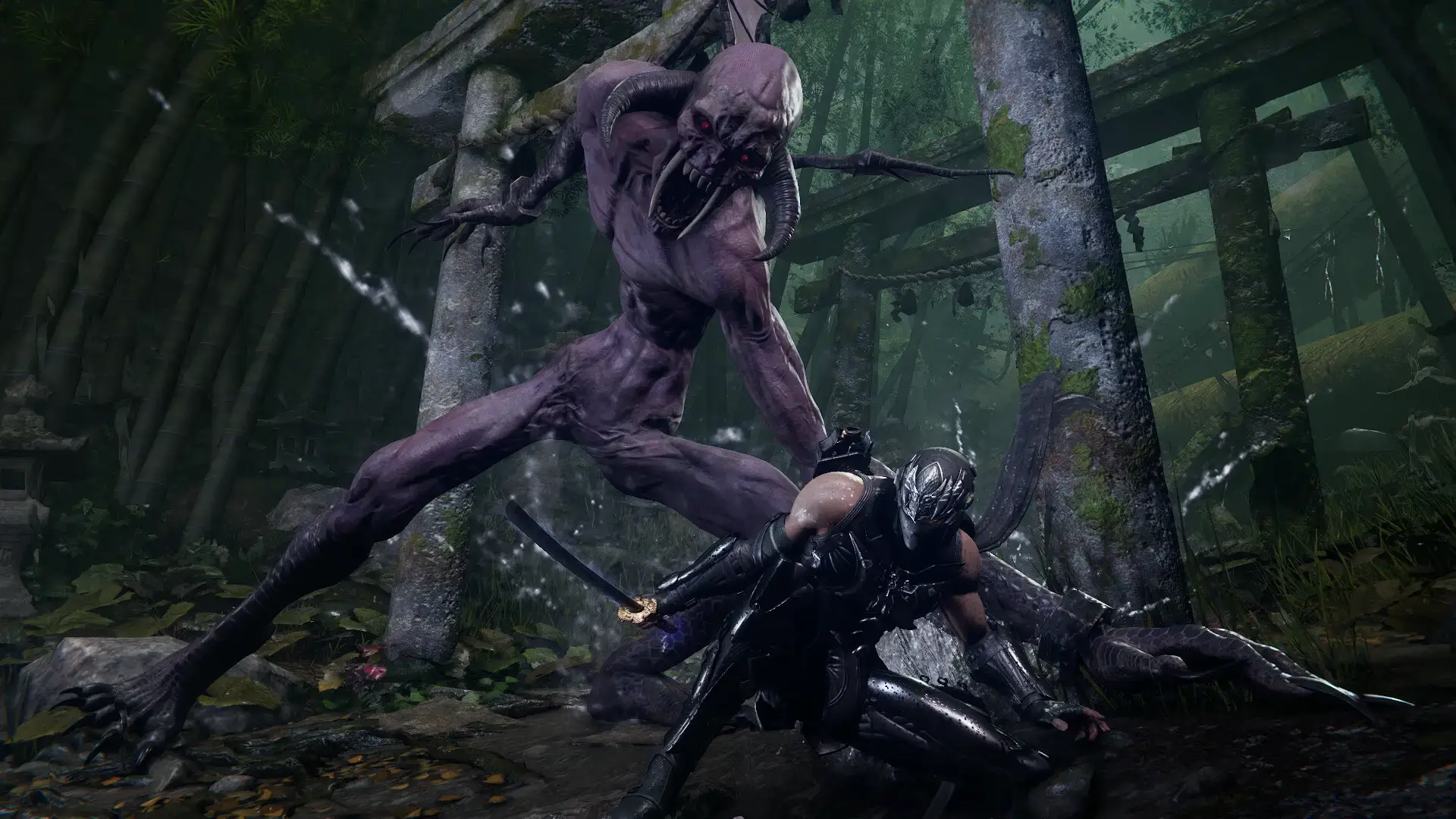

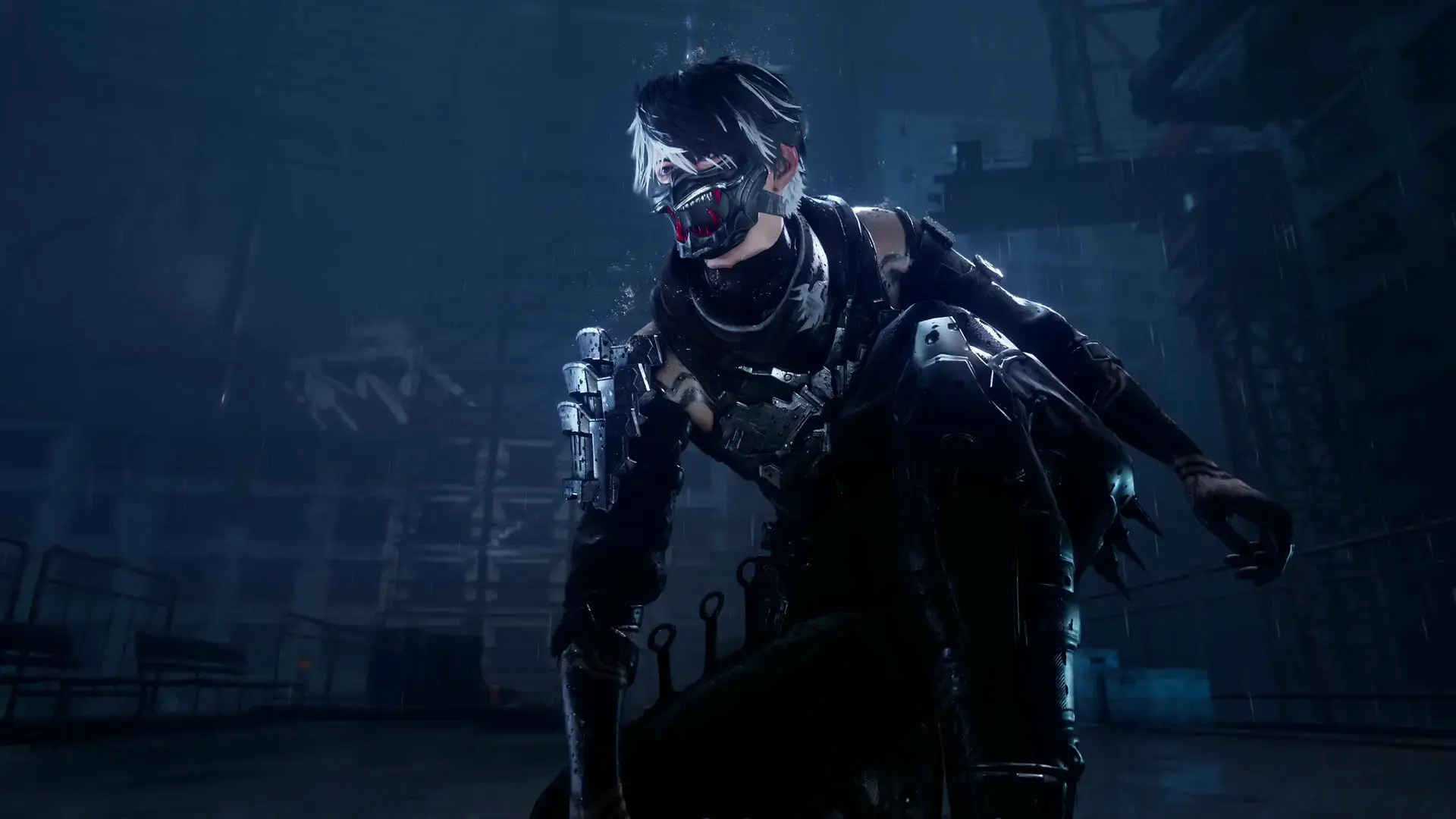
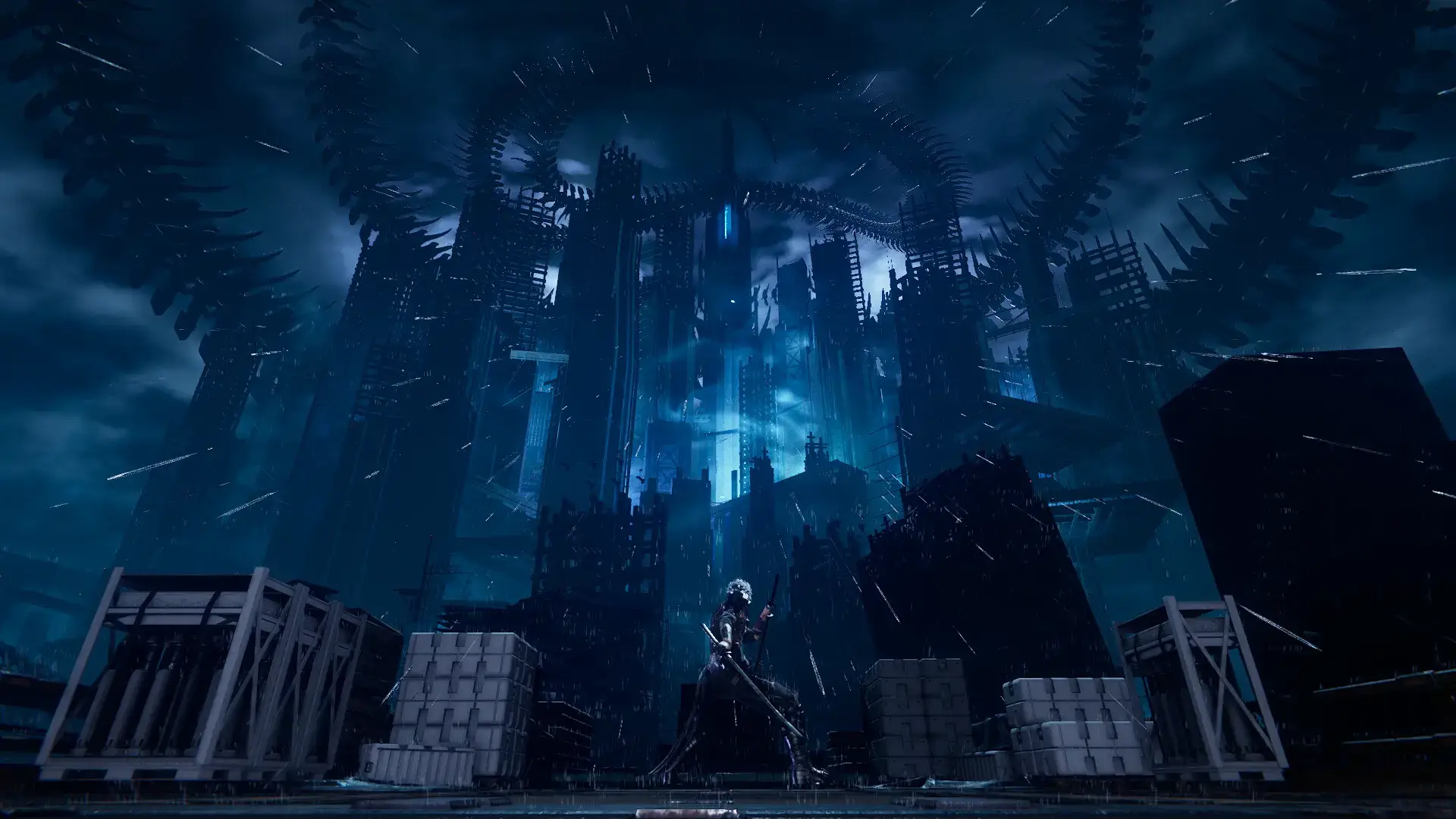
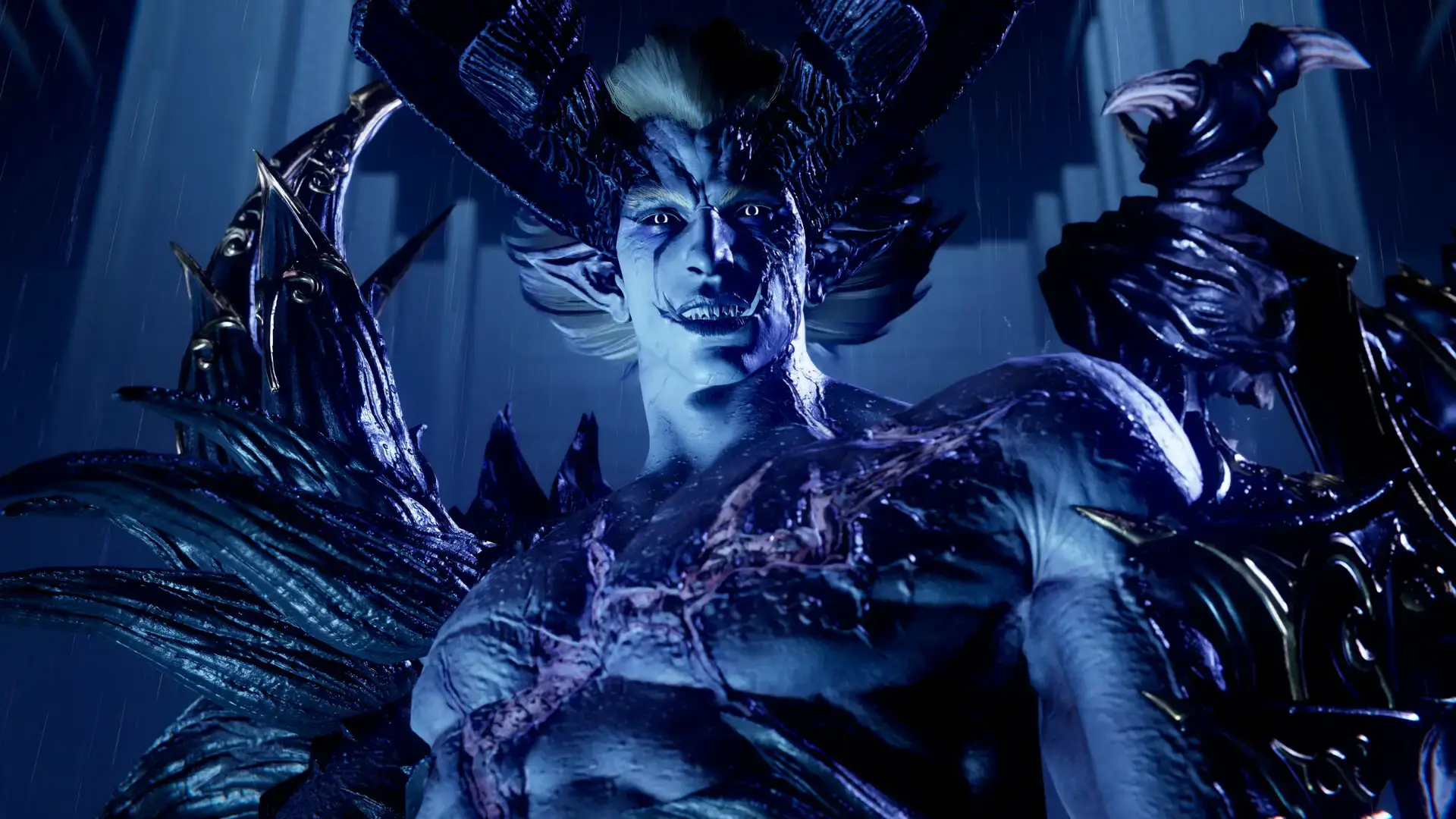
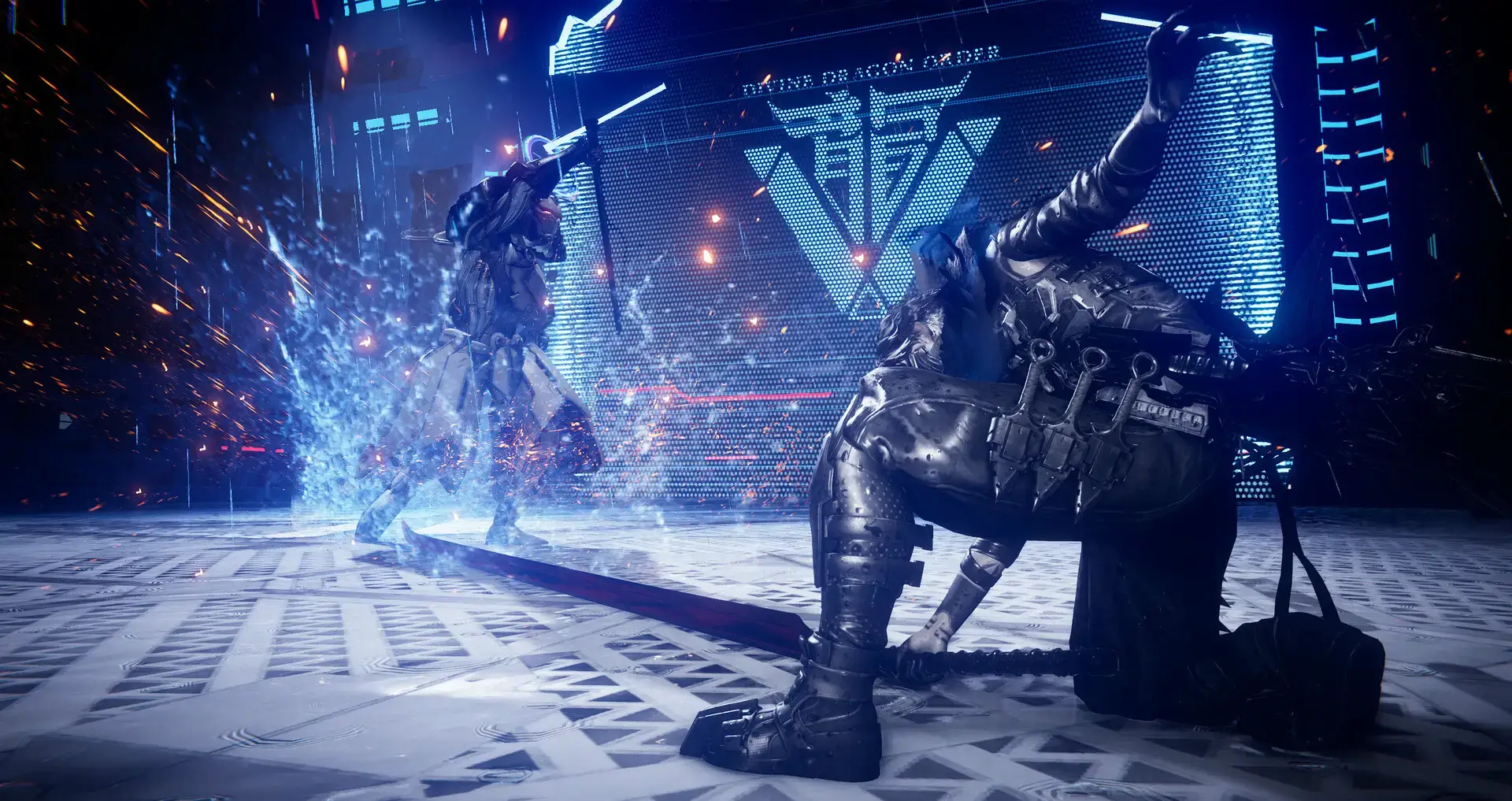
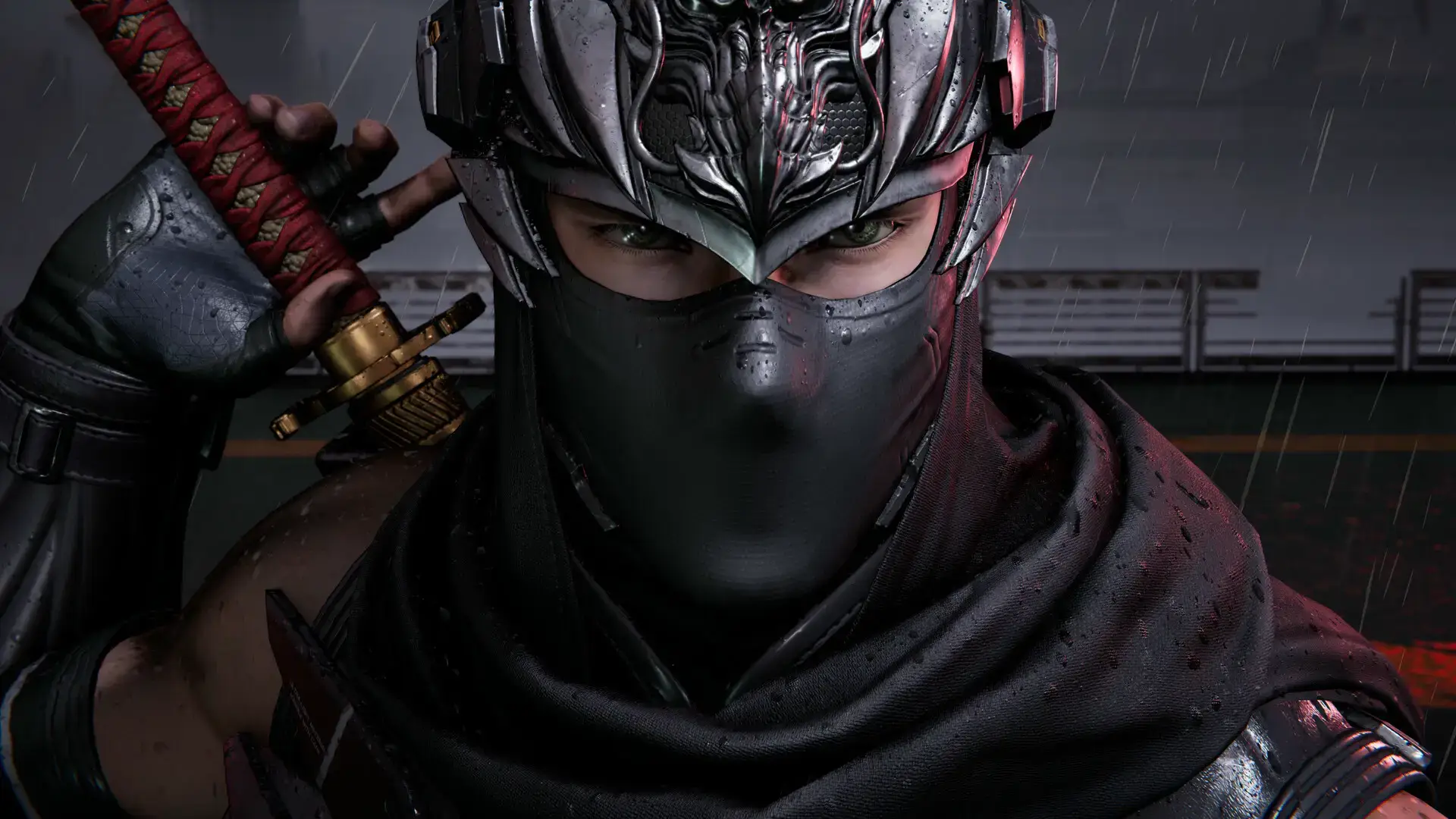
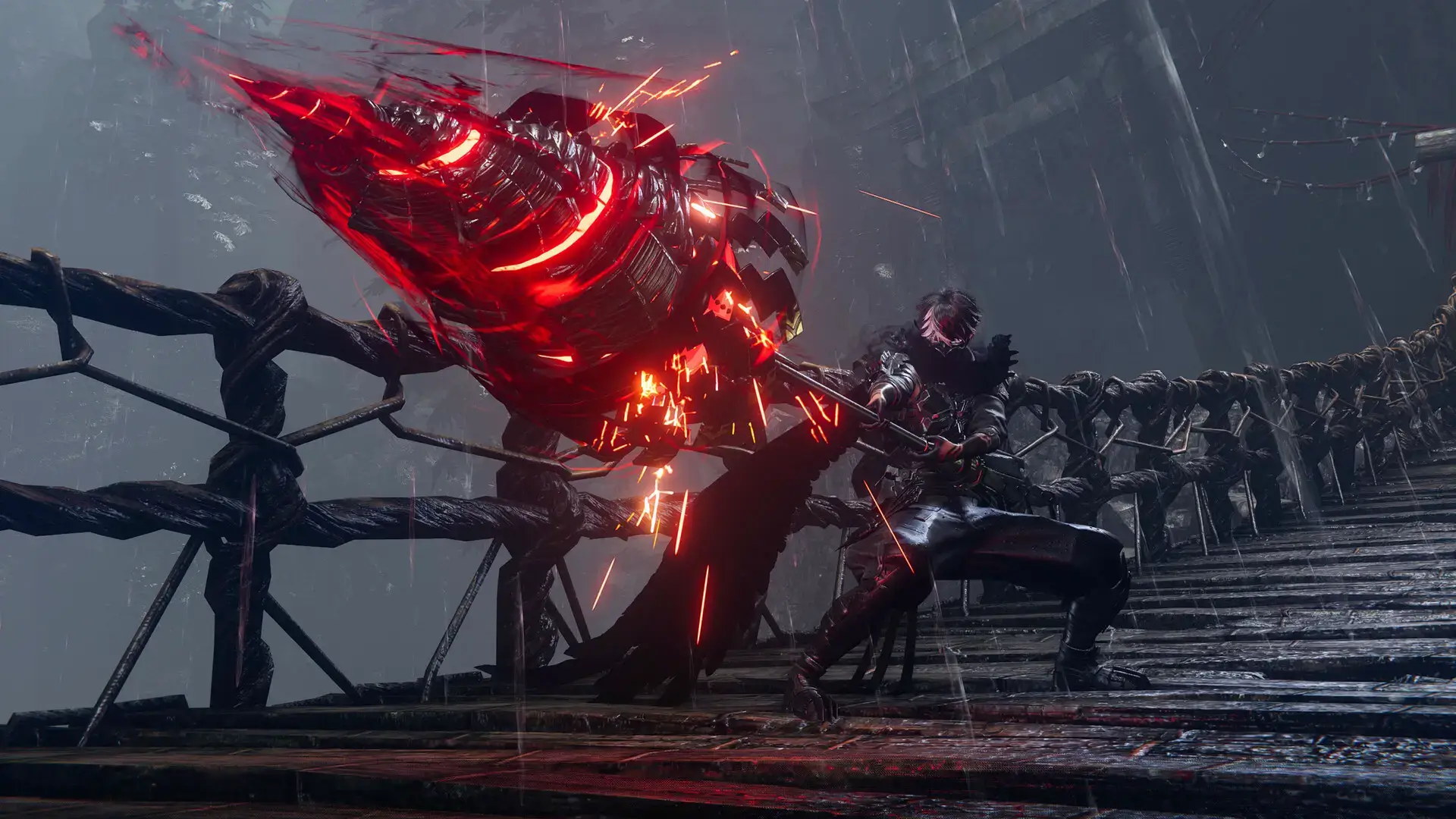
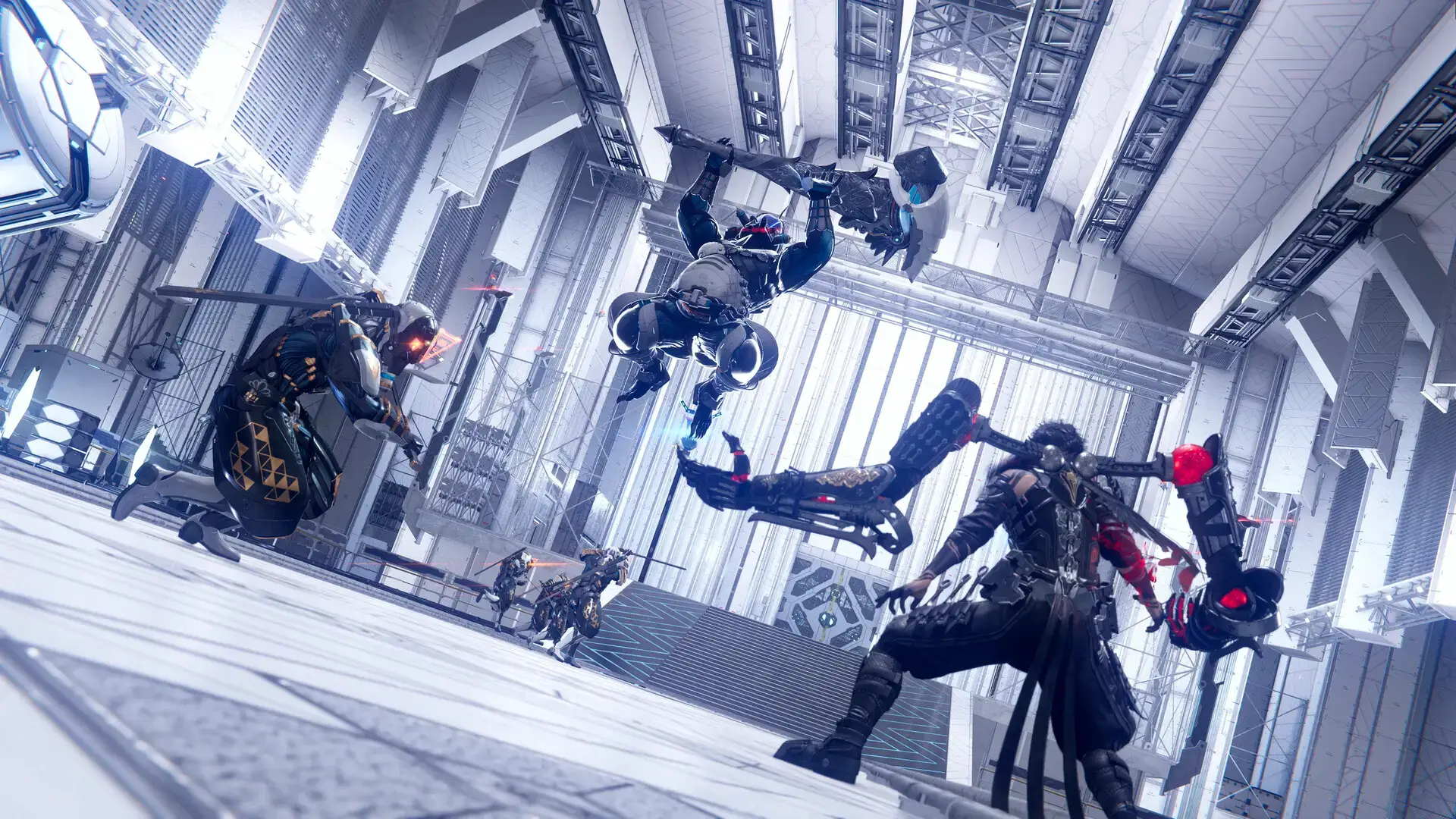
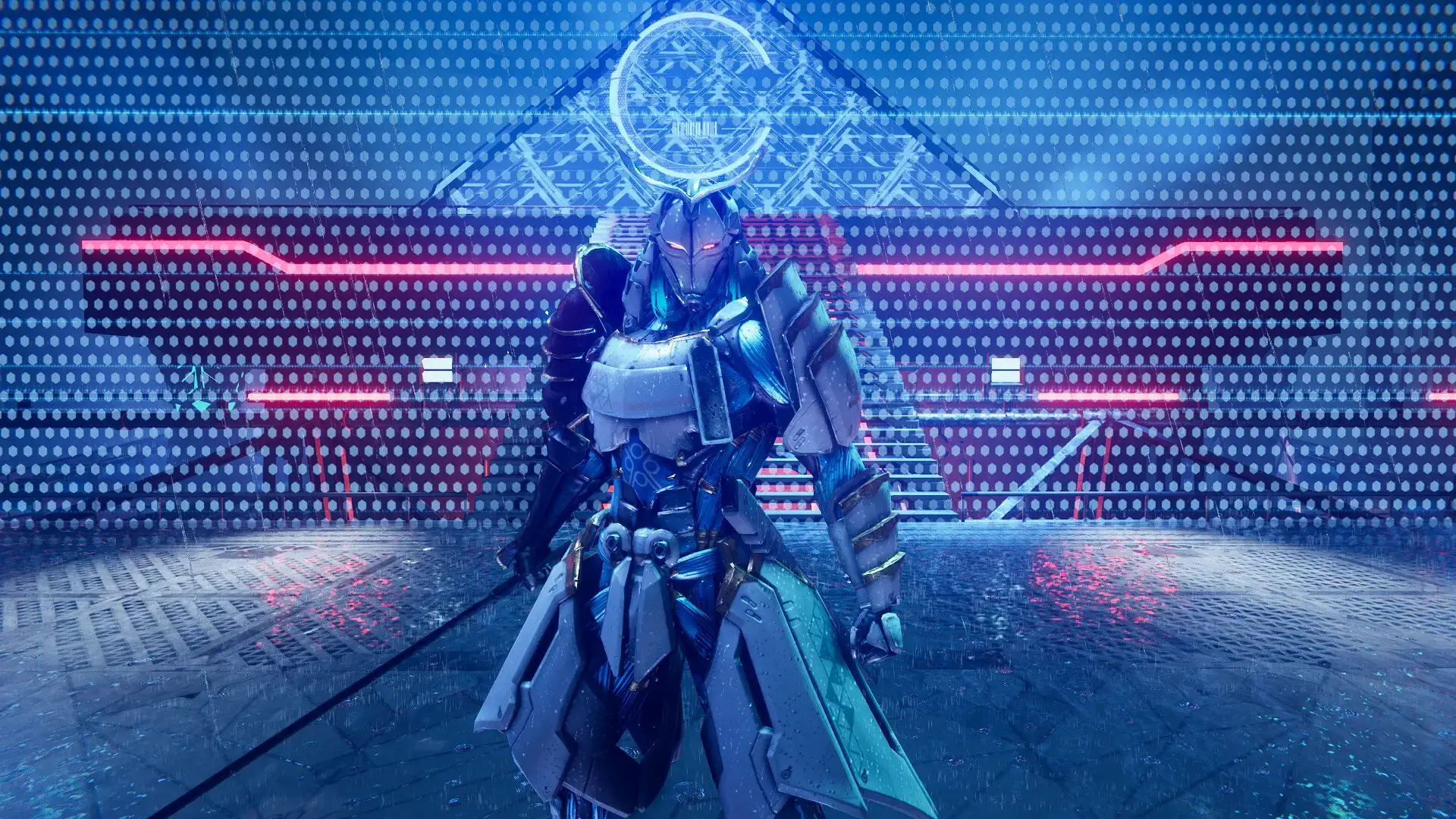
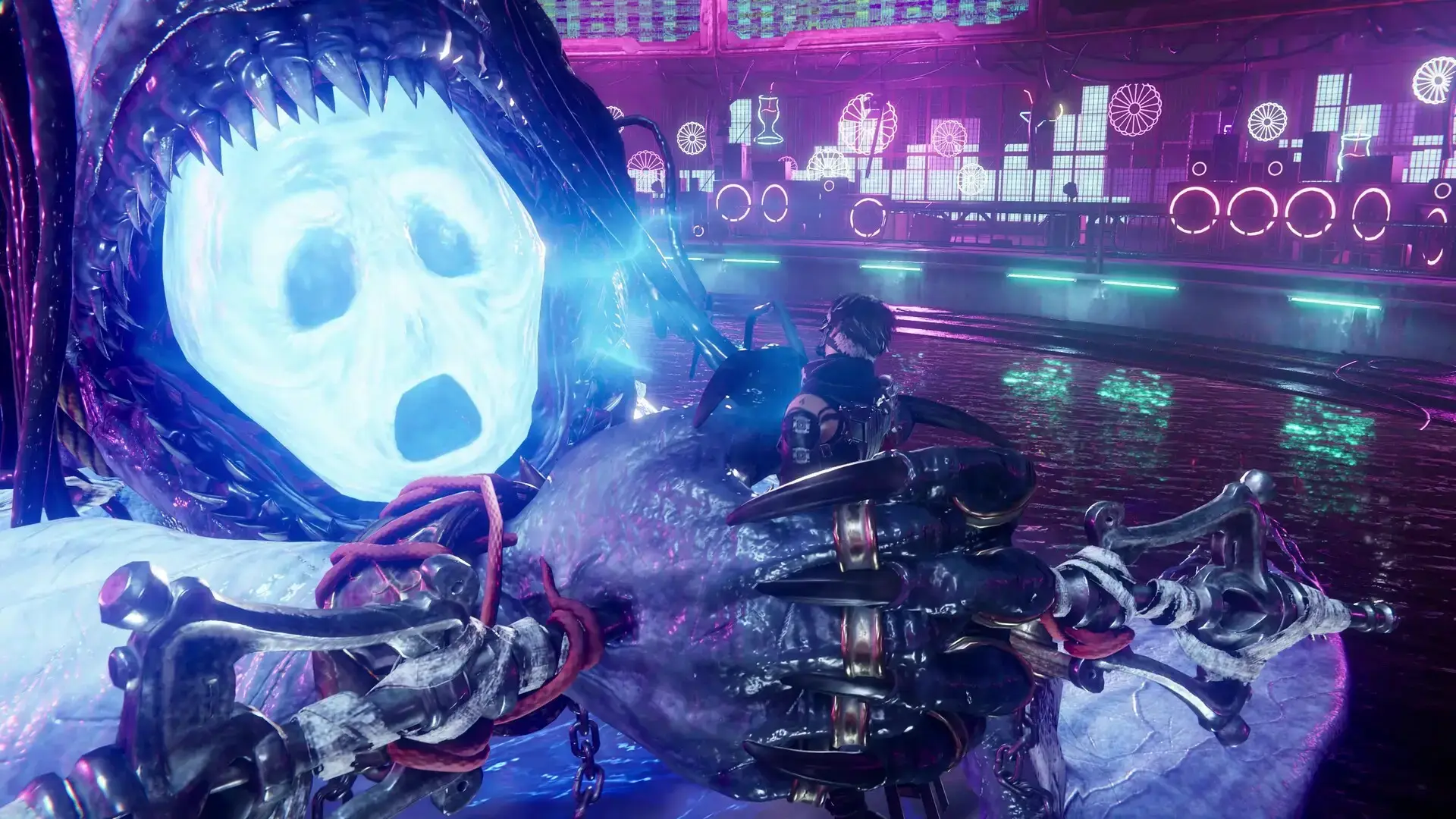
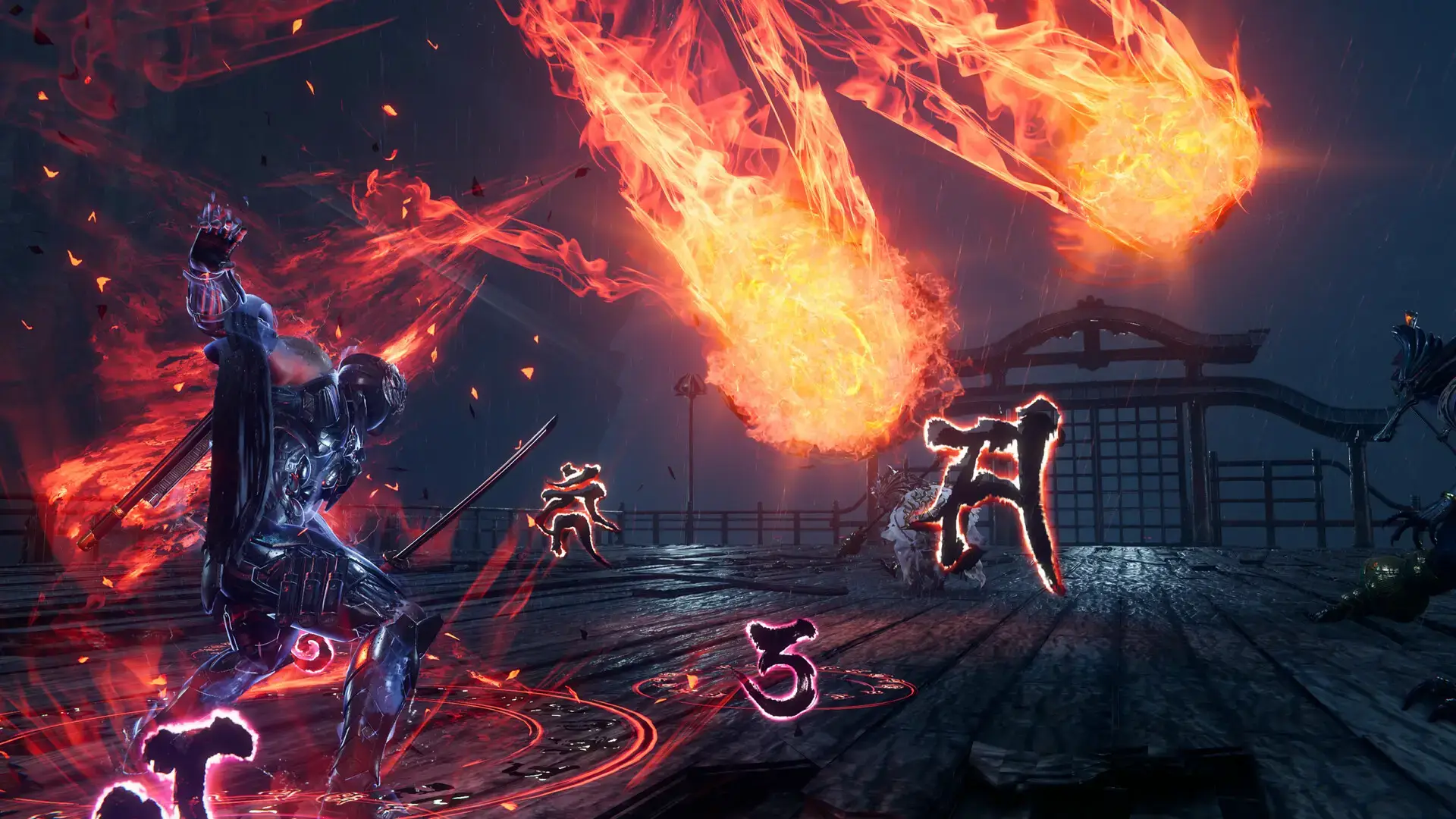
NINJA GAIDEN 4 Official Trailer
Watch a short beginner’s guide with nice tips and tricks so that you can really enjoy the game:

NINJA GAIDEN 4 PC Requirements
Minimum (for 1080p / 30FPS):
- OS: Windows 10/11 (64-bit)
- CPU: Intel Core i5-8400 or AMD Ryzen 5 3400G
- RAM: 16 GB
- GPU: NVIDIA GeForce GTX 1060 (6GB) or AMD Radeon RX 590 (8GB)
- Storage: 100 GB available space (SSD Required)
Recommended (for 1080p / 60FPS):
- OS: Windows 10/11 (64-bit)
- CPU: Intel Core i5-10400 or AMD Ryzen 5 3600
- RAM: 16 GB
- GPU: NVIDIA GeForce RTX 2060 Super (8GB) or AMD Radeon RX 5700 XT (8GB)
- Storage: 100 GB available space (SSD Required)
NINJA GAIDEN 4 on Windows FAQ
- Is it on Xbox Game Pass? Yes, it is available on day one with PC Game Pass and Game Pass Ultimate subscriptions.
- Is it a single-player game? Yes, this is a single-player experience.
- Does it support Steam Deck? User reviews on Steam indicate some players have had success playing on Steam Deck, though performance may vary.
- What’s in the Deluxe Edition? It includes the base game, future gameplay content “The Two Masters,” multiple character and weapon skins, bonus in-game currency, and additional items.
- How long is the campaign? Early previews suggest the main campaign is about 10 hours long.
Support and Community
Explore more Windows games: Best Free Games on PC · ARC Raiders for PC · Action Games · Anime Games · Xbox PC App · Bloons TD 6 for PC