

Readers like you help support this site. When you make a purchase using links on our site, we may earn an affiliate commission. All opinions remain our own.


R.E.P.O. is an online co-op horror game where you and up to five others use physics-based tools to grab and move objects like pianos or fragile vases, all while dodging scary creatures.
I think fans of Lethal Company will love its mix of teamwork, tension, and funny mishaps.
You can download it on Steam for Windows 10 and 11, launched February 6, 2025 in Early Access, with a patch improving health kits and enemy stuns. It’s not on consoles or mobile yet.
From Semiwork, it’s got an ‘Overwhelmingly Positive’ Steam rating (96% positive from 144,000+ reviews) and blends stealth with chaotic fun.
This guide covers installing it on Windows, its main features, and tips for new players.
Tell us your wildest haul below, or contact us for help.
Download and Install R.E.P.O. on Windows – A Step-by-Step Guide
To play R.E.P.O. on your Windows PC, download it from Steam. Here’s how:
- Method 1: Steam
- Go to the Steam page: Steam.
- Click Add to Cart ($14.99, often cheaper).
- Log into your Steam account or make one.
- Finish the purchase and click Install in your Steam Library.
- Wait for the download (about 10 GB with updates).
- Start it from your Steam Library or desktop.
Quick Tip: 💡 Use proximity chat to warn teammates about monsters.
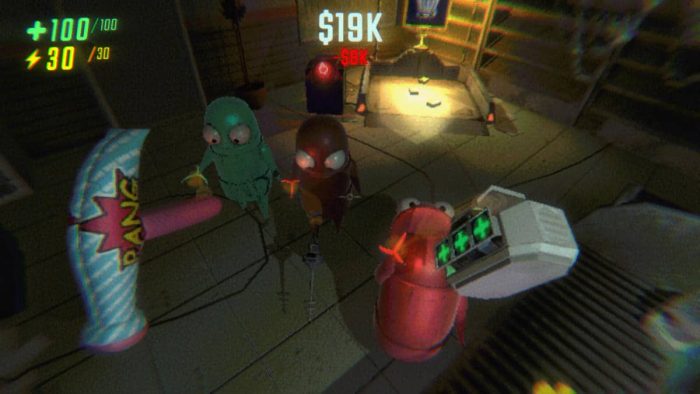

What is R.E.P.O. About?
R.E.P.O., launched February 6, 2025 by Semiwork in Early Access, is an online co-op horror game for Windows 10 and 11, where you play robots tasked by a mysterious AI to retrieve items from haunted, post-apocalyptic ruins, using physics to move heavy or fragile objects while avoiding monsters.
Main Gameplay: Explore three worlds, sneak or run from 19 enemies, and use 29 tools like grabbing devices or weapons, with proximity voice chat adding tension.
A May 2025 patch rebalances health kits and makes enemies easier to stun.
I love how dropping a piano by mistake can lead to hilarious chaos.
Key Features
- Co-op for up to 6 players with proximity voice chat
- Physics-based object handling (e.g., pianos, ceramics)
- 3 worlds with 19 enemies and procedural generation
- 29 equipment items and 8 player upgrades
- Perma-death and roguelike progression
Why Play R.E.P.O. on Windows?
Windows 10 and 11 give you smooth play, detailed visuals, and easy voice chat for a full co-op horror adventure.
Tips for PC Beginners in R.E.P.O.
New to R.E.P.O. on PC? Here are five tips to get started:
- Set Keys: Bind grab tool to a mouse button in Settings > Controls for quick use.
- Speed Up: Lower shadows in Graphics to avoid lag.
- Stay Quiet: Use proximity chat (voice) sparingly near monsters.
- Team Up: Stick with friends (party) to share heavy loads.
- Buy Smart: Spend surplus (shop) on health kits or stunners first.
R.E.P.O. Gameplay Screenshots
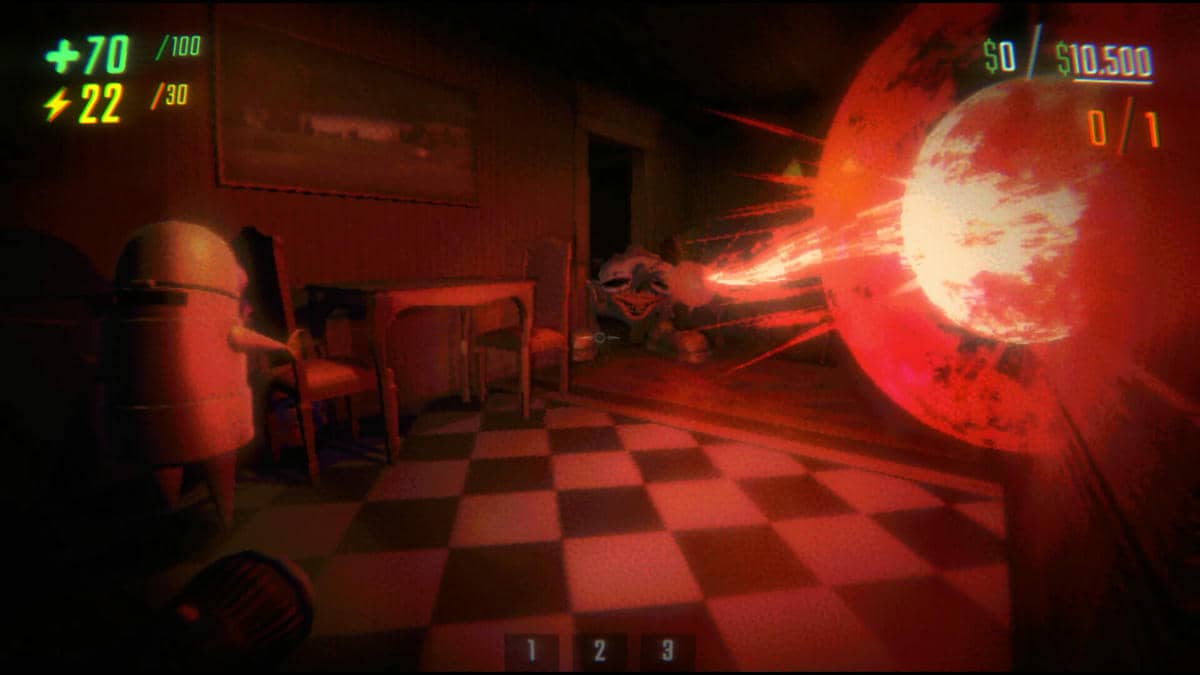
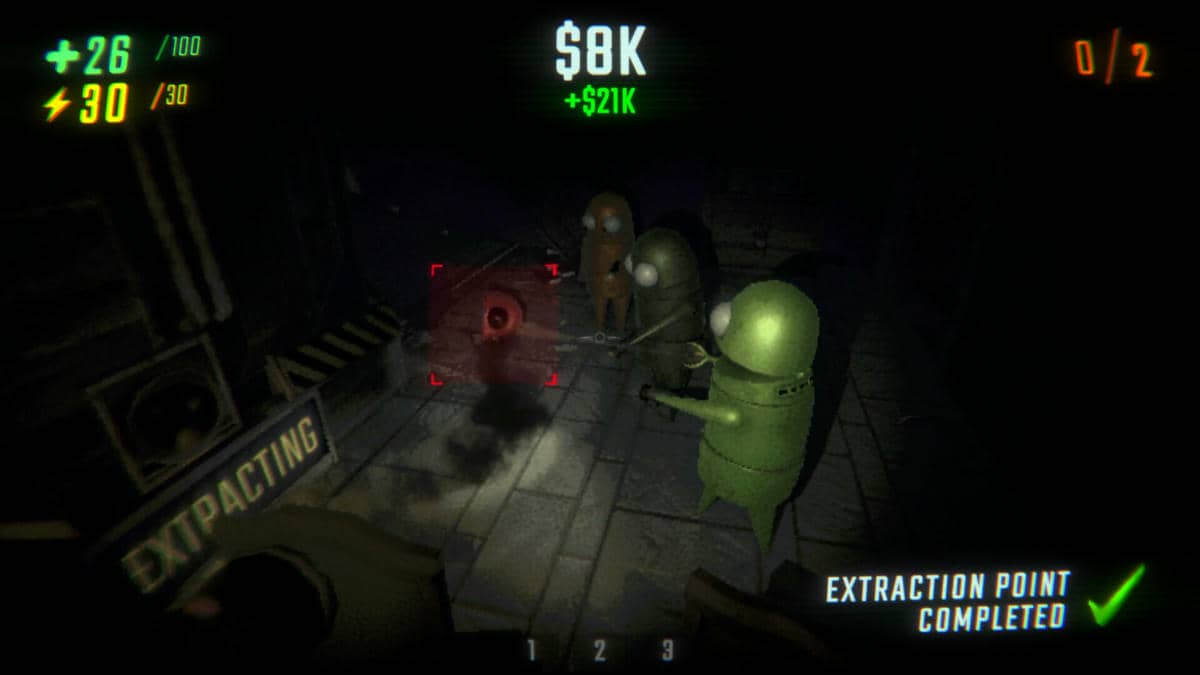
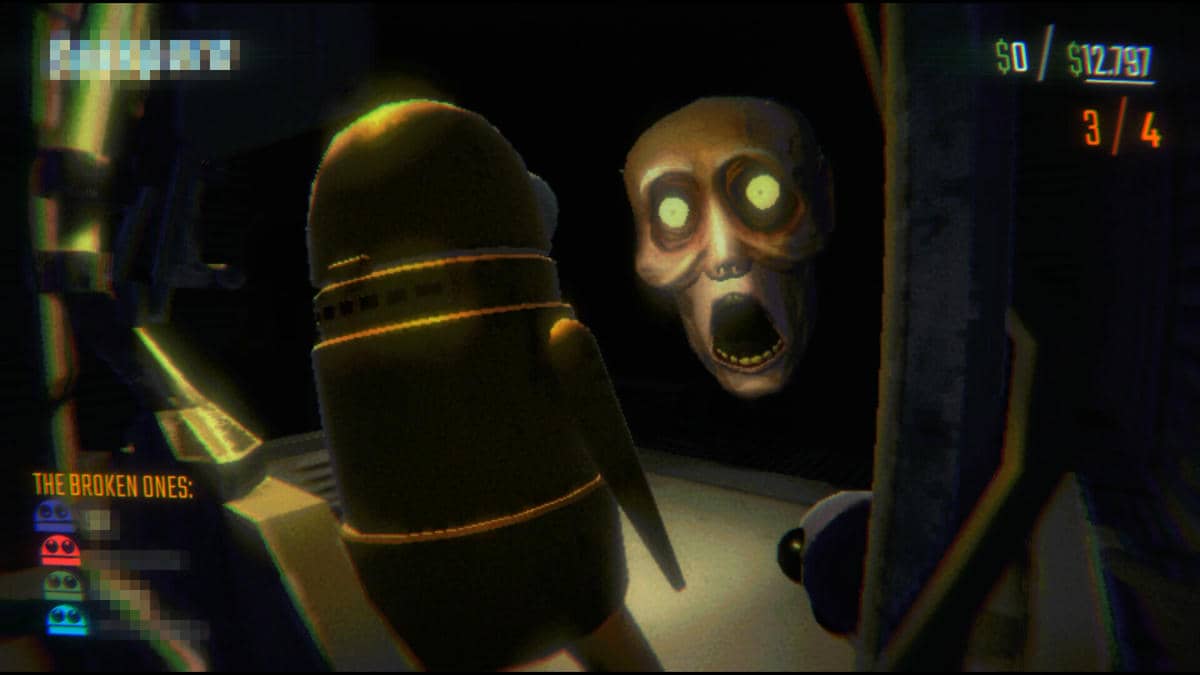
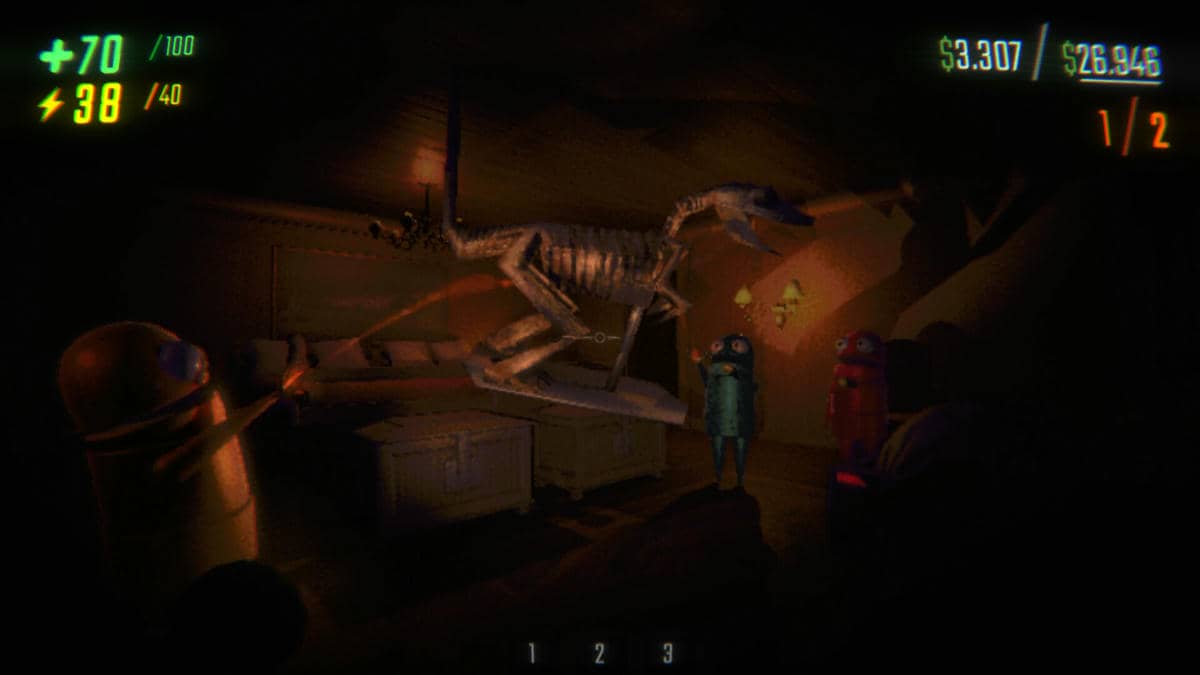
R.E.P.O. Beginners Guide Video
Watch this beginners guide for R.E.P.O. to jump in:

R.E.P.O. PC Requirements for Windows
Minimum:
- OS: Windows 10 64-bit (latest update)
- CPU: Intel Core i5-6500 or AMD Ryzen 3 1200
- RAM: 8 GB
- Storage: 10 GB free (SSD recommended)
- GPU: NVIDIA GTX 1050 or AMD RX 560
- DirectX: Version 11
Recommended:
- OS: Windows 11 64-bit (latest update)
- CPU: Intel Core i7-8700 or AMD Ryzen 5 3600
- RAM: 16 GB
- Storage: 10 GB free (SSD)
- GPU: NVIDIA RTX 2060 or AMD RX 6600
- DirectX: Version 11
R.E.P.O. on Windows FAQ
- Is it free? No, it’s $14.99 (price raise planned for 1.0).
- Can I play offline? No, it’s online-only.
- Does it run on Windows 11? Yes, works great.
- What’s the download size? About 10 GB with updates.
Support and Community
Explore More Windows Games: FANTASY LIFE i, Tainted Grail: The Fall of Avalon, GOT: Kingsroad, Blades of Fire for PC, Tempest Rising, Best Adventure Games, Best Action Games
Looking for a PC to run this game? Check our list of the best gaming laptops and gaming desktops.