

Readers like you help support this site. When you make a purchase using links on our site, we may earn an affiliate commission. All opinions remain our own.
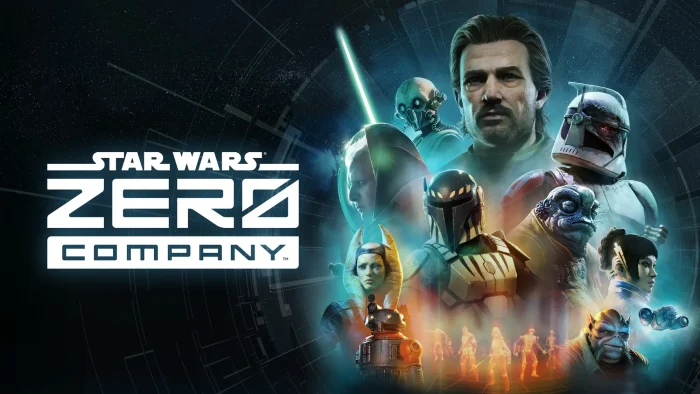

STAR WARS Zero Company is a single-player turn-based tactics game for PC from Bit Reactor, available on Steam and Epic Games.
You command Hawks, a former Republic officer, and lead a squad of operatives through missions set in the final days of the Clone Wars. Every choice you make on a mission and back at your base carries into the ones that follow.
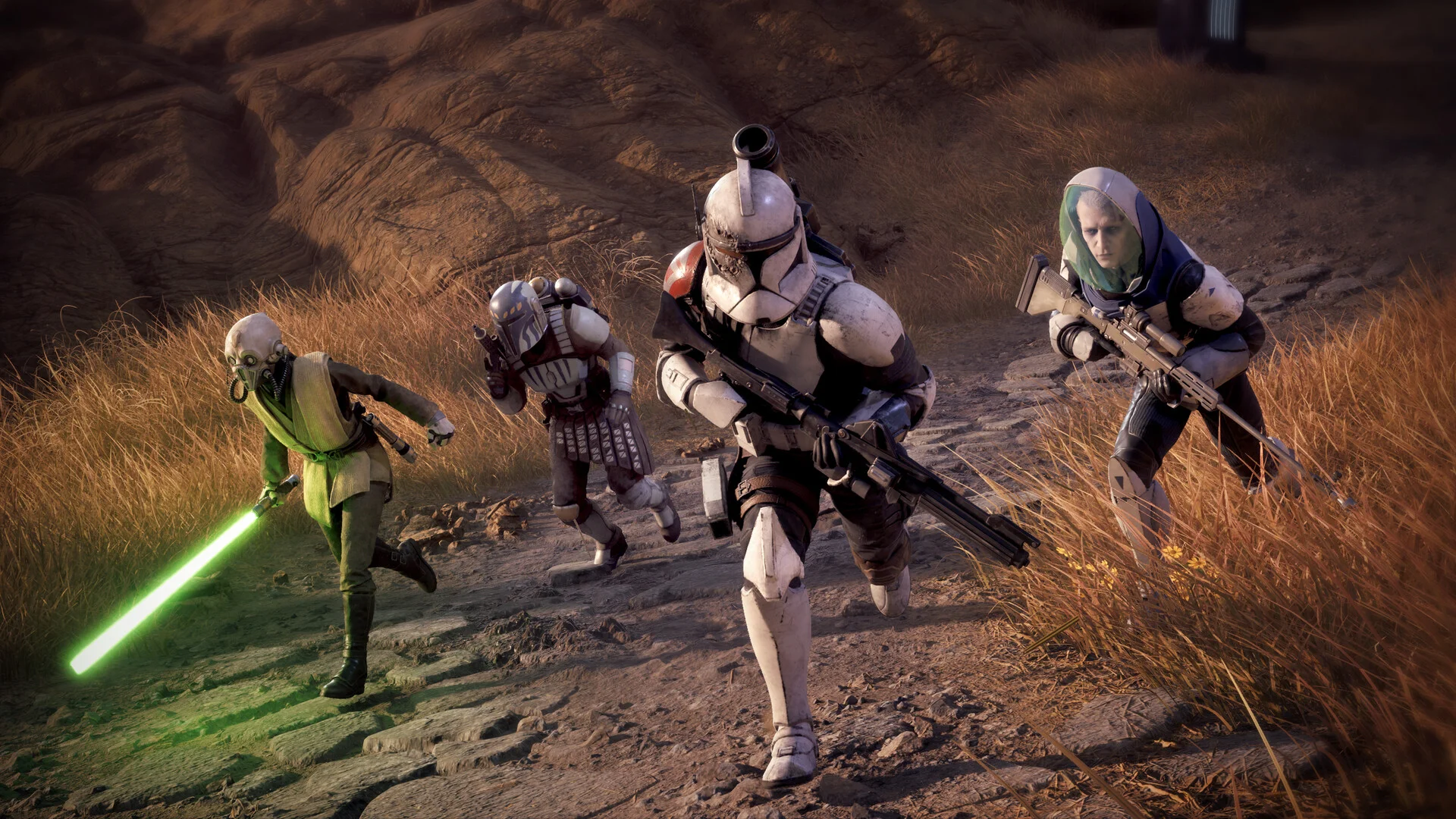
The squad is what carries the game. Every operative you recruit, from clone troopers to a Jedi to a pair of astromechs, has their own tactical abilities and grows closer to the rest of the squad the more missions you run them on. That closeness unlocks combat synergies you cannot get from gear alone.
It released on August 27, 2026 alongside PlayStation 5 and Xbox Series X and S versions. It runs on Windows 10 and 11, and the story and squad carry over into a New Game Plus once you finish it.
Already playing? Tell us which operative ended up leading your squad in the comments. Got questions before buying? Reach out to us directly.
What You Need to Know
- It costs $49.99 for the standard edition. The $59.99 Deluxe Edition only changes cosmetics, not missions or gameplay.
- This is a single player game. There is no online or co-op mode.
- It is a turn-based tactics game in the style of XCOM.
- Your choices on missions and at your base change how the story and your squad develop.
Quick Facts

How to Download STAR WARS Zero Company on Windows
You can buy it on Steam or the Epic Games Store. Pick whichever launcher you already use, since progress does not carry between the two.
- Step 1. Open the STAR WARS Zero Company Steam page or the Epic Games Store page.
- Step 2. Pick the standard edition unless you specifically want the Deluxe cosmetics.
- Step 3. Sign in to your Steam or Epic account, or make a free one.
- Step 4. Pay, then open your library and click Install.
- Step 5. Clear 50 GB of drive space before you start the download.
- Step 6. Let the launcher finish any day-one update before you open the game.
- Step 7. Start on the default difficulty for your first run and adjust it once you know how the combat feels.
- Step 8. Take your time customizing Hawks. His combat specialization sets the tone for how you play the early missions.
☁️ Your PC is too weak? Cloud gaming is an option.
STAR WARS Zero Company is on Boosteroid, which streams the game from its own hardware so your machine only has to play the video. You buy it on Steam or Epic first, then launch it through the service. A turn-based game is forgiving of a little lag, so this is a solid pick if your PC cannot hit the recommended specs.
What Is STAR WARS Zero Company?

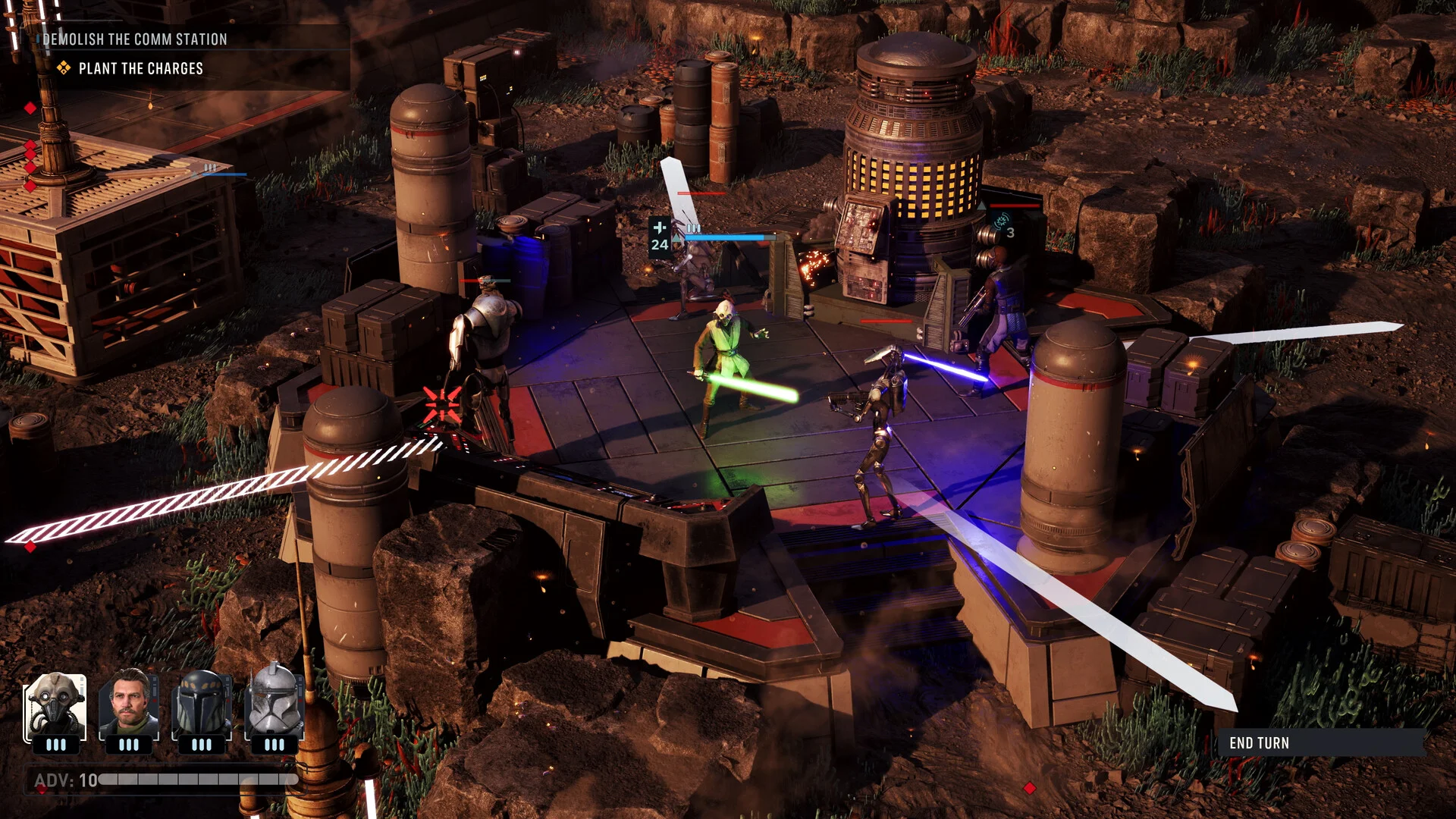
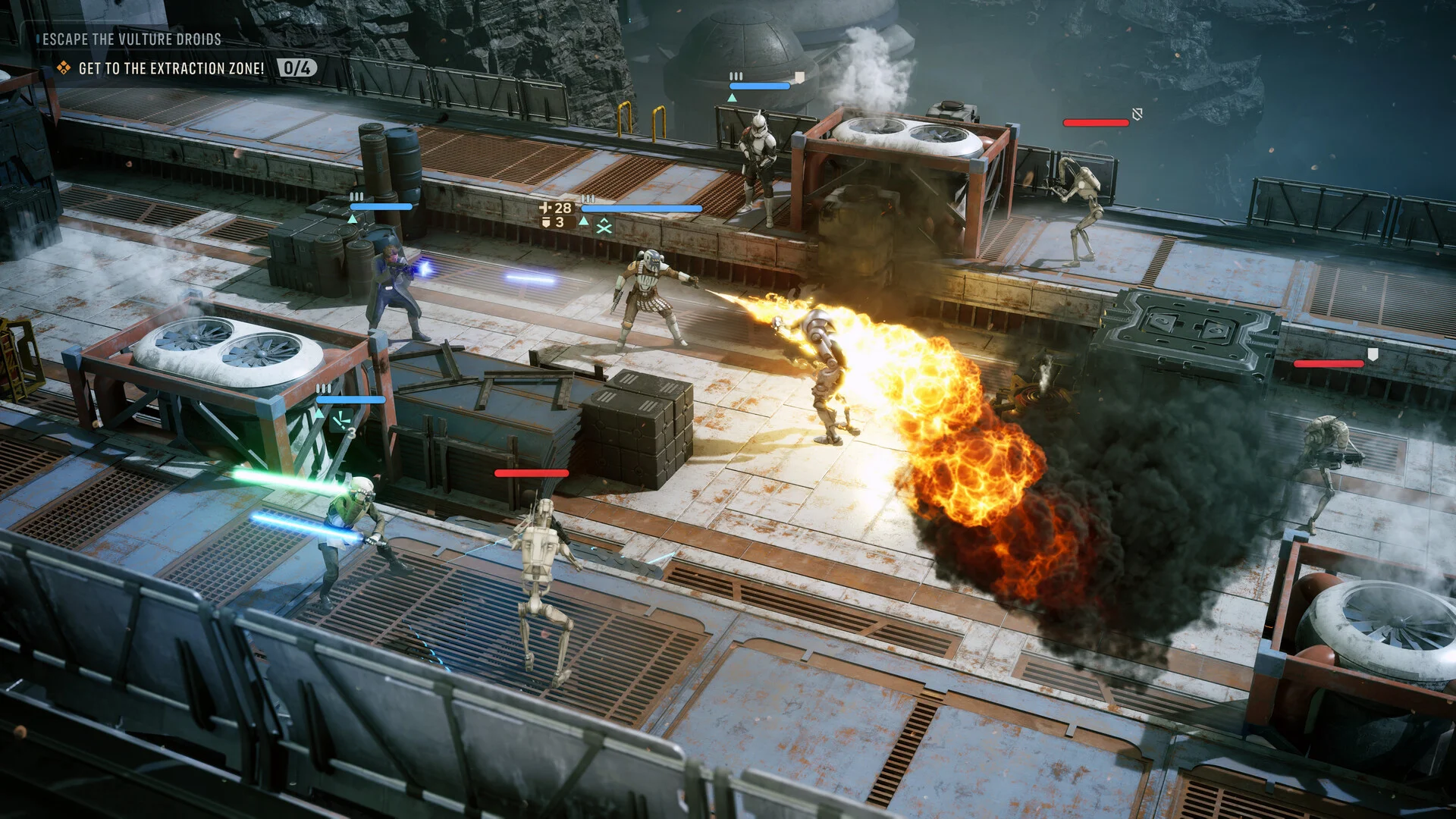
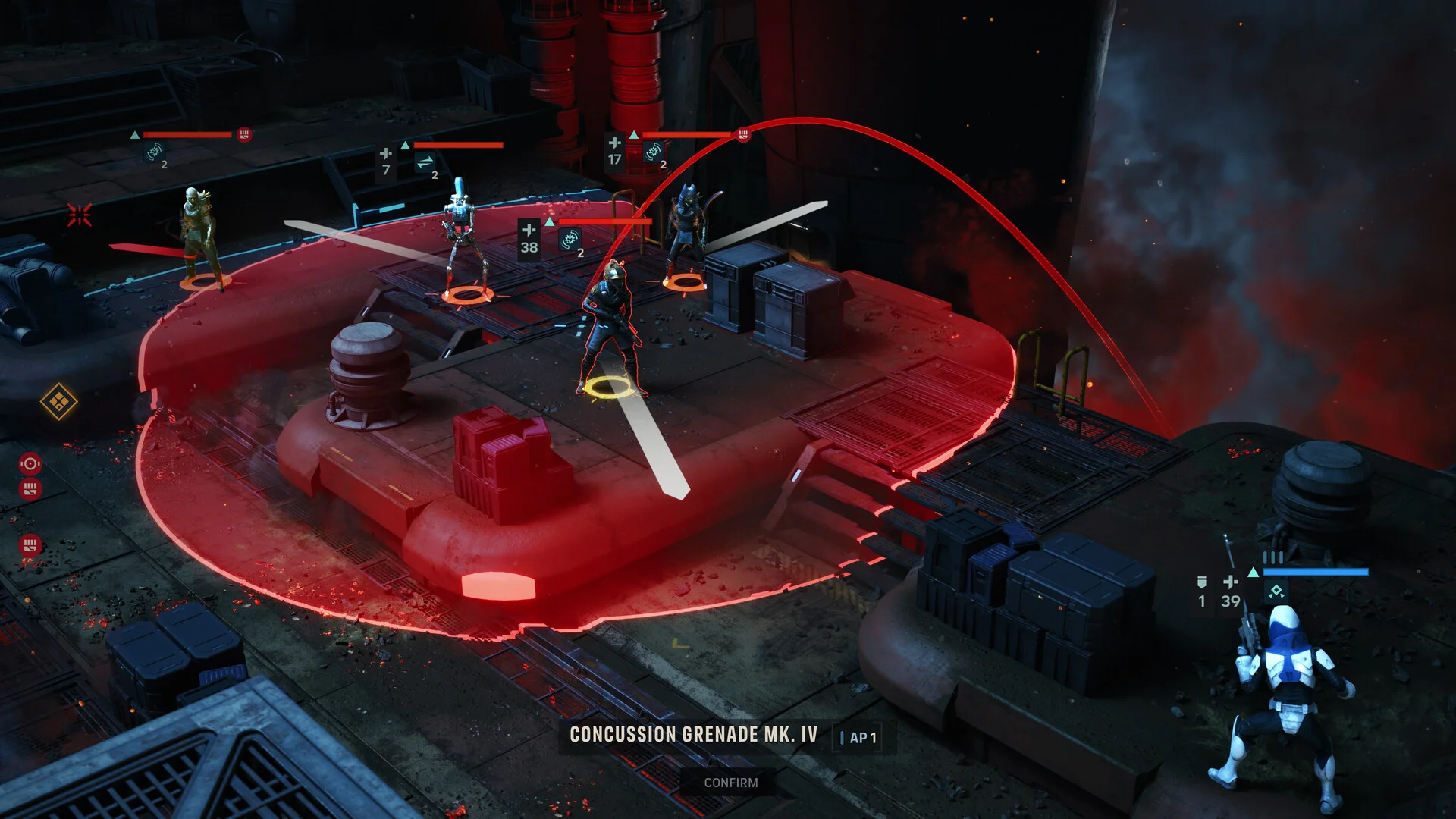
STAR WARS Zero Company is a turn-based tactics game set in the twilight of the Clone Wars, in the style of games like XCOM. You play as Hawks, a former Republic officer who ends up leading Zero Company, an unconventional squad recruited to investigate a growing threat called the Shadow Plague. Missions are fought on a grid, where positioning, cover, and turn order decide who walks away.
Between missions you manage The Den, your squad’s base of operations. This is where you customize Hawks’ appearance and combat specialization, recruit new operatives, and shape loadouts and abilities for the team you are building.
The roster is the game’s biggest hook. Clone troopers, scoundrels, astromechs and even a Jedi can end up on your squad, each with their own tactical kit. Run operatives together often enough and they bond, unlocking combat synergies that reward keeping a consistent team rather than rotating in whoever has the highest level.
Official Trailer
Watch the official final trailer for STAR WARS Zero Company to see Hawks leading Zero Company into combat, a look at the squad roster, and the tone of the story set during the Clone Wars.

Key Features
A Squad You Actually Build
Recruit clone troopers, scoundrels, astromechs and a Jedi, then send them on missions together often enough to unlock combat synergies gear alone cannot give you.
Turn-Based Tactical Combat
Positioning, cover and turn order decide every fight. Plan a move wrong and you find out immediately, not three turns later.
A Customizable Hawks
Set his appearance and combat specialization at the start, then keep shaping how he fights as the campaign goes on.
The Den, Your Base of Operations
Manage your squad, plan missions and grow your roster between fights. It is as much a part of the game as the missions themselves.
An Original Clone Wars Story
Set in the twilight of the Clone Wars with a cinematic original story built around Hawks, Zero Company and the Shadow Plague threat they are sent to stop.
Choices That Carry Forward
Decisions on missions and at your base shape how the story and your squad develop, and a New Game Plus lets you carry that squad into another run.
Is This Game for You?
You Will Love It If:
- ✅ You like XCOM-style turn-based tactics with cover and positioning
- ✅ You want a Star Wars story that does not depend on other games or shows
- ✅ You enjoy building a squad and getting attached to specific operatives
- ✅ You want a single-player game you can play at your own pace, no online required
- ✅ You like a campaign that reacts to the choices you actually made
You Might Not If:
- ❌ You want to play with friends, since there is no co-op or multiplayer
- ❌ You want fast-paced action rather than planning each turn
- ❌ You are only interested in playing as characters from the films or shows
- ❌ You want a huge open world rather than mission-based, story-focused levels
- ❌ You want a long, sprawling campaign rather than a focused story
🎮 Our Take
A lot of licensed Star Wars games lean on nostalgia to cover for thin mechanics. This one does the opposite: the tactics are the point, and the Star Wars setting is used to make the squad you build feel like it belongs in that galaxy rather than being the whole pitch. Giving Hawks a customizable specialization and letting operatives bond into real combat synergies is what makes this feel like a tactics game first and a Star Wars game second, in a good way.
The honest thing to know going in is that it is a debut title from a new studio, so it plays like a confident first outing rather than a genre-defining one. If you already like turn-based tactics and want a Star Wars story that stands on its own, this is an easy buy. If you were hoping for lightsaber duels and open combat over careful positioning, this is not that kind of game.
Why Play on PC?
- Mouse and keyboard planning. Selecting targets, checking cover, and queuing abilities is faster and more precise with a mouse than a controller stick.
- Higher framerates. A turn-based game does not need a high framerate to play well, but a smoother picture makes the animations and cutscenes look better.
- Graphics control. You can raise textures and lighting well past what the console versions run, since PC hardware scales higher.
- Faster loading. An SSD cuts down the wait between missions and menu screens compared to a console hard drive.
System Requirements
- OS: 64-bit Windows 10/11 (Windows 11 recommended)
- Processor: Intel Core i5-8400 or AMD Ryzen 5 2600X
- Memory: 16 GB RAM
- Graphics: GeForce GTX 1080, Radeon RX 5600 XT or Intel Arc B580
- DirectX: Version 12
- Storage: 50 GB available space
- OS: 64-bit Windows 10/11 (Windows 11 recommended)
- Processor: Intel Core i7-10700K or AMD Ryzen 7 3700X
- Memory: 32 GB RAM
- Graphics: GeForce RTX 3080 or Radeon RX 7800 XT
- DirectX: Version 12
- Storage: 50 GB available space
Tips for Beginners
Spend real time customizing Hawks before your first mission
His combat specialization shapes how you play the whole campaign. A few extra minutes here saves you from fighting your own build later.
Keep a consistent squad instead of rotating operatives
Bonding unlocks combat synergies that only show up after operatives run missions together. Swapping in a fresh recruit every mission keeps that bonus out of reach.
Use cover before you use abilities
Positioning decides most fights before a single ability goes off. Get your squad into cover first, then plan your attacks.
Check The Den between every mission
New recruits, upgrades and squad management happen at your base. Skipping it means missing gear and operatives you already earned.
Save before big story choices
Decisions on missions and at your base shape how the story unfolds. A second save lets you see a different path without losing your original run.
STAR WARS Zero Company Screenshots
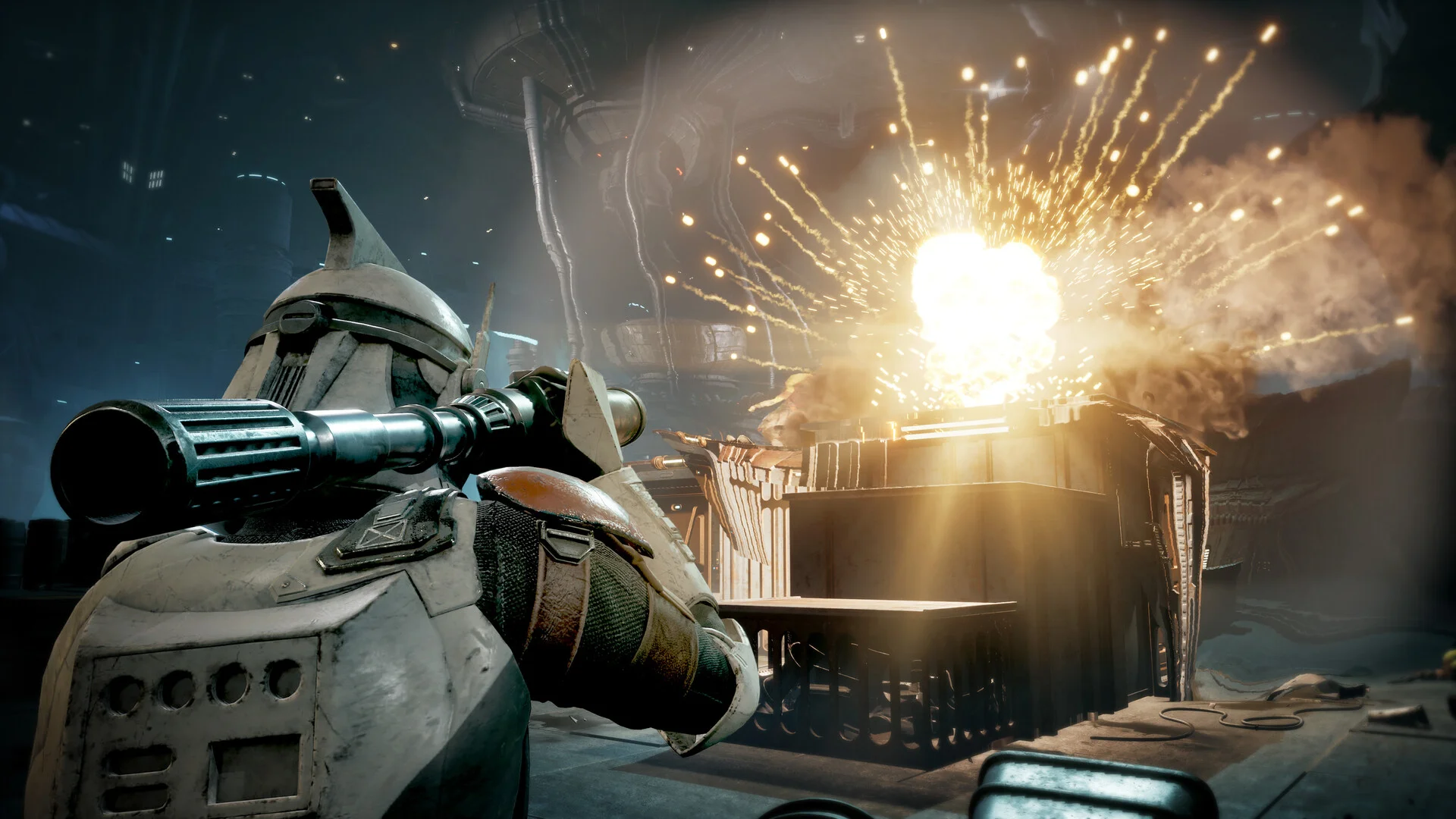
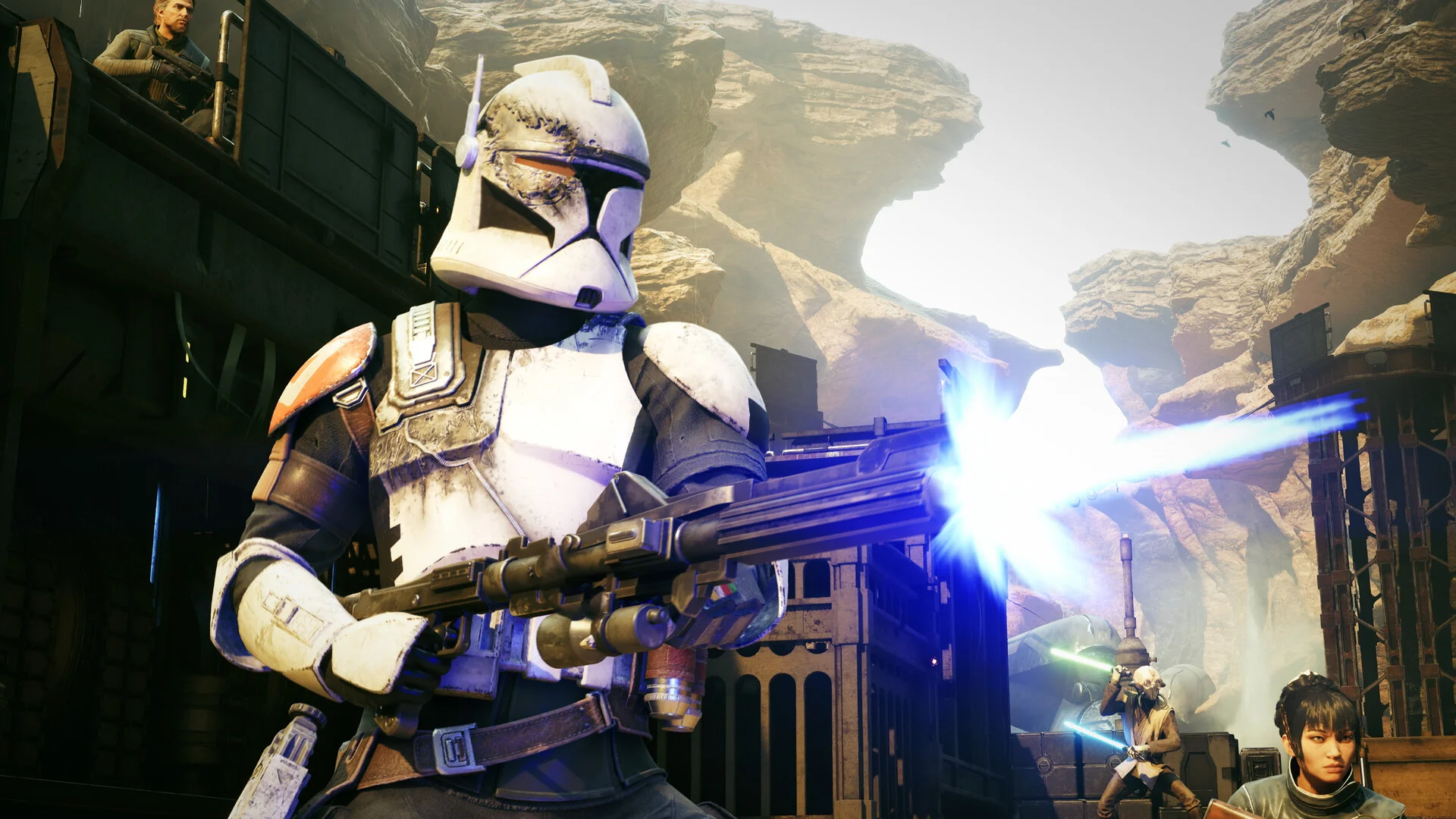
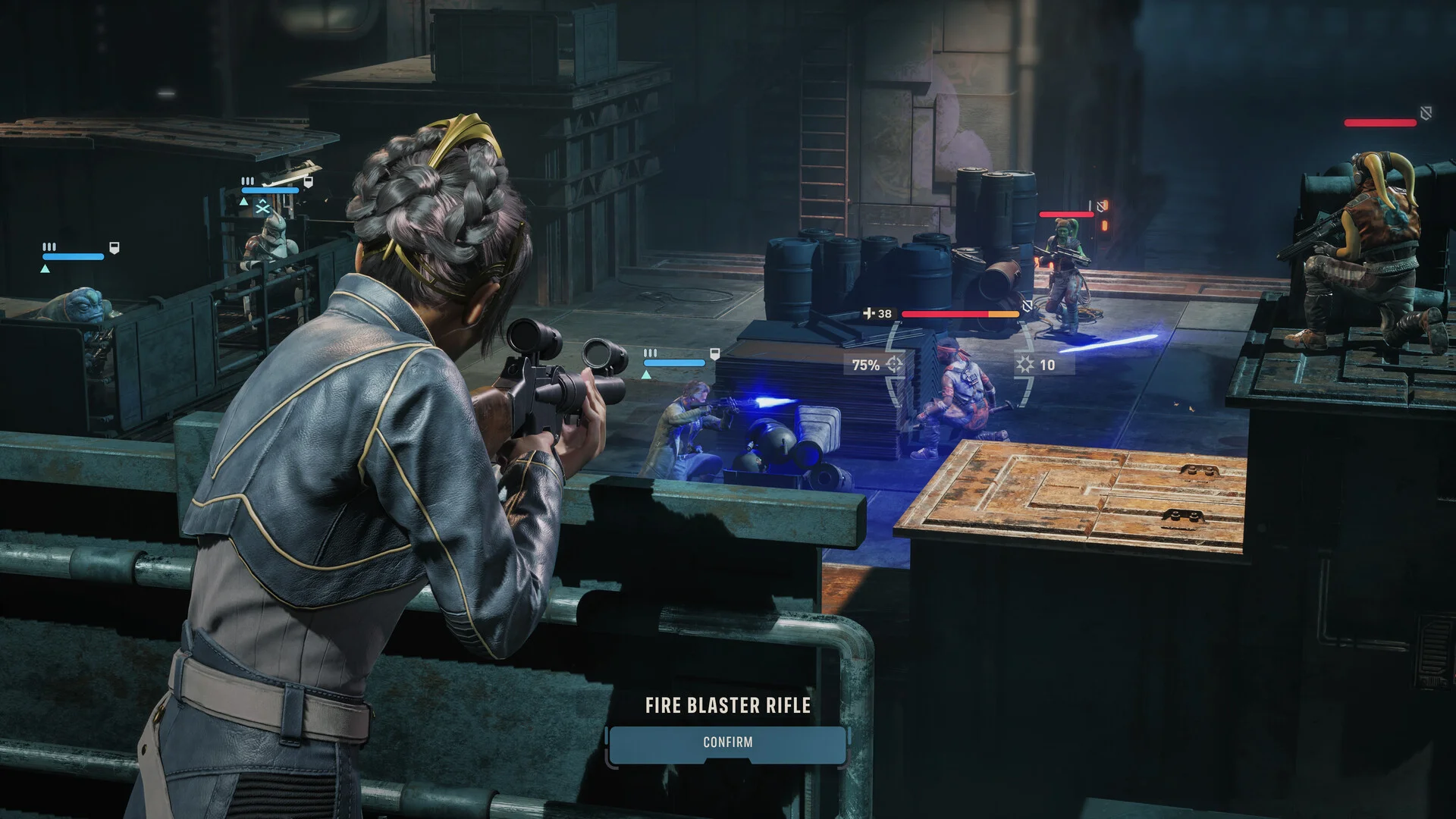
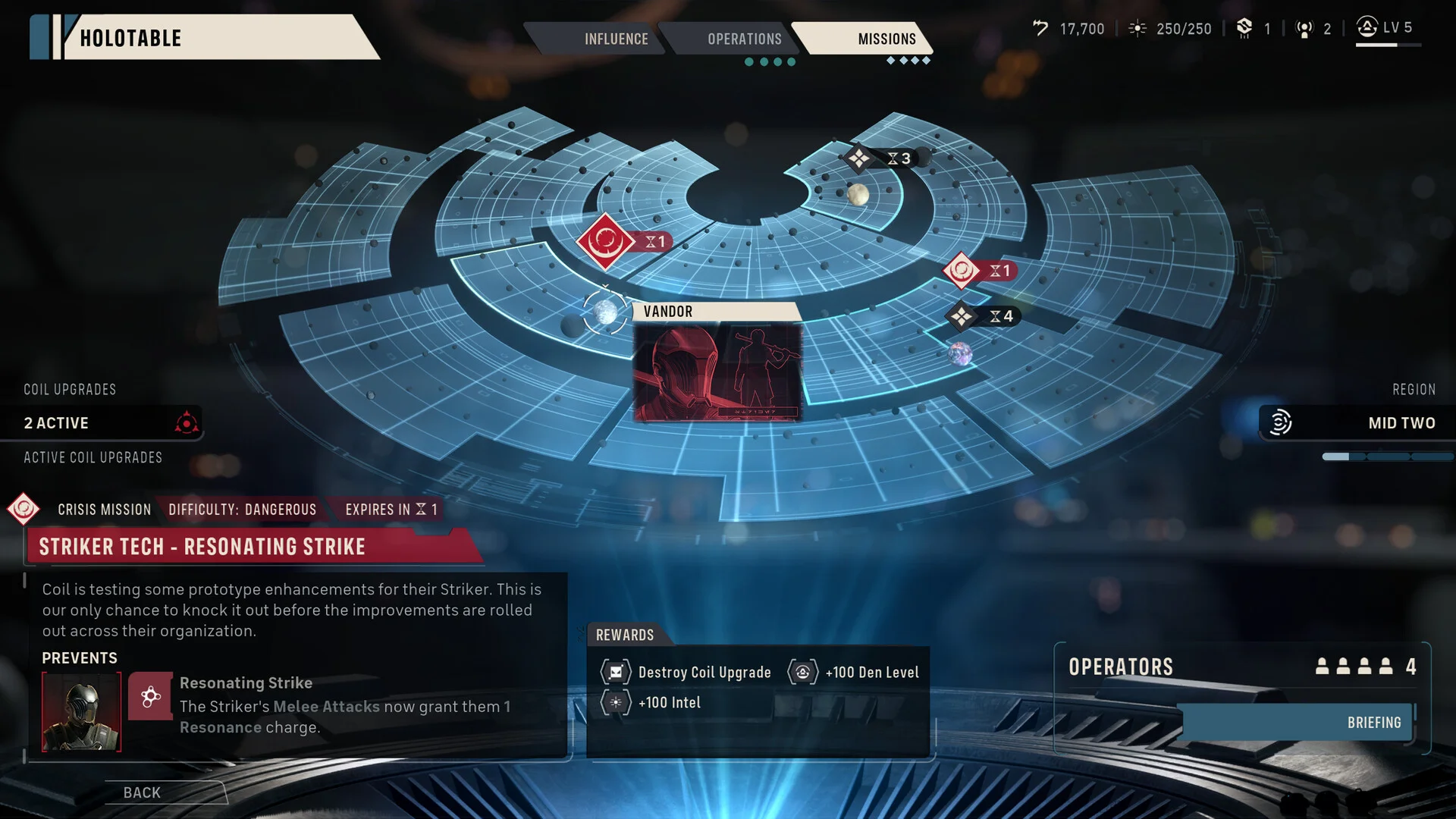
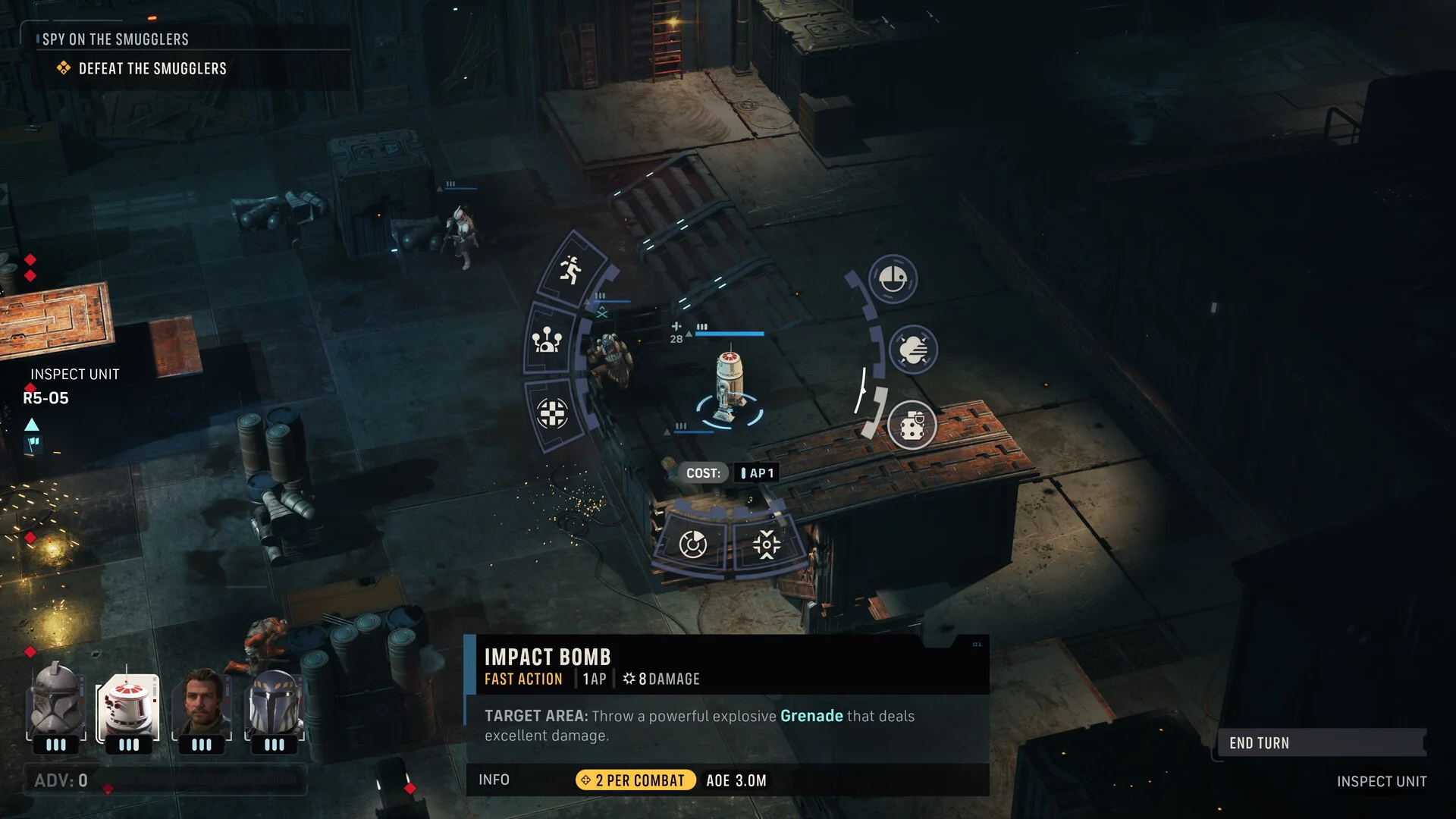
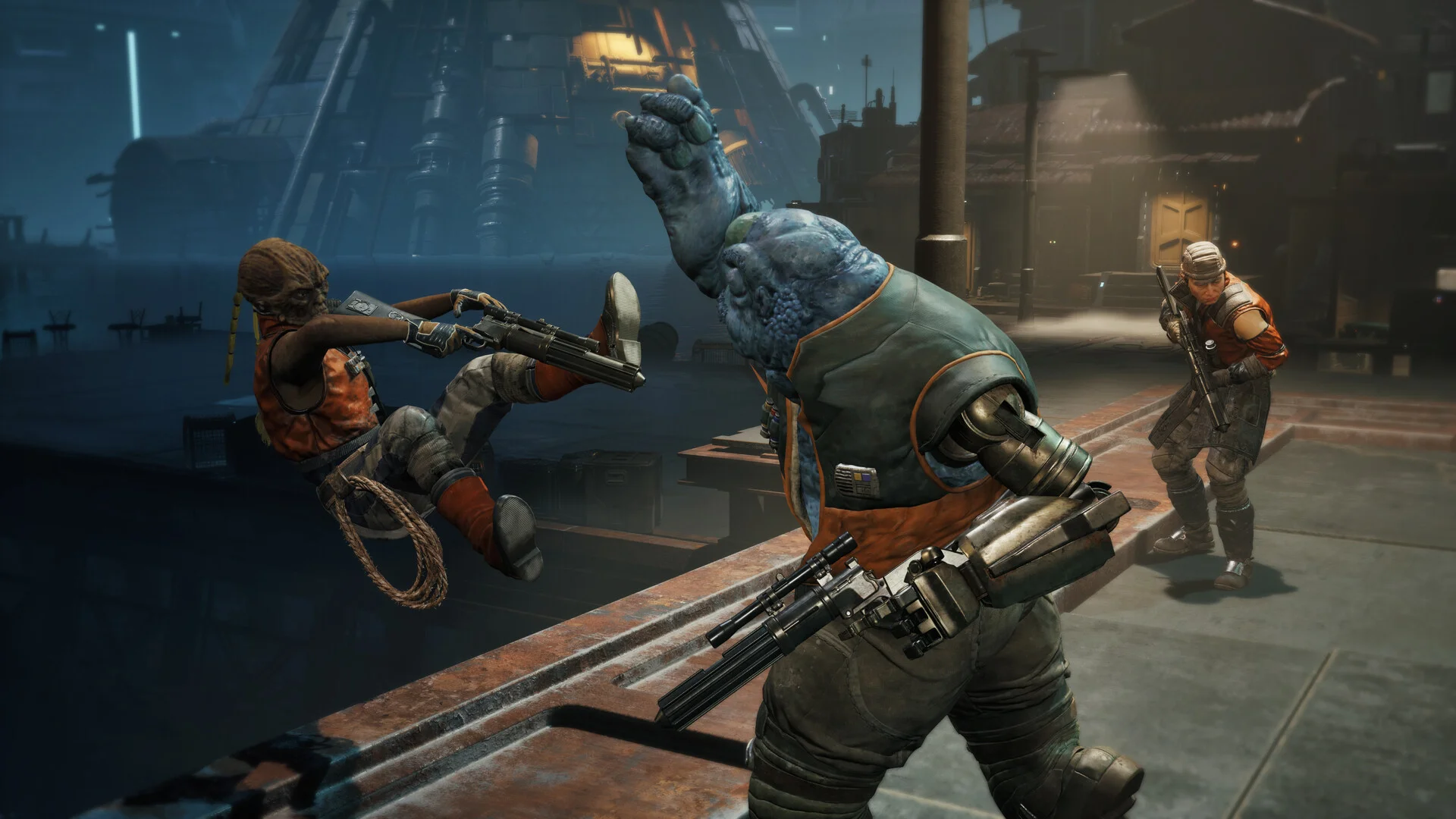
A look at the squad, the tactical combat grid and the Clone Wars settings you fight through. Click any shot to open it full size.
FAQ
Do I need to buy the game to play it on Boosteroid?
Is there co-op or multiplayer in STAR WARS Zero Company?
Do I need to play other Star Wars games first to understand the story?
What is the difference between the standard and Deluxe Edition?
What are the system requirements for STAR WARS Zero Company on PC?
Support and Community
- r/ZeroCompany, the game’s active subreddit, where players share squad builds, mission tips and story discussion
- STAR WARS Zero Company Steam Discussions, useful when you hit a bug or a technical issue someone else already solved
- EA Help, the publisher’s own support site for account and technical issues
- The official STAR WARS Zero Company site, EA and Lucasfilm Games’ own page for the game
- Bit Reactor, the developer’s own website, and the source for several of the facts on this page
Explore more Windows games: Company of Heroes 3 · How to fish game on PC · Big Walk for PC · Gears Tactics · Best Strategy Games for Windows