

Readers like you help support this site. When you make a purchase using links on our site, we may earn an affiliate commission. All opinions remain our own.
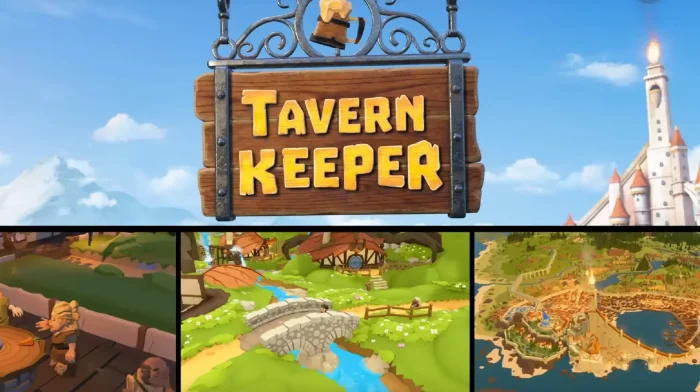

The game launched into Early Access recently and has earned an “Overwhelmingly Positive” review status on Steam. Players are praising its immediate charm, incredibly freeform furniture system, and engaging narration.
Set in a whimsical fantasy world, you’ll build and manage taverns, hire staff, meet a parade of colorful customers, and navigate hundreds of bite-sized stories where your choices matter.
If you enjoy deep management sims, creative sandboxes, and humorous fantasy storytelling, Tavern Keeper is a passion project that delivers a truly unique experience.
This guide covers how to install it on Windows, its key features, and essential beginner tips for running your first successful tavern.
Have questions or your own strategies to share? Leave a comment below or contact us.
Download and install Tavern Keeper on PC
Tavern Keeper is available on Steam. Here’s how to install it:
- Method: Steam
- Open the store page: Tavern Keeper on Steam.
- Click Add to Cart and complete the checkout process.
- In your Steam Library, click Install and select your preferred drive.
- Wait for the download to complete.
- Launch the game from your Library and start your tavern management journey.
Quick Tip: 💡 The game is currently in Early Access, which means you can provide feedback to help shape its development while enjoying regular updates and new content.
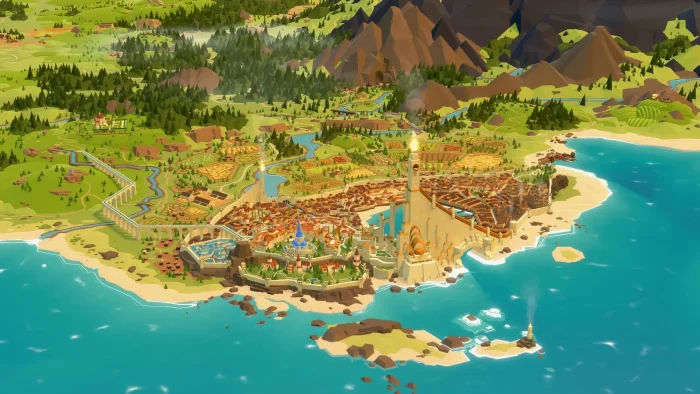

What is Tavern Keeper?
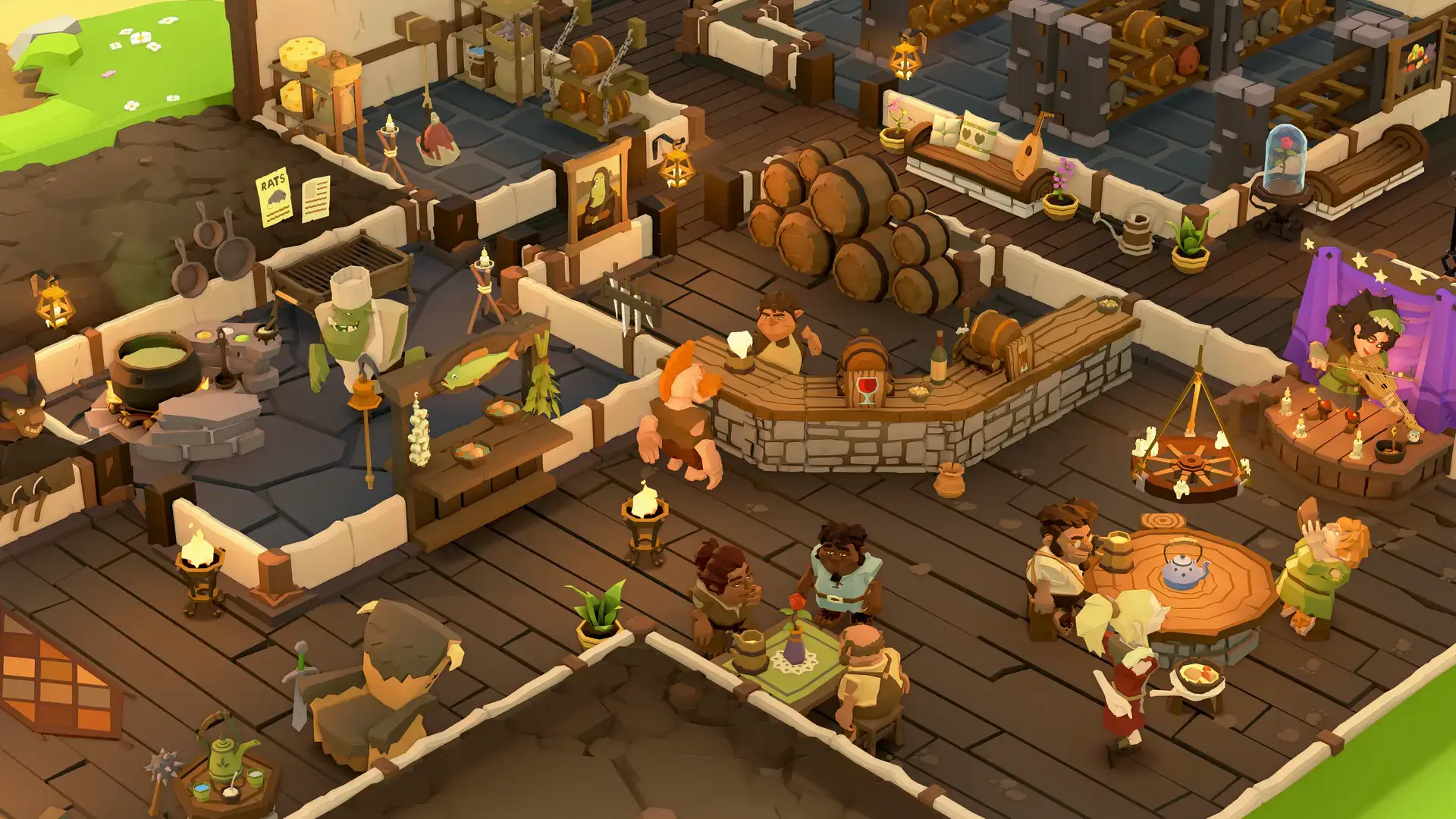
Tavern Keeper is a detailed business management simulation that places you in the role of a tavern owner in a vibrant fantasy world. The game combines the strategic depth of running a business with the creative freedom of a decoration sandbox and the engagement of an interactive storybook.
The core gameplay loop involves constructing and decorating your tavern, hiring and managing staff, stocking your larder with ingredients, and creating menus to satisfy the demands of your customers. You’ll deal with emergent chaos from dozens of intertwined game systems that can lead to unpredictable situations.
Unlike many management sims, Tavern Keeper features a fully-narrated campaign where you’ll build taverns across different fantasy cultures and meet various characters, with stories that change based on your choices.
Key Features
- Cosy-Chaotic Management: Run every aspect of your tavern, from staff and stock to customer satisfaction, while dealing with unpredictable emergent situations created by deep simulation systems.
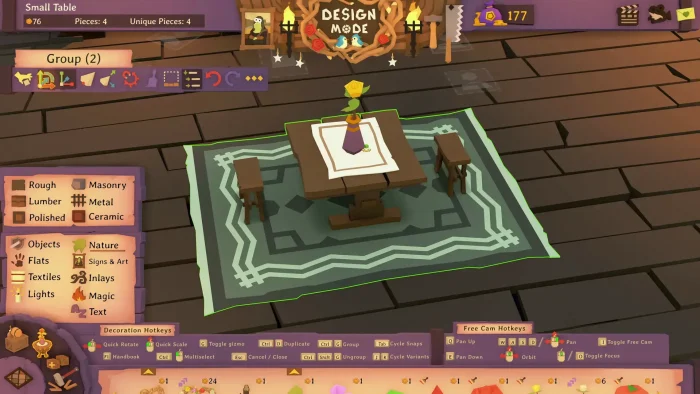
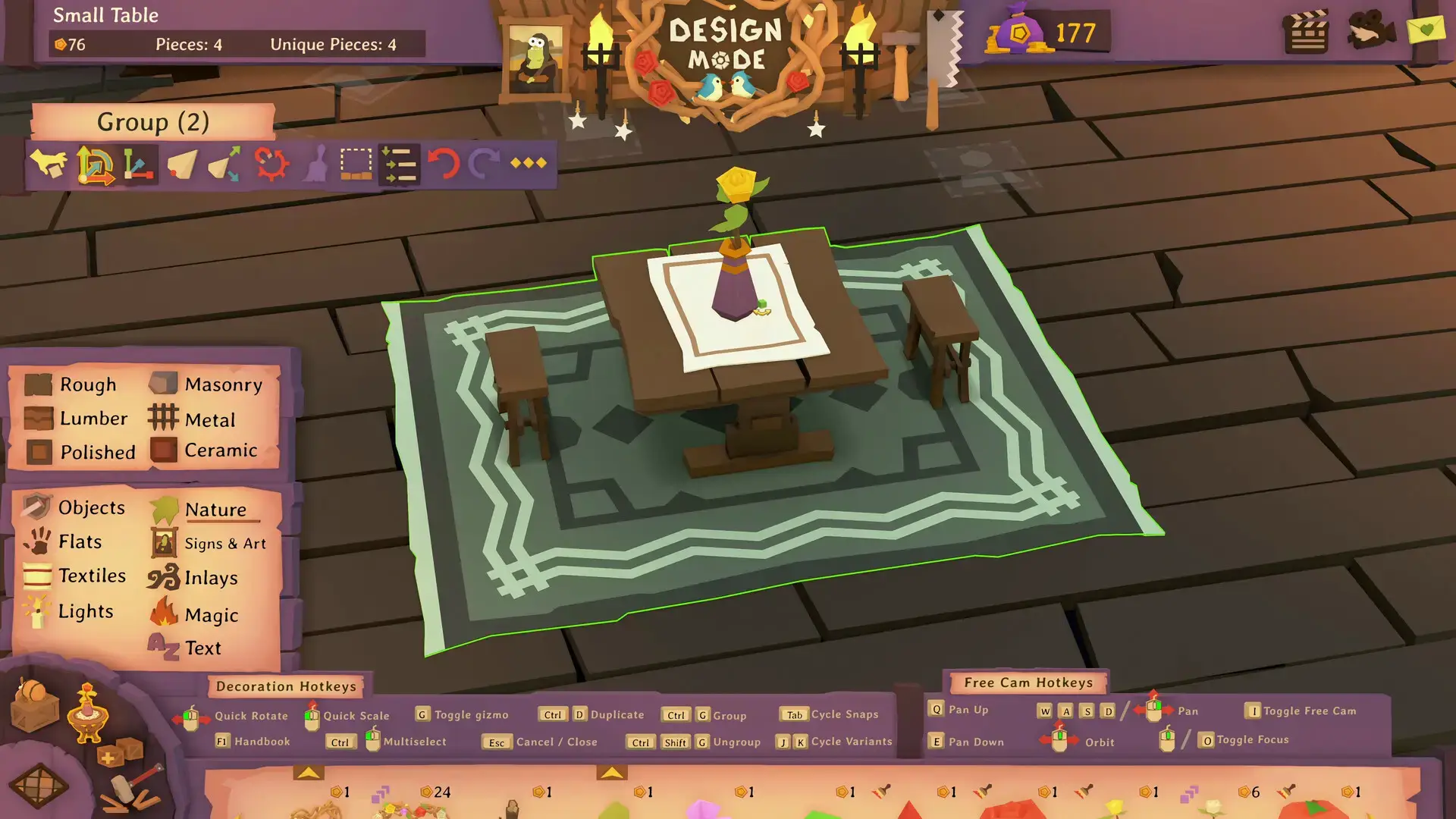
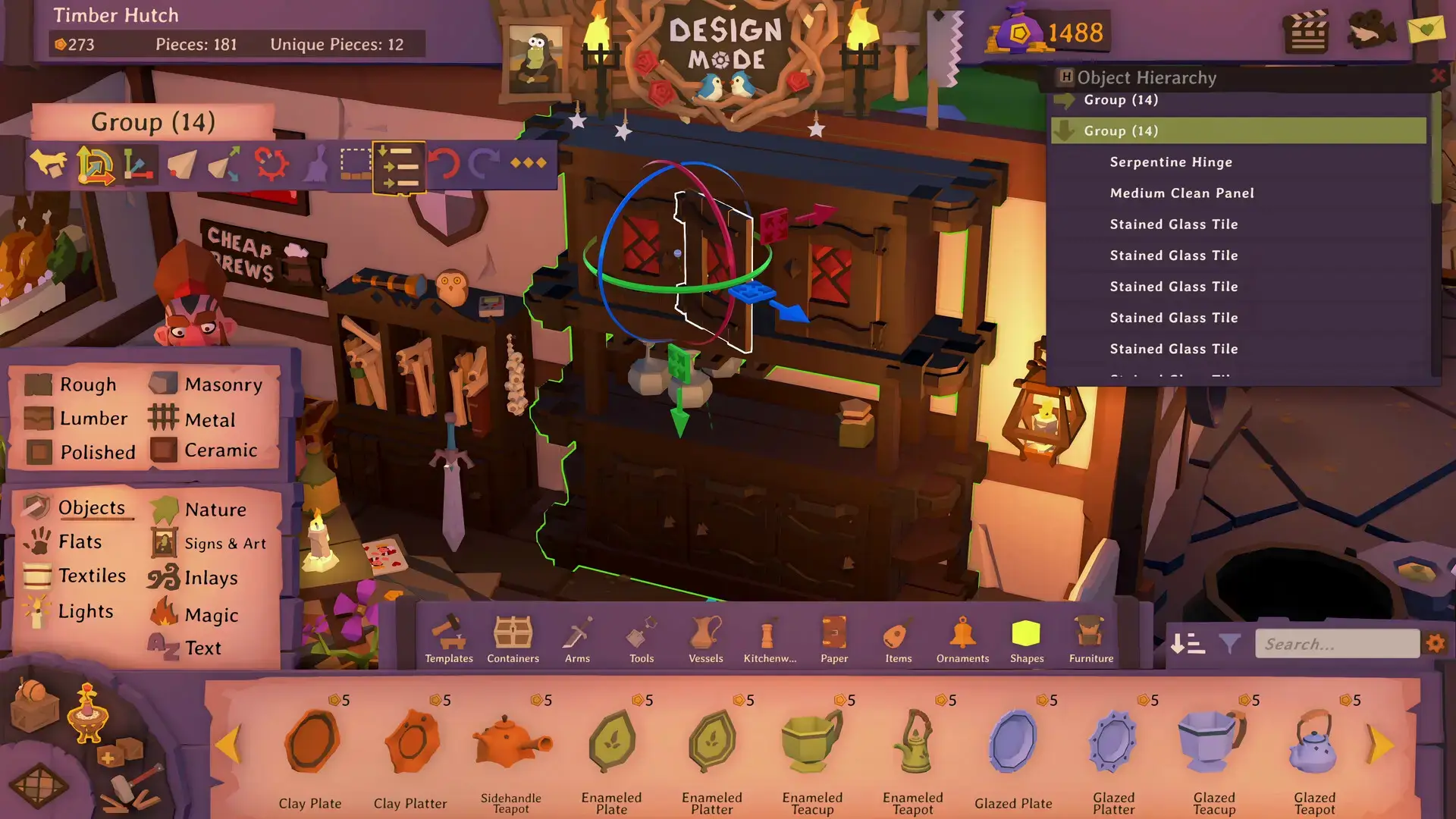
- Powerful Decoration Sandbox: Use an incredibly freeform Design Mode to place and manipulate thousands of items anywhere, with complete creative freedom to build the tavern of your dreams.
- Magical Storybook RPG: Experience a fully-voiced narrative campaign featuring hundreds of bite-sized stories with meaningful choices and consequences.
- Your Own Item Workshop: Become a master artisan by crafting unique furnishings, combining pieces, adding magical effects, and sharing your creations with the community.
- Play Your Way: Adjust game mechanics and difficulty to your preference, from a challenging strategic experience to a relaxed creative sandbox without pressure.
Who would like this game?
This game is perfect for fans of deep management sims and creative sandboxes like Game Dev Tycoon (from the same developers), as well as players who enjoy humorous fantasy storytelling and designing their own spaces.
Why play on Windows?
Playing on PC provides the ideal environment for Tavern Keeper’s complex management interface and detailed decoration sandbox. The mouse and keyboard controls offer perfect precision for building, decorating, and navigating menus, while Windows ensures optimal performance for the game’s 3D visuals and simulation systems.
Tips for PC beginners
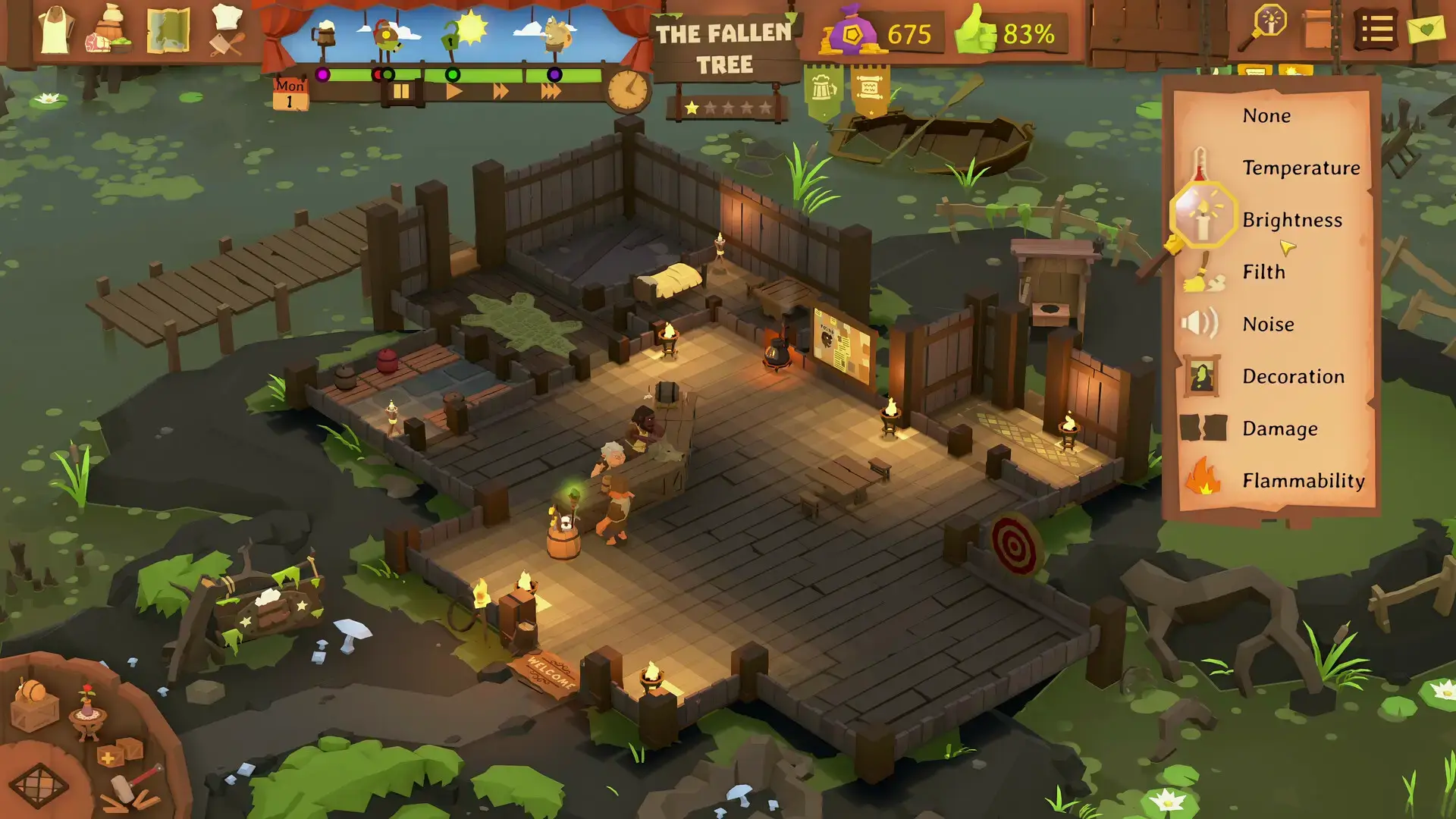
- Start with the Tutorials: The game features interconnected systems for dirt, heat, noise, and more. Take time with the early tutorials to understand how these systems affect your tavern’s operations.
- Balance Function and Beauty: While the decoration system is powerful, ensure your tavern layout is practical for staff and customer movement. A beautiful tavern that doesn’t function well will struggle to turn a profit.
- Manage Staff Needs: Keep an eye on your staff’s well-being and assign shifts wisely. Tired or unhappy employees perform poorly, which can negatively impact customer satisfaction.
- Experiment with Menu Pricing: Don’t be afraid to adjust your food and drink prices based on customer demand and your ingredient costs. Finding the right balance is key to profitability.
- Use the Customization Options: If certain game mechanics feel overwhelming, remember you can adjust many settings to create a more relaxed experience tailored to your playstyle.
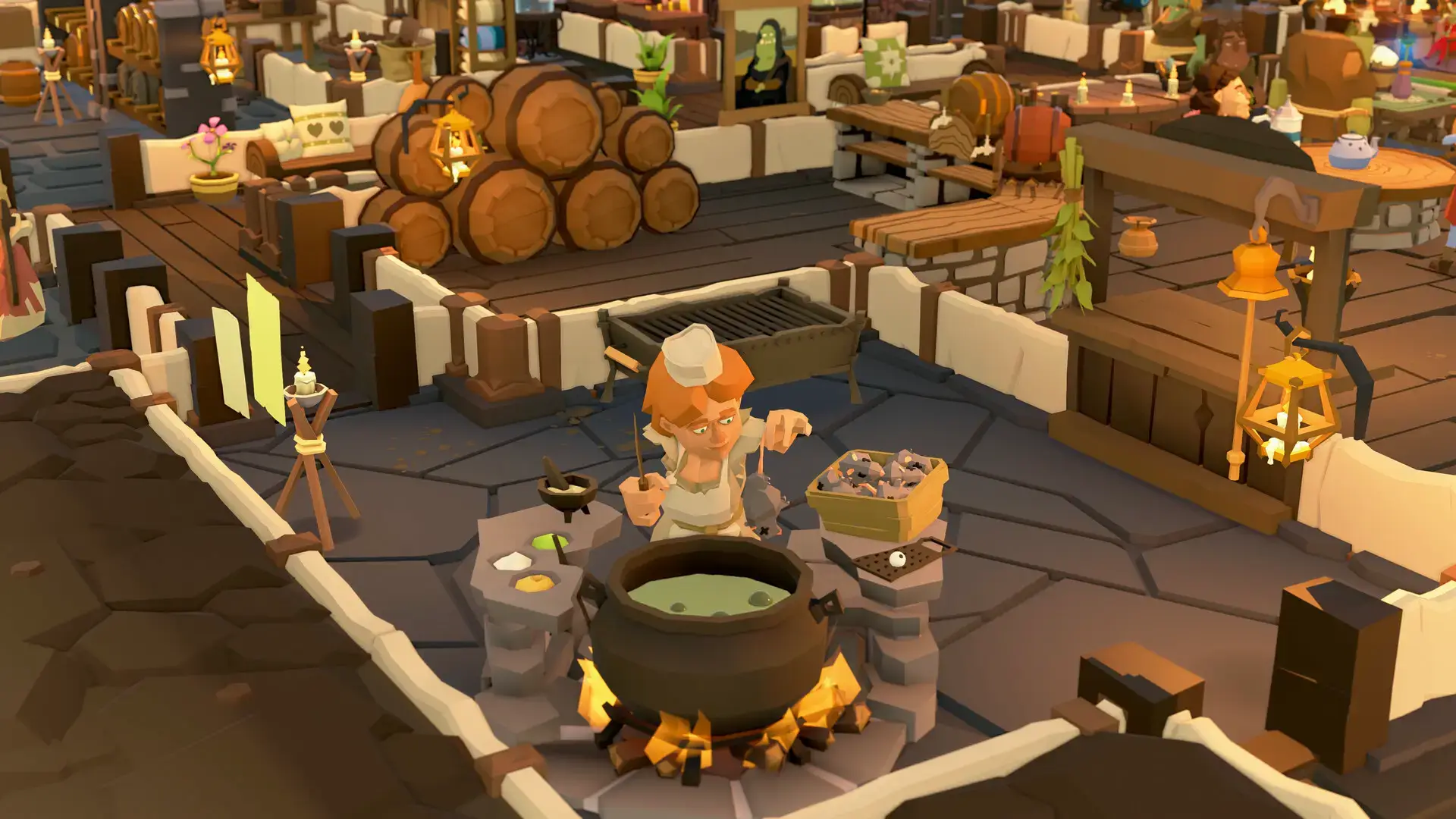
Tavern Keeper Gameplay Screenshots
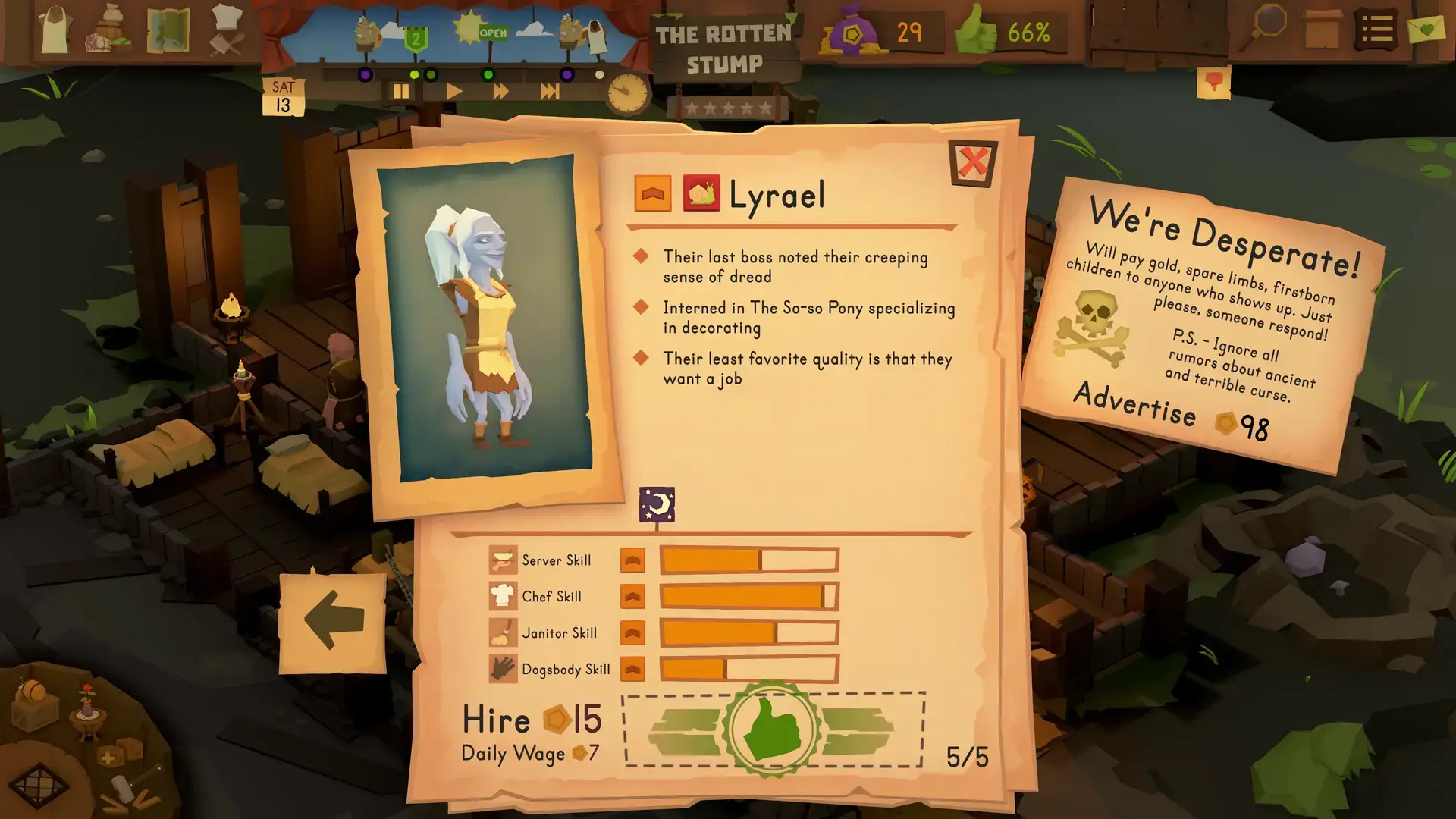
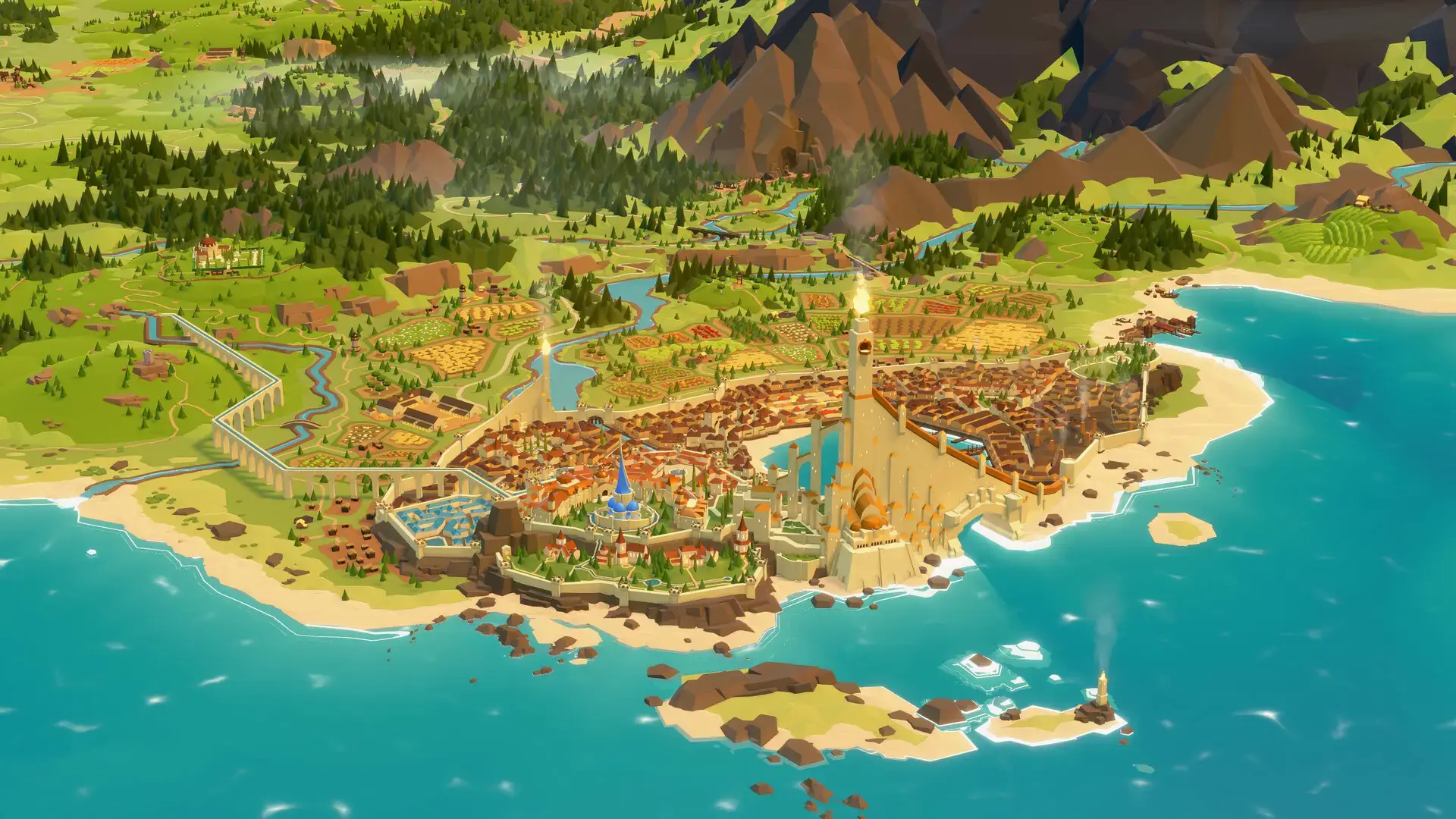
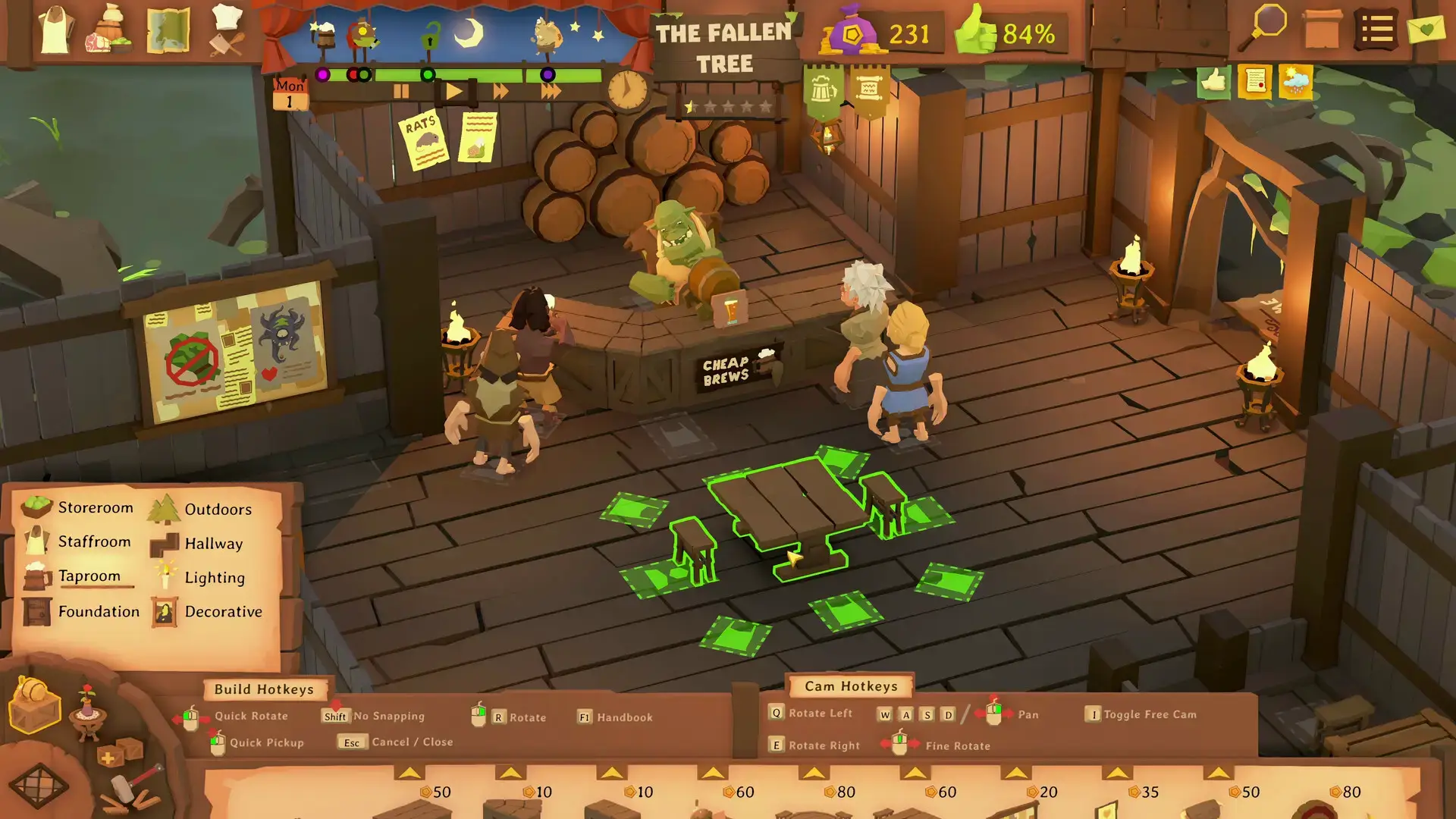
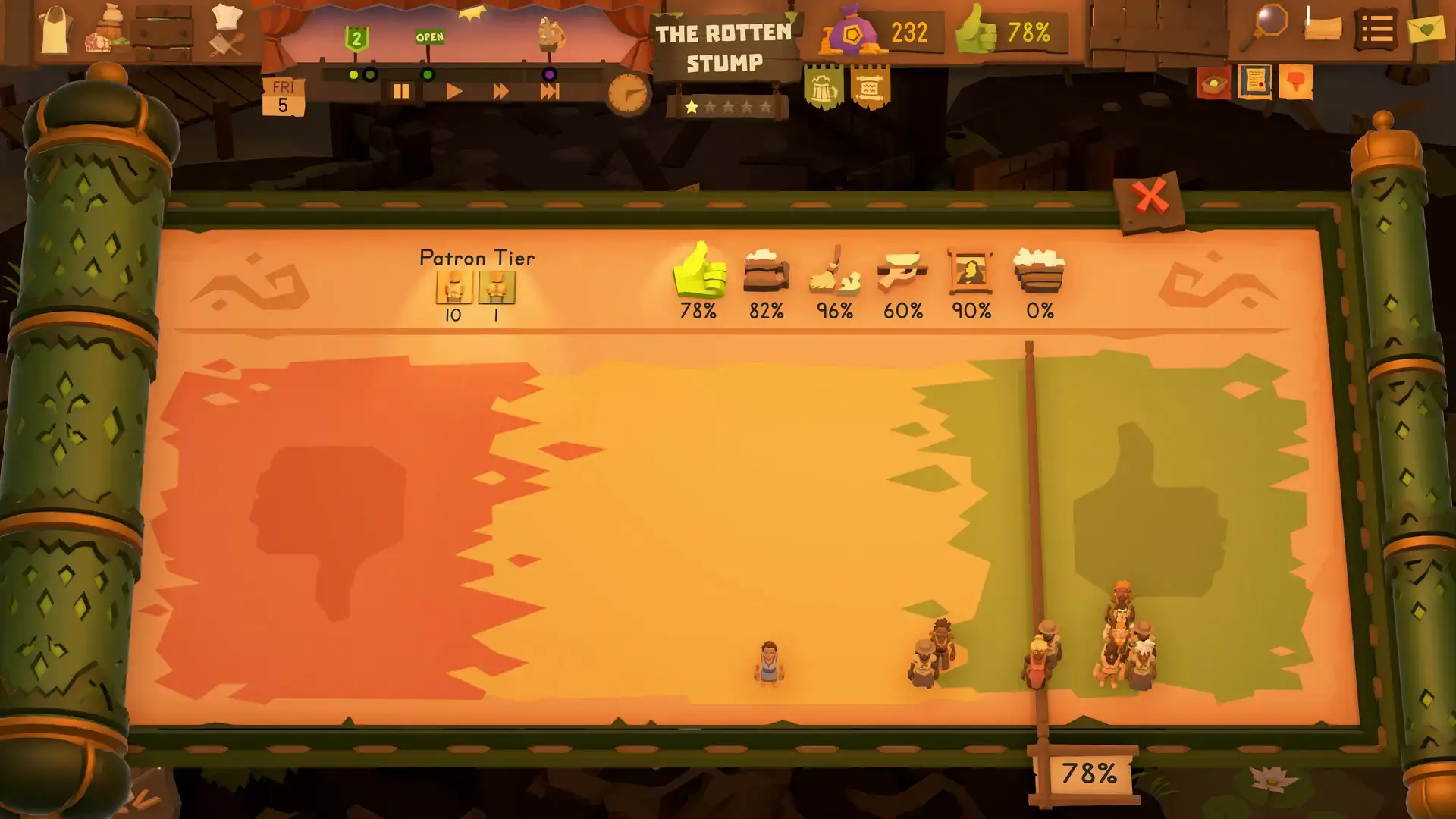
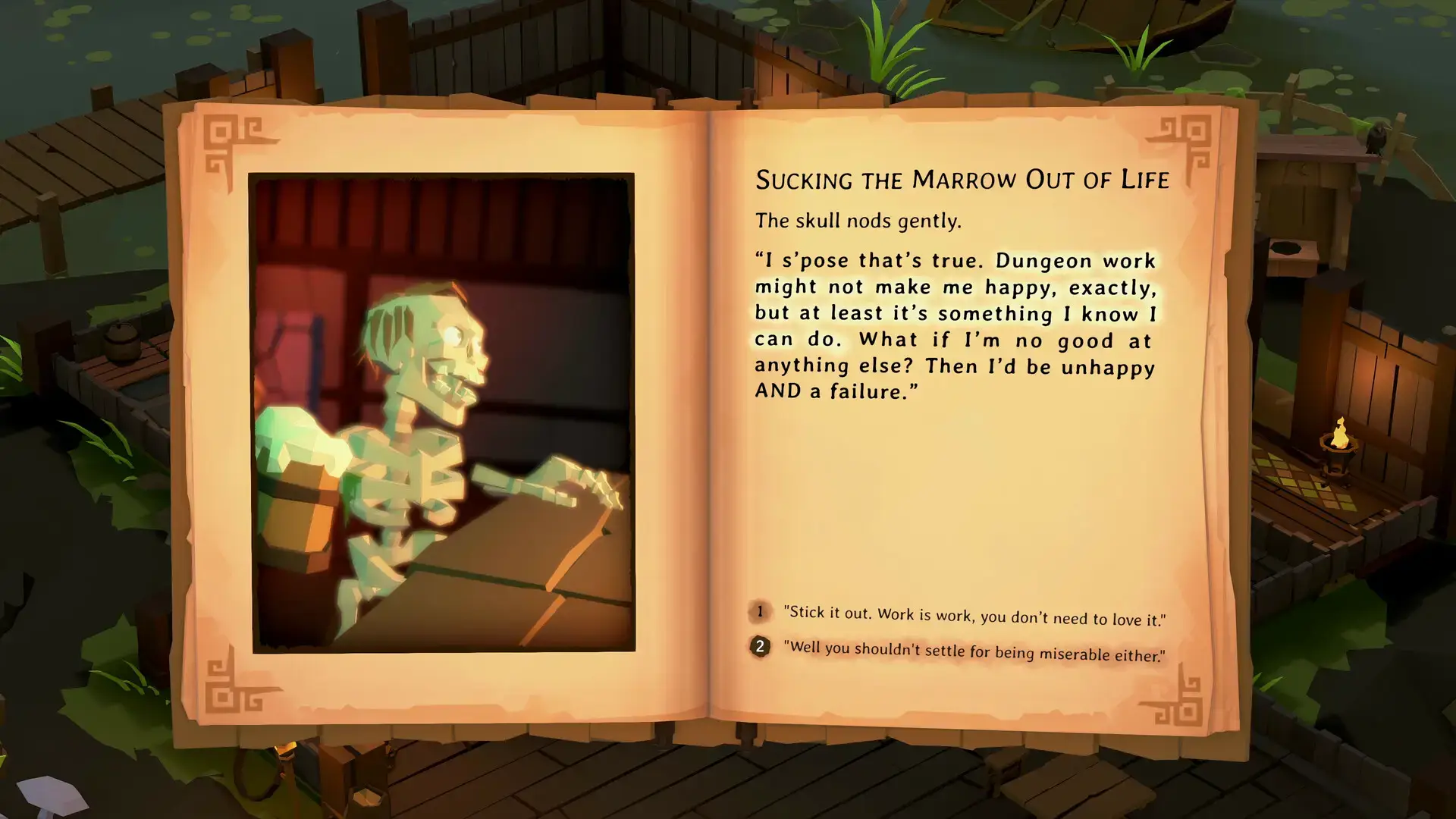
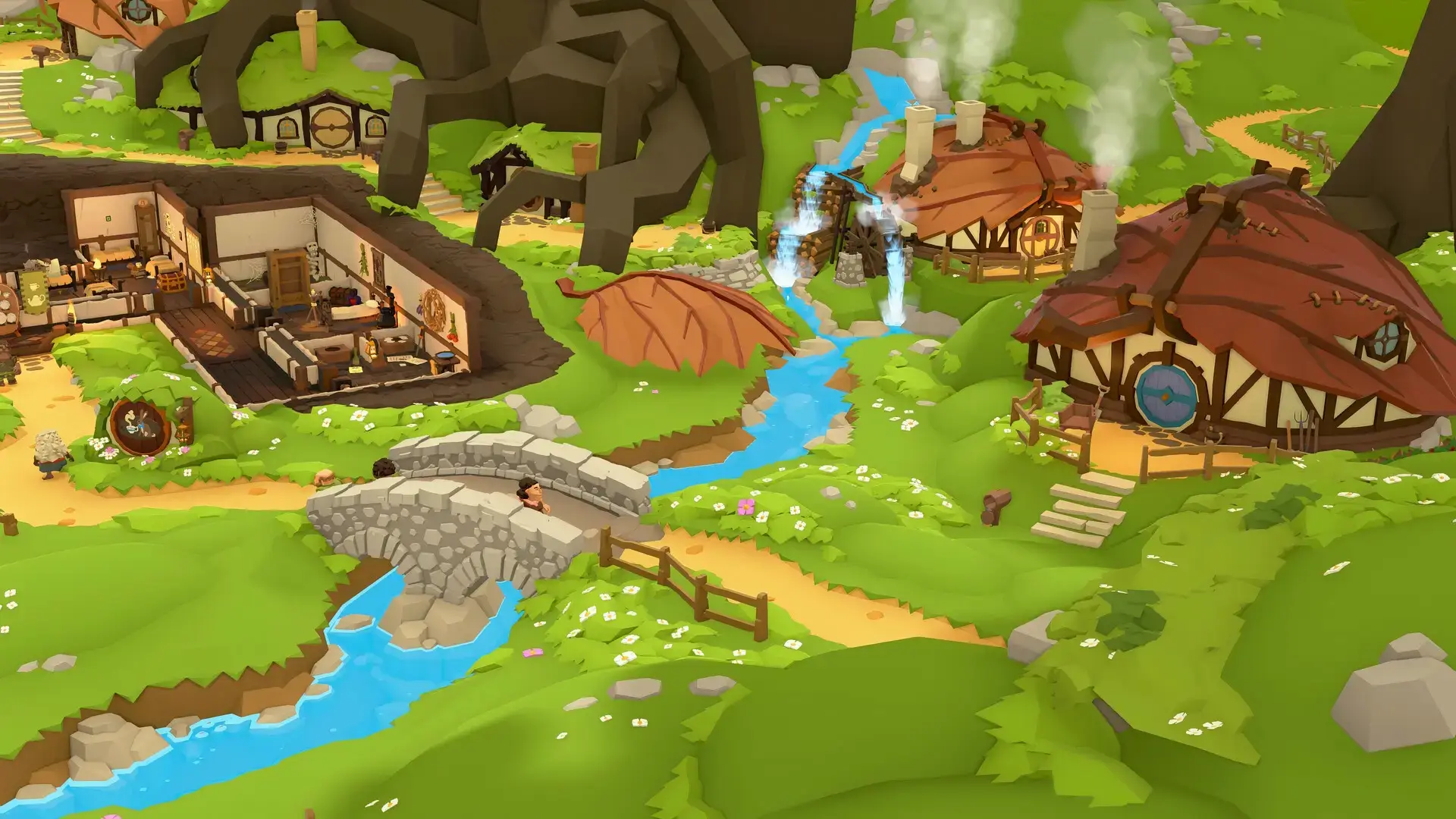
Tavern Keeper Official Trailer
Watch the official trailer to see the game’s charming fantasy world and deep management mechanics in action.
![Tavern Keeper 🍻 Early Access Available Now [4K] | Greenheart Games](https://i.ytimg.com/vi/vStpr3A-Jy4/hqdefault.jpg)
Tavern Keeper PC Requirements
Minimum:
- OS: Windows 10+ 64-bit
- CPU: Intel Core i5-7400 / AMD Ryzen 5 2600
- RAM: 6 GB
- GPU: NVIDIA GTX 1060 (3 GB) / AMD Radeon RX 570 (4 GB)
- DirectX: Version 11
- Storage: 10 GB available space
Recommended:
- OS: Windows 11 64-bit
- CPU: Intel Core i7-10750H / AMD Ryzen 5 5600X
- RAM: 16 GB
- GPU: NVIDIA GeForce RTX 2060 (6 GB) / AMD Radeon RX 6600 XT (8 GB)
- DirectX: Version 11
- Storage: 20 GB available space (SSD recommended)
Tavern Keeper on Windows FAQ
- Is it a single-player game? Yes, Tavern Keeper is a single-player experience focusing on campaign, freeplay, and creative modes.
- What is the current state of Early Access? The game is fully playable with multiple campaign locations, progression systems, and freeplay modes.
- How long will Early Access last? The developers plan roughly one year in Early Access to add more content and polish based on player feedback.
- Are the developers responsive to feedback? Yes, Greenheart Games has been releasing frequent patches and actively engages with the community.
- Is there a roadmap for future content? Yes, the developers have outlined plans to add more campaign levels and expand tavern features during Early Access.
Support and Community
Explore more Windows games: Inazuma Eleven: Victory Road · Best Games to play on Windows 11 · Best Indie Games · Simulation Games