

Readers like you help support this site. When you make a purchase using links on our site, we may earn an affiliate commission. All opinions remain our own.
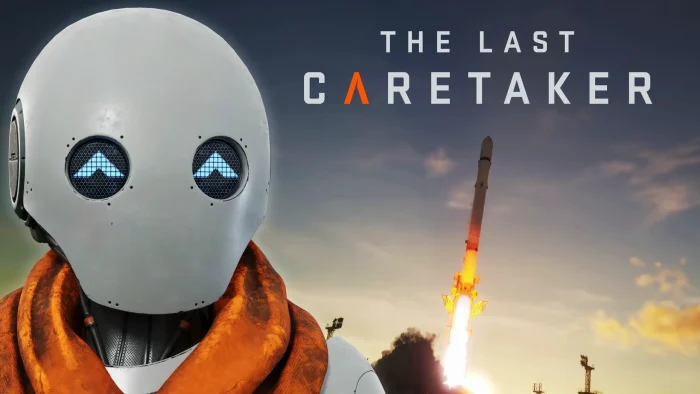

The game launched into Early Access recently and has earned “Mostly Positive” recent reviews and “Very Positive” all-time reviews on Steam. Players praise its unique premise and engaging gameplay, though some note performance issues typical of Early Access titles that the developers are actively addressing.
As the last caretaker, you’ll explore a beautiful but dangerous flooded world, manage complex power systems, nurture human seeds, and defend your sanctuary against environmental threats while working to launch rockets that could save what remains of humanity.
If you enjoy deep survival-crafting games with meaningful objectives and strategic resource management, The Last Caretaker offers a fresh take on the genre with heart and purpose.
This guide covers how to install it on Windows, its key features, and essential beginner tips for starting your journey as humanity’s final hope.
Have questions or your own strategies to share? Leave a comment below or contact us.
Download and install The Last Caretaker on PC
The Last Caretaker is available on Steam and Epic Games Store. Here’s how to install it:
- Method: Steam
- Open the store page: The Last Caretaker on Steam.
- Click Add to Cart and complete the checkout process.
- In your Steam Library, click Install and select your preferred drive.
- Wait for the download to complete.
- Launch the game from your Library and begin your caretaker journey.
- Method: Epic Games Store
- Open the store page: The Last Caretaker on Epic Games.
- Click Get to add the game to your library.
- Open the Epic Games Launcher and go to your Library.
- Click Install next to The Last Caretaker.
- Once installed, click Launch to start playing.
Quick Tip: 💡 The game is in Early Access, which means you can provide feedback to help shape its development while the developers continue to optimize performance and add new content.
Get The Last Caretaker on Steam | Get on Epic Games

What is The Last Caretaker?
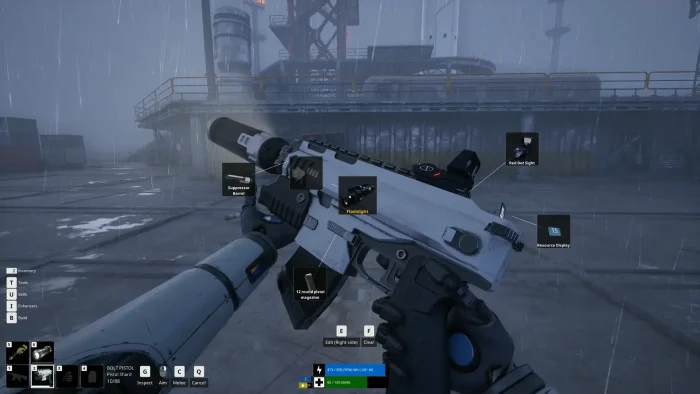
The Last Caretaker is a survival-crafting game with a deep narrative that places you in the role of a reawakened machine in a post-apocalyptic flooded world. Your mission is to preserve and restore humanity by managing resources, building infrastructure, and protecting the last remaining human seeds.
The core gameplay revolves around three key pillars: nurturing human life through careful resource management, protecting your sanctuary from environmental threats and decay, and launching rockets to secure humanity’s future. You’ll balance power generation across solar, wind, and fuel systems while exploring the beautiful but dangerous flooded landscape.
Unlike many survival games, The Last Caretaker emphasizes thoughtful progression and meaningful objectives over pure survival, creating a experience that feels both strategic and emotionally engaging as you work to save what remains of civilization.
Key Features
- Thoughtful Survival Gameplay: Experience a survival-crafting game with purpose, focusing on nurturing life and preserving humanity rather than just staying alive.
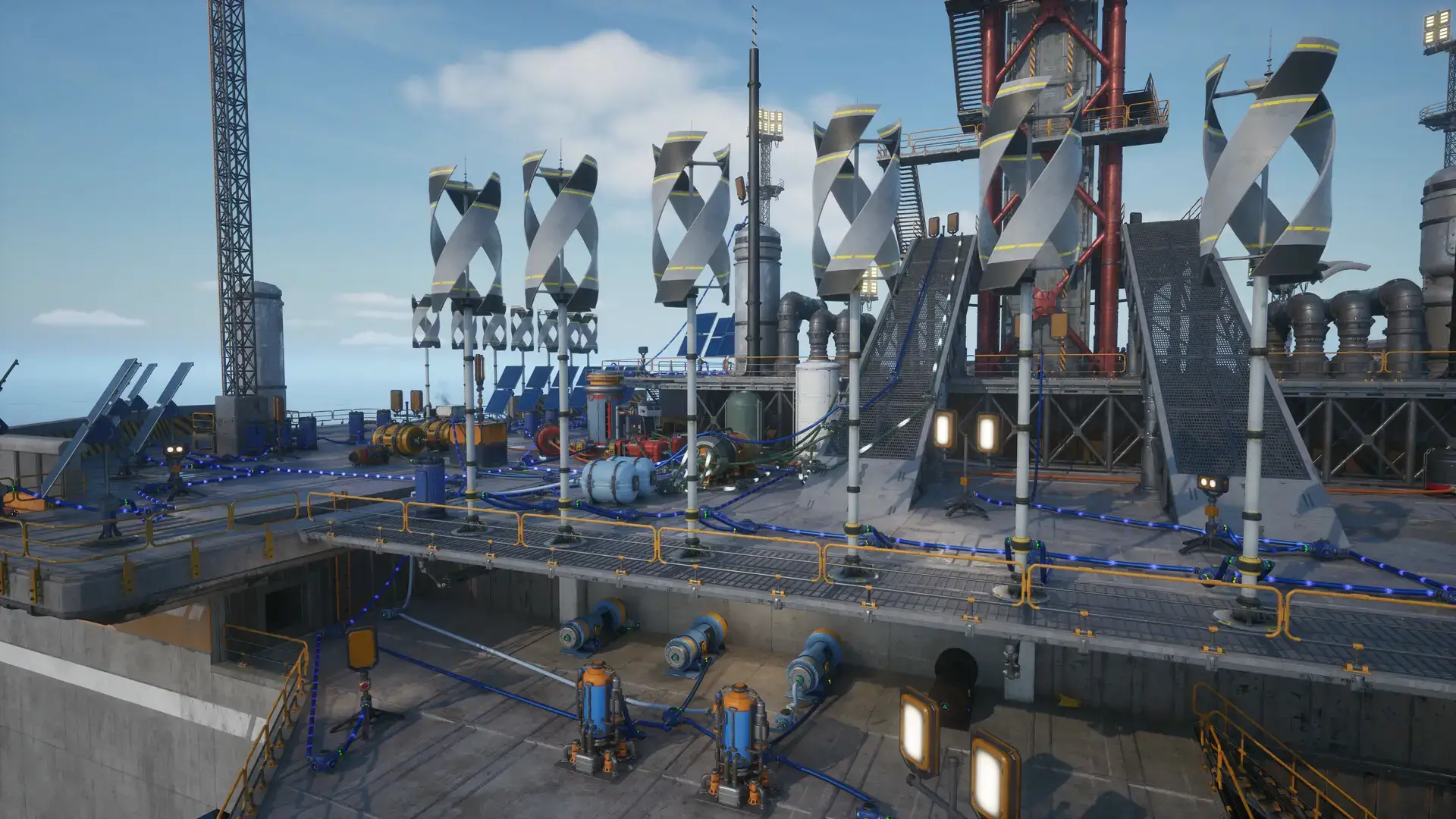
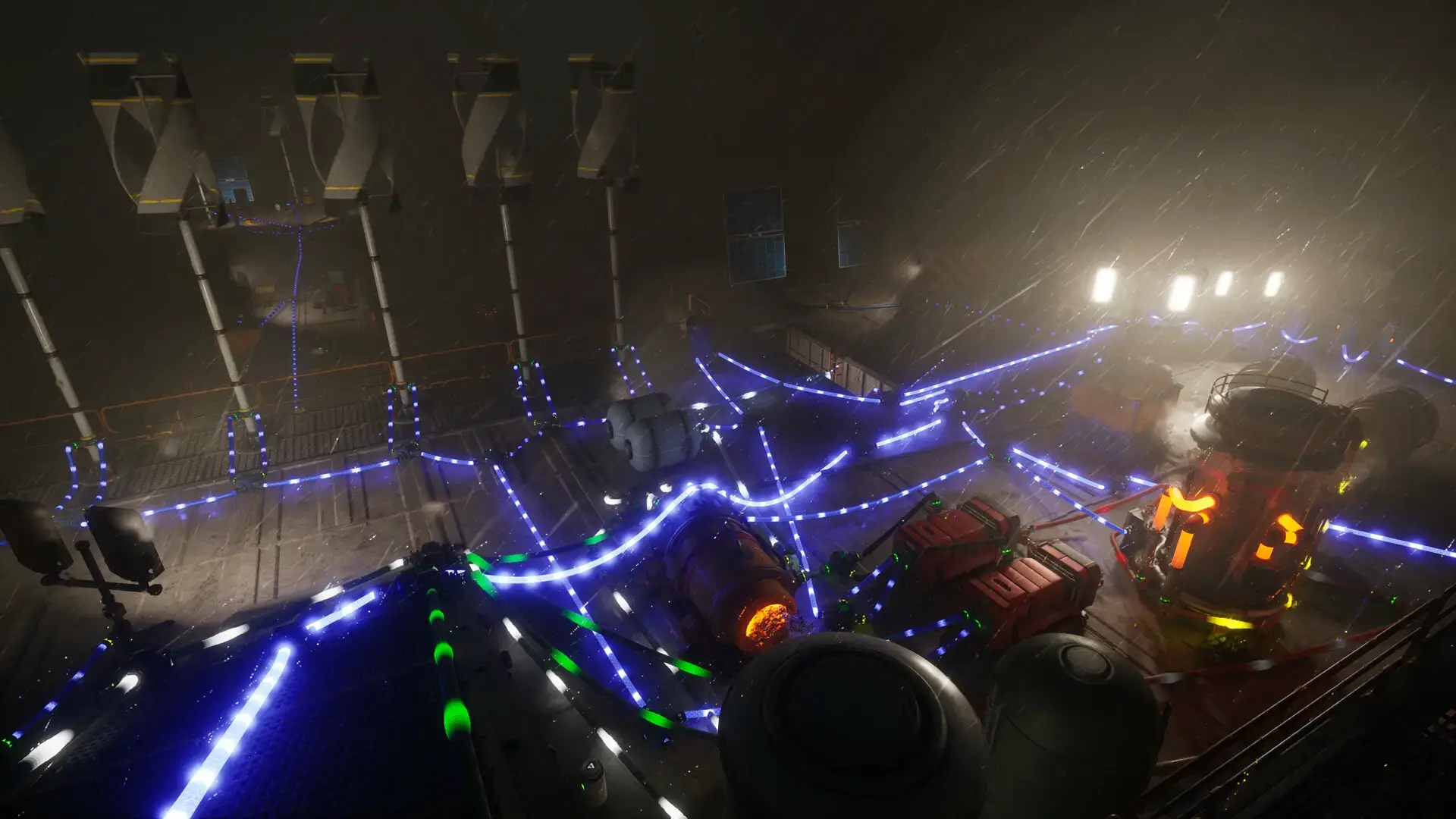
- Deep Power Management: Master complex energy systems with solar, wind, and fuel-based generators that require strategic planning and maintenance.
- Humanity Preservation: Manage the Lazarus Complex to grow and protect human seeds, making meaningful choices that affect your mission’s success.
- Exploration and Discovery: Navigate a beautifully rendered flooded world filled with secrets, resources, and the remnants of lost civilization.
- Base Building and Defense: Construct and maintain your sanctuary while defending it against environmental threats and decay.
Who would like this game?
This game is perfect for fans of thoughtful survival-crafting games like Subnautica or The Long Dark, as well as players who enjoy deep resource management systems and narrative-driven experiences with meaningful objectives.
Why play on Windows?
Playing on PC provides the ideal environment for The Last Caretaker’s complex management interface and detailed world. The mouse and keyboard controls offer perfect precision for building, resource management, and exploration, while Windows ensures the best possible performance for the game’s beautiful visuals.
Tips for PC beginners
- Fully Explore the Starter Area: Take time to thoroughly explore the beginning area before venturing too far. You’ll find essential resources and clues that make your early game much smoother.
- Learn Power Generation Early: Prioritize understanding the different power systems (solar, wind, fuel) and their recipes. Reliable energy is crucial for all your operations.
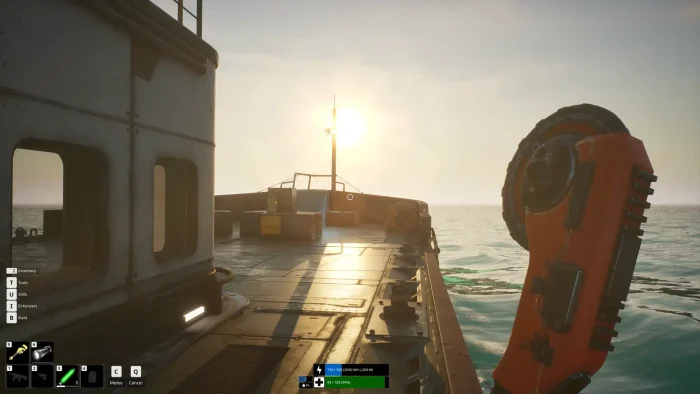
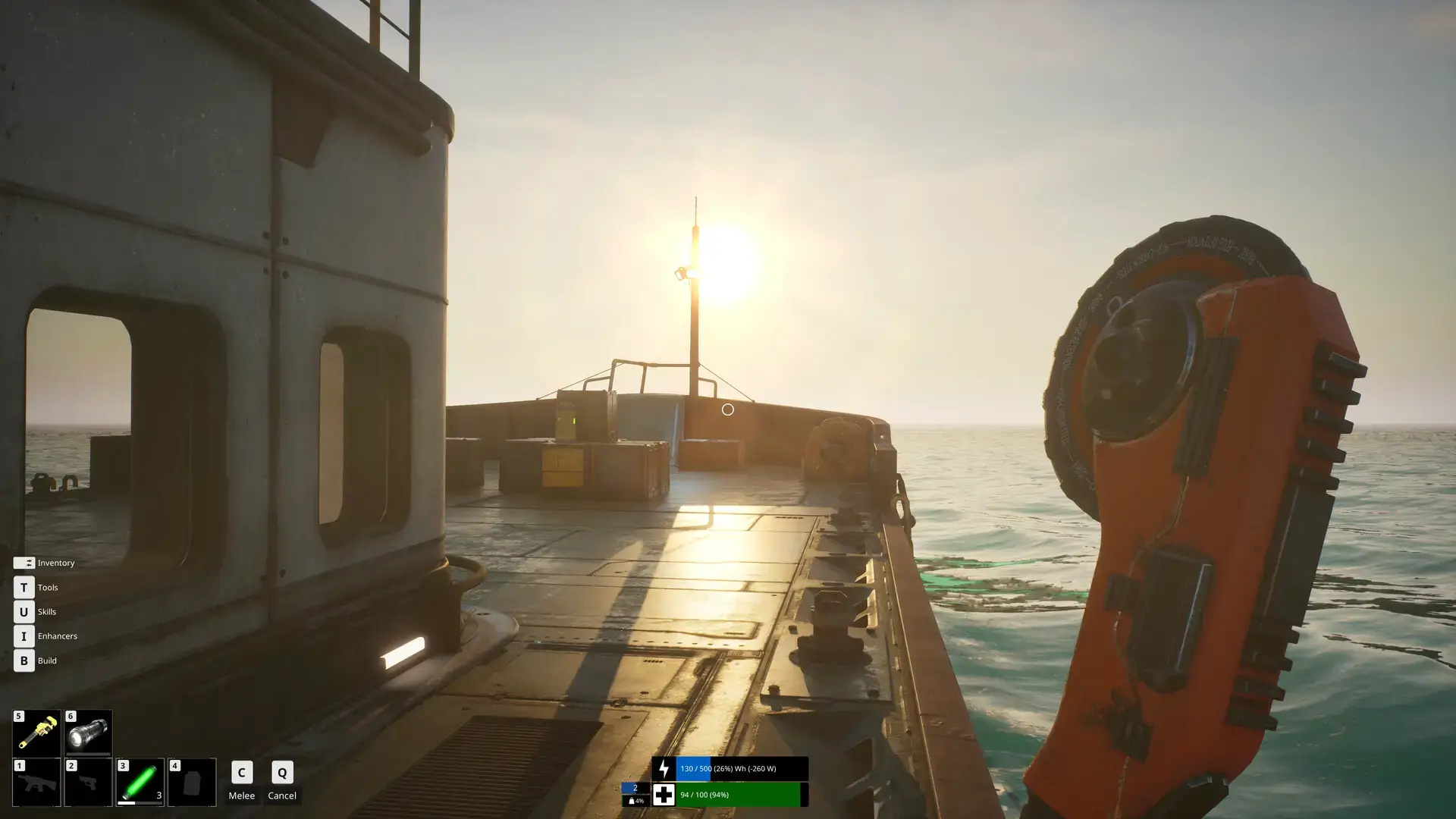
- Use the C Key for Melee: Remember that C is the default melee attack key, which is essential for dealing with early threats and gathering some resources.
- Follow Glow Stick Markers: When unsure where to go, look for glow sticks that often mark the main quest path and important locations.
- Manage Resources Carefully: Balance your resource consumption between immediate needs and long-term projects. Over-expanding too quickly can strain your limited early-game supplies.
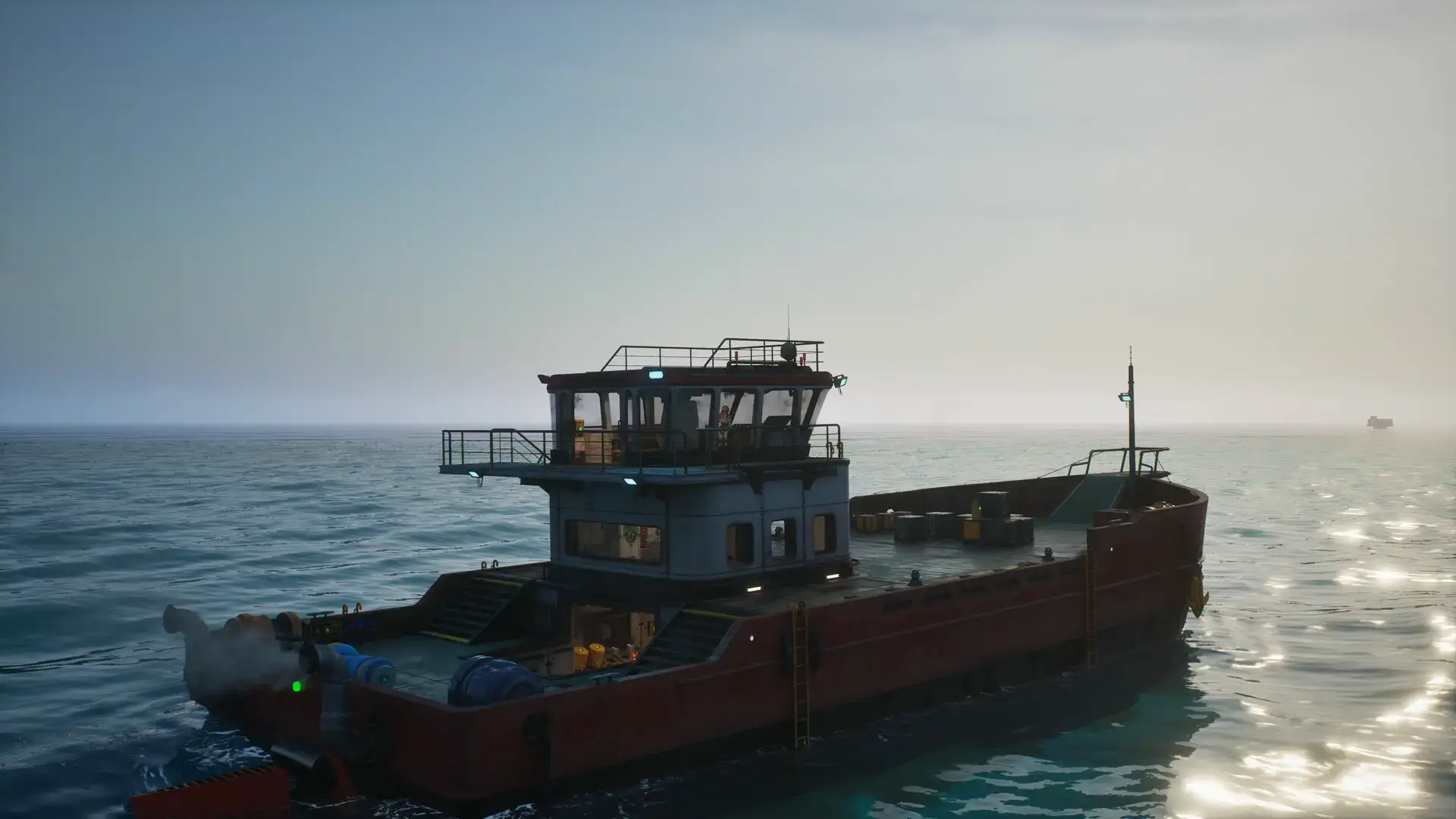
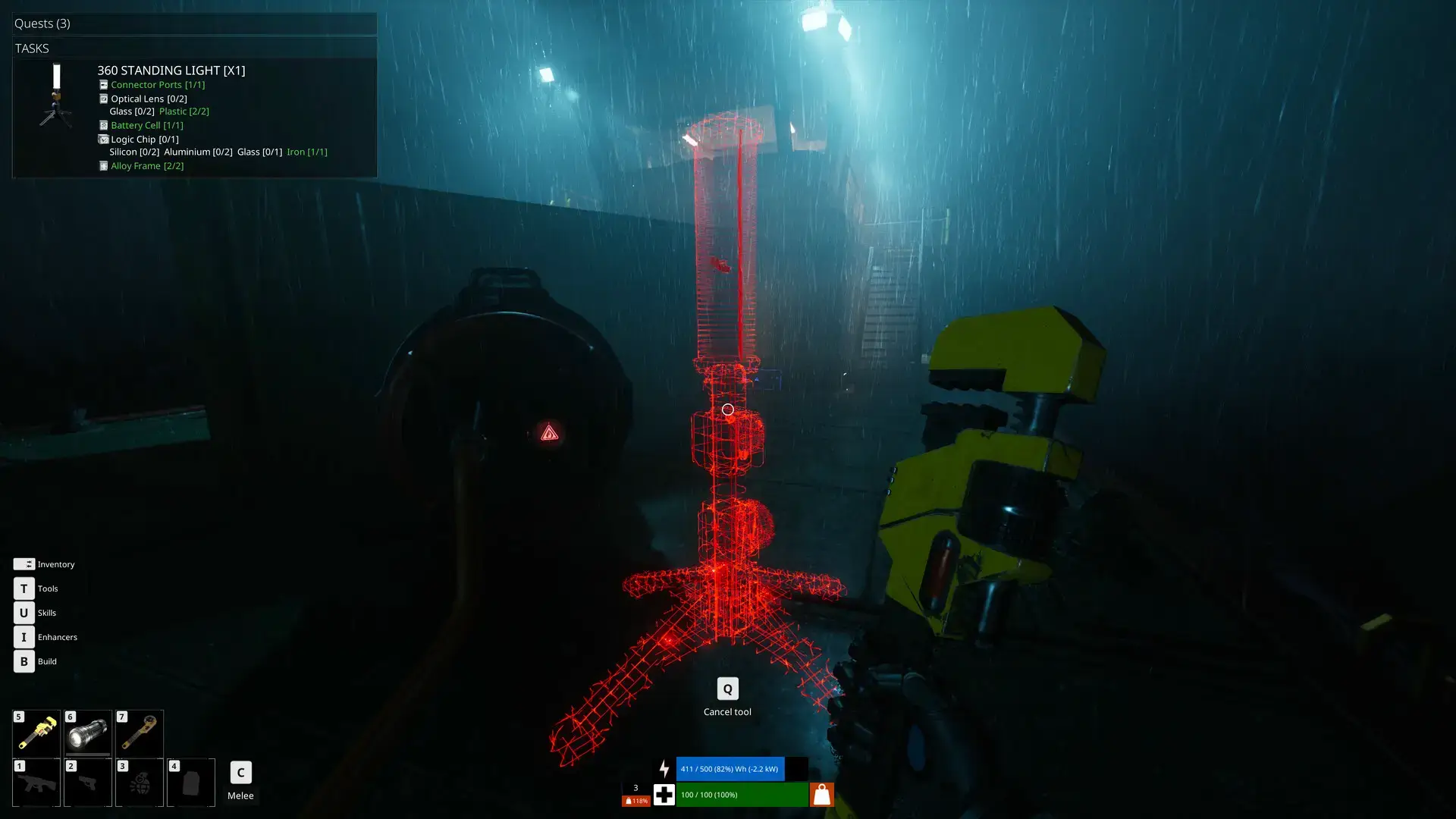
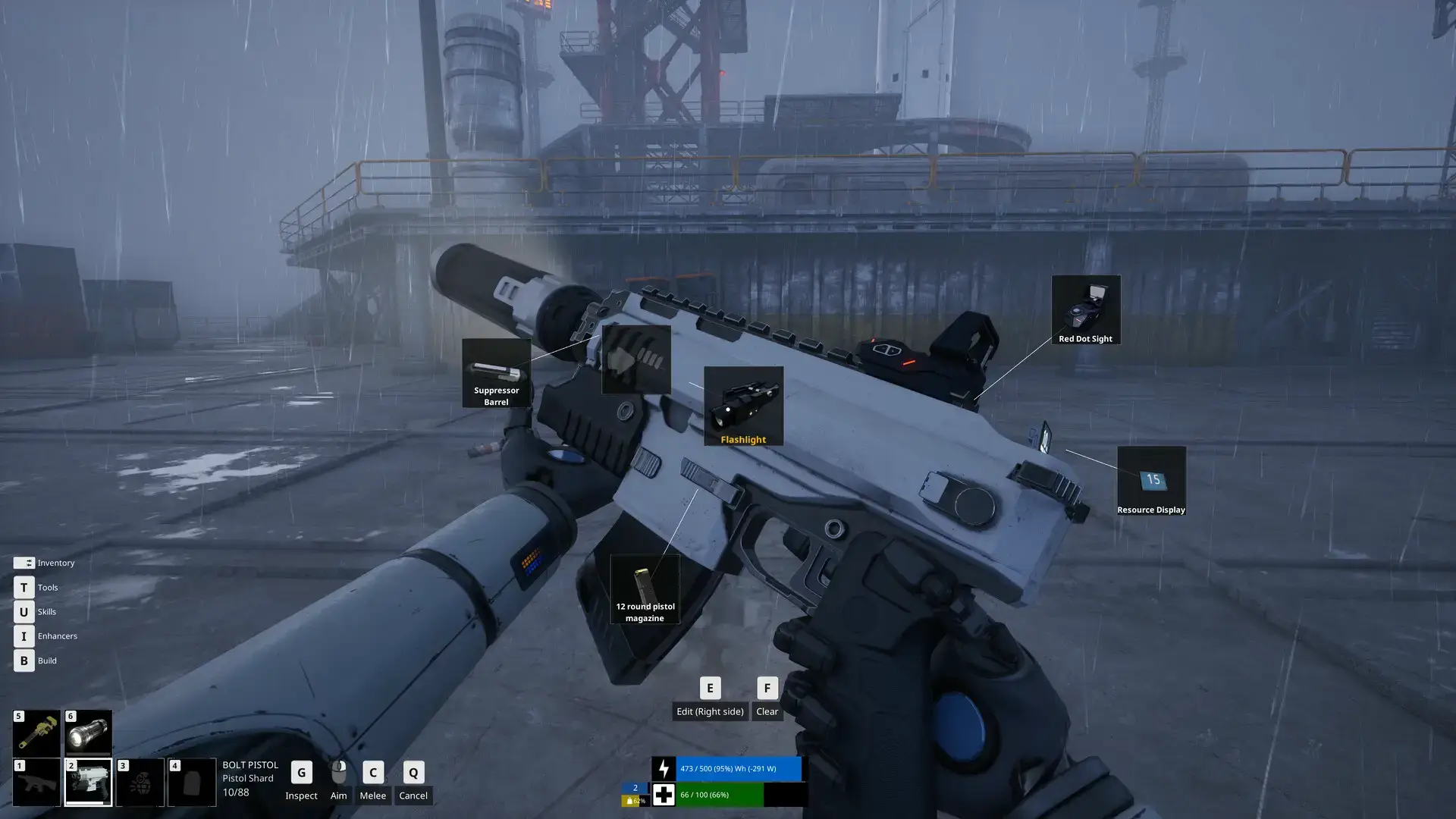
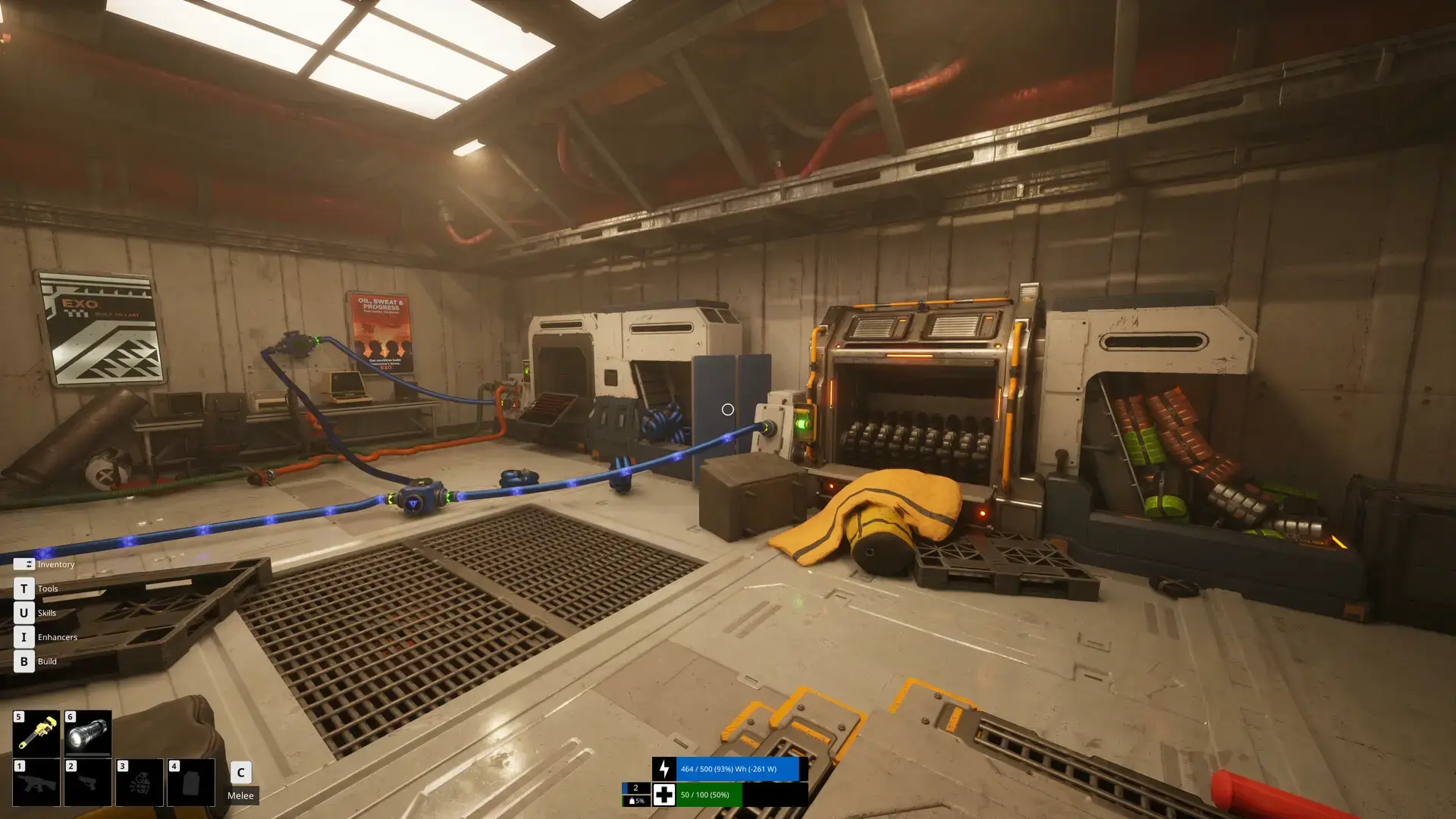
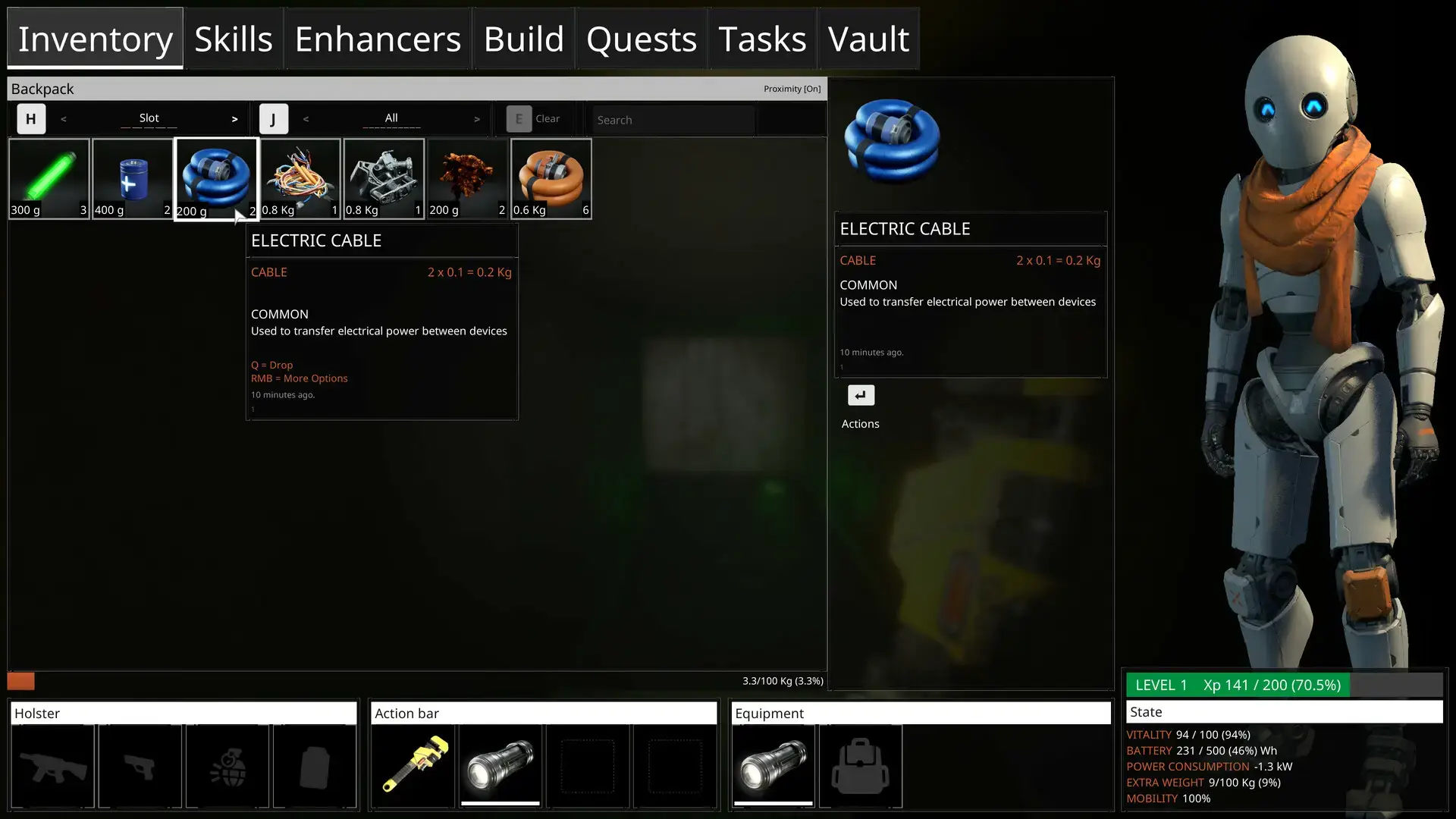
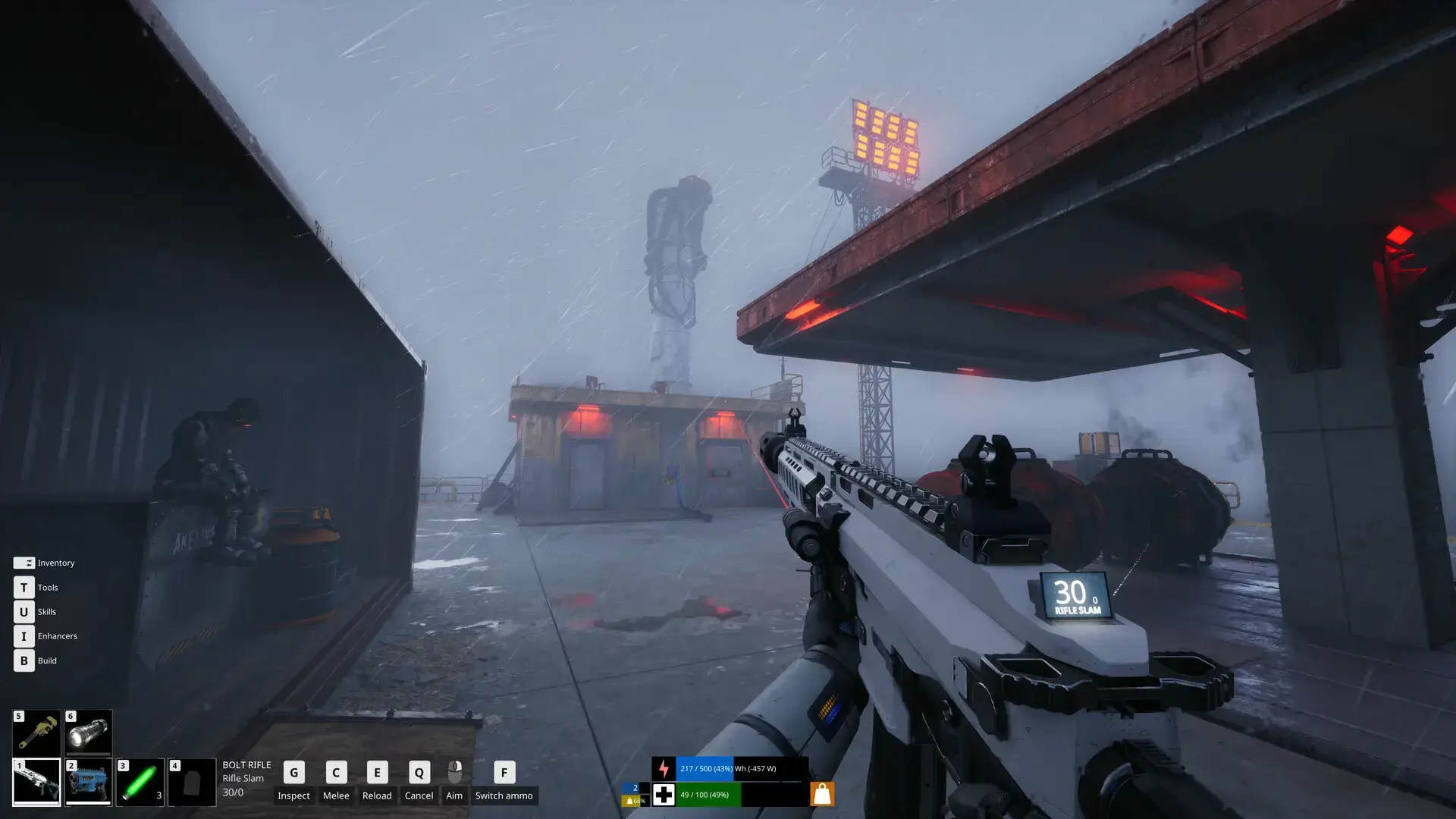
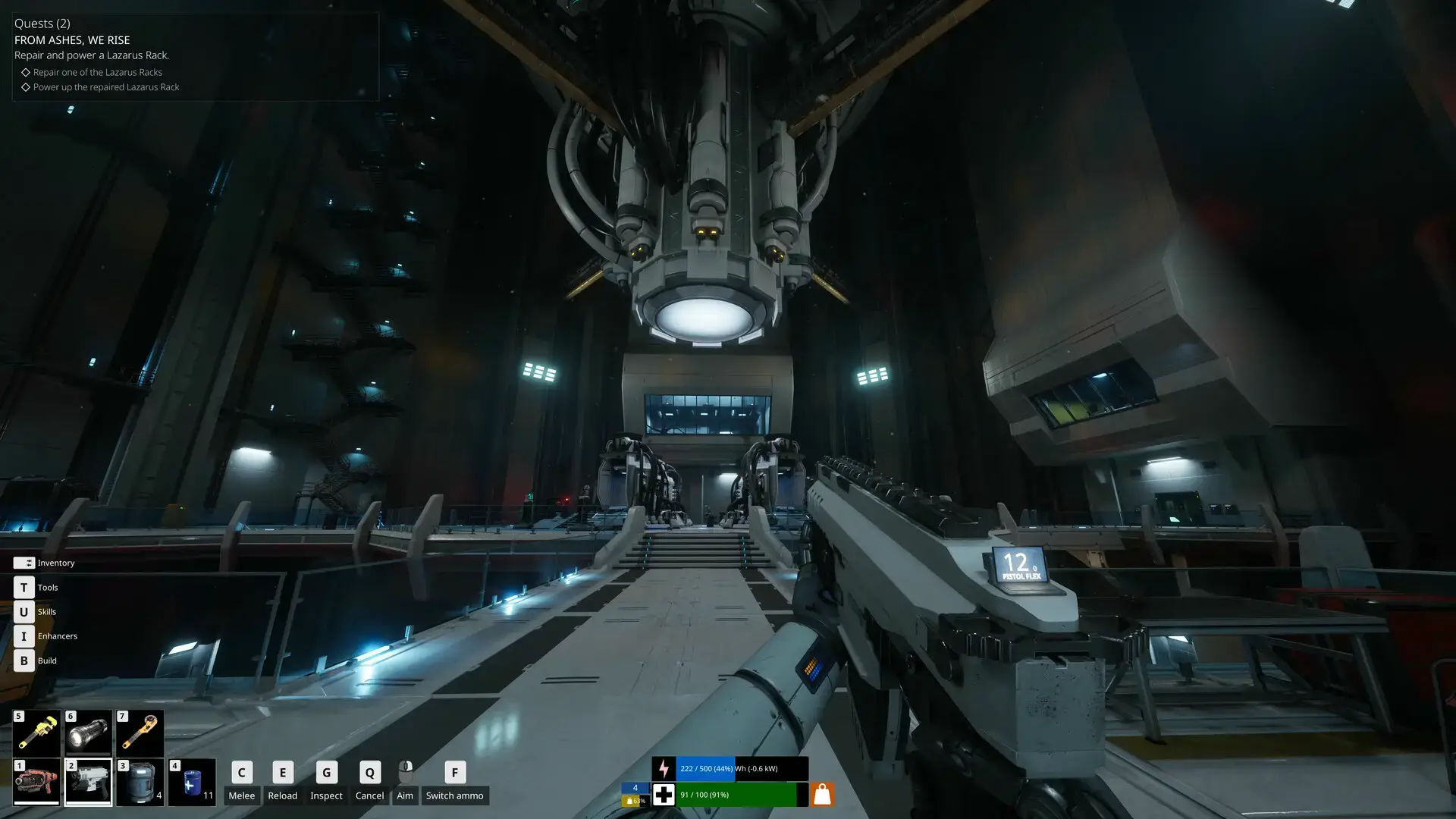
The Last Caretaker Gameplay Screenshots
The Last Caretaker Beginners Video
Watch a short beginners guide that gets straight to the point so you can survive this beautiful and deep survival game.

The Last Caretaker PC Requirements
Minimum:
- OS: Windows 10 64-bit
- CPU: Intel Core i5-7400 / AMD Ryzen 5 2600
- RAM: 16 GB
- GPU: NVIDIA GeForce GTX 1070 / AMD Radeon RX 5700
- DirectX: Version 12
- Storage: 20 GB available space
Recommended:
- OS: Windows 10/11 64-bit
- CPU: Intel Core i7-9700K / AMD Ryzen 5 5600X
- RAM: 32 GB
- GPU: NVIDIA GeForce RTX 2070 / AMD Radeon RX 6700 XT
- DirectX: Version 12
- Storage: 20 GB available space (SSD recommended)
The Last Caretaker on Windows FAQ
- Is it a single-player game? Yes, The Last Caretaker is a single-player experience focusing on survival, crafting, and narrative progression.
- What is the current state of Early Access? The game is fully playable with core mechanics implemented, though performance optimization and additional content are ongoing.
- How long will Early Access last? The developers plan at least 12 months in Early Access to refine the experience based on player feedback.
- Are there performance issues? Some players report performance challenges, which the developers are actively working to address through updates.
- What makes this different from other survival games? The focus on nurturing humanity and the deep power management systems set it apart from more traditional survival-crafting experiences.
Support and Community
Explore more Windows games: IdleOn for PC · Best Free to Play Games · Best Action Games · Best Strategy Games