

Readers like you help support this site. When you make a purchase using links on our site, we may earn an affiliate commission. All opinions remain our own.


You will be able to download The Last of Us Part II Remastered on Steam for Windows 10 and 11, launched April 3, 2025, with Update 2.0.0 adding No Return mode tweaks and bug fixes.
It’s also on PS5, with no mobile version yet.
From Naughty Dog and Sony Interactive Entertainment, it’s got a ‘Mostly Positive’ Steam rating (77% positive from 8,900+ reviews) and mixes heavy action with a deep story.
As fans, we like its real feel and hard-hitting moments.
This guide covers installing it on Windows, its main features, and tips for new players.
Tell us your favorite part below, or contact us for help.
How to Install The Last of Us Part 2 Remastered on Windows 11 and 10
To play The Last of Us Part II Remastered on your Windows PC, download it from Steam. Here’s how:
- Method 1: Steam
- Go to the Steam page: Steam.
- Click Add to Cart ($49.99, often cheaper).
- Log into your Steam account or make one.
- Finish the purchase and click Install in your Steam Library.
- Wait for the download (about 100 GB with updates).
- Start it from your Steam Library or desktop.
Quick Tip: 💡 Craft bombs early; they clear groups fast.


What is The Last of Us Part 2 Remastered About?
The Last of Us Part II Remastered, launched April 3, 2025 by Naughty Dog and Sony Interactive Entertainment, is an action game for Windows 10 and 11 plus PS5, set five years after the first game, where Ellie hunts for justice and Abby seeks her own path in a world of infected and danger.
Main Gameplay: Fight with guns, knives, and stealth, explore snowy mountains and rainy streets, and make choices that hit hard. Update 2.0.0 adds No Return mode content and fixes for smoother play.
Key Features
- Tough fights with stealth or guns
- Big areas to explore
- No Return survival mode
- Lots of gear to craft
- Sharp graphics upgrades
Why Play The Last of Us Part II Remastered on Windows?
Windows 10 and 11 give you smooth play, clear visuals, and DualSense controller support for a full action game.
Tips for PC Beginners in The Last of Us Part II Remastered
New to The Last of Us Part II Remastered on PC? Here are five tips to get started:
- Set Keys: Put crouch on a mouse button in Settings > Controls for quick hiding.
- Speed Up: Lower shadows in Graphics to avoid lag.
- Stay Quiet: Use stealth (map) to avoid big fights.
- Gear Up: Scavenge parts (map) for better weapons.
- Plan Fights: Set traps (menu) to take down groups.
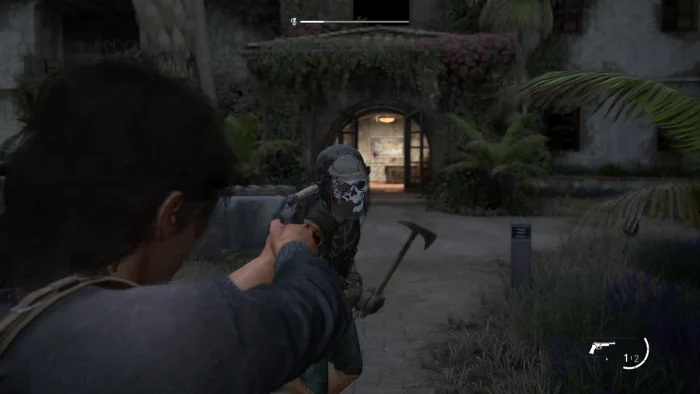
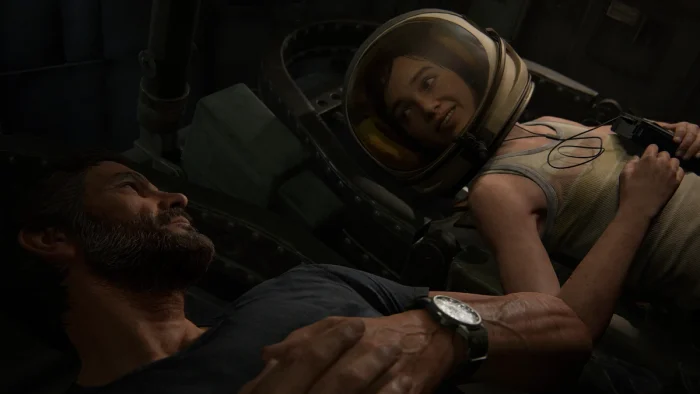
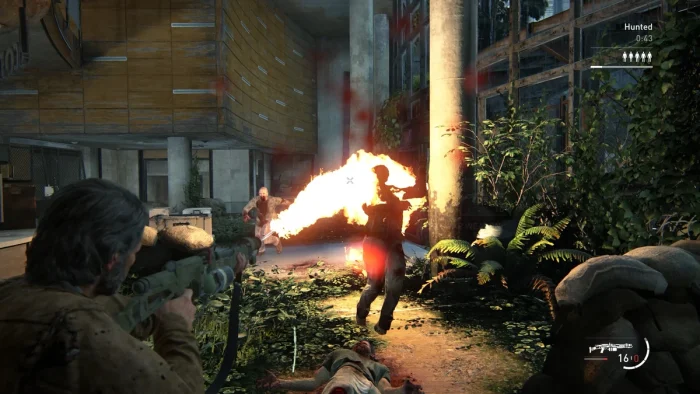
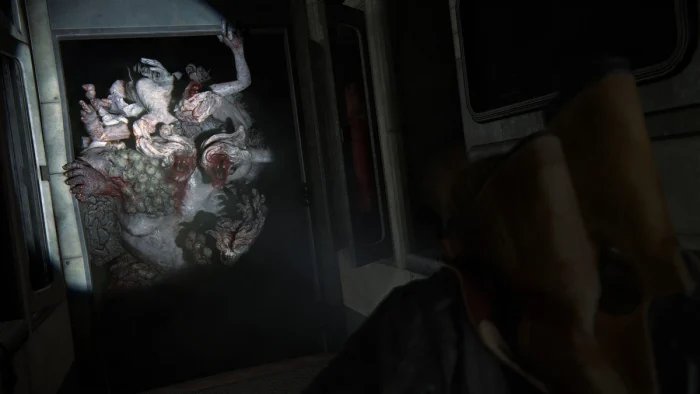
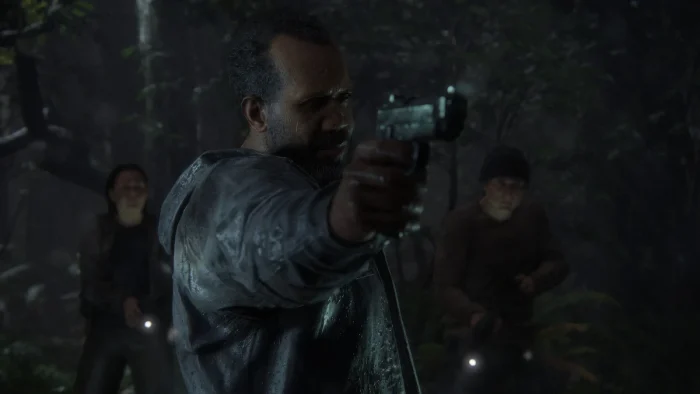
The Last of Us Part II Remastered Gameplay Screenshots








The Last of Us Part 2 Remastered Beginners Guide Video
Watch this beginners guide for The Last of Us Part II Remastered to jump in:

The Last of Us Part 2 Remastered PC Requirements for Windows
Minimum:
- OS: Windows 10 64-bit (latest update)
- CPU: Intel Core i7-4770K or AMD Ryzen 5 1500X
- RAM: 16 GB
- Storage: 100 GB free (SSD recommended)
- GPU: NVIDIA GTX 970 or AMD RX 580
- DirectX: Version 12
Recommended:
- OS: Windows 11 64-bit (latest update)
- CPU: Intel Core i7-9700K or AMD Ryzen 7 3700X
- RAM: 32 GB
- Storage: 100 GB free (SSD)
- GPU: NVIDIA RTX 2070 Super or AMD RX 6700 XT
- DirectX: Version 12
The Last of Us Part II Remastered on Windows FAQ
- Is it free? No, it’s $49.99.
- Can I play offline? Yes, after first setup.
- Does it run on Windows 11? Yes, works great.
- What’s the download size? About 100 GB with updates.
Support and Community
Explore More Windows Games: HASTE: Broken Worlds for PC, Best Adventure Games, Schedule 1 for PC, Ai Limit for PC, The Last of Us Part 1, Foundation for PC