



Windows 10 22H2 is still available from Microsoft as a free ISO.
- Windows 10 22H2 is the final version, and Microsoft still offers it as a free download.
- Support ended on October 14, 2025. Only PCs enrolled in Extended Security Updates still get security fixes.
- On a Windows PC, Microsoft’s page hides the direct ISO. A phone or Mac browser view shows it.
- If your PC can run it, Windows 11 is the better choice for a new install.
If you want a safe, official way to download the Windows 10 ISO, including Windows 10 Pro, this guide shows you how to get it straight from Microsoft, so you avoid shady links and tampered files.
Windows 10 22H2 is the last feature update it will ever get. It still makes sense for a virtual machine, an older PC that cannot run Windows 11, or a backup copy. For anything else, grab the Windows 11 ISO or read how to upgrade to Windows 11. Questions? Contact us or leave a comment.
Windows 10 Support Has Ended
Microsoft stopped giving Windows 10 free updates, security fixes and technical support on October 14, 2025. A fresh install still works and activates, but it will not get new security patches on its own.
Home users can sign up for Extended Security Updates to keep getting security fixes. Microsoft now runs that program until October 12, 2027, and it is free if you sync your PC settings with a Microsoft account.
How to Download Windows 10
On a Windows PC, Microsoft’s download page pushes you toward its update tools instead of the ISO. These are all the ways to get the official files.
Method 1: Switch your browser to a phone view
Best for: Getting the ISO file directly from Microsoft on a Windows PC.
Open Microsoft’s Windows 10 ISO page in Chrome or Edge.
Press Ctrl + Shift + I to open the browser’s developer tools.
Press Ctrl + Shift + M to turn on the device toolbar, then pick an iPhone or Android phone from the menu at the top.
Refresh the page. The edition and language menus now appear instead of the update tool.
Select Windows 10 (multi-edition ISO), pick your language, select Confirm, then choose the 64-bit download.
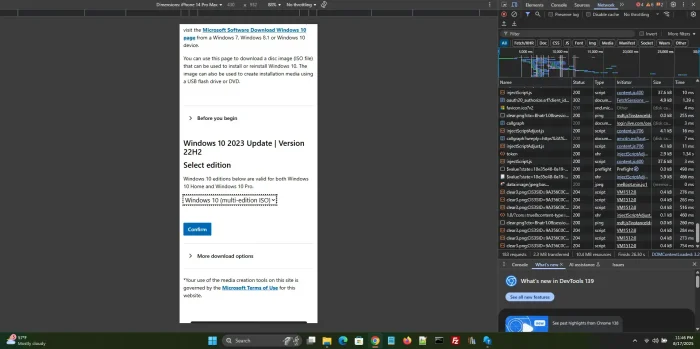
The edition and language menus appear once the page thinks you are on a phone.
The download link works for 24 hours. On a Mac, iPhone or Android device, the ISO menus show up without any of these steps.
Method 2: Media Creation Tool
Best for: Making a bootable USB drive, or saving an ISO with a guided tool.
Open Microsoft’s Windows 10 download page and select Download Now under Create Windows 10 installation media.
Run the tool and accept the license terms.
Choose Create installation media, then pick USB flash drive or ISO file.
Full walkthrough: our Windows 10 Installation Media guide.
Method 3: Update Assistant
Best for: Bringing an older Windows 10 PC up to 22H2 without an ISO.
Open Microsoft’s Windows 10 download page and select Update now.
Run the Update Assistant and let it check your PC.
Follow the prompts to install the latest version of Windows 10.
More detail: our Windows 10 Update Assistant guide.
Method 4: Archive.org or OS.click
Best for: A backup source if Microsoft’s page ever stops offering the file.
Archive.org keeps a copy of the Windows 10 22H2 consumer editions ISO.
OS.click lists direct Microsoft links by edition and language: visit OS.click.
These are third-party sites. Check any file you get from them with the checksum steps below before you use it.
Go to Microsoft’s Windows 10 Download Page
Watch: Download Windows 10 From Microsoft
This video shows how to download Windows 10 directly from Microsoft and put it on a USB drive.

Check That Your ISO Is Genuine
A checksum (a fingerprint of the file) proves the ISO has not been changed or damaged. Open PowerShell and run this, with your own file path:
Get-FileHash "C:\Path\To\Win10.iso" -Algorithm SHA256
Compare the result with the SHA-256 value Microsoft shows for your language when you download. If they do not match, delete the file and download it again.
Windows 10 System Requirements
Windows 10 runs on much older hardware than Windows 11. Want to see if your PC can take the newer system instead? Try the PC Health Check app.
Minimum Requirements
From Microsoft’s Windows 10 system requirements page
| Component | Minimum |
|---|---|
| Processor | 1 GHz or faster processor or SoC |
| RAM | 1 GB for 32-bit, 2 GB for 64-bit |
| Storage | 32 GB or larger |
| Graphics | DirectX 9 or later with a WDDM 1.0 driver |
| Display | 800 x 600 |
These are the bare minimums. For a smoother experience, aim for 4 GB of RAM and an SSD. Thinking about a new PC instead? See our best Surface laptops guide.
Poll
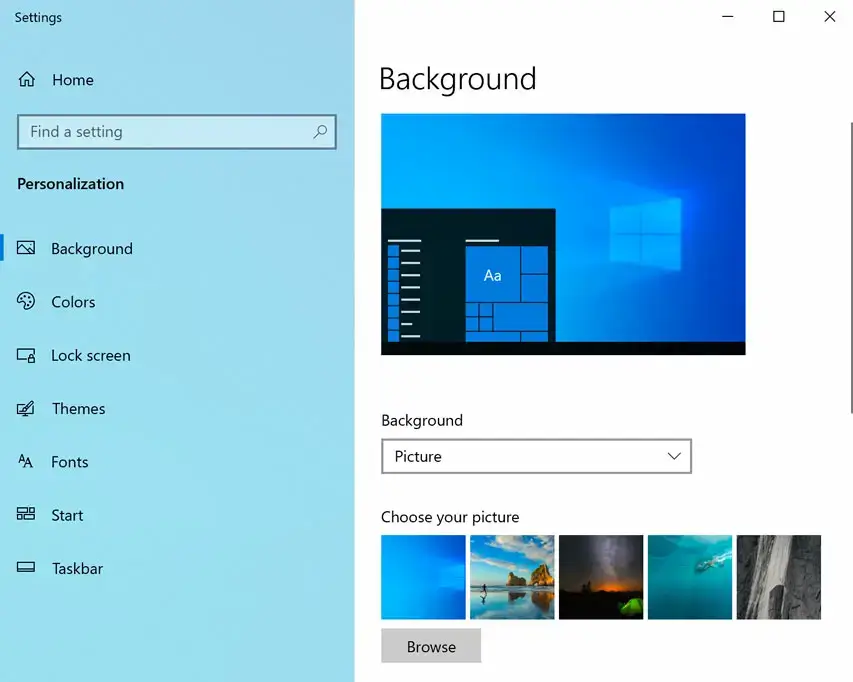
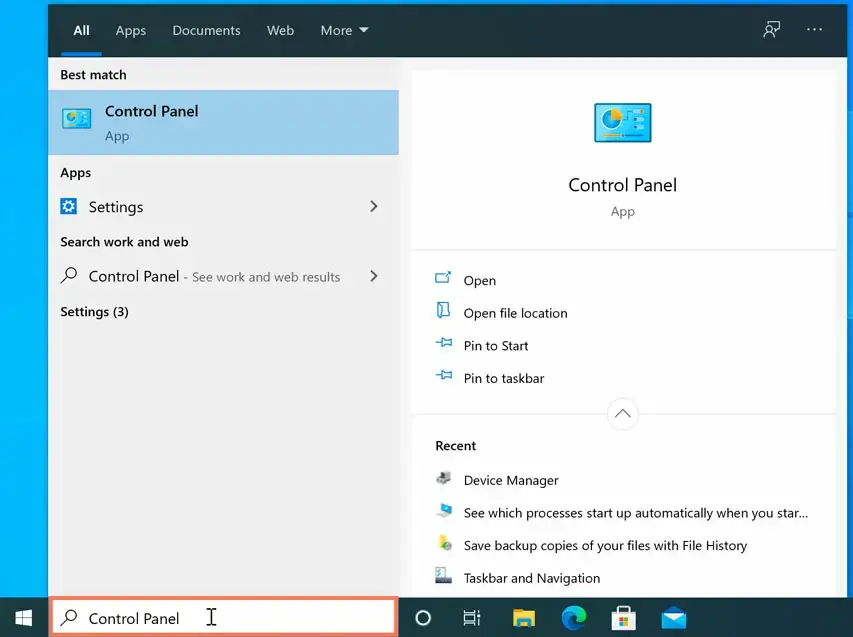
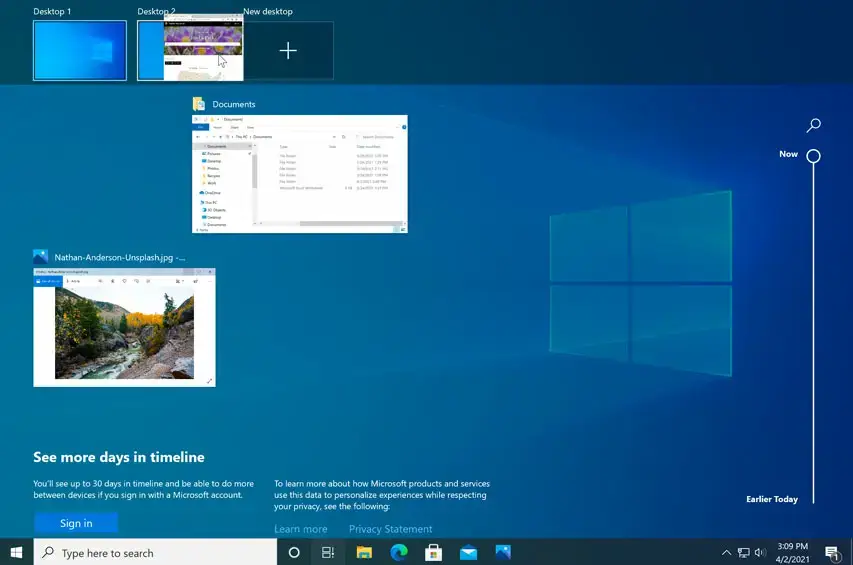
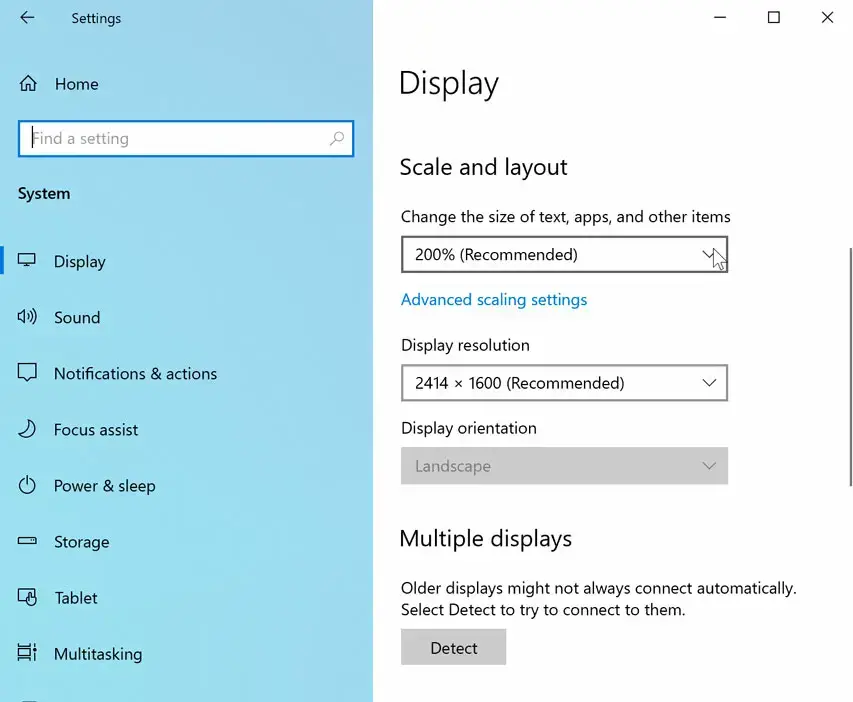
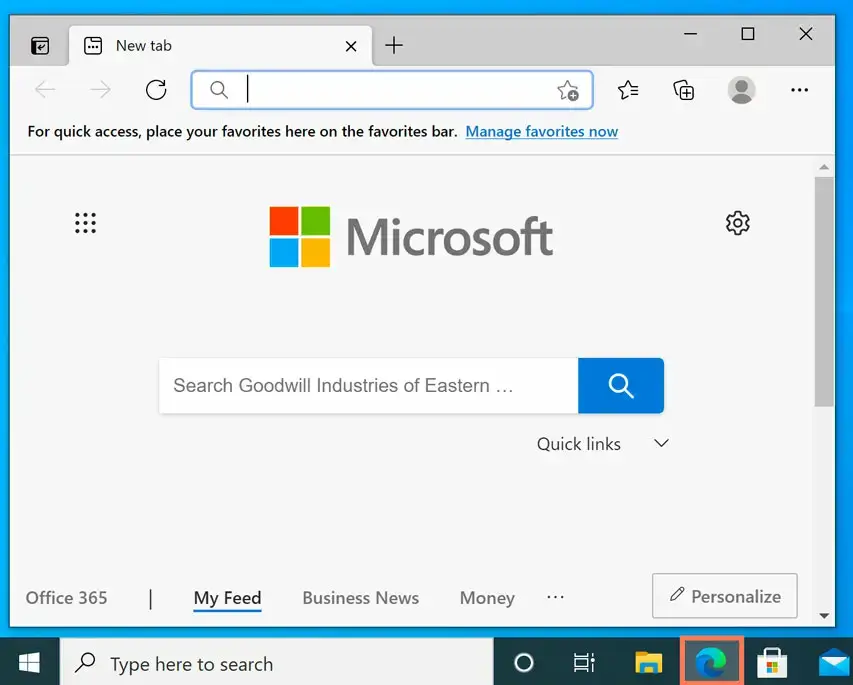
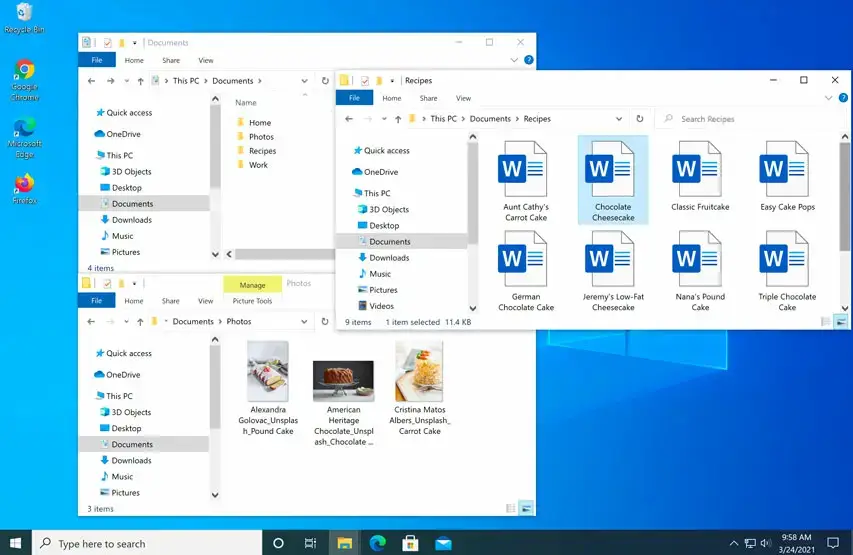
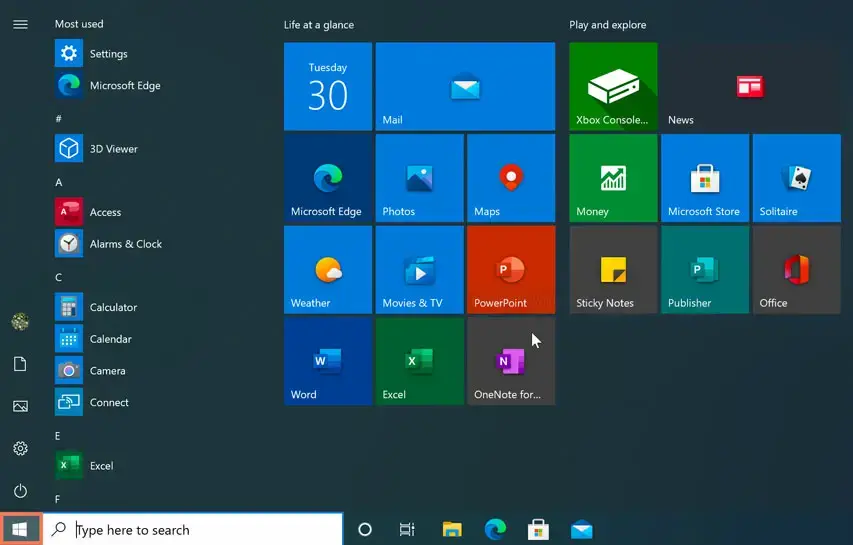
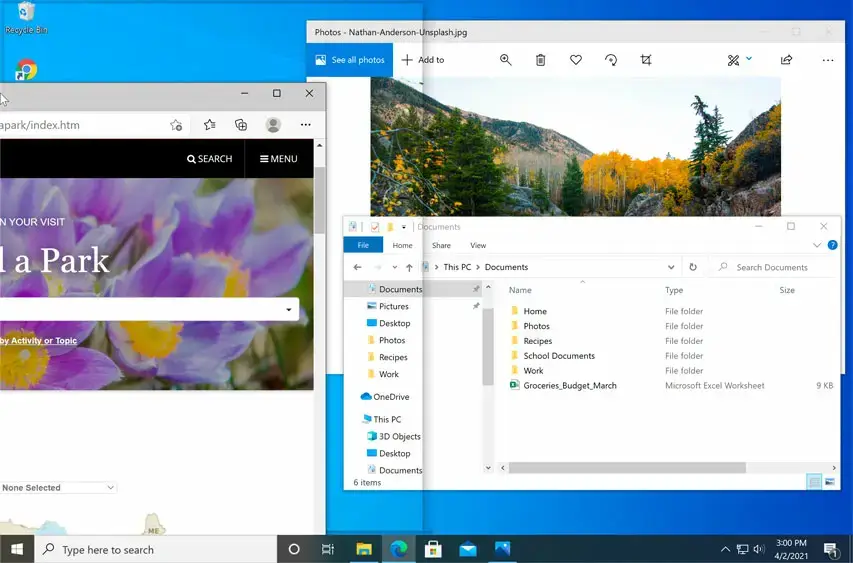
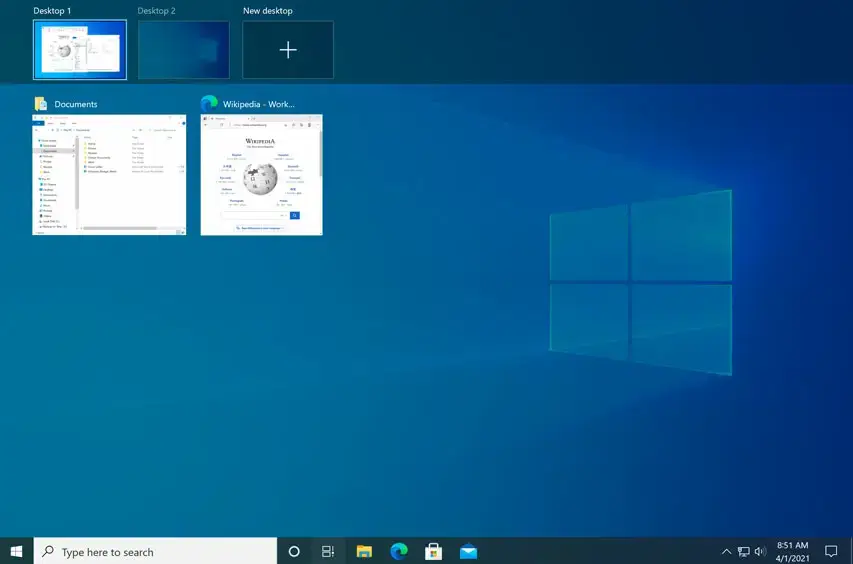
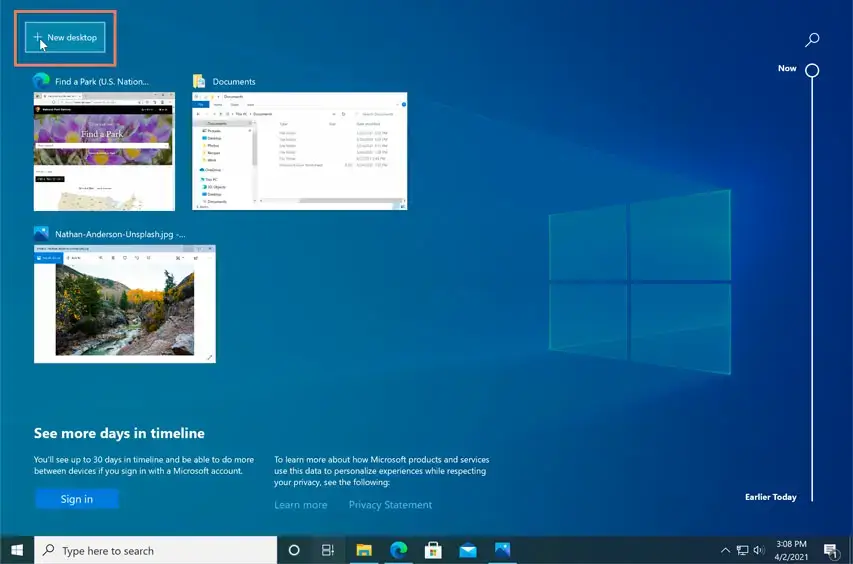
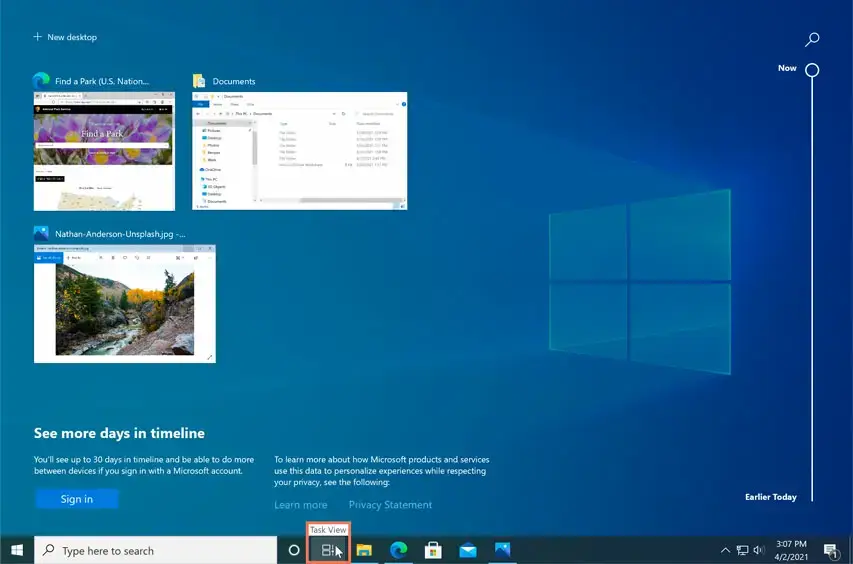
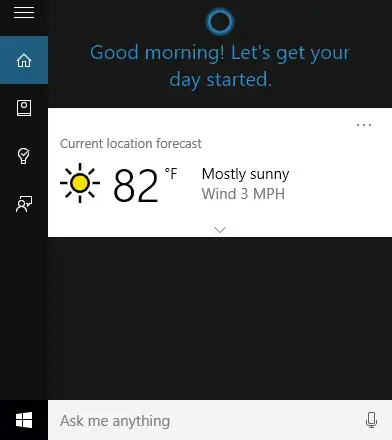
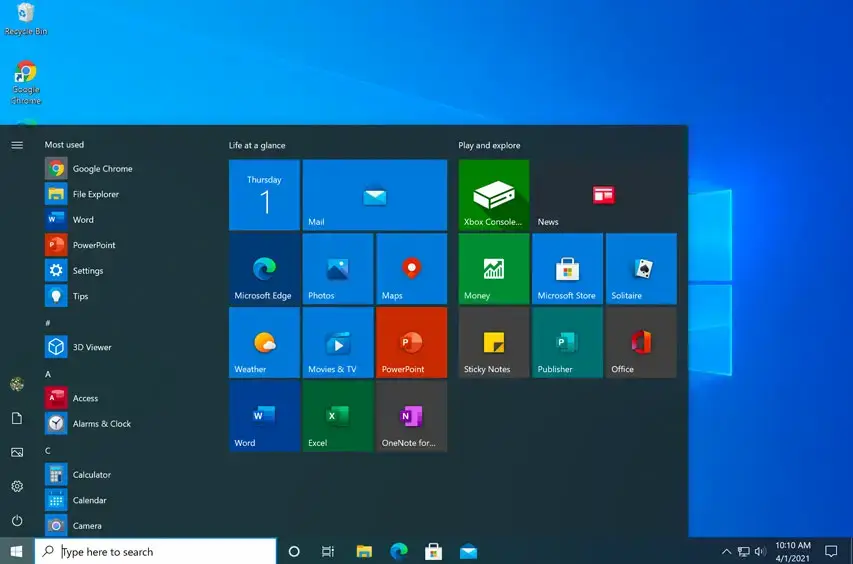
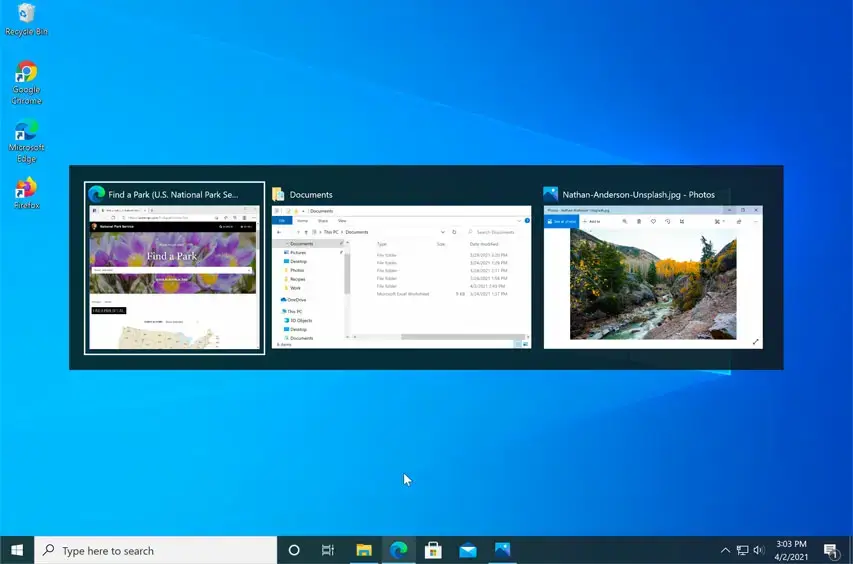
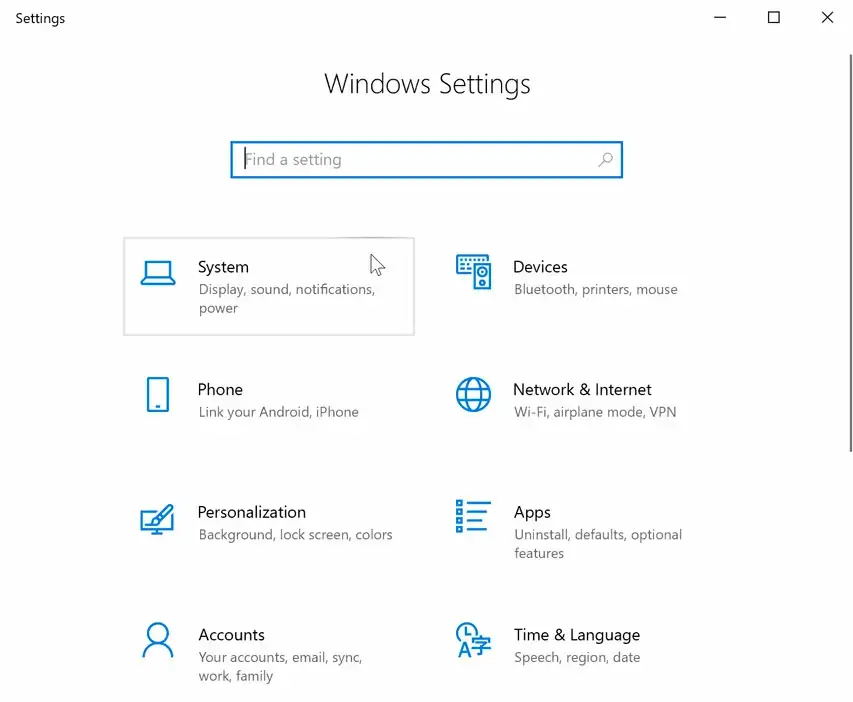
What Windows 10 Looks Like
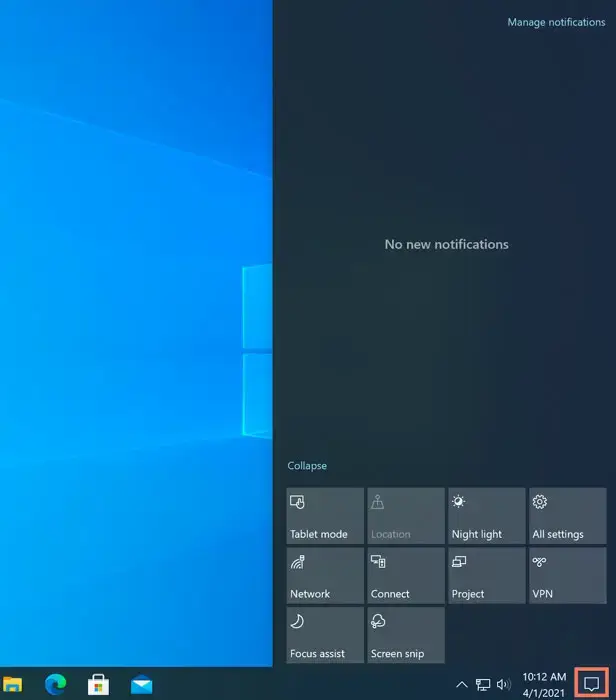
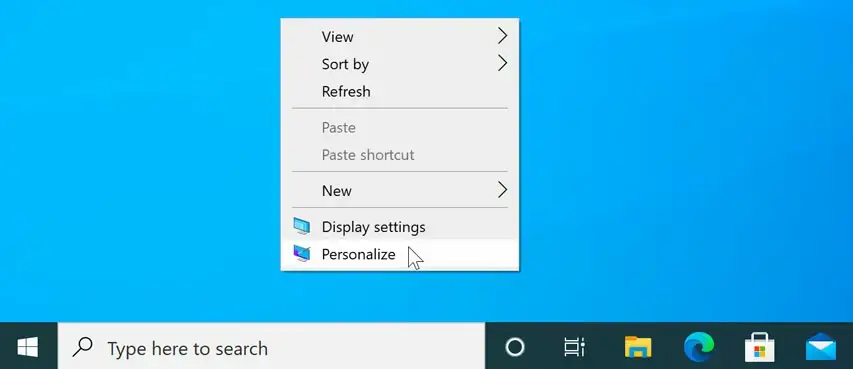
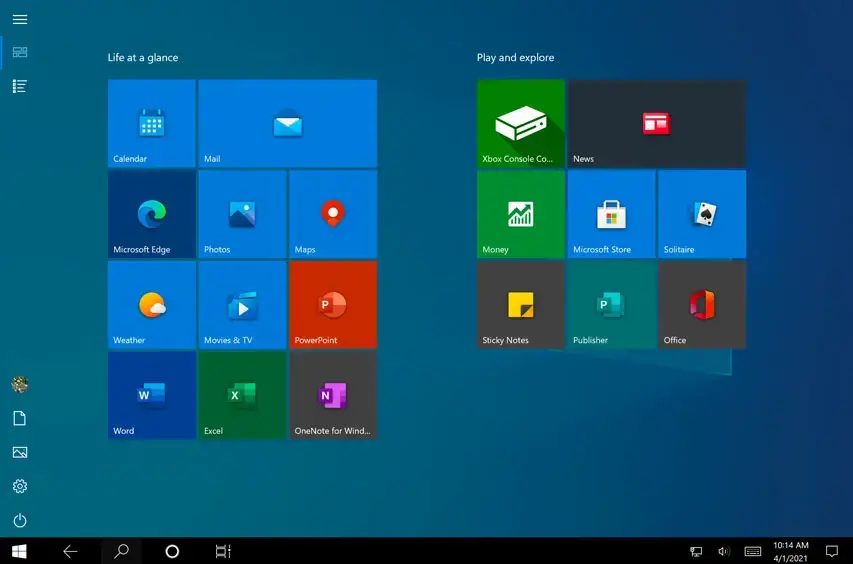
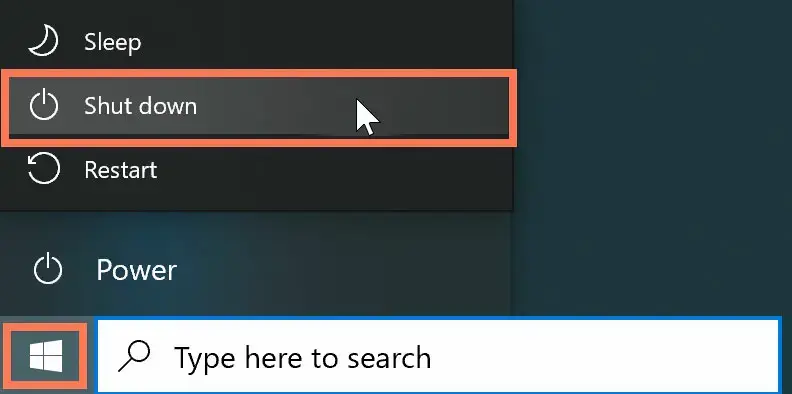
A quick look at the Start menu, taskbar and overall design.
Common Problems and Fixes
Download link expired
Microsoft’s ISO links last 24 hours. Go back to the download page and generate a new one.
Only the update tool shows
Microsoft hides the ISO from Windows browsers. Use the phone view in Method 1, or open the page on a phone or Mac.
Media Creation Tool will not run
Right-click it and select Run as administrator, and check your antivirus is not blocking it.
USB drive will not boot
Rebuild the drive with the Media Creation Tool, and set your PC’s BIOS or UEFI settings to start from USB first.
Slow download
Use a wired connection if you can and pause other large downloads on your network.
Windows is not activated
Enter a valid Windows 10 product key, or sign in with the Microsoft account that holds your digital license, and stay online while it activates.
More Windows software guides: Windows 11 ISO · Upgrade to Windows 11 · Windows 10 Installation Media · Windows 10 Update Assistant · PC Health Check