

Readers like you help support this site. When you make a purchase using links on our site, we may earn an affiliate commission. All opinions remain our own.
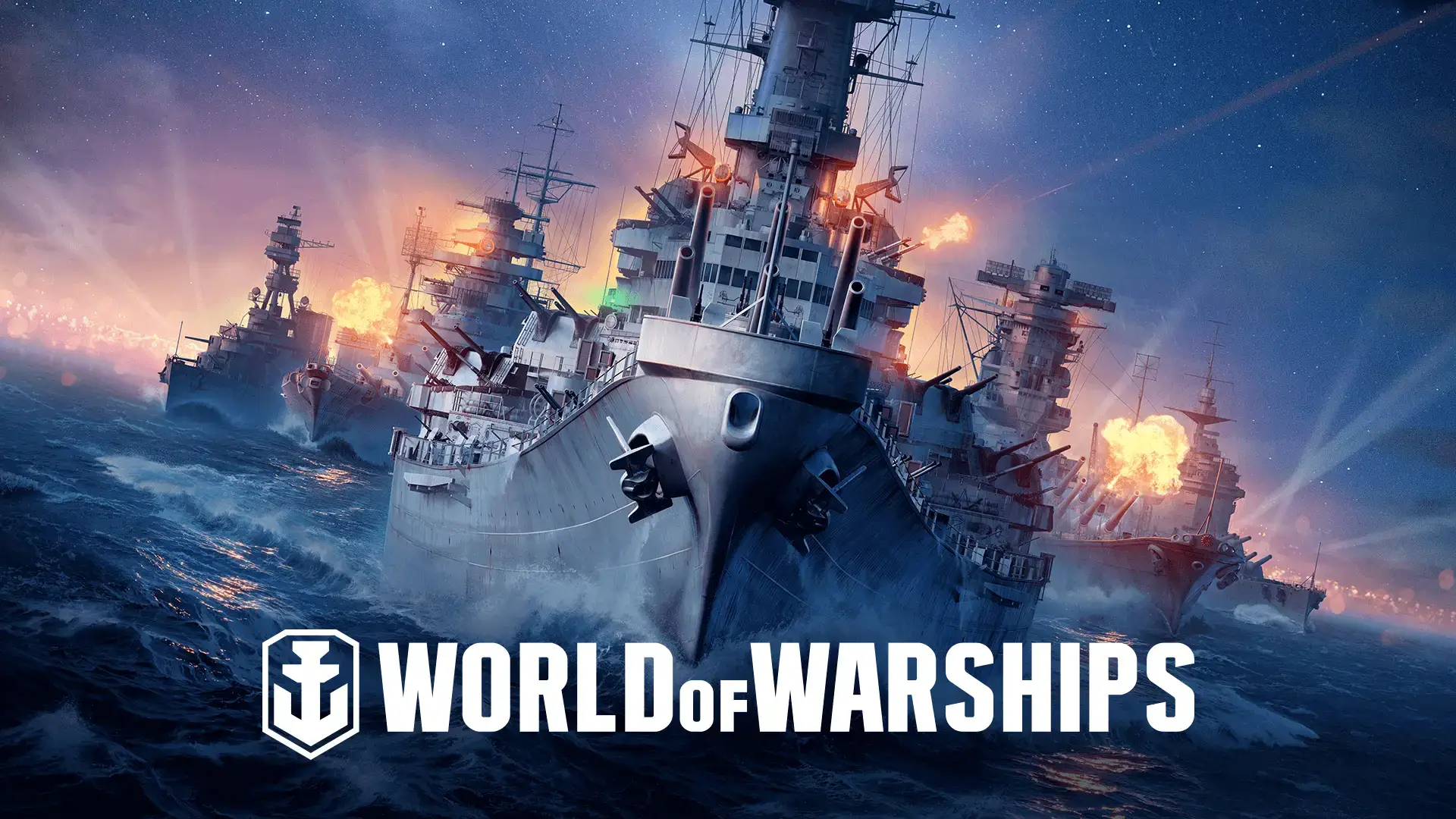
Players command cruisers, destroyers, battleships, and aircraft carriers across cinematic ocean environments. With over 600 ships to unlock, regular updates, and a massive global player base, World of Warships offers deep tactical gameplay for casual and competitive players alike.
If you enjoy strategy, military simulations, or team-based online games, World of Warships is a great fit. This guide explains how to install it on Windows, its key features, beginner tips, screenshots, PC requirements, and official community links.
Download and Install World of Warships on PC
World of Warships is free to download on both Steam and Epic Games. Choose a platform and follow the steps.
- Method: Steam
- Open the store page: World of Warships on Steam.
- Click Play Game to add it to your library.
- Open your Steam Library and click Install.
- Select a drive and wait for the download to complete.
- Click Play once installation is finished.
- Method: Epic Games Store
- Open the store page: World of Warships on Epic Games.
- Click Get to add the game to your account.
- Open the Epic Games Launcher and go to Library.
- Click Install next to World of Warships.
- Launch the game after installation completes.
Get World of Warships on Steam | Get on Epic Games
What is World of Warships?
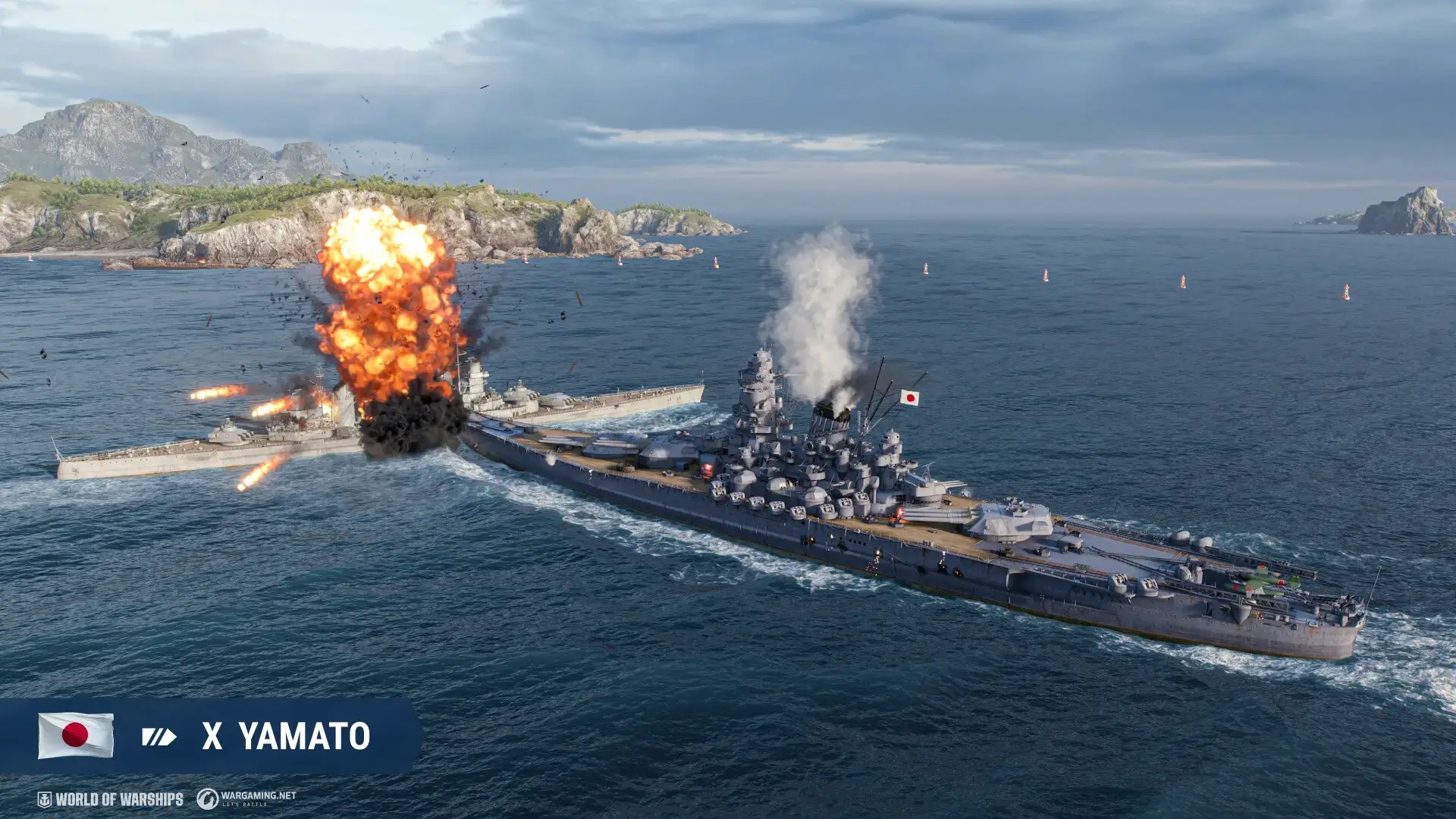
World of Warships is a tactical online action game where players battle using historically inspired warships from the early 20th century. The gameplay emphasizes positioning, awareness, long-range engagements, and teamwork.
You can choose from four main ship classes:
- Destroyers: Fast ships with high stealth and powerful torpedoes.
- Cruisers: Versatile mid-range ships that balance offense and defense.
- Battleships: Heavy hitters with massive armor and long-range firepower.
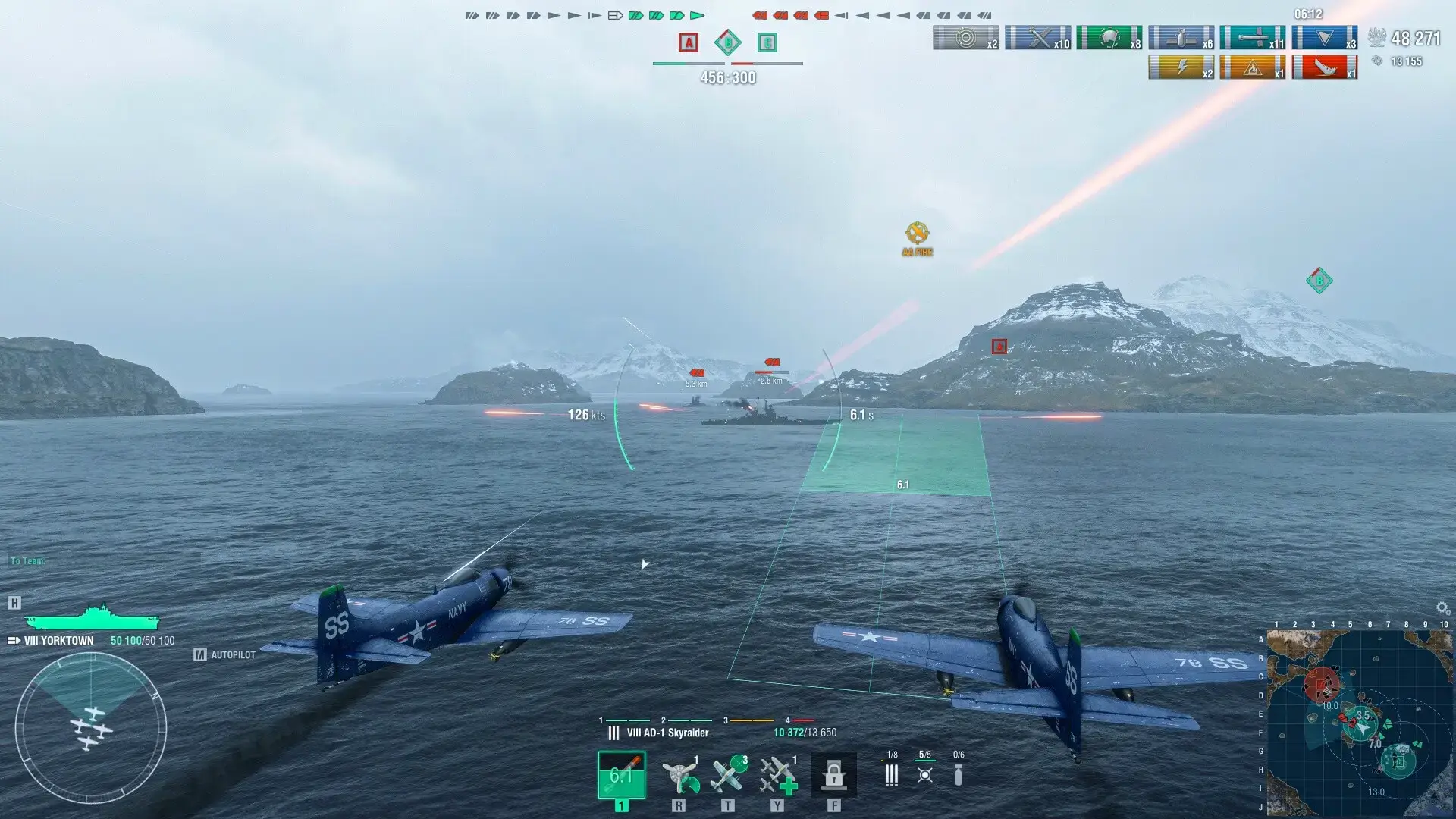
- Aircraft Carriers: Command air squadrons for long-distance tactical attacks.
World of Warships receives frequent updates, new events, seasonal missions, and limited-time collaborations with popular brands and historical organizations.
Key Features
- 600+ Historical Warships: Unlock battleships, cruisers, destroyers, and carriers from global navies.
- Tactical Online Battles: Engage in 12v12 naval combat that rewards strategy, teamwork, and planning.
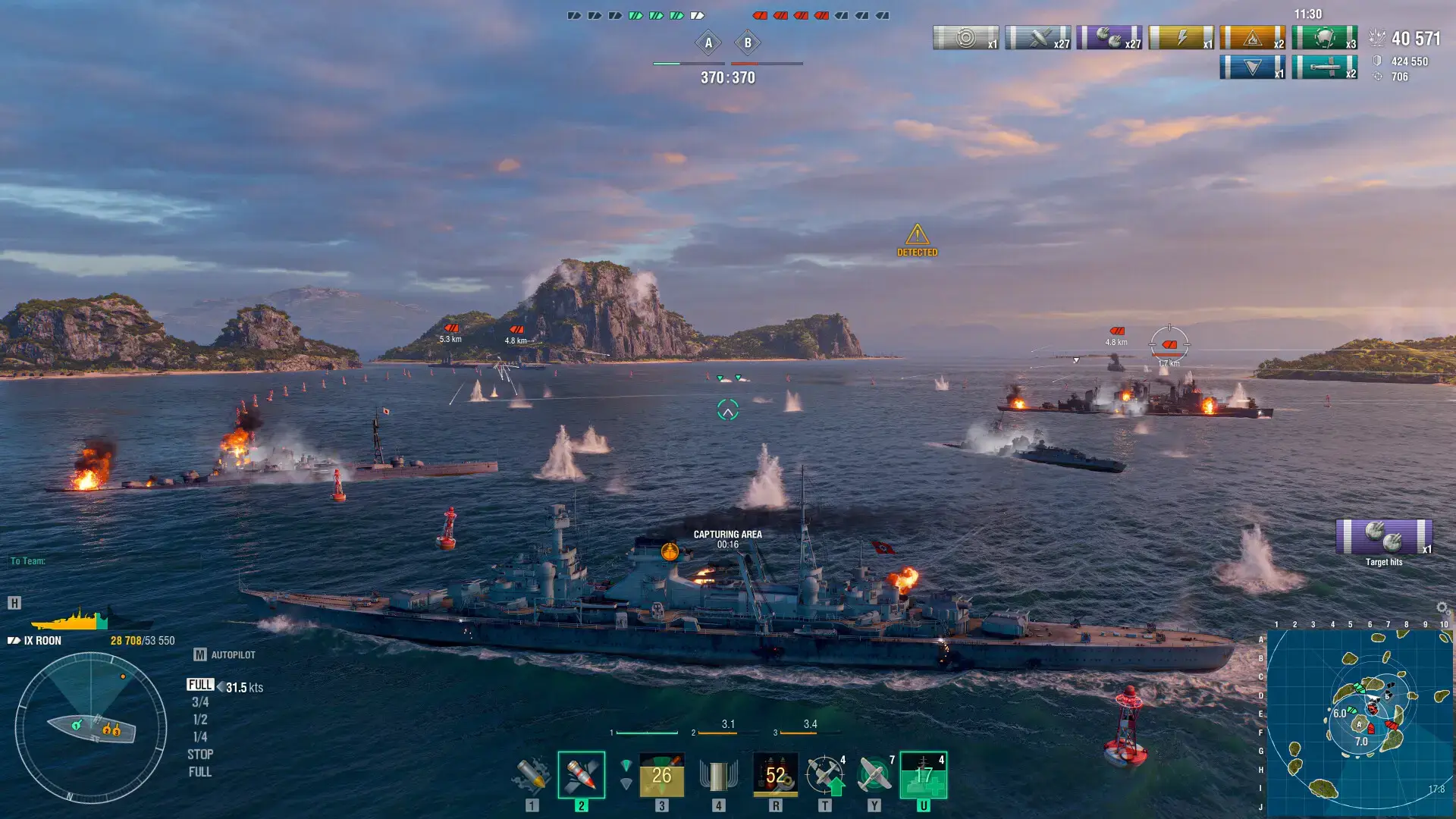
- Realistic Ocean Environments: Fight across detailed maps with storms, islands, and dynamic lighting.
- Regular Updates: Frequent patches, balance changes, events, and seasonal campaigns.
- Progression and Customization: Upgrade ships, research new hulls, and unlock commander skills.
Who Would Like This Game?
World of Warships is ideal for players who enjoy tactical shooters, naval combat, historical military games, or large-scale team battles. Fans of strategy games like War Thunder or Battlefield’s car combat modes will feel right at home.
Why Play on Windows?
Windows provides the best experience thanks to smooth performance, precise mouse aiming, and access to high-end graphics settings. The game runs efficiently on a wide range of hardware and benefits from fast SSD load times and stable multiplayer networking.
Tips for PC Beginners
- Pick a Ship Class You Like: Destroyers are fast, battleships hit hard, cruisers are balanced, and carriers offer unique tactical gameplay.
- Angle Your Armor: Rotate your ship to reduce incoming damage. Avoid showing a broadside.
- Use Islands for Cover: Stay behind terrain when possible to break line of sight and avoid enemy volleys.
- Watch the Minimap: Positioning often matters more than raw firepower.
- Complete Daily Missions: These provide credits, resources, and upgrade materials.
World of Warships Gameplay Screenshots
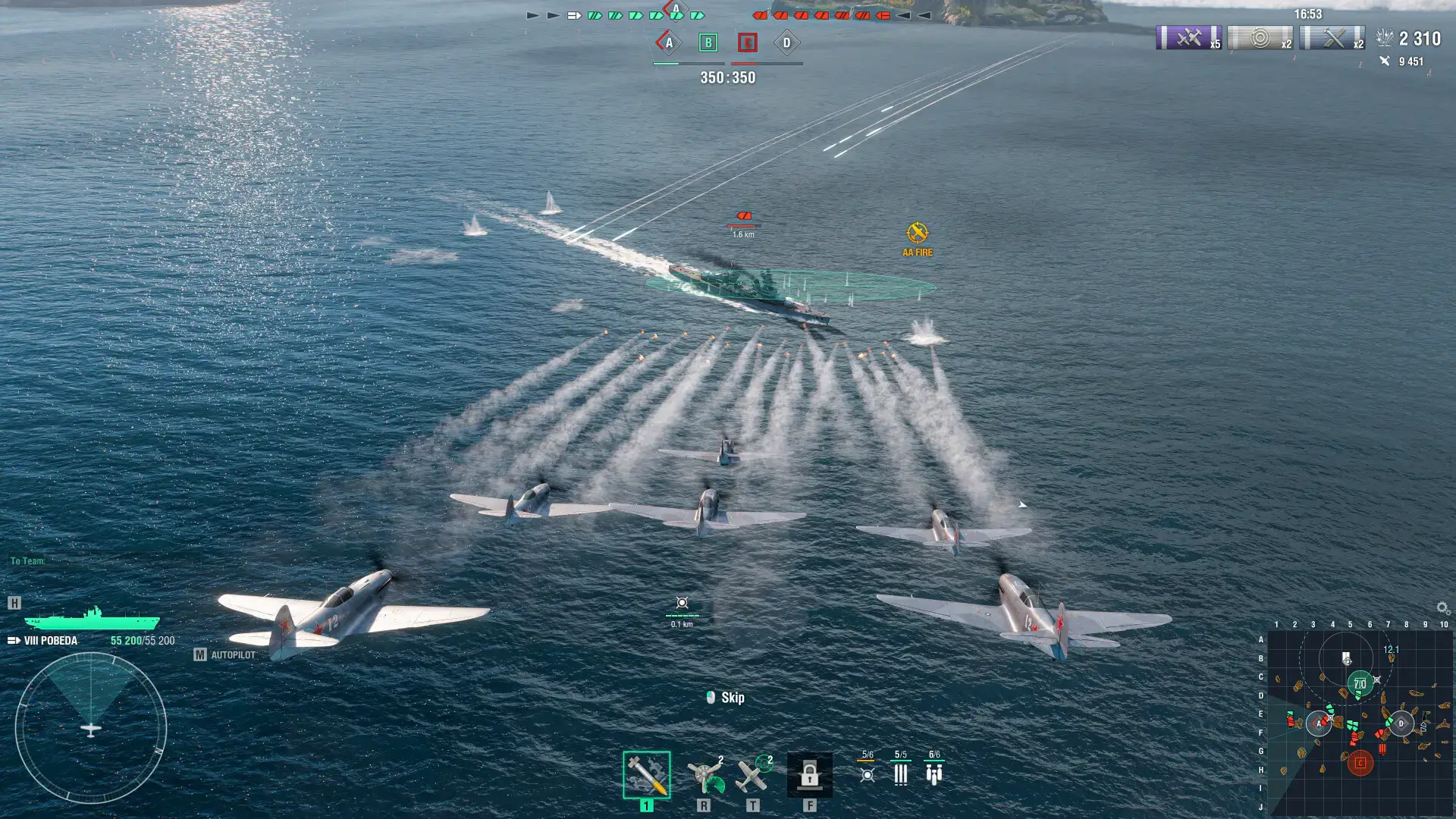
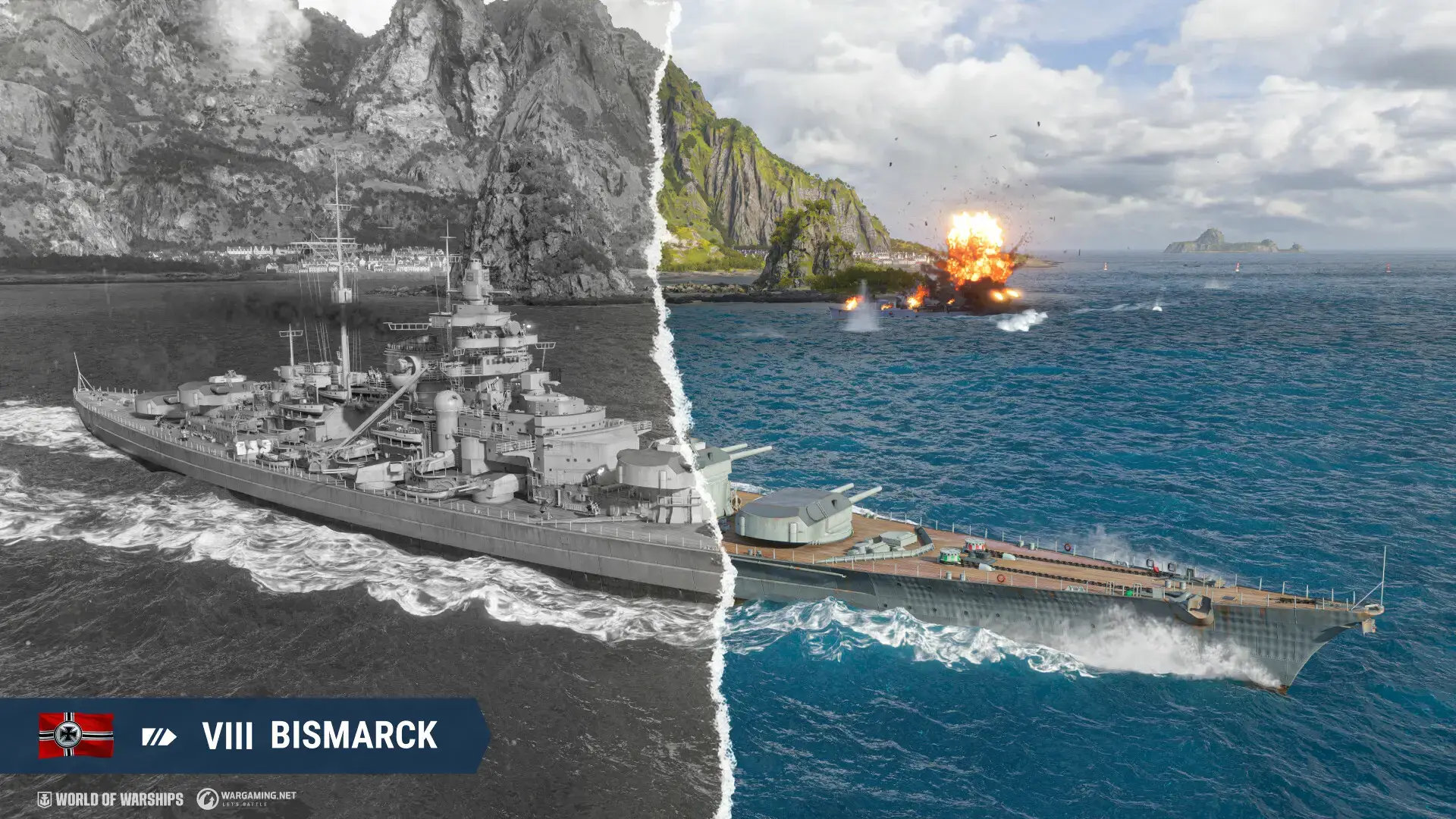

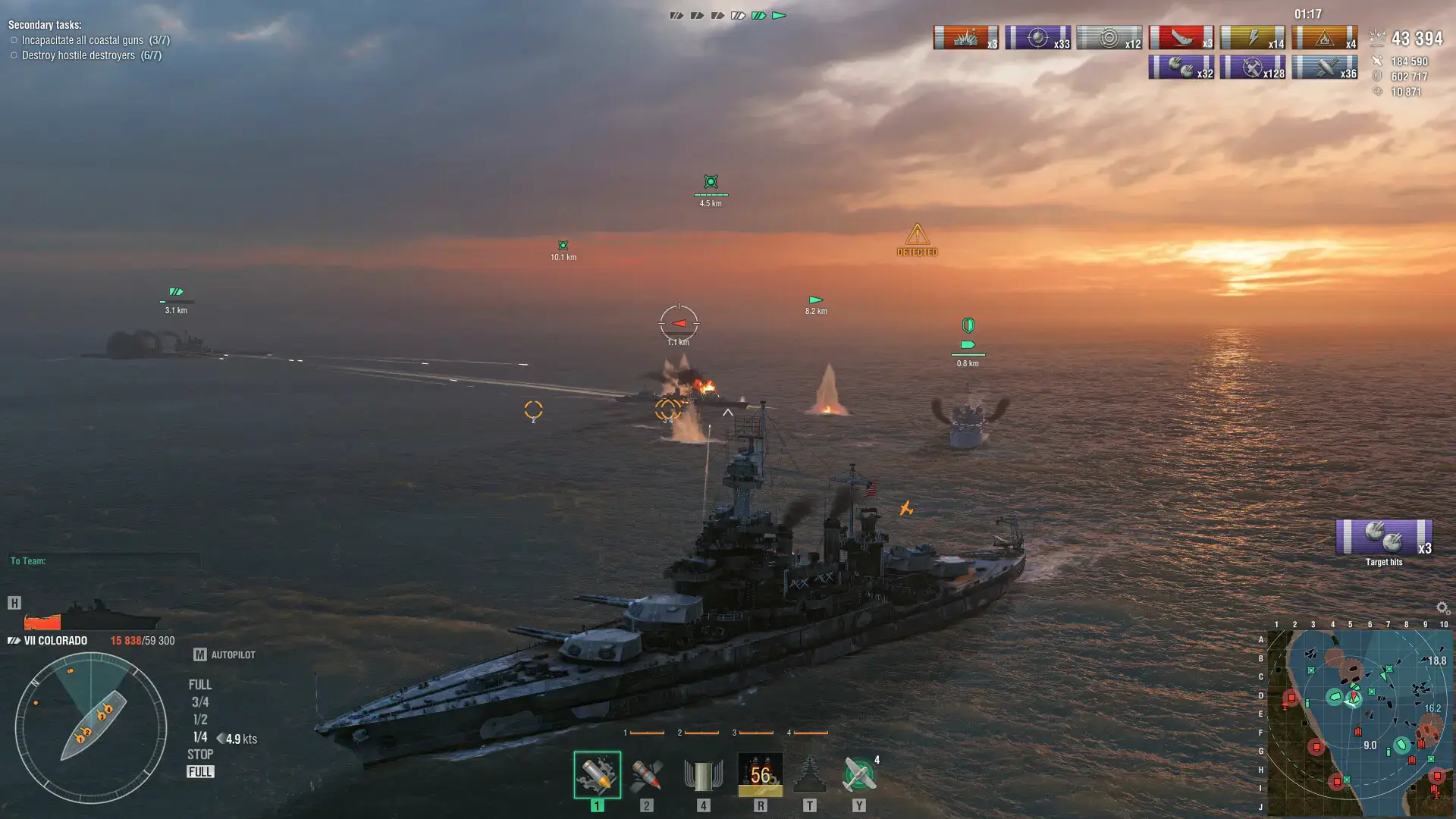
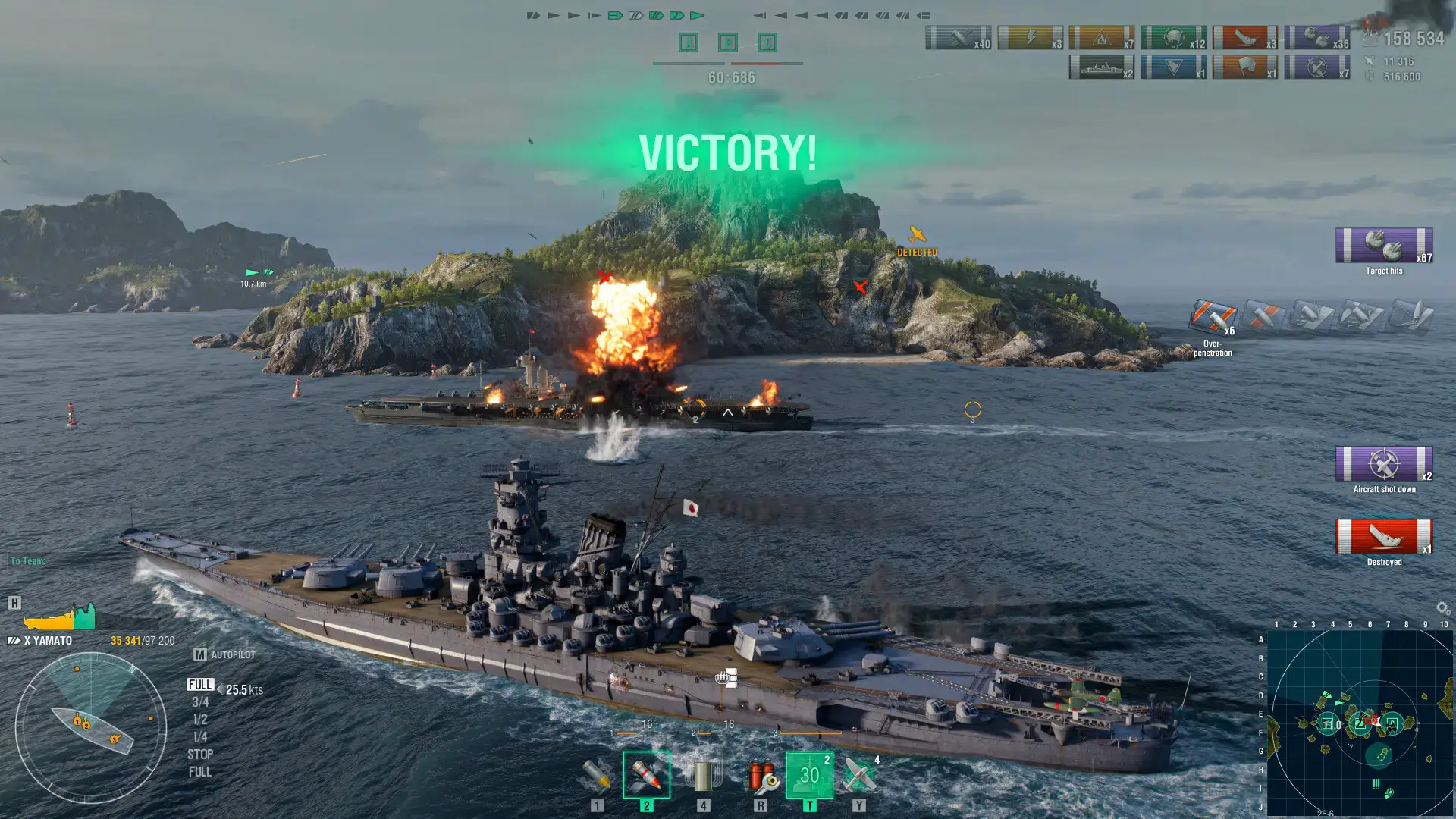
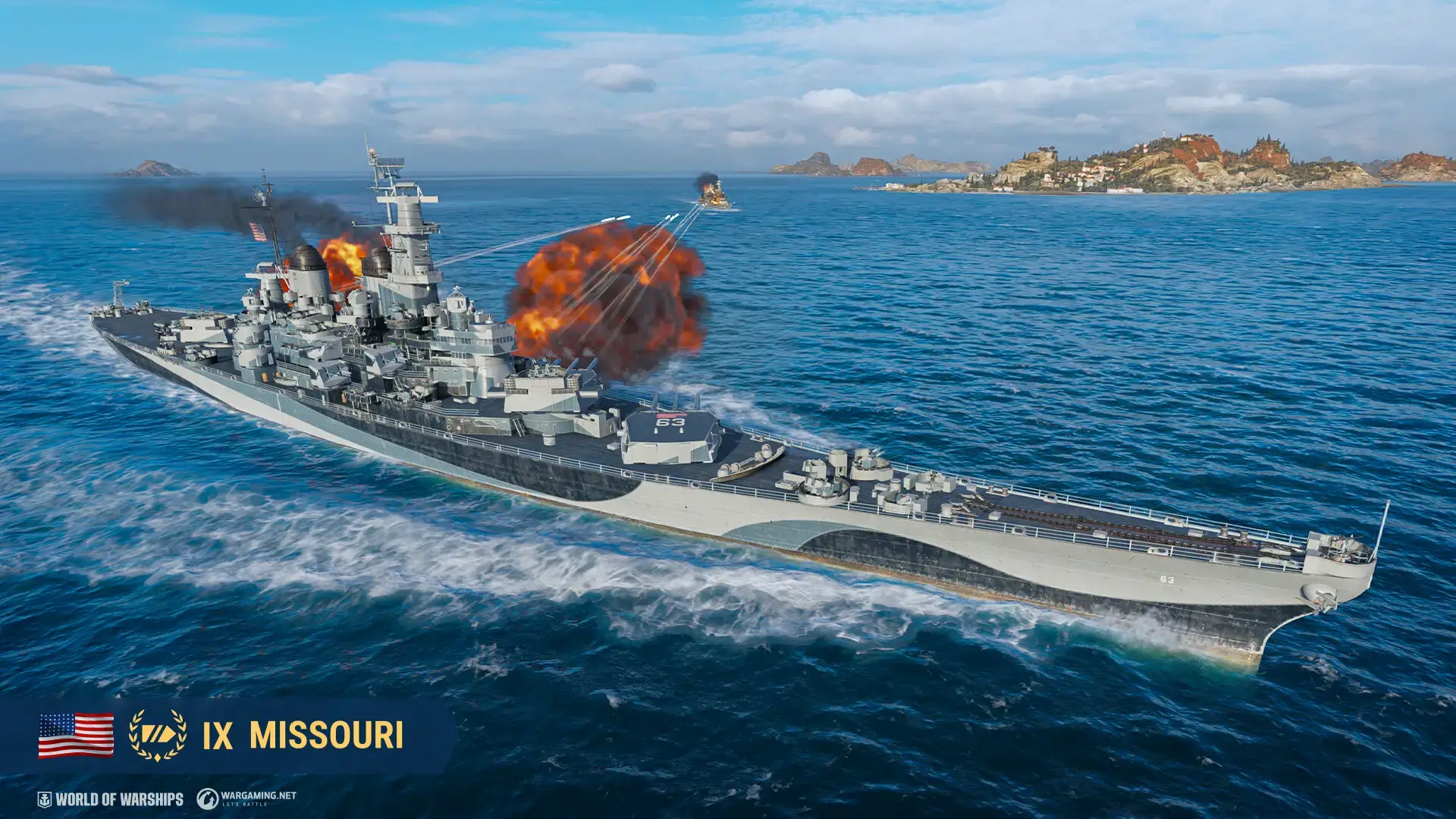
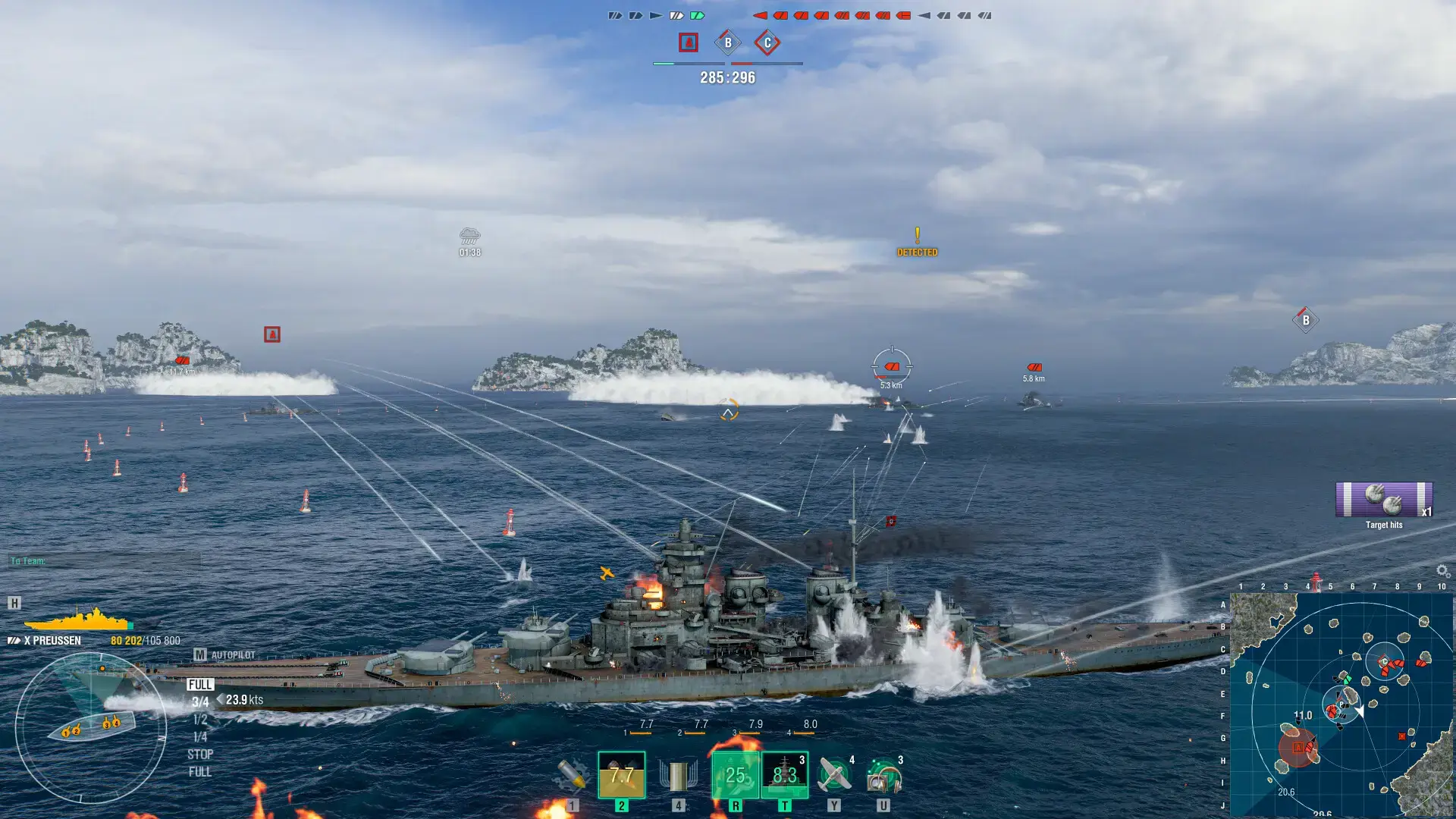
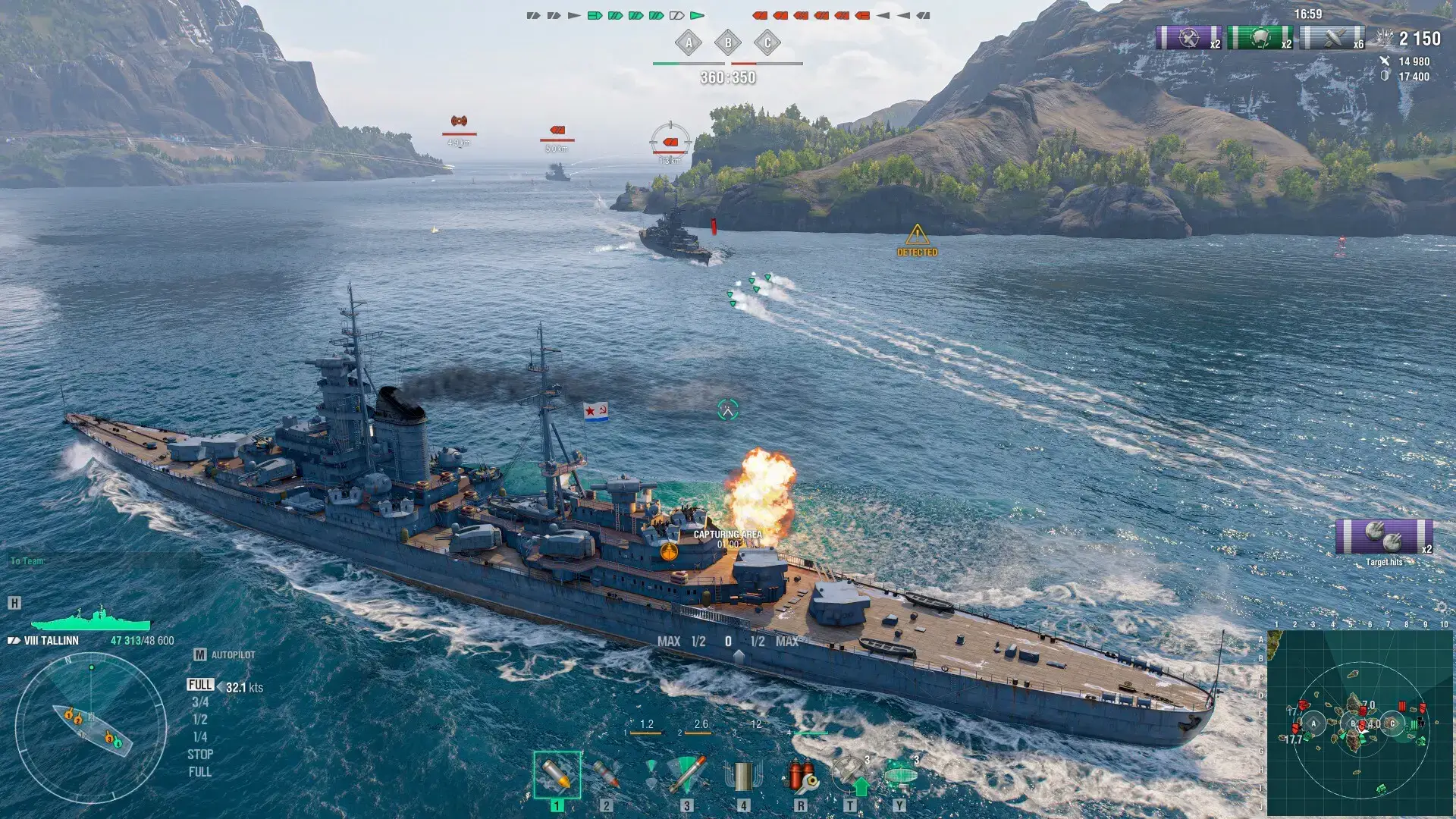
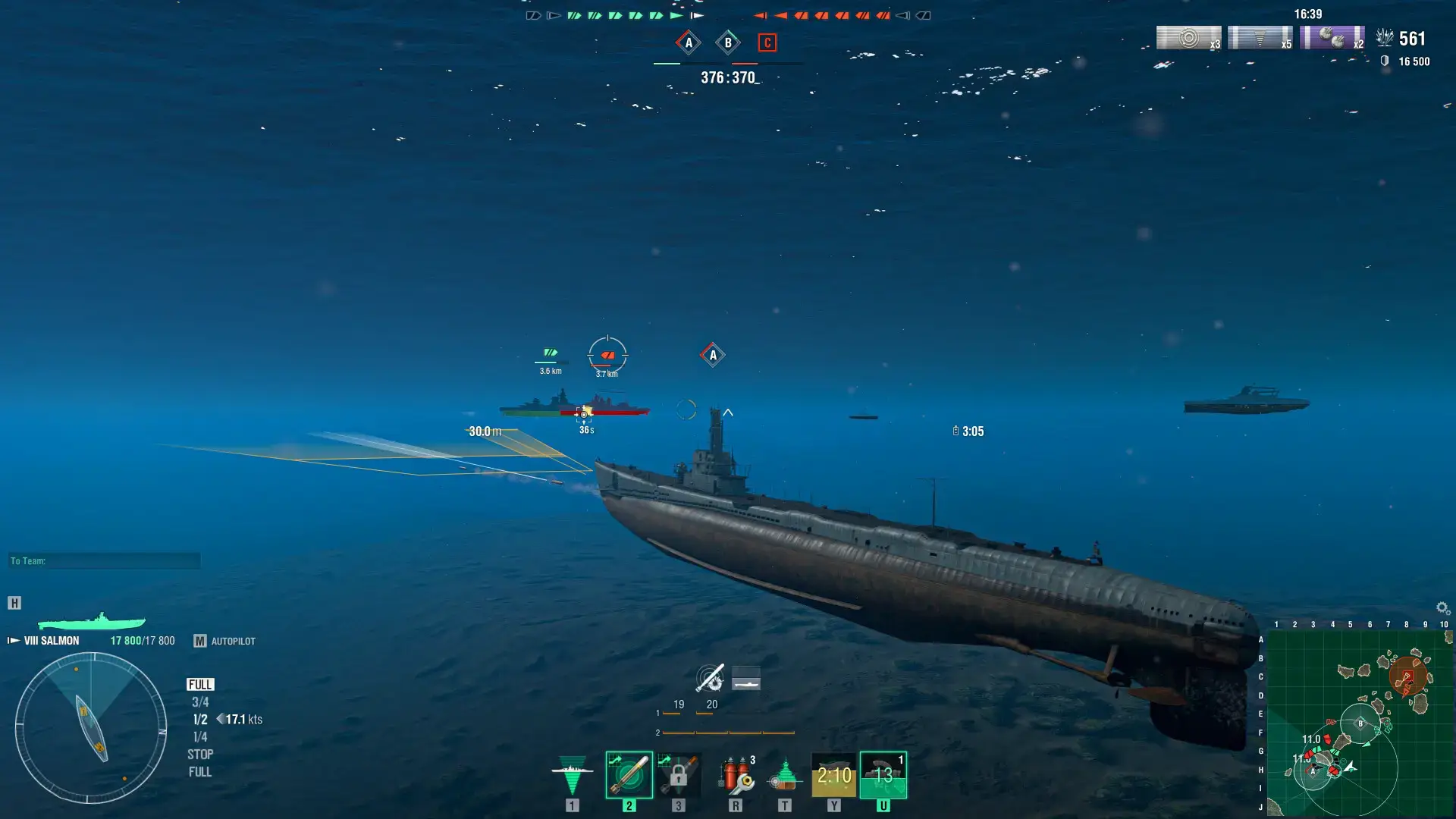
World of Warships Beginner’s Guide
A quick video that shows you the latest tricks and tips on how you can learn and adapt to this game faster.

World of Warships PC Requirements
Minimum:
- OS: Windows 10/11 64-bit
- CPU: Intel Core i3 / AMD FX series
- RAM: 4–8 GB
- GPU: NVIDIA GeForce GT 440 / AMD Radeon HD 6450
- Storage: 70 GB free space (SSD recommended)
Recommended:
- CPU: Intel Core i5 / AMD Ryzen 5
- RAM: 16 GB
- GPU: NVIDIA GeForce GTX 1050 Ti / AMD Radeon RX 570
- Storage: 70 GB SSD
World of Warships on Windows FAQ
- Is it free to play? Yes. The game is free with optional premium ships and cosmetics.
- Does it have single player? The game focuses on online multiplayer but includes co-op battles against bots.
- Is there crossplay? Yes, players across PC platforms can match together.
- Is it pay to win? The community generally considers it fair. Premium ships offer variety, not direct upgrades.
- How big is the player base? World of Warships has millions of active players worldwide.
Support and Community
Explore more Windows games: Best RPG Games · LORT game for PC · Quarantine Zone for PC · Marvel Cosmic Invasion for PC · Best Free Games · Task Force Admiral for PC