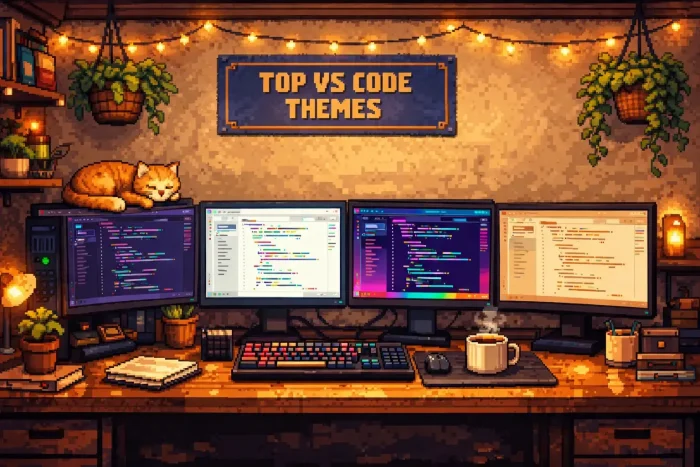
 The best overall dark themes are One Dark Pro and Dracula, while the best light theme is Atom One Light, hands down. If you want something modern and cozy, Catppuccin is the top trending choice.
We tested the top 20 visual studio code themes to help you find the perfect one for your setup. Below, you will find the best options for dark mode, light mode, high-contrast neon, and soft pastel aesthetics.
Did we miss your favorite? Contact us or leave a comment below to let us know.
What are the best VS Code themes?
🌑 Category 1: The Dark Mode Kings
These are the industry standards. They use balanced dark colors that are easy on your eyes, even if you code for 8 hours straight.
1. One Dark Pro
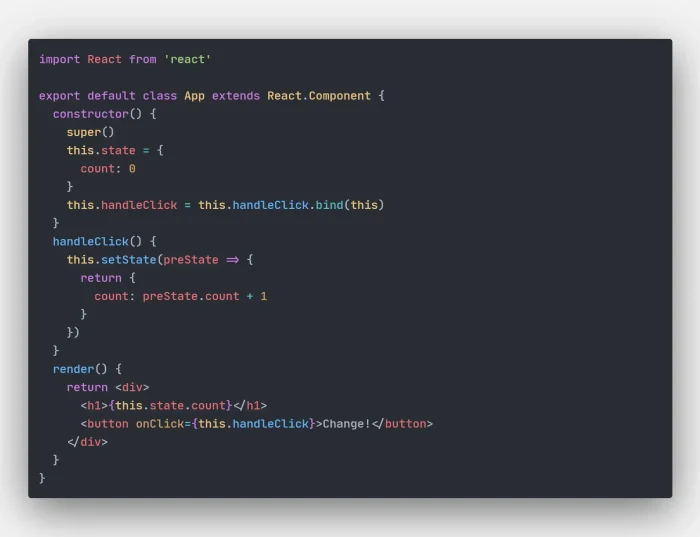
The Definitive Standard. This is the most popular theme for a reason. It uses a soft slate-grey background instead of harsh black. This reduces eye strain and helps you distinguish between different parts of your code easily.
2. Dracula Official
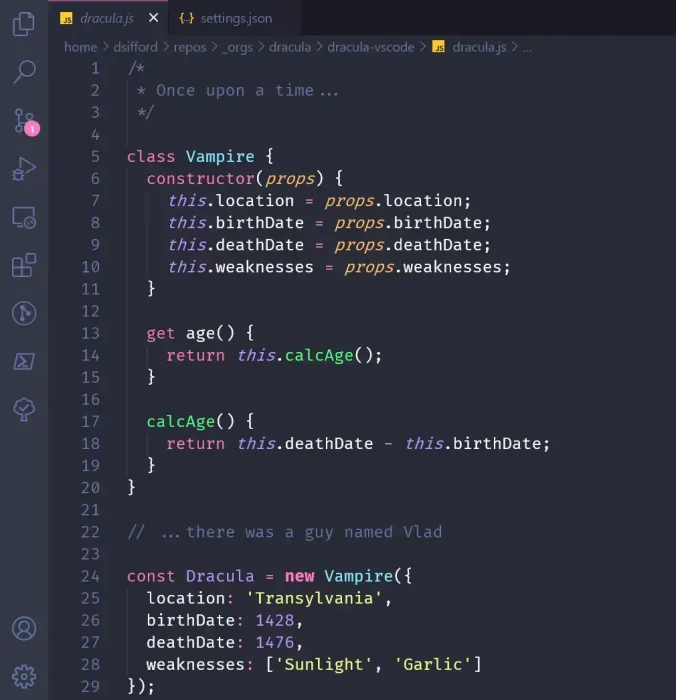
High Contrast & Fun. Dracula replaces boring greys with a deep navy-purple background. It uses bright “candy” colors like pink and green, making it perfect for presentations or screen sharing where visibility is key.
3. GitHub Dark
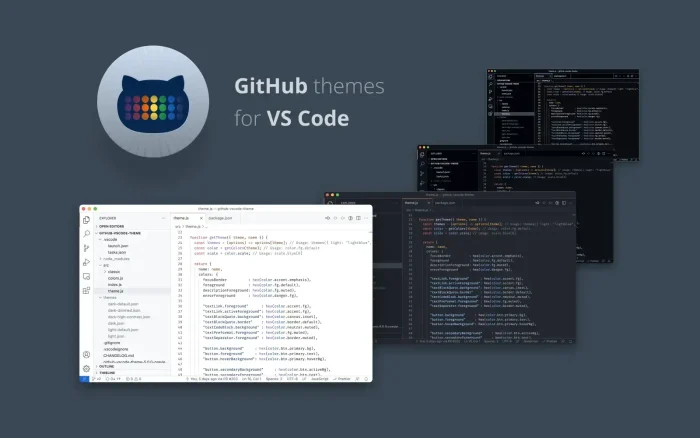
The Professional Choice. If you spend a lot of time on GitHub, this will feel familiar. It mimics the website exactly, so you don’t have to adjust your eyes when switching between your browser and your code.
4. Night Owl
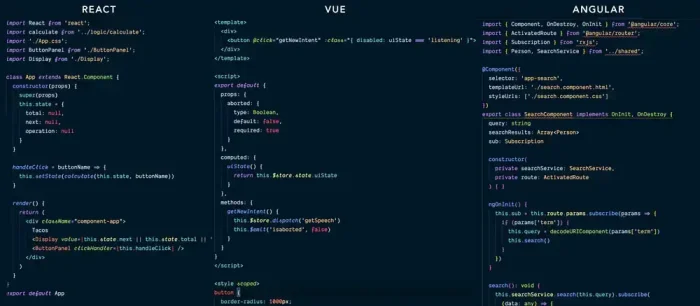
For Late Night Coders. This theme was built specifically for low-light environments. The deep blue background minimizes the amount of harsh light hitting your eyes, helping you sleep better after a late coding session.
5. Tokyo Night
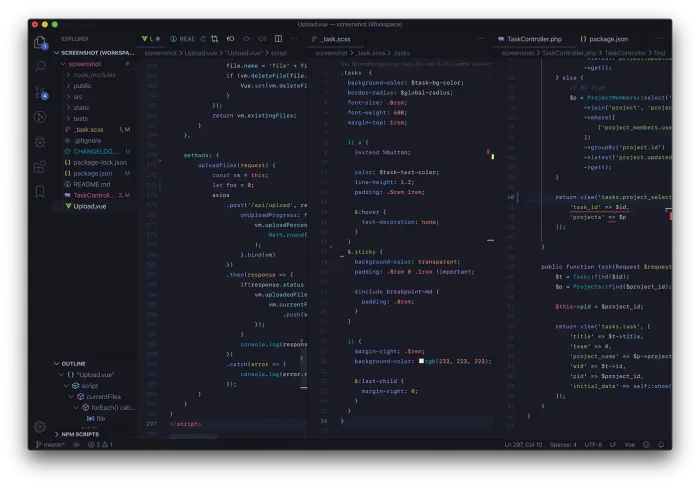
Modern & Moody. Inspired by the lights of downtown Tokyo, this theme mixes deep indigo with soft neon accents. It is very popular with React and Vue developers because it makes complex code structures easy to read.
☀️ Category 2: The Light Mode Defenders
Light mode is not a crime! In bright offices or sunny rooms, a light theme is actually better for your eyes than a dark one.
6. Atom One Light
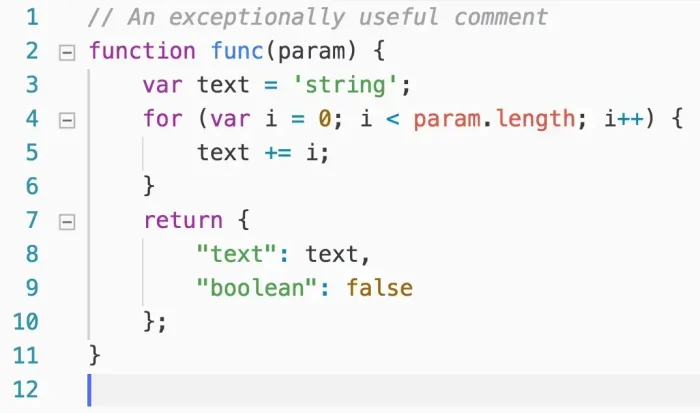
Like Paper. This theme uses a warm white background that mimics a printed sheet of paper. It is clear, sharp, and much easier to read in direct sunlight than any dark theme.
7. Bluloco Light
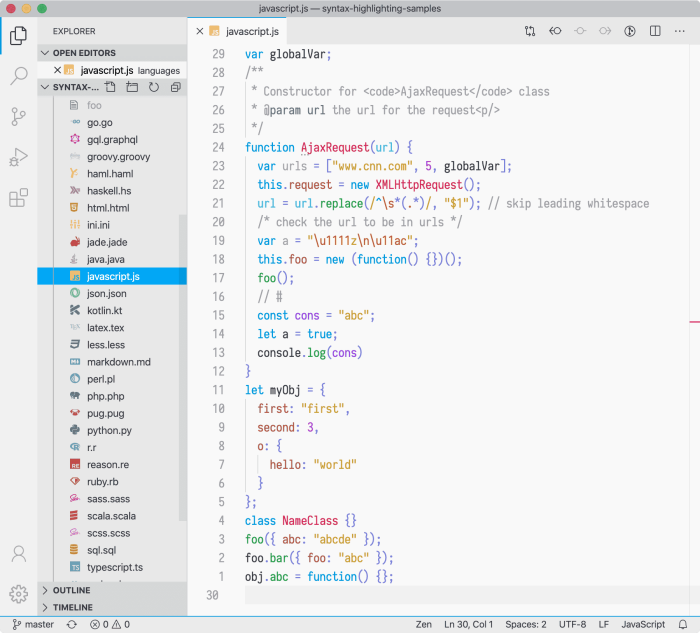
The Designer’s Choice. Often voted as the most beautiful light theme, Bluloco uses a fancy palette of blues and oranges. It keeps your interface clean by hiding unnecessary clutter, letting you focus on the code.
8. Vitesse Light

The Modern Minimalist. Created by open-source legend Anthony Fu, this theme is rapidly gaining popularity for its “breathable” design. It strips away distracting borders and harsh contrast, leaving you with a clean, modern canvas that helps you focus purely on the logic.
9. Winter is Coming (Light)
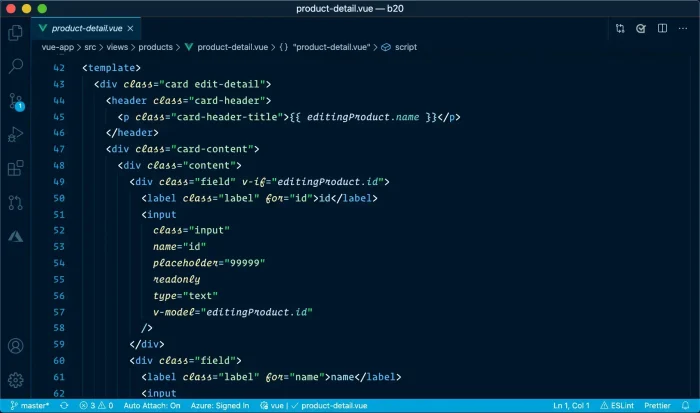
Cold Precision. Unlike other light themes that use warm yellows, this one is cold and sharp. It cuts through bad lighting, making it an excellent choice for classroom projectors.
10. Snazzy Light
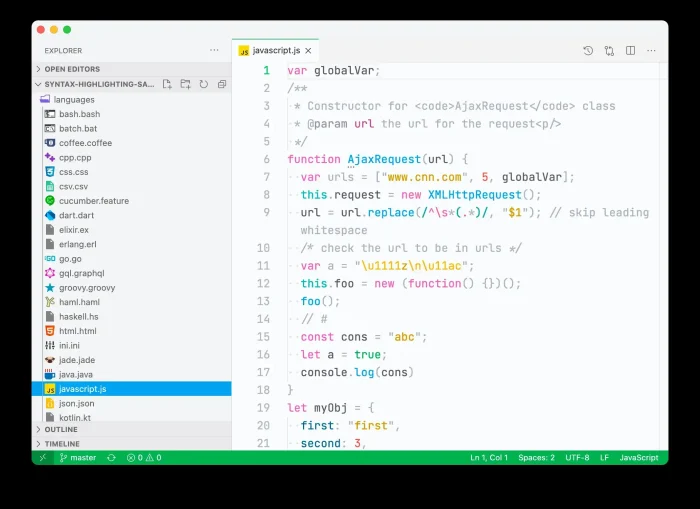
Bright & Fun. Who said light themes have to be boring? Snazzy Light brings the high energy of neon colors to a clean white background. It’s readable, but definitely has personality.
👾 Category 3: Cyberpunk & Neon
Immersive “Hacker” vibes. These themes use high contrast and glowing text. They look amazing on modern OLED screens.
11. SynthWave ’84
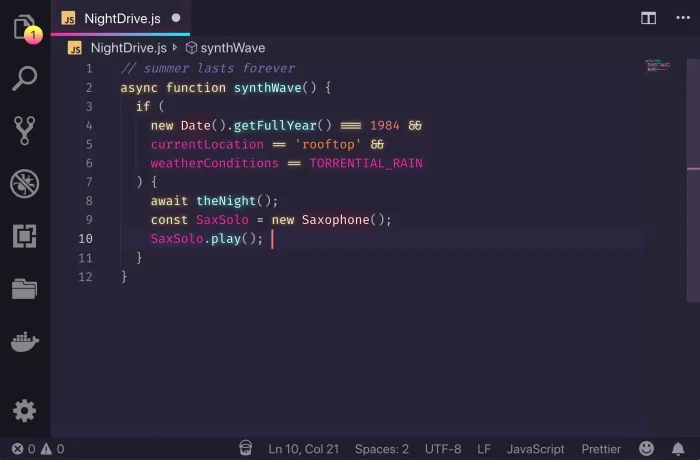
The King of Glow. This theme creates a glowing bloom effect around your text, just like an old-school monitor from the 1980s. It’s pure nostalgia.
12. Cyberpunk 2077
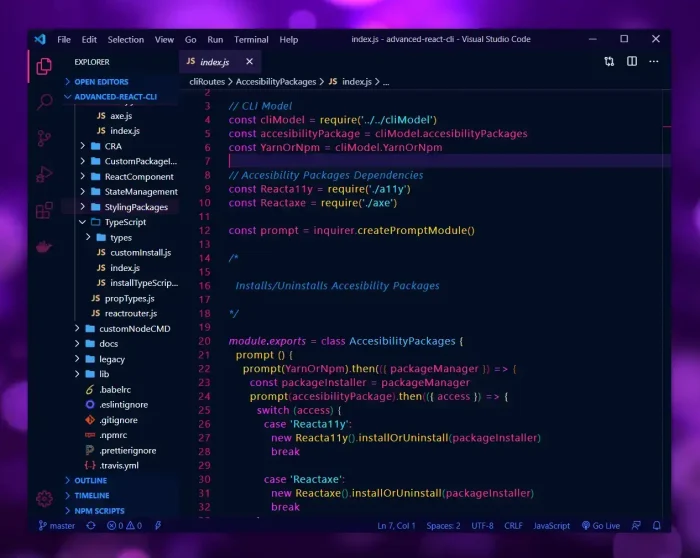
Industrial & Gritty. Blinding bright yellows on a pitch-black background. It looks incredible on OLED screens where the black pixels actually turn off. Great for short bursts of focused coding.
13. LaserWave
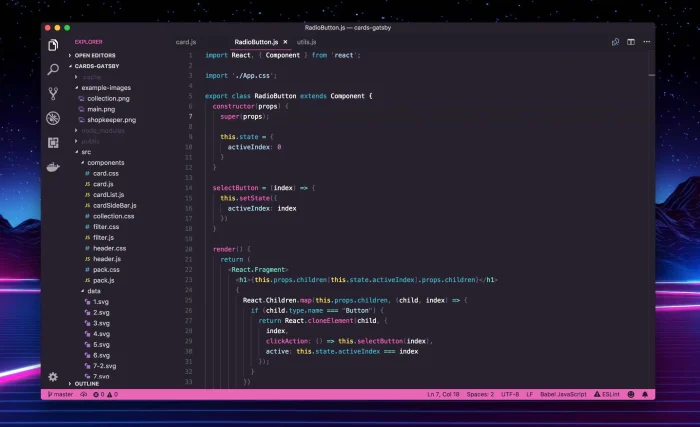
Clean Retro. Love the 80s aesthetic but hate the blurry glow? LaserWave gives you that cool “Outrun” vibe with clean, flat lines. It’s the retro look without the visual noise.
14. Andromeda
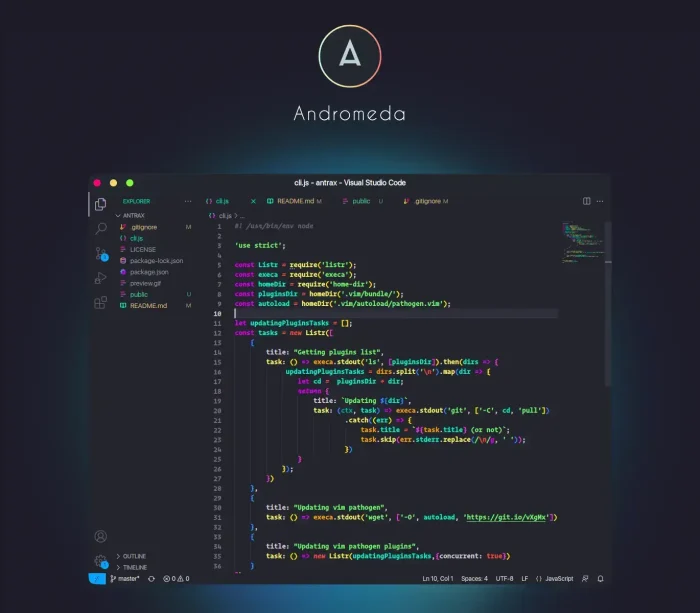
Deep Space Neon. If you want high contrast without the “retro” feel, this is it. Andromeda pairs a deep universe-grey background with piercing neon teal and pink accents. It prevents eye strain while keeping that immersive, high-tech vibe.
15. Shades of Purple
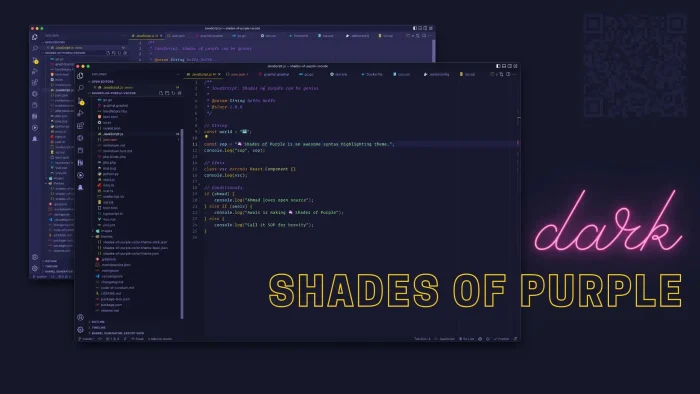
The Professional Neon. A bold, royal purple background with yellow accents. It is highly readable and very popular with Twitch streamers because it stands out clearly on video.
☕ Category 4: Soft, Cozy & Pastel
“Digital Hygge.” These themes use warm colors and lower contrast to reduce anxiety and help you relax while you work.
16. Catppuccin

The 2026 Favorite. This soothing pastel theme has taken the world by storm. It feels like a warm coffee shop, comfortable, inviting, and never harsh. Highly recommended for long coding sessions.
17. Rose Pine
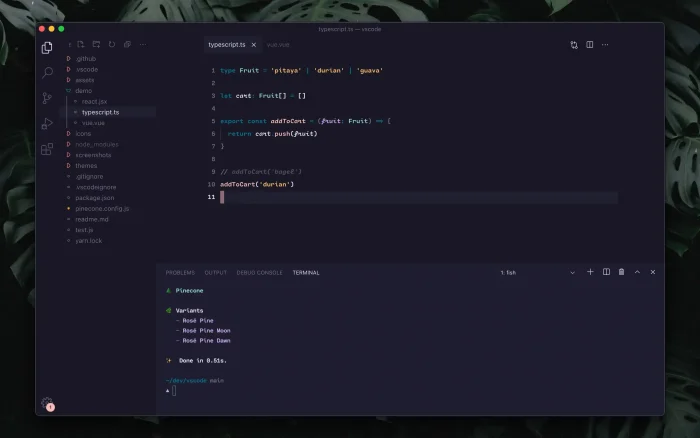
Digital Naturalism. This theme removes almost all blue light from your screen. It uses colors like “Pine” and “Gold” to create a warm, organic feel, like working in a cozy cabin.
18. Kanagawa
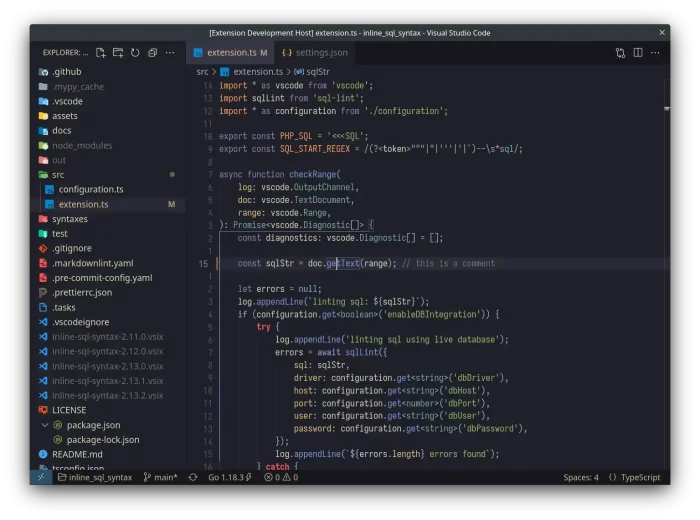
The Masterpiece. Inspired by traditional Japanese art. It uses ink-like greys and parchment whites to make your code look timeless. It’s elegant, robust, and easy to read.
19. Gruvbox Material
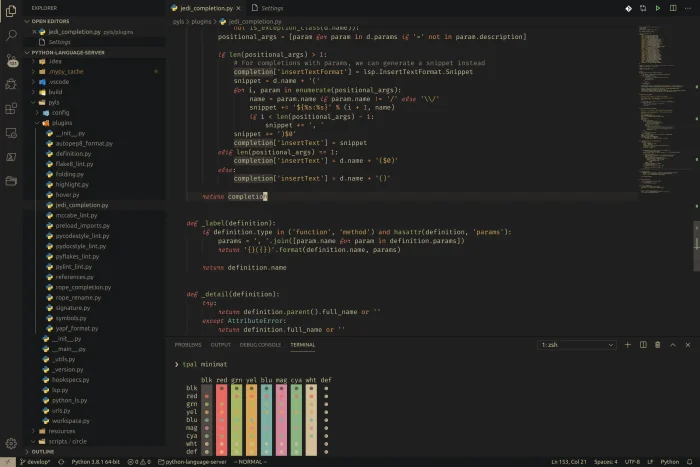
Retro Groove. Earthy greens and reddish-browns give this theme a distinct 1970s feel. It’s perfect if you prefer warmth over the cold blue tones of most modern tech themes.
20. Nord
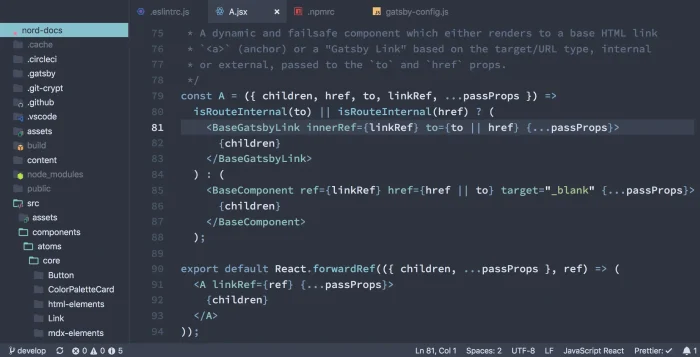
Arctic Chill. A “flat” theme inspired by the Arctic. It is cool, clean, and has low contrast, making it great for focus without the visual noise of other themes.
Want more Visual Studio Code stuff? Check out our VS Code Keyboard Shortcut PDF and download VS Code if you haven’t.
Discover more from Windows Mode
Subscribe to get the latest posts sent to your email.













Add your first comment to this post