

Readers like you help support this site. When you make a purchase using links on our site, we may earn an affiliate commission. All opinions remain our own.


Released by Ubisoft on December 7, 2023, it holds a ‘Mixed’ Steam rating as of March 2025, with the latest Secrets of the Spires DLC dropping November 20, 2024, per Steam.
This guide covers installing Avatar: Frontiers of Pandora on Windows, its key features, and tips for PC beginners. Share your fave Na’vi moment in the comments, or contact us for help.
How to Install Avatar: Frontiers of Pandora on Windows 11 and 10
To play Avatar: Frontiers of Pandora on your Windows PC, download it via Steam or Epic Games Store. Follow the steps below:
- Method 1: Steam
- Visit the Steam page: Steam.
- Click Add to Cart ($69.99 or on sale as of March 2025).
- Sign into your Steam account (or create one).
- Complete the purchase and click Install in your Steam Library.
- Wait for the download to finish (~100 GB with updates).
- Launch the game from your Steam Library or desktop shortcut.
- Method 2: Epic Games Store
- Visit the Epic Games Store page: Epic Games Store.
- Click Get ($69.99 or discounted as of March 2025).
- Sign into your Epic account (or create one).
- Complete the process and click Install in your Epic Library.
- Wait for the download to finish (~100 GB).
- Launch it from your Library or desktop.
Quick Tip: 💡 Bond with your banshee early; it’s key for fast travel and combat.
Get via Steam | Get via Epic Games Store
What is Avatar: Frontiers of Pandora About?
Avatar: Frontiers of Pandora, launched in 2023 by Ubisoft, is an open-world action-adventure for Windows 10 and 11, blending Na’vi exploration with intense combat.
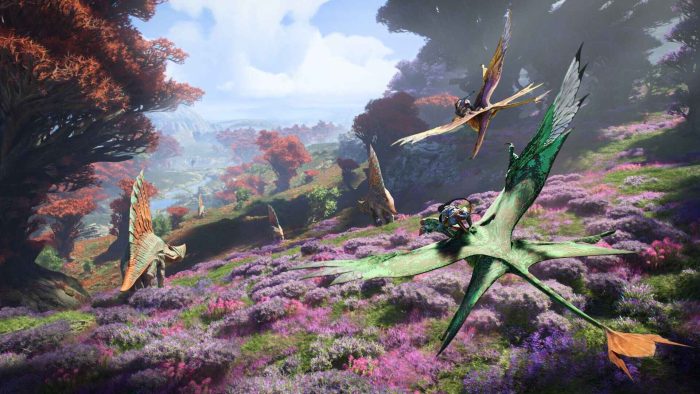
Core Gameplay: Roam Pandora’s Western Frontier, fight the RDA, and master Na’vi skills across vibrant, untamed regions.
Key Features
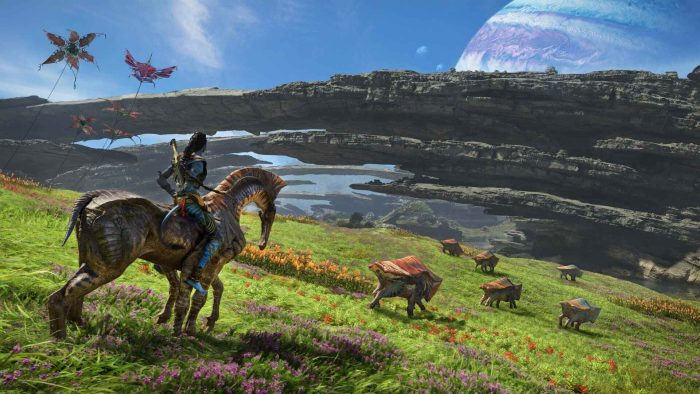
- Open-world exploration
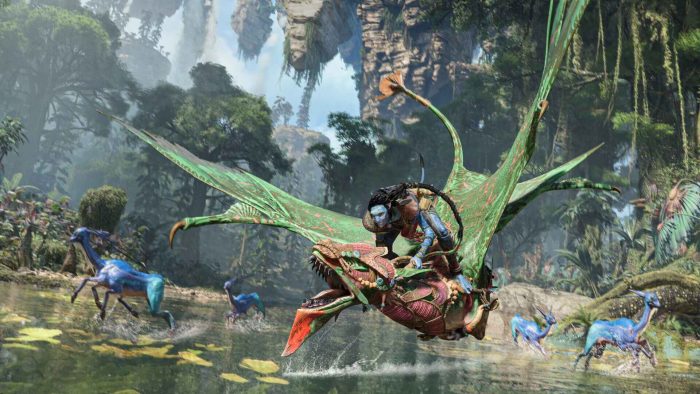
- Banshee flight
- Co-op mode
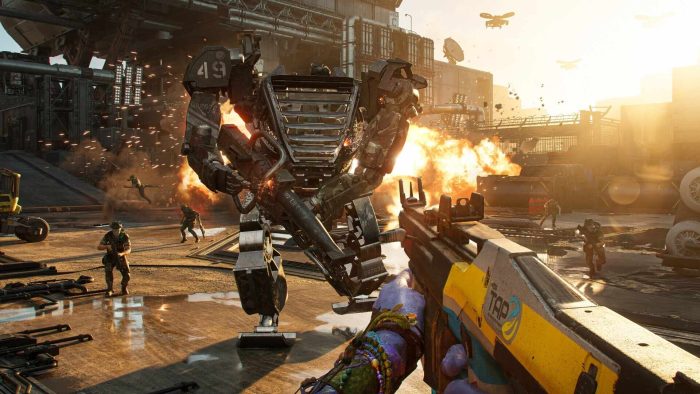
- RDA battles
- Skill crafting
Why Play Avatar: Frontiers of Pandora on Windows?
It’s stunning. Windows 10 and 11 deliver lush visuals, precise controls, and a deep co-op in 2025.
Tips for PC Beginners in Avatar: Frontiers of Pandora
New to Avatar: Frontiers of Pandora on PC? Here are five tips to win:
- Set Keys: Map ‘sprint’ to Shift in Options > Controls for speed.
- Boost FPS: Lower shadows to Medium in Graphics, stays smooth.
- Start Easy: Pick Exploration mode, learn the ropes.
- Mix Weapons: Pair bows with rifles (crafting), hits all foes.
- Use Na’vi Senses: Scan often (keybind), spots resources.
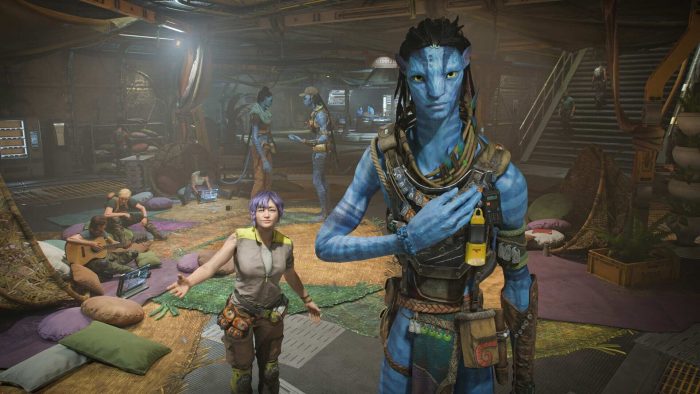
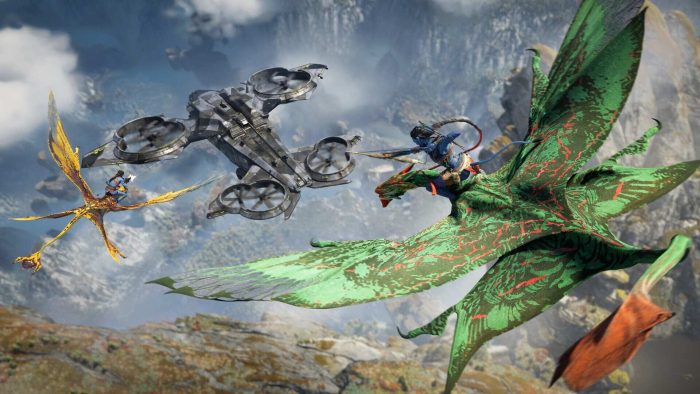
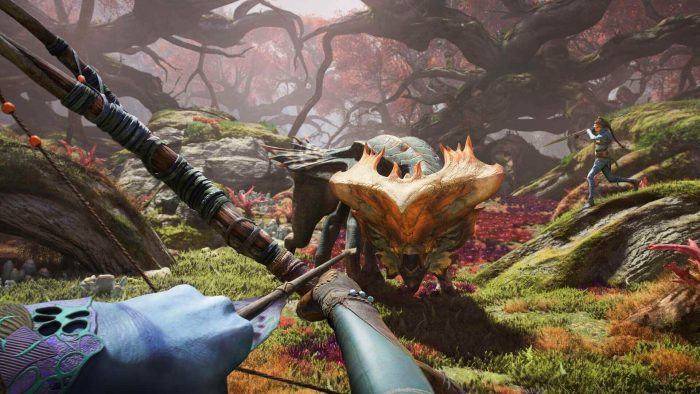
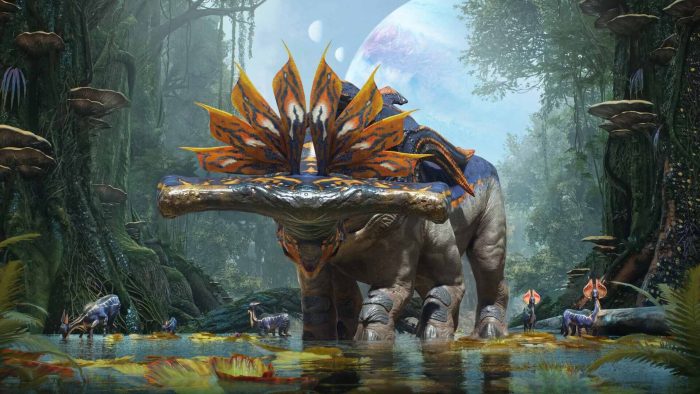
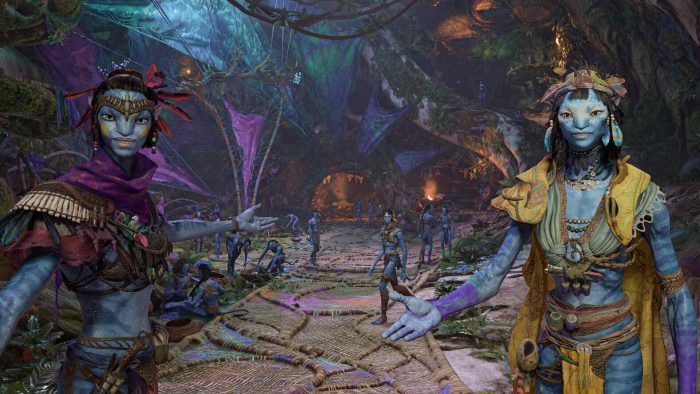
Avatar: Frontiers of Pandora Gameplay Screenshots

Avatar: Frontiers of Pandora Beginners Guide Video
Watch the beginners guide of Avatar: Frontiers of Pandora to get you started:

Avatar: Frontiers of Pandora PC Requirements for Windows
Minimum:
- OS: Windows 10 64-bit
- CPU: AMD Ryzen 5 3600 or Intel Core i7-8700K
- RAM: 16 GB
- Storage: 100 GB free (SSD required)
- GPU: AMD RX 5700 or NVIDIA GTX 1070
- DirectX: Version 12
Recommended:
- OS: Windows 11 64-bit
- CPU: AMD Ryzen 7 5800X3D or Intel Core i5-11600K
- RAM: 16 GB
- Storage: 100 GB SSD
- GPU: AMD RX 6800 XT or NVIDIA RTX 3080
- DirectX: Version 12
Avatar: Frontiers of Pandora on Windows FAQ
- Is it free? No, it’s $69.99 (often discounted).
- Can I play offline? Yes, after initial setup.
- Does it run on Windows 11? Yes, fully optimized.
- What’s the download size? ~100 GB with updates.
Support and Community
Explore More Windows Games: Best Anime Games, Best Adventure Games, Download Genshin Impact.