Readers like you help support this site. When you make a purchase using links on our site, we may earn an affiliate commission. All opinions remain our own.
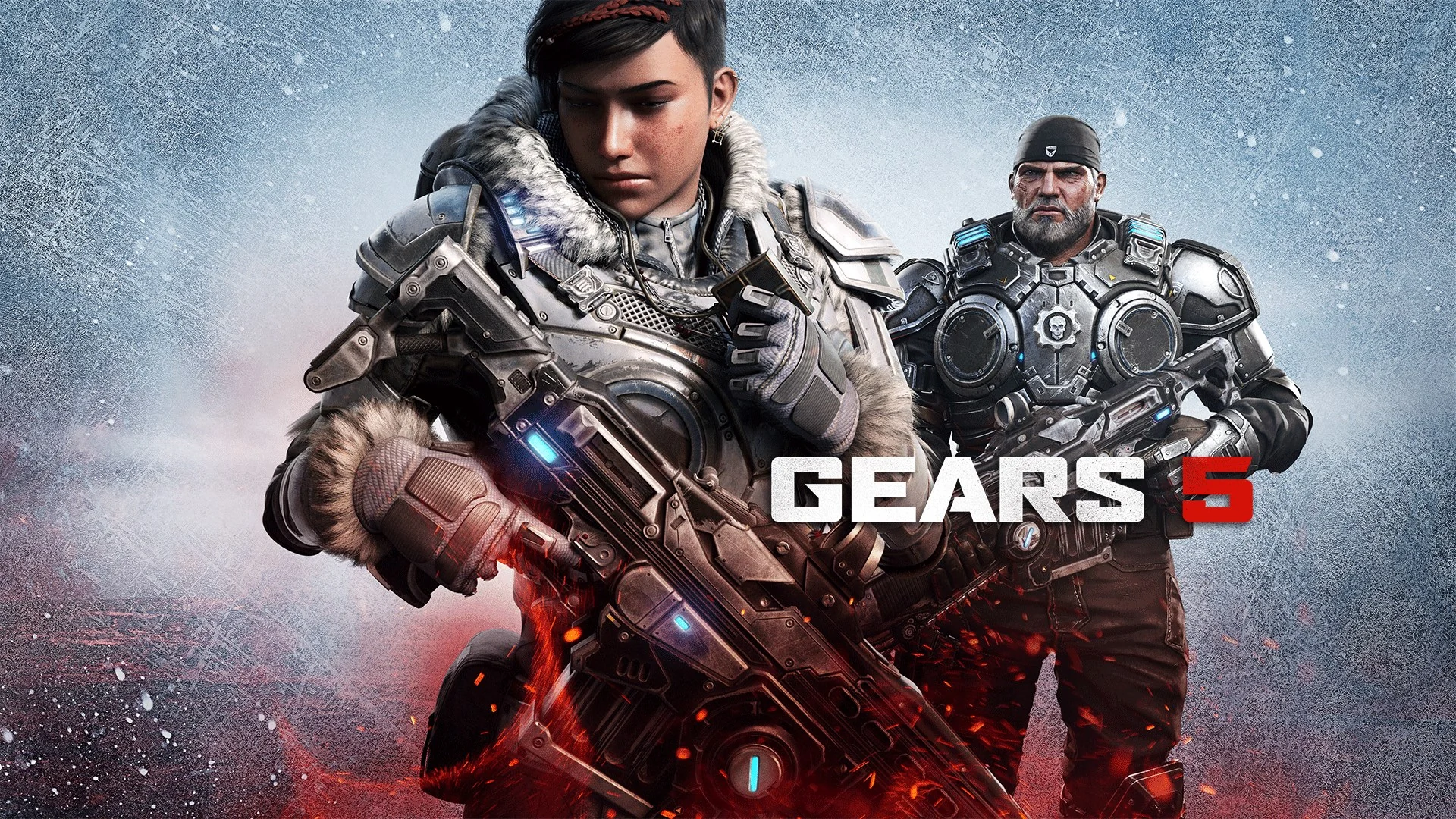
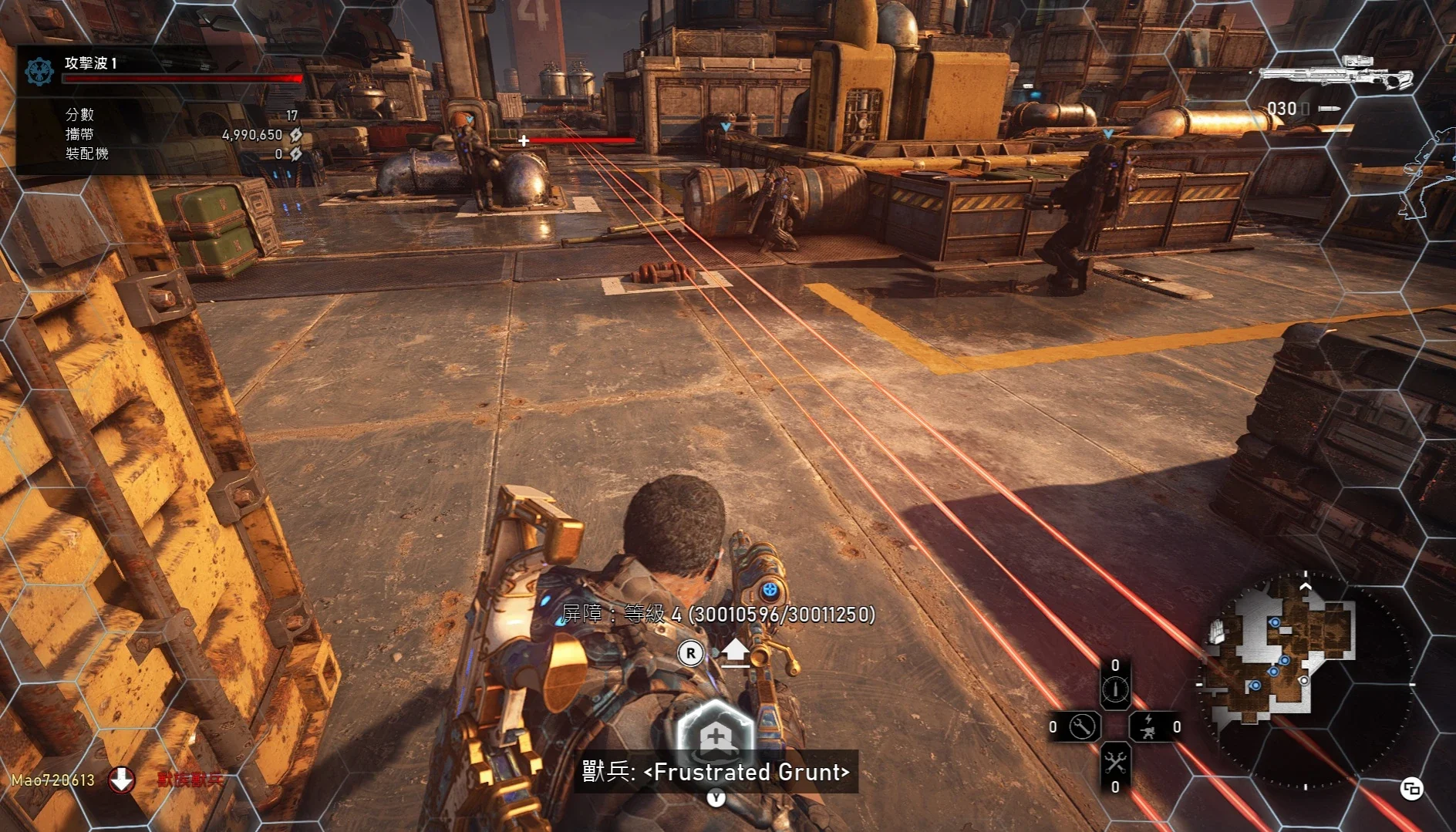
Gears 5 on PC. Click to open it full size.
New in the series: Gears of War: E-Day is a prequel set on the day the Locust first attacked, with a young Marcus and Dom. Our guide covers how to get it on PC.
Gears 5 is a third-person shooter for PC from The Coalition, available on Steam and the Xbox app. You play Kait Diaz as she goes looking for the truth about her family and its link to the Locust. You fight from cover with your squad, and parts of the campaign open up into large areas you cross on a wind-powered skiff.
It is the fifth main game in the series and picks up right after Gears of War 4. The whole campaign can be played in three-player co-op, online or split-screen. Horde, Escape and Versus give you plenty to do after the credits.
It launched on September 10, 2019 for PC and Xbox, published by Xbox Game Studios. The Game of the Year Edition is part of PC Game Pass. On PC it runs on modest hardware by today’s standards and needs 80 GB of space.
Already playing? Tell us which part of the campaign you liked best. Got questions before buying? Reach out to us directly.
What You Need to Know
- On PC it is sold on Steam and in the Xbox app (the Microsoft Store). It is not on the Epic Games Store.
- PC Game Pass includes the Game of the Year Edition, with the Hivebusters expansion.
- Steam lists an Xbox profile as required, so you sign in with a Microsoft account.
- Online co-op and multiplayer have crossplay with Xbox players.
- Steam lists in-app purchases.
Quick Facts


How to Download Gears 5 on Windows
You can buy it on Steam or in the Xbox app, or play it through PC Game Pass. These steps use Steam.
- Step 1. Install Steam. Download it from the Steam website and sign in.
- Step 2. Open the store page. Go to Gears 5 on Steam.
- Step 3. Pick an edition. Choose the standard game or the Game of the Year Edition and finish checkout.
- Step 4. Install it. Find it in your Library and click Install. It needs 80 GB.
- Step 5. Launch it and sign in to your Microsoft account. Steam lists an Xbox profile as required.
💡 Your PC is too weak? Cloud gaming is an option. Try Boosteroid.
Have Game Pass? Open the Xbox app on your PC, search for Gears 5 and click Install. Game Pass carries the Game of the Year Edition, so Hivebusters is included. You can also buy the game on its Xbox store page.
Gears 5 Editions and Price
There are two editions. Both include the full campaign, Horde, Escape and Versus. The Game of the Year Edition adds the Hivebusters expansion and some extras.
Prices are the US list prices on Steam, with regional prices elsewhere. Already own the standard game? Hivebusters is also sold on its own for $19.99.
☁️ Your PC is too weak? Cloud gaming is an option.
Gears 5 is on Boosteroid, which runs the game on its own hardware and streams it to you. Boosteroid lists the Xbox PC version, so you need the game in your Xbox account rather than on Steam. Use a wired connection or strong Wi-Fi, since a laggy stream makes cover shooting hard.
What Is Gears 5?
Gears 5 picks up after Gears of War 4. The Swarm is spreading across Sera, and Kait Diaz keeps having nightmares about the Locust. Kait sets out to learn where her family came from, and what she finds ties her to the enemy she has fought her whole life.
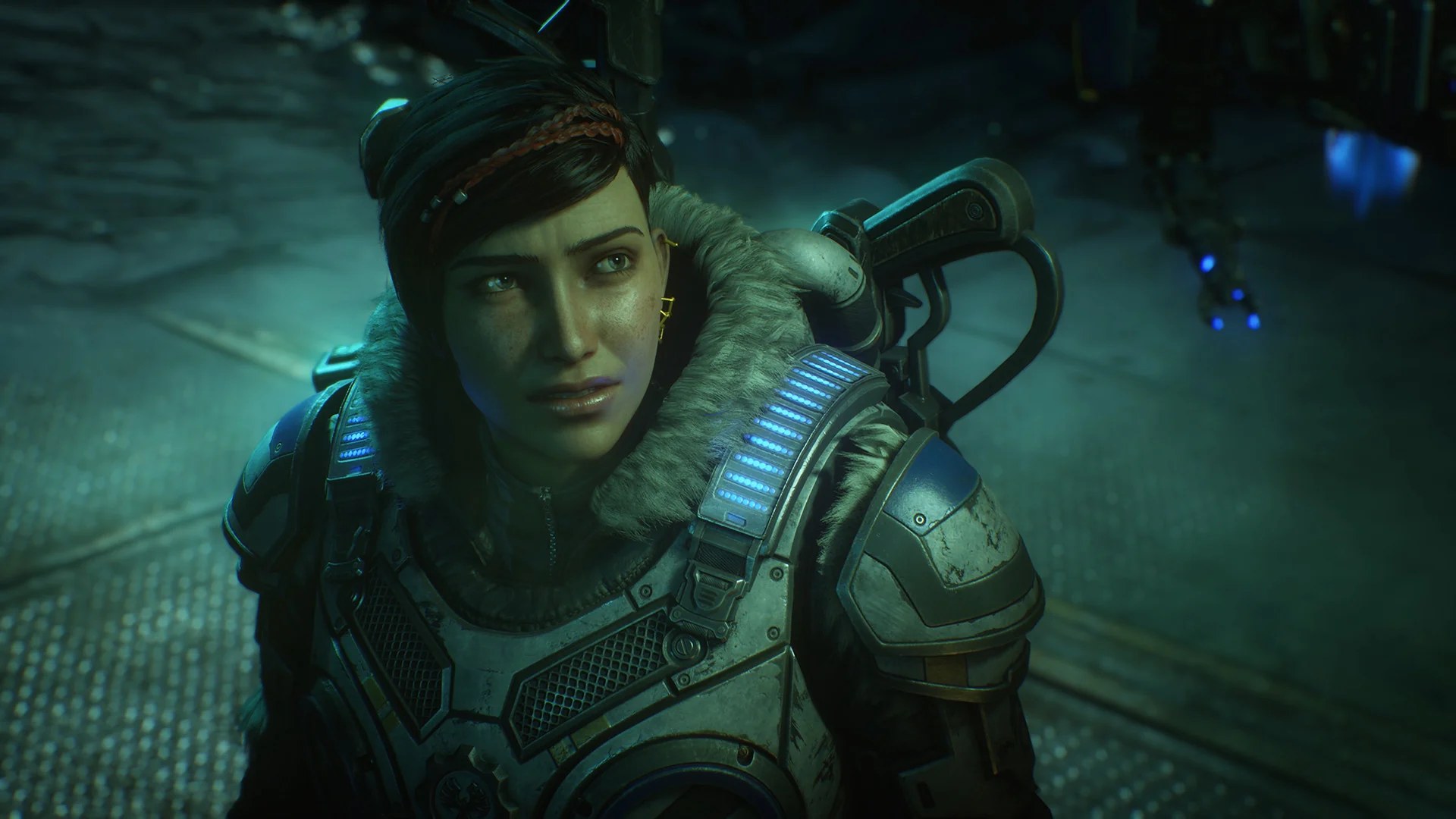
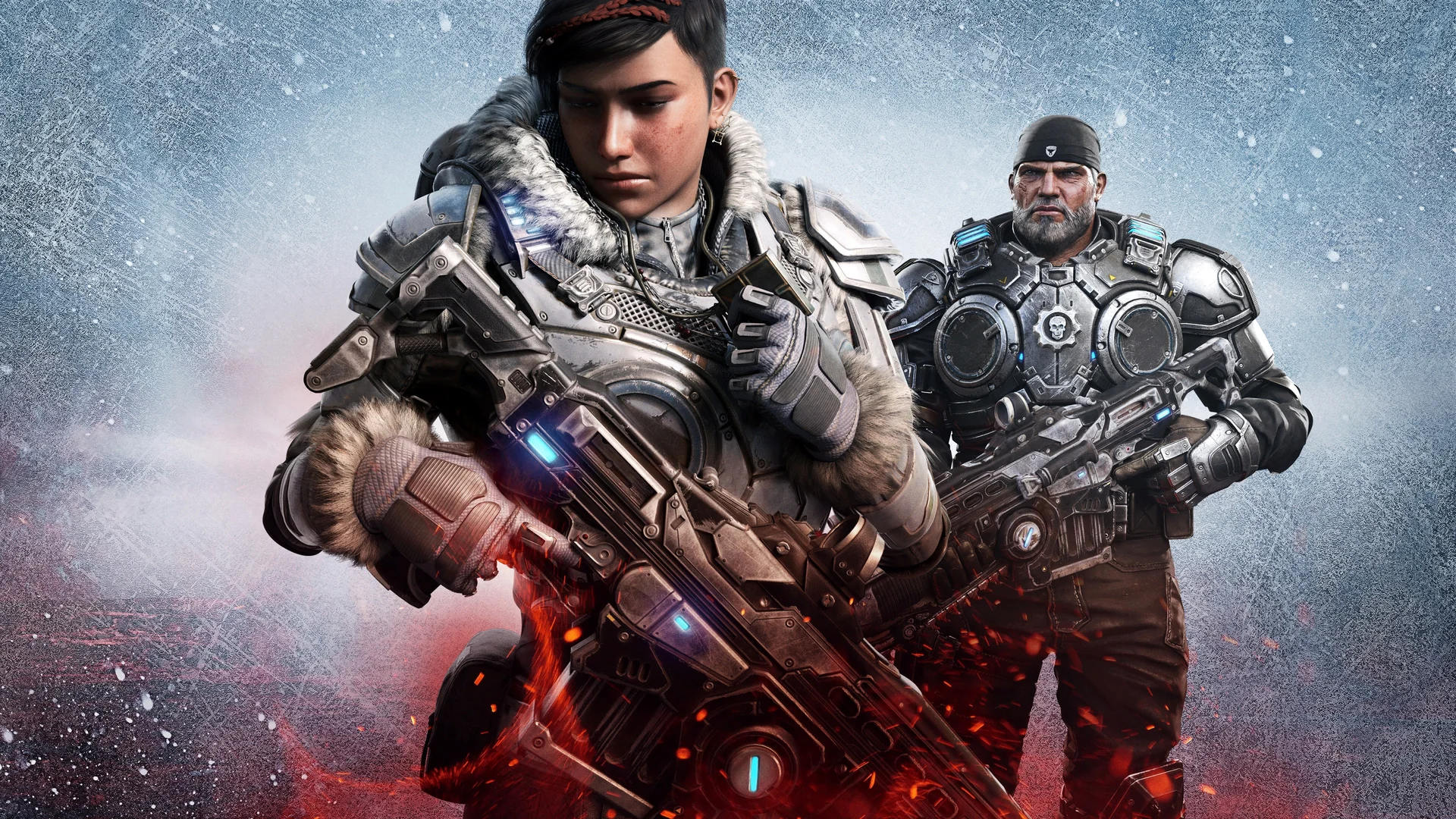
Kait Diaz takes the lead in Gears 5.
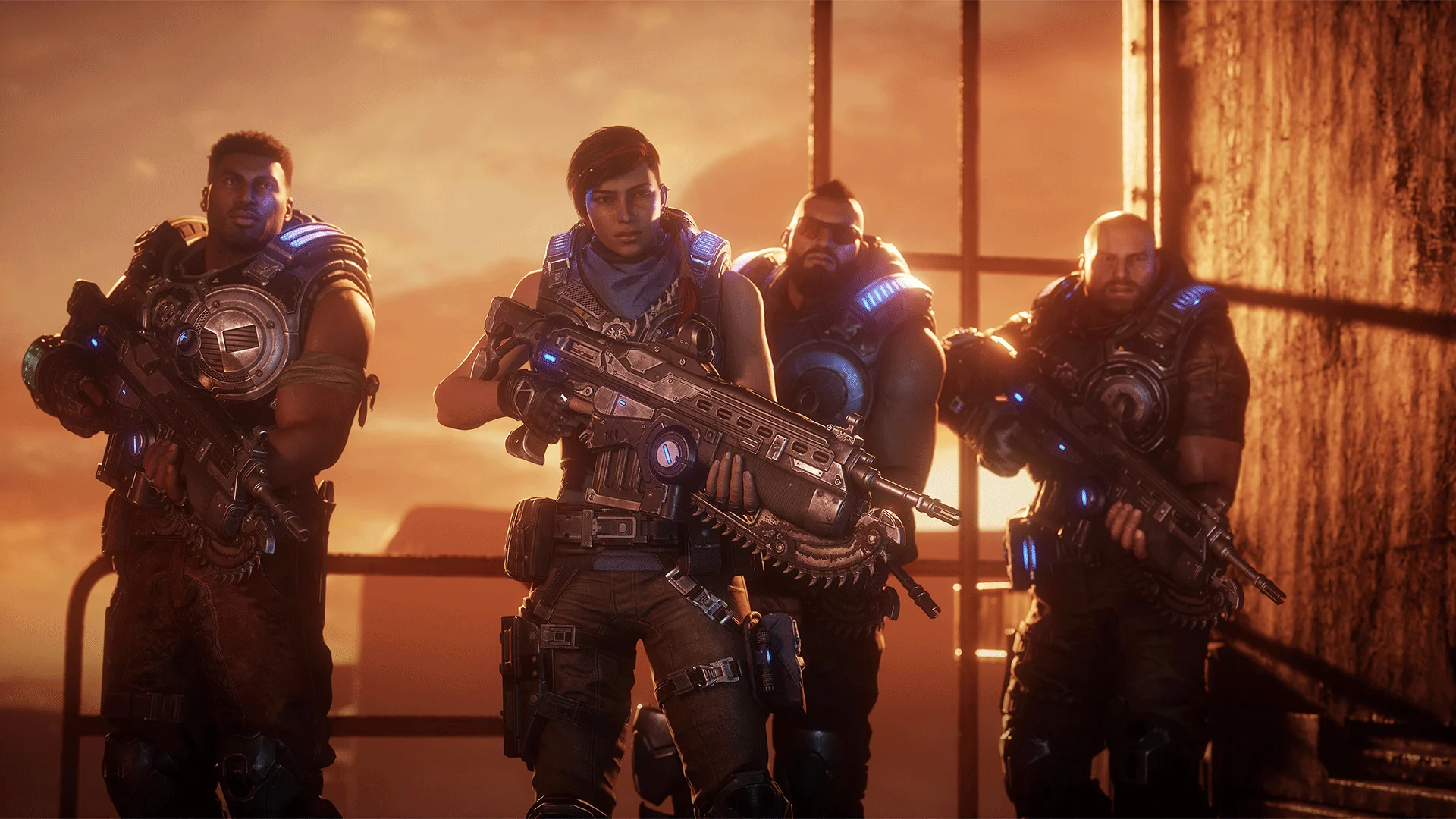
Del Walker, JD Fenix and Marcus Fenix all return. The small flying robot Jack follows the squad and helps out with abilities like making a soldier invisible for a few seconds or stunning enemies.
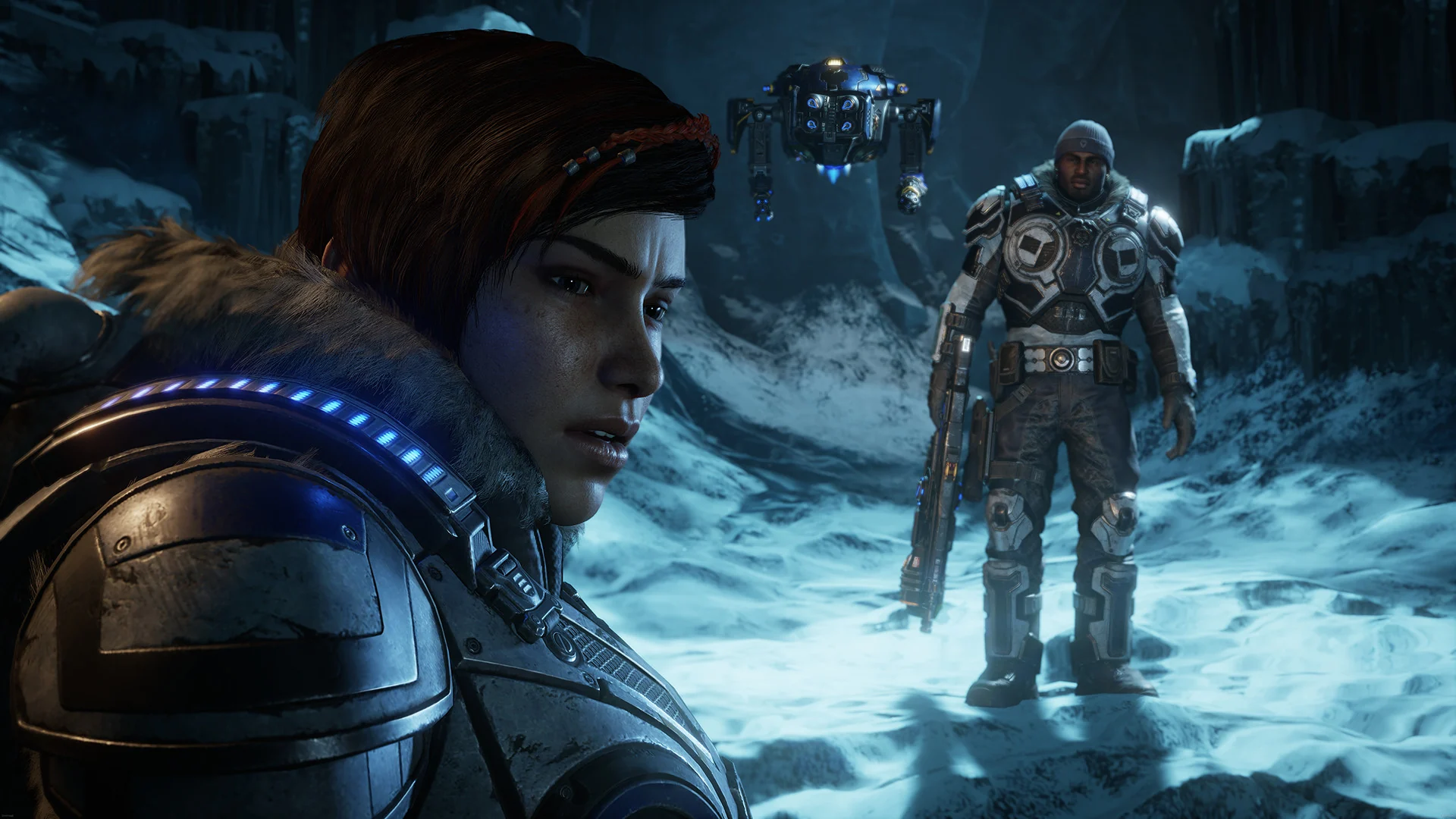
Kait and Del in the frozen north, with Jack behind them.
The fighting is classic Gears: snap into cover, pop out to shoot, and use the chainsaw Lancer up close. The campaign is less of a straight corridor than older games. Two large areas, one frozen and one desert, let you pick where to go next on a wind-powered skiff, with side missions along the way.
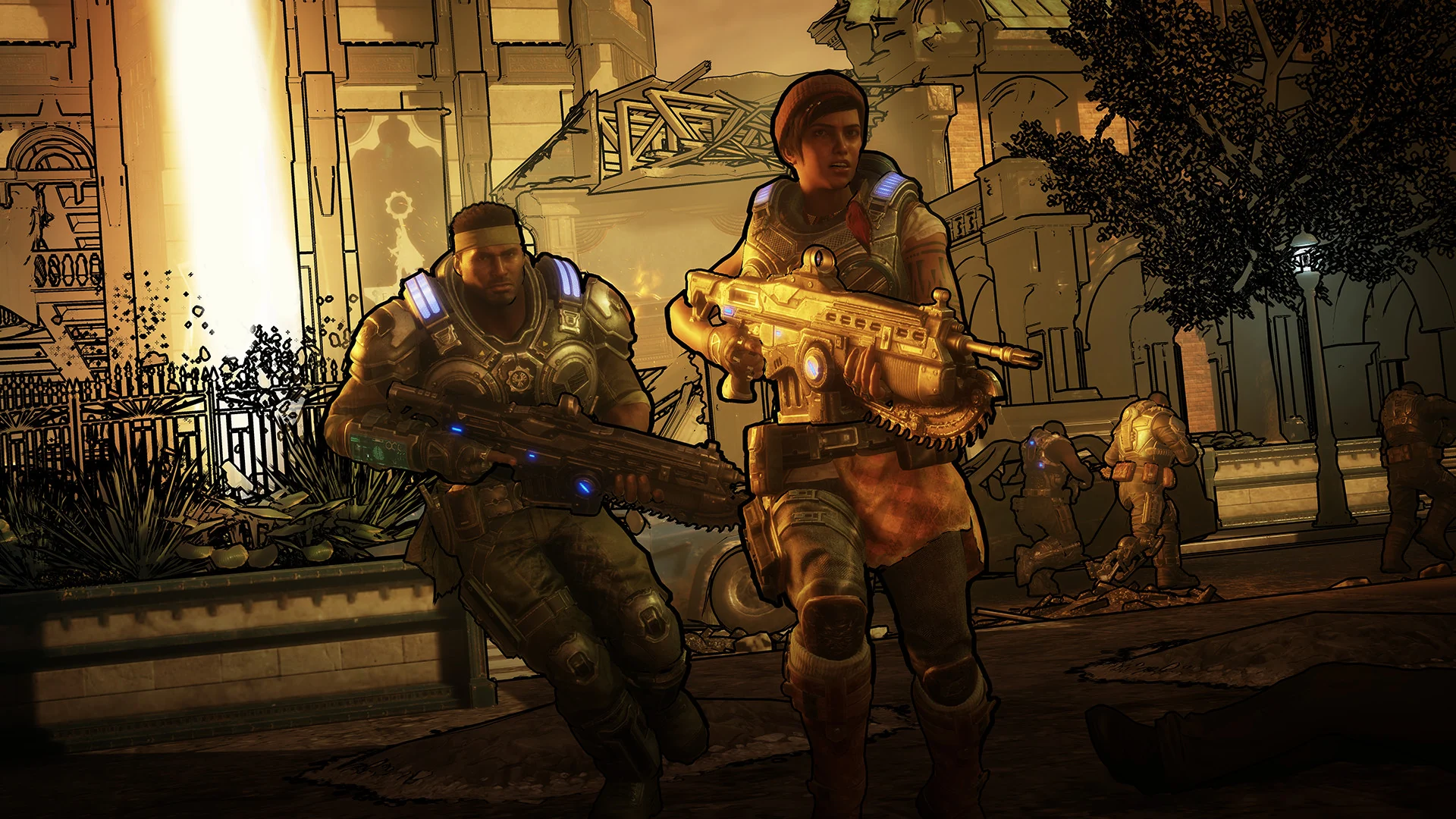
The desert region is one of two large open areas.
Multiplayer has three modes. Horde is the co-op wave survival mode, where you pick a character with a class and build defenses. Escape is a co-op mode where a team of three plants a bomb inside a Swarm hive and races for the exit before poison gas catches them. Versus is the competitive mode, with playlists for casual and competitive players.
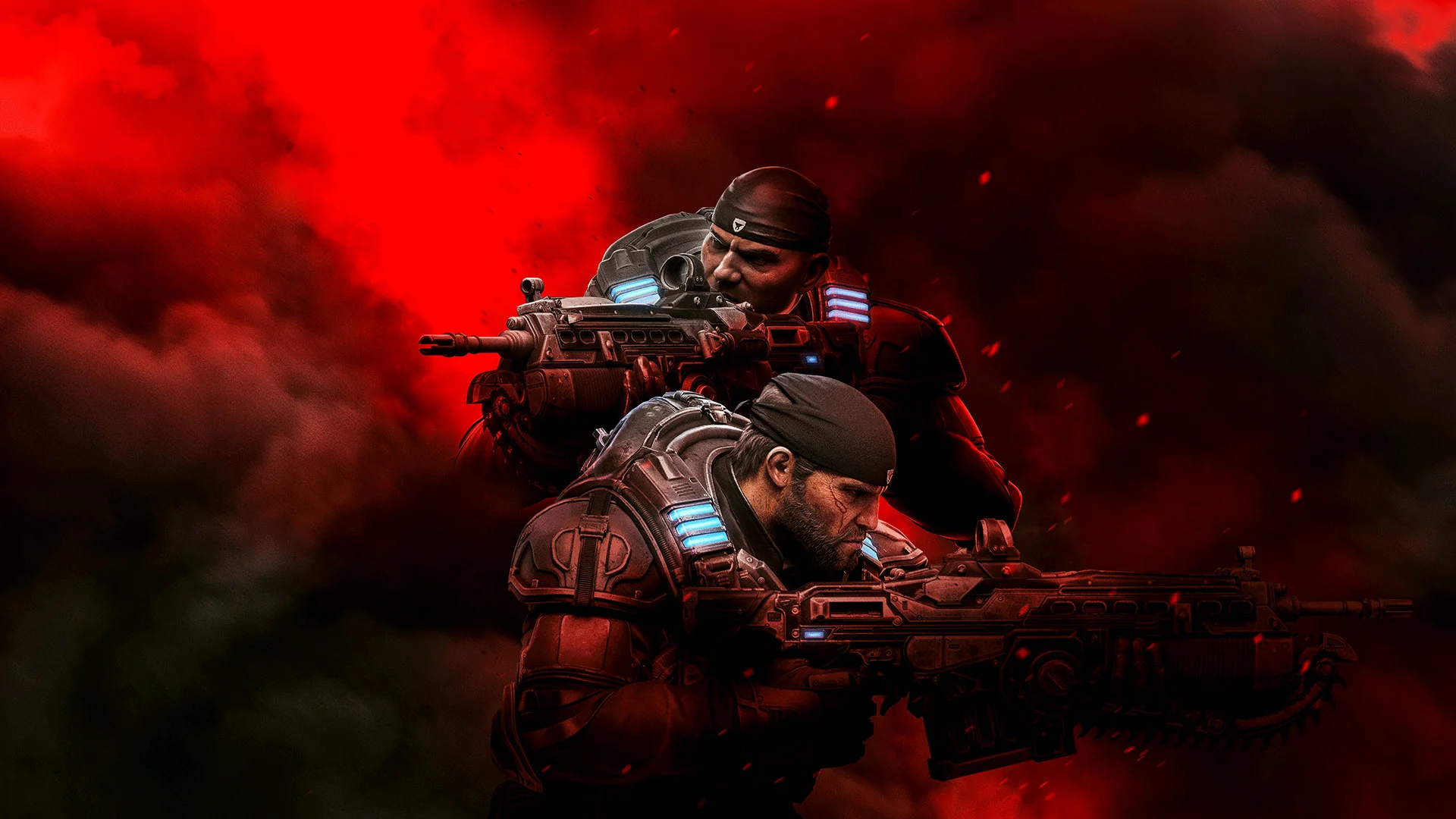
Marcus Fenix and Del Walker.
Want the story that comes before Kait? Our guides to Gears of War 4 and the prequel Gears of War: E-Day cover both on PC.
Official Trailer
Watch the official Gears 5 launch trailer, set to a cover of The Chain, to see Kait Diaz, the frozen and desert regions and the Swarm.
Key Features
Kait Diaz searches for the truth about her family and her link to the Locust.
Play the whole campaign with two friends, online or in split-screen.
Two large regions you cross on a wind-powered skiff, with side missions to find.
A flying helper with abilities you upgrade with parts you find.
Co-op wave survival, plus short runs to blow up a Swarm hive and escape.
Competitive multiplayer with players on Xbox and PC.
Is This Game for You?
Our Take
🎮 Our Take
Gears 5 has the most varied campaign in the series. The open areas and the skiff give the middle of the game room to breathe, Kait is a stronger lead than JD was in Gears of War 4, and three-player co-op works well whether your friends are online or next to you. Escape is the best new idea here: short, tense runs that feel different from Horde. The weak spot is the story, which builds to a big choice and then ends on a cliffhanger, so expect more questions than answers.
If you have PC Game Pass, play it there, since the Game of the Year Edition with Hivebusters is included. If you are buying, the Game of the Year Edition is the better deal, because Hivebusters is a good co-op campaign in its own right. Play Gears of War 4 first if you care about the story; if you only want cover shooting with friends, you can start here. New to the whole series? The prequel Gears of War: E-Day is a cleaner place to begin.
System Requirements
These are the requirements The Coalition published on Steam. Gears 5 is light by today’s standards, so most gaming PCs from the last several years can run it. The list was written in 2019 and names Windows 7 and Windows 10; Windows 11 is not on it, but the game installs on it through Steam and the Xbox app.
Steam also offers a free Ultra-HD Texture Pack add-on for sharper characters and weapons. Install it only if your graphics card has memory to spare. If you are thinking about an upgrade, our Best Gaming Desktops guide is a good place to start.
Tips for Beginners
Hit the active reload
Press reload again when the moving marker crosses the bright part of the bar. A perfect reload is faster and gives your next shots extra damage.
Use Jack often
Jack’s abilities recharge, so use them in every fight. Invisibility gets a downed squadmate back up safely.
Explore the open areas
Side missions in the frozen and desert regions hold the parts that upgrade Jack’s abilities.
Save ammo in Escape
You start an Escape run with very little ammo. Pick up every weapon you pass and avoid fights you do not need.
Run the benchmark
Gears 5 has a built-in benchmark in its video settings. Use it before your first session to find settings that stay smooth.
Best Gears 5 Mods to Start With
Gears 5 has no Steam Workshop. Mods come from Nexus Mods, and the short list there leans toward Horde and the campaign: offline Horde, tougher AI and a faster startup. These four are the ones worth trying.
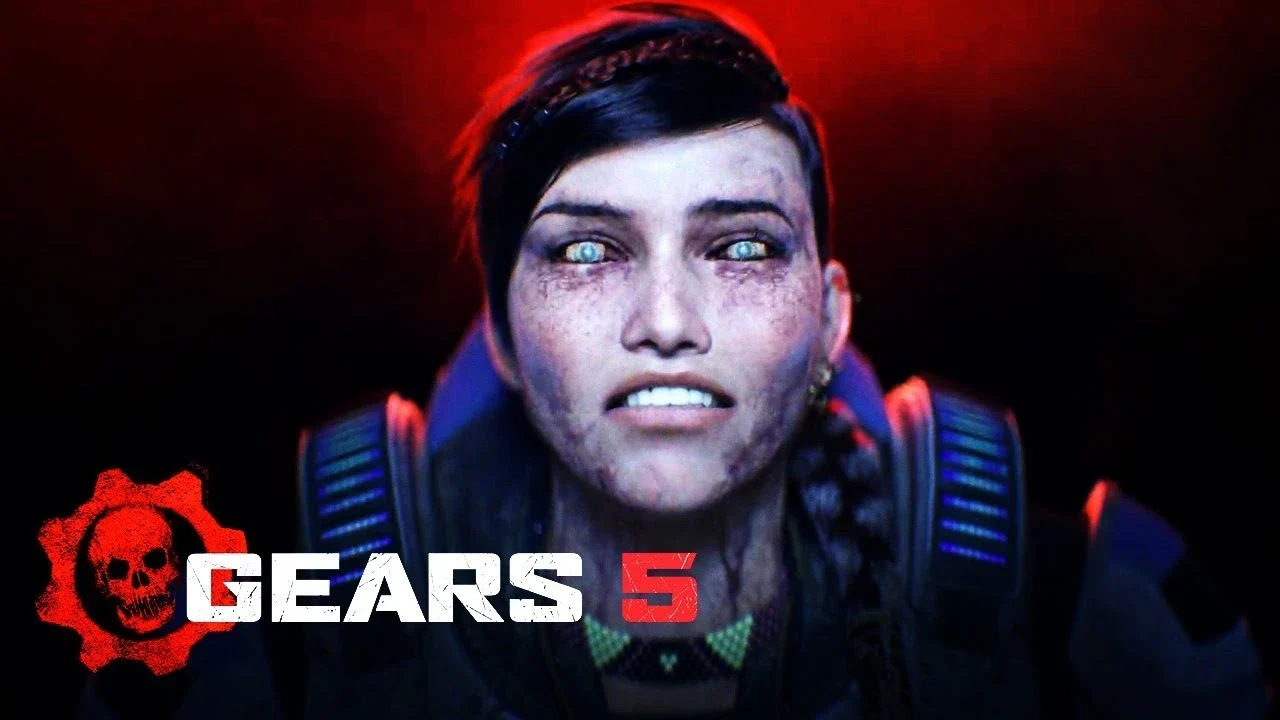
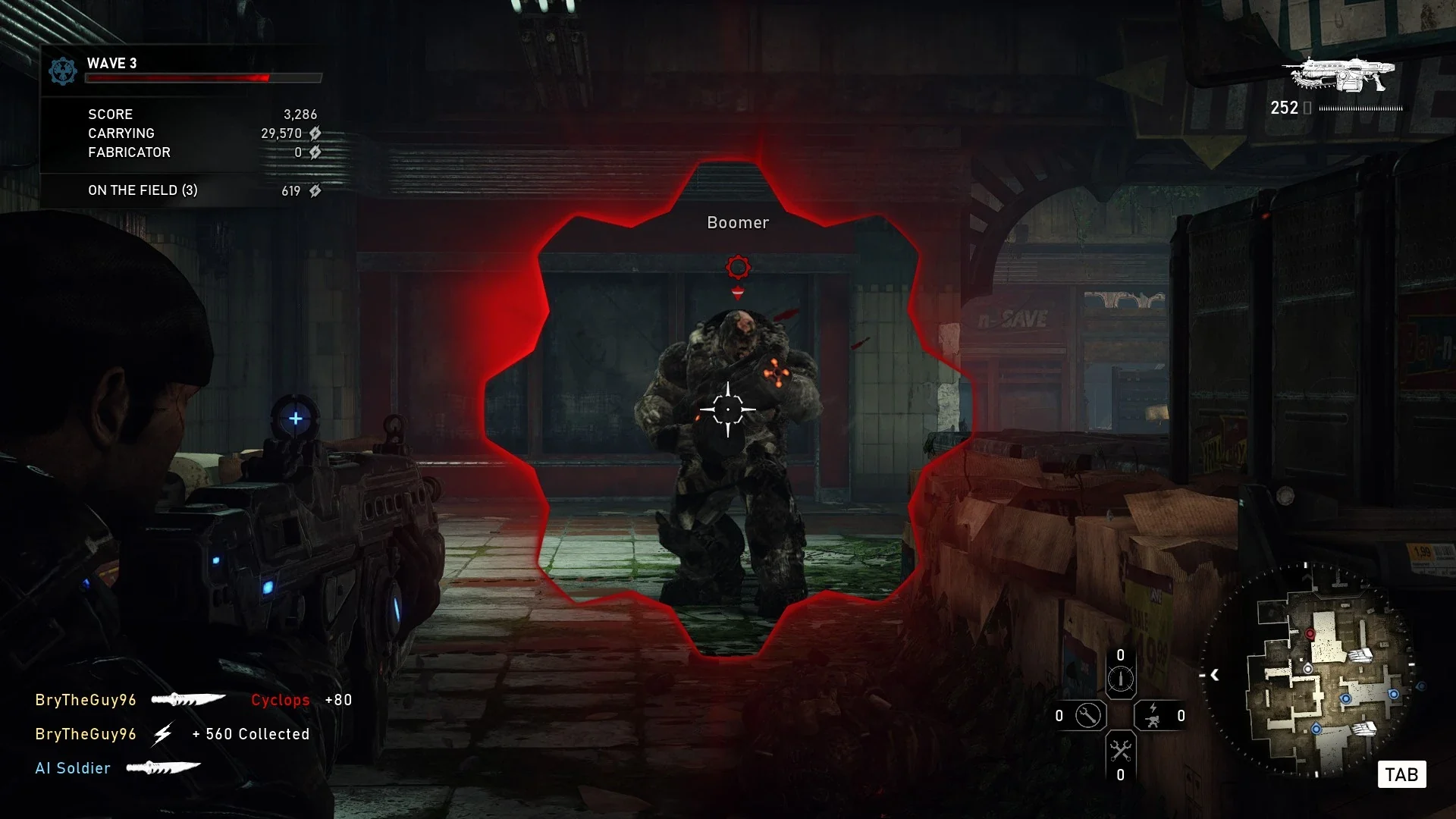
💡 These are fan-made mods, not official ones. Gears 5 uses anti-cheat online, so play modded only in the campaign, offline or in LAN lobbies, and remove mods before you join matchmaking. A game update can break any of them.
Gears 5 Screenshots
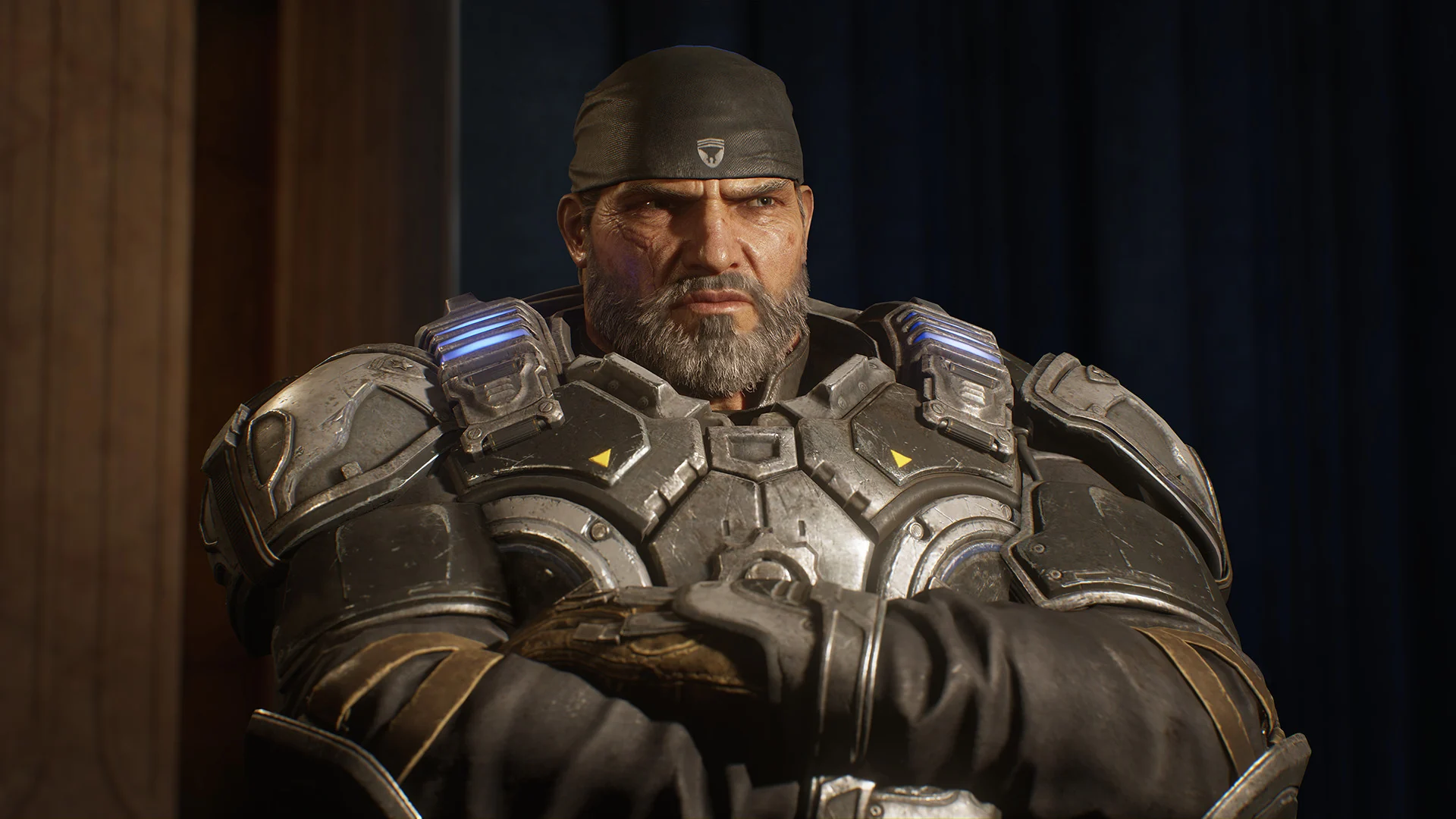
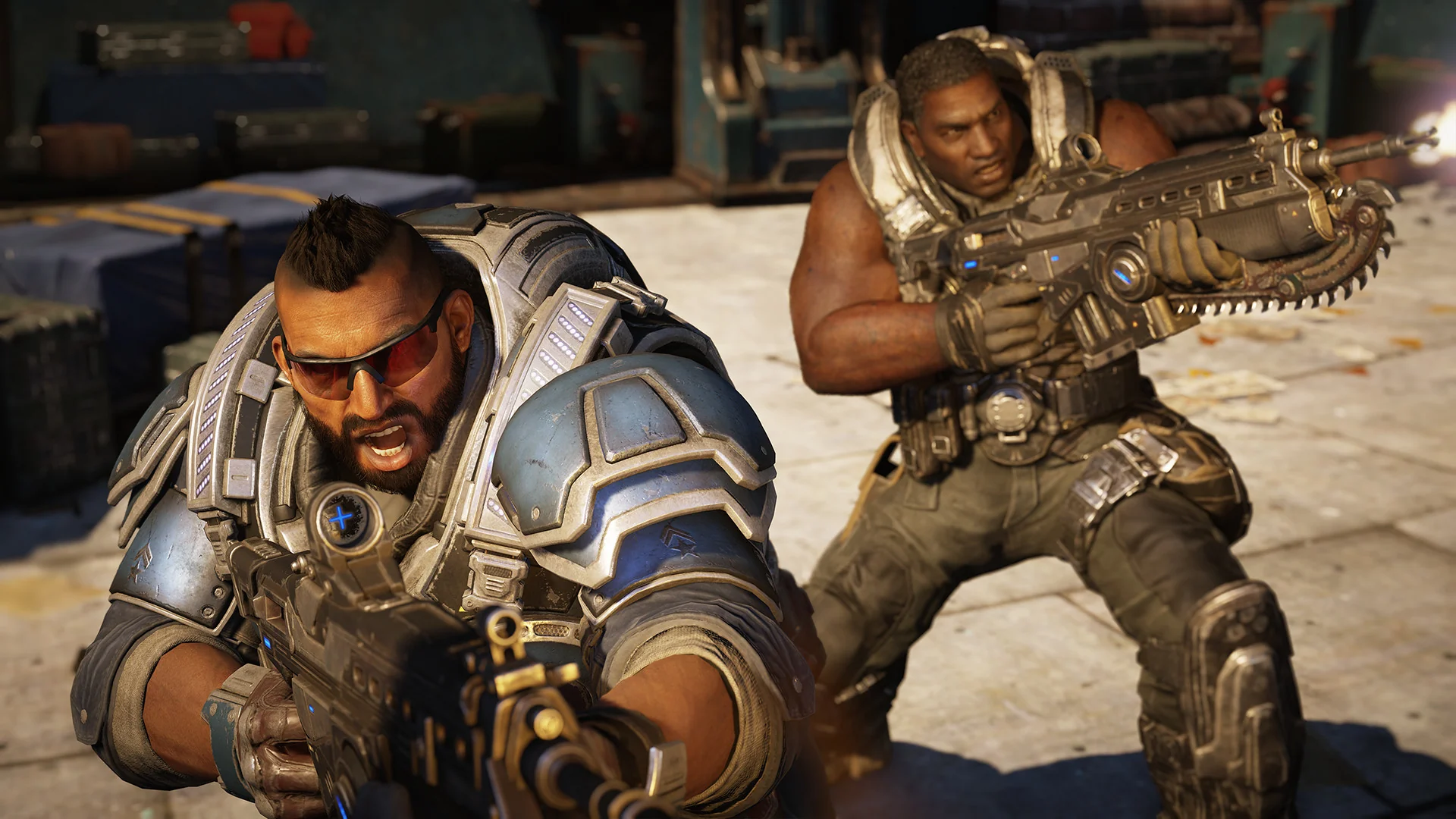
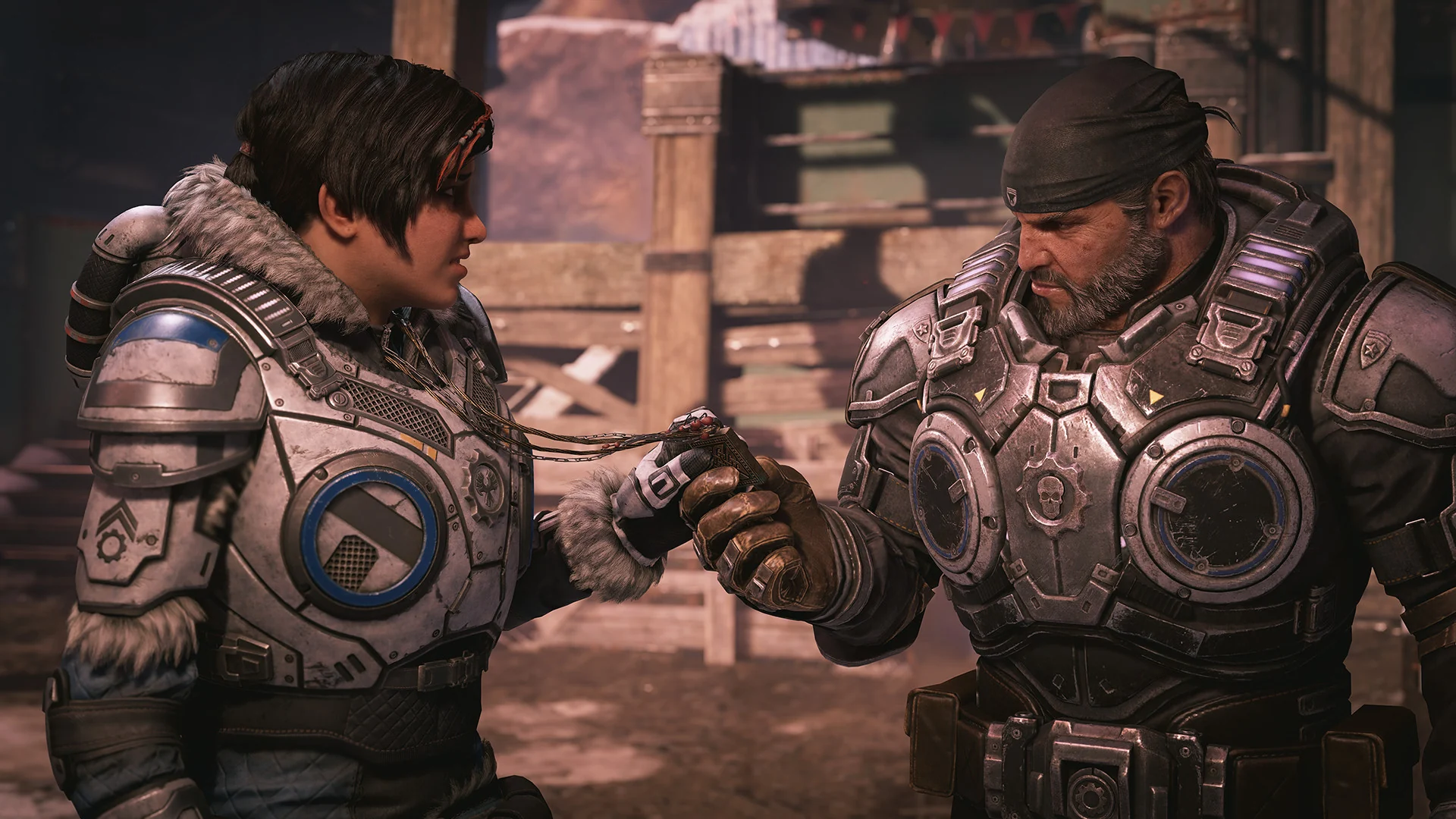
Kait in war paint, an older Marcus, and a few close fights from the campaign. Click any image to open it full size.
-
- Gears 5 kait in skull paint from
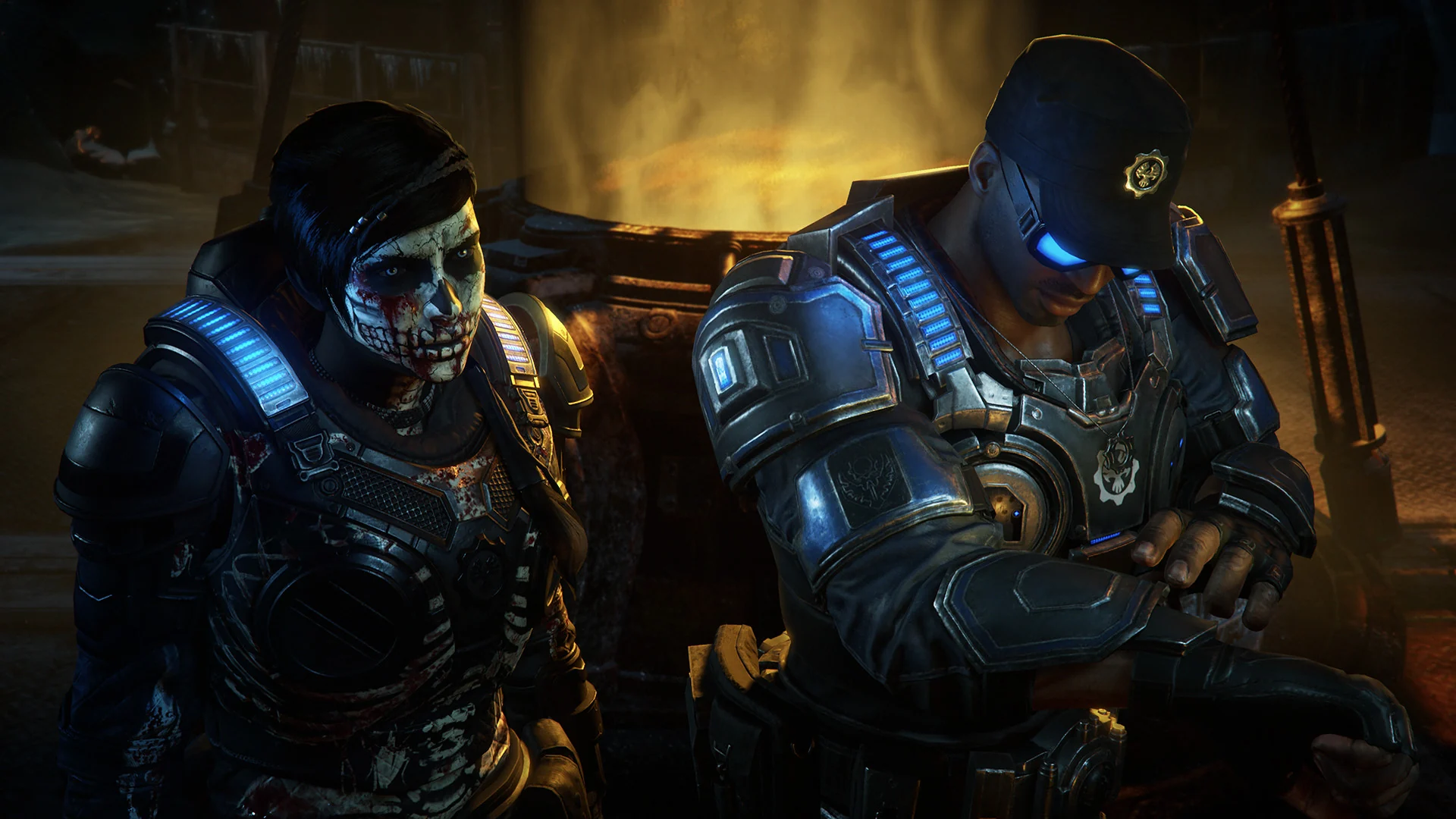
-
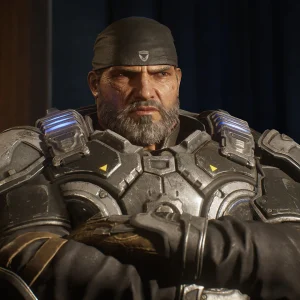
- Gears 5 marcus fenix from
-
- Gears 5 cover shooting from
-
- Gears 5 kait and marcus from
Gears 5 FAQ
Do I need to play Gears of War 4 before Gears 5?
Does Gears 5 have split-screen co-op on PC?
Is Hivebusters included with Gears 5?
Do I need a Microsoft account to play Gears 5 on Steam?
What are the Gears 5 system requirements?
Support and Community
- Gears 5 on the official Gears of War site, The Coalition’s own page for the game.
- Gears of War Support, for account, crash and connection problems.
- r/GearsOfWar on Reddit, the series subreddit, for news, clips and help.
- Steam news for Gears 5, where updates are posted.
- Gears 5 on Nexus Mods, for the newest fan-made mods.
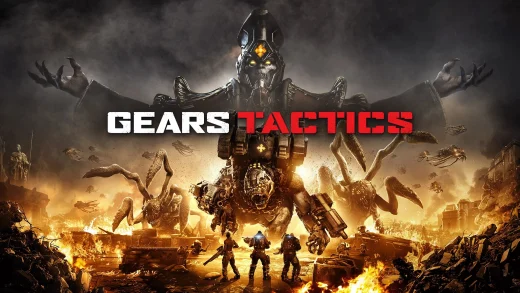
Explore more Windows games: Gears of War: E-Day for Windows · Gears of War 4 for Windows · Gears Tactics for Windows · Helldivers 2 for Windows · Best Action Games for Windows
Need a PC upgrade to run these? See our Best Gaming Desktops guide.
Discover more from Windows Mode
Subscribe to get the latest posts sent to your email.











Add your first comment to this post