Readers like you help support this site. When you make a purchase using links on our site, we may earn an affiliate commission. All opinions remain our own.

Find The Needle on PC. Click to open it full size.
Find The Needle is a first-person factory game for PC from Needless Games, available on Steam. You are locked in a warehouse with a haystack of about six million strands, and somewhere inside are 24 needles. You dig by hand, sell the hay, and spend the money on machines that do the digging for you.
The joke premise turns into a real automation game. You go from a shovel and a metal detector to conveyor belts, robot arms and scanners that search the hay on their own. Along the way the hay becomes bales, bricks, paper and even carbon fiber.
It entered Early Access on November 6, 2026, and you can already play it from the first handful of hay to the ending. It runs on Windows 10 and 11 with mouse and keyboard. Its free demo peaked at 21,633 players at once in October 2026, according to Needless Games.
Already digging? Tell us how long your first needle took. Got questions before buying? Reach out to us directly.
What You Need to Know
- It is sold on Steam only. It is not on the Epic Games Store or GOG.
- It is in Early Access, but playable all the way to the ending.
- There is a free demo on the same Steam page.
- It needs a dedicated graphics card. The studio says integrated graphics are not supported.
- It is single-player, built for mouse and keyboard.
Quick Facts


How to Download Find The Needle on Windows
Find The Needle is sold on Steam only. Want to try it first? The free demo sits on the same store page.
- Step 1. Install Steam. Get Steam and sign in.
- Step 2. Open the store page. Go to Find The Needle on Steam.
- Step 3. Buy the game or grab the demo. Add it to your cart, or click Download Demo.
- Step 4. Install it. Click Install in your Steam library. It needs 3 GB.
- Step 5. Launch it and pick your pile size.
Find The Needle Price and Demo
There is one paid version and a free demo. There is no deluxe edition or paid DLC, so $14.99 gets you the whole game and every Early Access update.
Prices differ by region, and Steam runs sales, so check the store page for the price where you live.
💡 Your PC is too weak? Cloud gaming is an option. Check on Boosteroid.
What Is Find The Needle?
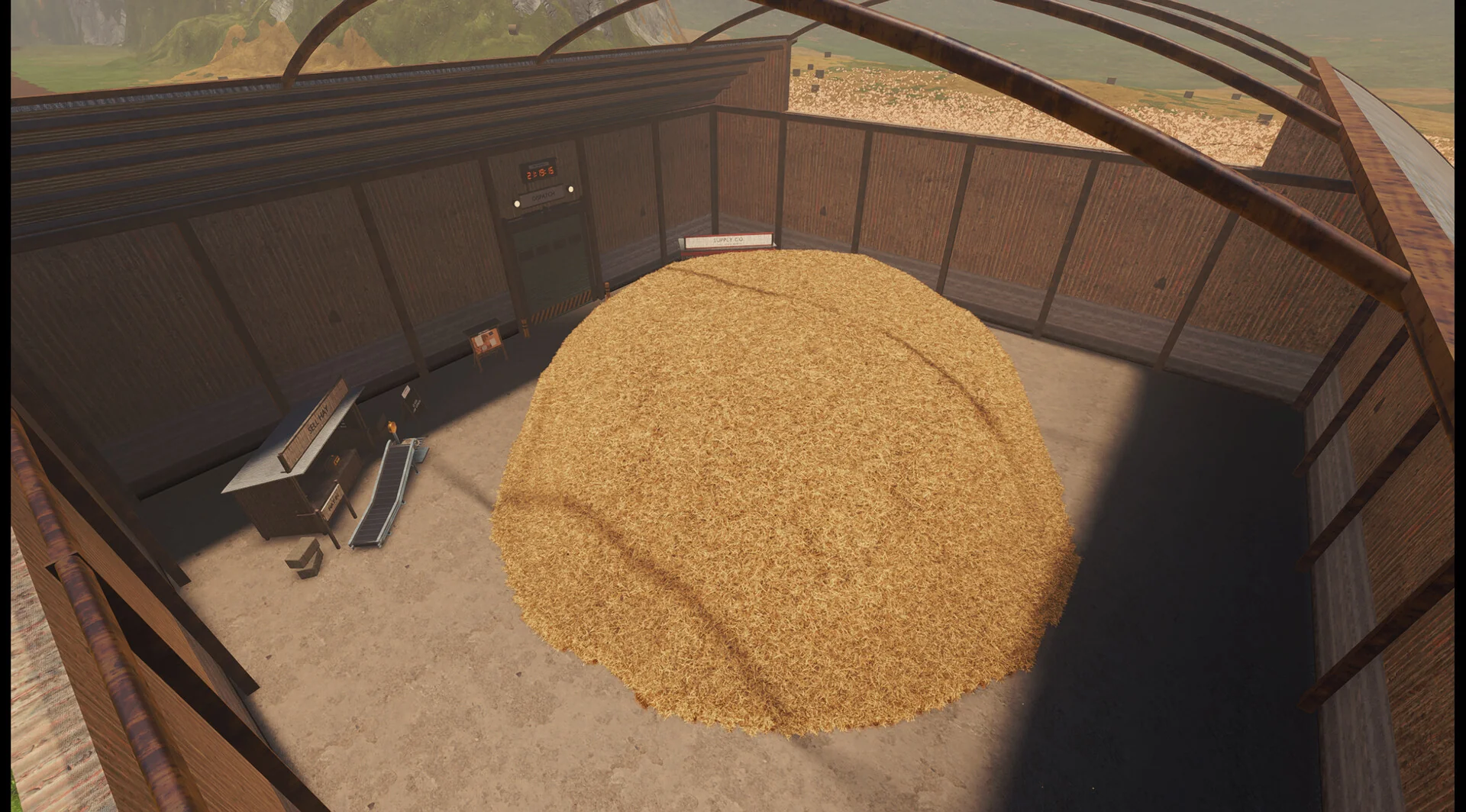
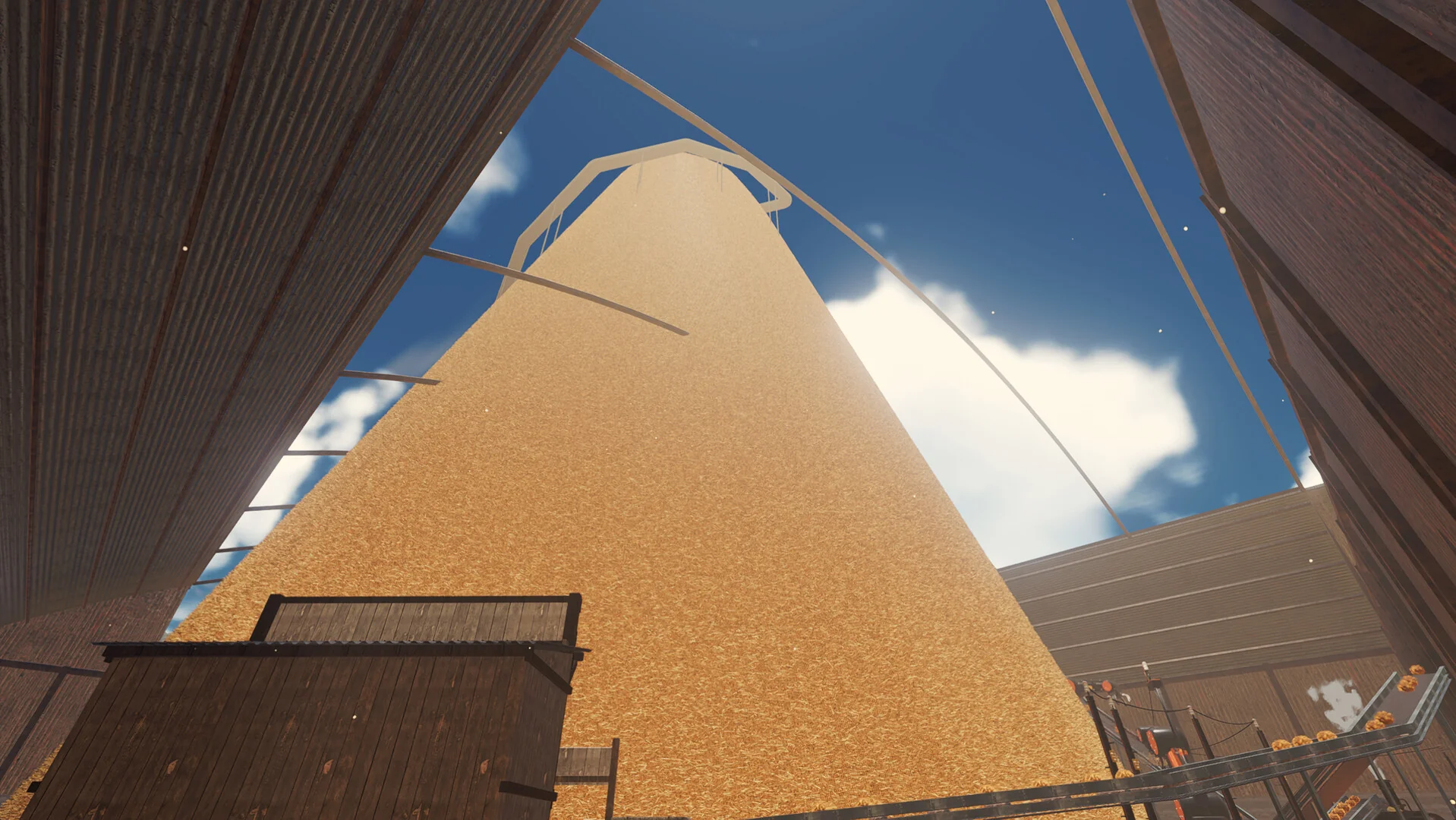
You wake up in a strange warehouse, sure you used to be a farmer. The doors will not open, and the only instruction is to find the needles. In front of you is a haystack so big it pokes out of the roof.
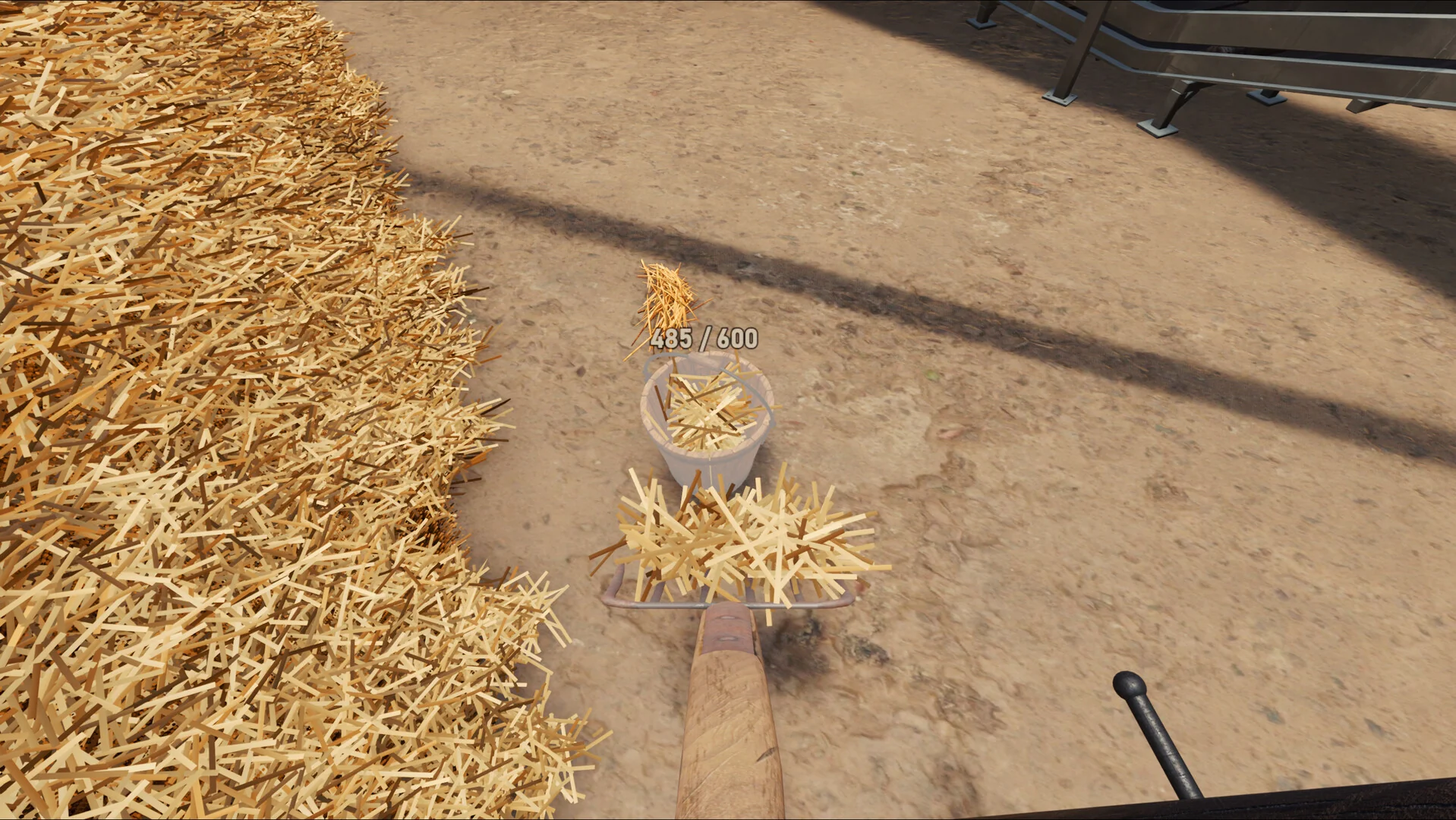
The start is pure hand work: a shovel, a bucket and a counter for every strand.
The first hour is hand work. You scoop hay with a shovel, carry it in buckets and wheelbarrows, and sweep a metal detector over it. Every strand you pull out can be sold, and that money buys better tools. Pitchforks and vacuums come next, then the first conveyor belt.
From there it becomes a factory game. You place machines, run power to them and feed them by belt. Scanners look for needles in the hay as it moves, so you stop searching by hand. Hay turns into products worth more than loose hay, such as compressed bales, eco bricks, hay paper, bioplastic and carbon fiber.
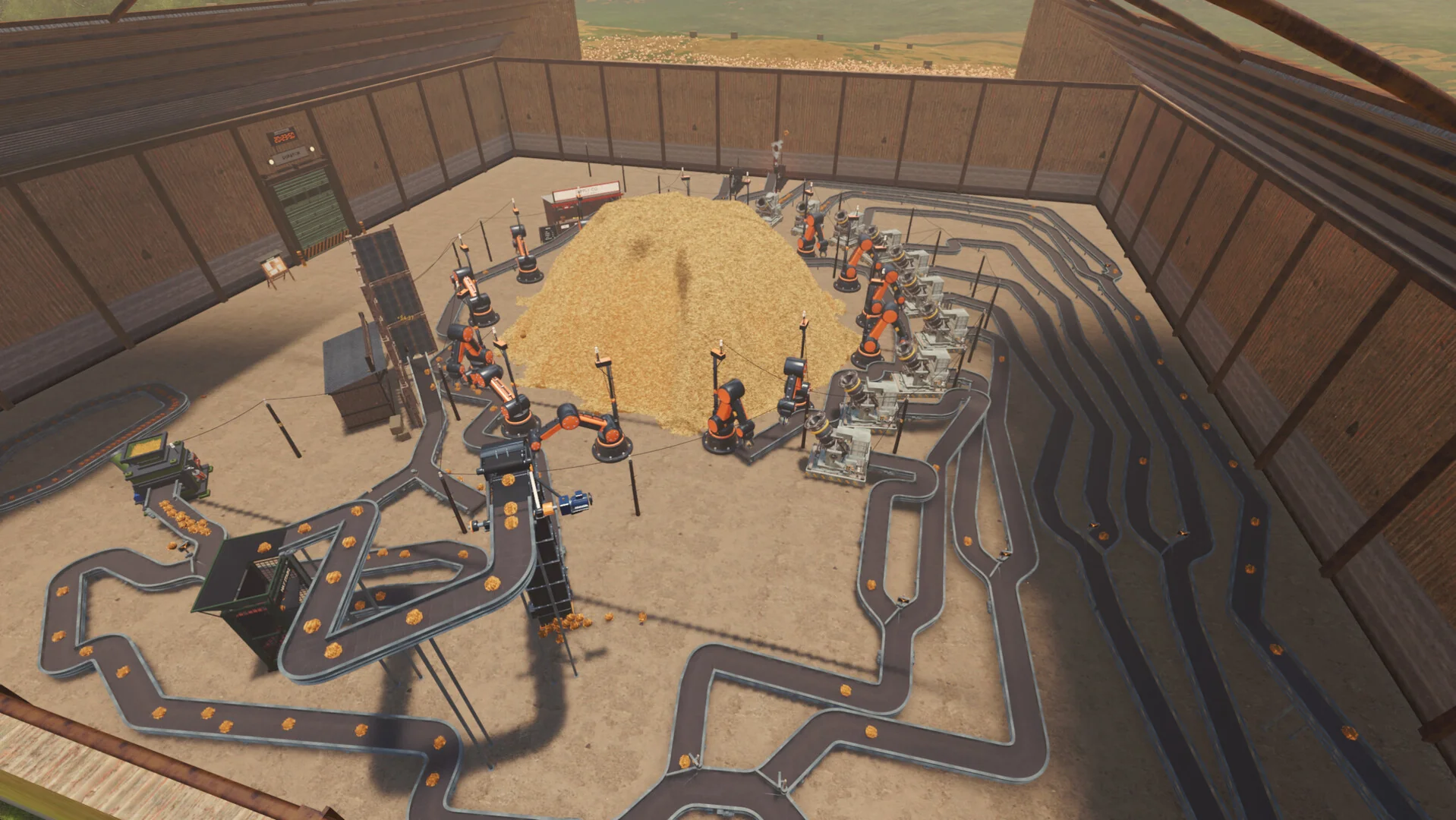
Later on, belts and robot arms do the digging while you plan the next production line.
Each time you clear enough, you get a bigger pile. The run ends when all 24 needles are found, and the game keeps quiet about what happens then. You can pick a Standard pile for a shorter game or the Mountain for a long one.
Official Trailer
Watch the official demo trailer for Find The Needle to see the giant haystack, the hand tools you start with and the machines that take over the digging.
Key Features
Dig with shovels, buckets, wheelbarrows, pitchforks and a metal detector before any machine helps you.
Build conveyor belts, robot arms, drones and scanners that dig, move and search the hay without you.
Five production stages take hay from bales and bricks up to paper, bioplastic and carbon fiber.
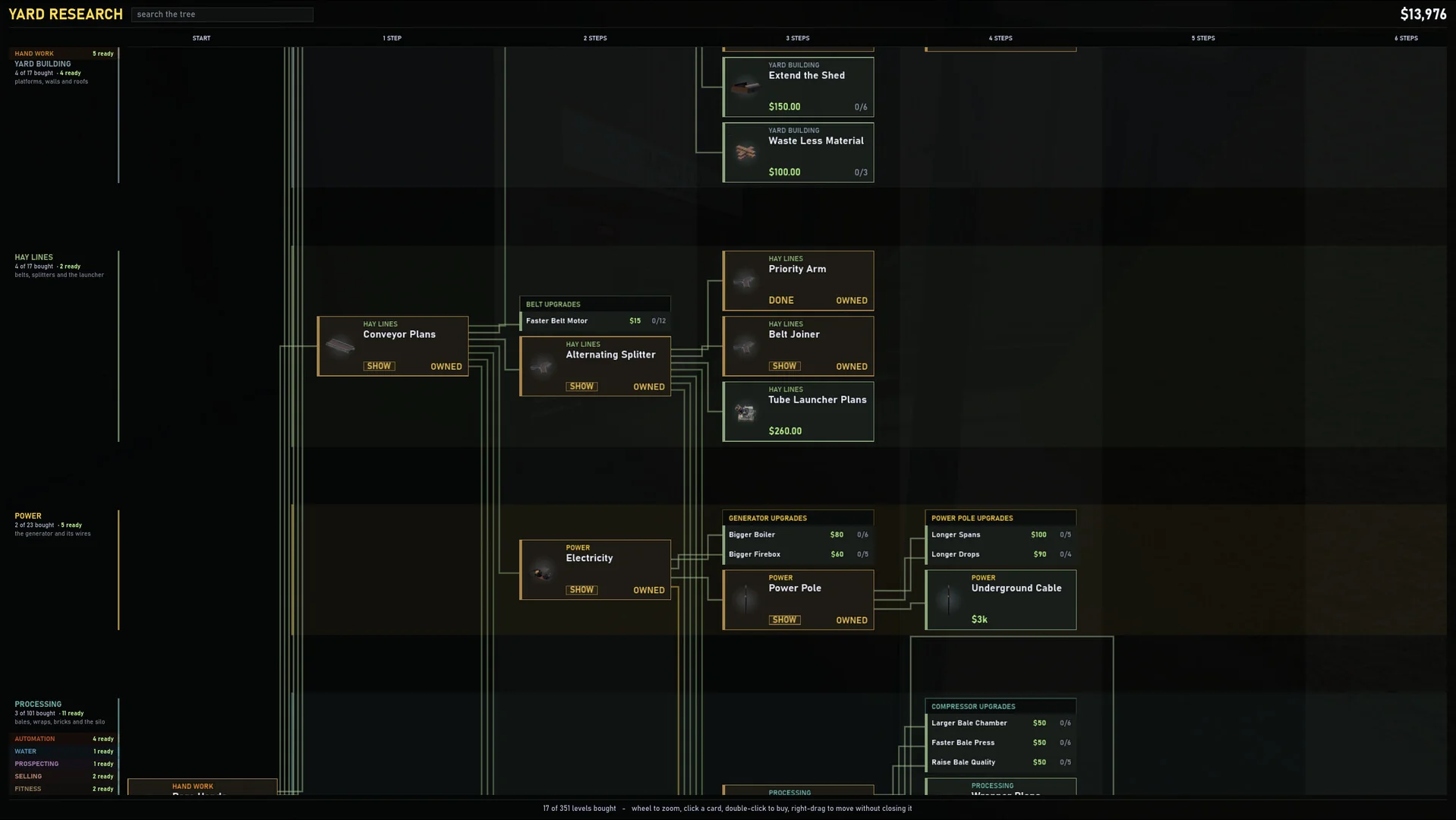
More than 300 upgrades unlock new machines, faster production and new ways to process hay.
Wire up generators, run pipes and belts, fill delivery orders and use blueprints.
Choose a Standard pile for a shorter run or the Mountain if you want a long factory game.
Is This Game for You?
Our Take
🎮 Our Take
Find The Needle sounds like a one-joke game, and the joke is what gets you in the door. What keeps you there is that it is a real factory game underneath. Digging by hand is slow on purpose, so the first conveyor belt feels like a big win, and every machine after it makes the pile visibly shrink. The five production stages and the large tech tree give it more depth than the premise suggests. The catch is that it is Early Access from a small studio: expect bugs and balance changes, and very large factories lean hard on the CPU late in the game. It also refuses to run well on integrated graphics, which rules out a lot of budget laptops.
If you like automation games and want one that is easier to get into than the big names, buy it: $14.99 for a Standard run of 7 to 10 hours, or 30+ on the Mountain, is fair. If you are not sure the premise holds up for you, play the free demo first. If you only like finished games, wait for the full release.
System Requirements
Find The Needle looks simple, but it asks for more than you might expect. You need a dedicated graphics card that supports Vulkan 1.3 (a modern graphics standard), because Needless Games says integrated graphics are not supported and may crash. The CPU matters most late in the game, when a big factory has hundreds of moving parts.
Not sure your PC is up to it? See our Best Gaming Desktops guide.
Tips for Beginners
Start on a Standard pile
The Mountain is a much longer run. Learn the machines on a Standard pile first, then go big.
Sell hay early and often
Loose hay is your first income. Sell what you dig instead of hoarding it, so you can buy better tools sooner.
Automate as soon as you can
Hand digging is meant to be slow. Your first conveyor belt and machines speed things up more than any tool upgrade.
Keep scanners on your lines
Needles travel inside the hay as it moves, so scanners on your belts catch them without you digging.
Report bugs on Discord
It is Early Access. The game sends crash reports on its own, and the studio reads the Discord bug channel daily.
Best Find The Needle Mods to Start With
Find The Needle has no Steam Workshop. Mods come from Nexus Mods, and most install by copying a mods folder next to FindTheNeedle.exe and adding one line to a settings file called override.cfg. These five are a good place to start.

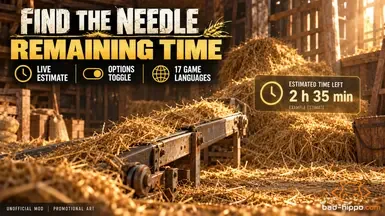


💡 These are fan-made mods, not official ones. The game is single-player with no anti-cheat, so there is no ban risk, but back up your saves first. Game updates replace override.cfg, so you need to add the mod lines again after each patch, and an Early Access update can break a mod until its author catches up.
Find The Needle Screenshots
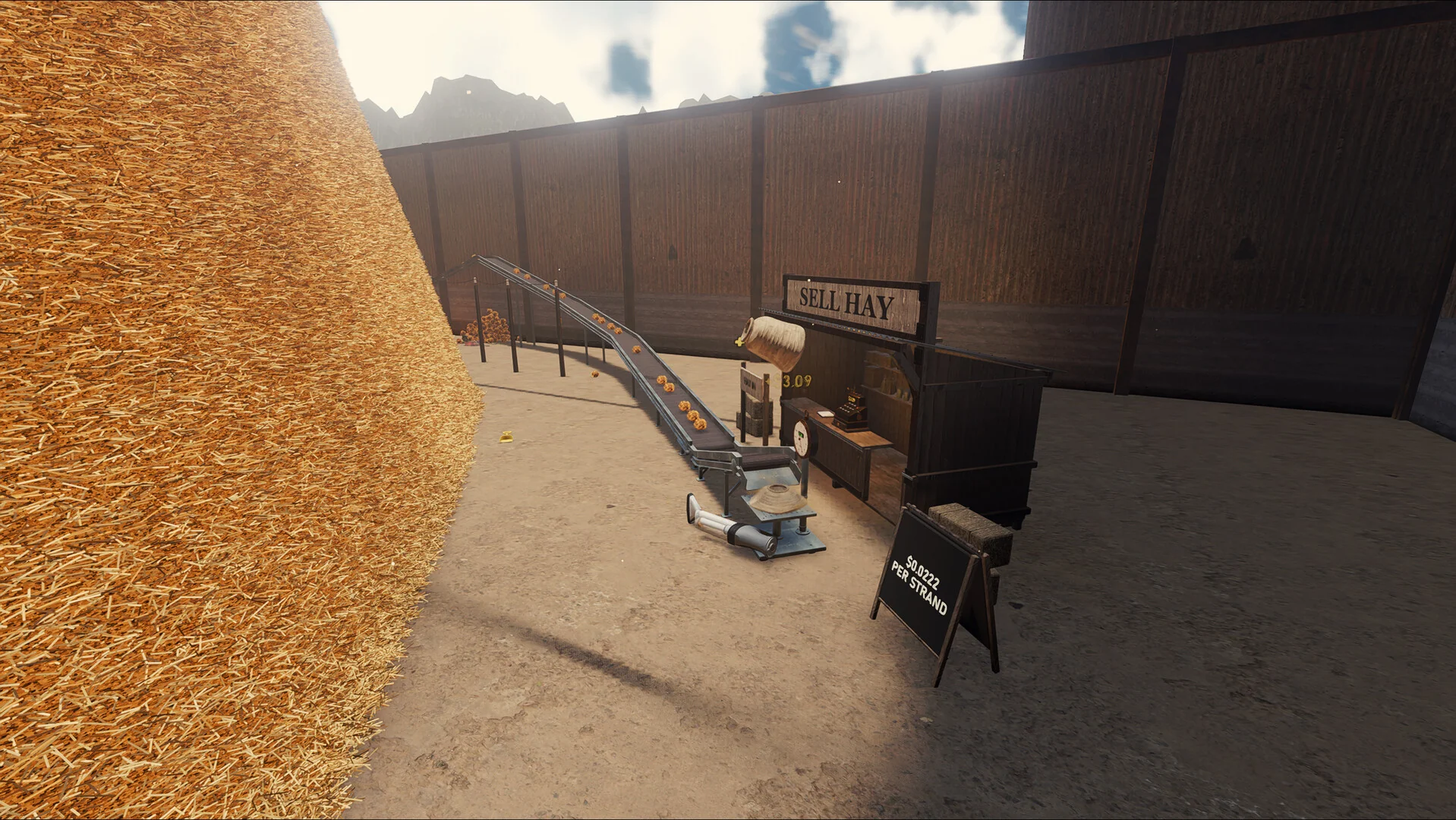
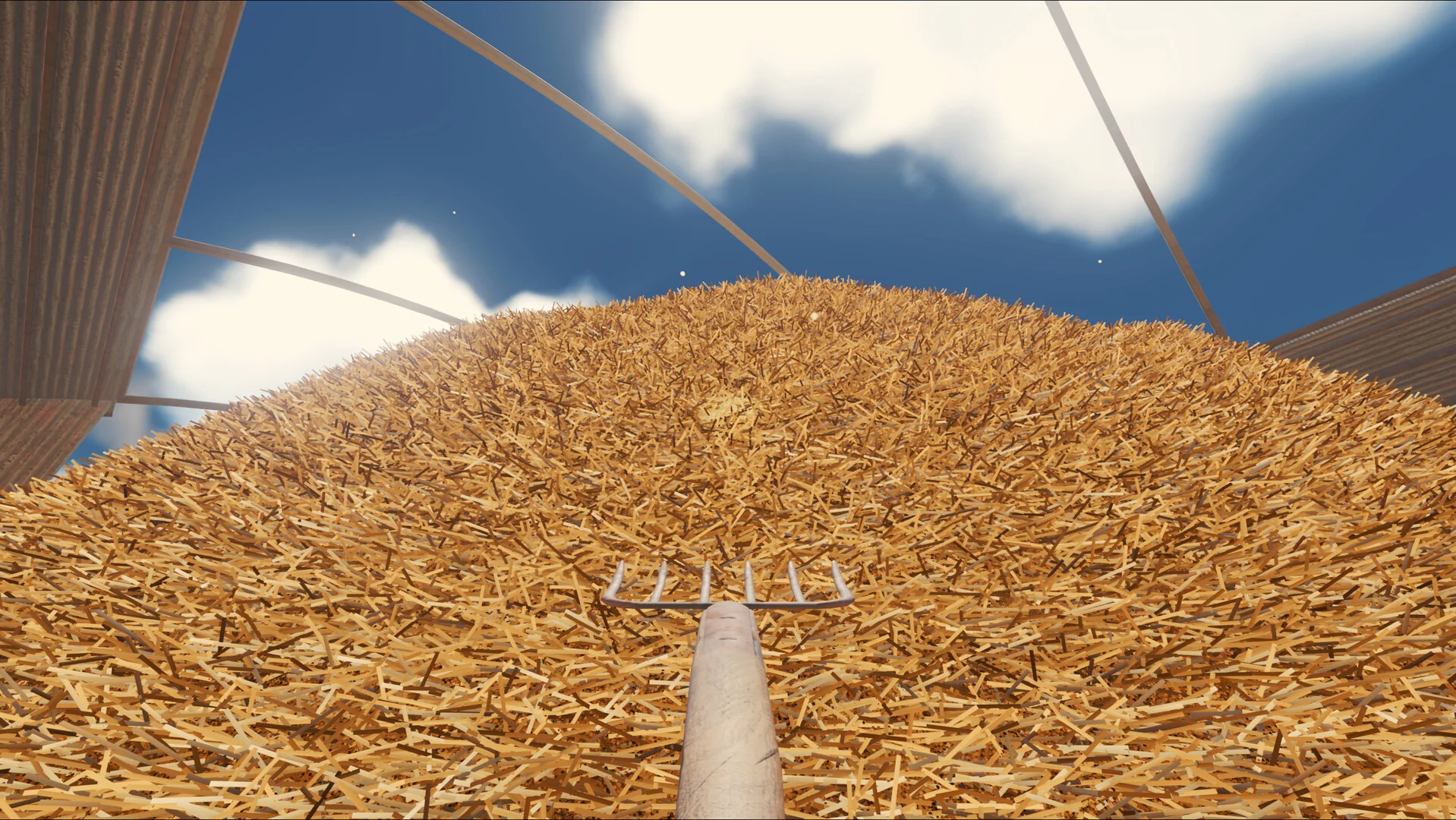
The Sell Hay stand at the end of a conveyor, the view from the top of the pile, the Yard Research tech tree and the haystack towering over the barn. Click any image to open it full size.
-
- Find the needle sell hay conveyor from
-
- Find the needle pitchfork on haystack from
-
- Find the needle yard research tech tree from
-
- Find the needle giant haystack looking up from
Find The Needle FAQ
Is there a free demo of Find The Needle?
How long does it take to beat Find The Needle?
Is Find The Needle multiplayer?
Does Find The Needle have controller support?
Is Find The Needle OK for kids?
How long will Find The Needle stay in Early Access?
Is Find The Needle on Mac, Linux, Epic or GOG?
What are the Find The Needle system requirements?
Support and Community
- Needless Games official website, the studio’s home page for the game.
- The official Discord, with channels for ideas and bug reports.
- News and patch notes on Steam, for every Early Access update.
- Steam discussions, for questions and tips.
- r/FindTheNeedle on Reddit, the game’s own subreddit.
- Find The Needle on Nexus Mods, for fan-made mods.
- Find The Needle on YouTube, the official channel.
Explore more Windows games: Supermarket Simulator for Windows · Gas Station Simulator for Windows · Schedule I for Windows · Farming Simulator 25 for Windows · Best Simulation Games on PC · Best Indie Games on PC
Discover more from Windows Mode
Subscribe to get the latest posts sent to your email.
















Add your first comment to this post