Readers like you help support this site. When you make a purchase using links on our site, we may earn an affiliate commission. All opinions remain our own.
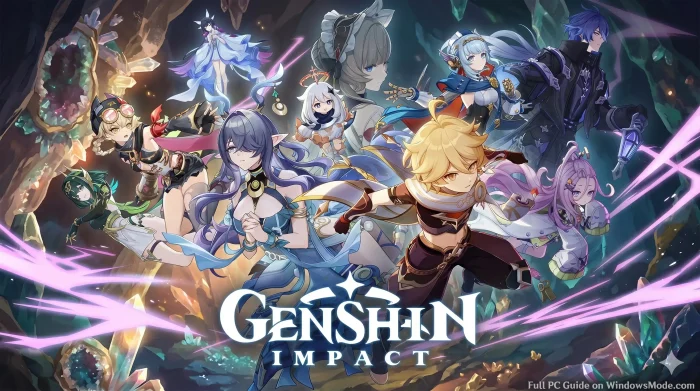
Genshin Impact is a free open-world action RPG for PC from HoYoverse, available through the official launcher and Epic Games.
You explore the world of Teyvat, switch between a team of elemental characters mid-fight, and solve puzzles tied to wind, fire, water, and ice. There is no subscription. You can play through every region and main story quest without paying anything.
The character system is what sets it apart from most free open-world games. You pull for new playable characters and weapons through a gacha system using in-game currency called Primogems. You can earn Primogems just by playing, or buy them directly if you want to speed things up.
Released September 28, 2020, and still updated on a regular patch cycle today. Runs on Windows 10 and 11. Supports both keyboard and mouse and a plugged-in Xbox or PlayStation controller.
Already playing? Tell us your favorite team comp in the comments below. Got questions before installing? Reach out to us directly.
What You Need to Know
- The full game is free. You only spend money if you choose to buy Genesis Crystals for extra character pulls.
- Progress carries over between PC, mobile, PlayStation, and Xbox through cross-save, as long as you sign in with the same account.
- The game needs close to 100 GB of free storage and grows with every content update.
Quick Facts
How to Download Genshin Impact on PC
Genshin Impact is free on the official HoYoverse launcher and on the Epic Games Store for Windows 10 and 11. Both versions use the same account system, so it does not matter which one you pick. You need close to 100 GB of free space before you start.
Install via the Official Launcher or Epic Games
- Step 1. Go to the official Genshin Impact site or the Epic Games Store page and click Download.
- Step 2. Run the installer and choose a drive with enough free space for the full install.
- Step 3. Sign in with an existing HoYoverse account or create one for free.
- Step 4. Pick your server. This choice matters for cross-save later, so use the same server on every device.
- Step 5. Wait for the download to finish, then launch the game and complete the short tutorial.
- Step 6. Pick your starting character and begin the opening story quest in Teyvat.
What Is Genshin Impact?
Genshin Impact is an open-world action RPG (a game where you freely explore a connected map and fight in real time rather than through menus) set in the fantasy world of Teyvat. You build a party of four characters, each tied to an element like fire, water, or wind, and swap between them mid-fight to chain elemental reactions.
The world is split into distinct nations, each with its own story arc, culture, and elemental theme. New characters and weapons come from a gacha system (a randomized pull mechanic where you spend in-game currency for a chance at specific rewards) rather than a shop where you pick exactly what you want.
Official Trailer
Watch the official trailer for Genshin Impact to see the open world of Teyvat, elemental combat between party members, and a glimpse of the story quests that drive the game forward.
Key Features
Elemental Combat
Combine fire, water, wind, ice, lightning, and earth abilities mid-fight to trigger reactions that deal extra damage.
Open World Exploration
Climb any surface, glide across the map, and dive underwater across a world that keeps expanding with new regions.
Character Collecting
Pull for new playable characters through banners, each with unique skills, voice lines, and elemental skillsets.
Story Quests
Follow a long-running main story plus region-specific arcs, each fully voiced with cutscenes and choices.
Co-op Mode
Join up to three friends to explore, fight bosses, and farm resources together once you reach the right Adventure Rank.
Regular Content Updates
New characters, story chapters, and limited-time events arrive on a steady patch cycle throughout the year.
Is This Game for You?
You Will Love It If:
- ✅ You enjoy open-world exploration with climbing, gliding, and puzzles
- ✅ You like collecting characters and experimenting with team builds
- ✅ You want a long story you can follow for years without paying upfront
- ✅ You enjoy anime-style art and fully voiced cutscenes
- ✅ You are comfortable with a gacha system for unlocking new characters
You Might Not If:
- ❌ You dislike gacha systems or want to choose characters directly
- ❌ You want a short game you can finish in a weekend
- ❌ You are not willing to grind for artifacts and character upgrades
- ❌ You want full open-world co-op rather than a party-based single story
- ❌ You are short on storage space, since the game keeps growing
🎮 Our Take
Genshin Impact earned its audience honestly. The exploration and elemental combat are still some of the most polished in any free game, and the steady stream of new regions keeps the world feeling alive years after launch. The gacha system is the real dividing line. You can play through the entire story and most content using only free pulls if you are patient, but pulling for a specific character you want without spending money takes real time and luck.
If you like open-world games and do not mind a slow-burn unlock system, install it and play the early story for free before deciding whether to spend anything. If gacha mechanics put you off on principle, this game will frustrate you no matter how good the combat feels.
System Requirements
Tips for Getting Started
Finish the early story before chasing side content
Story progress unlocks new regions, characters, and game systems. Side activities are more rewarding once those are open.
Do your daily commissions
These short daily tasks reward Primogems for very little time spent. Skipping them adds up to a real loss over weeks.
Save your Primogems before pulling
Wait for a character or weapon you actually want rather than spending on the first banner you see. Pulls are random and limited.
Build a balanced team early
Mix elements so you can trigger reactions instead of relying on one damage type. This matters more than any single strong character.
Link your account before switching devices
Set up cross-save before you need it. Trying to recover progress after the fact is far more frustrating than doing it up front.
Genshin Impact Screenshots & Characters
A gallery of most in-game characters and gameplay screenshots.
-

- Aino genshin impact from Genshin Impact for PC: Free Download, Tips & System Requirements
-

- Alhaitham genshin impact sumeru from Genshin Impact for PC: Free Download, Tips & System Requirements
-

- Amber genshin impact from Genshin Impact for PC: Free Download, Tips & System Requirements
-

- Arataki itto genshin impact from Genshin Impact for PC: Free Download, Tips & System Requirements
-

- Attack from Genshin Impact for PC: Free Download, Tips & System Requirements
-

- Barbara mondstadt from Genshin Impact for PC: Free Download, Tips & System Requirements
-

- Beidou genshin impact from Genshin Impact for PC: Free Download, Tips & System Requirements
-

- Candace sumeru from Genshin Impact for PC: Free Download, Tips & System Requirements
-

- Charlotte genshin impact from Genshin Impact for PC: Free Download, Tips & System Requirements
-

- Chasca natlan from Genshin Impact for PC: Free Download, Tips & System Requirements
-

- Chevreuse genshin impact from Genshin Impact for PC: Free Download, Tips & System Requirements
-

- Chongyun liyue from Genshin Impact for PC: Free Download, Tips & System Requirements
-

- Citlali natlan from Genshin Impact for PC: Free Download, Tips & System Requirements
-

- Collei genshin impact from Genshin Impact for PC: Free Download, Tips & System Requirements
-

- Cyno genshin impact from Genshin Impact for PC: Free Download, Tips & System Requirements
-

- Cyno sumeru from Genshin Impact for PC: Free Download, Tips & System Requirements
-

- Dehya from Genshin Impact for PC: Free Download, Tips & System Requirements
-

- Diluc mondstadt from Genshin Impact for PC: Free Download, Tips & System Requirements
-

- Dori genshin impact from Genshin Impact for PC: Free Download, Tips & System Requirements
-

- Faruzan genshin impact sumeru from Genshin Impact for PC: Free Download, Tips & System Requirements
-

- Flins genshin impact from Genshin Impact for PC: Free Download, Tips & System Requirements
-

- Freminet genshin impact from Genshin Impact for PC: Free Download, Tips & System Requirements
-

- Furina fontaine from Genshin Impact for PC: Free Download, Tips & System Requirements
-

- Gorou inazuma from Genshin Impact for PC: Free Download, Tips & System Requirements
-
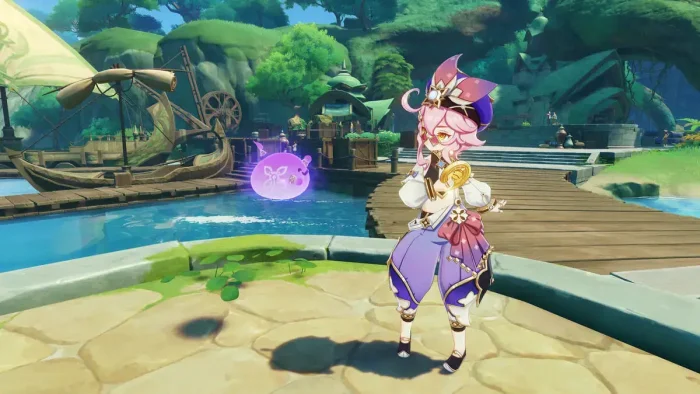
- Graphics gameplay from Genshin Impact for PC: Free Download, Tips & System Requirements
-
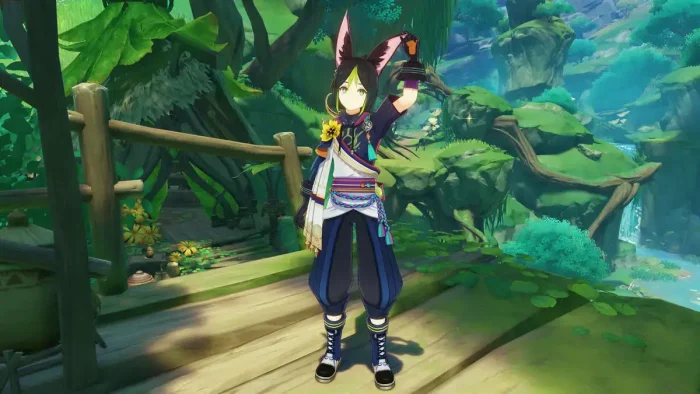
- Hd from Genshin Impact for PC: Free Download, Tips & System Requirements
-
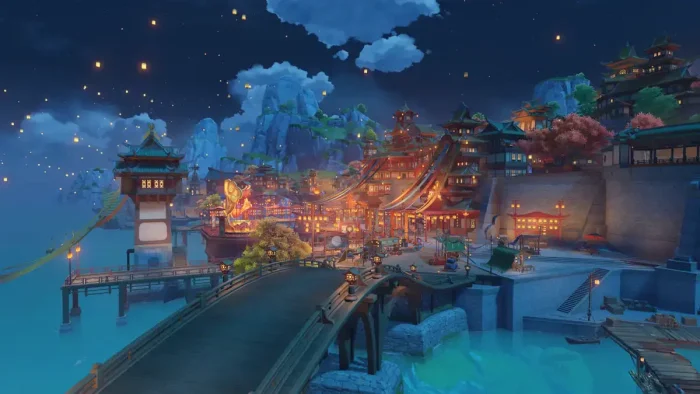
- Hd map from Genshin Impact for PC: Free Download, Tips & System Requirements
-
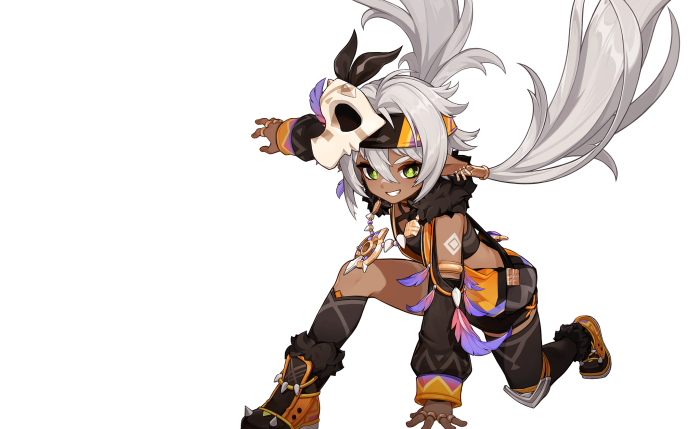
- Iansan genshin impact from Genshin Impact for PC: Free Download, Tips & System Requirements
-

- Ifa genshin impact from Genshin Impact for PC: Free Download, Tips & System Requirements
-

- Illuga nod krai from Genshin Impact for PC: Free Download, Tips & System Requirements
-

- Ineffa nod krai from Genshin Impact for PC: Free Download, Tips & System Requirements
-

- Jahoda nod krai from Genshin Impact for PC: Free Download, Tips & System Requirements
-

- Jean genshin impact from Genshin Impact for PC: Free Download, Tips & System Requirements
-

- Kachina genshin impact from Genshin Impact for PC: Free Download, Tips & System Requirements
-

- Kaedehara kazuha inazuma from Genshin Impact for PC: Free Download, Tips & System Requirements
-

- Kaeya mondstadt from Genshin Impact for PC: Free Download, Tips & System Requirements
-

- Kamisato ayaka genshin impact from Genshin Impact for PC: Free Download, Tips & System Requirements
-

- Kaveh genshin impact sumeru from Genshin Impact for PC: Free Download, Tips & System Requirements
-

- Keqing liyue from Genshin Impact for PC: Free Download, Tips & System Requirements
-
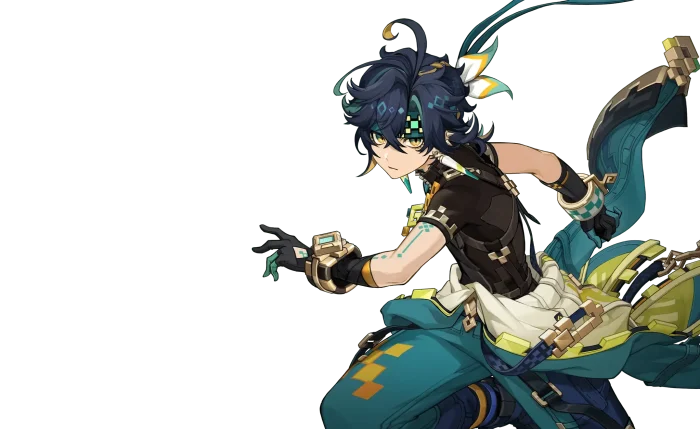
- Kinich genshin impact from Genshin Impact for PC: Free Download, Tips & System Requirements
-

- Kokomi inazuma from Genshin Impact for PC: Free Download, Tips & System Requirements
-

- Kujou sara inazuma from Genshin Impact for PC: Free Download, Tips & System Requirements
-

- Kuuta genshin impact from Genshin Impact for PC: Free Download, Tips & System Requirements
-

- Lauma genshin impact from Genshin Impact for PC: Free Download, Tips & System Requirements
-

- Layla genshin impact from Genshin Impact for PC: Free Download, Tips & System Requirements
-

- Linnea nod krai from Genshin Impact for PC: Free Download, Tips & System Requirements
-

- Lisa genshin impact from Genshin Impact for PC: Free Download, Tips & System Requirements
-

- Lynette fontaine from Genshin Impact for PC: Free Download, Tips & System Requirements
-

- Lyney genshin impact from Genshin Impact for PC: Free Download, Tips & System Requirements
-

- Mavuika natlan from Genshin Impact for PC: Free Download, Tips & System Requirements
-

- Mona mondstadt from Genshin Impact for PC: Free Download, Tips & System Requirements
-
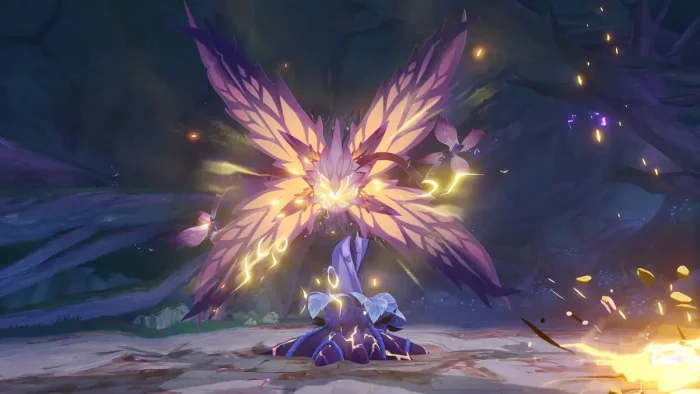
- Monster from Genshin Impact for PC: Free Download, Tips & System Requirements
-

- Mualani genshin impact from Genshin Impact for PC: Free Download, Tips & System Requirements
-
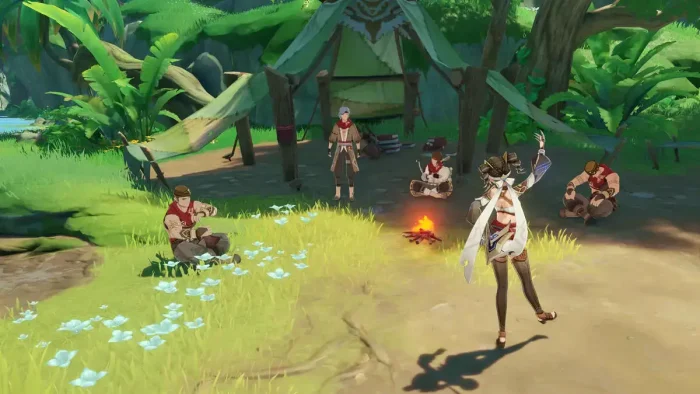
- Multiplayer from Genshin Impact for PC: Free Download, Tips & System Requirements
-

- Nahida genshin impact from Genshin Impact for PC: Free Download, Tips & System Requirements
-

- Navia fontaine from Genshin Impact for PC: Free Download, Tips & System Requirements
-

- Nefer nod krai from Genshin Impact for PC: Free Download, Tips & System Requirements
-

- Neuvillette genshin impact from Genshin Impact for PC: Free Download, Tips & System Requirements
-

- Nilou genshin impact from Genshin Impact for PC: Free Download, Tips & System Requirements
-

- Ningguang genshin impact from Genshin Impact for PC: Free Download, Tips & System Requirements
-

- Ororon natlan from Genshin Impact for PC: Free Download, Tips & System Requirements
-

- Qiqi genshin impact from Genshin Impact for PC: Free Download, Tips & System Requirements
-

- Raiden shogun inazuma from Genshin Impact for PC: Free Download, Tips & System Requirements
-
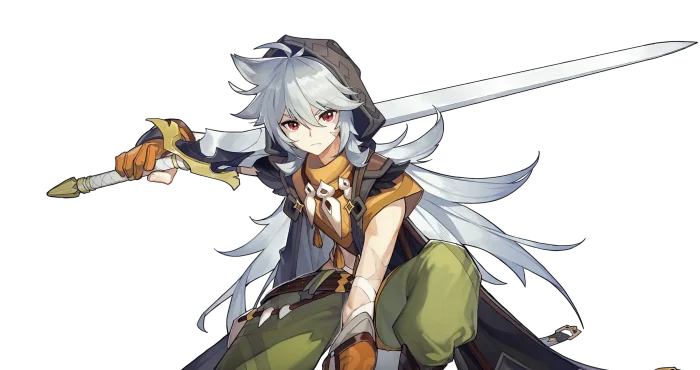
- Razor mondstadt from Genshin Impact for PC: Free Download, Tips & System Requirements
-

- Sayu genshin impact from Genshin Impact for PC: Free Download, Tips & System Requirements
-

- Sethos genshin impact sumeru from Genshin Impact for PC: Free Download, Tips & System Requirements
-

- Tartaglia liyue from Genshin Impact for PC: Free Download, Tips & System Requirements
-

- Thoma genshin impact from Genshin Impact for PC: Free Download, Tips & System Requirements
-
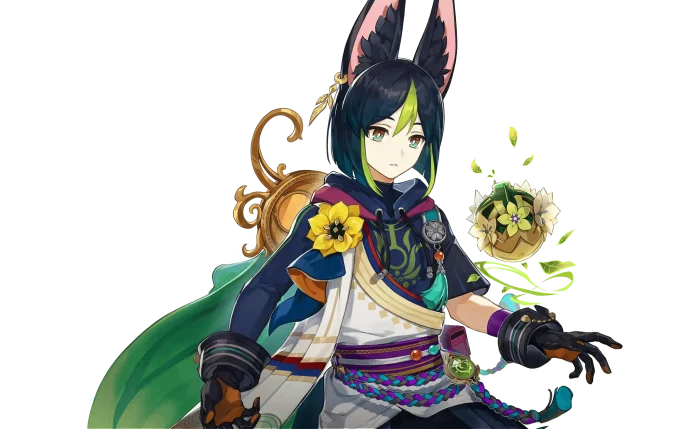
- Tighnari genshin impact from Genshin Impact for PC: Free Download, Tips & System Requirements
-

- Varesa genshin impact from Genshin Impact for PC: Free Download, Tips & System Requirements
-

- Venti mondstadt from Genshin Impact for PC: Free Download, Tips & System Requirements
-

- Wanderer sumeru genshin impact from Genshin Impact for PC: Free Download, Tips & System Requirements
-
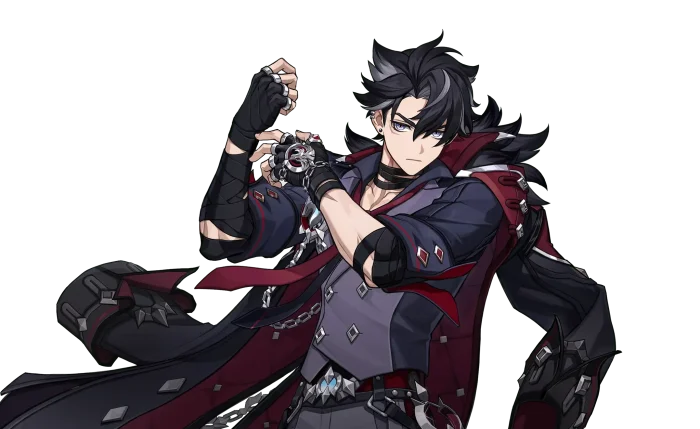
- Wriothesley genshin impact from Genshin Impact for PC: Free Download, Tips & System Requirements
-

- Xiangling genshin impact from Genshin Impact for PC: Free Download, Tips & System Requirements
-
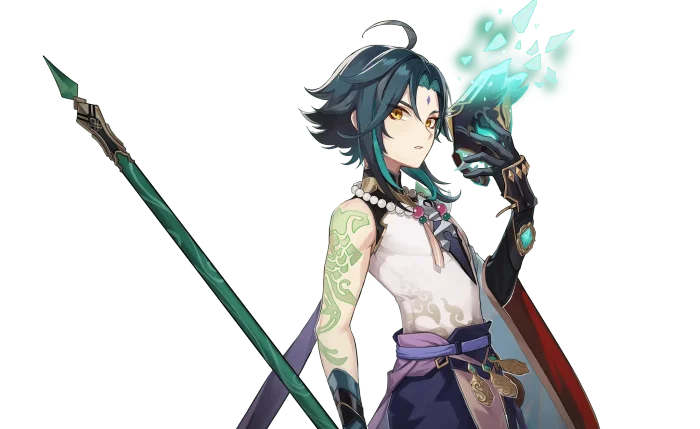
- Xiao genshin impact from Genshin Impact for PC: Free Download, Tips & System Requirements
-

- Xilonen natlan from Genshin Impact for PC: Free Download, Tips & System Requirements
-

- Xingqiu liyue from Genshin Impact for PC: Free Download, Tips & System Requirements
-

- Yoimiya genshin impact from Genshin Impact for PC: Free Download, Tips & System Requirements
-

- Zhongli liue from Genshin Impact for PC: Free Download, Tips & System Requirements
-

- Skirk genshin impact from Genshin Impact for PC: Free Download, Tips & System Requirements
FAQ
Support and Community
Explore more Windows games: Best anime games for PC · Best free-to-play games on PC · Minecraft for PC · Fortnite for PC
Need a PC upgrade to run these? See our Best Gaming Desktops guide.
Discover more from Windows Mode
Subscribe to get the latest posts sent to your email.














Add your first comment to this post