Readers like you help support this site. When you make a purchase using links on our site, we may earn an affiliate commission. All opinions remain our own.
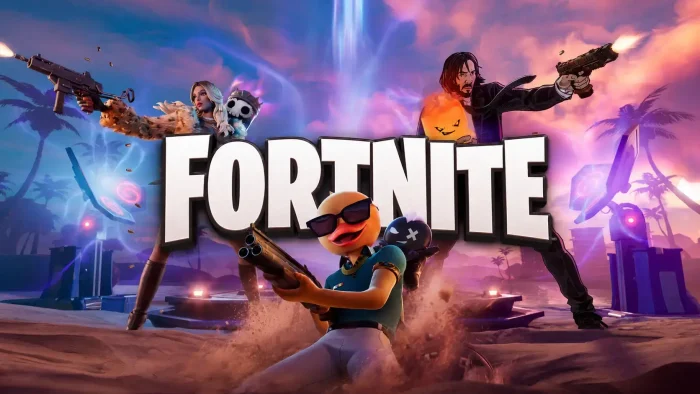
Fortnite is a free gaming platform for PC from Epic Games, available through the Epic Games Store.
It started as a battle royale game in 2017 and has grown into a collection of different games inside one app, including the survival builder LEGO Fortnite Odyssey, an arcade racer called Rocket Racing, a rhythm game called Festival, and a full creative toolset anyone can use to build their own maps and games.
The sheer number of modes is what sets it apart from almost every other free game. You can drop into a 100-player Battle Royale match, switch to a relaxed LEGO building session, or jump into a racing game, all without leaving the app. Over 650 million accounts have been registered worldwide, and the game regularly draws more than 100 million players in a month.
Fortnite launched in September 2017 and it runs on Windows 10 and 11, supports controllers, and is fully cross-platform with PlayStation, Xbox, Switch, Mac, and mobile.
Already playing? Check out what is new in the new Chapter and Season. Got questions before you download? Reach out to us directly.
What You Need to Know
- Fortnite is completely free to download and play. Cosmetics (outfits, emotes, weapon skins) and Battle Passes are optional purchases that do not affect gameplay.
- It runs on low-end hardware including older laptops with integrated graphics (a basic graphics chip built into the processor, not a separate card), and has a Performance Mode for slower PCs.
- The app includes Battle Royale, Zero Build, LEGO Fortnite Odyssey, Rocket Racing, Festival, Reload, and Creative all in one download.
Quick Facts
Who Should Play Fortnite?
- Play it if you want a free game with a huge variety of modes, from battle royale to building to racing to music. There is something in here for almost every type of player.
- Skip it if you have no interest in online multiplayer and prefer single-player-only games. Even LEGO Fortnite Odyssey is designed around online co-op and shared worlds.
- Be careful if you are setting this up for a younger player. Fortnite is rated Teen for mild violence and includes an active in-game cosmetics shop. Epic does have parental control options worth reviewing before handing it over.
How to Download Fortnite on PC
Fortnite runs through the Epic Games Launcher, not a separate installer you run on its own. Here is how to get it set up on PC.
- Step 1. Go to the Fortnite page on the Epic Games Store and click Get.
- Step 2. Download and install the Epic Games Launcher if you do not already have it. It is a small installer that handles game installs and updates.
- Step 3. Sign in with a free Epic Games account, or create one. No payment info required.
- Step 4. Click Install in the Launcher and choose your install location. The full download is around 90 to 140 GB depending on quality settings and active modes.
- Step 5. Once installed, launch Fortnite and pick a mode from the main menu. Battle Royale, Zero Build, LEGO Fortnite Odyssey, Festival, and Rocket Racing are all available from the mode select screen.
Is Fortnite Safe?
Fortnite does not patch system files or modify Windows settings. It installs through the Epic Games Launcher like any standard PC game and uses Epic’s own anti-cheat system, which runs while the game is open and closes when you exit.
The honest caveat is that the game is built around social play and includes an active in-game shop. If you are setting this up for a child, Epic’s parental controls let you restrict purchases, limit playtime, and manage who they can communicate with. These are worth a few minutes of setup before they start playing.
What Is Fortnite?
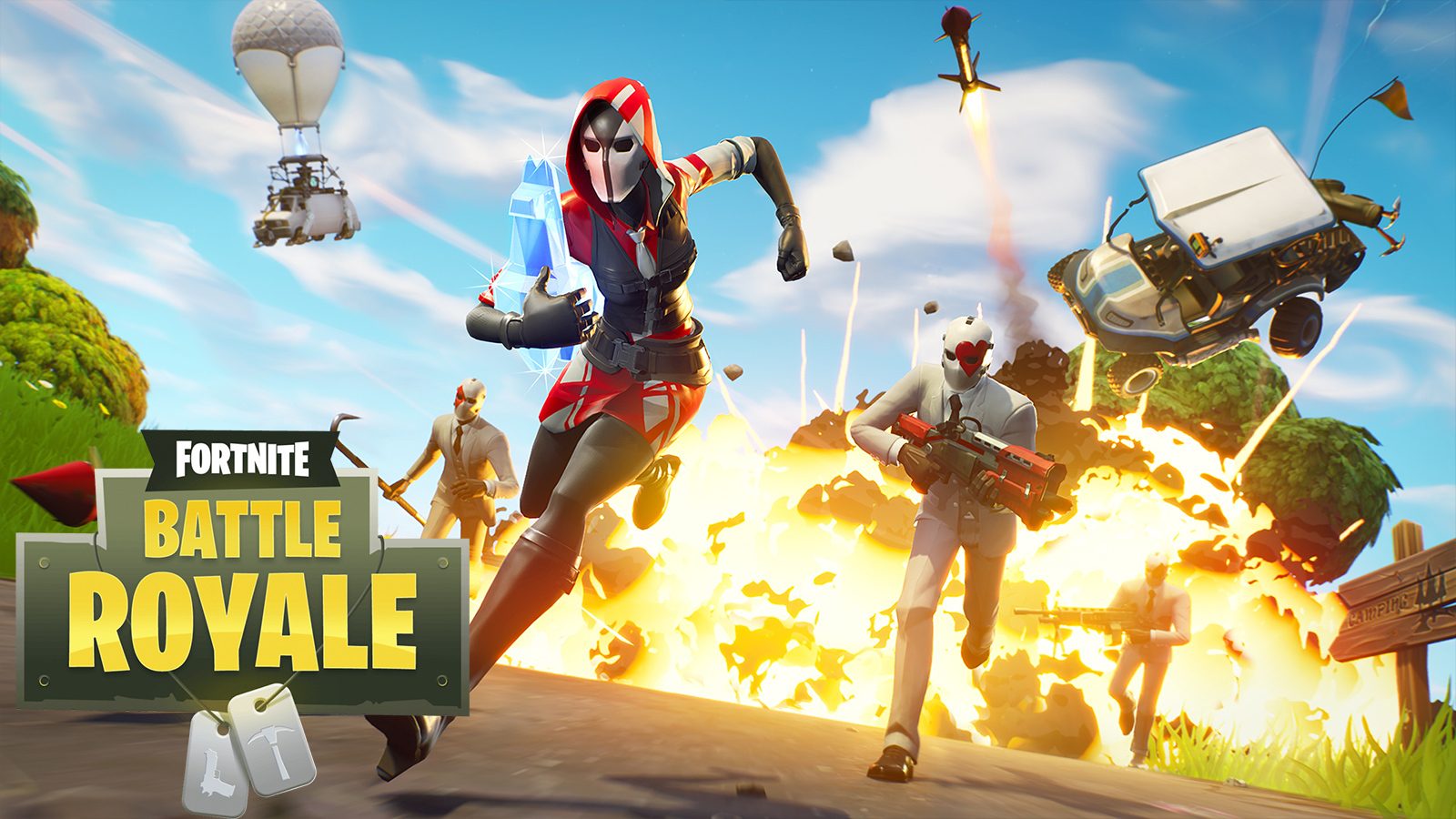
Fortnite launched in 2017 as a battle royale game where 100 players land on an island, gather resources, and fight to be the last one standing. That core mode is still here, but the app has expanded into a platform with more than a dozen different experiences under one roof.
The game is now in Chapter 7, Season 3, titled Runners, which kicked off on June 6, 2026. Each new chapter brings a redesigned map, new mechanics, and a fresh story direction. Seasonal Battle Passes are optional paid tracks that unlock cosmetics as you play, but the game itself and all its core modes remain fully free.
Official Trailer
Watch the Fortnite Chapter 7 trailer to see the new island, updated mechanics, and what is coming this season.
Game Modes
Battle Royale
100 players land on an island and fight to be the last squad standing. Build structures for cover or switch to Zero Build for a pure gunfight with no building.
Reload
A smaller 40-player Battle Royale with a respawn system. Your squad can bring you back into the match until the final circles, which makes for a more forgiving experience.
LEGO Fortnite Odyssey
Build and survival adventure using LEGO-style worlds. Explore different environments like deserts, snowy peaks, and forests, construct villages, recruit LEGO villagers, and craft gear solo or with up to 7 friends. Full guide here.
Rocket Racing
An arcade racer built by the team behind Rocket League. Race across tracks with boost mechanics, unlockable cars, and multiplayer with players on PC, console, and mobile.
Festival
A rhythm game inside Fortnite with Main Stage, Jam Stage, and Battle Stage options. Play along to licensed tracks using guitar, bass, drums, or vocals.
Creative
A full toolset for building your own maps, games, and experiences. Player-made Creative islands are playable by anyone and cover everything from racing to puzzle games to custom shooters.
Is This Game for You?
You Will Love It If:
- ✅ You want a genuinely free game with no trial, no subscription, and no locked content that affects how you play
- ✅ You play with friends on different hardware (PlayStation, Xbox, Switch, mobile) and want one game that works for everyone
- ✅ You burned out on battle royale but want to try again. Zero Build removes the skill wall that drove most people away
- ✅ You like games that keep changing. A new map, new weapons, and a new storyline every few months keeps it from going stale
You Might Not If:
- ❌ You invested heavily in one mode and it changed or got vaulted. Epic rotates content without warning and some players find that frustrating
- ❌ You want to get good at standard Battle Royale. The building mechanic takes months to feel natural, and experienced players will outbuild you early on
- ❌ You dislike pressure to spend money. The Battle Pass expires, seasonal cosmetics disappear, and the shop rotates daily to push purchases
- ❌ You want a story you can finish. Fortnite’s plot moves through live events that you either catch as they happen or miss permanently
🎮 Our Take
Fortnite has outlasted every prediction of its irrelevance. It is genuinely good at being multiple things at once, which is harder than it sounds. The battle royale mode keeps changing in ways that reward returning players without punishing newcomers, and the surrounding platform of LEGO, Festival, and Rocket Racing means there is always something to do even when you are done fighting. 110 million monthly active players does not happen by accident.
If you have never played or walked away years ago, now is a reasonable time to come back. Chapter 7 Season 3 launched June 6, 2026 and is fresh enough that most players are still learning the map. If the Battle Royale side does not hook you, LEGO Fortnite Odyssey is a genuinely different game that just happens to share the launcher.
System Requirements
Tips for Getting Started
Try Zero Build first if you are new
Zero Build removes the building mechanic entirely, which means you do not need to learn to build and edit under pressure. It is a much easier starting point for players coming from other shooters.
Turn on Performance Mode on older hardware
Go to Settings, then Video, and enable Performance Mode if your PC struggles to hold a stable frame rate. It cuts texture detail but keeps gameplay smooth on built-in graphics chips and older graphics cards.
Land away from the flight path at first
Most players drop directly under the Battle Bus flight path where the best loot is. Landing off to the side gives you time to find weapons and gear before running into other players.
Explore the other modes before spending on a Battle Pass
LEGO Fortnite Odyssey, Festival, and Rocket Racing are all free. Spend a few hours across each mode before buying anything to find out which parts of the platform you actually enjoy.
Link your accounts to carry progress across devices
Your Epic Games account stores all your cosmetics, V-Bucks, and Battle Pass progress. Linking your PlayStation, Xbox, or Nintendo account lets you carry everything to those platforms if you ever switch.
Gameplay Screenshots
Here is what Fortnite looks like in action on PC.
-
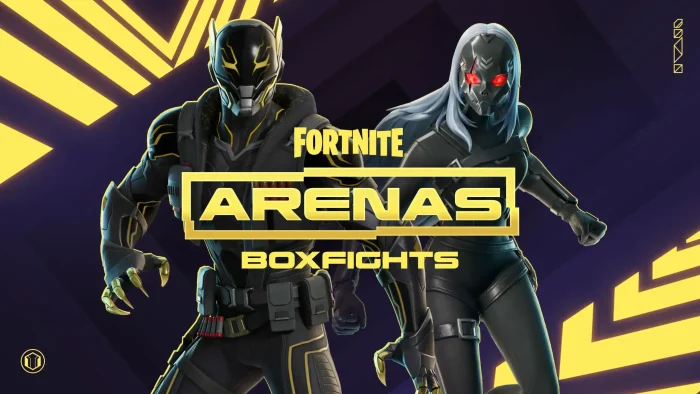
- Arenas boxfights fortnite from Download Fortnite for Windows
-
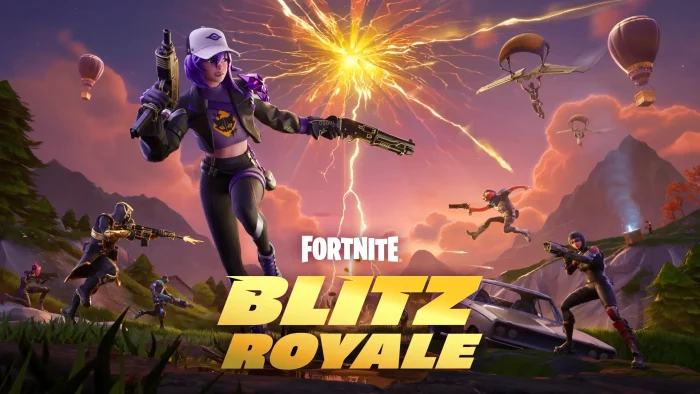
- Fortnite blitz royale from Download Fortnite for Windows
-
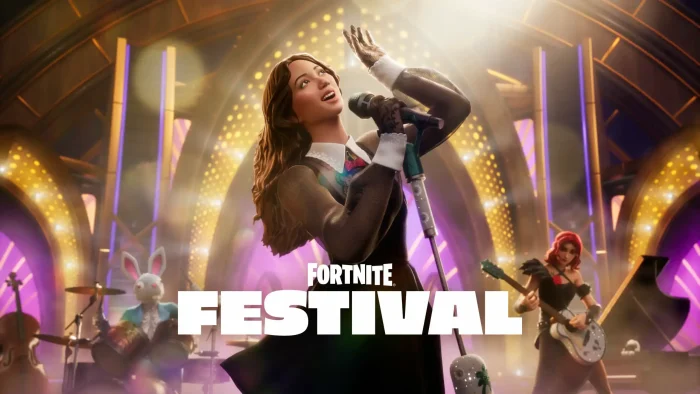
- Fortnite festival from Download Fortnite for Windows
-
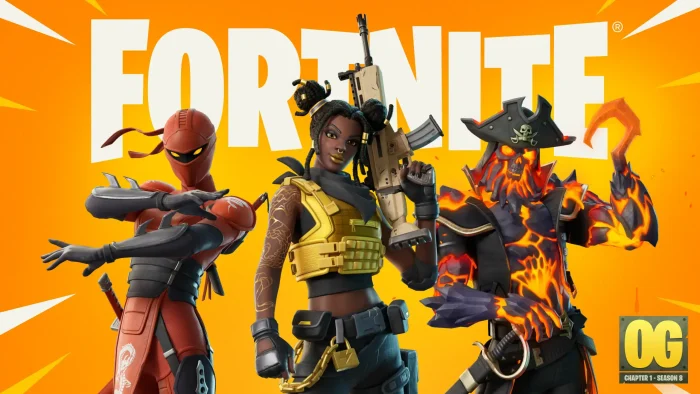
- Fortnite og from Download Fortnite for Windows
-
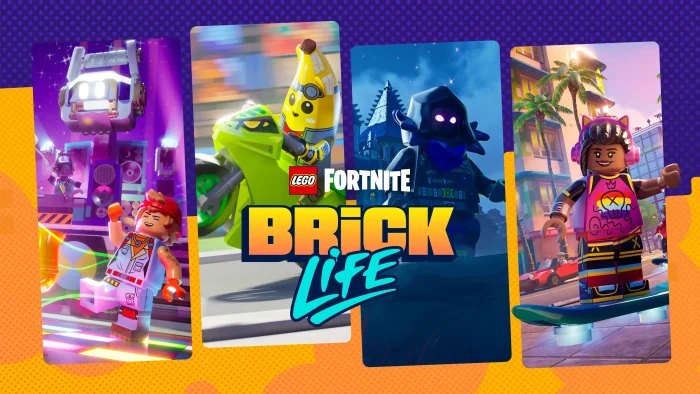
- Lego brick life fortnite from Download Fortnite for Windows
-
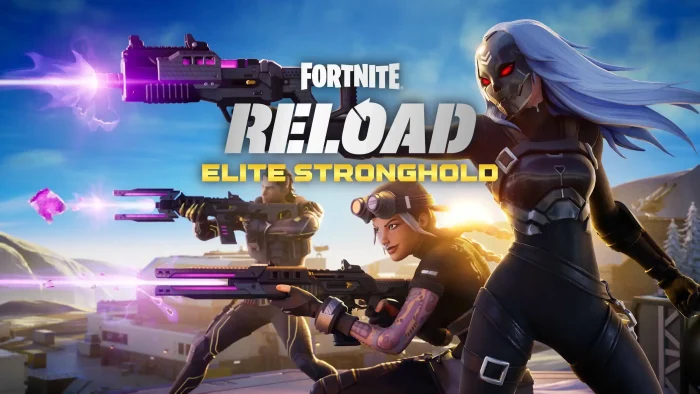
- Reload elite stronghold from Download Fortnite for Windows
-
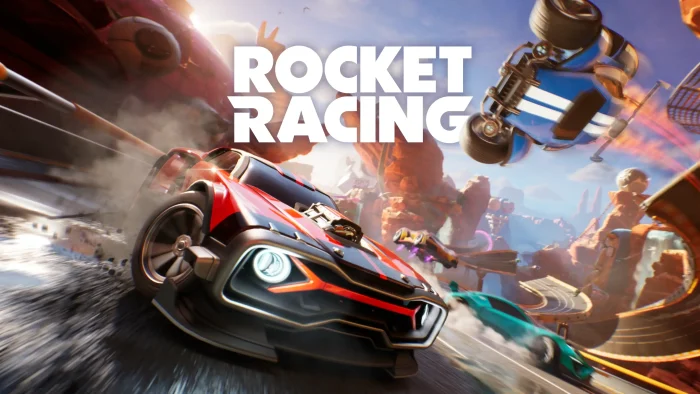
- Rocket racing fortnite from Download Fortnite for Windows
FAQ
Support and Community
Explore more Windows games: LEGO Fortnite Odyssey for PC · Minecraft for PC · Roblox for PC · Counter-Strike 2 for PC · Valorant for PC · PUBG for PC
Need a PC upgrade to run these? See our Best Gaming Desktops guide
Discover more from Windows Mode
Subscribe to get the latest posts sent to your email.









I am waiting for them to add Snow White DLC LOL
Best game ever.
my favorite game