Readers like you help support this site. When you make a purchase using links on our site, we may earn an affiliate commission. All opinions remain our own.
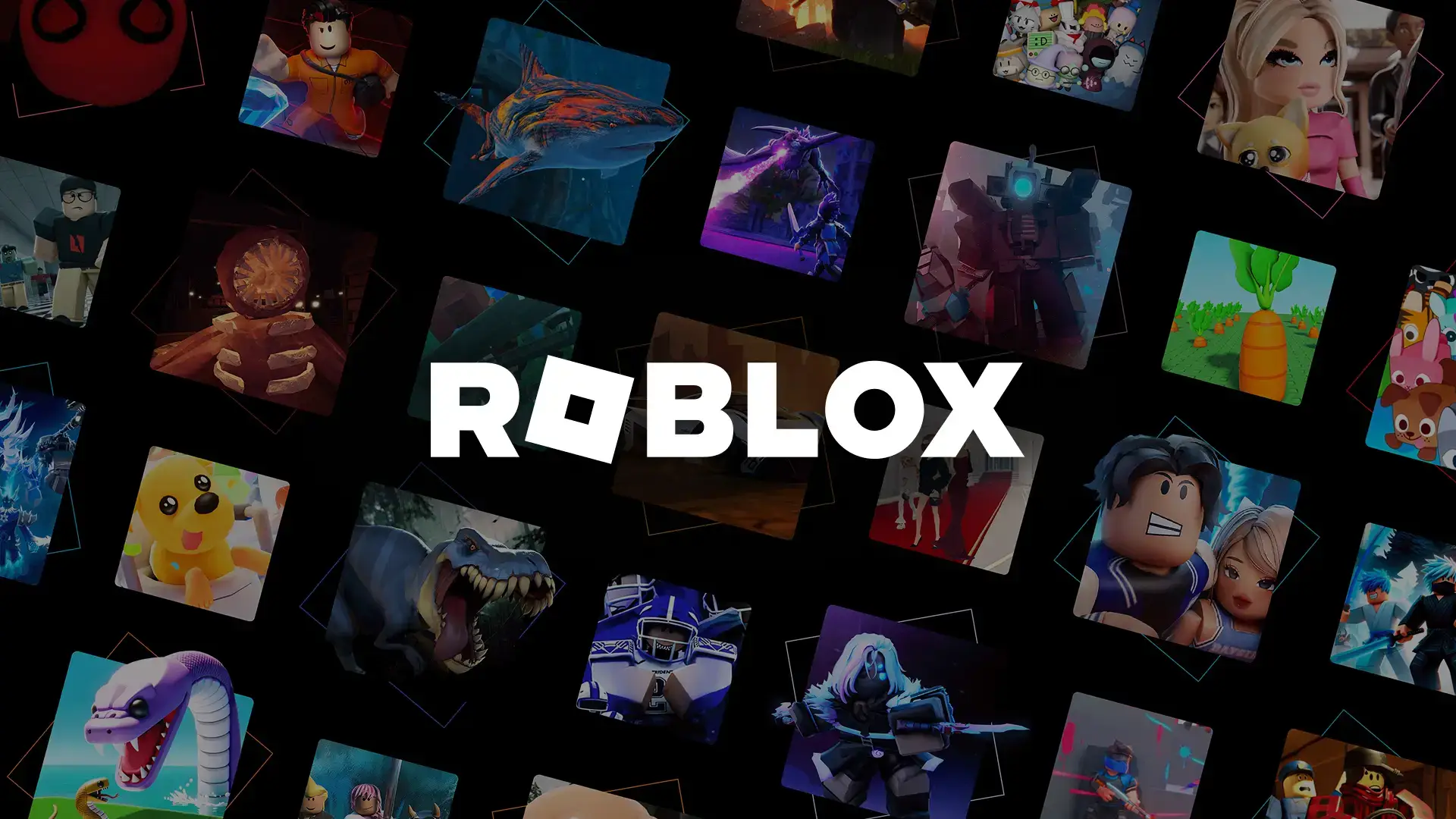
Roblox on PC. Click to open it full size.
Roblox is a free online game platform for PC from Roblox Corporation, available on the official site and the Microsoft Store. Instead of one game, you get millions of them, all made by other players. You pick one, jump in with your avatar, and play with friends or strangers.
Anyone can make those games. Every game on Roblox was built in Roblox Studio, a free tool you can install on the same PC. That is why the platform covers everything from racing and shooters to gardening and fashion shows.
It runs on 64-bit Windows 10 and Windows 11 and plays with friends on Mac, phones, Xbox, PlayStation and Meta Quest. Robux, the in-game currency, and the Roblox Plus subscription are optional.
Already playing? Tell us which Roblox game you keep coming back to. Got questions before you install it for your kids? Reach out to us directly.
What You Need to Know
- Roblox is free to install and free to play. You need a free Roblox account.
- Chat only works after an age check, done with your camera in the app or with an ID for ages 13 and up.
- Players under 16 get age-based accounts, Roblox Kids (5 to 8) or Roblox Select (9 to 15), with a filtered list of games.
- Roblox Plus is the optional monthly subscription. It replaced Premium for new members in April 2026.
- It needs 64-bit Windows 10 or 11. Windows 7, 8.1 and Linux are not supported.
Quick Facts


How to Download Roblox on Windows
The official website is the quickest route. You need 64-bit Windows 10 or 11 and about 300 MB of free space.
- Step 1. Open the download page. Go to roblox.com/download and click the download button.
- Step 2. Run the installer. Open the file from your browser’s downloads and let it finish.
- Step 3. Sign up or log in. Create a free account with a username, password and your real birthday.
- Step 4. Pick a game and click Play. Roblox opens it in the app.
- Step 5. Do the age check if you want chat. The app asks for it the first time you try to chat.
Prefer the Microsoft Store? Search for Roblox or open Roblox on the Microsoft Store. It is the same game and the same account, and Windows keeps it updated for you.
💡 Your PC is too weak? Cloud gaming is an option. Try Boosteroid.
Age Checks and Parental Controls
Roblox changed how accounts work in 2026, and it is the first thing parents should know. Since January 2026, every player needs an age check before they can chat. The check takes seconds in the Roblox app: it uses your camera to estimate your age, and players 13 and up can use an ID instead. Roblox says its partner Persona deletes the images right after the check (Roblox announcement).
The age check also sets the account type. Since June 2026, players under 16 get one of two age-based accounts, each with a filtered list of games (details from Roblox). Accounts that skip the check can still play, but chat stays off and the game list is limited.
Only games rated Minimal or Mild that passed Roblox’s extra review. All chat is off by default.
Games rated up to Moderate that passed the same review. Chat settings stay at the normal defaults for this age.
The full Roblox catalog. Accounts move up a tier on their own as the player gets older.
Parents get the most control by linking their own Roblox account to their child’s. From there you can set a monthly spending limit and a daily screen time limit, see which games your child plays and who their friends are, and block or approve single games. Roblox lists every option on its parental controls page.
Set it up before you hand it over. Spending limits and screen time limits only apply under 13, so set them while you can. Turn on two-step verification on your own account too, so a child cannot change the settings by logging in as you.
Robux and Roblox Plus
Robux is the currency for everything you can buy on Roblox: avatar items, game passes (one-time perks inside a game) and extras. You buy Robux in the app, on roblox.com or with a gift card. Nothing on Roblox requires Robux to play, and most games are free to enter.
Roblox Plus is the optional subscription, launched on April 30, 2026. Its main perk is a discount on everything you buy with Robux. The base plan includes no Robux; optional Plus 500, Plus 1000 and Plus 2000 bundles add that many Robux every month (Roblox announcement).
Buying Robux for someone else? Roblox gift cards load Robux with no card details on the account. Get them from Roblox or on Amazon. Robux transfers between players need a parent’s approval every time for younger users.
What Is Roblox?
Roblox is not one game. It is a platform where players build games, called experiences, and publish them for everyone else to play. You keep one account, one avatar and one friends list across all of them. Jumping from a racing game to a fashion show takes one click.

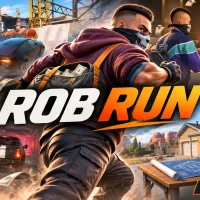
Sports games like Basketball: Zero sit right next to shooters, simulators and roleplay worlds.
Games range from quick projects made by one teenager to large games run by full studios that update them every week. Quality varies a lot, so a good game is often one your friends already play. These are the types you will see most:
Obstacle courses where you jump, climb and dodge your way to the finish.
Grow, collect or upgrade something, then use what you earn to grow faster.
Live a pretend life in a town, school or hospital with other players.
Build a business or base piece by piece as the money comes in.
Short rounds of first-person or third-person combat against other players.
Escape a monster or a haunted building, often with friends.

Party games put dozens of players in one round, and only some make it to the end.
Official Trailer
Watch the official Roblox trailer to see the range of games on the platform, the avatars, and friends playing together across different worlds.
Key Features
Racing, shooters, roleplay, horror and more, all made by the community and free to enter.
Dress your avatar once with free or paid items, and it follows you into every game.
PC players share servers with friends on Mac, phones, Xbox, PlayStation and Meta Quest.
The same tool every Roblox game was made with, free on Windows and Mac.
Age checks and Kids and Select accounts match games and chat to a player’s age.
Linked parents can set spending and screen time limits and block or approve games.
Is This Game for You?
Our Take
🎮 Our Take
Roblox is less a game than a giant free arcade, and that is both its strength and its problem. The best games on it are clever, social and updated more often than most paid games, and Studio is a real way for a kid to learn how games get made. But for every good game there are dozens of copies built to sell game passes, and Roblox has faced years of hard questions about child safety. The 2026 age checks and age-based accounts are the biggest fix it has made, and they make the defaults much safer than they used to be.
If you are an adult or a teen, install it and start with a game your friends already play. If you are setting it up for a child, link your parent account first, set the spending and screen time limits, and play a few games together before you leave them to it.
System Requirements
The Roblox app runs on almost any Windows PC made in the last decade. Roblox Studio needs more, mainly 8 GB of RAM and a bigger screen. These are the numbers Roblox publishes in its help center and its Studio setup guide.
For smooth play, Roblox suggests a desktop under five years old with a dedicated graphics card, or a laptop under three years old. Big, busy games use far more than the minimum. If you are shopping for a new machine, our Best Gaming Desktops guide is a good place to start.
Tips for Beginners
Search by genre, not just by name
Try words like obby, tycoon, horror or roleplay in the search bar. It finds better games than scrolling the home page.
Dress your avatar for free first
Filter the Marketplace to free items before you spend any Robux. You can build a good-looking avatar without paying.
Turn on two-step verification
Go to Settings, then Security. A code from your phone or an authenticator app stops anyone who steals your password.
Ignore anyone offering free Robux
Free Robux sites, videos and in-game messages are scams that steal accounts. Robux only come from Roblox.
Read the game page before you pay
Check what a game pass actually gives you before you buy it. Some games are fair for free players, others are built to push spending.
Want your PC to match? We also have a free Roblox theme for Windows with wallpapers from the game.
Roblox Studio: Build Your Own Games
Roblox has no mods in the usual sense, because the whole platform is player-made. The way to add your own content is Roblox Studio, the free tool every Roblox game is built in. It installs separately from the Roblox app and runs on Windows and Mac.
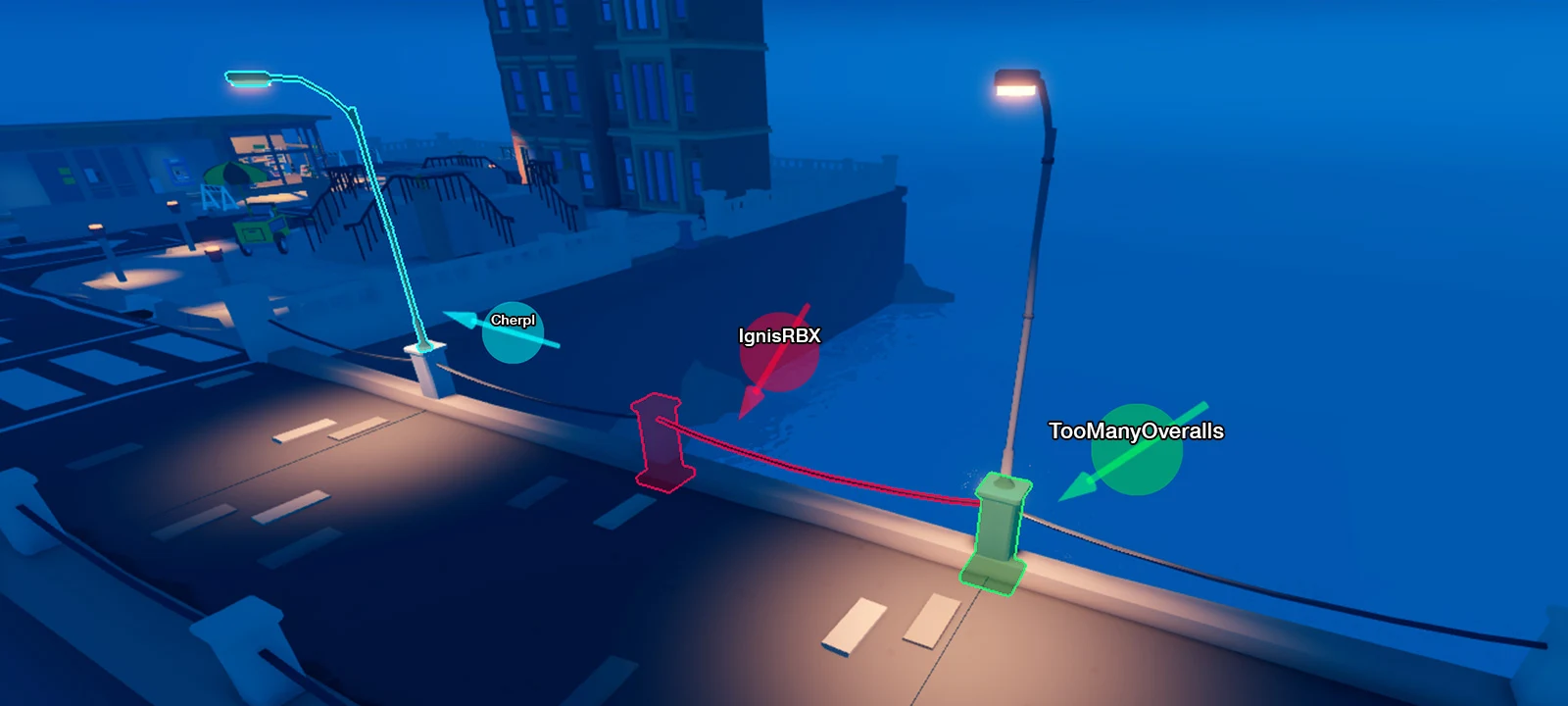
Several creators can build in the same place at once, each shown by a name tag.
You can start without code: drop in parts, shape terrain and test your game with one click. Game logic is written in Luau, Roblox’s version of the Lua scripting language, and Studio’s built-in Assistant (an AI helper) can write and explain scripts for you. Publishing a game is free.
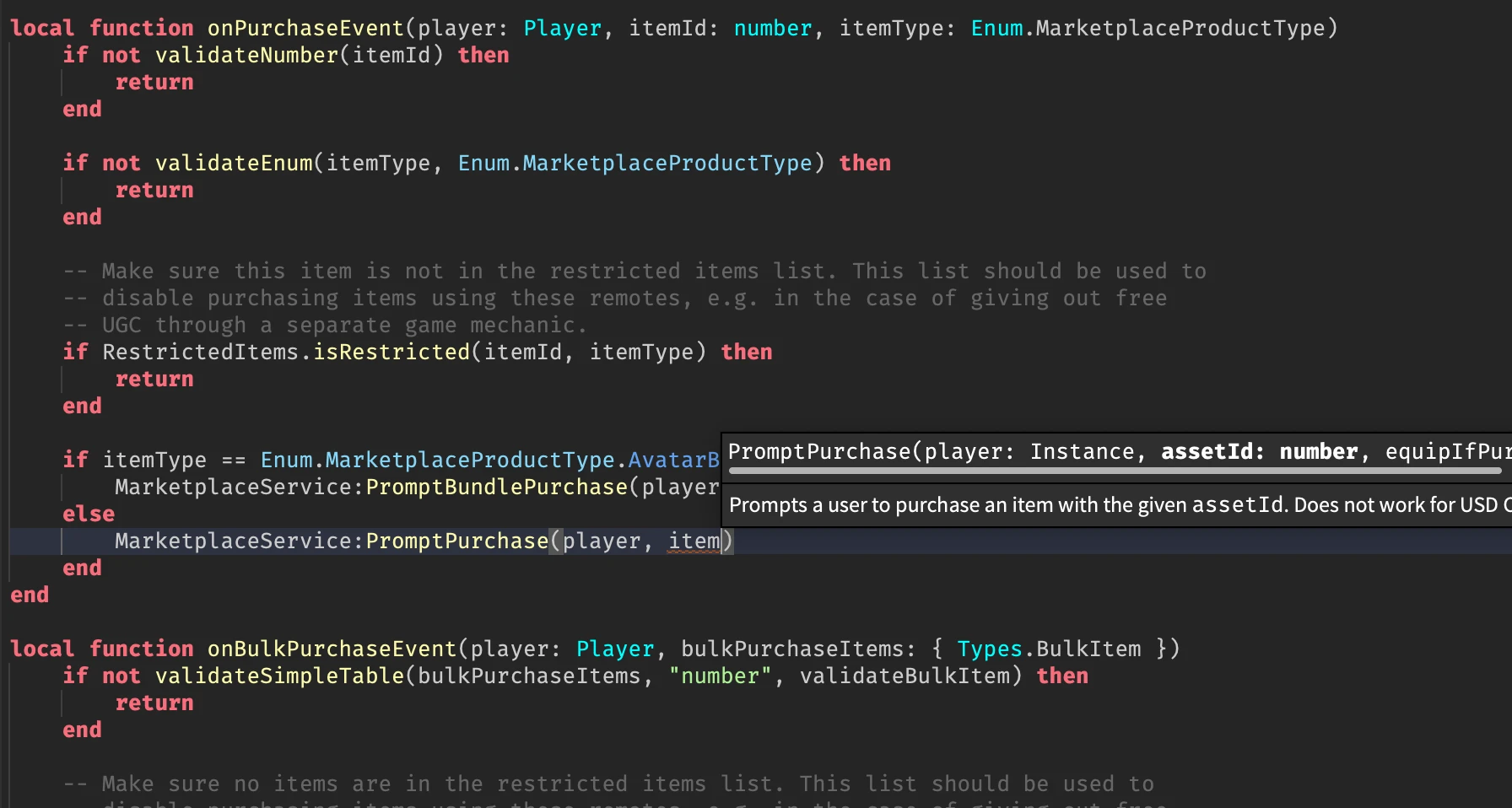
Luau scripts control everything from doors to shops. The editor explains each function as you type.
How to install Roblox Studio
- Step 1. Open the Creator Hub. Go to Roblox Studio setup and click the download button.
- Step 2. Run the installer from your browser’s downloads.
- Step 3. Launch Studio when the install finishes.
- Step 4. Sign in with your Roblox account and pick a template to start from.
Creators who earn Robux from their games can cash out through the Developer Exchange (DevEx) once they meet Roblox’s rules. The Creator Hub docs start from a first project, and the Developer Forum is where creators ask for help.
Roblox Games to Try First
New players often do not know where to start. These six games show how wide Roblox goes, from farming to shooters. Each one is free to join, and each one sells optional extras.


Some games may not show up on Roblox Kids or Roblox Select accounts, since each account type only lists games that passed Roblox’s review for that age. Parents can approve a single game from the parent dashboard.
Roblox FAQ
Can I play Roblox on PC with friends on Xbox, PlayStation or a phone?
Can I play Roblox in a web browser without installing anything?
Does Roblox work on Windows 7, Windows 8.1 or Linux?
Are free Robux generators and free Robux websites real?
What happens to my old Roblox Premium membership?
What are the Roblox system requirements on PC?
Support and Community
- Roblox Corporation official site, the company’s home for news, safety updates and announcements.
- Roblox Support, for account, billing, hacked account and technical help.
- Roblox parental controls, the official guide to every setting parents can change.
- r/roblox on Reddit, the largest player community for discussion, help and game picks.
- Roblox Creator Hub, for Studio downloads, tutorials and the full creator documentation.
- Roblox Developer Forum, where creators ask Studio and scripting questions.
- Roblox on YouTube, for trailers and event videos.
Explore more Windows games: Minecraft · Fortnite · LEGO Fortnite · Fall Guys · Minecraft Legends · Stardew Valley · PUBG: BATTLEGROUNDS · Best Free-to-Play Games
Discover more from Windows Mode
Subscribe to get the latest posts sent to your email.





Add your first comment to this post