Readers like you help support this site. When you make a purchase using links on our site, we may earn an affiliate commission. All opinions remain our own.
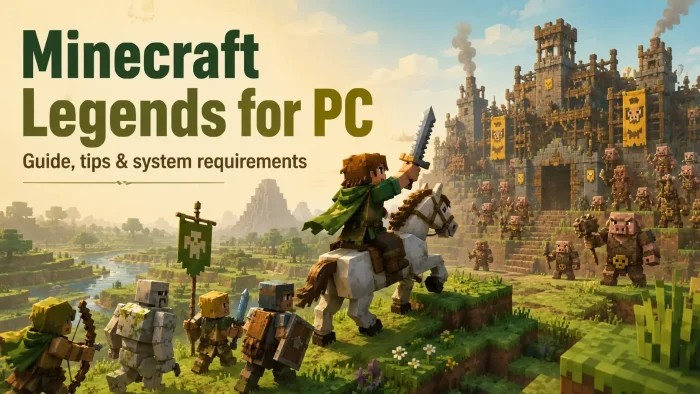
Minecraft Legends is an action-strategy game for PC from Mojang Studios and Blackbird Interactive, available on Steam and the Xbox store. You ride through the Overworld, gather allies, build defenses, and lead mobs into battles against invading piglins. It feels more like a light strategy game than regular Minecraft survival.
The main twist is how you command from the field instead of looking down from above. You fight, build, and direct your army while moving through the world yourself. That makes it easier for Minecraft fans to understand, but less deep than a classic real-time strategy game.
Minecraft Legends released on April 18, 2023 for Windows 10/11, Steam, Xbox, PlayStation, Nintendo Switch, Game Pass, and Xbox Cloud Gaming. New content updates have stopped, but the existing campaign, Lost Legends challenges, Minecraft support, co-op, and PvP remain available.
Already defending the Overworld? Tell us your favorite mob combo in the comments. Still deciding? The guide below explains the safest way to try it on PC.
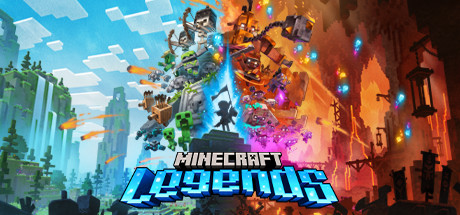
How to Download Minecraft Legends on Windows
Minecraft Legends is available on Steam and through the Xbox store on Windows. If your supported Game Pass plan includes it, the Xbox app is the easiest route. The install needs about 24 GB of free storage, and Windows 10 S is not supported.
- Step 1. Choose your store. Use Steam if you prefer Steam achievements and library management. Use the Xbox store if you want Microsoft Store ownership, Xbox cloud saves, or Game Pass access.
- Step 2. If using Steam, install the Steam client from store.steampowered.com, sign in, and search for Minecraft Legends.
- Step 3. If using Game Pass, open the Xbox app on Windows, sign in with your Microsoft account, and confirm that your Game Pass plan includes the game.
- Step 4. Click Buy, Add to Cart, or Install, depending on your store or Game Pass plan.
- Step 5. Pick your install drive and wait for the download to finish. A solid-state drive helps load times, but the listed requirement is 24 GB free storage.
- Step 6. Launch the game, sign in with your Microsoft account if needed, and start with the campaign tutorial before jumping into PvP.
Editions and Versions
Standard Edition
The base game includes the campaign, online co-op, online PvP, play with friends on other systems, and existing Lost Legends challenges.
Listed from $39.99
Deluxe Edition
The Deluxe Edition includes the base game plus the Deluxe Skin Pack, with one hero skin and extra mount skins.
Listed from $49.99
Game Pass Access
Xbox lists Minecraft Legends as included with supported Game Pass plans. Use this if you want to try it before paying full price.
Game Pass list can change
What Is Minecraft Legends?
Minecraft Legends is a third-person action-strategy spin-off. Instead of mining deep caves or building freely like regular Minecraft, you ride across the Overworld and lead friendly mobs into battles against piglin bases.
You gather resources with allays, build spawners and defenses, call in allies, and attack enemy structures. You still see familiar Minecraft creatures, but the focus is command, movement, and battlefield choices.
The campaign works solo or with online co-op. PvP is a separate mode where teams build bases, gather resources, and try to destroy each other’s base. It is not as deep as Age of Empires, but it is easier to read for younger players and Minecraft fans.
Official Trailer
Watch the official Minecraft Legends trailer to see the piglin invasion, mounted combat, ally commands, and base attacks in motion.
Key Features
Field Command Combat
You move with your army instead of managing everything from a top-down map. This keeps the game fast and easy to follow.
Familiar Minecraft Mobs
Creepers, skeletons, zombies, and golems fight beside you. Each unit has a clear role in attacks or defense.
Online Co-op
You can play the campaign with friends online, which makes base attacks easier and more chaotic in a good way.
PvP Battles
Teams build, scout, defend, and attack in separate PvP matches. It is more about teamwork than tiny unit control.
Cross-Platform Play
Steam lists play with friends on other systems, and Xbox lists co-op and multiplayer with friends on other systems.
Lost Legends Challenges
Existing Lost Legends challenges remain available, even though new Lost Legends are no longer being added.
Is This Game for You?
Quick Fit Check
You Will Love It If:
- You like Minecraft characters and want a more combat-focused spin-off
- You want a light strategy game that is easier to read than classic RTS games
- You plan to play the campaign with a child, sibling, or friend online
- You have Game Pass and want a low-risk way to try it
- You enjoy base attacks, unit commands, and simple resource planning
You Might Not If:
- You want regular Minecraft survival, mining, crafting, and free building
- You expect deep strategy like Age of Empires or StarCraft
- You only buy games that are still receiving new content updates
- You need couch co-op or split-screen play
- You dislike online account requirements for multiplayer features
Our Take
Minecraft Legends is a clever idea with a mixed landing. The Overworld looks charming, the unit commands are easy to understand, and co-op makes the campaign more fun than playing alone. The issue is depth. Strategy fans may find it too simple, while regular Minecraft players may miss the freedom to mine, craft, and build anything they want.
If you have Game Pass, it is still worth trying, especially for Minecraft fans and families who want something more guided than survival mode. If you are paying full price, go in knowing that new content updates have ended. Buy it for what is there now, not for what might come later.
Why Play on PC?
- Store choice: PC players can choose Steam, the Xbox app, or the Microsoft Store depending on where they keep their games.
- Keyboard or controller: Xbox lists PC game pad support, and the game also works well with keyboard and mouse for camera movement and quick commands.
- Cross-platform play: PC can join friends on other supported systems for co-op and PvP, as long as accounts and online settings are set up correctly.
- Game Pass access: PC Game Pass and Xbox Game Pass Ultimate can be a better first step than paying full price if you only want to test the campaign first.
System Requirements
Tips for Beginners
Start With The Campaign
The campaign teaches gathering, building, spawning, and army commands in a safer pace than PvP.
Do Not Charge Alone
Your hero is useful, but your army wins fights. Build spawners, call allies, and push as a group.
Attack Piglin Structures First
Destroying towers, spawners, and support structures can make a base much easier to clear.
Use Co-op For Hard Bases
One player can build and reinforce while another leads attacks. That split makes tough fights less messy.
Check Account Settings Before Multiplayer
If a child account cannot join online play, check Microsoft family settings before reinstalling the game.
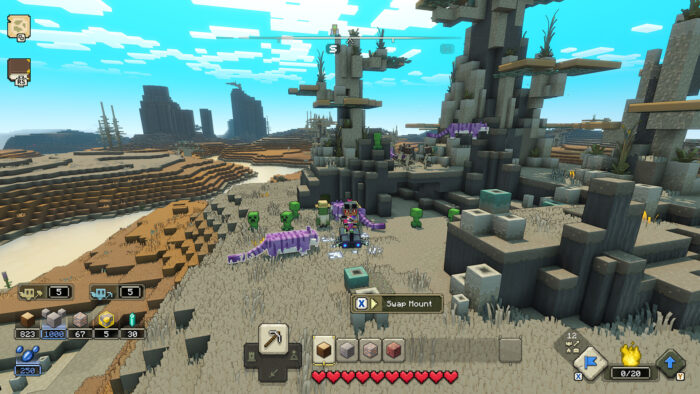
Minecraft Legends Screenshots
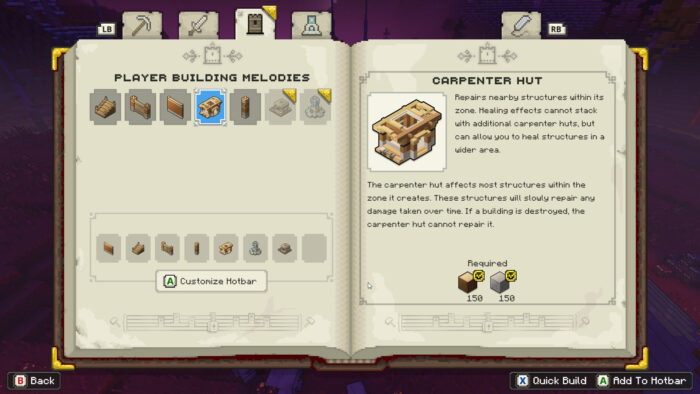
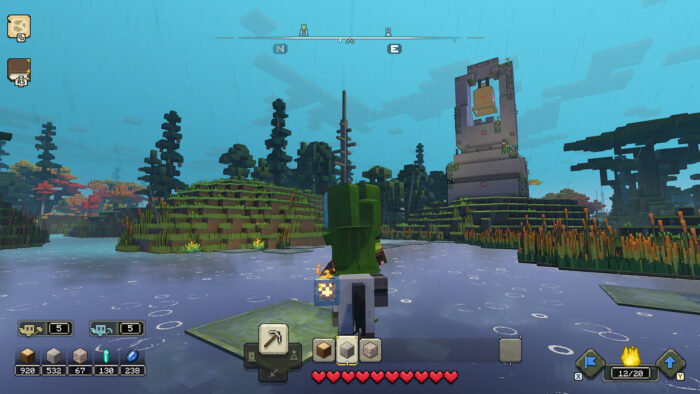
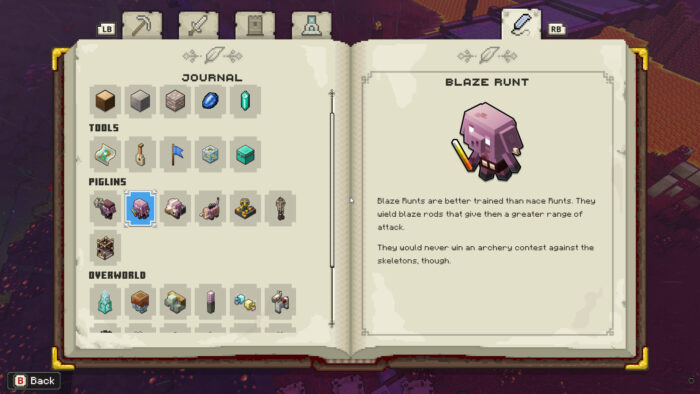
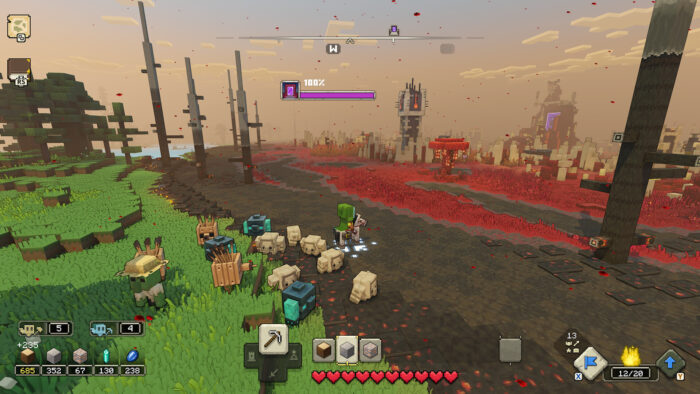
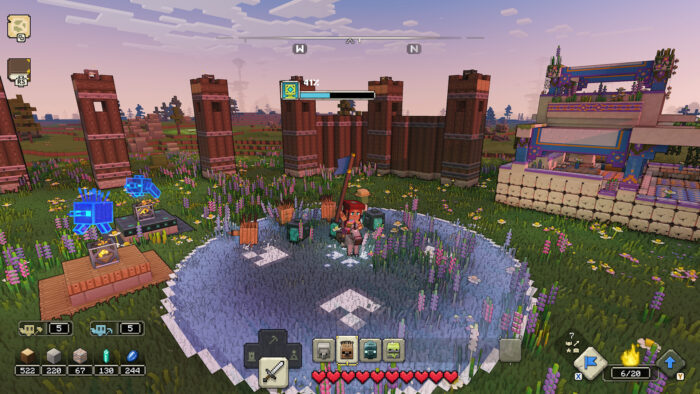
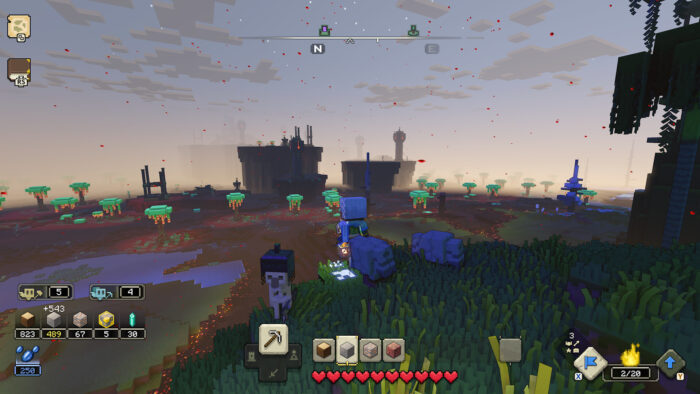
Use the gallery below to preview the Overworld, piglin bases, ally commands, and the game’s blocky battle style on PC.
Minecraft Legends FAQ
Support and Community Links
Explore more Windows games: Minecraft for Windows · Best Strategy Games for Windows · Age of Empires IV · Best Kids Games on PC
Need a PC upgrade to run these? See our Best Gaming Desktops guide.
Discover more from Windows Mode
Subscribe to get the latest posts sent to your email.